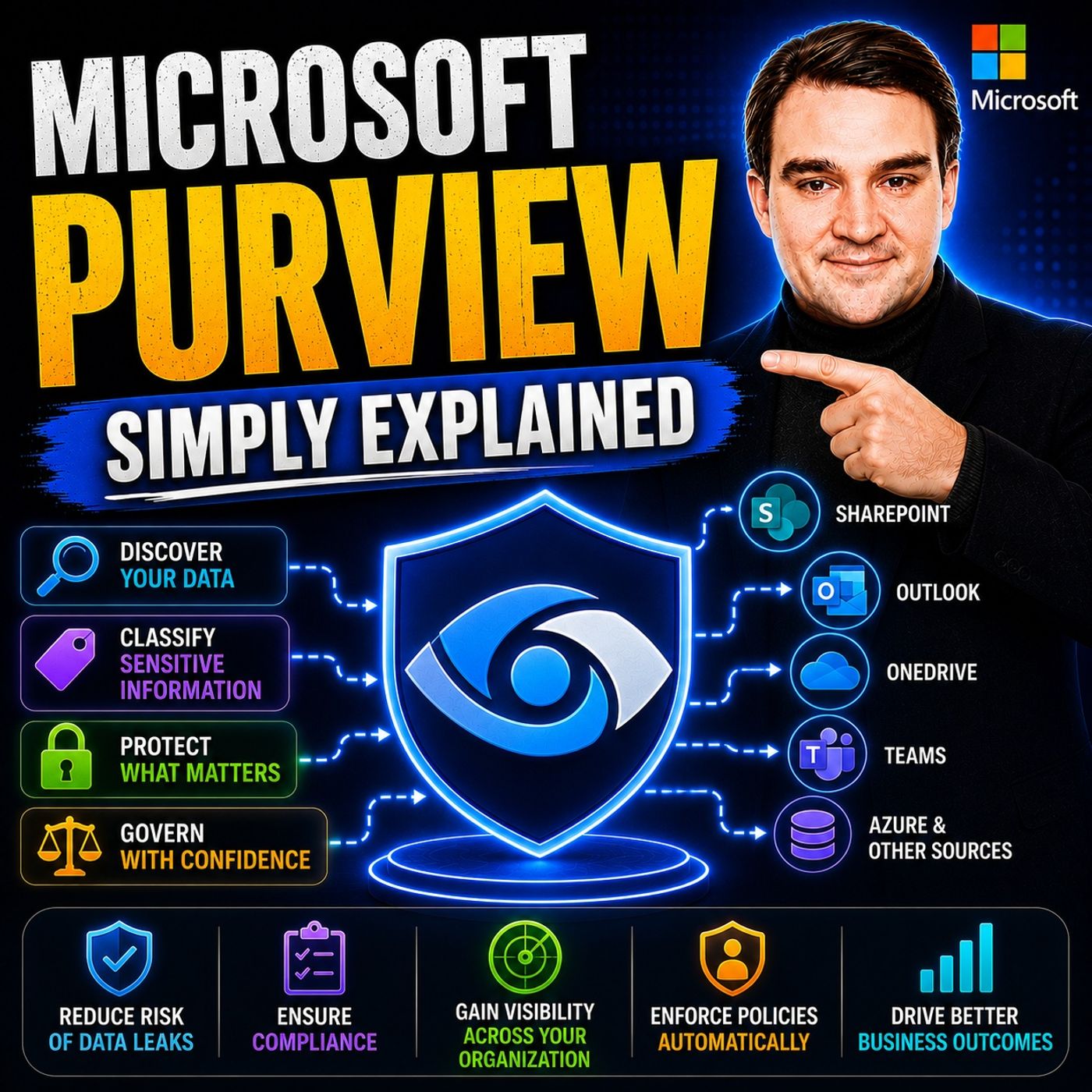
Microsoft 365 is a subscription bundle of productivity apps and cloud services, including Word, Excel, Outlook, Teams, SharePoint and OneDrive.
Title graphic: Microsoft 365 (Platform)
Description
Microsoft 365 is a subscription bundle of productivity apps and cloud services, including Word, Excel, Outlook, Teams, SharePoint and OneDrive. Organizations use it for email, document work, meetings, file storage and collaboration. It is also known as M365 and as the successor to Office 365.
Microsoft develops it, and on m365.fm it is classified as a Microsoft tool and a collaboration tool. It is related to Microsoft 365 Apps, Office on the web and the individual applications Word, Excel, PowerPoint, Outlook and OneNote. Microsoft 365 Copilot builds on it by working with the content and permissions of a Microsoft 365 tenant.
"Microsoft 365 Copilot Without the Hype" with Paul Keijzers explains that Copilot's answers depend on the content and permissions already in the tenant. "Copilot Inherits Your Mess" with Richard Harbridge describes old SharePoint sites, duplicate documents, historic migrations and guest accounts that Copilot meets in a tenant. "When Microsoft Messaging Looks Secure but Isn't" with Thomas Stensitzki shows that moving email to the cloud does not automatically make Exchange and hybrid setups secure.
Overview compiled with AI from M365.FM episodes and the facts on this page. You can improve it with the edit button below.
لا تتجاوز نسبة اعتماد التصنيف اليدوي في الشركة المتوسطة 30 %، ما يعني أن 70 % من الملكية الفكرية تبقى غير مرئية عمليًا لأدوات الأمان. تشرح هذه الحلقة كيف تنتقل في Microsoft Purview من التصنيف الذي يقوم به المستخدمون إلى حوكمة ذاتية يصنّف فيها الذكاء…
لا تتجاوز نسبة اعتماد التصنيف اليدوي في الشركة المتوسطة 30 %، ما يعني أن 70 % من الملكية الفكرية تبقى غير مرئية عمليًا لأدوات الأمان. تشرح هذه الحلقة كيف تنتقل في Microsoft Purview من التصنيف الذي يقوم به المستخدمون إلى حوكمة ذاتية يصنّف فيها الذكاء…
تطلق Copilot وتنتظر موجة الإنتاجية، لكن أحداث منع فقدان البيانات (DLP) ترتفع بنسبة 300%. تشرح هذه الحلقة لماذا يرث Copilot أخطاء الصلاحيات الموجودة لديك، ولماذا تصنع التصنيفات الثابتة صوامع بيانات معزولة، وكيف تنتقل من الاحتواء إلى السياق.
لا يقرأ Microsoft 365 Copilot نواياك، بل يقرأ المستأجر كما هو: انحراف الأذونات والفرق اليتيمة والملفات القديمة والمواقع الظلية تنتقل مباشرة إلى إجاباته. توضح هذه الحلقة لماذا يعكس الذكاء الاصطناعي فوضى SharePoint فقط، وكيف تبني الحوكمة الأساس لإجابات…
تتكاثر الوكلاء في Teams وSharePoint وPower Automate وCopilot أسرع مما تستطيع الحوكمة مواكبته: شروط غامضة، وأذونات موروثة، وصلاحيات مسؤول بلا تاريخ انتهاء. تُروى هذه الحلقة على لسان ذكاء اصطناعي، وتوضح لماذا الوكلاء مُضخِّمات تضخّم الوضوح أو الفوضى، وكيف…
تضيع ساعات كل أسبوع في البحث عن القرارات داخل ملاحظات الاجتماعات ومحادثات الفريق. يستطيع Copilot في Teams القيام بذلك في الوقت الفعلي، لكن فقط إذا أُعدّ بشكل صحيح. تعرض هذه الحلقة خطوات الإعداد وكيف تتحول الاجتماعات إلى خطوات تالية واضحة.
هل سألت Copilot عن عملية المبيعات في العام الماضي فلم تحصل إلا على عبارات عامة؟ تتوقف معرفة Copilot الافتراضية عند حدود Microsoft 365، بينما تبقى الويكي الداخلية وأنظمة CRM القديمة وأنظمة التذاكر غير مرئية له. تعرض هذه الحلقة كيف تربط هذه المصادر بـ Copilot…
تتساءل كل شركة تقريباً اليوم: هل نحتاج إلى وكيل خاص في Copilot Studio أم أنها مجرد ضجة حول الذكاء الاصطناعي؟ البدء بسرعة بـ Copilot عام يضيّع شهوراً، والتأخر الطويل يتركك خلف المنافسين. تعرض هذه الحلقة كيف توجّه الشخصيات وحالات الاستخدام الحقيقية القرار.
تغلق حاسوبك المحمول وتتساءل: ما الذي أنجزته اليوم فعلًا؟ تمنحك قوائم المهام شعورًا بالإنتاجية لكنها تخفي ما هو مهم حقًا. تعرض هذه الحلقة كيف تجمع بين أسلوب أيزنهاور في تحديد الأولويات وMicrosoft 365 وCopilot دون تطبيق إضافي.
يَعِد SharePoint Knowledge Agent بتنظيم المحتوى وإنشاء البيانات الوصفية والإجابة عن الأسئلة، لكنه ليس مستقلاً. تكشف هذه الحلقة ما يفعله فعلاً هذا الوكيل في SharePoint Premium المدعوم بـ Copilot، وأين يخفق، ولماذا يجب على مسؤولي الحوكمة البقاء يقظين.
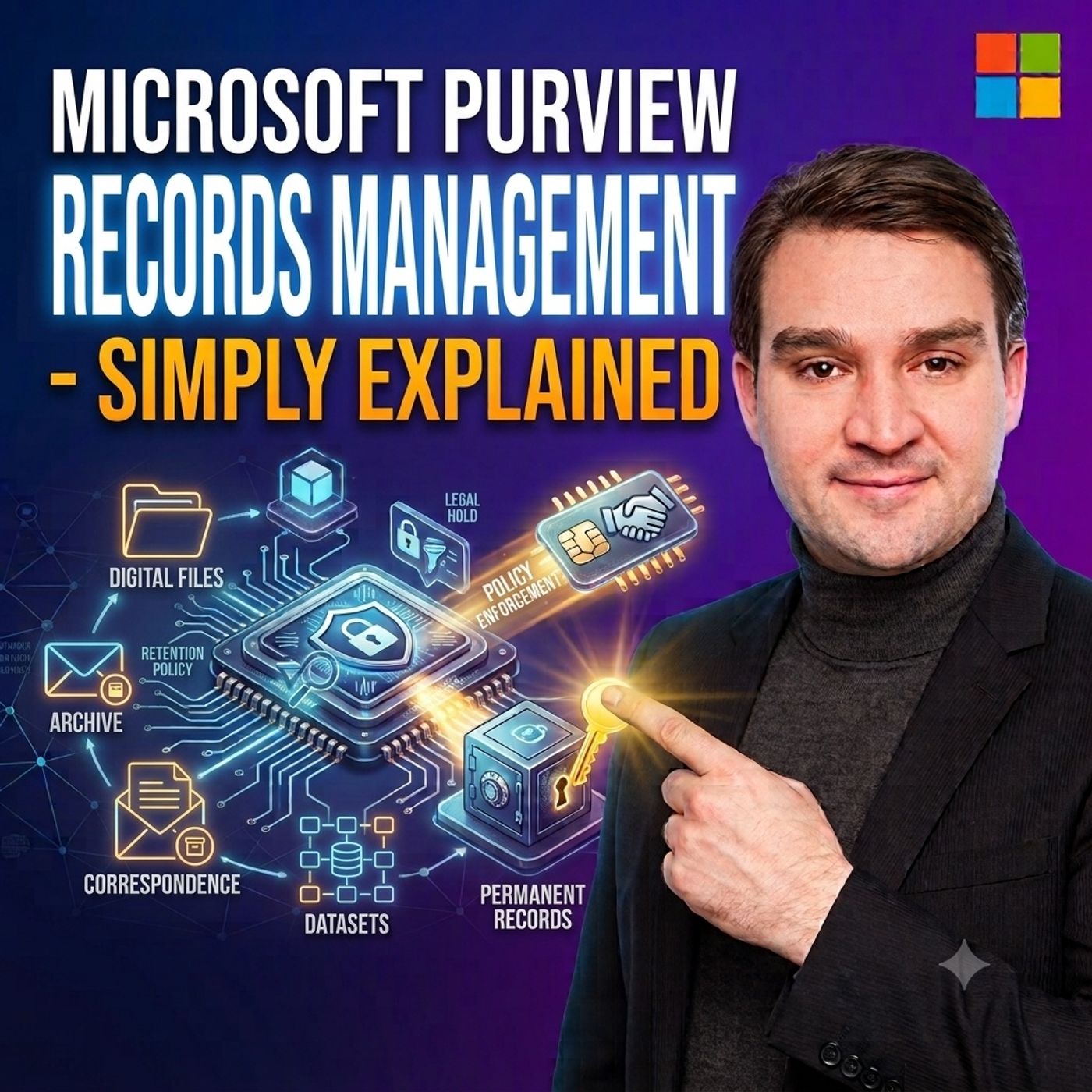
عقد موقّع يختفي من SharePoint ولا أحد يعرف من حذفه أو هل كان يجب أن يبقى. تشرح هذه الحلقة كيف يحمي Microsoft Purview Records Management المستندات الرسمية في SharePoint وOneDrive وExchange Online وTeams طوال المدة اللازمة ثم يحذفها بطريقة مضبوطة.
الساعة 03:47 بتوقيت UTC، وفريق تقنية المعلومات نائم، لكن نمطاً يتشكل في سجلات السحابة: قوائم اختبار في SharePoint، وتغييرات في الأذونات بلا تذكرة، وتدفقات Power Automate تفشل في الوقت نفسه، دون أي إنذار. تشرح هذه الحلقة كيف تتدهور Microsoft 365 وPower…
كشف مخاطر أمان Microsoft 365 وAzure السحابية الخفية · Mirko Peters غالباً ما تبدو إدارة بيئة السحابة وكأنها عملية موازنة بين مهام متعددة. وبينما تتطلب عملياتك اليومية انتباهك الكامل، مثل معالجة تذاكر الدعم، ونشر…
Microsoft 365: [Education] Microsoft Learning Zone - Minecraft connected lessons
Bring Minecraft Education to every classroom with AI-powered tools that match curriculum goals to Build Challenges, blend lessons with project-based learning, launch directly from Learning Zone, and give you full visibility into participation, completion, and student understanding.
#education
GA: February CY2027
Older updates (13)In developmentMicrosoft 365 Roadmap Microsoft 365: [Education] Practice presentations with Speaker Coach in Learning Activities
In learning activities, students can rehearse presentations, receive feedback on their delivery, and practice again with targeted suggestions to improve clarity and confidence.
#education
GA: December CY2026
LaunchedMicrosoft 365 Roadmap Microsoft 365 app: Inventory - Update Repair
Update Repair helps admins identify Windows devices with Microsoft 365 Apps that are out of date or experiencing update issues. In the Microsoft 365 Apps admin center, admins can review device status and recommended actions, remotely start Online Repair for eligible devices, and follow manual remediation guidance for devices that need attention. Repair reinstalls Microsoft 365 Apps using the latest available build for the device’s configured update channel.
GA: November CY2026 · Preview: October CY2026
Rolling outMicrosoft 365 Roadmap Microsoft 365 Apps: Cloud Update - Export Improvements
New export improvements are coming to Cloud Update, making it easier for organizations to access and analyze device data. These enhancements will expand export capabilities across Inventory and Cloud Update device views, include additional device and update information, and allow admins to export filtered results so they can focus on the devices most relevant to their needs.
GA: November CY2026
LaunchedMicrosoft 365 Roadmap Microsoft 365: Frontier expands to public previews in Teams, Outlook, OneDrive, and SharePoint
Frontier is expanding to bring eligible public preview features across Microsoft 365 into one program. Users enrolled in Frontier can get eligible previews for new Outlook for Windows, OneDrive, SharePoint, Microsoft Teams, and Copilot, managed through a single admin-controlled enrollment experience. Frontier enrollment is optional and separate from Standard and Deferred release preferences for generally available features. Existing Frontier users do not need to re-enroll.
GA: November CY2026
In developmentMicrosoft 365 Roadmap Microsoft 365: [Education] Microsoft Learning Zone - Improve Lesson Insights
See where your class is struggling and which students need support, with lesson-level results for every student. Aggregated responses show the mistakes many students made in a lesson. You can then open each student's answers to plan targeted follow-up.
#education
GA: December CY2026
In developmentMicrosoft 365 Roadmap Microsoft 365: Expiration for access on sharing main links
People can set expiration dates for “Anyone” and “People in your organization” access on the main link to files and folders in OneDrive and SharePoint. New administrator policies can Administrators can set policies to require expiration and enforce a maximum access duration, with separate settings for OneDrive and SharePoint. These controls help organizations align content sharing with their data governance requirements. When access expires, the main link remains, and permissions granted directly to individuals are preserved.
GA: February CY2027
In developmentMicrosoft 365 Roadmap Microsoft Copilot Studio: Copilot studio cost controls in MAC
We’re expanding cost management for Microsoft Copilot Studio into the Microsoft 365 admin center. This gives administrators a more centralized way to manage Copilot Credit spend across usage-based AI workloads while retaining Copilot Studio cost management capabilities in the Power Platform admin center.
With this update, administrators can bring supported Copilot Studio environments and agents under Cost Management spending policies. Resource-based policies for environments and agents are the first planned scopes, with broader user and group policy support planned for a later phase.
Furthermore, this update will introduce cost data into…
GA: October CY2026
In developmentMicrosoft 365 Roadmap Microsoft 365: PAYGO consumption-based meter for your extra SharePoint storage needs
Use the new PAYGO consumption-based meter to pay for your extra SharePoint storage needs. This reduces the operational overhead associated with purchasing extra storage packs and more seamlessly integrates with Microsoft 365 Archive.
GA: January CY2027 · Preview: June CY2026
In developmentMicrosoft 365 Roadmap Microsoft 365: [Education] Assign Study and Learn in Teams and LMS Assignments
Educators can assign Study and Learn from Student AI Guidelines in Teams and LMS Assignments. Students open guided learning support grounded in the assignment's title, instructions, and supported files and resources, helping them work through concepts and practice their understanding.
GA: November CY2026 · Preview: October CY2026
In developmentMicrosoft 365 Roadmap Microsoft 365: [Education] Provide a Copilot starter prompt in Teams and LMS Assignments
Educators can provide a Copilot starter prompt from Student AI Guidelines in Teams and LMS Assignments. Students open Copilot with the educator's prompt ready in their chat, helping them begin with instructions tailored to the assignment.
GA: November CY2026 · Preview: October CY2026
LaunchedMicrosoft 365 Roadmap Microsoft 365 Apps: Cloud Update - Extended rollback support for Monthly Enterprise Channel
Cloud Update is expanding rollback options for devices on Monthly Enterprise Channel. Administrators will be able to roll back devices to a release from two versions prior, with the latest available security updates for that release, and keep devices in the rolled-back state across subsequent releases until they are ready to resume updates. This provides additional time to investigate and resolve compatibility issues while maintaining security coverage and centralized control through the Microsoft 365 Apps admin center.
New improvements are coming to the rollout wave functionality for Cloud Update. These enhancements will allow organizations to continue leveraging Microsoft Entra ID groups to set up rollout waves, with increased flexibility to configure more than the current limit of three waves. Additionally, admins will be able to assign custom delays between each wave, streamlining phased deployments and offering greater control over update distribution.
GA: June CY2026 · Preview: May CY2026
LaunchedMicrosoft 365 Roadmap Microsoft 365: Backup Activity Logs
In product monitoring logs to track all activities related to backup policy configuration & restore related tasks. This will help admins with troubleshooting, monitoring, reporting and auditing capabilities.
GA: December CY2025
Summaries of official Microsoft release information, checked daily.
Community wiki
Short info above, community knowledge below: add practical tips, examples or corrections. New contributions are reviewed first; trusted members publish directly.
 AR
 English
 Deutsch
 Español
 Français
 Italiano
 Português
 Nederlands
 Polski
 Bahasa Indonesia
 Русский
 Українська
 עברית
 日本語
 한국어