 NL
 English
 Deutsch
 Español
 Français
 Italiano
 Português
 Polski
 Bahasa Indonesia
 Русский
 Українська
 العربية
 עברית
 日本語
 한국어
OneDrive
Product
Microsoft's cloud storage for personal work files. It syncs folders across devices and integrates with SharePoint, sharing controls and Microsoft 365 apps.
Beschrijving
OneDrive is Microsoft's cloud storage for personal work files. It syncs folders across devices and integrates with SharePoint, sharing controls and Microsoft 365 apps. It is included with Microsoft 365.
Microsoft develops it, and on m365.fm it is classified as a Microsoft tool and a collaboration tool. It is part of Microsoft 365 and related to Word, Excel, PowerPoint, OneNote, Microsoft Teams and SharePoint. Files that people share in Teams chats are stored in OneDrive, while team files live in SharePoint.
"Microsoft OneDrive - Simply Explained" points out that the name covers two different products, a personal account and a work account that only look alike. "OneDrive Sync: Setup and Troubleshooting" explains how sync connects SharePoint and OneDrive files to File Explorer, why common problems occur and how to use it safely at scale. "SharePoint Sync vs Add Shortcut to OneDrive" argues that syncing entire libraries causes storage, performance, conflict and governance problems.
Overview compiled with AI from M365.FM episodes and the facts on this page. You can improve it with the edit button below.
| Type | Product |
|---|---|
| Ook bekend als | Microsoft OneDrive |
| Website | www.microsoft.com/microsoft-365/onedrive/online-cloud-storage |
| Documentatie | learn.microsoft.com/onedrive |
| Wikipedia | en.wikipedia.org/wiki/OneDrive |
| Uitgebracht | 2007-08 |
| Licentie | inbegrepen in Microsoft 365 |
| Wikidata | Q864889 |
Sessies over dit onderwerp (1)
- Copilot in OneDrive and SharePoint: A Practical Guide · Mark Kashman · M365Con 2027
Articles about OneDrive (120)
- Hoe je OneDrive aan Verkenner toevoegt (en het oplossen als het ontbreekt)
· Mirko Peters
OneDrive aan Verkenner toevoegen: start de app, meld je aan, toon het navigatiedeelvenster, zet de map vast en los een ontbrekend OneDrive-item op, stap voor stap.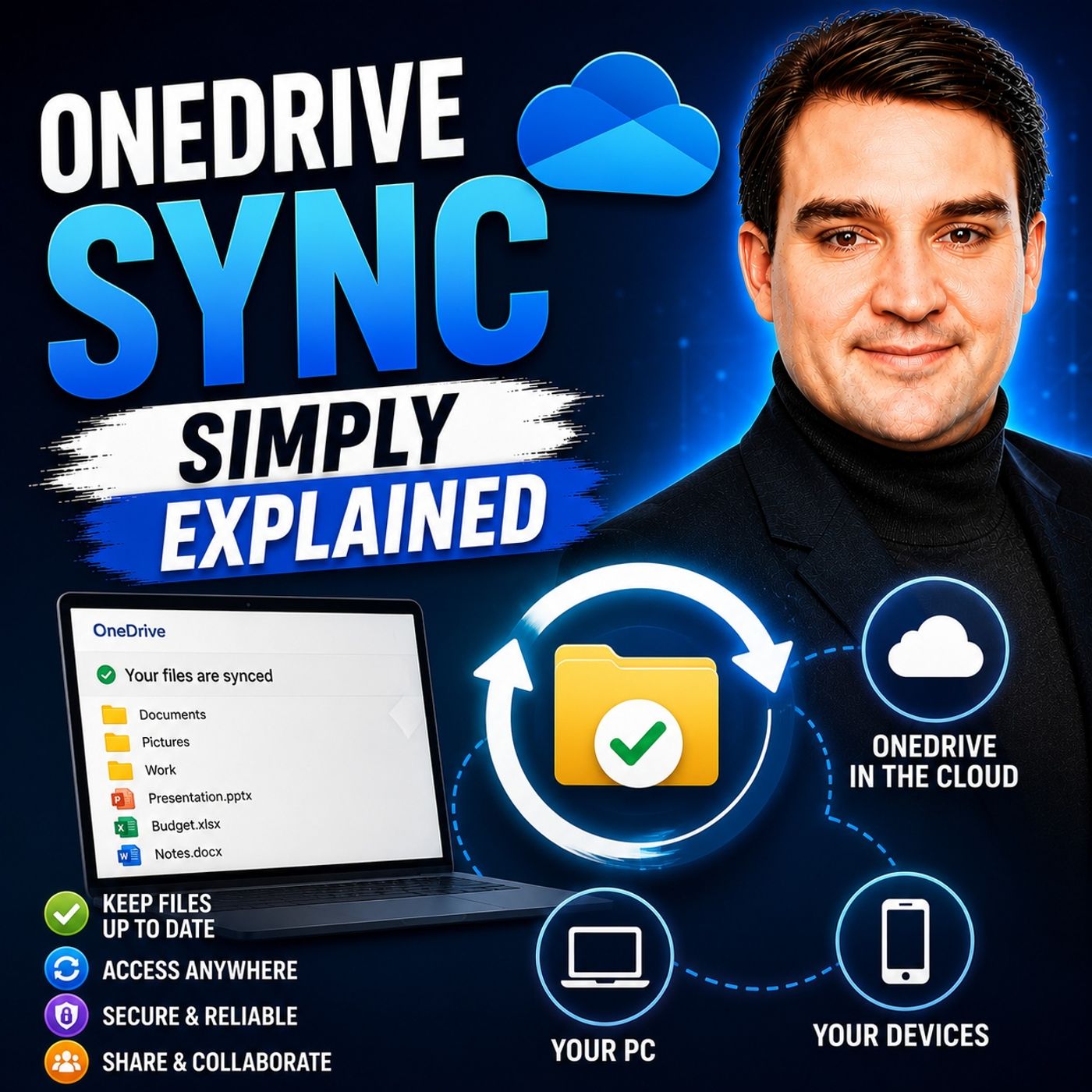 Dit moet je horenOneDrive Sync: Setup and Troubleshooting | Simply Explained
- OneDrive uitschakelen in Windows: pauzeren, ontkoppelen, verwijderen
· Mirko Peters
OneDrive uitschakelen in Windows: eerst pauzeren, afsluiten, ontkoppelen of de back-up van mappen stoppen, daarna verbergen of verwijderen, plus het beleid waarmee beheerders het u - Hoe je OneDrive op Windows reset: het commando en wat er gebeurt
· Mirko Peters
Hoe je OneDrive op Windows reset met het commando onedrive.exe /reset: wanneer je het gebruikt, wat het doet met je bestanden, wat je daarna moet doen en hoe je de koppeling verbre - Zo synchroniseer je OneDrive: instellen, mappen kiezen, Files On-Demand
· Mirko Peters
OneDrive synchroniseren op Windows: aanmelden, de maplocatie kiezen, bepalen welke mappen je synchroniseert, Files On-Demand gebruiken en een SharePoint-bibliotheek op de juiste ma - OneDrive synchroniseert niet? Oplossingen voor vastgelopen, wachtende en gepauzeerde synchronisatie
· Mirko Peters
OneDrive synchroniseert niet? Kijk eerst naar het pictogram en controleer daarna pauze, aanmelding, geopende bestanden, namen, padlengte en grote bestanden. Reset OneDrive pas als - OneDrive Personal versus OneDrive for Business: waarom Microsoft één naam gebruikt voor twee verschillende producten
· Mirko Peters
Ontdek de belangrijkste verschillen tussen OneDrive Personal en OneDrive for Business, hoe synchronisatie-engines werken en waarom Microsoft één naam gebruikt voor twee producten. Dit moet je horenMicrosoft OneDrive - Simply Explained
- Wat is het nadeel van Microsoft 365? Een praktische gids voor beheerders en IT-leiders
· Mirko Peters
Wat is het nadeel van Microsoft 365? Een praktische gids voor beheerders en IT-leiders over beperkingen, kosten, opslag en afwegingen op het gebied van compliance. - Schaalbare kennisgrafen voor de moderne hybride werkvloer
· Mirko Peters
Welkom terug bij de podcast-begeleidende blog, waarin we dieper ingaan op de strategieën, architecturen en engineeringpatronen die de moderne productiviteit in ondernemingen vormge - Veelvoorkomende OneDrive-synchronisatiefouten en prestatieknelpunten oplossen
· Mirko Peters
Welkom terug bij de companion-blog van de podcast! Als we het hebben over moderne digitale werkomgevingen, dan zijn cloudopslagtools zoals Microsoft OneDrive en SharePoint het fund - Waarom je standaard M365-auditlogs gevaarlijk extern delen verbergen
· Mirko Peters
Welkom terug op de blog! Als je een Microsoft 365-tenant beheert, slaap je waarschijnlijk rustig in de wetenschap dat je ingebouwde auditlogs je ruggengraat vormen. Microsoft biedt - Multi-Geo versus multi-tenant: welke architectuur heeft jouw wereldwijde onderneming nodig?
· Mirko Peters
Welkom terug op de blog! Als je een IT-infrastructuur beheert die zich over meerdere continenten uitstrekt, ben je waarschijnlijk al eens tegen het architecturale dilemma aangelope - Hoe bewijs je de ROI van je M365-netwerk aan het management
· Mirko Peters
Als je ooit hebt zitten staren naar een wachtrij vol tickets over Microsoft Teams die hangt, SharePoint die traag laadt of OneDrive-bestanden die niet willen synchroniseren, … - OneDrive Files On-Demand ontrafeld: onder de motorkap van je synchronisatie-engine
· Mirko Peters
Welkom terug bij de podcast! Als je ooit naar een rood kruisje hebt staan kijken, naar een synchronisatiepictogram dat eeuwig blijft draaien, of naar een bestand dat weigert te opeDit moet je horenFix OneDrive Files On-Demand Sync Issues - Vergaderingen, webinars en town halls in Microsoft Teams: een overzicht
· Mirko Peters
Vergelijk vergaderingen, webinars en town halls in Microsoft Teams op basis van publieksgrootte, interactie, registratie, productiecontroles en de ideale zakelijke toepassing. - Synchroniseren van SharePoint naar OneDrive: complete gids voor IT-beheerders
· Mirko Peters
Leer hoe je SharePoint synchroniseert met OneDrive, bibliotheken configureert, beleid uitrolt, fouten oplost, Files On-Demand beheert en snelkoppelingen voor gebruikers beoordeelt.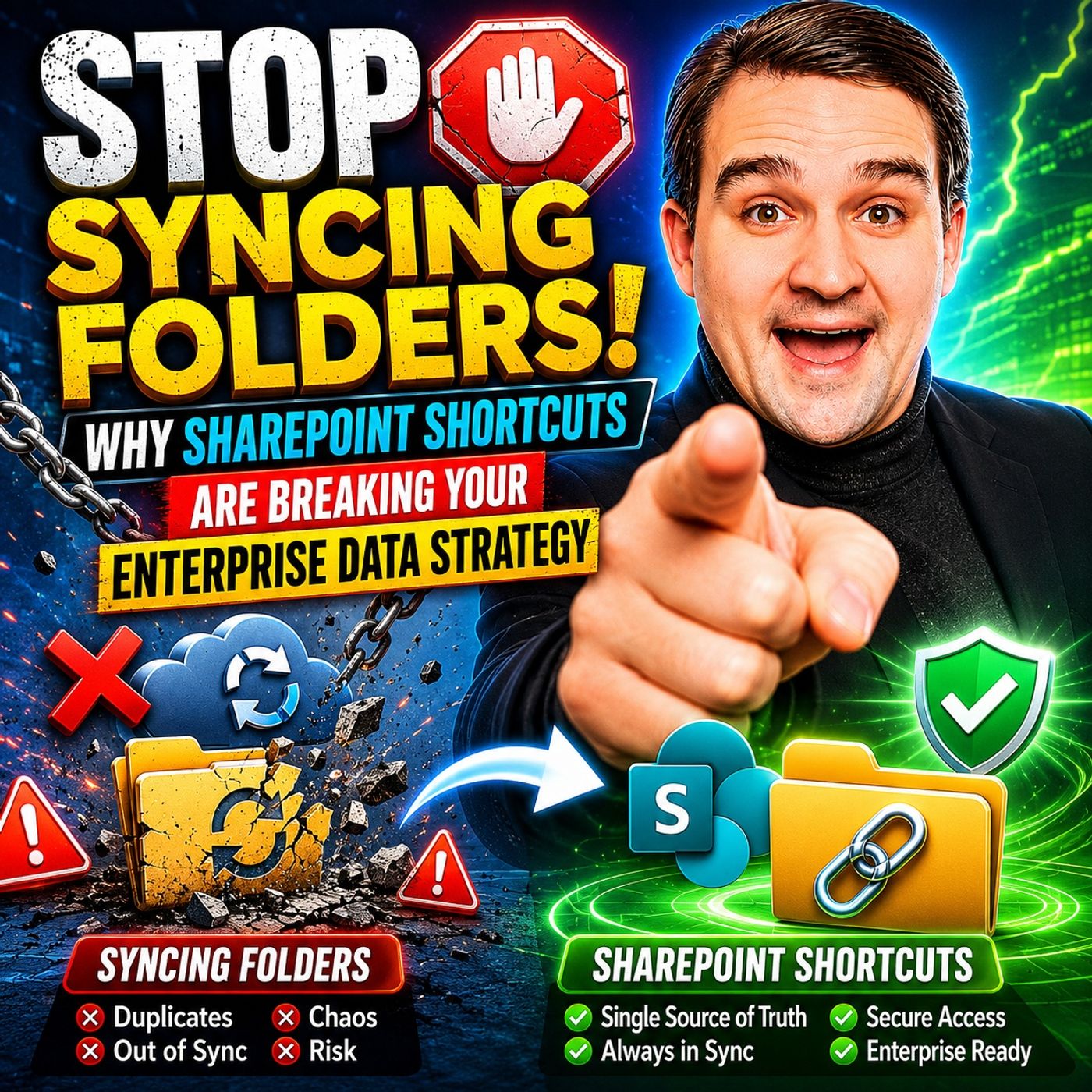 Dit moet je horenSharePoint Sync vs Add Shortcut to OneDrive
- Sync vs snelkoppeling vs downloaden in OneDrive: welke is de juiste voor jou?
· Mirko Peters
Vergelijk synchroniseren, snelkoppelingen en downloaden in OneDrive op het gebied van offline toegang, gedeelde bibliotheken, opslag op apparaten, prestaties, samenwerking, governa - Files On-Demand uitgelegd voor OneDrive en Microsoft Teams
· Mirko Peters
Ontdek hoe Files On-Demand in OneDrive bestanden beheert die alleen in de cloud staan, lokaal beschikbaar zijn of altijd beschikbaar blijven, over OneDrive, SharePoint, Teams en Wi - OneDrive-synchronisatieclient instellen: een stapsgewijze handleiding
· Mirko Peters
Configureer de OneDrive-synchronisatieclient voor Microsoft 365 met accountinstellingen, mapselectie, Bestanden op aanvraag, SharePoint-bibliotheken, beleid, beveiliging en problee - OneDrive-synchronisatie uitgelegd: hoe het werkt en waarom het ertoe doet
· Mirko Peters
Ontdek hoe OneDrive-synchronisatie werkt op verschillende apparaten, in SharePoint en Teams, inclusief Bestanden op aanvraag, conflicten, beveiliging, offline toegang, beperkingenDit moet je horenStop OneDrive Sync Conflicts with SharePoint Shortcuts - Wanneer kies je OneDrive en wanneer SharePoint
· Mirko Peters
Ontdek wanneer je OneDrive en wanneer SharePoint gebruikt voor persoonlijk werk, teamsamenwerking, gedeeld eigenaarschap, documentbeheer, governance, beveiliging en langetermijnops
100 more articles
- OneDrive-ecosysteem: overzicht · 2026-05-27
- OneDrive-updates uitgelegd: wat je moet weten · 2026-05-27
- OneDrive adoption-basics: een essentiële gids · 2026-05-27
- Veelvoorkomende fouten in OneDrive en hoe je ze voorkomt · 2026-05-27
- SharePoint vs OneDrive-bestandsopslag: de juiste oplossing kiezen voor teams en organisaties · 2026-05-25
- Synchronisatieproblemen oplossen in Microsoft Teams, OneDrive en Google-accounts · 2026-05-22
- Teams-bestanden synchroniseren: een complete gids voor Microsoft Teams- en SharePoint-gebruikers · 2026-05-18
- OneDrive vs SharePoint vs Teams: gids · 2026-05-14
- Teams-opslag van opnames: handleiding · 2026-05-13Dit moet je horenMicrosoft Teams Recording Security and Compliance
- Bestanden delen in een Microsoft Teams-chat · 2026-04-28
- DLP voor SharePoint en OneDrive · 2026-04-26
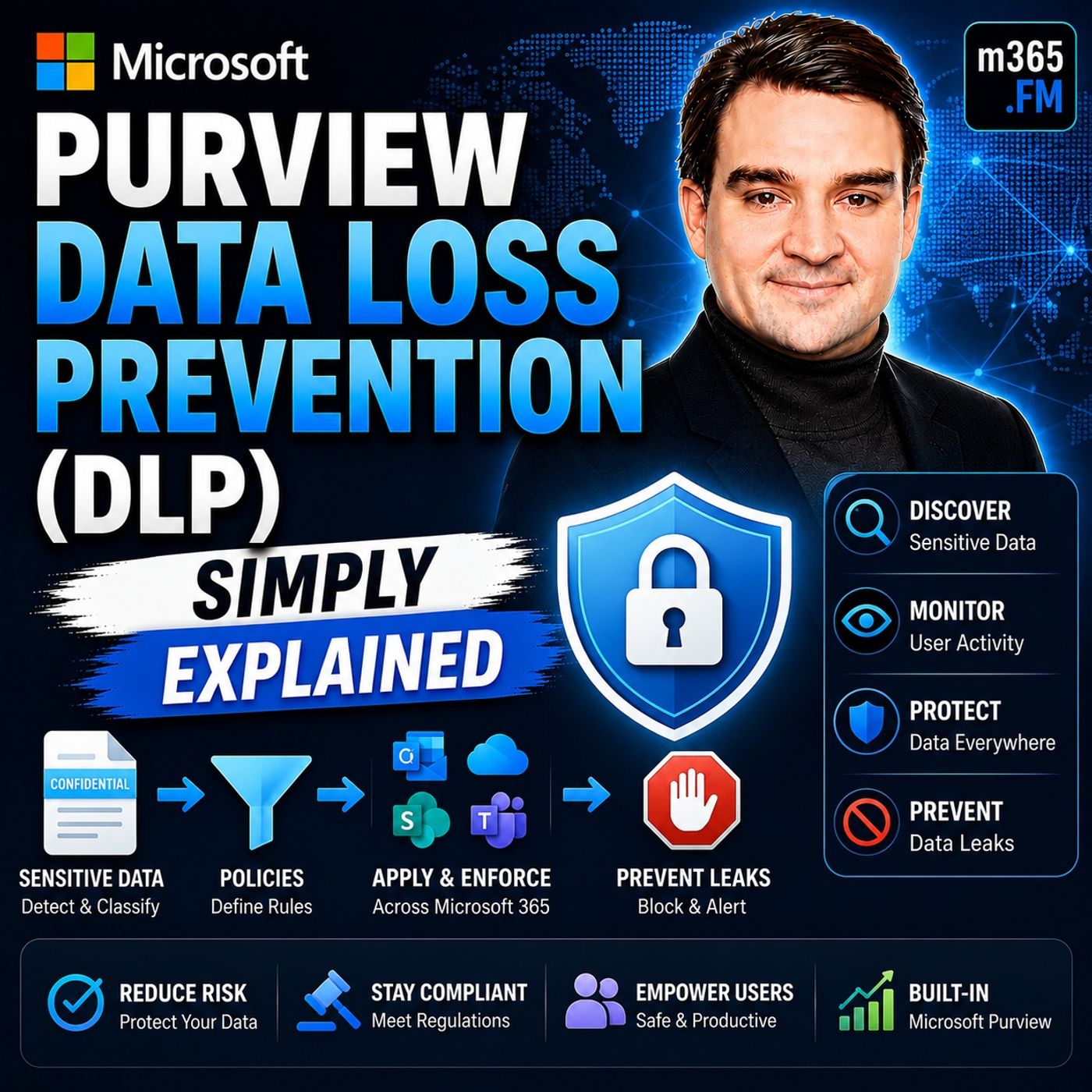 Dit moet je horenMicrosoft Purview Data Loss Prevention (DLP) - Simply Explained
- Top OneDrive-mythes waar je mee moet stoppen · 2026-04-23
- OneDrive-basis voor beginners: een stap-voor-stapgids · 2026-04-23
- OneDrive voor thuiswerken: de complete gids voor teams en SharePoint-governance · 2026-04-23
- OneDrive-gebruikssituaties: van cloudopslag naar veilig samenwerken · 2026-04-23
- OneDrive in Microsoft 365: de slimme manier om bestanden op te slaan, te delen en samen te werken · 2026-04-23
- OneDrive-interface uitgelegd · 2026-04-23
- Aan de slag met OneDrive: beginnersgids voor veilig samenwerken · 2026-04-23
- OneDrive-opslaglimieten uitgelegd voor Microsoft 365-gebruikers · 2026-04-23
- OneDrive-beperkingen voor zakelijke gebruikers uitgelegd · 2026-04-23
- SharePoint-interface uitgelegd: een complete gids · 2026-04-23
- SharePoint-beginnersgids: aan de slag met modern samenwerken · 2026-04-23
- SharePoint vs Teams vs OneDrive: welk platform past het best bij jouw samenwerkingsbehoefte? · 2026-04-22
- Integratie van Teams en OneDrive: de kracht van Microsoft 365-samenwerking ontsluiten · 2026-04-22
- Belangrijkste voordelen van OneDrive voor moderne werkplekken · 2026-04-22
- OneDrive-architectuur: de basis uitgelegd · 2026-04-22
- Hoe OneDrive werkt: een complete gids voor Microsoft 365-gebruikers · 2026-04-22
- OneDrive Personal vs Business: de belangrijkste verschillen en de beste toepassingen · 2026-04-22
- OneDrive for Business uitgelegd: de complete gids voor organisaties · 2026-04-22
- OneDrive vs Teams: de juiste Microsoft 365-oplossing voor het samenwerken aan bestanden kiezen · 2026-04-22
- OneDrive vs SharePoint: welk Microsoft-cloudplatform past bij jouw behoeften? · 2026-04-22
- OneDrive vs Dropbox: welk cloudopslagplatform is beter? · 2026-04-22
- OneDrive vs Google Drive: welk cloudopslagplatform past bij jouw organisatie? · 2026-04-22
- Wat is OneDrive? Belangrijkste functies en moderne toepassingen · 2026-04-22
- DLP werkt niet in OneDrive: problemen met beleid oplossen en oplossingen · 2026-04-20
- Bestanden en mappen delen in Microsoft SharePoint · 2026-04-15
- Hoe beheer je meerdere accounts in OneDrive · 2026-03-25
- De rol van multi-tenant-organisaties bij het stroomlijnen van tenant-naar-tenant-overgangen · 2026-03-09
- Essentiële stappen bij het offboarden van medewerkers met Microsoft 365-accounts · 2026-03-06
- Eenvoudige tips voor prioriteit-opschoning in Microsoft SharePoint Online · 2026-03-06
- OneDrive Not Syncing? Fixes for Stuck, Pending and Paused Sync · 2026-11-12
- How to Sync OneDrive: Set Up, Choose Folders, Files On-Demand · 2026-11-12
- How to Reset OneDrive on Windows: The Command and What Happens · 2026-11-12
- How to Disable OneDrive on Windows: Pause, Unlink, Uninstall · 2026-11-12
- How to Add OneDrive to File Explorer (and Fix It When Missing) · 2026-11-12
- OneDrive Personal vs Business: Why Microsoft Uses One Name for Two Different Products · 2026-10-27
- What Is the Downside to Microsoft 365? A Practical Guide for Admins and IT Leaders · 2026-10-16
- Architecting Scalable Knowledge Graphs for Modern Hybrid Workforces · 2026-08-26
- Troubleshooting Common OneDrive Sync Errors and Performance Bottlenecks · 2026-08-22
- Why Your Default M365 Audit Logs Are Hiding Dangerous External Sharing · 2026-08-11
- Multi-Geo vs. Multi-Tenant: Which Architecture Does Your Global Enterprise Need? · 2026-08-11
- How to Prove M365 Network ROI to Executive Leadership · 2026-08-11
- Demystifying OneDrive Files On-Demand: Under the Hood of Your Sync Engine · 2026-08-11
- Meetings, Webinars, and Town Halls in Microsoft Teams: An Overview · 2026-05-29
- Syncing SharePoint to OneDrive: Complete Guide for IT Administrators · 2026-05-27
- Sync vs Shortcut vs Download in OneDrive: Which Is Right for You? · 2026-05-27
- Files On-Demand Explained for OneDrive and Microsoft Teams · 2026-05-27
- OneDrive Sync Client Setup: A Step-by-Step Guide · 2026-05-27
- OneDrive Sync Explained: How It Works and Why It Matters · 2026-05-27
- When to Use OneDrive vs SharePoint · 2026-05-27
- OneDrive Ecosystem Overview · 2026-05-27
- OneDrive Updates Explained: What You Need to Know · 2026-05-27
- OneDrive Adoption Basics: An Essential Guide · 2026-05-27
- Common Mistakes in OneDrive and How to Avoid Them · 2026-05-27
- SharePoint vs OneDrive File Storage: Choosing the Right Solution for Teams and Organizations · 2026-05-25
- Fixing Sync Issues in Microsoft Teams, OneDrive, and Google Accounts · 2026-05-22
- Syncing Teams Files: A Complete Guide for Microsoft Teams and SharePoint Users · 2026-05-18
- OneDrive Vs SharePoint Vs Teams Guide · 2026-05-14
- Teams Recording Storage Guide · 2026-05-13
- How to Share Files in Microsoft Teams Chat · 2026-04-28
- DLP for SharePoint and OneDrive · 2026-04-26
- Top OneDrive Myths You Need to Stop Believing · 2026-04-23
- OneDrive Basics for Beginners: A Step-by-Step Guide · 2026-04-23
- OneDrive for Remote Work: The Complete Guide for Teams and SharePoint Governance · 2026-04-23
- OneDrive Use Cases: From Cloud Storage to Secure Collaboration · 2026-04-23
- OneDrive in Microsoft 365: The Smart Way to Store, Share, and Collaborate · 2026-04-23
- OneDrive Interface Explained · 2026-04-23
- Getting Started With OneDrive: Beginner’s Guide for Secure Collaboration · 2026-04-23
- OneDrive Storage Limits Explained for Microsoft 365 Users · 2026-04-23
- OneDrive Limitations for Enterprise Users Explained · 2026-04-23
Developed by
- Microsoft · Organization
Is a
- Microsoft tool · Category
- Collaboration tool · Category
Part of
- Microsoft 365 · Platform
Related to
- Microsoft Word · Product
- Microsoft Excel · Product
- Microsoft PowerPoint · Product
- Microsoft OneNote · Product
- Microsoft Teams · Product
- SharePoint · Product
- Office on the web · Product
- Excel for the web · Product
- Microsoft Stream · Product
- SharePoint migration · Concept
- User offboarding (Microsoft 365) · Concept
- Mark Kashman · Person
Covered by
- Microsoft 365 Certified: Administrator Expert (MS-102) · Certification
Latest update
OneDrive: Prompt gallery for Copilot
Discover easier ways to use Copilot in OneDrive
The new Prompt Gallery offers ready-to-use prompts for common file tasks, helping you get started quickly, discover what Copilot can do, and customize prompts to fit your needs.
Access the Prompt Gallery from:
The Copilot button in the bottom-right corner of OneDrive
The + button in the Copilot chat pane
Select Open Prompt Gallery to explore prompts across categories such as Create, Analyze, Find, and Collaborate.
GA: October CY2026 · Preview: October CY2026
Older updates (13)
OneDrive: Command-line tool for the OneDrive sync app
A new command-line tool, odcli, lets OneDrive users, IT admins and support engineers check and manage the OneDrive sync app from the command line. Commands cover sync status, accounts, configuration, policies, and managing the sync app. JSON output lets scripts, management tools and AI agents automate these tasks.
GA: March CY2027
Microsoft 365: Expiration for access on sharing main links
People can set expiration dates for “Anyone” and “People in your organization” access on the main link to files and folders in OneDrive and SharePoint. New administrator policies can Administrators can set policies to require expiration and enforce a maximum access duration, with separate settings for OneDrive and SharePoint. These controls help organizations align content sharing with their data governance requirements. When access expires, the main link remains, and permissions granted directly to individuals are preserved.
GA: February CY2027
OneDrive: Respond to access requests directly in the Share dialog
Review and respond to access requests inside the Share dialog. When people request access to a file, folder, or library, anyone who can share it will see pending requests right in the Share dialog for that item. From there, they can choose the level of access to grant, approve or decline requests individually or in bulk, and message the requester before deciding. Requests for more access, such as edit rights for someone who can already view, appear alongside new requests, making it faster to grant the right access and keep work moving.
GA: January CY2027
OneDrive: Updated placement of the Create or upload button for Web
OneDrive for the web is updating the placement of the Create or upload button to provide a more consistent file experience across OneDrive and SharePoint. The button will move from the left navigation pane to the right side of the page, bringing familiar navigation from SharePoint document libraries to OneDrive.
The available options for creating files and folders or uploading content will remain unchanged.
GA: October CY2026
OneDrive: Manage access to the OneDrive Photos Desktop experience
OneDrive is adding administrative controls for the Photos experience on Windows. Organizations can manage whether users sign in with personal Microsoft accounts. These controls help IT teams align OneDrive Photos with their access, data governance, and device-management requirements.
GA: August CY2026
OneDrive: Improved max path error experience on desktop
OneDrive desktop sync users now get clearer, more actionable guidance when file paths exceed the supported 520-character limit. The updated experience shows exactly how many characters a path is over the limit and offers a guided flow to rename or move the affected items so they can sync.
GA: January CY2027
OneDrive: Refreshed file browsing and filtering experience in OneDrive Web
OneDrive is making it easier to find and work with files across Microsoft 365. We're refreshing the filtering experience across OneDrive Web, updating existing filters in views like Home, Shared, People, Meetings, and Favorites to support multiple filters at once, and bringing those same filtering capabilities to folder-based experiences such as My files and shared folders. Users can also filter content by file type using both filter pills and the filter pane.
We're also bringing the modern SharePoint document library experience to OneDrive Web, with an updated layout, improved navigation, and familiar file management capabilities. Together,…
GA: August CY2026
OneDrive: Sync support for up to 1 million items on macOS
OneDrive Sync supports syncing up to 1 million items on macOS devices, helping teams manage large document libraries and shared content at scale without compromising access across devices. This preview requires the Insiders ring and that devices meet minimum hardware and configuration requirements. Devices that don't meet these requirements continue to sync at the existing 300,000-item supported limit with no disruption.
GA: June CY2027 · Preview: October CY2026
SharePoint: Copilot Search in SharePoint and OneDrive
Copilot Search brings AI-powered, natural-language search to SharePoint and OneDrive, combining relevant results, AI-generated summaries with source references, intuitive filters, and a seamless handoff to Copilot.
GA: January CY2027 · Preview: October CY2026
OneDrive: PDF annotation for sensitivity-label protected PDFs in OneDrive/SharePoint web viewer
We're enabling PDF annotation for sensitivity-label protected PDFs in OneDrive and SharePoint on the web. With this update, users who have the appropriate usage rights can annotate these protected PDFs in place in their browser while preserving the file's sensitivity label, encryption, and usage rights when changes are saved.
GA: January CY2027
Microsoft 365: The Next Generation of File & Folder Sharing
We're now introducing the third generation of the Microsoft 365 sharing experience designed to make collaboration simpler, smarter, and more secure by default. At the heart of this update is the new hero link, a single, powerful link that controls access to your files. Whether you copy a link, share via email, or send the URL from your browser, you now have a seamless and consistent way to share and stay in control of your files.
GA: October CY2026
Microsoft 365: Pay-as-you-go storage for OneDrive
New pay-as-you-go, consumption-based meter for additional OneDrive storage. Control which OneDrive accounts can grow beyond their licensed storage limits and give selected users more space as needed.
GA: November CY2026 · Preview: July CY2026
OneDrive: Presentation mode for PDFs in the iOS app on iPad
Microsoft OneDrive is introducing presentation mode in the OneDrive iOS app for users on iPad devices. Users select a new Presentation button in the PDF viewer to enter a focused, view-only experience that prevents free gesture scrolling between pages, reducing accidental page changes while presenting without moving the file to another app. The feature is not available on iPhone.
GA: December CY2026
Summaries of official Microsoft release information, checked daily.
Community wiki
Short info above, community knowledge below: add practical tips, examples or corrections. New contributions are reviewed first; trusted members publish directly.
Experts en bedrijven voor dit onderwerp
- Mirko Peters · Microsoft MVP
Sources
- Official website: www.microsoft.com/microsoft-365/onedrive/online-cloud-storage
- Documentation: learn.microsoft.com/onedrive
- Wikipedia: en.wikipedia.org/wiki/OneDrive
- Wikidata: www.wikidata.org/wiki/Q864889
- Feed for this topic (RSS): entity/onedrive/feed.xml
- Articles on this topic: 120
Maintained by Mirko Peters (Microsoft MVP) · Last updated: