Records of who did what and when in a system, used for security investigations and compliance.
Title graphic: Audit logs (Concept)
Description
Audit logs are records of who did what and when in a system. They are used for security investigations and for compliance, because they make it possible to reconstruct events after an incident, a legal request or an unusual spike in activity.
In Microsoft 365 audit logs are part of Microsoft Purview. They are related to compliance, since many requirements call for evidence of access to and changes of data. The value of a log depends on whether someone searches and interprets it, and not only on whether it is switched on.
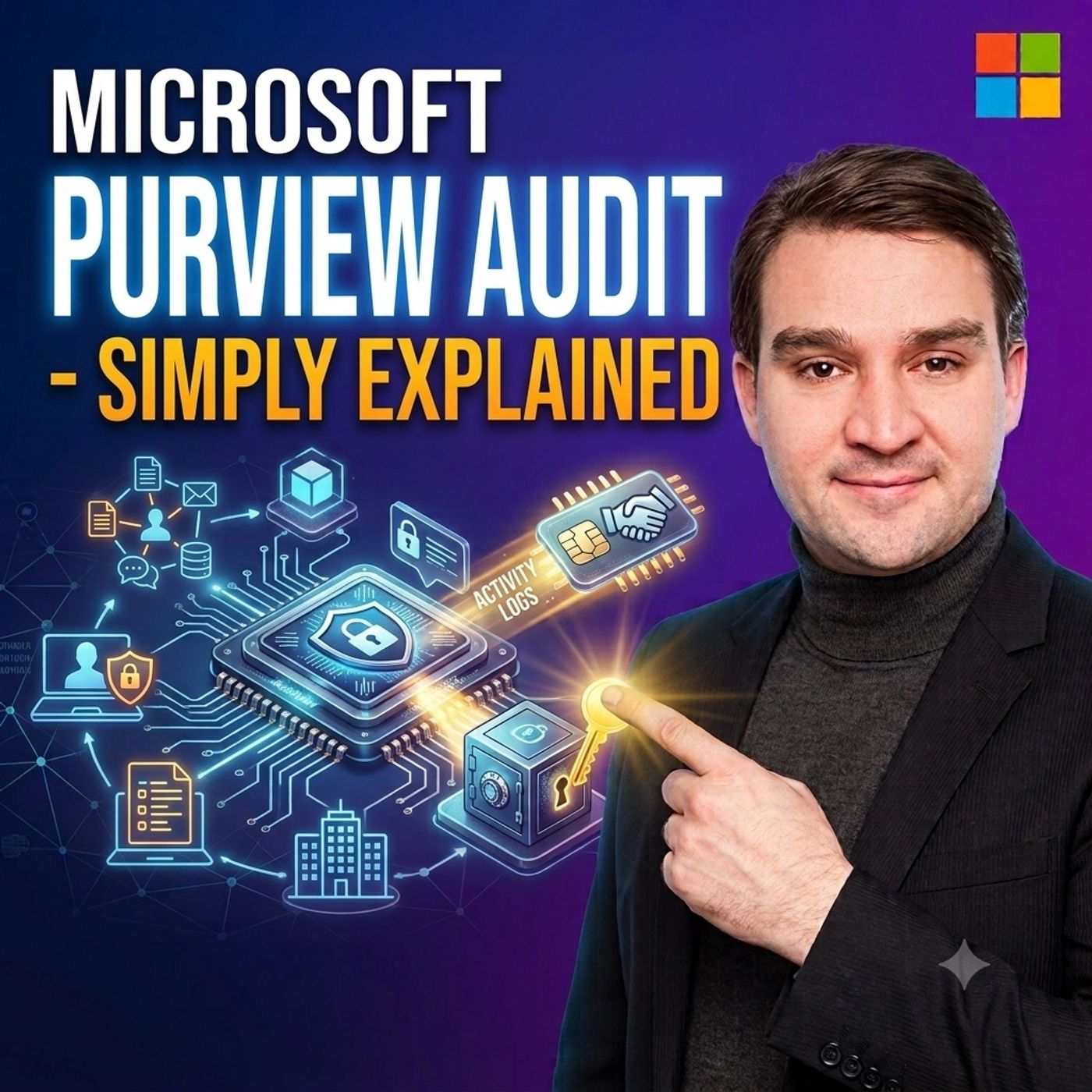
The M365.FM episodes show audit data in use. “Microsoft Purview Audit - Simply Explained” describes why organizations need clear answers about what happened when files are opened, documents shared or settings changed. “Build a Zero Trust Incident Timeline with Microsoft 365 Audit Logs” analyzes a case where one account pulled thousands of SharePoint files in minutes while policies still showed “allowed”. “Build a Power BI Audit Log Governance Dashboard” turns events such as viewing reports and sharing dashboards into a view of license costs, unused workspaces and risky external shares.
Overview compiled with AI from M365.FM episodes and the facts on this page. You can improve it with the edit button below.
Type
Concept
Also known as
Audit log, Audit trail, Überwachungsprotokolle
Key points about Audit logs
Entra risk signals, the Unified Audit Log, Purview policy edits and Copilot interaction logs combine into one defensible incident timeline. · Build a Zero Trust Incident Timeline with…
Purview Audit collects activity records from Exchange Online, SharePoint Online, OneDrive, Teams, Entra ID and Purview into the Unified Audit Log, a central searchable platform. · Microsoft Purview Audit - Simply Explained
LangChain4J and Copilot Studio can turn helpful copilots into data-leaking, over-permissioned shadow admins with no audit trail. · Stop Prompt Injection in LangChain4j and…
What if your Zero Trust stack is silently greenlighting a perfect data heist in Microsoft 365? In this episode, we dissect how one “compliant” account quietly pulled 12,000 SharePoint files in 20 minutes—no malware, no DLP alerts, and all your Entra ID and…
When a file is shared externally or a policy quietly changes, many Microsoft 365 teams cannot say who did it or when. This episode explains Microsoft Purview Audit for IT admins, compliance officers and security analysts, from the unified audit log to Audit…
The Microsoft 365 Admin Center is a great map—but it’s not the vehicle. For Copilot and AI governance, clicking through GUI toggles won’t scale, won’t prove compliance, and won’t survive audits. The Admin Center prioritizes visibility; PowerShell delivers…
AI agents are shipping faster than your change control, and they’re carrying master keys to your data. This talk rips into how LangChain4J and Copilot Studio quietly turn “helpful copilots” into data-leaking, over-permissioned shadow admins with no audit…
Microsoft Graph is much more than a REST API—it is the hidden logic that connects Microsoft 365. Instead of treating Outlook, Teams, SharePoint, OneDrive, Entra ID, and other services as isolated products, Microsoft Graph exposes the relationships between…
Microsoft Graph is often seen as a reporting and management API—but what if it could become one of your most powerful security tools? In this episode, we explore how Microsoft Graph can be leveraged to uncover hidden risks, automate governance, and…
It sounds governed, it feels safe, and every log lines up—yet the system still does the wrong thing. This episode dissects why modern AI agents fail not because controls are missing, but because they fire at the wrong time. You walk through how enterprises…
As AI evolves from Microsoft Copilot to autonomous agents and, eventually, quantum computing, traditional governance models are no longer enough. This episode explores why organizations must move beyond simple allow-or-block security policies and adopt…
This episode explains that most Microsoft Copilot rollouts become a “security nightmare” not because of the AI itself, but because of poor Microsoft 365 governance. Copilot effectively acts like an automated auditor, exposing all the hidden issues already…
Stop guessing where your data went. In Microsoft Fabric, automatic lineage, workspace-based permissions, and Purview’s enterprise catalog turn opaque pipelines into auditable, end-to-end flows—from ingestion to transformation to the report. Fabric captures…
You feel the chaos, inbox overflow, tickets vanish, customers rage. In this episode, we show how to tame that chaos with autonomous agents inside Dynamics 365 that standardize email-to-case intake, classify intent, and route every ticket with honest math…
In this episode, we explore why Microsoft 365 environments are often less secure than they appear. While most organizations focus on security tools and settings, the real risk lies in what we call the “invisible tenant” — a hidden layer of misconfigurations…
Why You Can't Afford to Ignore Microsoft 365 Audit Logs · Mirko Peters Welcome to our deep dive into one of the most critical, yet frequently overlooked, pillars of enterprise cybersecurity: Microsoft 365 audit logs. If your organizati…
Microsoft 365 Audit Log Search · Mirko Peters Follow a practical Microsoft 365 audit log search guide to investigate activity, support compliance reviews, and build reliable evidence.
Microsoft 365 Unified Audit Log · Mirko Peters Learn how the Microsoft 365 Unified Audit Log works, what it records, and how security and compliance teams use it for investigations.
Unified Audit Log Not Working · Mirko Peters Troubleshoot the Unified Audit Log not working in Microsoft 365 with checks for auditing, permissions, search filters, licensing, and delays.
Missing Audit Events in Microsoft 365 · Mirko Peters Learn why audit events may be missing in Microsoft environments and how to check coverage, workloads, permissions, retention, and ingestion delays.
SharePoint Audit Log Governance: The Complete Guide · Mirko Peters Learn SharePoint audit log governance with Microsoft Purview Audit, search, retention, compliance investigations, monitoring, and practical controls.
Microsoft Copilot Security Logging · Mirko Peters Learn how to configure Microsoft Copilot security logging, audit trails, Purview Audit, DLP, retention, and monitoring for compliant AI adoption.
Copilot Audit Logs Explained · Mirko Peters Explore copilot audit logs for user interaction in Microsoft 365 & Copilot Studio. Access audit data for compliance via Microsoft Purview.
It is changing security or compliance policies without drawing attention. The episode shows that Purview policy edits recorded in the audit trail help expose it, which belongs in the incident timeline. · From the episode: Build a Zero Trust Incident Timeline with…
Can Copilot be part of data exfiltration?
The episode says AI-powered exfiltration can look like normal collaboration. That is why Copilot interaction logs belong in the evidence, next to sign-in risk, audit log entries and policy changes. · From the episode: Build a Zero Trust Incident Timeline with…
What is the Microsoft Purview Unified Audit Log?
A centralized, searchable audit platform that collects activity records from Microsoft 365 services so investigators can analyze user actions, administrative changes and compliance events from one interface. · From the episode: Microsoft Purview Audit - Simply Explained
Relationship map of Audit logs: linked topics
Related topics in brief
Microsoft Purview· Part of · Product Microsoft's family of data governance, protection and compliance tools. It covers sensitivity labels, data loss prevention, retention, eDiscovery, audit and insider-risk management across Microsoft 365 and other data sources.
Compliance· Related to · Concept Meeting legal, regulatory and internal requirements, for example for data protection and records retention.
Agent observability· Related to · Concept Collecting traces, metrics, evaluations and audit data of AI agents to see what they did, why, and at what cost.
SharePoint governance· Related to · Concept The policies, roles, responsibilities and processes that control how an organization uses SharePoint: who owns sites, how sites are created and shared, and how content is reviewed.
SharePoint reporting· Related to · Concept Reports on SharePoint permissions, sharing and content: Data access governance reports in the SharePoint admin center for the whole organization, and a CSV report on file and folder sharing for a single site.
Short info above, community knowledge below: add practical tips, examples or corrections. New contributions are reviewed first; trusted members publish directly.
 EN
 Deutsch
 Español
 Français
 Italiano
 Português
 Nederlands
 Polski
 Bahasa Indonesia
 Русский
 Українська
 العربية
 עברית
 日本語
 한국어