An AI assistant built into Microsoft 365 apps such as Word, Excel, Outlook and Teams. It uses large language models together with the user's own work data from Microsoft Graph to draft, summarise and analyse content, always within the user's existing permissions.
Titre graphique : Microsoft 365 Copilot (Produit)
Description
Microsoft 365 Copilot is an AI assistant built into Microsoft 365 apps such as Word, Excel, Outlook and Teams. It uses large language models together with the user's own work data from Microsoft Graph to draft, summarise and analyse content, always within the user's existing permissions. It is a paid product.
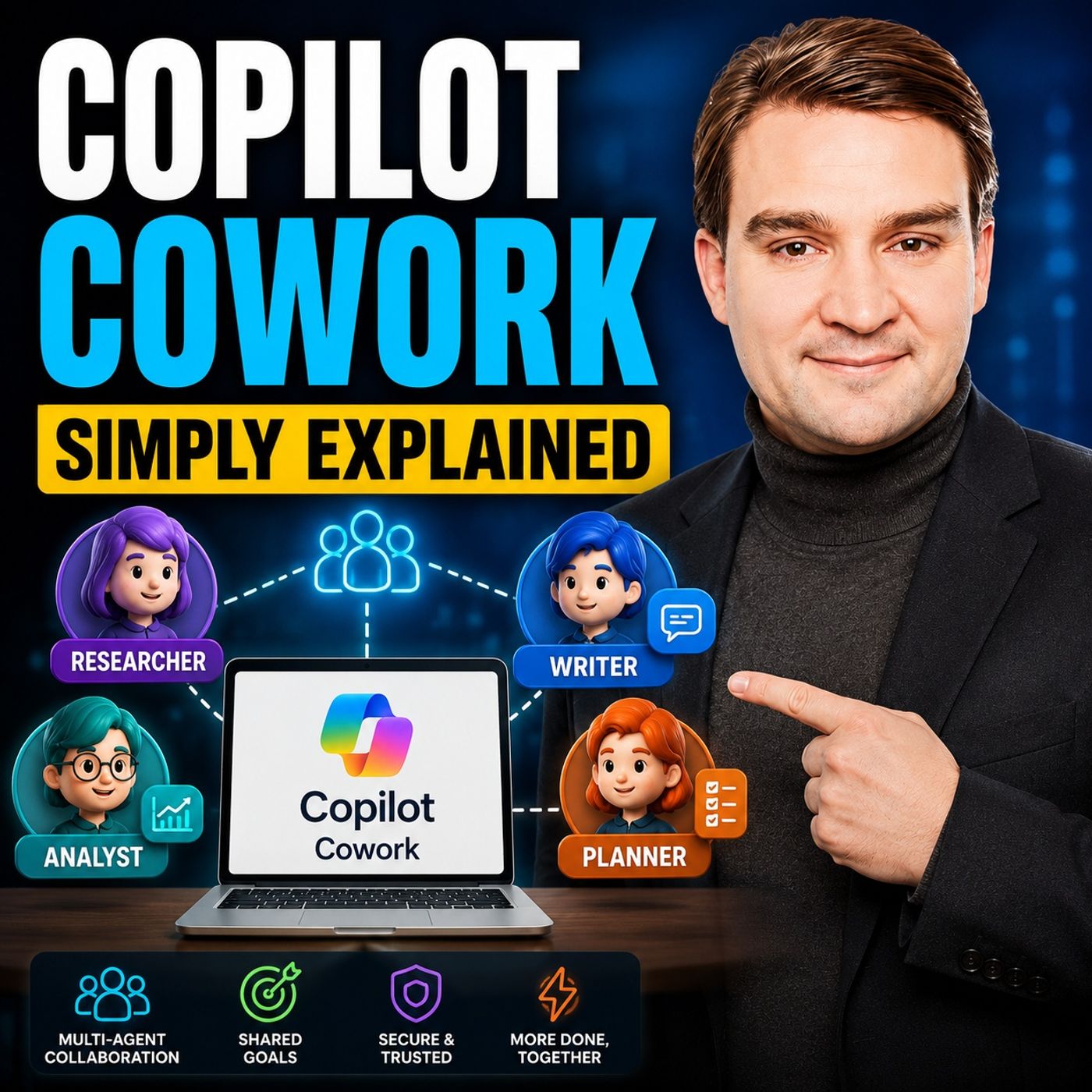
Microsoft develops it, and on m365.fm it is classified as a Microsoft tool and an AI assistant. It is related to Microsoft 365, Microsoft Graph, Word, Excel, PowerPoint, Outlook and OneNote, as well as Microsoft 365 Copilot Chat, Microsoft Loop, Copilot Cowork and data governance. Because it respects permissions, the quality and safety of its answers depend on how well content is organized and secured.
"Microsoft 365 Copilot Without the Hype" with Paul Keijzers covers adoption, governance and preparing the tenant. "Copilot Inherits Your Mess" with Richard Harbridge explains that Copilot arrives in tenants full of old sites, duplicates and guest accounts. "Power Platform Copilot Integration - Simply Explained" looks at how Copilot works in the apps, flows, reports and agents of the Power Platform.
Aperçu compilé avec l'IA à partir des épisodes M365.FM et des informations de cette page. Tu peux l'améliorer avec le bouton de modification ci-dessous.
Copilot aide quand on lui pose une question, mais que se passe-t-il quand personne ne demande rien ? Les leads s’accumulent, les dossiers restent sans réponse et les e-mails des fournisseurs ne s’arrêtent jamais. Cet épisode explique ce que font réellement…
Selon le produit, Microsoft appelle le même concept agent ou skill, ce qui sème la confusion. Cet épisode explique ce qu’est vraiment un Copilot Skill, où il se trouve et comment créer le vôtre sans écrire une ligne de code.
Le prompt engineering ne suffit plus dès qu’une entreprise utilise sérieusement Microsoft 365 Copilot. La question devient : comment connecter Copilot à nos applications, nos données, nos processus métier et nos connaissances ? Dans cet échange avec un…
Copilot, Copilot Cowork, Scout : difficile de s’y retrouver. Cet épisode clarifie les trois niveaux d’IA de Microsoft et montre pourquoi Scout, le premier « autopilote », n’attend pas vos demandes mais observe et agit de lui-même. Vous découvrirez ce qu’il…
Microsoft 365 Copilot ne lit pas vos intentions, il lit votre tenant tel qu’il est : dérive des autorisations, équipes orphelines, fichiers obsolètes et sites fantômes se retrouvent directement dans ses réponses. Cet épisode montre pourquoi l’IA ne fait que…
Copilot change chaque semaine, vos diapositives de formation non : résultat, toujours les mêmes tickets, des documents fantômes nommés « Final Final Final » et des dirigeants qui demandent où est le ROI. Cet épisode montre comment un centre d’apprentissage…
Copilot évolue chaque semaine, vos supports de formation non : résultat, toujours les mêmes tickets, des documents fantômes et des dirigeants qui remettent en cause le ROI des licences. Cet épisode montre comment bâtir dans SharePoint et Teams un centre…
Dans de nombreux bureaux, les demandes d’information (RFI) sous Excel sont encore remplies à la main, cellule par cellule : un travail répétitif, source d’erreurs et pénible. Cet épisode montre comment un agent autonome dans Microsoft Copilot Studio, associé…
Les agents se multiplient dans Teams, SharePoint, Power Automate et Copilot plus vite que votre gouvernance ne peut suivre : conditions floues, autorisations héritées, droits d’administrateur sans date d’expiration. Racontée du point de vue d’une IA, cet…
Les agents IA partent en production plus vite que les comités de changement, et un Copilot doté d’un accès à tout le tenant « juste pour tester » se déploie en un clic. Cet épisode passe en revue des cas réels dans LangChain4j et Copilot Studio : ce qui…
Votre Copilot n’est pas bête : il manque simplement de contexte, sans schéma, sans règles et sans garde-fous. Cet épisode présente un modèle reproductible de context engineering pour Copilot Studio et Power Automate qui élimine les hallucinations, corrige…
Votre ERP contient vos données les plus importantes, mais les connecter à des outils d’IA exigeait jusqu’ici des API sur mesure, des connecteurs et beaucoup de maintenance. Cet épisode explique ce qu’est le Model Context Protocol (MCP), pourquoi Microsoft a…
Chronologie des épisodes sur Microsoft 365 Copilot
Maîtriser Microsoft 365 Copilot avec PowerShell · Mirko Peters Bienvenue de nouveau sur le blog ! Si vous avez déjà ressenti le sentiment d’être submergé par le volume de tâches administratives nécessaires pour faire fonctionner sans accroc un
Maximiser le ROI de Microsoft Copilot grâce à Power Automate · Mirko Peters Lorsque les organisations investissent pour la première fois dans Microsoft 365 Copilot, l’enthousiasme est palpable. Les équipes ont hâte de découvrir les gains de productivité pr
Microsoft Scout ou Microsoft Copilot : quelle différence ? · Mirko Peters Bienvenue à nouveau, passionnés du poste de travail numérique ! Alors que l’intelligence artificielle continue de transformer notre façon d’interagir avec la technologie, les limit
Chat naturally with Facilitator without tagging it each time.
GA: December CY2026
Mises à jour plus anciennes (13)In developmentMicrosoft 365 Roadmap Microsoft Copilot (Microsoft M365): Delegated prompt publishing for organization prompts
This release follows the availability of organization prompts, providing admins the ability to upload custom prompts for their organization in the Copilot app home screen. Now, admins can delegate organization prompt publishing to users, AAD security groups, and distribution groups. These delegated users and groups will be able to create, edit and delete organization prompts at the tenant level through the Prompt Lab, without having to access the Microsoft 365 Admin Center. Admins can continue to monitor and provide oversight through the current experience in the Microsoft 365 Admin Center.
GA: December CY2026
In developmentMicrosoft 365 Roadmap Work IQ: Business Skills to manage your business processes in Work IQ MCP
Business skills are natural-language instructions that capture how your organization gets work done. They represent your business processes, policies, and domain knowledge in a format that agents can understand and follow. Each skill describes how to complete a specific type of work—the steps involved, the information required, and the business rules that apply.
Agents discover and use the business skills they have access to as needed at runtime using Work IQ MCP to complete tasks according to your organization's processes. When multiple agents use the same skill, they follow the same process, ensuring consistent behavior across your…
GA: November CY2026 · Preview: September CY2026
In developmentMicrosoft 365 Roadmap Microsoft Copilot (Microsoft 365): Copilot Cowork: Access Business Applications with Work IQ
Users can access Business Applications through Work IQ in Copilot Cowork and use Business Skills to complete end-to-end business processes grounded in their enterprise data and apps. This helps users move from finding the right business application to taking action across key workflows with less context switching.
GA: December CY2026 · Preview: September CY2026
In developmentMicrosoft 365 Roadmap Microsoft Copilot (Microsoft 365): Enable semantic model in Sales agent
Semantic model helps Sales Agent understand the structure and meaning of an organization’s CRM data. It creates a connected representation of CRM metadata, including tables or objects, fields, descriptions, data types, relationships, views, pick-list values, and glossary terms. Sales Agent can retrieve this context when responding to questions, improving its ability to interpret business language and answer complex questions that span related CRM records.
Dynamics 365 admins can enable and turn on semantic model in Power Apps Maker Portal and configure the data coverage and signals that Sales Agent should use. Admins can configure the…
GA: December CY2026 · Preview: October CY2026
In developmentMicrosoft 365 Roadmap Microsoft Copilot (Microsoft 365): Copilot Chat in OneNote can create, edit, and refine content
Copilot in OneNote can generate new content and directly edit when in edit mode. In this mode you can create, rename, and delete pages, sections, or notebooks as well as add or edit content in pages. Copilot can bring content from across WorkIQ as well as complete actions across other workflows such as creating Word, Excel, and PowerPoint files.
GA: January CY2027 · Preview: November CY2026
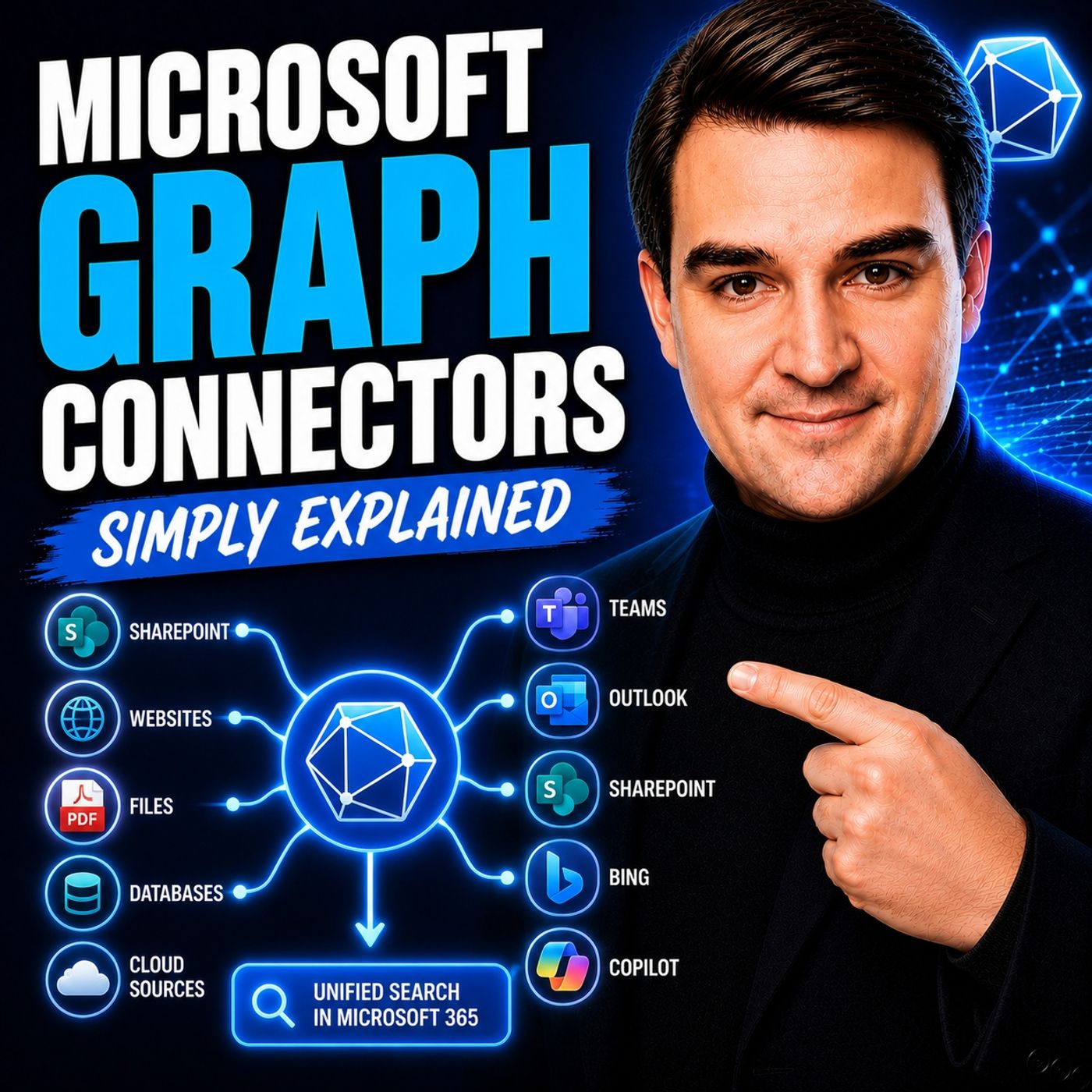
In developmentMicrosoft 365 Roadmap Microsoft Copilot (Microsoft 365): Federated Copilot Connectors in Microsoft 365 Copilot
Federated Copilot connectors enable users to securely connect Microsoft Copilot to their favorite third party sources, retrieving data in real-time using the Model Context Protocol (MCP). Federated Copilot connectors do not store or index customer data in Microsoft - access happens in real time using the user’s own identity, while administrators retain full governance and control through the Microsoft 365 Admin Center. With GA, federated Copilot connectors will be supported across Researcher agent and Microsoft 365 Chat, allowing users to bring data into their workflows.
GA: November CY2026
Rolling outMicrosoft 365 Roadmap SharePoint: HTML pages
Create HTML with Copilot in SharePoint or upload your own HTML from another source. Once stored in the pages library, you can render HTML as a page in SharePoint, make additional edits, and share with your audience. HTML gives you new ways to present your content beautifully alongside our existing ASPX pages.
GA: October CY2026
LaunchedMicrosoft 365 Roadmap Microsoft Edge: Upgraded Copilot new tab page
Search, chat, and explore the web from one search box with Copilot-suggested actions and curated work content to help your users get things done faster on the Copilot new tab page. Users will see upgraded Copilot new tab page functionality and features.
GA: November CY2026 · Preview: September CY2026
LaunchedMicrosoft 365 Roadmap Microsoft Copilot (Microsoft 365): MCP-Based Agent Enablement for U.S. Government Clouds
We’re introducing support for Model Context Protocol (MCP)-based agents in Microsoft 365 Copilot . This update enables developers to build Copilot agents using MCP servers and allows users to interact with these agents using familiar experiences. This change supports extensibility and improves agent capabilities for organizations.
GA: June CY2026
In developmentMicrosoft 365 Roadmap Microsoft Copilot (Microsoft 365): Copilot People Connectors introduces people data ingestions with differentiated access control
Copilot People Connector now supports importing people data with access controls into Microsoft 365. This release enables organizations to bring people data from external systems into Microsoft 365 along with associated access control lists (ACLs), ensuring Copilot respects existing permissions defined in source systems. The imported data can be scoped to specific individuals and groups, allowing Copilot to reason over people data while honoring access restrictions.
GA: June CY2027
LaunchedMicrosoft 365 Roadmap Microsoft Copilot (Microsoft 365): [Copilot Extensibility] Users in GCC-H will be able to use custom engine agents
Users in GCC-H will be able to use custom engine agents.
GA: August CY2026
In developmentMicrosoft 365 Roadmap Microsoft Copilot (Microsoft 365): [Copilot Extensibility] Users will be able to upload files stored locally or in one drive to custom engine agents
Users will be able to upload files stored locally or in one drive to custom engine agents.
GA: January CY2027
CancelledMicrosoft 365 Roadmap Microsoft Copilot (Microsoft 365): Edit your Copilot-generated PowerPoint presentation outline via Pages in Chat
You can now edit and collaborate on the presentation outline generated by Copilot in a Page before the PowerPoint deck is created. This item is no longer accurate and is being removed from the roadmap. We apologize for any inconvenience
GA: October CY2026
Résumés des informations officielles de publication de Microsoft, vérifiés quotidiennement.
Community wiki
Short info above, community knowledge below: add practical tips, examples or corrections. New contributions are reviewed first; trusted members publish directly.
 FR
 English
 Deutsch
 Español
 Italiano
 Português
 Nederlands
 Polski
 Bahasa Indonesia
 Русский
 Українська
 العربية
 עברית
 日本語
 한국어