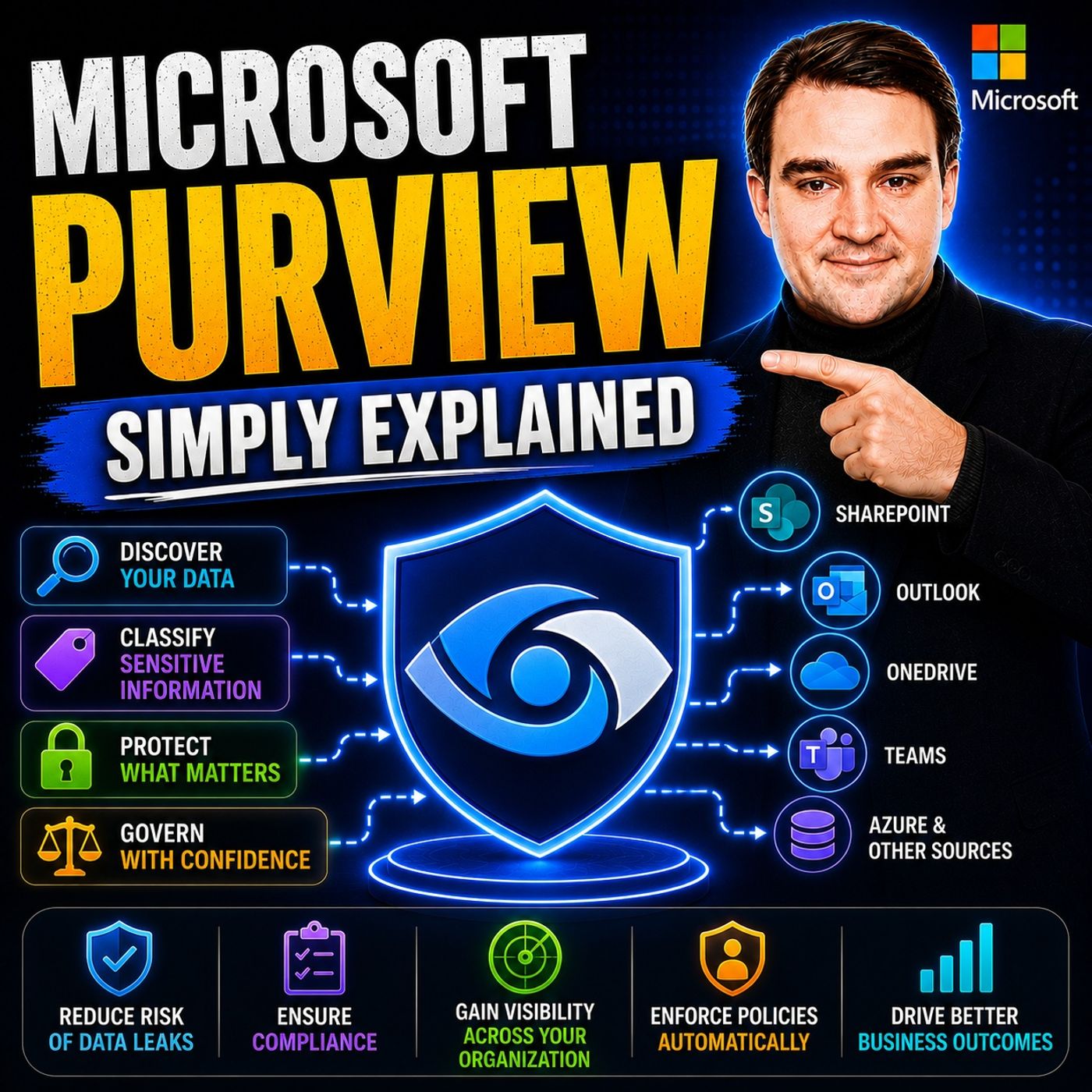
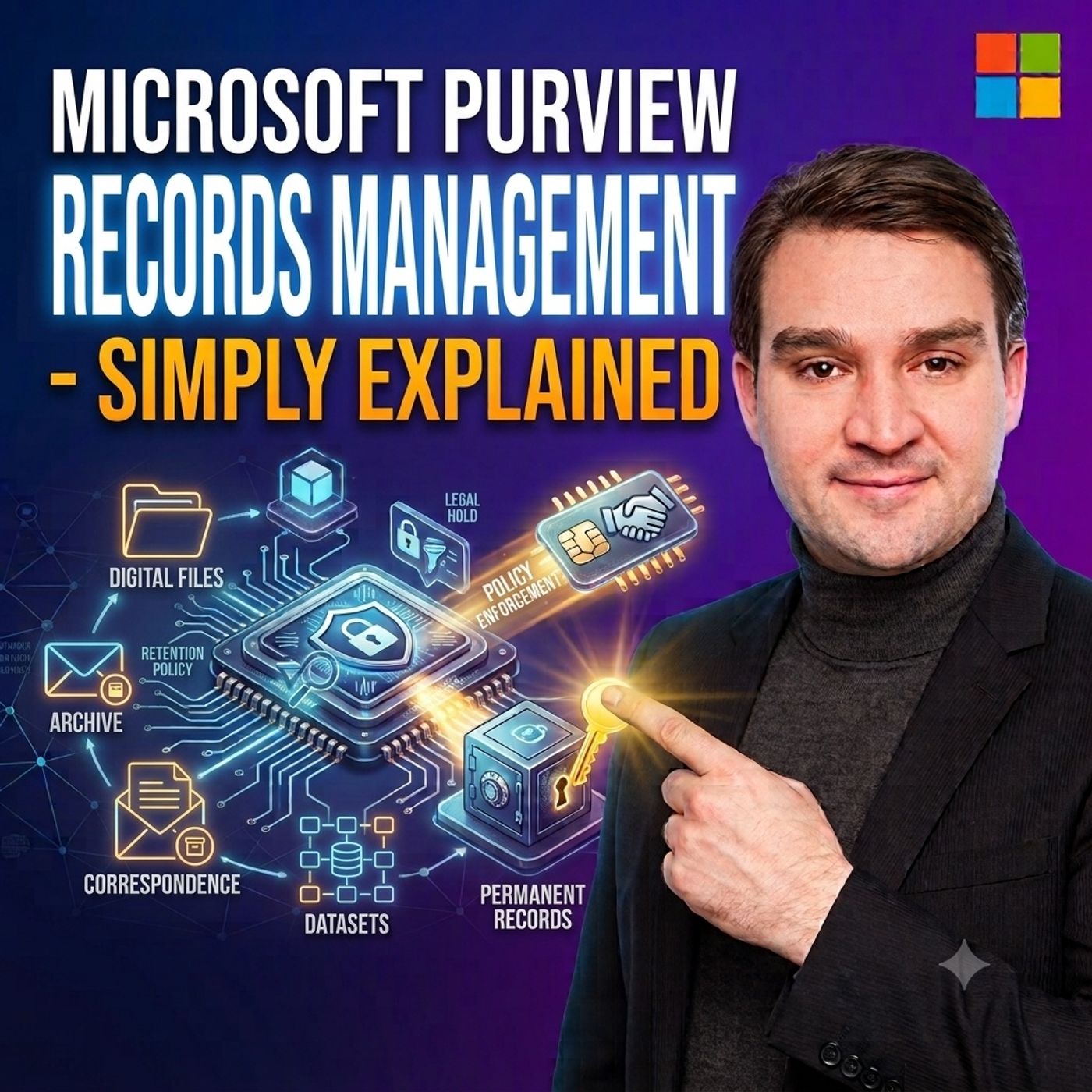
Microsoft 365 is a subscription bundle of productivity apps and cloud services, including Word, Excel, Outlook, Teams, SharePoint and OneDrive.
Graphique de titre : Microsoft 365 (Plateforme)
Description
Microsoft 365 is a subscription bundle of productivity apps and cloud services, including Word, Excel, Outlook, Teams, SharePoint and OneDrive. Organizations use it for email, document work, meetings, file storage and collaboration. It is also known as M365 and as the successor to Office 365.
Microsoft develops it, and on m365.fm it is classified as a Microsoft tool and a collaboration tool. It is related to Microsoft 365 Apps, Office on the web and the individual applications Word, Excel, PowerPoint, Outlook and OneNote. Microsoft 365 Copilot builds on it by working with the content and permissions of a Microsoft 365 tenant.
"Microsoft 365 Copilot Without the Hype" with Paul Keijzers explains that Copilot's answers depend on the content and permissions already in the tenant. "Copilot Inherits Your Mess" with Richard Harbridge describes old SharePoint sites, duplicate documents, historic migrations and guest accounts that Copilot meets in a tenant. "When Microsoft Messaging Looks Secure but Isn't" with Thomas Stensitzki shows that moving email to the cloud does not automatically make Exchange and hybrid setups secure.
Aperçu compilé avec l'IA à partir des épisodes M365.FM et des informations de cette page. Tu peux l'améliorer avec le bouton de modification ci-dessous.
Selon le produit, Microsoft appelle le même concept agent ou skill, ce qui sème la confusion. Cet épisode explique ce qu’est vraiment un Copilot Skill, où il se trouve et comment créer le vôtre sans écrire une ligne de code.
Copilot, Copilot Cowork, Scout : difficile de s’y retrouver. Cet épisode clarifie les trois niveaux d’IA de Microsoft et montre pourquoi Scout, le premier « autopilote », n’attend pas vos demandes mais observe et agit de lui-même. Vous découvrirez ce qu’il…
Microsoft 365 Copilot ne lit pas vos intentions, il lit votre tenant tel qu’il est : dérive des autorisations, équipes orphelines, fichiers obsolètes et sites fantômes se retrouvent directement dans ses réponses. Cet épisode montre pourquoi l’IA ne fait que…
Copilot change chaque semaine, vos diapositives de formation non : résultat, toujours les mêmes tickets, des documents fantômes nommés « Final Final Final » et des dirigeants qui demandent où est le ROI. Cet épisode montre comment un centre d’apprentissage…
Un mot de passe ne suffit plus à décider qui entre dans votre tenant Microsoft 365 : des mots de passe sont volés chaque jour, et même la MFA n’est pas une solution miracle. Cet épisode présente l’accès conditionnel (Conditional Access) comme un moteur de…
Les agents se multiplient dans Teams, SharePoint, Power Automate et Copilot plus vite que votre gouvernance ne peut suivre : conditions floues, autorisations héritées, droits d’administrateur sans date d’expiration. Racontée du point de vue d’une IA, cet…
Les agents IA partent en production plus vite que les comités de changement, et un Copilot doté d’un accès à tout le tenant « juste pour tester » se déploie en un clic. Cet épisode passe en revue des cas réels dans LangChain4j et Copilot Studio : ce qui…
Beaucoup pensent que Power Apps est un seul produit, mais ce nom recouvre deux types d’applications totalement différents, et un mauvais choix peut coûter des semaines de reprise. Cet épisode montre que la différence entre applications canevas et…
Par défaut, Microsoft 365 Copilot ne voit que le contenu de SharePoint Online et OneDrive : votre CRM, votre système de tickets et votre wiki restent un angle mort. Cet épisode montre comment les connecteurs Copilot comblent cette lacune et quel modèle de…
Un agent IA unique qui doit planifier, exécuter, approuver et documenter en même temps finit par s’emmêler : hallucinations, pics de latence et coûts de tokens qui explosent. Cet épisode montre comment construire avec Azure AI Foundry et Semantic Kernel un…
Beaucoup pensent que Copilot connaît leur entreprise, mais par défaut il ne voit que SharePoint, quelques e-mails et des conversations Teams – ni le pipeline Salesforce, ni l’incident dans ServiceNow, ni votre API interne. Cet épisode montre comment donner…
Dans Microsoft 365, les données de sécurité sont dispersées entre Entra, Exchange, SharePoint, Defender et Teams : après cinq tableaux de bord, on perd le fil et les attaques passent inaperçues. Cet épisode explique simplement ce que fait Microsoft Sentinel…
Microsoft 365: [Education] Microsoft Learning Zone - Minecraft connected lessons
Bring Minecraft Education to every classroom with AI-powered tools that match curriculum goals to Build Challenges, blend lessons with project-based learning, launch directly from Learning Zone, and give you full visibility into participation, completion, and student understanding.
#education
GA: February CY2027
Mises à jour plus anciennes (13)In developmentMicrosoft 365 Roadmap Microsoft 365: [Education] Practice presentations with Speaker Coach in Learning Activities
In learning activities, students can rehearse presentations, receive feedback on their delivery, and practice again with targeted suggestions to improve clarity and confidence.
#education
GA: December CY2026
LaunchedMicrosoft 365 Roadmap Microsoft 365 app: Inventory - Update Repair
Update Repair helps admins identify Windows devices with Microsoft 365 Apps that are out of date or experiencing update issues. In the Microsoft 365 Apps admin center, admins can review device status and recommended actions, remotely start Online Repair for eligible devices, and follow manual remediation guidance for devices that need attention. Repair reinstalls Microsoft 365 Apps using the latest available build for the device’s configured update channel.
GA: November CY2026 · Preview: October CY2026
Rolling outMicrosoft 365 Roadmap Microsoft 365 Apps: Cloud Update - Export Improvements
New export improvements are coming to Cloud Update, making it easier for organizations to access and analyze device data. These enhancements will expand export capabilities across Inventory and Cloud Update device views, include additional device and update information, and allow admins to export filtered results so they can focus on the devices most relevant to their needs.
GA: November CY2026
LaunchedMicrosoft 365 Roadmap Microsoft 365: Frontier expands to public previews in Teams, Outlook, OneDrive, and SharePoint
Frontier is expanding to bring eligible public preview features across Microsoft 365 into one program. Users enrolled in Frontier can get eligible previews for new Outlook for Windows, OneDrive, SharePoint, Microsoft Teams, and Copilot, managed through a single admin-controlled enrollment experience. Frontier enrollment is optional and separate from Standard and Deferred release preferences for generally available features. Existing Frontier users do not need to re-enroll.
GA: November CY2026
In developmentMicrosoft 365 Roadmap Microsoft 365: [Education] Microsoft Learning Zone - Improve Lesson Insights
See where your class is struggling and which students need support, with lesson-level results for every student. Aggregated responses show the mistakes many students made in a lesson. You can then open each student's answers to plan targeted follow-up.
#education
GA: December CY2026
In developmentMicrosoft 365 Roadmap Microsoft 365: Expiration for access on sharing main links
People can set expiration dates for “Anyone” and “People in your organization” access on the main link to files and folders in OneDrive and SharePoint. New administrator policies can Administrators can set policies to require expiration and enforce a maximum access duration, with separate settings for OneDrive and SharePoint. These controls help organizations align content sharing with their data governance requirements. When access expires, the main link remains, and permissions granted directly to individuals are preserved.
GA: February CY2027
In developmentMicrosoft 365 Roadmap Microsoft Copilot Studio: Copilot studio cost controls in MAC
We’re expanding cost management for Microsoft Copilot Studio into the Microsoft 365 admin center. This gives administrators a more centralized way to manage Copilot Credit spend across usage-based AI workloads while retaining Copilot Studio cost management capabilities in the Power Platform admin center.
With this update, administrators can bring supported Copilot Studio environments and agents under Cost Management spending policies. Resource-based policies for environments and agents are the first planned scopes, with broader user and group policy support planned for a later phase.
Furthermore, this update will introduce cost data into…
GA: October CY2026
In developmentMicrosoft 365 Roadmap Microsoft 365: PAYGO consumption-based meter for your extra SharePoint storage needs
Use the new PAYGO consumption-based meter to pay for your extra SharePoint storage needs. This reduces the operational overhead associated with purchasing extra storage packs and more seamlessly integrates with Microsoft 365 Archive.
GA: January CY2027 · Preview: June CY2026
In developmentMicrosoft 365 Roadmap Microsoft 365: [Education] Assign Study and Learn in Teams and LMS Assignments
Educators can assign Study and Learn from Student AI Guidelines in Teams and LMS Assignments. Students open guided learning support grounded in the assignment's title, instructions, and supported files and resources, helping them work through concepts and practice their understanding.
GA: November CY2026 · Preview: October CY2026
In developmentMicrosoft 365 Roadmap Microsoft 365: [Education] Provide a Copilot starter prompt in Teams and LMS Assignments
Educators can provide a Copilot starter prompt from Student AI Guidelines in Teams and LMS Assignments. Students open Copilot with the educator's prompt ready in their chat, helping them begin with instructions tailored to the assignment.
GA: November CY2026 · Preview: October CY2026
LaunchedMicrosoft 365 Roadmap Microsoft 365 Apps: Cloud Update - Extended rollback support for Monthly Enterprise Channel
Cloud Update is expanding rollback options for devices on Monthly Enterprise Channel. Administrators will be able to roll back devices to a release from two versions prior, with the latest available security updates for that release, and keep devices in the rolled-back state across subsequent releases until they are ready to resume updates. This provides additional time to investigate and resolve compatibility issues while maintaining security coverage and centralized control through the Microsoft 365 Apps admin center.
New improvements are coming to the rollout wave functionality for Cloud Update. These enhancements will allow organizations to continue leveraging Microsoft Entra ID groups to set up rollout waves, with increased flexibility to configure more than the current limit of three waves. Additionally, admins will be able to assign custom delays between each wave, streamlining phased deployments and offering greater control over update distribution.
GA: June CY2026 · Preview: May CY2026
LaunchedMicrosoft 365 Roadmap Microsoft 365: Backup Activity Logs
In product monitoring logs to track all activities related to backup policy configuration & restore related tasks. This will help admins with troubleshooting, monitoring, reporting and auditing capabilities.
GA: December CY2025
Résumés des informations officielles de publication de Microsoft, vérifiés quotidiennement.
Community wiki
Short info above, community knowledge below: add practical tips, examples or corrections. New contributions are reviewed first; trusted members publish directly.
 FR
 English
 Deutsch
 Español
 Italiano
 Português
 Nederlands
 Polski
 Bahasa Indonesia
 Русский
 Українська
 العربية
 עברית
 日本語
 한국어