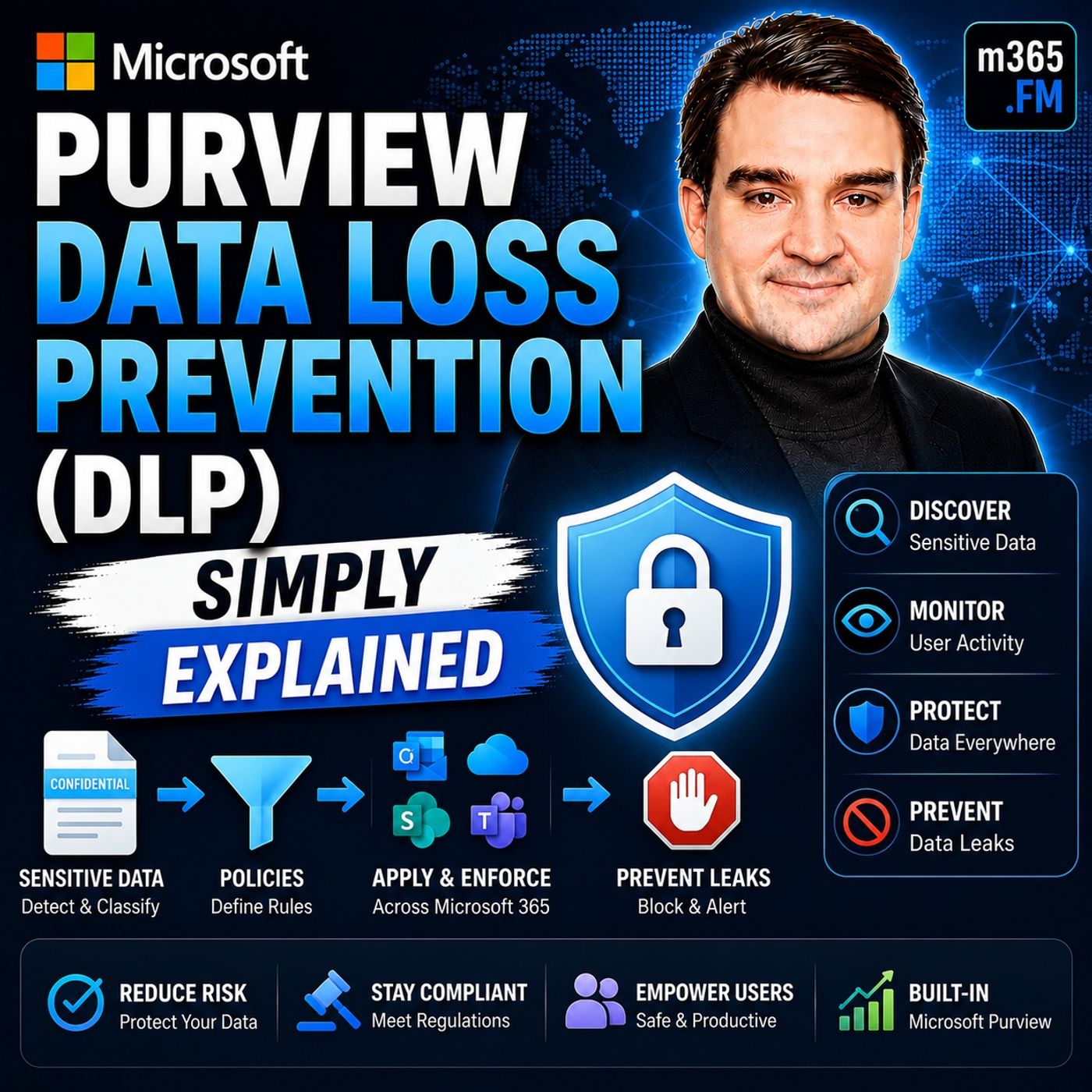
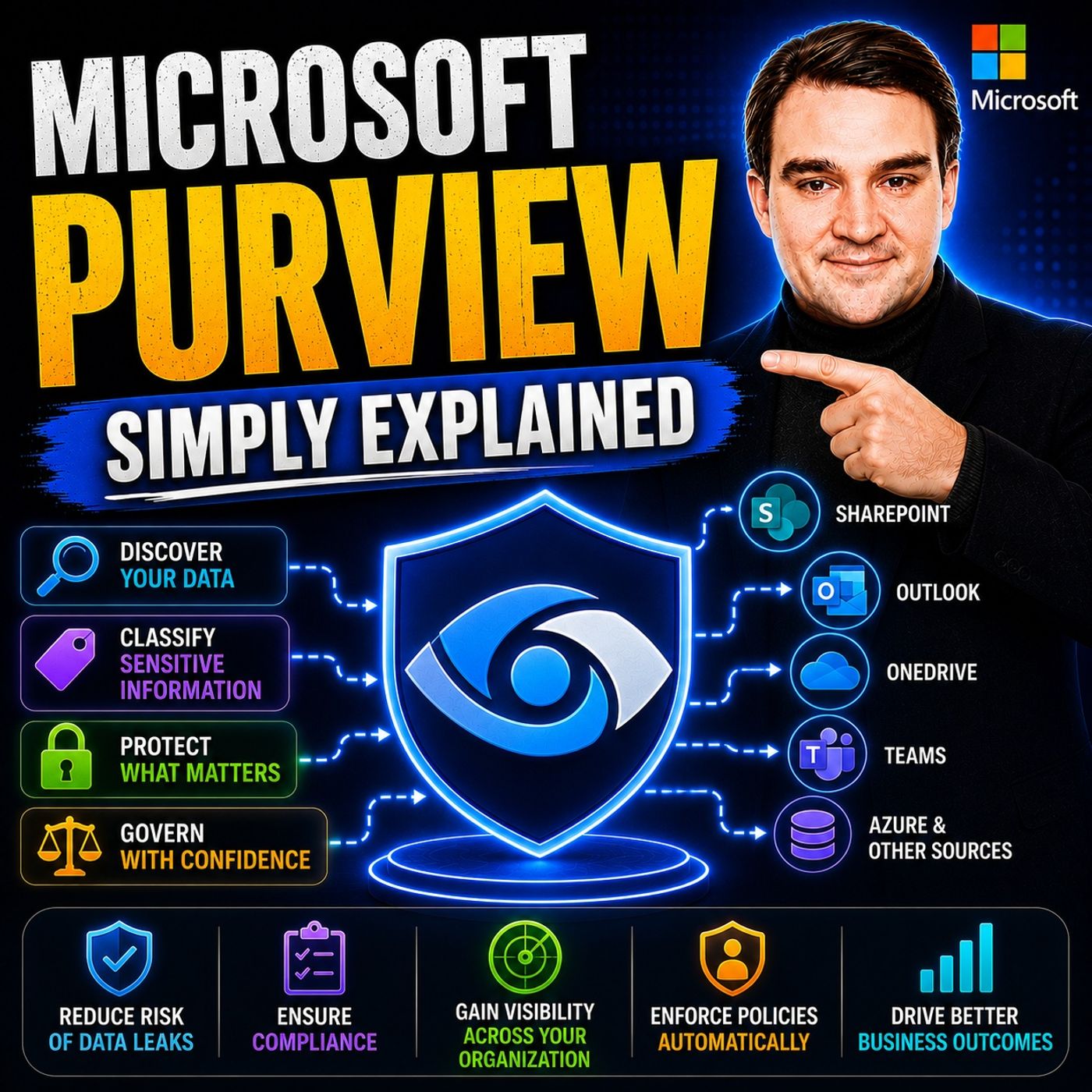
Microsoft's family of data governance, protection and compliance tools. It covers sensitivity labels, data loss prevention, retention, eDiscovery, audit and insider-risk management across Microsoft 365 and other data sources.
Title graphic : Microsoft Purview (Produit)
Description
Microsoft Purview is Microsoft's family of data governance, protection and compliance tools. It covers sensitivity labels, data loss prevention, retention, eDiscovery, audit and insider-risk management across Microsoft 365 and other data sources. It is a paid product.
Microsoft develops it, and on m365.fm it is classified as a Microsoft tool and an identity and security tool. Sensitivity labels and data loss prevention are part of it, and it is related to data governance and Microsoft Agent 365. Purview works with the content in Outlook, Teams, SharePoint and OneDrive, so it is often rolled out together with identity and device controls.
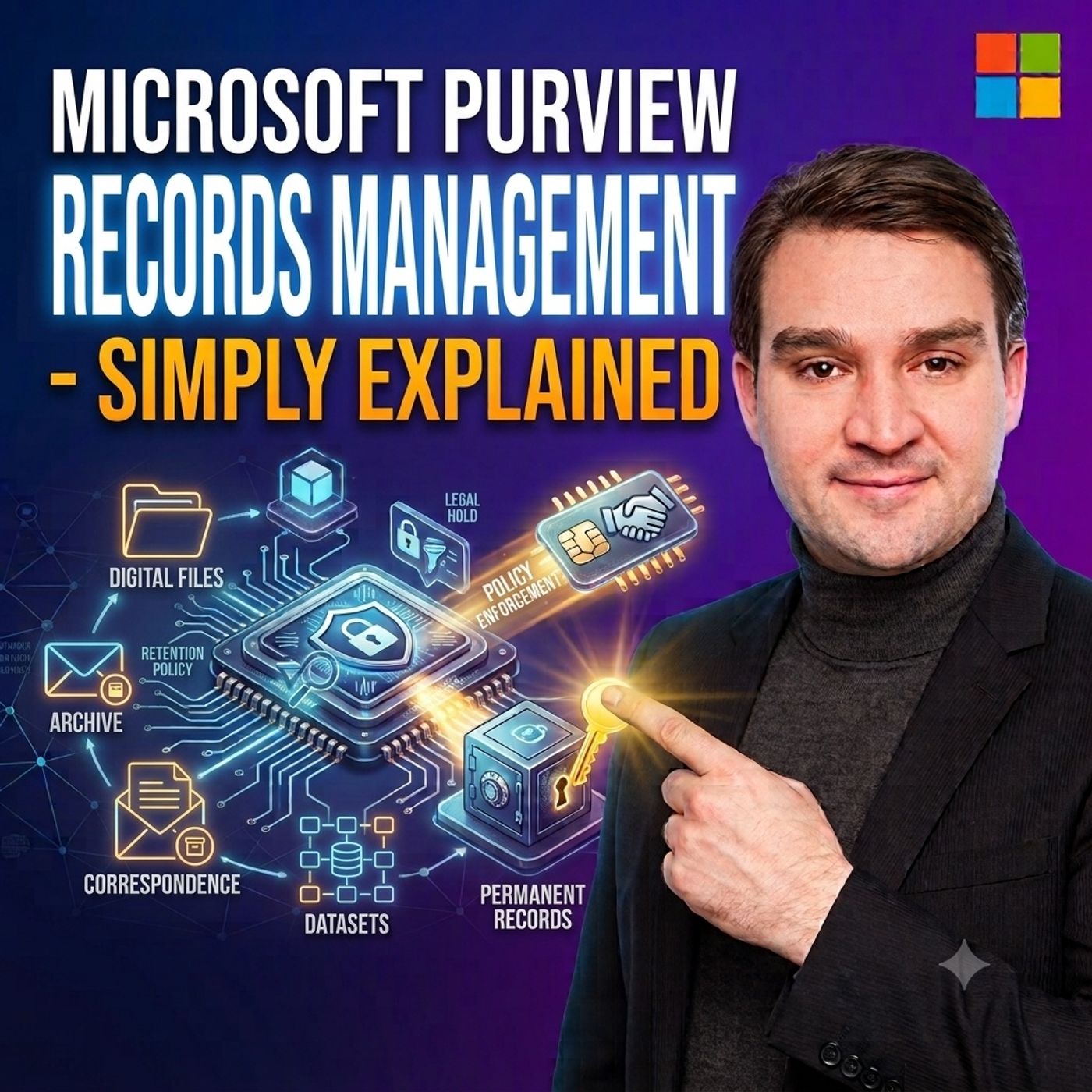
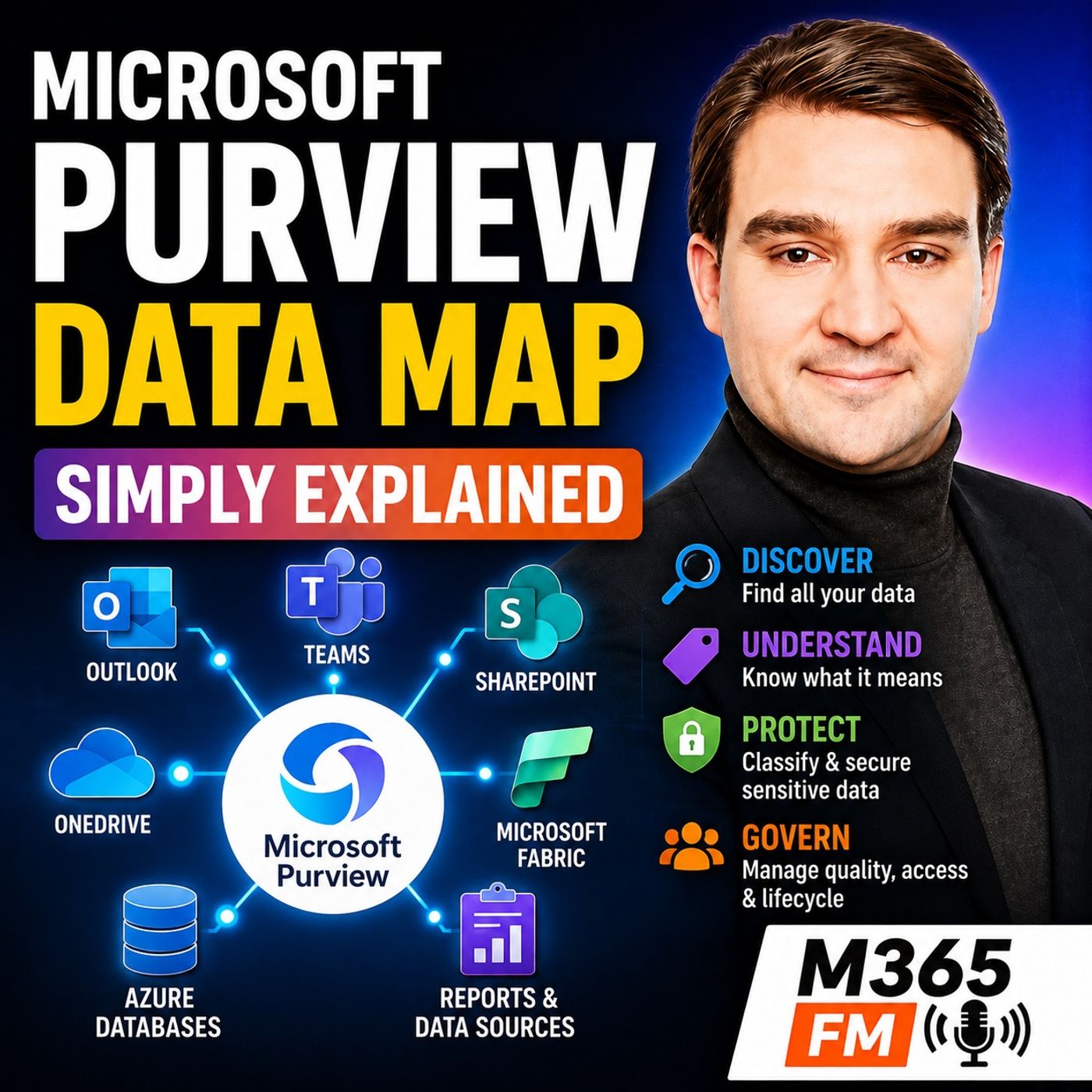
"Microsoft Purview Data Map - Simply Explained" starts from the fact that Microsoft 365 data rarely stays in one place and shows why it must be understood across services. "Microsoft Purview Records Management - Simply Explained" covers contracts, financial reports and other documents that must be retained for legal and regulatory reasons. "Microsoft Purview Audit - Simply Explained" explains how audit records answer what happened after a security incident, compliance investigation or legal request.
Aperçu compilé avec l'IA à partir des épisodes M365.FM et des informations de cette page. Tu peux l'améliorer avec le bouton de modification ci-dessous.
Dans une entreprise moyenne, l’étiquetage manuel n’atteint que 30 % d’adoption : 70 % de la propriété intellectuelle reste pratiquement invisible pour les outils de sécurité. Cet épisode montre comment passer, avec Microsoft Purview, d’un étiquetage piloté…
Dans une entreprise moyenne, l’étiquetage manuel n’atteint que 30 % d’adoption : 70 % de la propriété intellectuelle reste pratiquement invisible pour les outils de sécurité. Cet épisode montre comment passer, avec Microsoft Purview, d’un étiquetage piloté…
Vous déployez Copilot et, au lieu de la vague de productivité, les événements de prévention des pertes de données (DLP) augmentent de 300 %. Cet épisode montre pourquoi Copilot hérite de vos erreurs d’autorisations, pourquoi les étiquettes statiques créent…
Les agents se multiplient dans Teams, SharePoint, Power Automate et Copilot plus vite que votre gouvernance ne peut suivre : conditions floues, autorisations héritées, droits d’administrateur sans date d’expiration. Racontée du point de vue d’une IA, cet…
Les bots Copilot Studio, les flux Power Automate et des autorisations Graph trop généreuses transforment les agents IA en Shadow IT 2.0 : ils déplacent des données en silence, souvent sans identité propre, sans responsable et sans journaux d’audit. Cet…
Les agents IA faits maison pour Microsoft 365 perdent le contexte sous charge, se comportent différemment selon le canal et échouent à l'audit de sécurité. Cet épisode montre pourquoi le Microsoft 365 Agents SDK gère nativement l'identité, l'état, les canaux…
Dans presque chaque projet de transformation numérique, la première étape est une migration vers Dataverse ou Fabric, même quand rien n’est cassé. Cet épisode montre pourquoi c’est désormais inutile : Copilot Studio lit les listes SharePoint directement, en…
Votre agent SharePoint n’hallucine pas : il voit tout simplement trop. Des sources de connaissances trop larges et un héritage de permissions laxiste créent des expositions à la vitesse de la machine. Cet épisode présente un pack de stratégies de base :…
Un contrat signé disparaît de SharePoint et personne ne sait qui l’a supprimé ni s’il devait encore exister. Cet épisode montre comment Microsoft Purview Records Management protège les documents officiels dans SharePoint, OneDrive, Exchange Online et Teams…
Les agents Copilot Studio héritent de vos autorisations : tout ce que vous pouvez voir, votre chatbot peut aussi le récupérer et le résumer, jusqu’aux procès-verbaux du conseil et aux données salariales. Cet épisode montre comment colmater la fuite avec les…
Copilot n’affiche pas automatiquement uniquement ce que vous avez le droit de voir. Une seule permission Graph trop large suffit pour que l’IA divulgue des procès-verbaux confidentiels ou des données financières, sans alerte et souvent sans que personne ne…
Copilot rassemble tout ce à quoi un utilisateur a techniquement accès – et soudain, les prévisions de chiffre d’affaires de la direction se retrouvent dans le brouillon d’un analyste junior. Cet épisode montre pourquoi la DLP et les autorisations ne…
Premiers pas avec les journaux d’audit de Microsoft Purview · Mirko Peters Bienvenue de nouveau sur le blog d’accompagnement du podcast ! Dans l’article d’aujourd’hui, nous plongeons au cœur des mécanismes fondamentaux du suivi et de l’examen des actions
Microsoft Purview: Permissions audit log improvements
Improving permission checks when users access the Microsoft Purview portal. Enhanced audit logs will provide clearer visibility into role and scoped-role access decisions, helping administrators troubleshoot access issues and monitor authorization outcomes.
GA: September CY2026
Mises à jour plus anciennes (13)In developmentMicrosoft 365 Roadmap Microsoft Purview: Endpoint Data Loss Prevention-View-only access to device onboarding with the View-Only Device Management role
Microsoft Purview Data Loss Prevention is introducing more granular, role-based access to the Devices page under Settings → Device Onboarding. Previously, viewing or managing device onboarding required broad administrative roles (such as Compliance Administrator, Global Administrator, or Security Administrator). With this update, organizations can grant access using least-privilege Purview role-based access control (RBAC) roles scoped specifically to device operations.
A new View-Only Device Management role enables users, such as auditors or security analysts, to view device onboarding status, search for devices, review configuration…
GA: January CY2027 · Preview: December CY2026
LaunchedMicrosoft 365 Roadmap Microsoft Purview: Information Protection-Auto-labeling scale increase for SharePoint and OneDrive
We are increasing the maximum auto-labeling capacity for SharePoint and OneDrive from 100,000 up to 500,000 files per tenant per day. This helps organizations label and protect more of their data at rest, faster, closing labeling gaps across existing content. With sensitivity labels and protection settings applied to more files sooner, organizations can better prepare their data estate for Microsoft 365 Copilot with greater confidence.
GA: November CY2026
In developmentMicrosoft 365 Roadmap Microsoft Purview: DSPM-Copilot Readiness and Data Explorer
We’re introducing the new readiness for Microsoft Copilot and data explorer experiences in Microsoft Purview Data Security Posture Management (DSPM). These new capabilities provide data security teams with greater visibility into their organization’s data security posture and help them assess risks, investigate findings, and prioritize remediation.
The readiness for Microsoft Copilot experience in Purview DSPM helps organizations assess and improve their data readiness for Microsoft Copilot. It brings together insights into sensitive data exposure, oversharing, and protection coverage, helping security teams identify risks and assess…
GA: March CY2027 · Preview: January CY2027
LaunchedMicrosoft 365 Roadmap Microsoft Purview: Auto-labeling scalability, policy management, and reporting enhancements
Microsoft Purview is improving auto-labeling capabilities to help organizations manage and validate labeling policies at enterprise scale. These enhancements expand support for larger SharePoint scopes, improve policy management flexibility, and provide richer visibility into auto-labeling activity.
GA: November CY2026 · Preview: September CY2026
LaunchedMicrosoft 365 Roadmap Microsoft Purview: Information Protection-Auto-labeling per-policy coverage report
For each enforced auto-labeling policy, admins can view how files processed during enforcement correlate to the latest simulation run. The per-policy coverage report shows volumes of files that have been labeled or are not yet labeled, and whether those files were included in the last simulation snapshot. This helps admins understand enforcement progress for a specific policy against the data state captured during simulation, while also identifying files that were not found in the simulation snapshot but were processed during enforcement.
GA: October CY2026 · Preview: September CY2026
In developmentMicrosoft 365 Roadmap Microsoft Purview: Endpoint Data Loss Prevention - Policy Sync & Device Health AI-Powered Investigation
AI-powered visibility into DLP policy deployment across devices, helping admins track sync progress and understand enforcement coverage. They proactively identify impacted devices, explain root causes of sync failures, and guide admins with recommended actions to quickly diagnose and resolve issues.
GA: August CY2027
In developmentMicrosoft 365 Roadmap Microsoft Purview: Endpoint Data Loss Prevention - Policy Sync & Device Health AI-Powered Investigation
AI agent skill to detect and alert unhealthy policy sync and device configuration.
GA: July CY2027 · Preview: June CY2027
LaunchedMicrosoft 365 Roadmap Microsoft Purview: Data Loss Prevention – New Guided Experience to Diagnose and Resolve DLP Issues
We’re introducing a new guided diagnostics experience to help users understand why their DLP policies may not be behaving as expected. This experience provides a clear summary of why a DLP action was taken on a document, including which policies were triggered, the order of evaluation, and detailed insights into which conditions evaluated as true or false.
For Microsoft 365 E5 customers, the experience also includes Copilot-powered insights and tailored recommendations to accelerate troubleshooting and policy optimization.
GA: October CY2026 · Preview: September CY2026
LaunchedMicrosoft 365 Roadmap Microsoft Purview: Data Lifecycle Management – Increase in expansion limit for auto expanding archive beyond 1.5TB
Previously, auto expanding archive mailbox expansion was supported only up to 1.5 TB, after which mailboxes would become inoperative. Archive mailboxes can now automatically expand beyond the 1.5 TB limit, ensuring uninterrupted retention and enabling scalable archive growth as storage thresholds are reached. This capability to expand archive beyond 1.5 TB will be available to customers with eligible E5 licenses.
GA: October CY2026
LaunchedMicrosoft 365 Roadmap Microsoft Purview compliance portal: Data Loss Prevention – Restrict access action support for sematic models and lakehouses in Fabric
Your organization can now control who can access your data depending on the sensitive information detected in Fabric semantic models and lakehouses. DLP restrict access action allows you to block access to guest users or all users depending on what labels or sensitive information types matches your semantic models or lakehouses. This is in addition to the ability already supported by DLP policies to audit and notify users via Policy Tips based on sensitive content within Fabric semantic models and lakehouses.
GA: October CY2026 · Preview: April CY2024
In developmentMicrosoft 365 Roadmap Microsoft Purview: Data Loss Prevention-Expanded inline protection for unmanaged apps in Edge for Business
Microsoft Purview collection and data loss prevention (DLP) policies will support browser inline protection for a significantly broader set of unmanaged generative AI apps in Edge for Business. Admins can use existing Purview policy experiences to detect and protect sensitive data shared through supported browser activities, helping extend consistent data security controls across more destinations.
GA: February CY2027 · Preview: January CY2027
LaunchedMicrosoft 365 Roadmap Microsoft Purview: Data Loss Prevention for Microsoft Cowork
Microsoft Purview Data Loss Prevention (DLP) is expanding to Microsoft Cowork, enabling data security admins to use a single policy across Microsoft 365 Copilot and Cowork. The integration helps protect sensitive AI interactions by preventing the use of labeled knowledge sources, blocking prompts that contain supported sensitive information types, and restricting sensitive prompts from being sent to Bing for web search.
GA: October CY2026 · Preview: September CY2026
LaunchedMicrosoft 365 Roadmap Microsoft Purview: Endpoint Data Loss Prevention - Protect sensitive data over FTP and SFTP with Endpoint DLP
Endpoint DLP support for FTP and SFTP enables organizations to monitor and protect sensitive data transferred from managed endpoints using FTP and SFTP, helping prevent unauthorized data exfiltration while maintaining visibility and control.
GA: October CY2026 · Preview: September CY2026
Résumés des informations officielles de publication de Microsoft, vérifiés quotidiennement.
Community wiki
Short info above, community knowledge below: add practical tips, examples or corrections. New contributions are reviewed first; trusted members publish directly.
 FR
 English
 Deutsch
 Español
 Italiano
 Português
 Nederlands
 Polski
 Bahasa Indonesia
 Русский
 Українська
 العربية
 עברית
 日本語
 한국어