Microsoft 365's platform for intranets, document libraries and team sites. Most files shared in Teams are stored in SharePoint, so its permissions directly decide what Copilot can find.
Titre graphique : SharePoint (Produit)
Description
SharePoint is the content and intranet platform of Microsoft 365. Team sites, communication sites and document libraries hold the files behind Teams, with permissions, versioning, metadata and retention labels. Lists, Power Apps and Power Automate extend libraries into small business solutions.
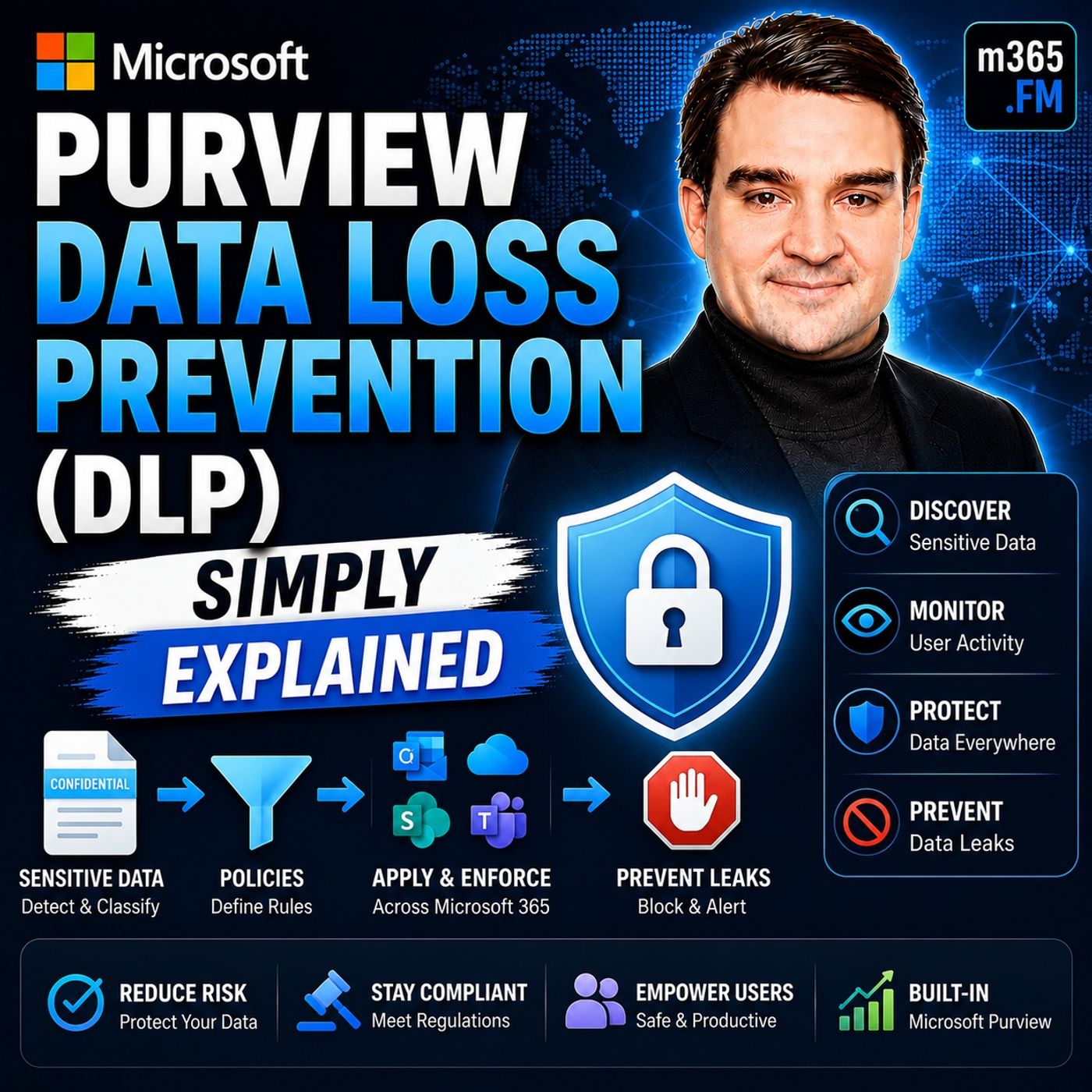
Vous déployez Copilot et, au lieu de la vague de productivité, les événements de prévention des pertes de données (DLP) augmentent de 300 %. Cet épisode montre pourquoi Copilot hérite de vos erreurs d’autorisations, pourquoi les étiquettes statiques créent…
Microsoft 365 Copilot ne lit pas vos intentions, il lit votre tenant tel qu’il est : dérive des autorisations, équipes orphelines, fichiers obsolètes et sites fantômes se retrouvent directement dans ses réponses. Cet épisode montre pourquoi l’IA ne fait que…
Copilot change chaque semaine, vos diapositives de formation non : résultat, toujours les mêmes tickets, des documents fantômes nommés « Final Final Final » et des dirigeants qui demandent où est le ROI. Cet épisode montre comment un centre d’apprentissage…
Copilot évolue chaque semaine, vos supports de formation non : résultat, toujours les mêmes tickets, des documents fantômes et des dirigeants qui remettent en cause le ROI des licences. Cet épisode montre comment bâtir dans SharePoint et Teams un centre…
Dans de nombreux bureaux, les demandes d’information (RFI) sous Excel sont encore remplies à la main, cellule par cellule : un travail répétitif, source d’erreurs et pénible. Cet épisode montre comment un agent autonome dans Microsoft Copilot Studio, associé…
Un fichier arrive dans SharePoint, l’équipe doit être prévenue dans Teams et la base de données doit être mise à jour : trois systèmes sans lien, alors quelqu’un recopie tout à la main. Cet épisode explique comment Azure Logic Apps relie ces systèmes sans…
Le SharePoint Knowledge Agent promet d’organiser vos contenus, de générer des métadonnées et de répondre aux questions, mais il n’est pas autonome. Cet épisode montre ce que fait vraiment cet agent de SharePoint Premium propulsé par Copilot, où il échoue et…
Dans presque chaque projet de transformation numérique, la première étape est une migration vers Dataverse ou Fabric, même quand rien n’est cassé. Cet épisode montre pourquoi c’est désormais inutile : Copilot Studio lit les listes SharePoint directement, en…
Votre agent SharePoint n’hallucine pas : il voit tout simplement trop. Des sources de connaissances trop larges et un héritage de permissions laxiste créent des expositions à la vitesse de la machine. Cet épisode présente un pack de stratégies de base :…
Copilot lit le contenu SharePoint et OneDrive en un éclair – et tout ce qui est partagé trop largement devient facile à trouver. Cet épisode montre pourquoi les autorisations de base ne sont qu’une douve et comment SharePoint Advanced Management (SAM) ajoute…
En aperçu, le formulaire Power Apps semble parfait ; après le déploiement, le bouton n’enregistre plus, les validations deviennent imprévisibles et le chargement s’éternise. Cet épisode montre sur un vrai formulaire de demande où se cachent les pièges et…
Avec des milliers de sites qui changent chaque jour, personne ne peut suivre à la main qui a accès à quoi, et la revue annuelle des autorisations est dépassée dès la semaine suivante. Cet épisode montre comment analyser automatiquement chaque site,…
Create HTML with Copilot in SharePoint or upload your own HTML from another source. Once stored in the pages library, you can render HTML as a page in SharePoint, make additional edits, and share with your audience. HTML gives you new ways to present your content beautifully alongside our existing ASPX pages.
GA: October CY2026
Mises à jour plus anciennes (13)LaunchedMicrosoft 365 Roadmap Microsoft Copilot (Microsoft 365): Copilot in SharePoint
Simplifies SharePoint content management and ensures content is Copilot-ready by automating metadata, fixing stale content, enabling fast page creation, improving compliance, and enriching content so Copilot can deliver more accurate, grounded answers. Updated April 16: We are still in development for GA and have launched to Preview only.
GA: September CY2026 · Preview: September CY2025
LaunchedMicrosoft 365 Roadmap SharePoint: New Microsoft 365 Copilot Skills for SharePoint Administration
We’re excited to announce two new Copilot skills in the SharePoint Admin Center:
Step-by-Step Task Guidance
Copilot can now walk you through the exact steps required to complete common admin tasks.
Example: “How can I find sites that are potentially over-permissioned?”
What to expect: Copilot will recommend clear, sequential instructions to guide you from start to finish.
Multi-Criteria Site Search
Copilot can help you find sites using multiple conditions at once.
Example: “Find sites that have been inactive for more than 60 days and are shared externally.”
What to expect: Copilot will generate a filtered list of sites that meet your…
GA: October CY2025
Rolling outMicrosoft 365 Roadmap SharePoint: Admin Center - Data Access Governance - Permission report for a given group
A single group with broad membership or a special group for vendors etc. - can expose sensitive content to unintended recipients. With this new report, SharePoint admins can now see every site a group can access and the extent of that access.
GA: November CY2026
In developmentMicrosoft 365 Roadmap Microsoft 365: Expiration for access on sharing main links
People can set expiration dates for “Anyone” and “People in your organization” access on the main link to files and folders in OneDrive and SharePoint. New administrator policies can Administrators can set policies to require expiration and enforce a maximum access duration, with separate settings for OneDrive and SharePoint. These controls help organizations align content sharing with their data governance requirements. When access expires, the main link remains, and permissions granted directly to individuals are preserved.
GA: February CY2027
LaunchedMicrosoft 365 Roadmap Microsoft Copilot (Microsoft 365): Generate documents using forms in SharePoint with Power Automate
We are introducing a new Power Automate action that enables automated document generation using document generation (DocGen) forms in SharePoint.
Generate document from form (Preview) allows customers to create documents from a template by mapping data inputs to predefined template fields.
Documents are generated as part of an automated flow and stored in SharePoint.
This capability supports scenarios such as creating contracts, invoices, letters, or reports using structured templates and form-driven inputs.
The action works by mapping input data to template fields and returns the generated document along with file metadata such as location…
GA: October CY2026 · Preview: May CY2026
In developmentMicrosoft 365 Roadmap OneDrive: Respond to access requests directly in the Share dialog
Review and respond to access requests inside the Share dialog. When people request access to a file, folder, or library, anyone who can share it will see pending requests right in the Share dialog for that item. From there, they can choose the level of access to grant, approve or decline requests individually or in bulk, and message the requester before deciding. Requests for more access, such as edit rights for someone who can already view, appear alongside new requests, making it faster to grant the right access and keep work moving.
GA: January CY2027
Rolling outMicrosoft 365 Roadmap Microsoft Teams: SharePoint app in Teams
When a user who has access to the SharePoint app in Teams clicks a SharePoint page or news link in Teams chat or channels, the link will open inside the SharePoint app in Teams (if available) instead of the mobile browser
GA: November CY2026
Rolling outMicrosoft 365 Roadmap SharePoint: Changes to the FAQ web part authoring experience
The SharePoint FAQ web part will provide a standard, non-AI experience for manually creating, editing, and managing FAQs. The AI-assisted FAQ creation and import will move to the Copilot in SharePoint authoring experience, where authors can use natural-language prompts and selected grounding sources to generate FAQ content that is saved to the compatible FAQ web part. Existing FAQ web parts and their content will continue to render without migration.
GA: October CY2026
In developmentMicrosoft 365 Roadmap Microsoft Copilot (Microsoft 365): SharePoint Site Builder
This feature enables users to easily create new SharePoint sites with Copilot. Users can review and confirm a clear site plan before Copilot builds the site.
GA: December CY2026 · Preview: October CY2026
LaunchedMicrosoft 365 Roadmap Microsoft Copilot (Microsoft 365): Structured Document Generation with Forms
Structured Document Generation with Forms enables organizations to create, manage, and generate standardized documents at scale with built-in governance and compliance in SharePoint. Business process owners can centrally build and maintain form-driven templates -- such as contracts, agreements, proposals, and HR documents -- ensuring content stays accurate and up to date. Users can then generate the right document every time by just filling out the form, without manual formatting, versioning issues, or compliance risk, simplifying high-volume, structured document workflows across the organization.
GA: October CY2026
In developmentMicrosoft 365 Roadmap SharePoint: Copilot Search in SharePoint and OneDrive
Copilot Search brings AI-powered, natural-language search to SharePoint and OneDrive, combining relevant results, AI-generated summaries with source references, intuitive filters, and a seamless handoff to Copilot.
GA: January CY2027 · Preview: October CY2026
In developmentMicrosoft 365 Roadmap OneDrive: PDF annotation for sensitivity-label protected PDFs in OneDrive/SharePoint web viewer
We're enabling PDF annotation for sensitivity-label protected PDFs in OneDrive and SharePoint on the web. With this update, users who have the appropriate usage rights can annotate these protected PDFs in place in their browser while preserving the file's sensitivity label, encryption, and usage rights when changes are saved.
GA: January CY2027
In developmentMicrosoft 365 Roadmap SharePoint: Agent chat web part
This is a new web part available for modern page editors in SharePoint. The web part can be configured to use any M365 Copilot agent.
GA: January CY2027 · Preview: November CY2026
Résumés des informations officielles de publication de Microsoft, vérifiés quotidiennement.
Community wiki
Short info above, community knowledge below: add practical tips, examples or corrections. New contributions are reviewed first; trusted members publish directly.
 FR
 English
 Deutsch
 Español
 Italiano
 Português
 Nederlands
 Polski
 Bahasa Indonesia
 Русский
 Українська
 العربية
 עברית
 日本語
 한국어