 NL
 English
 Deutsch
 Español
 Français
 Italiano
 Português
 Polski
 Bahasa Indonesia
 Русский
 Українська
 العربية
 עברית
 日本語
 한국어
Microsoft 365 Copilot for Service
Product
An AI assistant for customer service agents that brings knowledge and case data from CRM systems into Outlook and Teams. Microsoft renamed it in 2024.
Beschrijving
Microsoft 365 Copilot for Service is an AI assistant for customer service teams. A Microsoft Dynamics 365 blog post from February 1, 2024 states that Microsoft Copilot for Service is now Microsoft 365 Copilot for Service. The post describes it as a pairing of Microsoft 365 Copilot with role-specific help for contact center agents. The help covers access to knowledge, case resolution and task automation.
It works with Dynamics 365 Customer Service. It also has ready-made integrations with Salesforce Service Cloud and can be embedded in Salesforce agent desktops, and it offers knowledge integrations with ServiceNow and Zendesk. In Outlook it summarizes and drafts emails, shows case summaries and updates CRM records. In Teams, agents can browse and update CRM records during meetings and save follow-up tasks.
Today Learn describes Service Agent, a Microsoft 365 Copilot agent that helps service staff find, summarize and update case information from Dynamics 365 Customer Service and connected knowledge such as SharePoint. An administrator must enable it. The Learn pages do not say how Service Agent relates to the older product name, and the sources do not give a retirement date.
| Type | Product |
|---|---|
| Ook bekend als | Microsoft Copilot for Service, Copilot for Service, Service Agent |
| Website | www.microsoft.com/en-us/dynamics-365/blog/business-leader/2024/02/01/microsoft-copilot-for-sales-and-copilot-for-service-are-now-generally-available |
| Documentatie | learn.microsoft.com/en-us/microsoft-copilot-service/about-microsoft-copilot-for-service |
Articles about Microsoft 365 Copilot for Service (2)
- Dataverse-beveiligingsrollen versus rijniveaubeveiliging: welke heb je nodig?
· Mirko Peters
Ontdek de verschillen tussen Dataverse-beveiligingsrollen, rijniveaubeveiliging en kolomniveaumachtigingen in Dynamics 365 en Microsoft 365.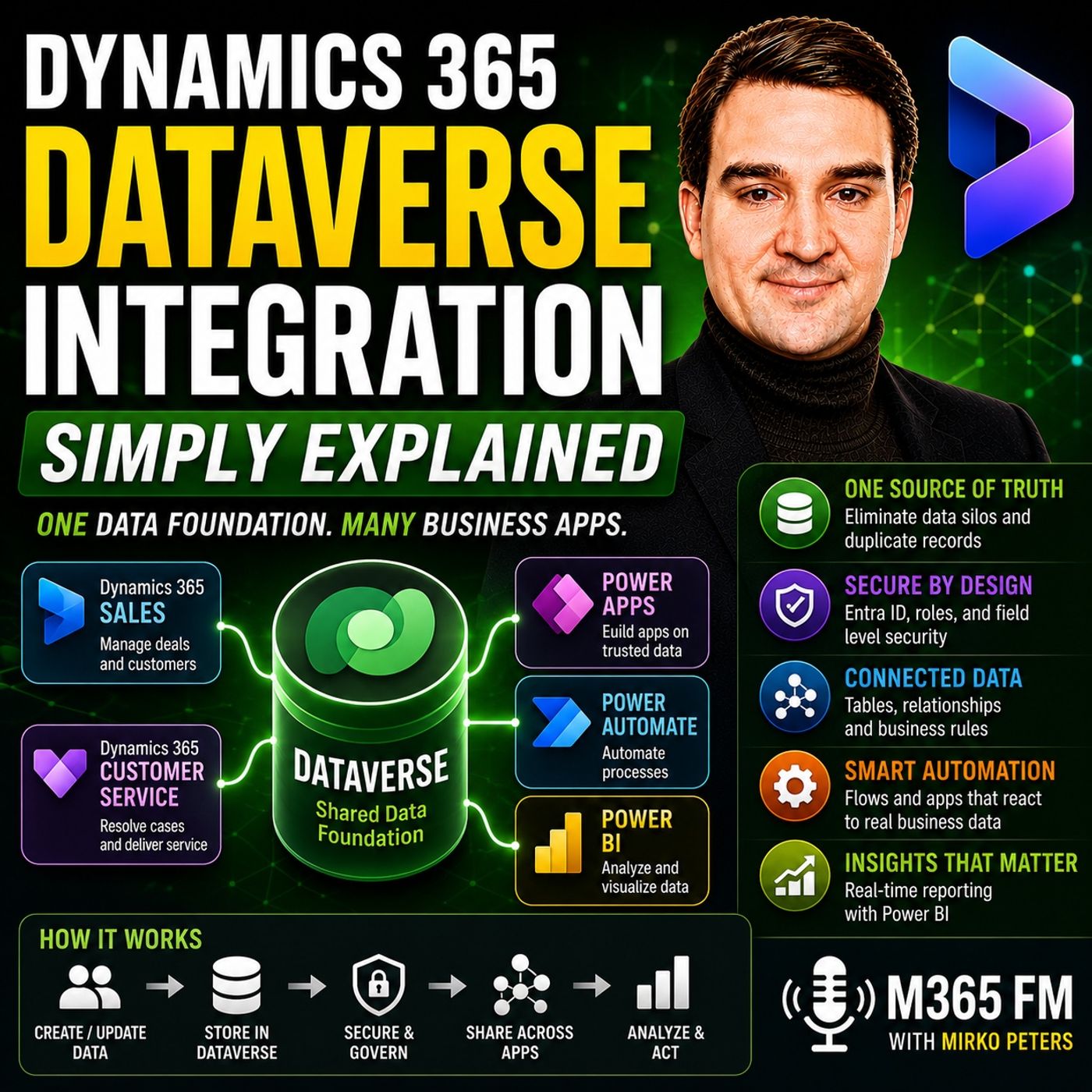 Dit moet je horenDynamics 365 Dataverse Integration - Simply Explained
- Dataverse Security Roles vs. Row-Level Security: Which Do You Need?
· Mirko Peters
Learn the differences between Dataverse security roles, row-level security, and column-level permissions in Dynamics 365 and Microsoft 365.
Developed by
- Microsoft · Organization
Is a
- AI assistant · Category
- Business application · Category
Related to
- Dynamics 365 Customer Service · Product
- Microsoft 365 Copilot · Product
- Microsoft Teams · Product
- Microsoft Outlook · Product
- Microsoft 365 Copilot for Sales · Product
Community wiki
Short info above, community knowledge below: add practical tips, examples or corrections. New contributions are reviewed first; trusted members publish directly.
Experts en bedrijven voor dit onderwerp
Niemand heeft dit onderwerp nog opgegeven. Voeg het toe aan je profiel.
Sources
- Official website: www.microsoft.com/en-us/dynamics-365/blog/business-leader/2024/02/01/microsoft-copilot-for-sales-and-copilot-for-service-are-now-generally-available
- Documentation: learn.microsoft.com/en-us/microsoft-copilot-service/about-microsoft-copilot-for-service
- Feed for this topic (RSS): entity/microsoft-365-copilot-for-service/feed.xml
- Articles on this topic: 2
Maintained by Mirko Peters (Microsoft MVP) · Last updated: