An AI assistant built into Microsoft 365 apps such as Word, Excel, Outlook and Teams. It uses large language models together with the user's own work data from Microsoft Graph to draft, summarise and analyse content, always within the user's existing permissions.
Title graphic: Microsoft 365 Copilot (Product)
Description
Microsoft 365 Copilot is an AI assistant built into Microsoft 365 apps such as Word, Excel, Outlook and Teams. It uses large language models together with the user's own work data from Microsoft Graph to draft, summarise and analyse content, always within the user's existing permissions. It is a paid product.
Microsoft develops it, and on m365.fm it is classified as a Microsoft tool and an AI assistant. It is related to Microsoft 365, Microsoft Graph, Word, Excel, PowerPoint, Outlook and OneNote, as well as Microsoft 365 Copilot Chat, Microsoft Loop, Copilot Cowork and data governance. Because it respects permissions, the quality and safety of its answers depend on how well content is organized and secured.
"Microsoft 365 Copilot Without the Hype" with Paul Keijzers covers adoption, governance and preparing the tenant. "Copilot Inherits Your Mess" with Richard Harbridge explains that Copilot arrives in tenants full of old sites, duplicates and guest accounts. "Power Platform Copilot Integration - Simply Explained" looks at how Copilot works in the apps, flows, reports and agents of the Power Platform.
Overview compiled with AI from M365.FM episodes and the facts on this page. You can improve it with the edit button below.
Copilot допомагає, коли ви ставите йому запитання, але що відбувається, коли ніхто не питає? Ліди накопичуються, звернення залишаються без відповіді, а листи від постачальників не припиняються. У цьому випуску пояснюємо, що насправді роблять агенти Dynamics…
Ви впроваджуєте Copilot, але замість хвилі продуктивності кількість подій Data Loss Prevention зростає на 300 %. У цьому випуску — чому Copilot успадковує наявні помилки в правах доступу, чому статичні мітки створюють ізольовані сховища даних і як перейти…
У спільній поштовій скриньці листи помирають: звернення накопичуються, а ручне сортування залежить від настрою, а не від бізнес-логіки. Цей випуск у стилі нуар розповідає, як три автономні агенти в Dynamics 365 Customer Service наводять лад — від приймання й…
ШІ-агент — це не просто розумніший чат-бот: він діє проактивно, працює із системами й сам виконує роботу. У цьому випуску — у чому різниця та три шляхи створити власних агентів в екосистемі Microsoft: від форми без коду до платформи для розробників.
Таблиці Excel, які щоранку оновлюють вручну, погодження в пошті й дані, що переносяться із системи в систему, — випуск показує, як Microsoft Power Platform як зв’язувальний шар над Microsoft 365 об’єднує ці острови без програмування.
Cognitive Services, Azure AI Studio, Azure AI Foundry, Microsoft Foundry — за такої кількості назв і двох паралельних архітектур легко заплутатися. У випуску без маркетингу пояснюється, що таке Foundry насправді, що в ньому є і як усе пов’язано.
У різних продуктах Microsoft одне й те саме поняття називають то агентом, то навичкою (Skill), і це збиває з пантелику. У цьому випуску ви дізнаєтеся, що таке Copilot Skill насправді, де він міститься і як створити свою першу навичку без жодного рядка коду.
Самого промпт-інжинірингу замало, щойно компанія починає всерйоз використовувати Microsoft 365 Copilot. Тоді постає питання: як під’єднати Copilot до наших застосунків, даних, бізнес-процесів і знань? У розмові з Microsoft MVP зі Швейцарії ви побачите, як…
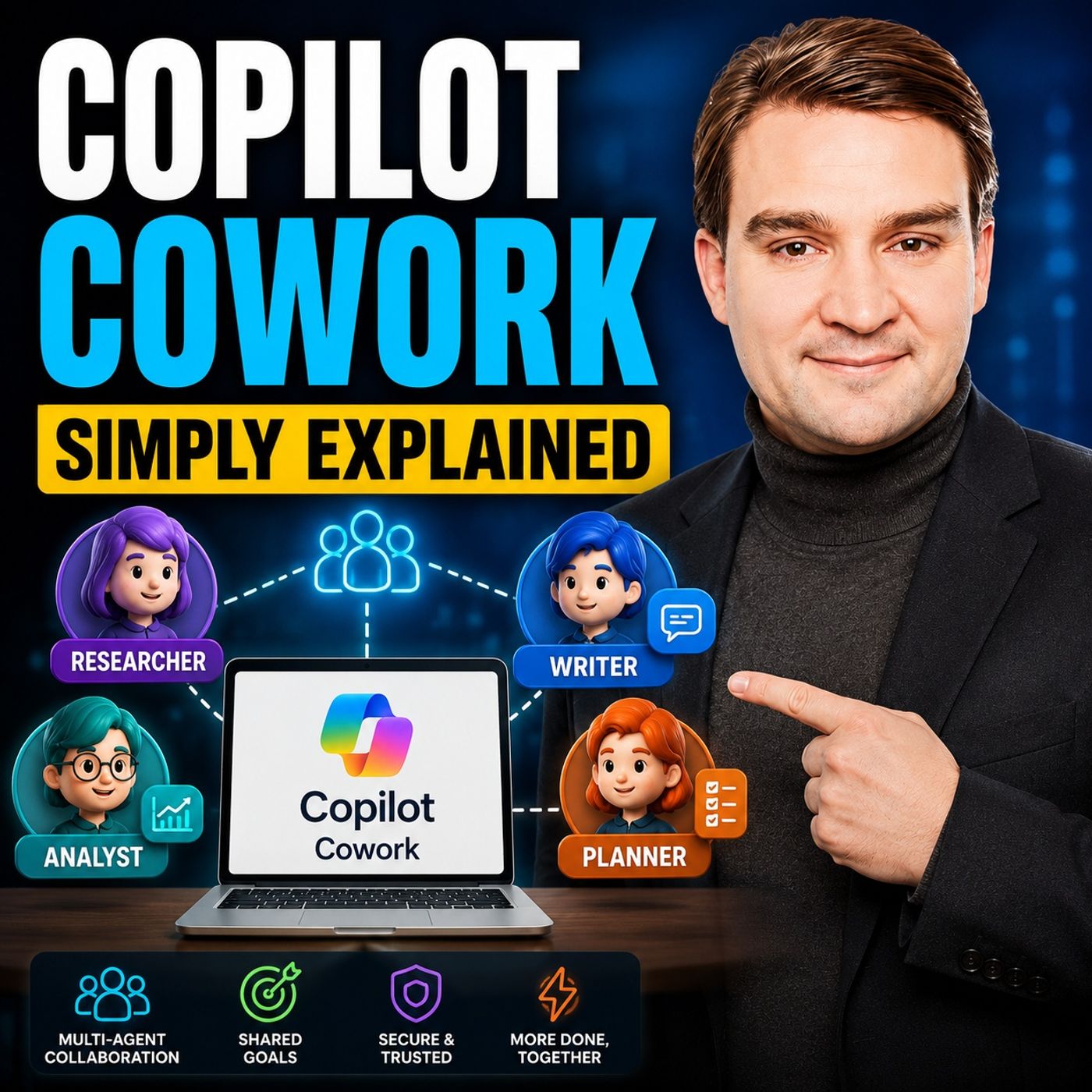
Copilot, Copilot Cowork і Scout звучать схоже, але це різні речі. У цьому випуску простою мовою пояснюємо три рівні ШІ від Microsoft і чому Scout — перший «автопілот» — не чекає ваших команд, а сам спостерігає й діє. Ви дізнаєтеся, що він уміє в щоденній…
Microsoft 365 Copilot читає не ваші наміри, а ваш клієнт таким, яким він є: дрейф дозволів, осиротілі команди, застарілі файли й тіньові сайти потрапляють просто у відповіді. У цьому випуску розбираємося, чому ШІ лише віддзеркалює безлад у SharePoint і як…
Copilot змінюється щотижня, а ваші навчальні слайди — ні: у результаті ті самі звернення до підтримки, тіньові документи з назвами на кшталт «Final Final Final» і керівники, які питають про ROI. У цьому випуску показано, як керований і завжди актуальний…
Агенти розмножуються в Teams, SharePoint, Power Automate і Copilot швидше, ніж за ними встигає ваше керування: розмиті умови, успадковані дозволи, права адміністратора без терміну дії. Цей випуск, розказаний від імені ШІ, пояснює, чому агенти — це…
Опанування плагінів Microsoft 365 Copilot: покроковий посібник · Mirko Peters Ласкаво просимо до нашого вичерпного посібника з опанування плагінів Microsoft 365 Copilot! Якщо ви колись хотіли автоматизувати рутинні завдання, спростити робочі процеси та підкл
Опанування Microsoft 365 Copilot за допомогою PowerShell · Mirko Peters Раді знову бачити вас у блозі! Якщо ви коли-небудь відчували, що вас переповнює обсяг адміністративних завдань, потрібних, щоб сучасне корпоративне середовище працювало безперебійн
Ризики GDPR і HIPAA у блокнотах Microsoft Copilot · Mirko Peters У сучасному цифровому середовищі ефективне управління є критично важливим для роботи з такими інструментами, як блокноти Microsoft Copilot. Ці інноваційні платформи підвищують прод
Microsoft Scout проти Microsoft Copilot: у чому різниця? · Mirko Peters Ласкаво просимо назад, ентузіасти цифрового робочого простору! Оскільки штучний інтелект дедалі більше змінює те, як ми взаємодіємо з технологіями, межі можливостей наших програм с
Chat naturally with Facilitator without tagging it each time.
GA: December CY2026
Older updates (13)In developmentMicrosoft 365 Roadmap Microsoft Copilot (Microsoft M365): Delegated prompt publishing for organization prompts
This release follows the availability of organization prompts, providing admins the ability to upload custom prompts for their organization in the Copilot app home screen. Now, admins can delegate organization prompt publishing to users, AAD security groups, and distribution groups. These delegated users and groups will be able to create, edit and delete organization prompts at the tenant level through the Prompt Lab, without having to access the Microsoft 365 Admin Center. Admins can continue to monitor and provide oversight through the current experience in the Microsoft 365 Admin Center.
GA: December CY2026
In developmentMicrosoft 365 Roadmap Work IQ: Business Skills to manage your business processes in Work IQ MCP
Business skills are natural-language instructions that capture how your organization gets work done. They represent your business processes, policies, and domain knowledge in a format that agents can understand and follow. Each skill describes how to complete a specific type of work—the steps involved, the information required, and the business rules that apply.
Agents discover and use the business skills they have access to as needed at runtime using Work IQ MCP to complete tasks according to your organization's processes. When multiple agents use the same skill, they follow the same process, ensuring consistent behavior across your…
GA: November CY2026 · Preview: September CY2026
In developmentMicrosoft 365 Roadmap Microsoft Copilot (Microsoft 365): Copilot Cowork: Access Business Applications with Work IQ
Users can access Business Applications through Work IQ in Copilot Cowork and use Business Skills to complete end-to-end business processes grounded in their enterprise data and apps. This helps users move from finding the right business application to taking action across key workflows with less context switching.
GA: December CY2026 · Preview: September CY2026
In developmentMicrosoft 365 Roadmap Microsoft Copilot (Microsoft 365): Enable semantic model in Sales agent
Semantic model helps Sales Agent understand the structure and meaning of an organization’s CRM data. It creates a connected representation of CRM metadata, including tables or objects, fields, descriptions, data types, relationships, views, pick-list values, and glossary terms. Sales Agent can retrieve this context when responding to questions, improving its ability to interpret business language and answer complex questions that span related CRM records.
Dynamics 365 admins can enable and turn on semantic model in Power Apps Maker Portal and configure the data coverage and signals that Sales Agent should use. Admins can configure the…
GA: December CY2026 · Preview: October CY2026
In developmentMicrosoft 365 Roadmap Microsoft Copilot (Microsoft 365): Copilot Chat in OneNote can create, edit, and refine content
Copilot in OneNote can generate new content and directly edit when in edit mode. In this mode you can create, rename, and delete pages, sections, or notebooks as well as add or edit content in pages. Copilot can bring content from across WorkIQ as well as complete actions across other workflows such as creating Word, Excel, and PowerPoint files.
GA: January CY2027 · Preview: November CY2026
In developmentMicrosoft 365 Roadmap Microsoft Copilot (Microsoft 365): Federated Copilot Connectors in Microsoft 365 Copilot
Federated Copilot connectors enable users to securely connect Microsoft Copilot to their favorite third party sources, retrieving data in real-time using the Model Context Protocol (MCP). Federated Copilot connectors do not store or index customer data in Microsoft - access happens in real time using the user’s own identity, while administrators retain full governance and control through the Microsoft 365 Admin Center. With GA, federated Copilot connectors will be supported across Researcher agent and Microsoft 365 Chat, allowing users to bring data into their workflows.
GA: November CY2026
Rolling outMicrosoft 365 Roadmap SharePoint: HTML pages
Create HTML with Copilot in SharePoint or upload your own HTML from another source. Once stored in the pages library, you can render HTML as a page in SharePoint, make additional edits, and share with your audience. HTML gives you new ways to present your content beautifully alongside our existing ASPX pages.
GA: October CY2026
LaunchedMicrosoft 365 Roadmap Microsoft Edge: Upgraded Copilot new tab page
Search, chat, and explore the web from one search box with Copilot-suggested actions and curated work content to help your users get things done faster on the Copilot new tab page. Users will see upgraded Copilot new tab page functionality and features.
GA: November CY2026 · Preview: September CY2026
LaunchedMicrosoft 365 Roadmap Microsoft Copilot (Microsoft 365): MCP-Based Agent Enablement for U.S. Government Clouds
We’re introducing support for Model Context Protocol (MCP)-based agents in Microsoft 365 Copilot . This update enables developers to build Copilot agents using MCP servers and allows users to interact with these agents using familiar experiences. This change supports extensibility and improves agent capabilities for organizations.
GA: June CY2026
In developmentMicrosoft 365 Roadmap Microsoft Copilot (Microsoft 365): Copilot People Connectors introduces people data ingestions with differentiated access control
Copilot People Connector now supports importing people data with access controls into Microsoft 365. This release enables organizations to bring people data from external systems into Microsoft 365 along with associated access control lists (ACLs), ensuring Copilot respects existing permissions defined in source systems. The imported data can be scoped to specific individuals and groups, allowing Copilot to reason over people data while honoring access restrictions.
GA: June CY2027
LaunchedMicrosoft 365 Roadmap Microsoft Copilot (Microsoft 365): [Copilot Extensibility] Users in GCC-H will be able to use custom engine agents
Users in GCC-H will be able to use custom engine agents.
GA: August CY2026
In developmentMicrosoft 365 Roadmap Microsoft Copilot (Microsoft 365): [Copilot Extensibility] Users will be able to upload files stored locally or in one drive to custom engine agents
Users will be able to upload files stored locally or in one drive to custom engine agents.
GA: January CY2027
CancelledMicrosoft 365 Roadmap Microsoft Copilot (Microsoft 365): Edit your Copilot-generated PowerPoint presentation outline via Pages in Chat
You can now edit and collaborate on the presentation outline generated by Copilot in a Page before the PowerPoint deck is created. This item is no longer accurate and is being removed from the roadmap. We apologize for any inconvenience
GA: October CY2026
Summaries of official Microsoft release information, checked daily.
Community wiki
Short info above, community knowledge below: add practical tips, examples or corrections. New contributions are reviewed first; trusted members publish directly.
 UK
 English
 Deutsch
 Español
 Français
 Italiano
 Português
 Nederlands
 Polski
 Bahasa Indonesia
 Русский
 العربية
 עברית
 日本語
 한국어