 EN
EN Deutsch
 Español
 Français
 Italiano
 Português
 Nederlands
 Polski
 Bahasa Indonesia
 Русский
 Українська
 العربية
 עברית
עברית 日本語
日本語 한국어
한국어Demystifying Azure DevOps: A Beginner's Guide
By Mirko Peters ·
Welcome to our comprehensive guide on breaking down the barriers of modern software development. If you have ever wondered how high-performing engineering teams man…
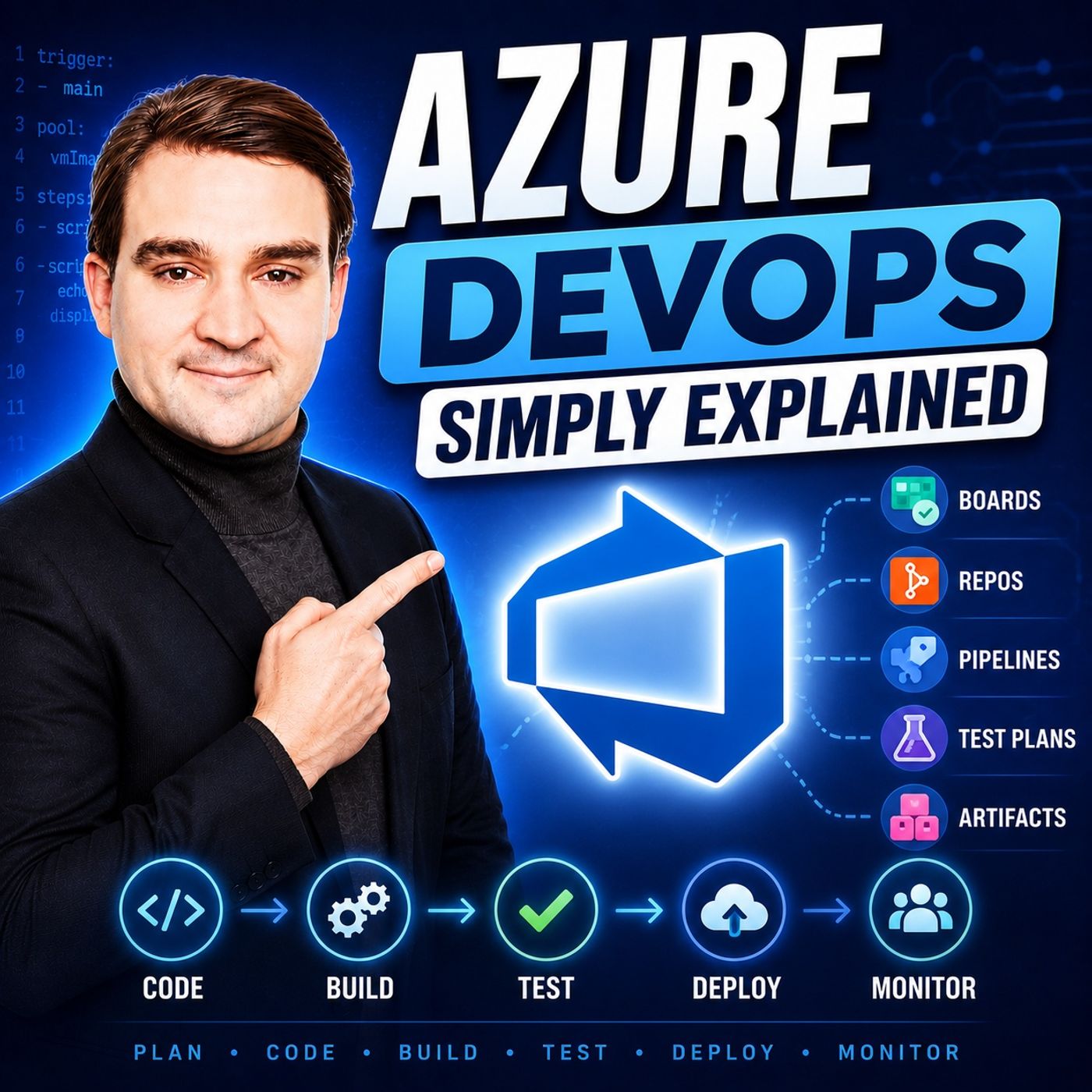
Welcome to our comprehensive guide on breaking down the barriers of modern software development. If you have ever wondered how high-performing engineering teams manage to push updates multiple times a day without breaking production, the secret usually lies in a robust DevOps strategy. In this post, we are going to explore the core components of Microsoft's powerful delivery ecosystem and see how it completely transforms the software development lifecycle. For an audio deep dive into this topic, be sure to check out our companion podcast episode, Azure DevOps - Simply Explained.
Introduction to Azure DevOps
In today's fast-paced digital economy, software delivery speed dictates market success. However, traditional software development is often plagued by communication barriers, manual deployment errors, and fragmented tooling. Developers write code in one corner, QA teams test in another, and operations teams handle deployment as a high-stress weekend event. These traditional silos slow down time-to-market and increase the likelihood of critical bugs reaching production environments.
Enter Azure DevOps. By combining project management, version control, automated testing, and continuous deployment into a unified ecosystem, this platform dismantles old organizational barriers. It encourages cross-functional collaboration and ensures that every member of the team—from developers and testers to IT operations and stakeholders—shares a single source of truth. Throughout this guide, we will unpack the specific services that make this cultural and technical shift possible.
Azure DevOps Overview
Azure DevOps is far more than just a random assortment of developer utilities; it is a complete, end-to-end platform designed to support every phase of the software development lifecycle. Whether you are planning a brand new product from scratch, managing backlog items, reviewing source code, running automated tests, or pushing code to cloud infrastructure, Azure DevOps provides a cohesive environment to handle it all.
In the modern tech landscape, agility and reliability are non-negotiable. Azure DevOps fosters real-time communication by bridging the gap between development, quality assurance, and operations teams. By automating repetitive tasks, teams can catch bugs early in the cycle, optimize their cloud spending via tight integrations with cost management tools, and respond dynamically to shifting business demands without sacrificing quality.
| Component | Description |
|---|---|
| Azure Boards | Interactive tools for managing software development projects, supporting Scrum, Kanban, and Agile. |
| Azure Repos | Version control toolkit for managing application code, tracking changes over time. |
| Azure Pipelines | Automates building and testing code, supports CI/CD for various projects. |
| Azure Test Plans | Tools for improving code quality through manual and automated testing. |
| Azure Artifacts | Manages and shares code packages from a unified platform, supporting various package types. |
These components work in absolute harmony. For example, a developer can commit code to Azure Repos, which automatically triggers an associated work item update in Azure Boards, kicks off automated compilation in Azure Pipelines, and stores a finalized package in Azure Artifacts. This seamless integration eliminates friction and accelerates your entire development workflow.
Azure DevOps Services
Azure Boards
Azure Boards is your command center for project management. It provides a rich feature set designed to help your team plan, track, and discuss work across every sprint. Whether your team prefers Scrum or Kanban, Azure Boards adapts to your workflow with ease:
- Customizable Kanban Boards: Tailor your visual boards to match your precise engineering workflow by adding custom columns and swimlanes.
- Backlogs: Prioritize features, track bugs, and manage user stories so that everyone knows what to tackle next.
- Dashboards: Gain real-time visibility into project health and key performance indicators using customizable widgets.
Azure Boards connects directly with Azure Repos, allowing you to link code commits, pull requests, and branches directly to specific work items for unmatched traceability.
Azure Repos
Source code is the heartbeat of any software project, and Azure Repos provides secure, infinitely scalable cloud-hosted Git repositories to keep your codebase safe and accessible. Key capabilities include:
- Cloud-hosted Git Repositories: Access your source code securely from anywhere in the world, enabling seamless remote collaboration.
- Pull Requests: Foster code quality and peer review by initiating discussions and code walkthroughs before merging branches.
- Branch Policies: Protect your production branches by enforcing rules, such as requiring minimum reviewers or successful build validations prior to merge.
By leveraging Azure Repos, teams can work concurrently on features without fear of overwriting each other's contributions, keeping the main branch stable and deployable at all times.
Azure Pipelines
Speed and reliability come from automation, and Azure Pipelines delivers this through robust Continuous Integration and Continuous Delivery (CI/CD) capabilities. Here is what makes it indispensable:
- CI/CD Automation: Automatically compile code, run tests, and push updates to staging or production environments upon every commit.
- Multi-platform Support: Build and deploy applications targeting Windows, Linux, and macOS environments effortlessly.
- Complex Workflows: Design multi-stage release gates, manual approval checks, and conditional triggers to maintain rigorous governance.
| Core Service | Unique Features |
|---|---|
| Azure Repos | Cloud-hosted Git repositories, pull requests, branch policies, CI/CD integration, semantic code search. |
| Azure Pipelines | CI/CD automation, multi-platform support, complex workflows, container support, deployment to various environments. |
| Azure Boards | Agile tools for planning and tracking, customizable Kanban boards, integration with Slack and Teams. |
Azure Test Plans
Ensuring software quality before it reaches end users is critical. Azure Test Plans provides an intuitive suite for both manual exploratory testing and automated test execution:
- Test Case Management: Organize, author, and execute test cases with clear tracking of results.
- Manual Testing: Run manual tests directly from your web browser, capturing screenshots and logging bugs instantly.
- Automated Testing Integration: Embed automated test suites directly into your CI/CD pipelines to catch regressions early.
Tip: Establish a robust testing strategy combining automated unit tests with manual acceptance testing to drastically lower defect rates in production.
Azure Artifacts
As organizations grow, sharing code packages across multiple projects can become messy. Azure Artifacts simplifies this by hosting package feeds for NuGet, npm, Maven, and Python packages:
- Package Management: Publish and share custom reusable components across your entire organization with ease.
- Versioning: Maintain strict version control on packages to prevent breaking changes from affecting downstream applications.
- Pipeline Integration: Automatically consume and publish packages as part of your build and release pipelines.
| Feature | Azure Test Plans | Azure Artifacts |
|---|---|---|
| Test Management | Create and manage test cases, execute manual tests | Create and host packages, manage versions |
| Automation | Integrate automated tests into CI/CD pipelines | Automate package publishing and consumption |
| Collaboration | Log defects and track issues in real-time | Share reusable components across teams |
Implementing Azure DevOps: CI/CD Pipeline
Implementing a CI/CD pipeline is the single most effective way to modernize your engineering practices. Let's walk through the fundamental steps required to build a streamlined delivery engine.
Project Setup
Getting started with your pipeline is simple when you follow a structured approach:
- Create a new project inside your Azure DevOps organization to house your repository and work items.
- Initialize a pipeline pointing to your source control repository.
- Write a YAML configuration file to define your build steps as code, ensuring version-controlled infrastructure definitions.
- Configure release stages to dictate how artifacts are promoted from development to production environments.
- Establish secure Service Connections so that Azure DevOps can authenticate against your cloud subscriptions safely.
Build Pipelines
Build pipelines act as your automated assembly line. They compile source code, execute unit tests, and bundle outputs into deployable artifacts. By running these tasks on cloud-hosted agents in parallel, teams can achieve rapid feedback loops and scale development output without hardware constraints.
Application Deployment
Deploying applications safely requires advanced rollout strategies to eliminate downtime and mitigate human error.
| Deployment Strategy | Application Types |
|---|---|
| Any language/any platform | .NET, Node.js, Java, Python, Ruby, Android, iOS, etc. |
| Flexible deployment targets | VMs, Kubernetes, serverless (Azure Functions), web apps across clouds |
| Approval gates | Pre-deployment and post-deployment approvals (manual or automatic) |
| Rollback/recovery strategies | Blue-green deployments, canary releases, rolling updates |
| Progressive deployment | Blue/green, canary, feature flags, rolling updates |
When unexpected issues arise, Azure DevOps supports rapid rollbacks to the last known stable deployment state, minimizing operational impact and ensuring business continuity.
Best Practices for DevOps
Collaboration Tips
Tooling alone will not fix a broken company culture. To maximize your investment in Azure DevOps, ensure your teams actively practice transparency:
- Leverage Azure Boards religiously to keep project tracking visible to all stakeholders.
- Integrate chat platforms such as Microsoft Teams or Slack to receive real-time build notifications and status updates.
- Adopt Agile ceremonies like daily standups and sprint retrospectives to continuously refine your engineering processes.
Maintenance Strategies
Keeping your DevOps environment clean and organized requires deliberate maintenance:
- Integrate bug tracking seamlessly into your active sprint backlogs.
- Establish consistent naming conventions and work item hierarchies.
- Define clear thresholds for when an issue transitions from a task to a tracked bug.
- Schedule regular team reviews to prune stale branches, clean up old artifacts, and optimize pipeline runtimes.
Monitoring and Feedback
A pipeline is only as good as its feedback loops. Connect your Azure DevOps pipelines to enterprise monitoring solutions to track performance metrics, audit deployment logs, and enforce automated quality gates that halt deployments if health metrics drop.
In summary, Azure DevOps provides a powerhouse suite of integrated tools designed to elevate your software engineering maturity. By bridging communication gaps, automating routine tasks, and accelerating release cycles, teams can deliver exceptional value to their customers reliably and securely.
| Benefit | Description |
|---|---|
| Improved Efficiency | Track KPIs and optimize workflows with real-time data. |
| Enhanced Collaboration | Foster communication across departments, uniting your team. |
| Increased Productivity | Streamline processes to boost overall business productivity. |
| Faster Release Cycles | Quickly deploy new systems and applications. |
| Built-in Security and Compliance | Ensure security and control directly in your pipelines. |
To deepen your expertise, explore these official learning paths:
| Resource | Description |
|---|---|
| Study guide for Exam AZ-400 | Comprehensive guide on designing and implementing Microsoft DevOps solutions. |
| Learning Materials for Microsoft Azure | A curated compilation of resources for cloud developers. |
| DevOps resource center - Azure DevOps | The central hub for mastering industry-standard DevOps practices. |
FAQ
What is Azure DevOps?
Azure DevOps is an integrated cloud platform by Microsoft that provides developer services to support project planning, code management, automated testing, CI/CD pipelines, and package management in one unified space.
How does Azure DevOps support CI/CD?
Azure DevOps provides Azure Pipelines, which fully automates the process of building, testing, and deploying applications across diverse environments, minimizing manual intervention and accelerating release velocity.
Can I use Azure DevOps for open-source projects?
Yes! Azure DevOps accommodates open-source initiatives by offering public repositories and free tier allowances for community and open-source collaboration.
Is Azure DevOps free to use?
Azure DevOps offers a generous free tier for small teams, which includes private Git repositories, free CI/CD build minutes, and basic project boards before requiring paid plan upgrades for scaled enterprise needs.
How do I get started with Azure DevOps?
Getting started is as easy as logging in with a Microsoft account, creating a new organization and project, initializing a repository, and spinning up your first YAML pipeline.
What programming languages does Azure DevOps support?
Azure DevOps is completely language-agnostic and supports .NET, Java, Python, Node.js, Go, C++, and many other languages across Windows, Linux, and macOS platforms.
Can I integrate Azure DevOps with other tools?
Yes, Azure DevOps integrates smoothly with a wide variety of third-party tools, including GitHub, SonarQube, Slack, Jenkins, and many more.
How can I learn more about Azure DevOps?
You can explore Microsoft's official documentation, enroll in certification study paths like the AZ-400, or listen to expert discussions on industry podcasts.
🎧 Listen to this episode
Want a practical, plain-English explanation of Azure DevOps? This episode breaks down the core concepts and shows why mastering this ecosystem matters for Microsoft 365, Azure, Power Platform, security, AI, and modern digital work.
Listen to this episode if you want to:
- Understand the foundational concepts behind Azure DevOps
- See how it fits into the broader Microsoft technology ecosystem
- Learn where it creates immediate, practical value for your organization
You may also enjoy these related M365 FM episodes:
- Azure DevOps in 2026: The Quiet Backbone of Enterprise AI
- Azure Infrastructure as Code and DevOps with Maik van der Gaag [MVP]
- Power BI Version Control with GitHub and Azure DevOps
- GitHub vs Azure DevOps for Microsoft Fabric CI/CD
- Use Agentic AI in DevOps Safely
Discover more practical Microsoft conversations on M365 FM.
Last reviewed: July 2026.
Who Should Listen
This episode is tailored for Microsoft administrators, cloud architects, software developers, security professionals, and technical leaders who need a reliable practical foundation before making architecture, implementation, or governance decisions.
🎧 You Should Also Listen To
- Infrastructure as Code — A closely related next step that adds useful context and practical depth.
- Azure Resource Manager — A closely related next step that adds useful context and practical depth.
- Azure DevOps — A closely related next step that adds useful context and practical depth.