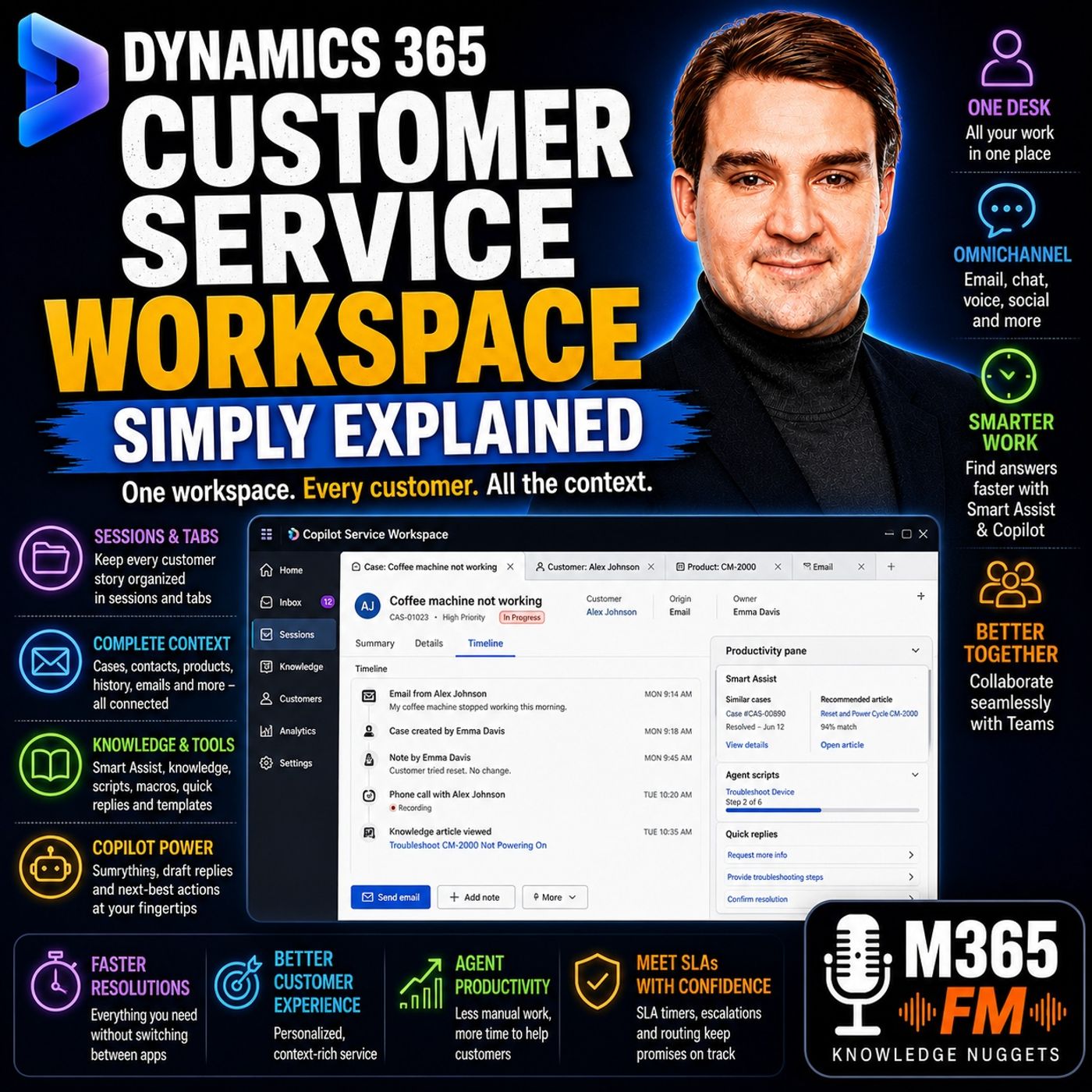
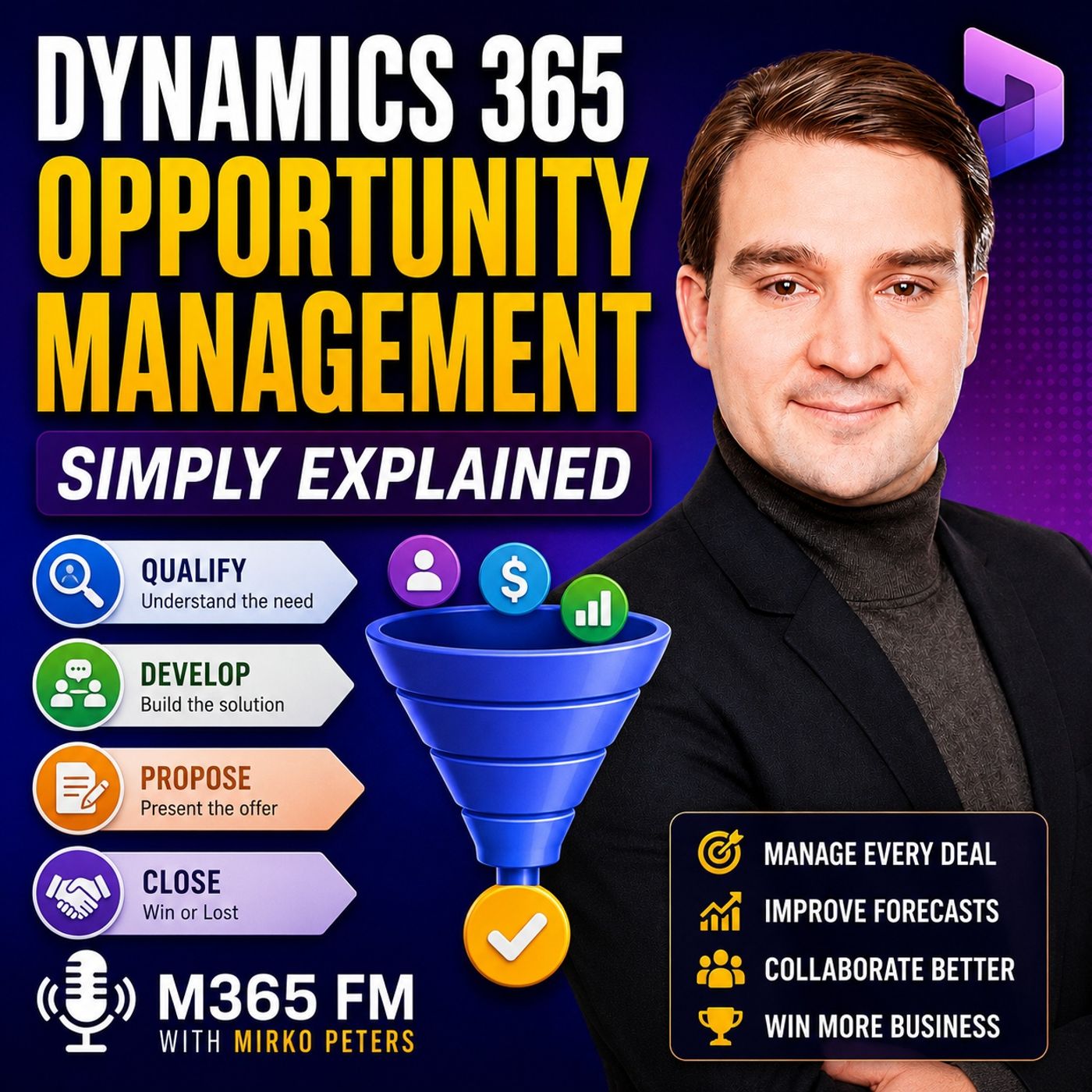
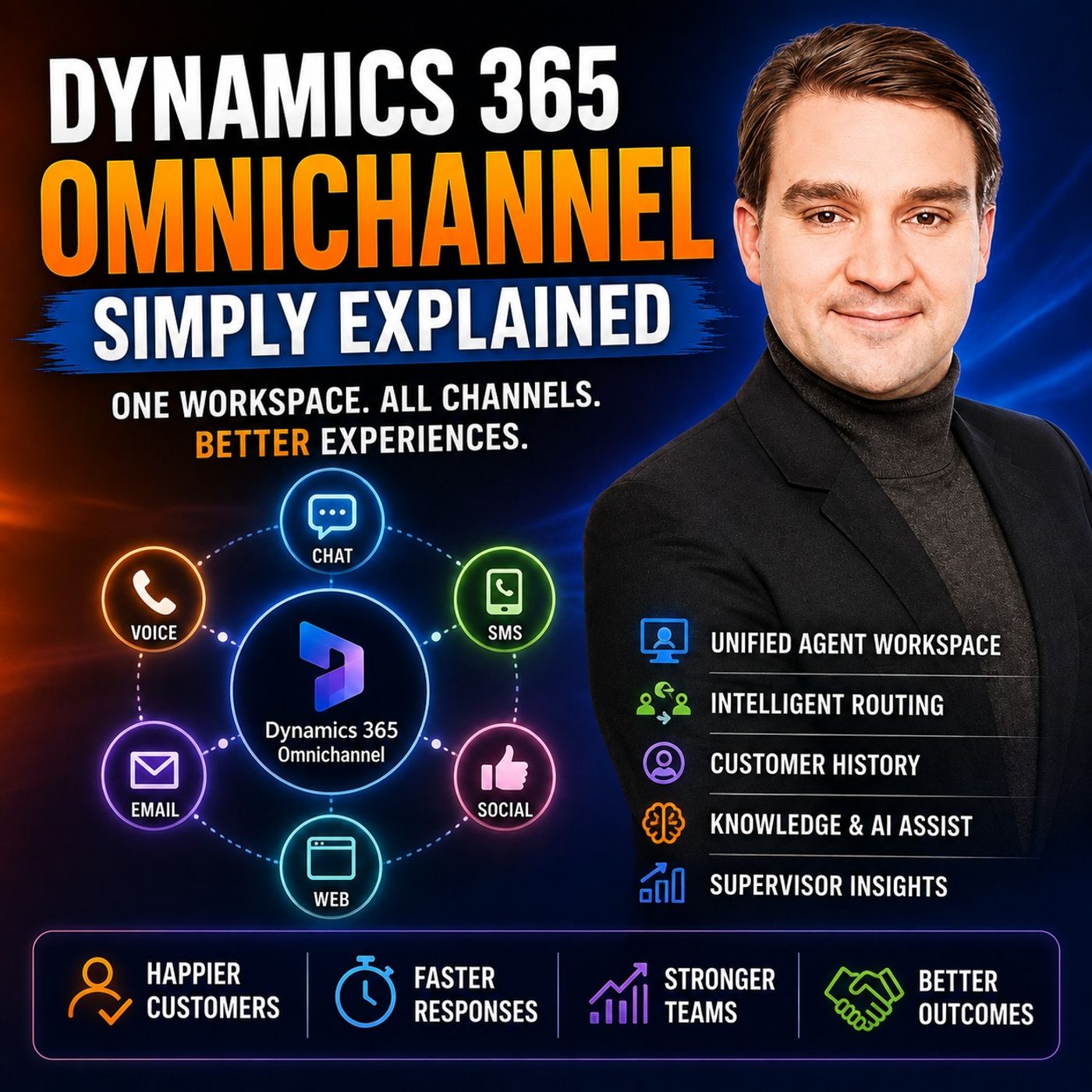
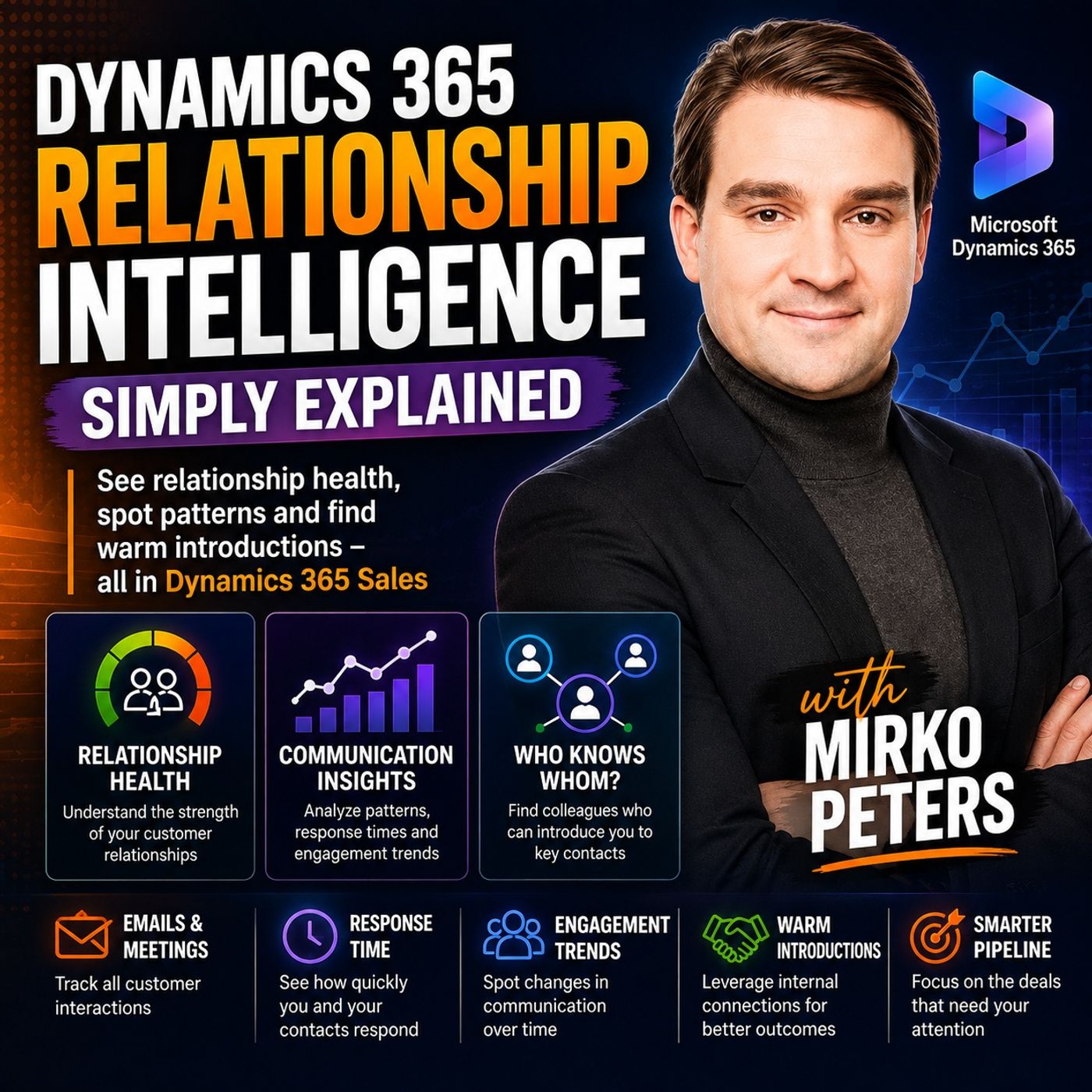
Microsoft's family of business applications for sales, customer service, finance, supply chain and more, including Business Central for small and mid-sized companies. It builds on Dataverse and Power Platform.
Image de titre : Dynamics 365 (Plateforme)
Description
Dynamics 365 is Microsoft’s family of business applications. It covers areas such as sales, customer service, finance and supply chain, and it includes Business Central for small and mid-sized companies. Organizations use it to run customer-facing and back-office processes.
Dynamics 365 is developed by Microsoft and is classed as a business application. It builds on Dataverse and Power Platform, so apps can be extended with low-code tools. Related topics include Dynamics 365 Finance and Operations, Dynamics 365 Business Central, Business Performance Analytics and Dual-write, which keeps shared data consistent between applications.
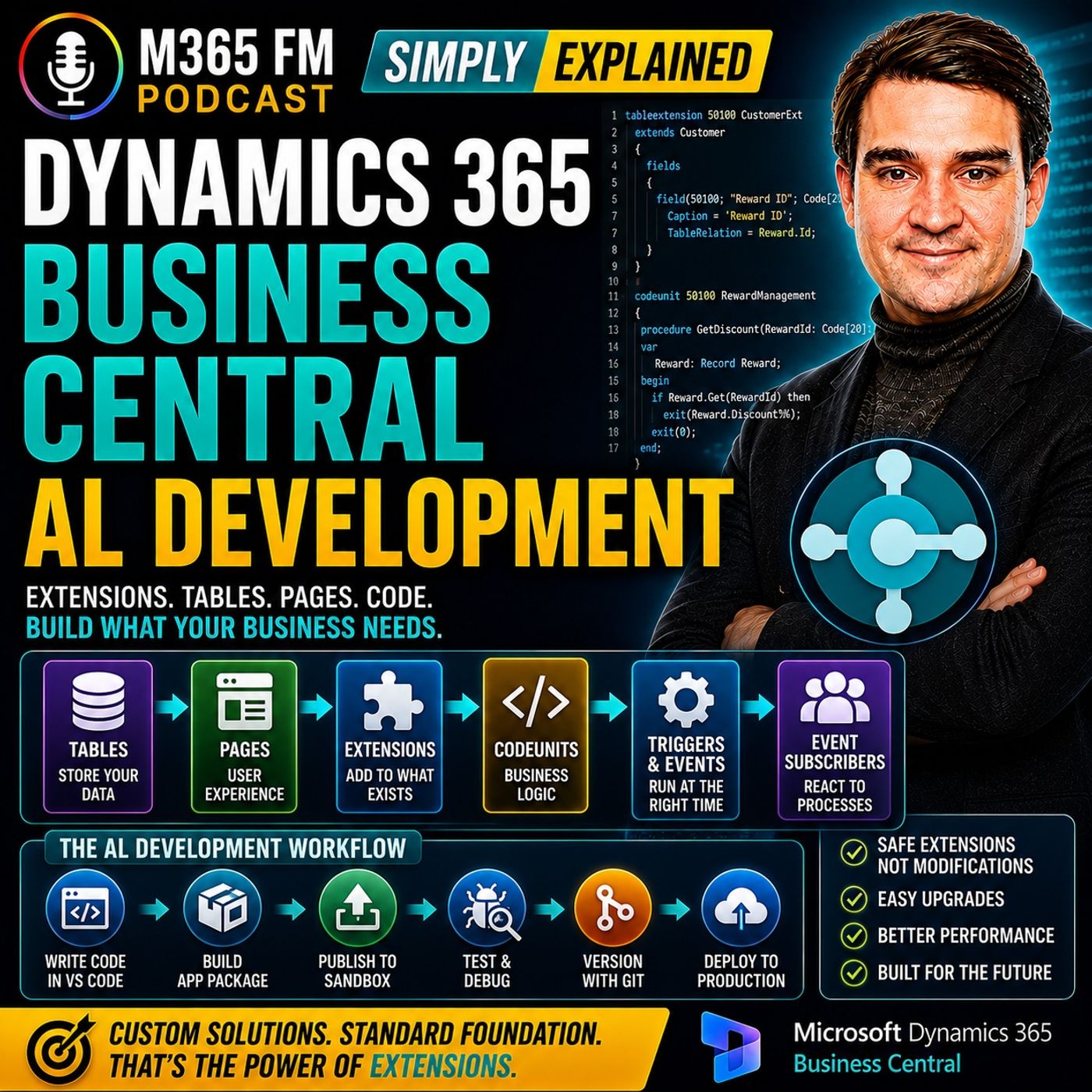
The M365.FM episodes go into several parts of the family. “Dynamics 365 Business Central AL Development” explains how developers use the AL language to add fields, approval steps or business rules that the standard application does not offer. “Dynamics 365 Dual-write - Simply Explained” starts from the problem of a customer address that differs between sales and finance and describes how Dual-write connects the applications. “Dynamics 365 Accounts Payable - Simply Explained” walks through the path from supplier invoice to payment, including matching, approvals and settlement, and “Dynamics 365 Virtual Entities - Simply Explained” shows how external data can be used without copying it into Dataverse.
Aperçu compilé avec l'IA à partir des épisodes M365.FM et des informations de cette page. Tu peux l'améliorer avec le bouton de modification ci-dessous.
Type
Plateforme
Aussi appelé
Microsoft Dynamics 365, Business Central, Dynamics, D365, MS Dynamics
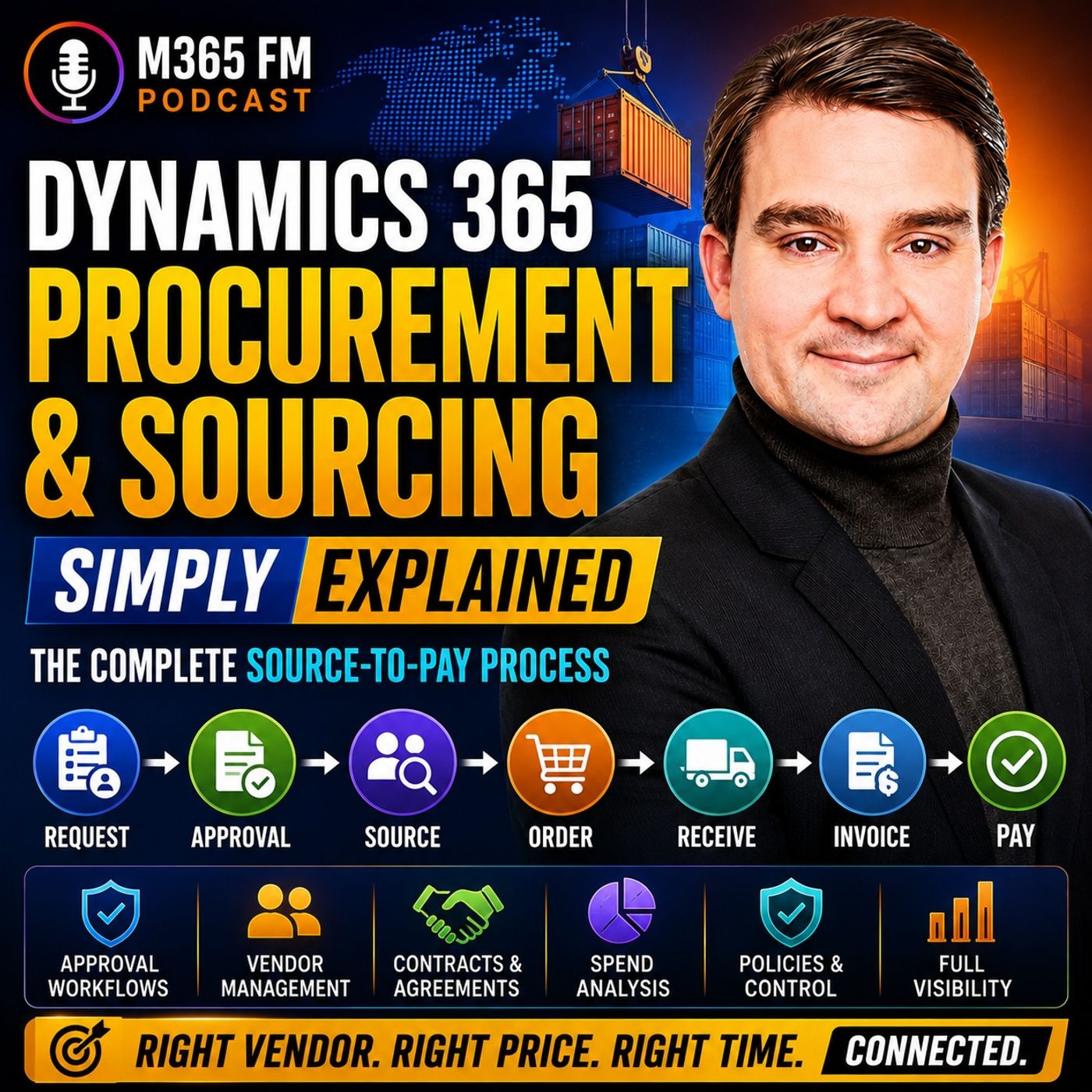
Demandes par e-mail, approbations par chat, commandes dans des tableurs et factures sans lien avec la commande : c’est ainsi que les achats perdent toute visibilité. Cet épisode suit un achat d’équipements de sécurité dans Dynamics 365 Supply Chain…
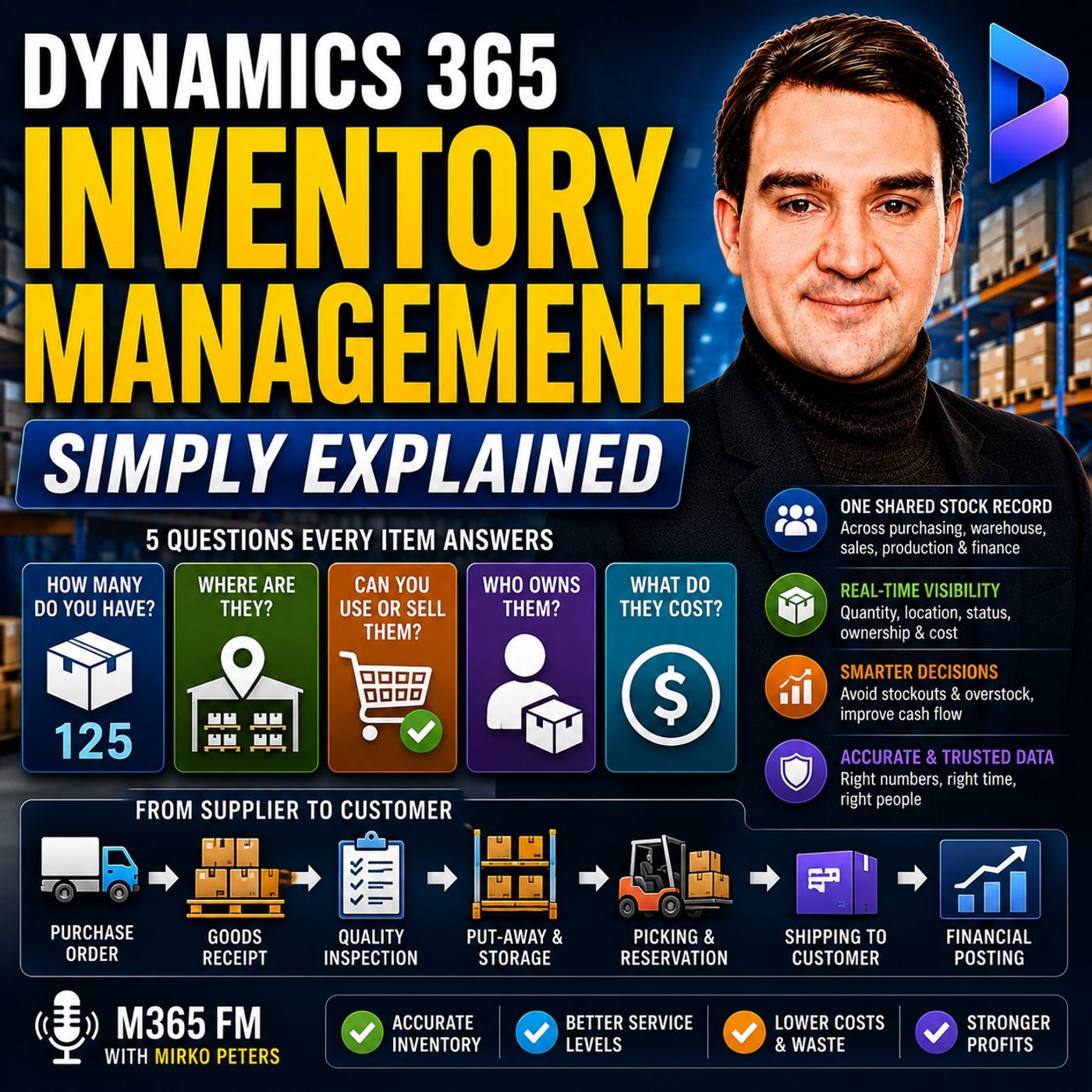
Combien en avez-vous, où se trouve-t-il, est-il utilisable, à qui appartient-il et combien coûte-t-il ? Dans beaucoup d’entreprises, les réponses sont dispersées entre tableurs, comptages d’entrepôt et chiffres de la finance. Cet épisode montre comment la…
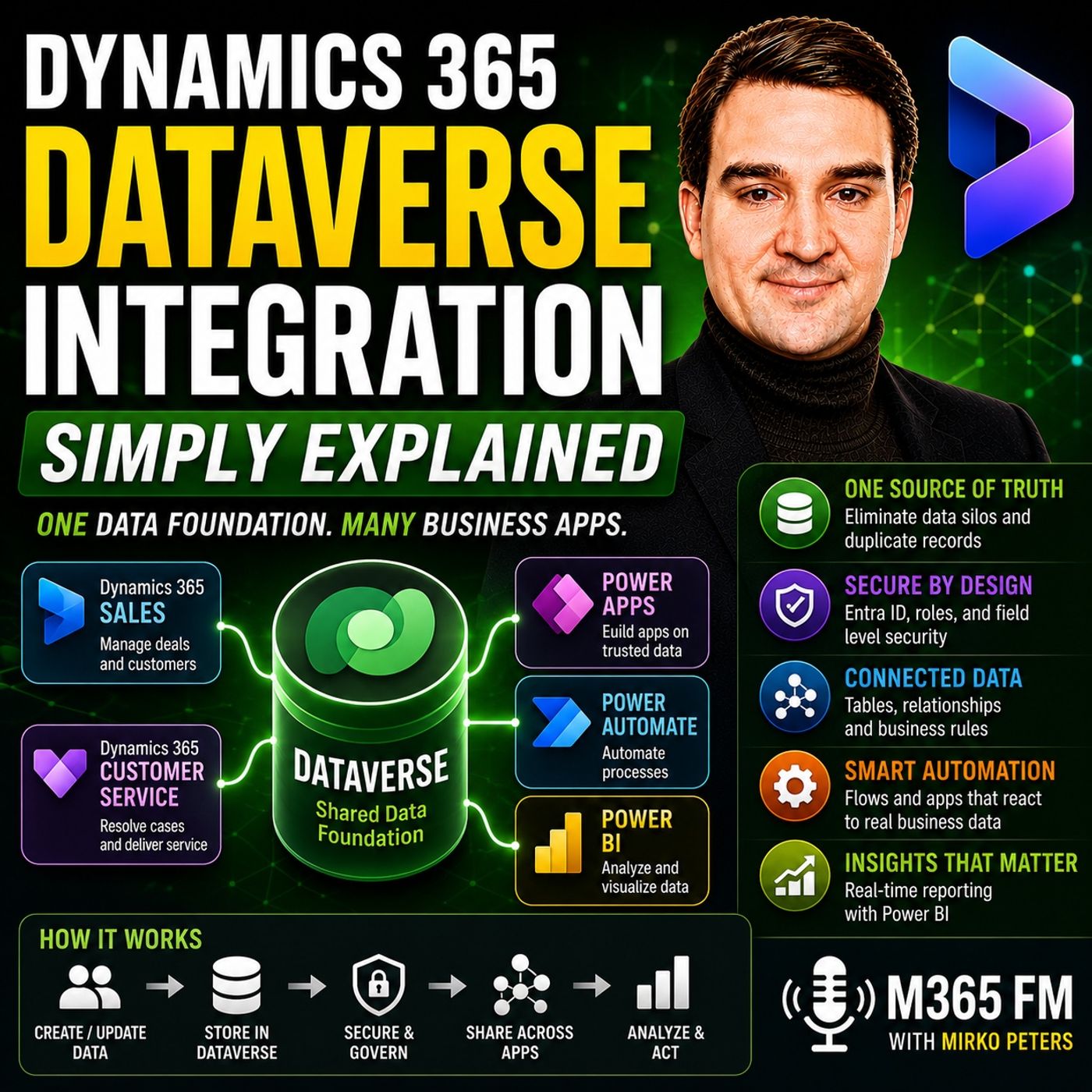
Le même client se retrouve dans des tableurs, des boîtes mail et des systèmes séparés, et personne ne sait quelle copie est la bonne. Cet épisode présente Microsoft Dataverse comme la base de données commune derrière Dynamics 365 et la Power Platform. Avec…
Un convoyeur s’arrête, un chariot élévateur refuse de démarrer, et tout le monde cherche des réponses dans des tableurs, des classeurs et des e-mails pendant que la machine reste à l’arrêt. Cet épisode explique comment Dynamics 365 Asset Management, intégré…
Copilot aide quand on lui pose une question, mais que se passe-t-il quand personne ne demande rien ? Les leads s’accumulent, les dossiers restent sans réponse et les e-mails des fournisseurs ne s’arrêtent jamais. Cet épisode explique ce que font réellement…
Dans la boîte aux lettres partagée, les e-mails meurent : les dossiers s'accumulent et le tri manuel dépend de l'humeur plutôt que de la logique métier. Cet épisode raconte, façon film noir, comment trois agents autonomes de Dynamics 365 Customer Service…
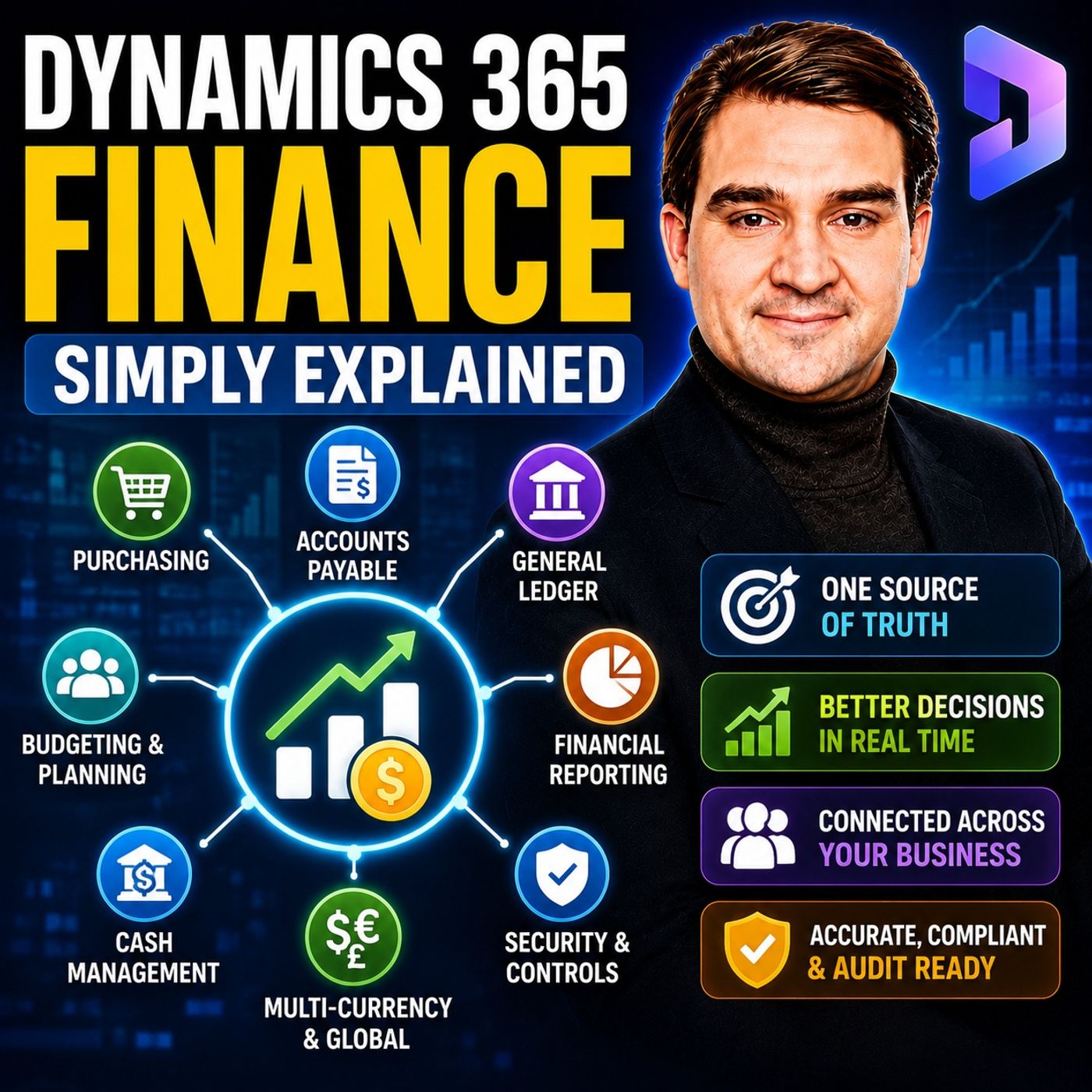
Cinq versions de tableur, la chasse au bon fichier et des managers qui attendent une réponse : la clôture mensuelle ressemble encore souvent à cela. Cet épisode montre comment Dynamics 365 Finance transforme les écritures en rapports lisibles grâce au grand…
Lorsque les ventes, l’entrepôt et la boutique en ligne travaillent avec des copies différentes des mêmes données produit, cela entraîne des commandes erronées, de mauvaises fiches techniques et des retours. Cet épisode montre comment Dynamics 365 Product…
La vente est conclue et la facture envoyée, mais quand l’argent arrive-t-il vraiment sur le compte, et que se passe-t-il s’il n’arrive pas ? Cet épisode explique simplement la comptabilité clients dans Dynamics 365 Finance et suit le solde d’un client,…
Un champ supplémentaire sur la fiche client, une étape d’approbation spécifique ou une règle qui vérifie une commande avant sa validation : les petites adaptations dans Business Central ressemblent vite à une langue totalement nouvelle. Cet épisode explique…
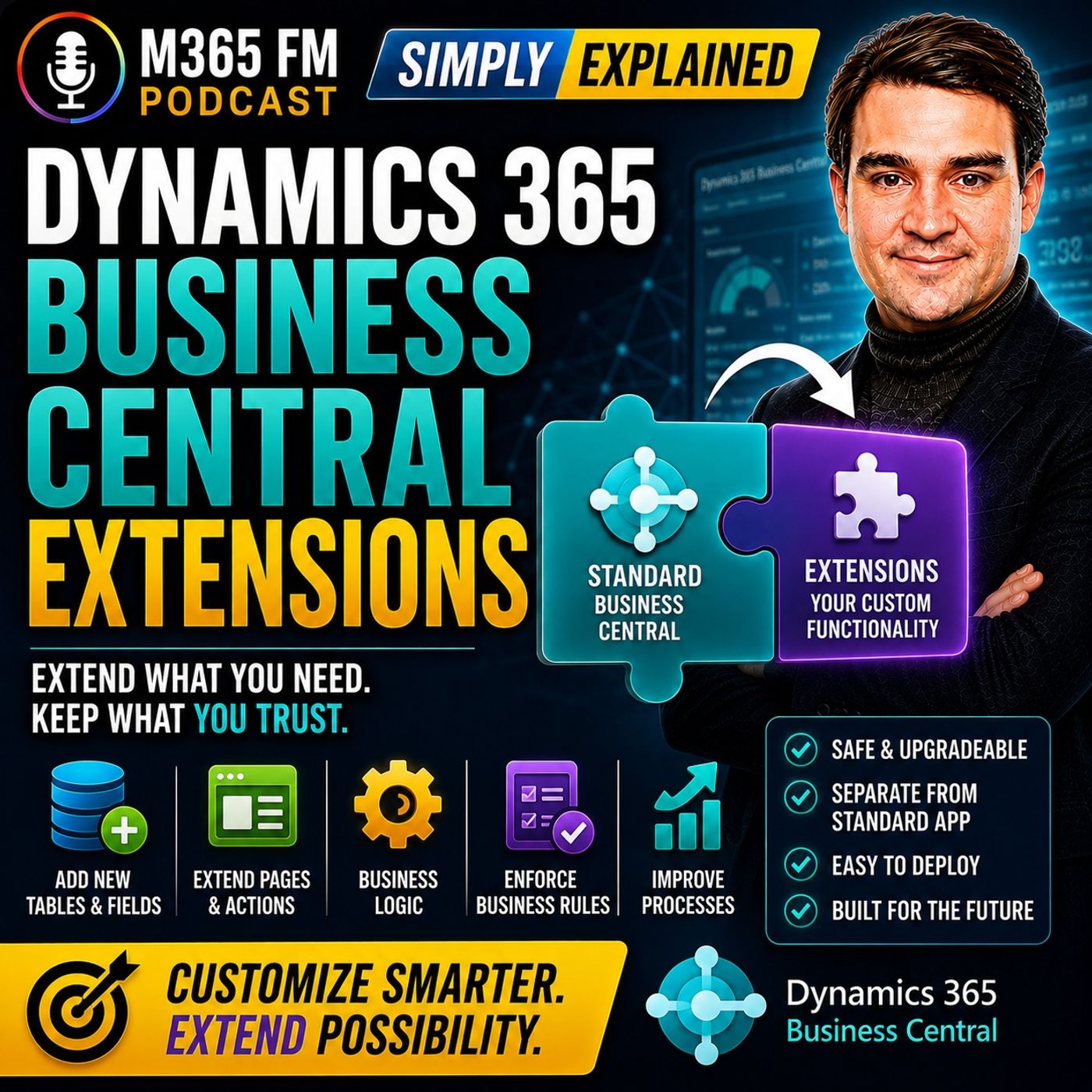
Business Central couvre la finance, les ventes, les stocks et les projets, mais aucune entreprise ne fonctionne exactement comme une autre. Cet épisode explique comment les extensions ajoutent les fonctions manquantes sans toucher au code standard, et ce…
Site web, magasins, marketplace et centre d’appels envoient les commandes vers des systèmes séparés, avec à la clé survente, décisions de livraison lentes et réponses floues aux clients. Cet épisode suit une commande du clic au paiement jusqu’à la livraison…
Optimiser les performances commerciales avec Dynamics 365 Copilot · Mirko Peters Bienvenue à nouveau dans notre podcast et sur notre blog associé ! Si vous suivez nos derniers épisodes, vous savez que nous explorons en profondeur la manière dont l’intelligence
Comprendre la tromperie de l’IA dans les systèmes financiers · Mirko Peters Bienvenue sur le blog ! À l’ère numérique actuelle, où tout va vite, l’intelligence artificielle s’est intégrée au cœur même des systèmes opérationnels et financiers. Depuis au…
Libérer la productivité avec Copilot dans Business Central · Mirko Peters Dans un environnement professionnel en constante accélération, la productivité joue un rôle déterminant dans la réussite. Les entreprises doivent sans cesse relever le défi du main
Segment templates help you build audiences without recreating queries for each campaign. Choose a built-in template for common scenarios such as event attendance or email engagement, or save your own segment query as a reusable custom template. Add placeholders with hint text to guide marketers through entering campaign-specific values, reducing repetitive setup while keeping audience criteria consistent.
GA: November CY2026
Mises à jour plus anciennes (13)In developmentMicrosoft 365 Roadmap Dynamics 365 Customer Insights - Journeys: Send each message only once with deduplication for SMS and custom channels
Deduplicates recipients by contact point, so each phone number or custom channel address gets the message once per send.
Eliminates manual post-send clean-up, wasted messaging spend and the customer annoyance of duplicate texts.
Brings SMS and custom channels to parity with email's built-in deduplication.
GA: December CY2026
In developmentMicrosoft 365 Roadmap Dynamics 365 Customer Insights - Journeys: Create event experience that match your business structure by supporting leads, contacts, or both
Align event registrations with the way your organization manages customer data. By supporting lead-based registration journeys and existing matching rules, you can avoid unnecessary Contact creation, improve data quality, and ensure event attendees follow the same lead management process used across your business.
Configure event registration forms to create or update Contacts, Leads, or both Leads and Contacts
Apply existing matching, deduplication, and update rules to event registrations for more consistent and accurate customer data.
Register attendees without requiring a Contact record, enabling lead-only registration scenarios and…
GA: June CY2027 · Preview: February CY2027
In developmentMicrosoft 365 Roadmap Dynamics 365 Business Central: E-Documents - Self-billing enablement
Streamline self-billing by automatically creating, managing, and exchanging electronic documents for self-billed invoices as part of the invoice lifecycle. This reduces manual document handling while helping ensure self-billed transactions include the appropriate electronic documents in standardized formats used by local regulations and trading partners.
Benefits
• Automate electronic document generation and handling for self-billed invoices.
• Integrate electronic documents directly into the self-billing invoice lifecycle.
• Support consistent vendor communications and the use of standardized electronic document formats.
GA: January CY2027 · Preview: November CY2026
In developmentMicrosoft 365 Roadmap Dynamics 365 Contact Center: Quality Evaluation Agent - Review historical quality metrics in a unified dashboard
The quality evaluation historical dashboard provides aggregated insights from completed evaluations, helping organizations track quality trends over time. Users can view quality scores and trends across selected date ranges, with up to two years of historical data available.
GA: March CY2027 · Preview: September CY2026
In developmentMicrosoft 365 Roadmap Dynamics 365 Contact Center: Segmentation of recordings and transcripts in Contact Center
Enterprise customers, particularly in regulated industries and large distributed contact center environments operating across multiple business units, geographies, vendors, and service providers, require strict controls to ensure users can access only the recordings and transcripts relevant to their operational scope while maintaining appropriate supervisory and compliance visibility.
This feature enables segmentation of interaction data by organizational boundaries such as Business Units, Teams, or Queues, allowing access to be restricted to authorized users, supporting least-privilege access, protection of sensitive information,…
GA: April CY2027 · Preview: March CY2027
LaunchedMicrosoft 365 Roadmap Dynamics 365 Contact Center: Use bullseye routing with user groups to orchestrate conversations
Bullseye routing with user groups enables a tiered assignment strategy that automatically expands the pool of eligible representatives as conversation wait time increases. Rather than assigning from a fixed pool or waiting for overflow rules to trigger, this approach progressively widens availability in concentric rings—starting with the best-fit representatives and expanding outward as needed.
Administrators configure this scenario by associating user groups with a queue and defining wait time thresholds for each tier. For example:
0–30 seconds: Assign to Tier 1 specialists (primary user group)
30–60 seconds: Expand to include Tier 2…
GA: October CY2026 · Preview: July CY2026
LaunchedMicrosoft 365 Roadmap Dynamics 365 Contact Center: Unified routing - Use overflow actions to protect customer experience for direct inward calls
Overflow for direct inward dialing leverages conversation orchestration to detect key direct inward dialing-related events—such as the representative being busy, offline, rejecting the call, or failing to answer—and apply administrator-defined fallback actions.
Administrators configure natural language playbooks using conversation orchestration at the global or inbound profile level to specify the action to run when a direct inward dialed call can't be attended to or completed. The actions include offering a direct callback to the caller, sending them to voicemail, transferring the call to another queue or external number, or ending the call.
GA: October CY2026 · Preview: June CY2026
LaunchedMicrosoft 365 Roadmap Dynamics 365 Contact Center: Unified routing - Orchestrate conversation distribution with natural language playbooks
Conversation orchestration in Dynamics 365 Contact Center keeps every conversation actively managed throughout its lifecycle, from initiation through resolution. Instead of applying fixed rules at different stages of a conversation journey, conversation orchestration monitors each conversation as conditions evolve, like wait time increases, fast-filling queues, or service representatives going offline, and responds automatically with the right action. For example, administrators can define the intent using natural-language playbooks as follows: "If a premium customer waits for more than three minutes and no senior agents are available,…
GA: October CY2026 · Preview: April CY2026
LaunchedMicrosoft 365 Roadmap Dynamics 365 Contact Center: Unified routing - Assign conversation to expert who engaged with the customer previously
Assign to a previously engaged or preferred expert leverages historical interaction context, queue membership alignment, and expert availability, to ensure customers are reconnected with experts who already understand their issue. When the previous or preferred expert is unavailable, assignments seamlessly fall back to the next best qualified expert, preserving service levels and reliability. This capability reduces repeat explanations, accelerates resolution times, and improves customer satisfaction, helping businesses lower cost to serve while delivering more consistent, personalized support experiences at scale. Administrators define…
GA: October CY2026 · Preview: June CY2026
LaunchedMicrosoft 365 Roadmap Dynamics 365 Contact Center: Unified routing - Handle waiting conversations when queues close or become unstaffed
This capability enhances queue handling by intelligently detecting two key scenarios where conversations would otherwise remain unserved:
Queue transitions to out-of-operating hours: The system continuously monitors active conversations that entered a queue before closing time. If the queue transitions to out-of-operating hours while conversations are still waiting, it automatically applies admin-defined overflow actions. Customers can be guided to leave a voicemail, request a callback, or be transferred to another available queue, ensuring a smooth end-of-day experience without manual intervention.
No service representatives are signed in:…
GA: October CY2026 · Preview: June CY2026
LaunchedMicrosoft 365 Roadmap Dynamics 365 Contact Center: Workforce engagement management - Analyze adherence history to optimize workforce planning
The Adherence History Report provides a complete view of customer service representatives’ historical adherence to scheduled tasks and activities. It helps supervisors analyze patterns, identify gaps, and improve workforce efficiency.
Key capabilities
Trend chart: Visualize adherence patterns for individual service representatives or the entire team over time.
Metrics dashboard: Track adherence percentage, total scheduled time, and time spent out of adherence.
Activity summary view: Access detailed activity records for each service representative, including precise durations for granular analysis.
You can find the Adherence History Report in…
GA: June CY2026
In developmentMicrosoft 365 Roadmap Dynamics 365 Business Central: Expense Agent - specify when receipts must contain a VAT number
Help ensure expense receipts include required company VAT information by applying your organization’s receipt validation rules. Expense Agent can check submitted receipts for a valid company VAT number (Tax ID) when your configured rules require one, and flag receipts for review or prevent them from moving forward based on your policies.
Benefits
• Configure when a company VAT number is required on submitted expense receipts.
• Automatically validate required VAT information during expense processing.
• Identify receipts that do not meet configured tax identification requirements and handle them according to your policies.
GA: May CY2027 · Preview: April CY2027
In developmentMicrosoft 365 Roadmap Dynamics 365 Business Central: Expense Agent - Split your expenses
Split a single expense across multiple allocations so costs are accurately assigned to the appropriate expense user, project, department, customer, or expense category. Expense Agent helps you define the split and ensures the allocations add up to the original expense amount. Each allocation is recorded separately for reporting and accounting while remaining linked to the original expense.
Benefits
• Accurately distribute expenses across multiple users, projects, departments, customers, or expense categories.
• Define expense splits with help from Expense Agent while keeping allocations aligned with the original expense total.
• Maintain…
GA: April CY2027 · Preview: December CY2026
Résumés des informations officielles de publication de Microsoft, vérifiés quotidiennement.
Community wiki
Short info above, community knowledge below: add practical tips, examples or corrections. New contributions are reviewed first; trusted members publish directly.
 FR
 English
 Deutsch
 Español
 Italiano
 Português
 Nederlands
 Polski
 Bahasa Indonesia
 Русский
 Українська
 العربية
 עברית
 日本語
 한국어