

Explore how AI innovations, including Microsoft Copilot, are reshaping productivity and collaboration across Microsoft 365. Discuss architectural concerns, security implications, and evolving automation strategies.
![Scale Microsoft Copilot Adoption in 90 Days with Carina de Vries [MVP]](https://d3wo5wojvuv7l.cloudfront.net/t_rss_itunes_square_1400/images.spreaker.com/original/8f4c745dfd4ea776b0bb711f98477a87.jpg "Scale Microsoft Copilot Adoption in 90 Days with Carina de Vries [MVP]")
May 13, 2026
Scale Microsoft Copilot Adoption in 90 Days with Carina de Vries [MVP]
In this episode of the M365.fm podcast, Carina de Vries shares practical strategies for making AI adoption successful inside organizations and turning Microsoft Copilot into a tool employees actually use every day. Drawing from her own personal journey with AI and years of experience in user adoption, she explains why most AI rollouts fail: companies focus too much on the technology and not enough on the real problems employees are trying to solve. The conversation explores how organizations can move from experimentation to measurable productivity within 90 days by focusing on small, repeatable habits instead of overwhelming users with one-time training sessions. Carina highlights the importance of trust, confidence, and behavior change, explaining that successful AI adoption starts with understanding user needs, daily workflows, and business outcomes before introducing tools like Microsoft Copilot or ChatGPT. The episode also dives into the challenges companies face when employ…
Guests: Mirko Peters , Carina de Vries
May 12, 2026
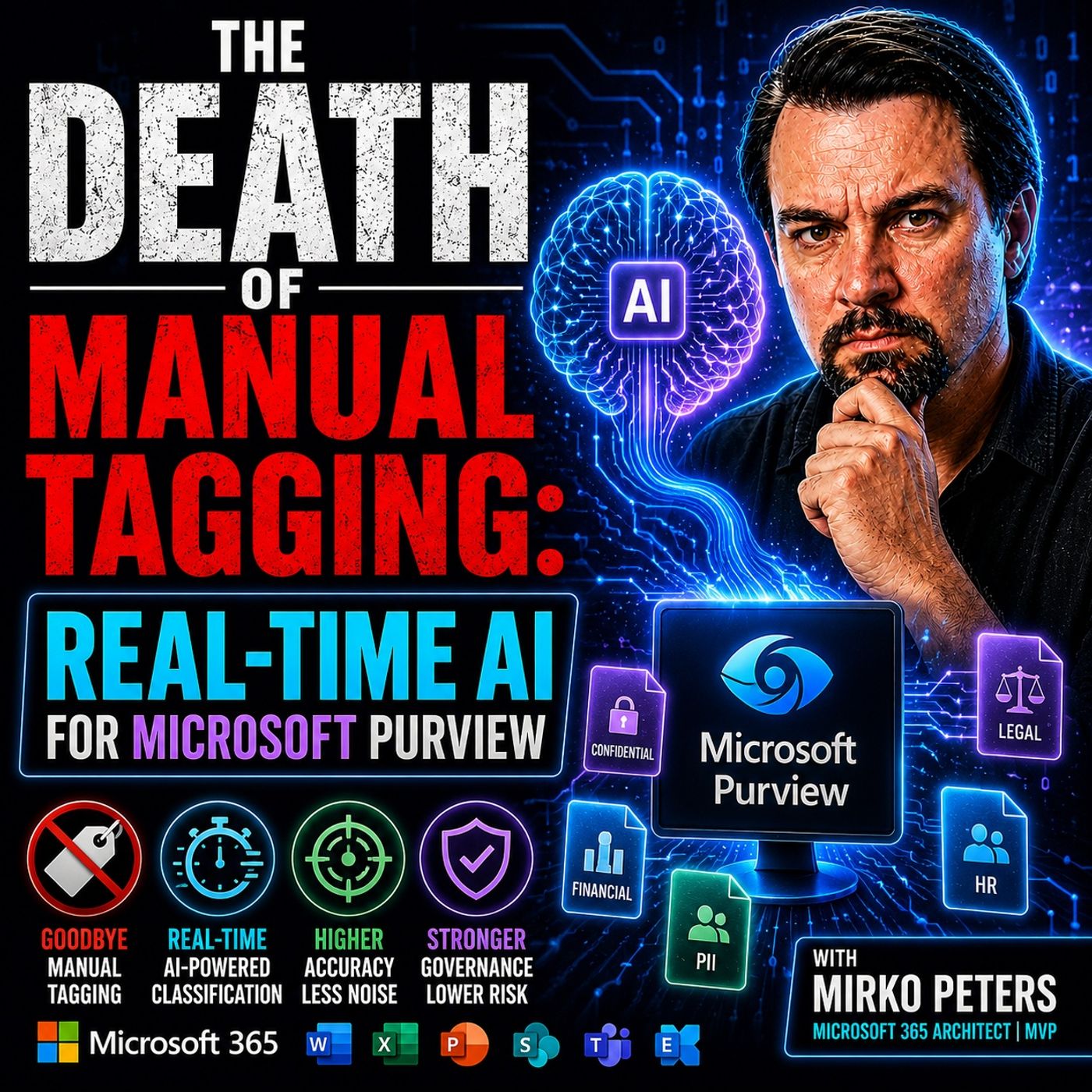
Real-Time AI Sensitivity Labeling in Microsoft Purview
In this episode of M365.fm , the discussion centers on why traditional manual sensitivity labeling in Microsoft Purview is rapidly becoming obsolete in modern enterprise environments. The core argument is that organizations now generate far too much data, too quickly, for employees to reliably classify information by hand. Manual tagging depends on users consistently stopping their work to apply the correct sensitivity label — something that rarely happens in practice. According to the episode, many organizations see labeling adoption rates around 30%, leaving large amounts of sensitive intellectual property effectively invisible to governance, compliance, and Data Loss Prevention systems. The episode explains that older governance models were designed for a slower workplace with fewer collaboration tools and lower data velocity. Today’s environments — driven by Microsoft 365, Teams, SharePoint, OneDrive, Slack, and Copilot — overwhelm users with constant communication and AI-g…
Guest: Mirko Peters
![Leadership, AI, and Imposter Syndrome with Daniel "Dan" Barber [MVP]](https://d3wo5wojvuv7l.cloudfront.net/t_rss_itunes_square_1400/images.spreaker.com/original/c1f037eef26b7d687b59b6f8c812ab1d.jpg "Leadership, AI, and Imposter Syndrome with Daniel \"Dan\" Barber [MVP]")
May 11, 2026
Leadership, AI, and Imposter Syndrome with Daniel "Dan" Barber [MVP]
In this deeply personal and thought-provoking episode of the m365.fm podcast, Mirko Peters sits down with Daniel “Dan” Barber, founder of Strathos and Microsoft MVP, for a conversation that moves far beyond technology. Together, they explore the human side of leadership, the emotional impact of AI transformation, and the often-hidden reality of imposter syndrome in the tech industry. Dan shares his journey through consulting, entrepreneurship, and community leadership, explaining how confidence, vulnerability, and authenticity shape long-term success far more than titles or certifications. The discussion highlights how many professionals in Microsoft 365, Azure, and AI constantly feel pressure to “keep up” in a rapidly evolving industry — especially as AI accelerates change faster than ever before. The episode also examines how AI is changing not only technical roles, but personal identity inside the workplace. Mirko and Dan discuss the fear of becoming irrelevant, the anxiety c…
Guests: Mirko Peters , Daniel Barber
May 11, 2026
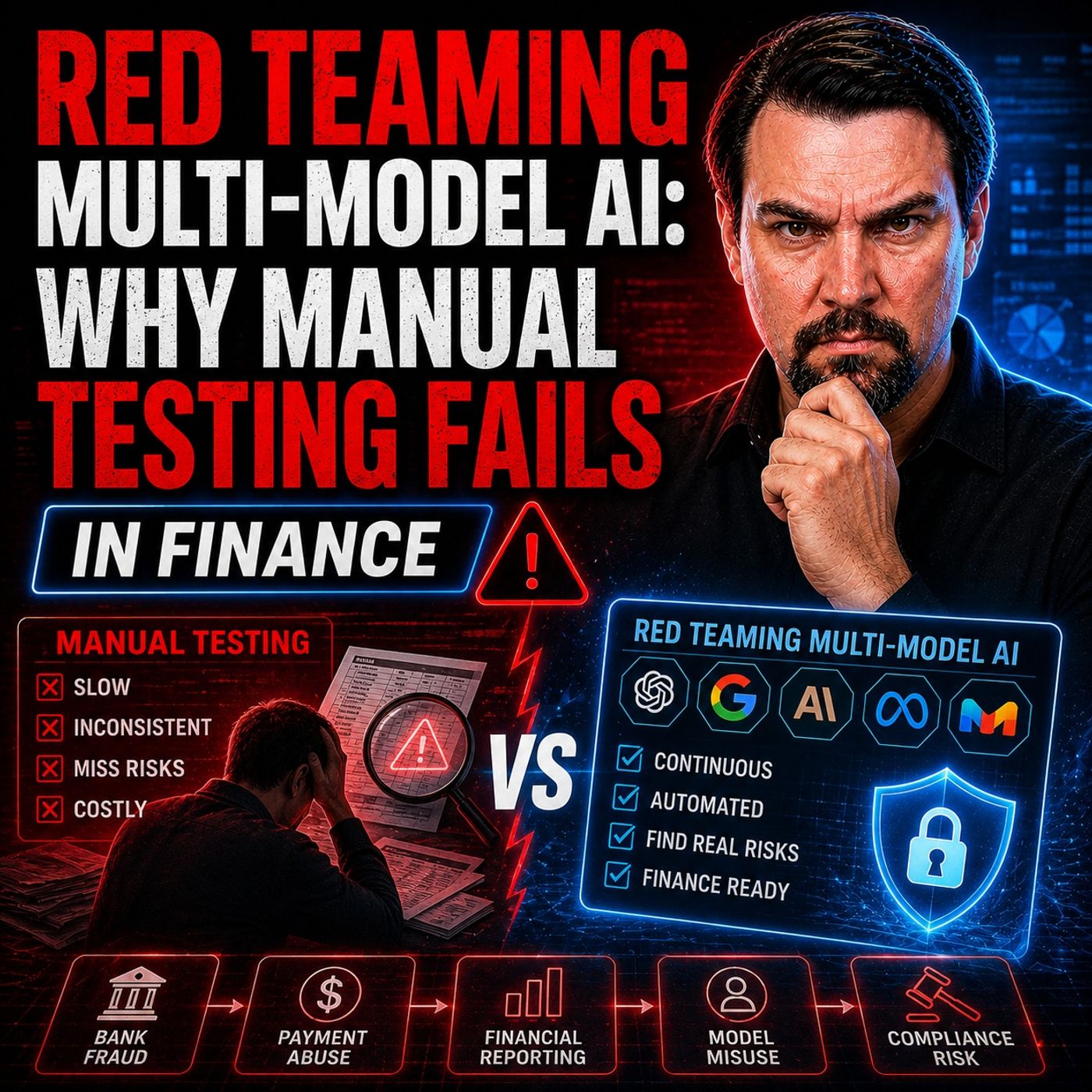
Automated Red Teaming for Multi-Model AI in Finance
In this episode of the m365.fm podcast, Mirko Peters explores why traditional AI security testing is no longer enough in modern enterprise environments. The discussion focuses on “red teaming” for multi-model AI systems, especially in highly regulated industries like finance, where multiple AI models, copilots, APIs, and automation layers interact with each other. The episode explains how manual testing methods fail because AI systems behave differently depending on context, chained prompts, integrations, memory, and user behavior. A model that appears secure in isolation can become vulnerable once connected to other systems or autonomous workflows. Mirko highlights that modern attacks are no longer simple prompt injections — they are multi-step, adaptive, and often invisible until damage has already occurred. A key theme is that organizations must stop treating AI as a chatbot and instead view it as an operational decision system with real business impact. The episode breaks do…
Guest: Mirko Peters
![Microsoft Copilot Security Readiness with Åsne Holtklimpen [MVP-MCT]](https://d3wo5wojvuv7l.cloudfront.net/t_rss_itunes_square_1400/images.spreaker.com/original/291d4291c3a36e0228451ae613ca3a0a.jpg "Microsoft Copilot Security Readiness with Åsne Holtklimpen [MVP-MCT]")
May 8, 2026
Microsoft Copilot Security Readiness with Åsne Holtklimpen [MVP-MCT]
In this episode of the M365 FM Podcast, Åsne Holtklimpen joins Mirko Peters to discuss the real challenges behind Microsoft Copilot adoption and AI readiness in Microsoft 365 environments. The core message is clear: Copilot does not create security problems — it exposes the governance and security gaps that already exist inside organizations. The conversation focuses on common issues such as overshared SharePoint sites, outdated permissions, forgotten Teams channels, uncontrolled data sprawl, and missing governance strategies. Åsne explains how many organizations rushed into cloud collaboration during the pandemic without proper structure, and AI tools now make these weaknesses far more visible. A major part of the episode highlights the importance of Microsoft Purview, sensitivity labels, Data Loss Prevention (DLP), Conditional Access, and Zero Trust principles. These tools help organizations classify sensitive information, secure access, and prevent Copilot from exposing confide…
Guests: Mirko Peters , Åsne Holtklimpen
![Production AI Agents with Microsoft Foundry and Edgar McOchieng [MVP]](https://d3wo5wojvuv7l.cloudfront.net/t_rss_itunes_square_1400/images.spreaker.com/original/3fdb0976e372c5f8e2440855906c6193.jpg "Production AI Agents with Microsoft Foundry and Edgar McOchieng [MVP]")
May 7, 2026
Production AI Agents with Microsoft Foundry and Edgar McOchieng [MVP]
In this episode of the M365.fm podcast, we dive deep into building and deploying production-grade AI agents with Microsoft Foundry together with Edgar McOchieng (MVP). The conversation explores how organizations can move beyond AI demos and prototypes into scalable, secure, and enterprise-ready agentic solutions. Edgar shares practical insights into Microsoft Foundry, Azure AI services, orchestration patterns, governance, observability, and the challenges teams face when deploying AI agents in real-world environments. We discuss how developers can combine tools like Azure OpenAI, Semantic Kernel, MCP integrations, and multi-agent architectures to create intelligent systems that are reliable, maintainable, and aligned with enterprise requirements. The episode also covers key topics such as memory management, tool integration, security boundaries, human-in-the-loop workflows, responsible AI practices, and monitoring strategies for production workloads. Edgar explains why architect…
Guests: Mirko Peters , Edgar McOchieng
![Figma to Power Apps Development with Lukas Pavelka [MVP]](https://d3wo5wojvuv7l.cloudfront.net/t_rss_itunes_square_1400/images.spreaker.com/original/e24622ab143b9f8605b6e153ba68a6bc.jpg "Figma to Power Apps Development with Lukas Pavelka [MVP]")
May 6, 2026
Figma to Power Apps Development with Lukas Pavelka [MVP]
In this episode of the M365 FM Podcast, Mirko Peters talks with Lukas Pavelka about the future of enterprise app development, AI-assisted coding, and the growing connection between Figma and Microsoft Power Platform. Lukas shares his journey from Java development into building tools like PowerApps for Figma and Power BI for Figma, designed to bridge the gap between modern UI design and low-code development. The conversation explores how Figma has evolved beyond a design tool into a broader ecosystem for prototyping, presentations, reusable design systems, and enterprise application delivery. Lukas explains how his plugins help developers speed up PowerApps creation, improve UI consistency, and even support multi-language app generation across more than 100 languages. A major focus of the episode is AI-driven development and “vibe coding.” Lukas discusses practical experiences with GitHub Copilot, Claude, AI agents, and prompt-based workflows. While AI dramatically accelerates de…
Guests: Mirko Peters , Lukas Pavelka
May 6, 2026
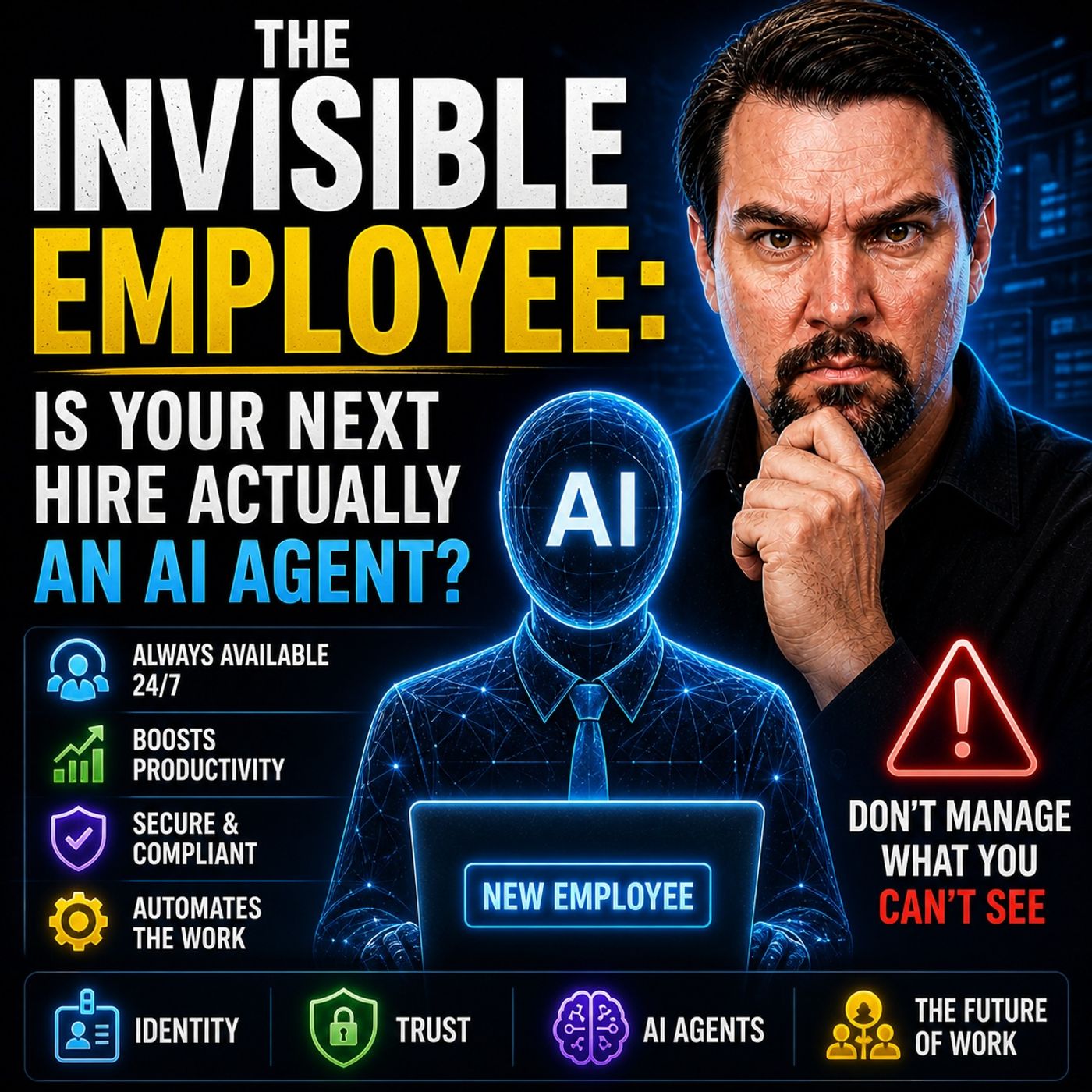
The Invisible Employee: AI Agents in Microsoft 365 Workflows
In this episode of the M365 FM Podcast, Mirko Peters explores the concept of “The Invisible Employee” and why most organizations misunderstand how work actually happens inside Microsoft 365. Companies often believe their processes, governance models, and infrastructure diagrams reflect reality, but the truth is very different. Real work happens through informal behaviors, workarounds, hidden collaboration patterns, and decisions employees make every day to bypass friction in systems that no longer match operational needs. The episode explains that Microsoft 365 is not just a collection of tools — it acts as a behavioral operating system that reveals how people truly collaborate, share information, and move data across the organization. Employees continuously create unofficial workflows, overshare files, duplicate information, and adapt processes in ways leadership rarely sees. These invisible behaviors become the real infrastructure of the business. A major focus of the discussi…
Guest: Mirko Peters

May 5, 2026
Stop Microsoft Copilot Prompt Injection with Azure Logic Apps
In this episode of the M365.fm podcast, the discussion focuses on one of the biggest hidden risks in Microsoft Copilot environments: prompt injection attacks. The episode explains that the real security problem is not weak prompts or missing filters, but the architecture behind how AI models process information. Modern AI systems like Microsoft Copilot retrieve data from multiple Microsoft 365 sources such as emails, SharePoint files, chats, and forms. If malicious instructions are hidden inside that content, Copilot can unknowingly treat them as trusted instructions. The episode highlights how attacks like EchoLeak and ShareLeak demonstrated that attackers do not need direct access to the AI system itself. Instead, they can poison the surrounding context by embedding malicious payloads into documents or messages that Copilot later retrieves. Once the model processes those inputs, sensitive information may be exposed or workflows may be manipulated. Traditional security approach…
Guest: Mirko Peters

May 1, 2026
Improve Microsoft Copilot Accuracy Beyond Vector Search
This episode explains that vector search on its own is not a complete or reliable strategy for building accurate AI systems like Copilot. While many organizations rely on embeddings and vector databases to retrieve information, this approach often leads to inconsistent or misleading results. The main problem is that vector search works by finding content that is mathematically similar, not necessarily correct or relevant in a business context. This creates situations where the system returns results that look right but are actually wrong, leading to hallucinations and reduced trust in AI outputs. The episode highlights that the real issue is not the language model itself, but how information is retrieved. Even the most advanced AI will produce poor answers if it is given the wrong or low-quality data. To improve accuracy, the episode recommends moving beyond pure vector search and adopting a more structured retrieval strategy. This includes combining different techniques such…
Guest: Mirko Peters
April 29, 2026
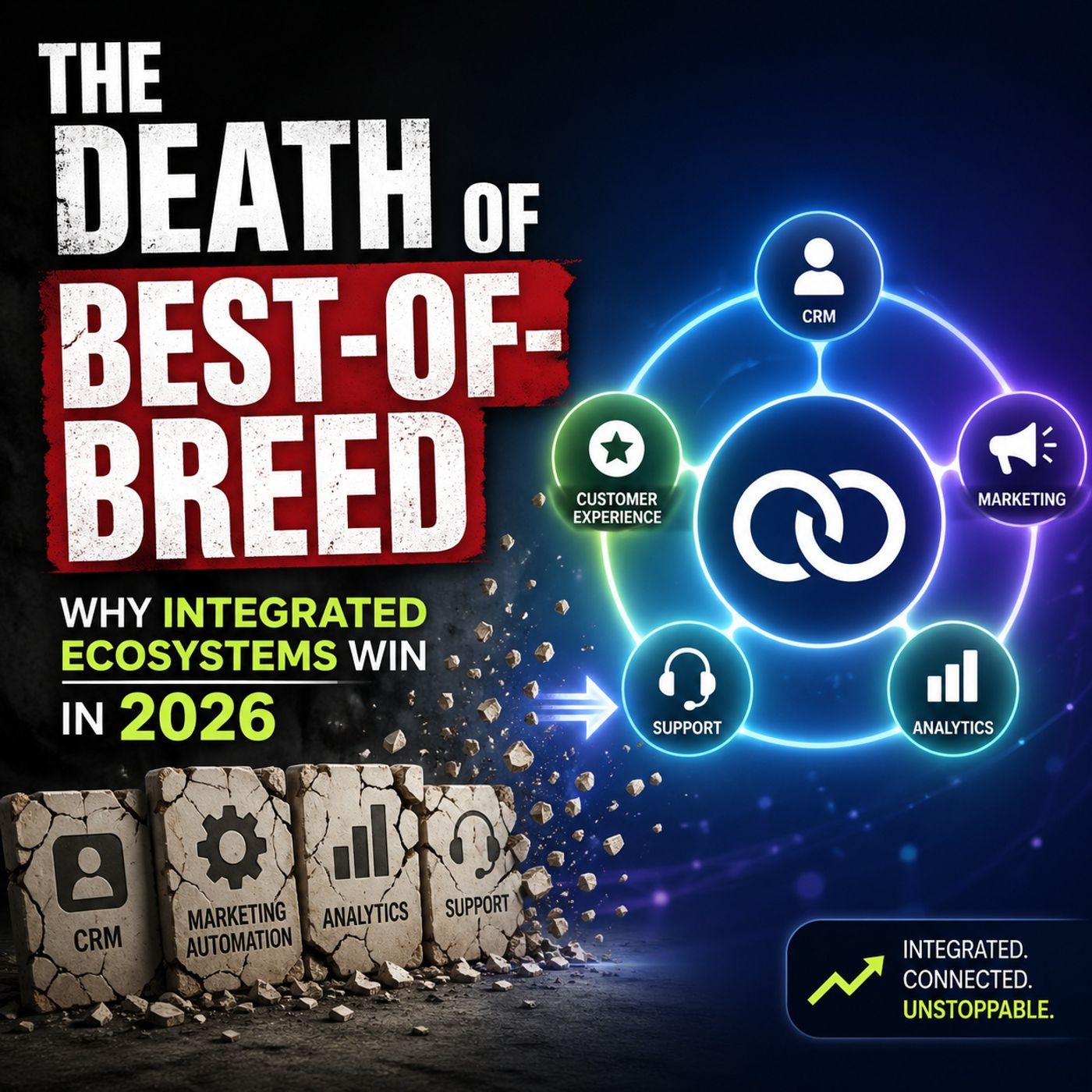
Integrated Technology Ecosystems vs Best-of-Breed Tools
This episode explains why the traditional “best-of-breed” strategy—using many separate, specialized tools—is becoming less effective. While it once allowed companies to pick the best solution for each task, it now leads to complexity, higher costs, and disconnected data. The host describes this as “operational entropy,” where each additional tool creates more friction, integration challenges, and governance issues. This fragmentation also makes it harder to fully benefit from AI, since AI performs best when it has access to unified data and systems. The episode argues that integrated ecosystems, such as Microsoft’s platform, are replacing this approach. These ecosystems bring data, identity, security, and workflows together in one place, making it easier to manage, automate, and scale. The main takeaway is that AI is changing how organizations should think about technology. Instead of optimizing individual tools, companies should focus on integrated platforms that connect eve…
Guest: Mirko Peters
April 28, 2026
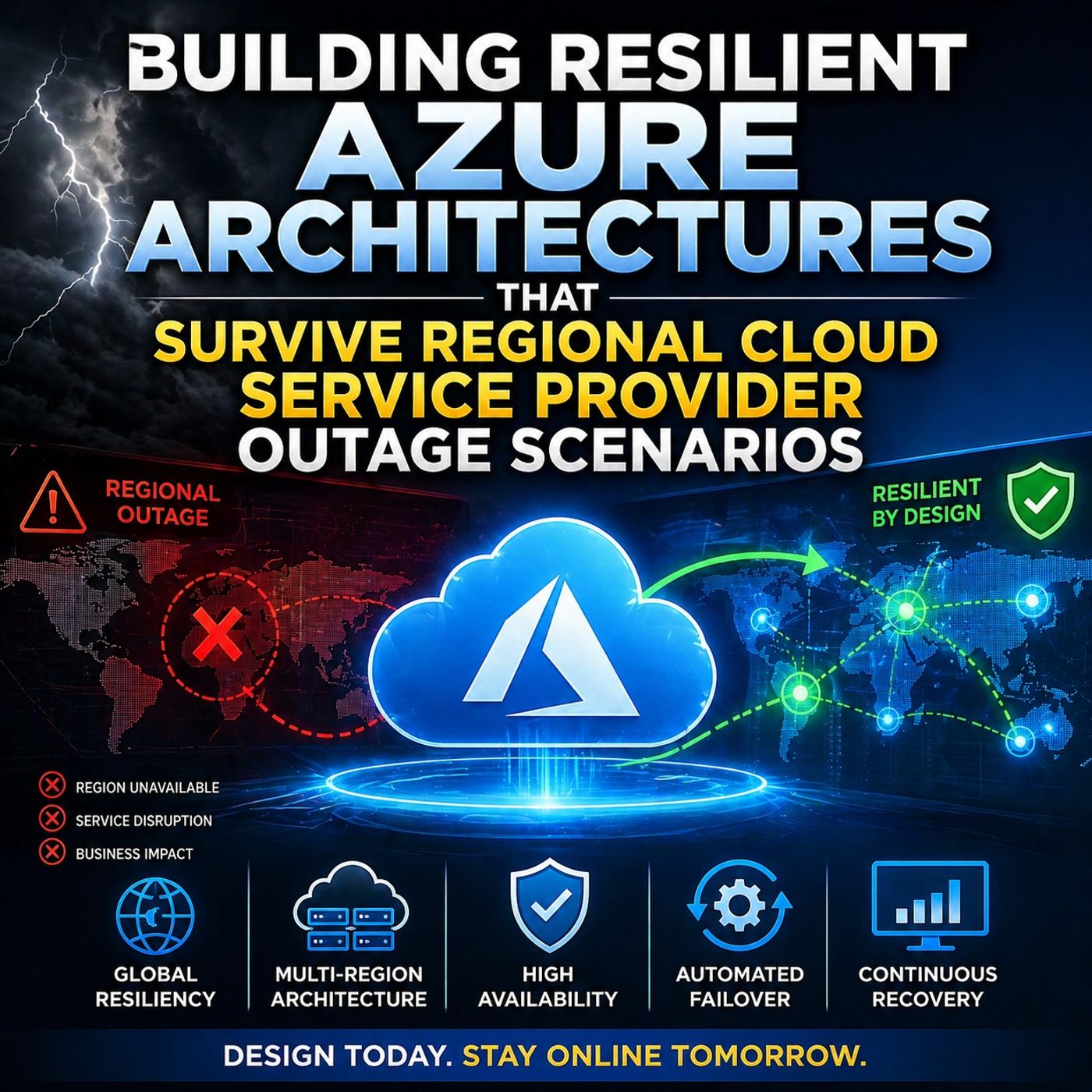
Build Resilient Azure Architecture for Regional Outages
This episode of the M365.FM challenges a common myth in cloud architecture: simply deploying workloads across multiple Azure regions does not guarantee resilience. Instead, many organizations unknowingly create “distributed single points of failure,” where systems still collapse during real outages. The discussion walks through a simulated regional cloud provider outage and reveals how modern architectures fail under pressure—especially when failover depends on manual decisions, meetings, or a functioning control plane. True resilience isn’t about passive redundancy; it’s about systems that continue to operate predictably during failure. A key insight is the hidden risk of global entry services like Azure Front Door—when these fail, even healthy backend systems become unreachable, exposing critical edge dependencies. The episode ultimately argues for a shift toward state-synchronized resilience, where systems are actively designed to maintain behavior, not just availability, …
Guest: Mirko Peters

April 27, 2026
Microsoft Graph Connectors for Enterprise AI and Copilot
In this episode, the host explains why many enterprise AI initiatives fail to deliver value—not because of weak models, but because the AI lacks access to the right data. Most enterprise knowledge is fragmented across systems, apps, and repositories, making AI effectively “blind” to critical context. The episode introduces Graph Connectors as the missing link, enabling organizations to bring external data into Microsoft Graph so tools like Copilot can understand and reason over a more complete knowledge base. Without this integration, AI outputs remain shallow, incomplete, and disconnected from real business workflows. The key takeaway is that successful enterprise AI isn’t just about deploying models—it’s about connecting and structuring your data ecosystem. By using Graph Connectors strategically, organizations can unlock meaningful, context-aware AI that reflects how the business actually operates.
Guest: Mirko Peters
April 25, 2026
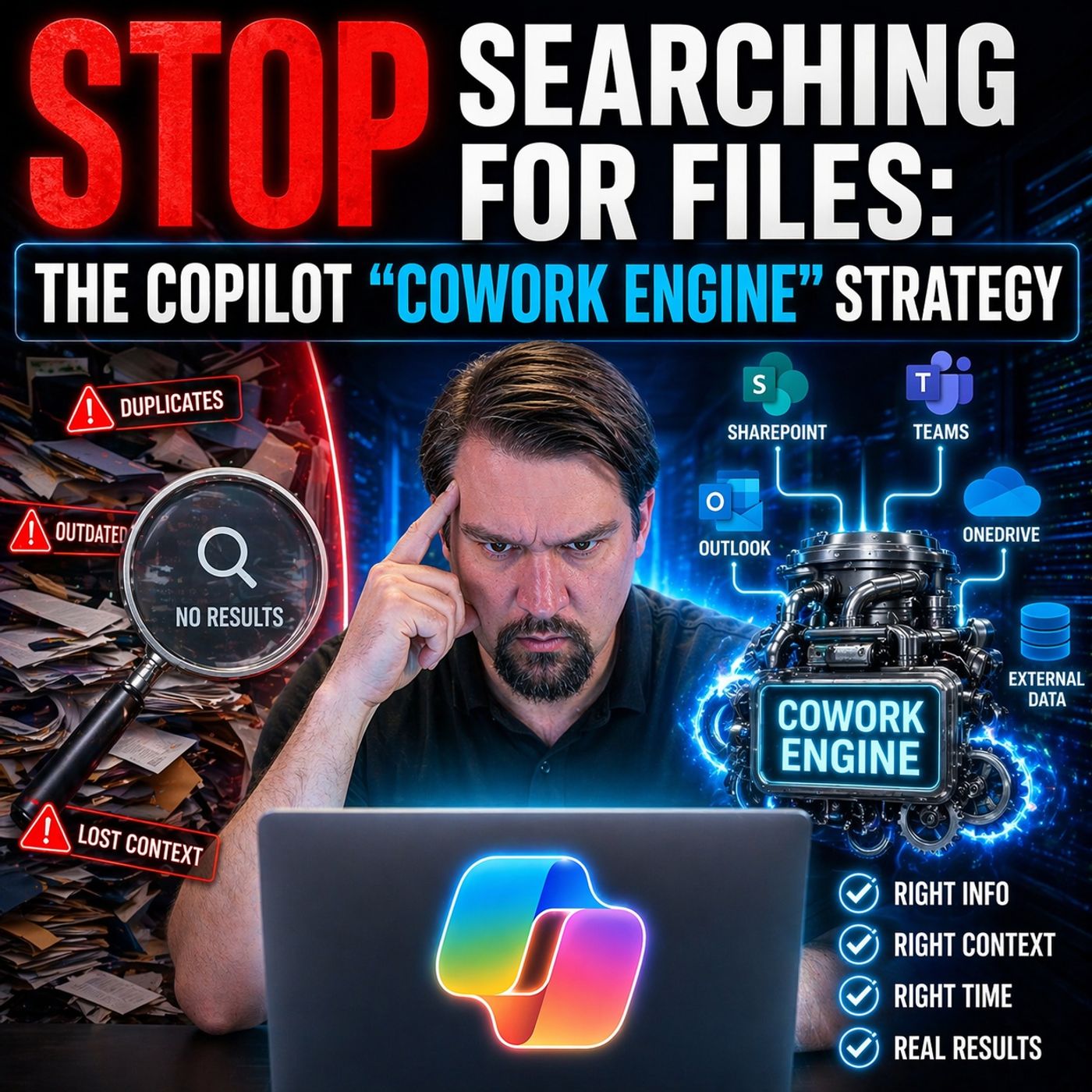
Microsoft Copilot Cowork Engine for Context-Driven Work
This episode explains that constantly searching for files is a sign of a poorly designed system rather than a normal part of work. Many organizations struggle with scattered documents, duplicate versions, and unclear structures, which leads to wasted time and inefficiency—what the host describes as a “search tax.” Instead of relying on better search tools, the episode suggests a different approach: rethinking how information is organized and accessed. It introduces the idea of a “Cowork Engine,” where AI like Copilot is not just a reactive assistant that answers prompts, but an active system that anticipates needs and delivers the right information automatically. The main message is that organizations should move away from file-based work and toward context-driven systems. By doing this, employees spend less time looking for information and more time making decisions and getting work done.
Guest: Mirko Peters
April 25, 2026
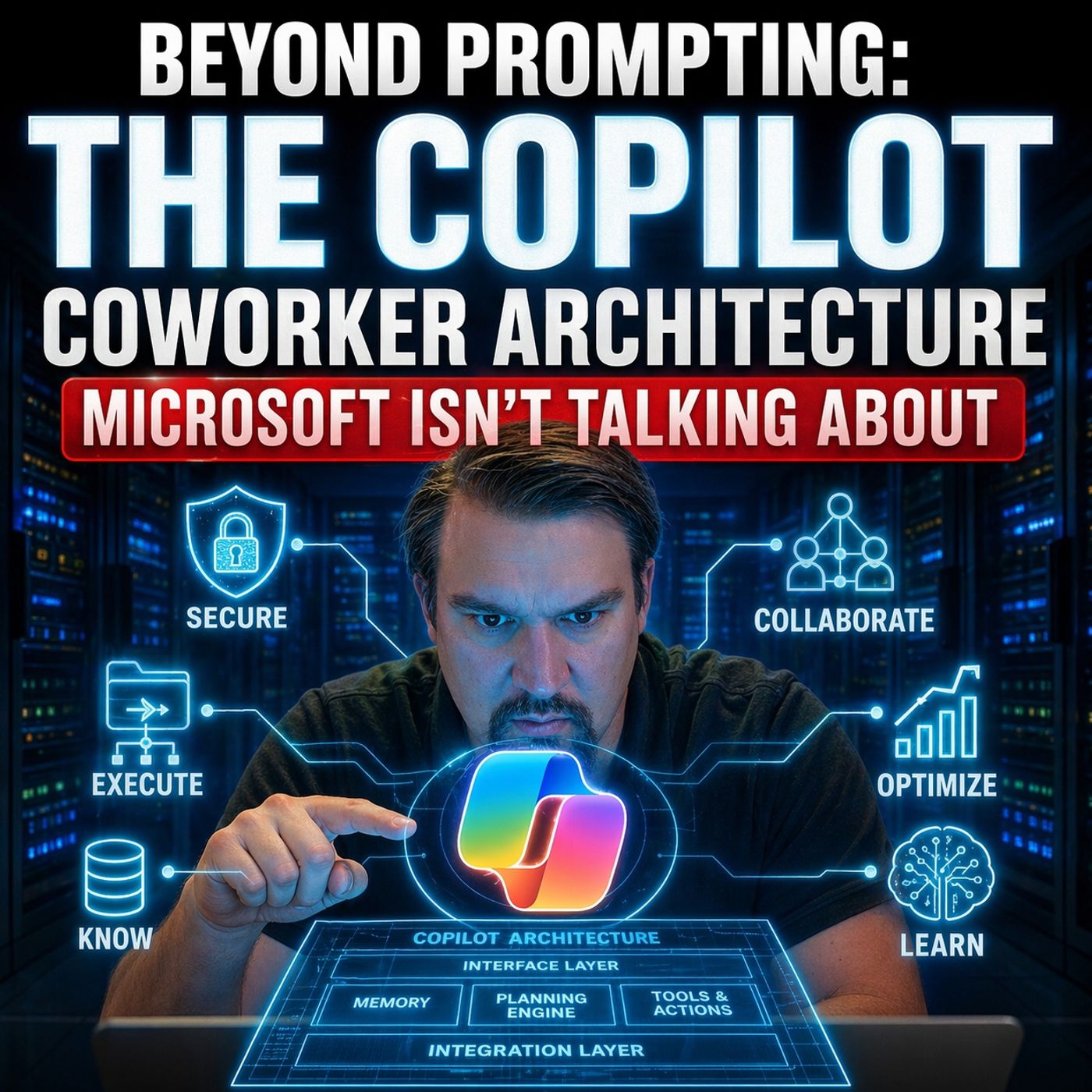
Microsoft Copilot Coworker Architecture Beyond Prompting
This episode argues that most organizations misunderstand Microsoft Copilot by treating it as a prompt-driven assistant instead of a deeper execution architecture. The speaker introduces the idea of a “Copilot coworker” or “cowork engine,” where AI operates as an active execution layer across data, processes, and decisions—not just a chatbot responding to prompts. A key problem highlighted is the “search tax”: modern workplaces rely on fragmented, poorly structured data, forcing humans to constantly search, validate, and guess. Simply adding AI on top of this broken architecture amplifies noise and reduces trust rather than improving productivity. The episode emphasizes that real value comes from architectural change—curated data, clear context, governance, and defined execution layers—so AI can deliver reliable, decision-ready outputs. Without this foundation, Copilot just accelerates bad processes and creates more low-quality content instead of meaningful outcomes.
Guest: Mirko Peters
April 24, 2026
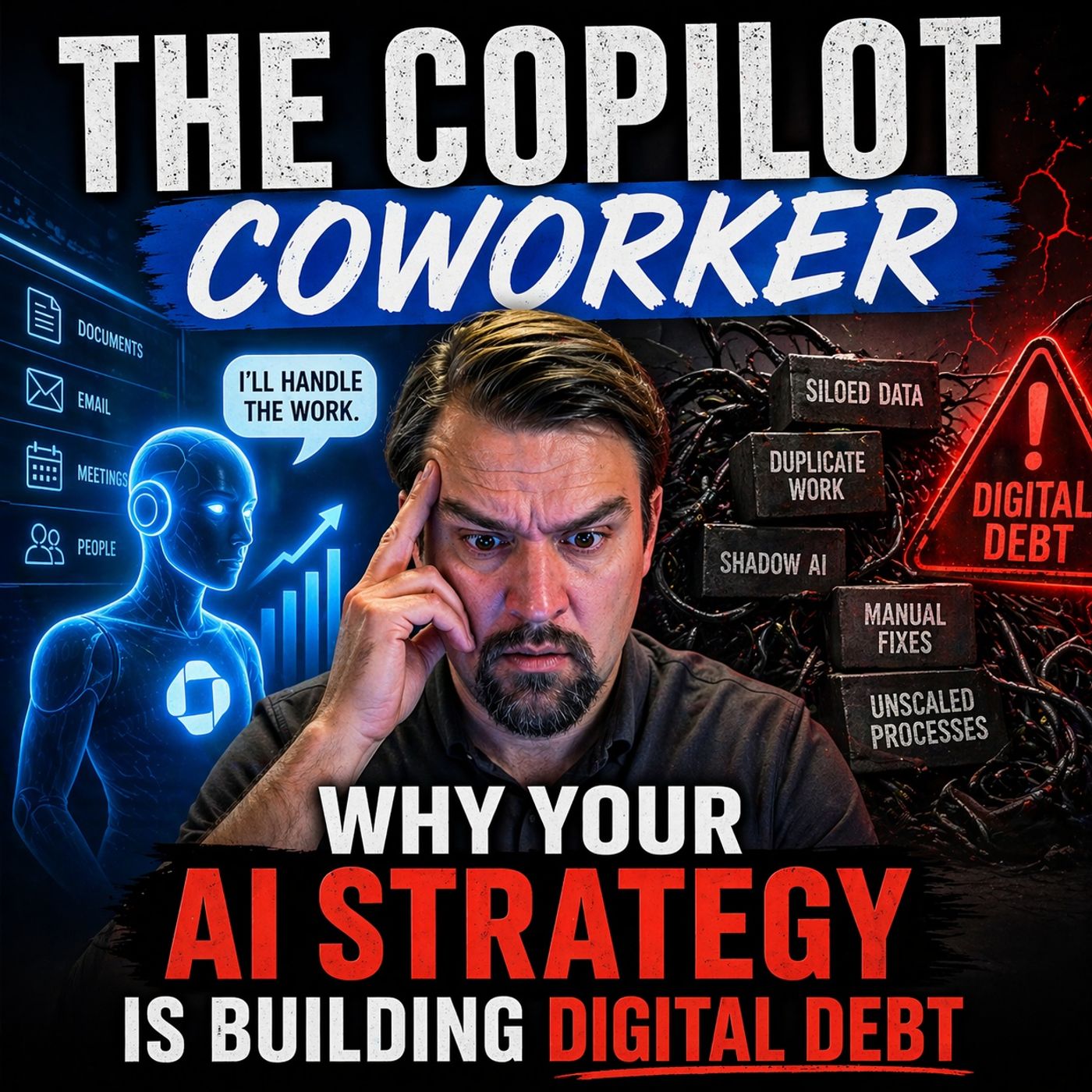
How Microsoft Copilot Creates Digital Debt
This episode explains that treating AI like a simple add-on tool—especially Microsoft Copilot—can quietly create “digital debt” inside organizations. The problem isn’t the AI itself, but the messy, ungoverned Microsoft 365 environments it relies on. Copilot acts as a powerful coworker that instantly exposes all accessible data, meaning existing issues like oversharing, poor structure, and lack of governance become highly visible and amplified. The key message is that AI doesn’t fix broken systems—it scales them. If your environment is chaotic, AI will accelerate that chaos. Without proper data governance, security controls, and clear operating models, companies risk building long-term complexity and risk instead of value. To avoid this “digital debt,” organizations need to focus on fixing their foundations first—clean data, controlled access, and strong governance—before scaling AI adoption.
Guest: Mirko Peters
April 24, 2026
Management Architecture for the Copilot Coworker Transition
This episode explains that many managers misunderstand what the “Copilot coworker” actually is. They treat it like a simple productivity tool, expecting quick gains, but in reality AI changes how work, decisions, and responsibilities are structured. Because of this, teams using Copilot often don’t see real results. The problem isn’t the technology—it’s that organizations keep old management models, unclear ownership, and weak accountability. Managers focus on tasks and activity instead of outcomes, and they fail to redesign roles, decision-making, and workflows around AI. The “architect move” means shifting from managing people and tasks to designing systems: clear ownership, strong governance, and defined execution. Without this structural change, Copilot just exposes existing organizational problems instead of improving productivity. In short, AI success requires rethinking management itself—not just adding new tools.
Guest: Mirko Peters
April 22, 2026
AI Upskilling Strategy for Measurable Business ROI
This episode explains that AI only delivers real ROI when organizations invest in upskilling their people—not just deploying tools. Many companies expect immediate productivity gains from AI, but without the skills to use it effectively, the impact stays low. The real “profit engine” comes from enabling employees to work differently with AI: improving decision-making, accelerating execution, and redesigning workflows. Upskilling turns AI from a passive assistant into an active driver of business value, helping organizations unlock measurable outcomes instead of just surface-level adoption.
Guest: Mirko Peters
April 20, 2026
Secure a Microsoft Copilot Rollout with Microsoft Purview
This episode explains that most Microsoft Copilot rollouts become a “security nightmare” not because of the AI itself, but because of poor Microsoft 365 governance. Copilot effectively acts like an automated auditor, exposing all the hidden issues already present in your environment—such as oversharing, weak permissions, and uncontrolled access. The core problem is that organizations treat governance and security as something to fix later, instead of designing them into the system from the start. As a result, when Copilot is introduced, it surfaces sensitive data, amplifies permission mistakes, and makes existing risks visible at scale. The episode argues that the solution is not to block Copilot, but to implement a strong Microsoft Purview strategy—focusing on data classification, access control, and continuous governance—so AI can operate safely within well-defined boundaries.
Guest: Mirko Peters
April 19, 2026
Multi-Tenant Microsoft Copilot Governance Strategy
In this episode of the M365.fm podcast, “The Multi-Tenant Copilot Trap: Mastering Global AI Governance,” the discussion centers on a critical but often overlooked challenge in enterprise AI adoption: the misconception that deploying Microsoft 365 Copilot across multiple tenants is simply a scaling exercise, when in reality it introduces complex governance, security, and data boundary risks that can quickly spiral out of control. The hosts unpack how Copilot fundamentally amplifies whatever data foundation already exists—meaning poor governance, oversharing, and permission sprawl are no longer hidden issues but instantly exposed through AI-driven access and insights . They emphasize that organizations operating in multi-tenant environments must rethink traditional governance models, moving beyond tenant-level controls to a unified, global strategy that enforces consistent policies, identity management, and data protection across all environments. The episode highlights the danger of fr…
Guest: Mirko Peters
April 8, 2026
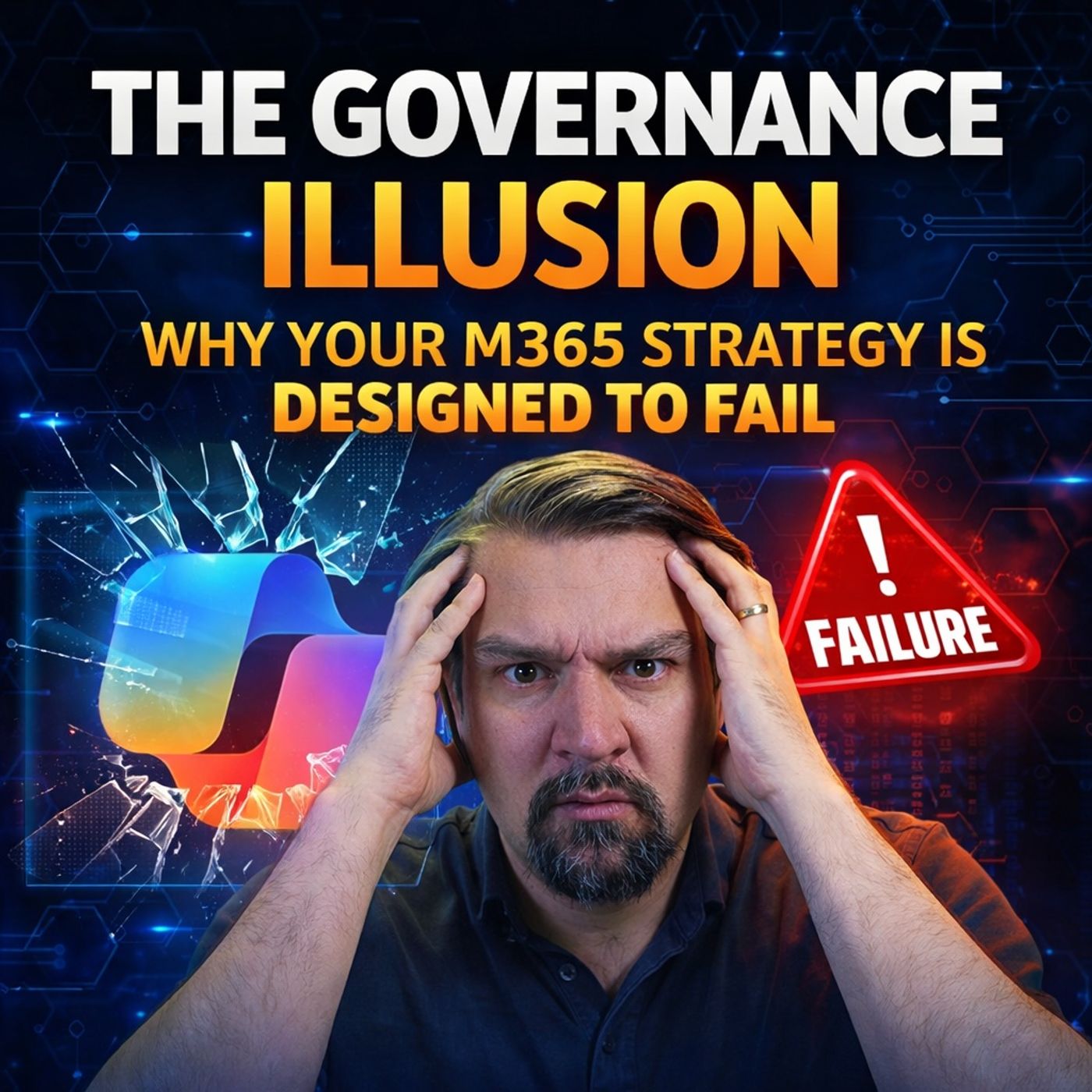
Why Microsoft 365 Governance Strategies Fail
Most organizations believe Microsoft 365 governance is achieved by configuring tools and policies, but this episode explains that this is an illusion—controls alone don’t create real governance. Governance fails because companies rely on checklists, dashboards, and native features instead of enforcing behavior, accountability, and clear ownership. The key point is that governance is not a one-time setup or configuration—it’s an ongoing operating model that requires enforced policies, identity control, and systems that actually prevent unwanted actions, not just report them. Without this, organizations fall into “governance theater,” where everything looks controlled but risks, shadow IT, and compliance gaps continue to grow underneath.
Guest: Mirko Peters
April 5, 2026
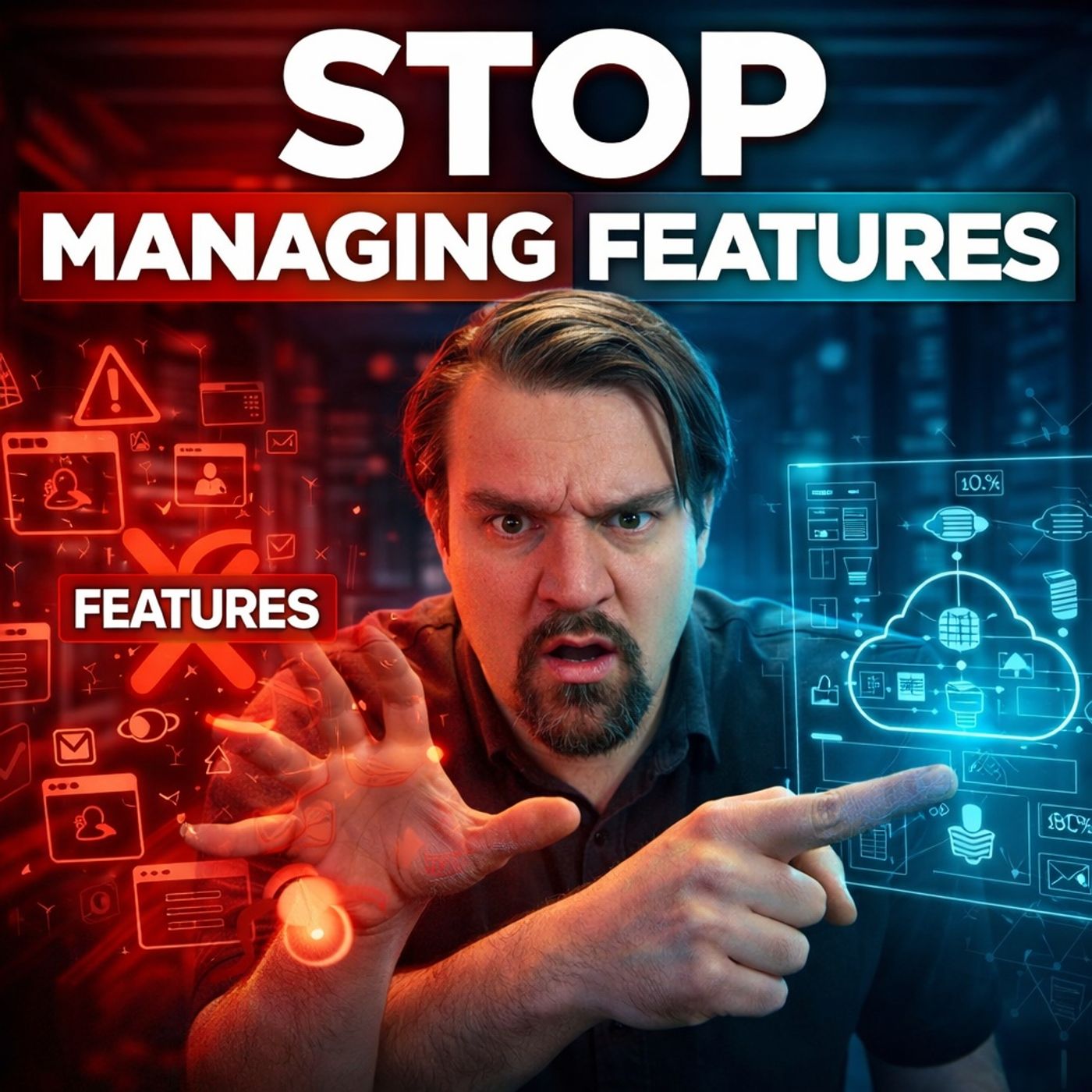
Cloud Governance as Architecture, Not Feature Management
This episode of the M365.fm podcast challenges a common misconception in cloud strategy: that managing features, tools, and configurations leads to control. Instead, it reveals that true cloud governance is an architectural discipline, not an operational afterthought. The discussion explains how cloud environments promise efficiency and scalability, but without engineered governance they quickly turn into uncontrolled cost drivers filled with idle resources, unused licenses, and permission sprawl. The episode highlights that leading organizations shift their mindset from reactive optimization to proactive governance design. Rather than fixing costs later, they build governance into the foundation through enforced policies, structured environments, and continuous oversight. This includes practices like mandatory tagging, automated policy enforcement, FinOps routines, and platform consolidation to eliminate waste before it occurs. A practical governance roadmap is outlined, showin…
Guest: Mirko Peters
April 3, 2026
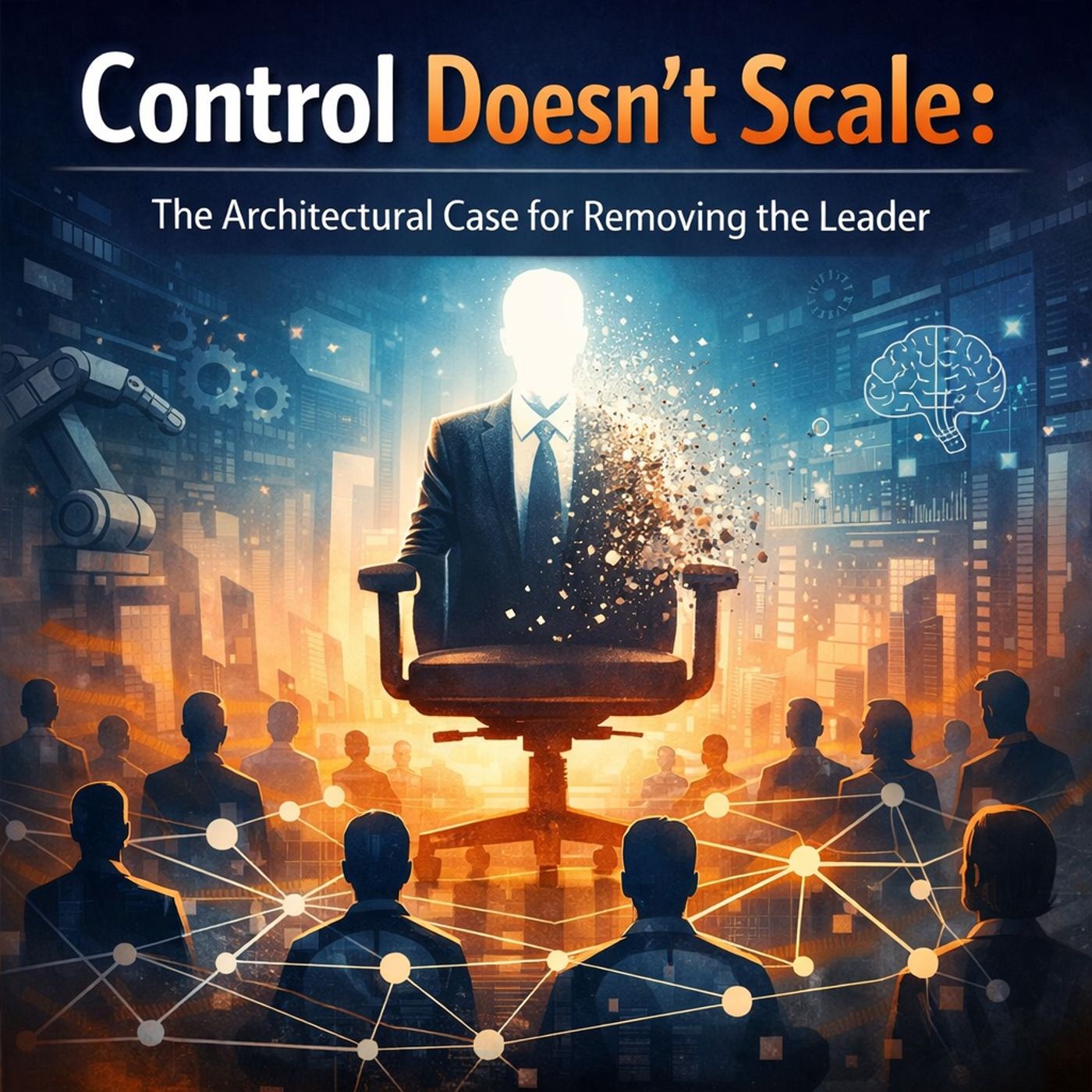
Leadership and Microsoft 365 Governance Beyond Central Control
Control doesn’t scale. And the more your organization relies on leadership for decisions, the slower and more fragile it becomes. In this episode, Mirko Peters explains why real scalability starts when leaders stop being the control layer. SHORT...
Guest: Mirko Peters
April 2, 2026
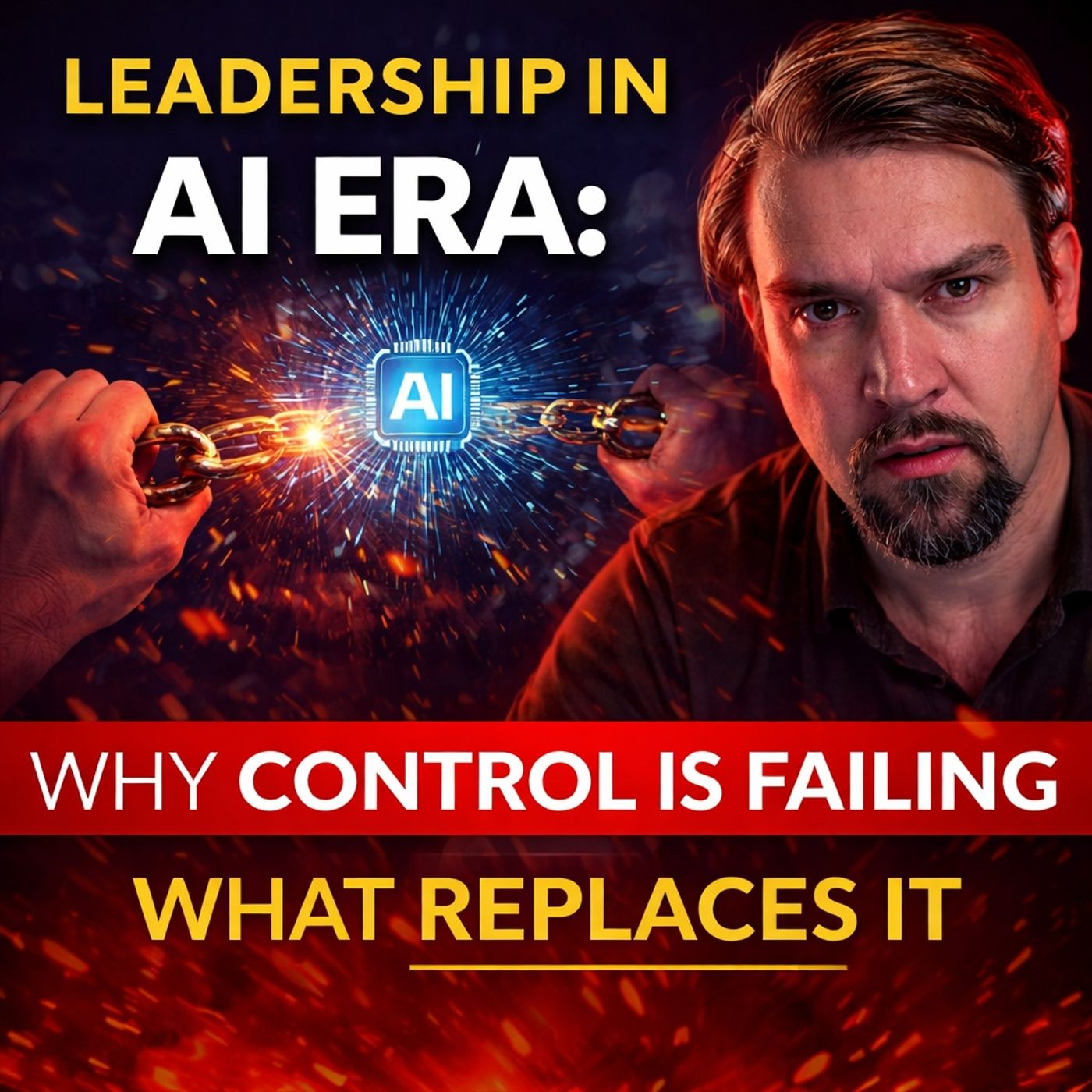
Leadership in the AI Era Beyond Approvals and Control
AI is not just accelerating work. It’s exposing how your organization actually works. And right now, most leaders are responding the wrong way. They add: - More approvals - More reviews - More oversight But instead of creating safety… 👉 they create...
Guest: Mirko Peters