

Explore how AI innovations, including Microsoft Copilot, are reshaping productivity and collaboration across Microsoft 365. Discuss architectural concerns, security implications, and evolving automation strategies.
June 2, 2026
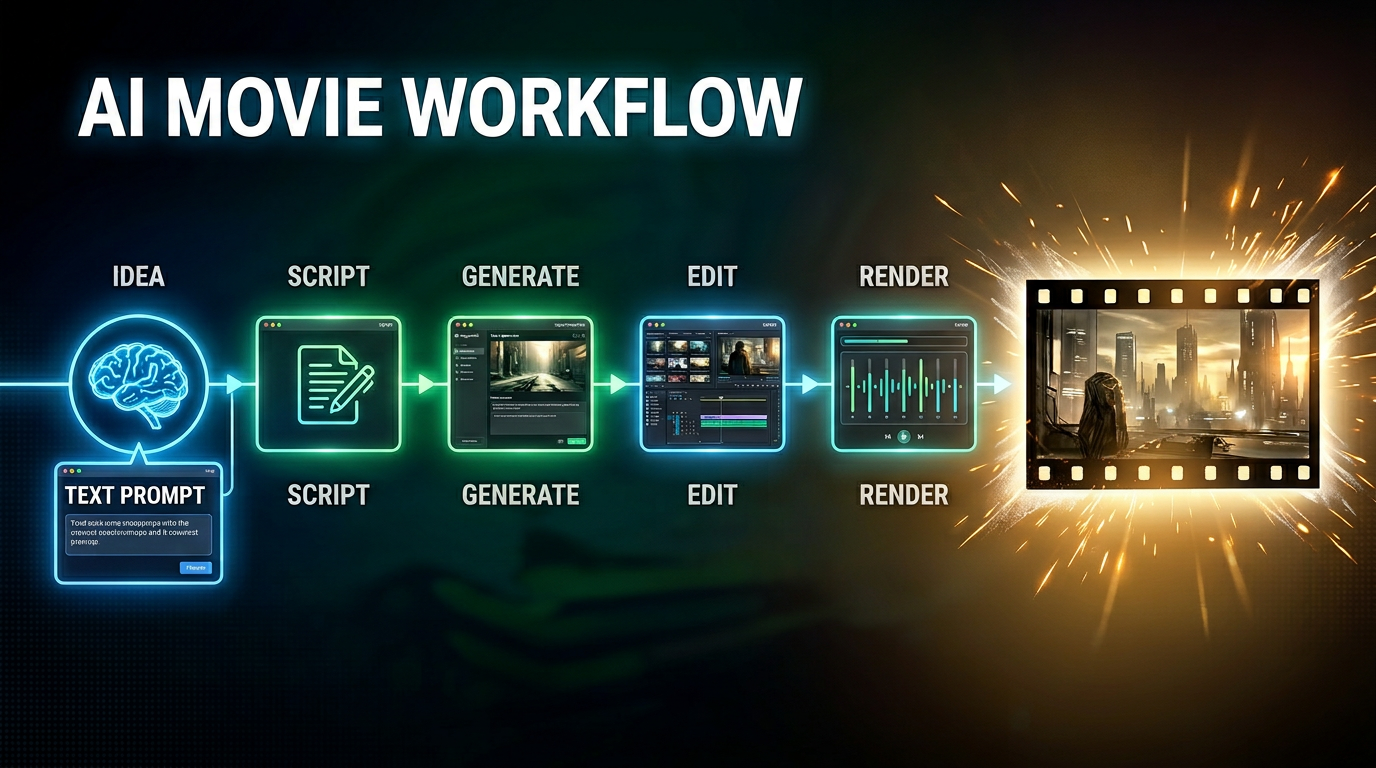
AI Movie Production with Copilot, Seedance, and Higgsfield
This episode explores the emerging architecture behind AI-generated filmmaking and why creating high-quality AI movies is no longer about using a single tool. Instead, successful AI film production requires an orchestrated workflow where different models and platforms handle specific stages of the creative process. The discussion focuses on how tools such as Microsoft Copilot, Seedance, Higgsfield, and other generative AI platforms fit into a larger production pipeline. Rather than relying on one model to generate an entire movie, creators increasingly use specialized systems for ideation, scripting, storyboarding, shot planning, character consistency, motion generation, editing, and post-production. A key theme is the shift from prompt engineering to architecture design. The real challenge is no longer writing better prompts but designing workflows that coordinate multiple AI models and creative stages. This mirrors how modern software systems evolved from standalone applicatio…
Guest: Mirko Peters
June 1, 2026
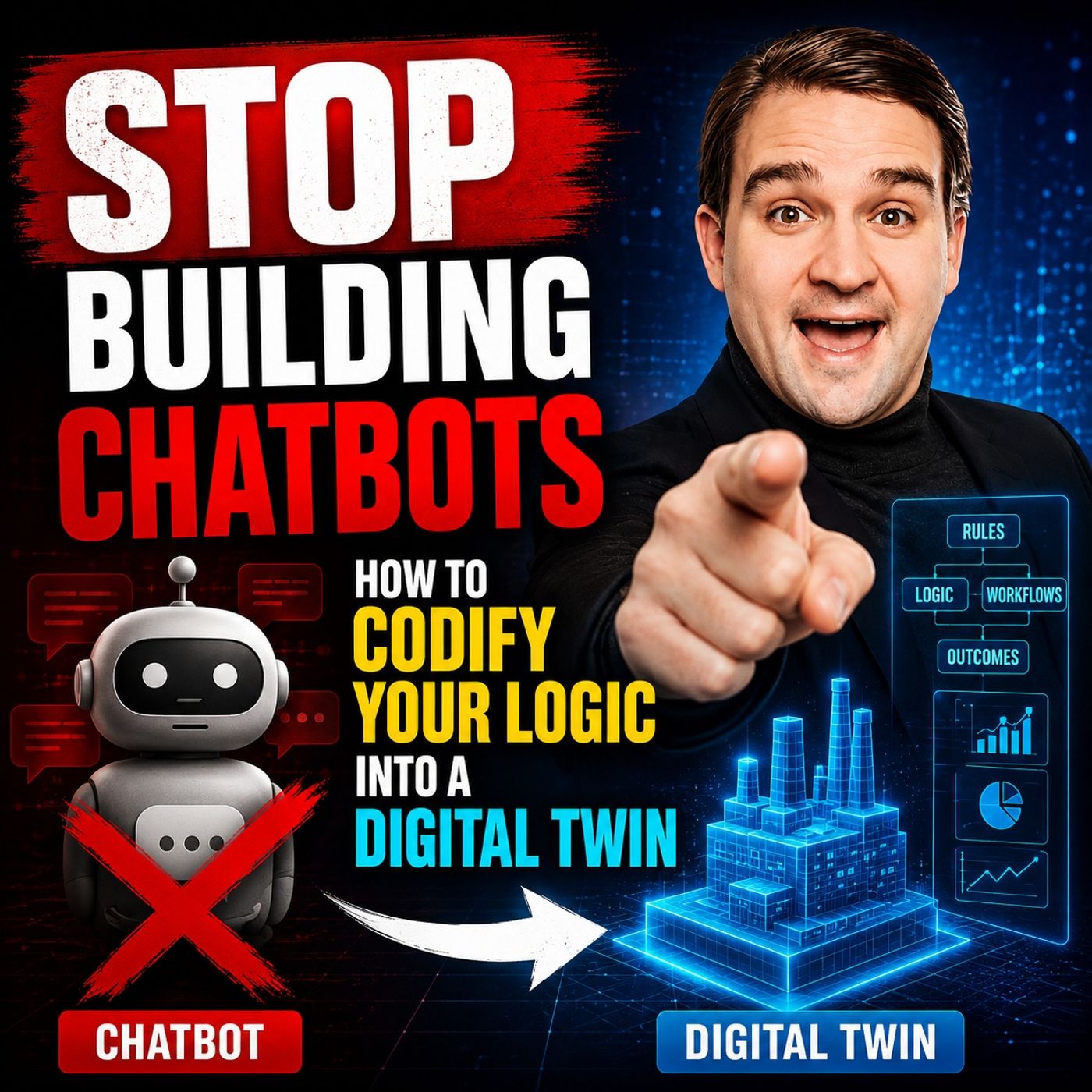
Codify Business Logic into a Digital Twin for AI Agents
Stop Building Chatbots: How to Codify Your Logic into a Digital Twin challenges the common enterprise approach of building AI chatbots as the primary interface for automation. The episode argues that while chatbots are easy to deploy and demonstrate, they often fail to capture the real business value hidden inside organizational processes and decision-making logic. The core message is that organizations should focus on creating a “digital twin” of their business logic rather than another conversational interface. Instead of embedding knowledge in prompts, workflows, or individual employees, companies should codify how decisions are made, how processes interact, and how systems relate to one another. This creates a reusable intelligence layer that AI agents, applications, and future automation platforms can consume consistently. The discussion explores the difference between surface-level AI experiences and true operational intelligence. Chatbots answer questions, but digital twi…
Guest: Mirko Peters
![Scaling Copilot Studio with Isha Kapoor [MVP]](https://d3wo5wojvuv7l.cloudfront.net/t_rss_itunes_square_1400/images.spreaker.com/original/dbcdccd17b20b5f4967176d898265308.jpg "Scaling Copilot Studio with Isha Kapoor [MVP]")
June 1, 2026
Scaling Copilot Studio with Isha Kapoor [MVP]
In this episode of the M365.fm podcast, Mirko Peters sits down with Microsoft MVP Isha Kapoor to explore what it really takes to scale Microsoft Copilot Studio in large enterprise environments. The conversation moves beyond simple chatbot scenarios and focuses on the architectural, governance, and operational challenges organizations face when deploying AI-powered agents at scale. Isha shares practical insights into designing enterprise-grade Copilot Studio solutions that remain secure, maintainable, and aligned with business goals. The discussion highlights why successful AI adoption requires more than technology alone. Governance, data quality, security controls, lifecycle management, and clear ownership models are critical factors that determine whether AI initiatives succeed or fail. The episode examines how enterprises can balance innovation with control while empowering business teams to build and use AI agents responsibly. Topics include agent orchestration, integration w…
Guests: Mirko Peters , Isha Kapoor

May 31, 2026
How to Build a Microsoft Copilot Agent Fabric
he era of prompt engineering is ending. While organizations have spent years teaching employees how to write better AI prompts, this approach creates inconsistent results, limits scalability, and keeps humans trapped in every workflow step. Instead of relying on a single chatbot, the future of enterprise AI is built on specialized agents that collaborate, reason, and execute tasks autonomously. In this episode, M365FM explores the concept of the Copilot Agent Fabric—a new architectural model where AI agents are designed around business outcomes rather than conversations. Each agent owns a specific responsibility, operates with focused context, and works together with other agents to complete complex processes. This creates a more scalable, measurable, and repeatable approach to AI adoption. The discussion highlights why traditional prompting has reached its limits. Organizations often struggle with inconsistent prompt quality, low long-term adoption, manual intervention, and dif…
Guest: Mirko Peters
May 31, 2026
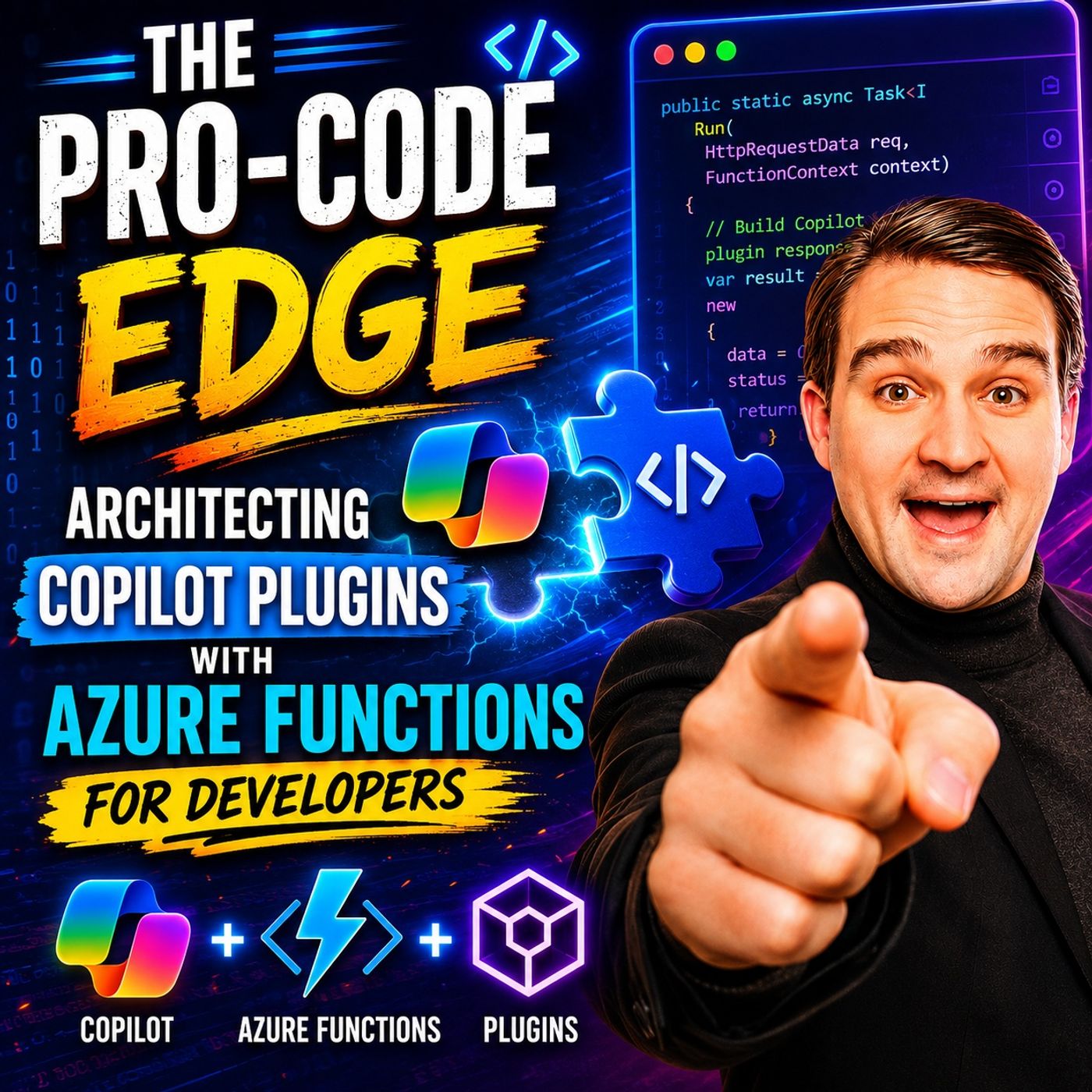
Build Microsoft Copilot Plugins with Azure Functions
This episode of The Pro Code Edge explores how developers can extend Microsoft 365 Copilot with custom plugins powered by Azure Functions. The discussion focuses on moving beyond out-of-the-box capabilities to create tailored enterprise solutions that connect Copilot with business systems, APIs, and proprietary data. Azure Functions are presented as an ideal platform for Copilot extensibility due to their serverless nature, scalability, and cost efficiency. By exposing business logic through secure APIs, developers can enable Copilot to retrieve information, execute processes, and interact with external applications using natural language. The hosts emphasize that successful Copilot plugins require strong architectural foundations. Key considerations include authentication with Microsoft Entra ID, authorization, security, monitoring, error handling, and governance. Enterprise-grade solutions must be designed with reliability, maintainability, and compliance in mind from the begi…
Guest: Mirko Peters

May 30, 2026
Secure Microsoft Copilot with Entra ID and Zero Trust
"The Model Is the Vulnerability" explains that the biggest security risk in Microsoft Copilot is not the AI itself, but the data, identities, and permissions the model can access. Copilot amplifies existing security weaknesses by making enterprise information easier to discover, summarize, and expose at scale. The article emphasizes that Copilot does not create new permissions. Instead, it operates within existing Microsoft 365 access controls. If organizations have excessive privileges, outdated permissions, poor governance, or weak identity management, AI will surface those problems faster and with greater impact. To reduce risk, the article recommends an identity-first security model built on Microsoft Entra ID and Zero Trust principles. Every user, device, application, and request should be continuously verified rather than automatically trusted. Key controls include Multi-Factor Authentication (MFA), Conditional Access, least-privilege access, Privileged Identity Management…
Guest: Mirko Peters
May 30, 2026
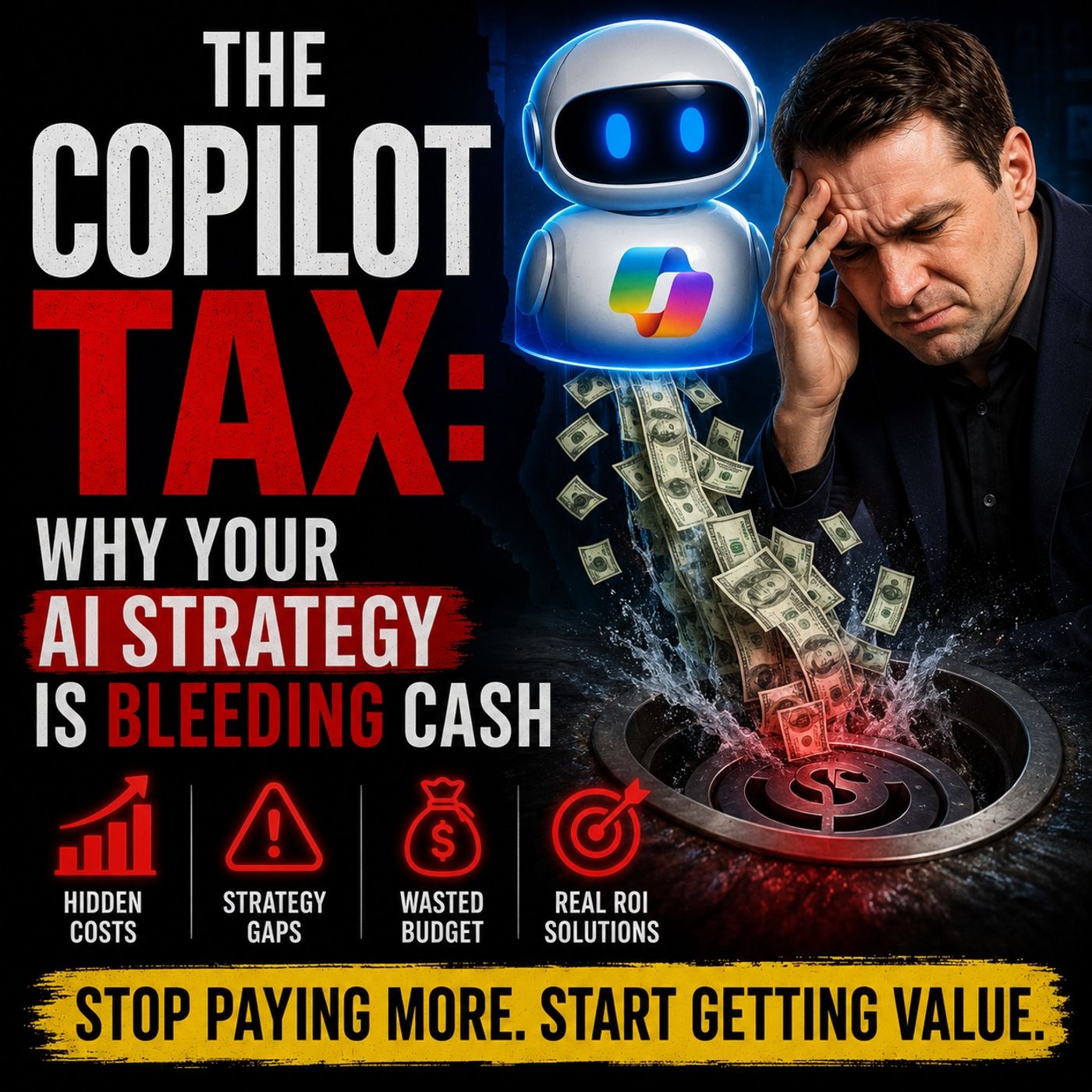
The Copilot Tax: Hidden Costs of Enterprise AI Strategy
In this episode of M365.fm, host Mirko Peters explores the hidden cost behind many enterprise AI initiatives: what he calls the “Copilot Tax.” While organizations often focus on licenses, adoption metrics, and productivity gains, the real challenge lies in the growing operational complexity, governance overhead, and architectural debt created when AI is deployed into environments that were never designed for probabilistic systems. The episode argues that Microsoft Copilot is not simply another software feature. It changes how decisions are made, how information is interpreted, and how accountability works inside the enterprise. Traditional Microsoft 365 environments are built around deterministic workflows where actions are traceable and predictable. AI systems operate differently, generating outputs based on context, inference, and probability, making governance, auditing, and risk management significantly more difficult. Listeners learn why many AI strategies unintentionally s…
Guest: Mirko Peters
May 29, 2026
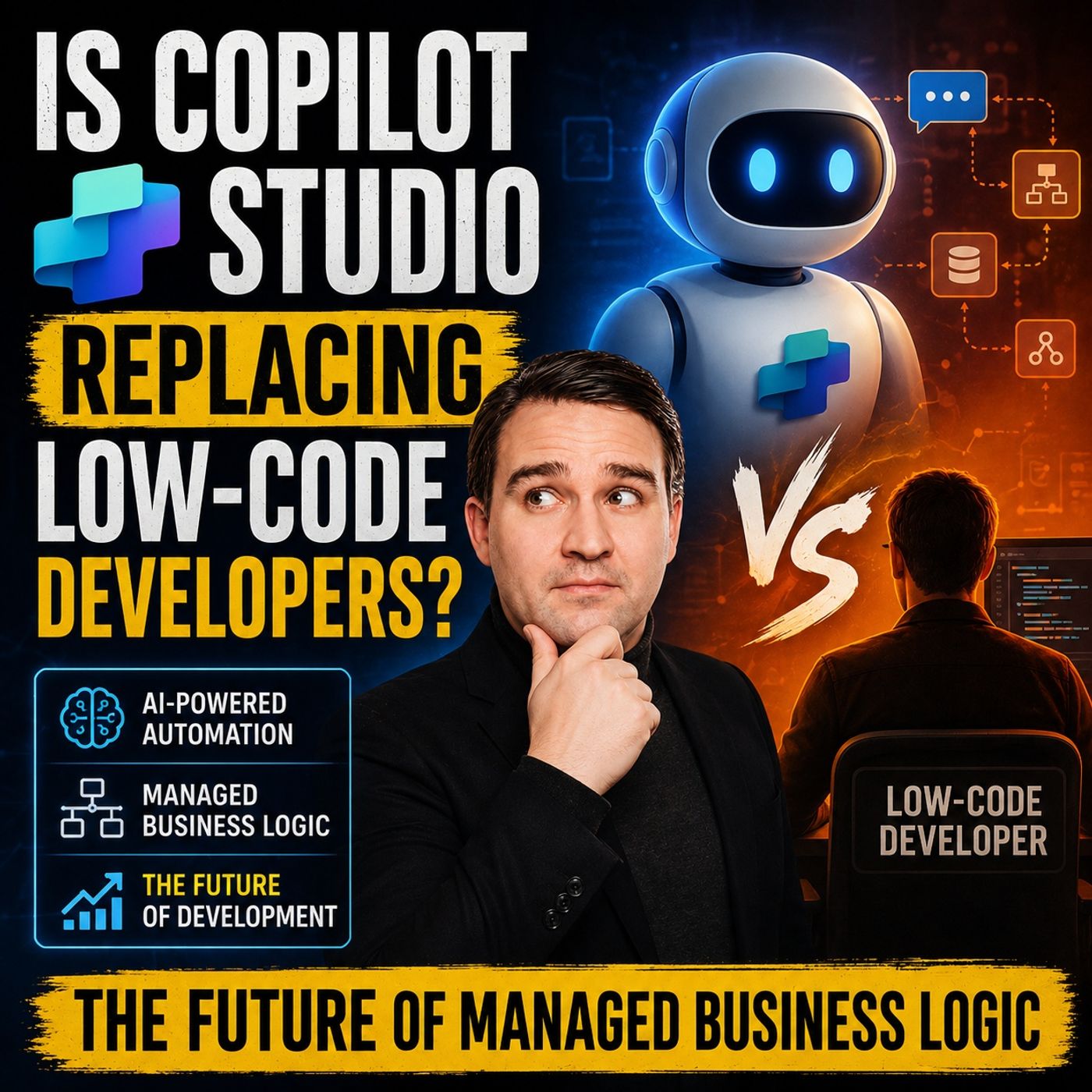
Will Copilot Studio Replace Low-Code Developers?
Quick answer: will Copilot Studio replace low-code developers is covered in this M365 FM episode with a practical focus on how it works, where it fits, and the architecture, security, governance, or operational choices that matter in real Microsoft environments. You see Copilot Studio empowering you as a low-code developer, not Copilot Studio replacing your role. This platform acts as a catalyst in enterprise AI architecture, transforming your experience from UI-centric tools to AI-first orches...
Guest: Mirko Peters
May 29, 2026
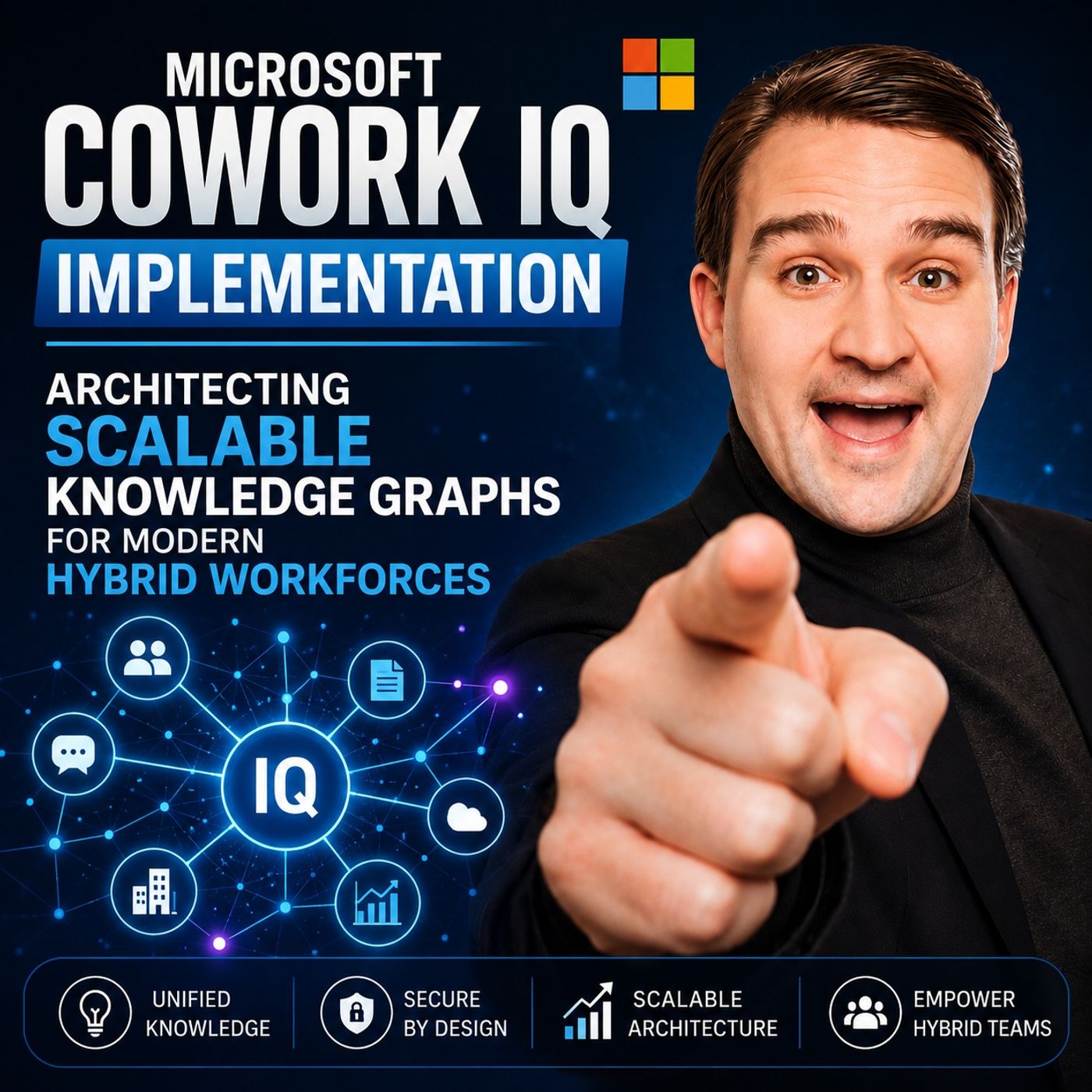
Microsoft Cowork IQ Knowledge Graph Architecture
In this episode of the Microsoft 365-focused podcast from m365.fm, the discussion explores how organizations can implement intelligent knowledge graph architectures to support modern hybrid work environments. The episode examines how Microsoft technologies such as Microsoft Graph, Microsoft 365, AI-powered search, and Copilot-related capabilities help connect people, content, conversations, and business processes into a unified knowledge ecosystem. By building scalable knowledge graphs, organizations can improve information discovery, reduce data silos, and deliver more relevant insights to employees when they need them. Key topics include data integration strategies, metadata management, governance, security, identity resolution, and ensuring that AI systems respect existing permissions and compliance requirements. The conversation also highlights practical business scenarios such as expertise discovery, employee onboarding, project collaboration, knowledge sharing, and organiz…
Guest: Mirko Peters
May 28, 2026
Grounding Microsoft Copilot for Trusted Enterprise AI
In this episode of M365.fm, Mirko Peters explores why successful enterprise AI adoption starts long before deploying Microsoft Copilot. The core message is that AI is only as effective as the foundation it is built on. Organizations often expect Copilot to solve productivity and knowledge management problems, but AI instead exposes existing weaknesses in data quality, governance, permissions, and business processes. The episode explains that many enterprises struggle with fragmented information, outdated content, unclear ownership, and inconsistent governance. When AI systems access this environment, they can amplify confusion rather than improve decision-making. Building trust in AI requires clean, well-structured, and properly governed data. A major focus is the concept of “grounding” AI. Copilot needs reliable context, accurate information, and clear security boundaries to generate trustworthy results. Without strong information architecture and governance, organizations risk…
Guest: Mirko Peters
May 27, 2026
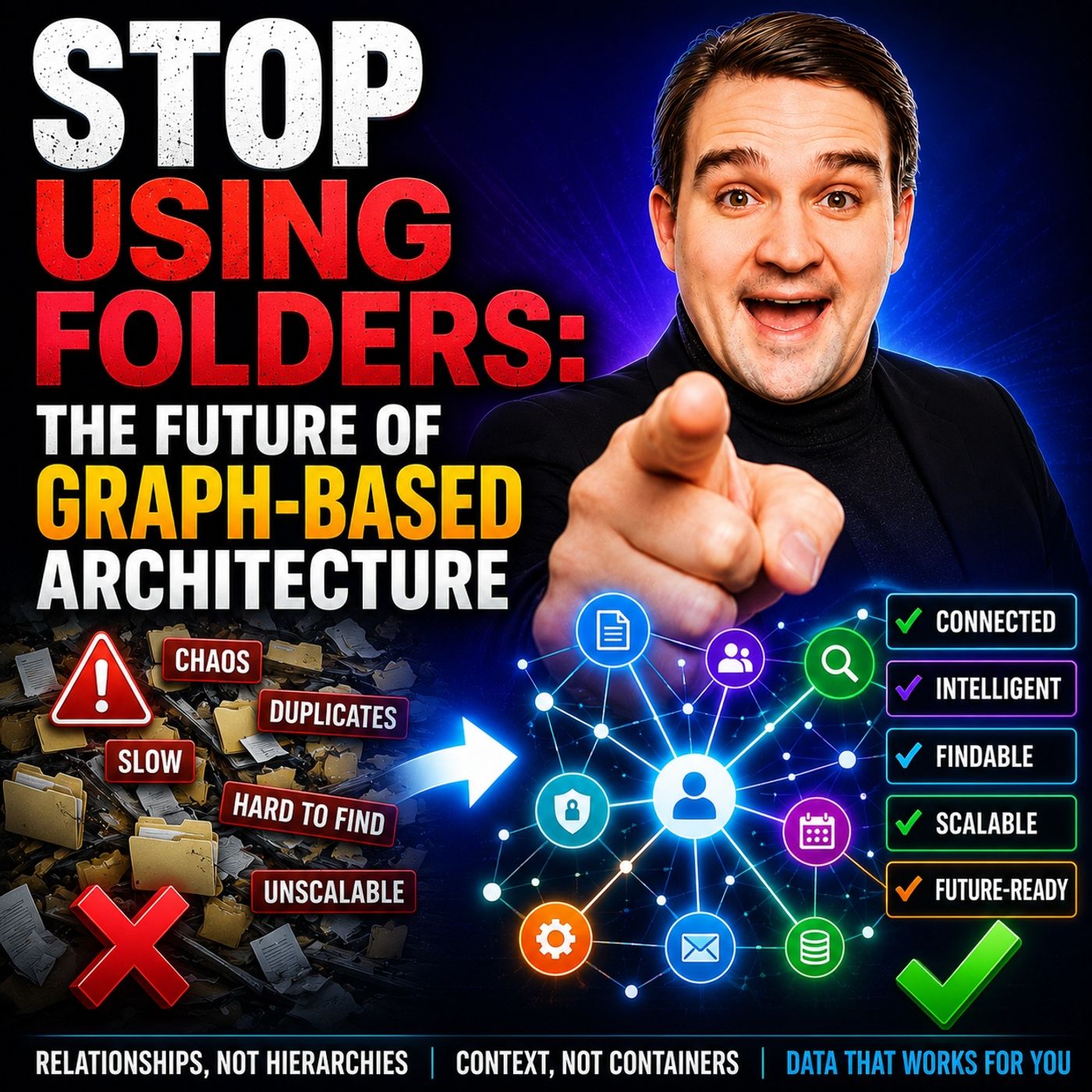
Microsoft Graph Architecture Beyond Folders and Hierarchies
For decades, organizations structured information using folders, hierarchies, and deeply nested file systems. But in the modern Microsoft 365 world, that model is rapidly becoming outdated. In this episode of the m365.fm podcast, Mirko Peters explores why graph-based architecture is replacing traditional folder structures and how Microsoft Graph is fundamentally changing the way organizations manage, discover, and interact with information. The episode explains how modern work no longer revolves around static locations for files, but around relationships, context, permissions, people, meetings, conversations, and connected data. Instead of asking “Where is the file stored?”, graph-based systems focus on “How is this information connected?” Microsoft Graph enables this by linking content across Teams, SharePoint, Outlook, OneDrive, Copilot, and the wider Microsoft 365 ecosystem. The discussion highlights why traditional folders create major challenges for collaboration, governanc…
Guest: Mirko Peters
![The Future of Work with Fabio Bonolo [MVP]](https://d3wo5wojvuv7l.cloudfront.net/t_rss_itunes_square_1400/images.spreaker.com/original/2fb985c310418b599aab68219319df49.jpg "The Future of Work with Fabio Bonolo [MVP]")
May 27, 2026
The Future of Work with Fabio Bonolo [MVP]
In this episode of the M365 FM Podcast, host Mirko Peters sits down with Microsoft MVP Fabio Bonolo to explore how AI, Microsoft Copilot, and modern workplace technologies are transforming the future of work. Fabio shares his journey from sales executive to recognized thought leader in the Microsoft ecosystem and explains why the AI revolution is about far more than technology alone. The conversation dives into the rapid evolution of Microsoft Copilot, autonomous AI agents, hybrid work, and the changing role of productivity in modern organizations. Fabio discusses why successful AI adoption requires strong leadership, effective change management, employee education, and a culture focused on empowerment rather than fear of automation. Listeners will gain practical insights into Copilot adoption strategies, data governance, AI readiness, workplace transformation, and how organizations can build future-ready environments where humans and AI collaborate effectively. The episode also…
Guests: Mirko Peters , Fabio Bonolo
![Designing an Inclusive Hybrid Workplace with Onyinye Madubuko [MVP]](https://d3wo5wojvuv7l.cloudfront.net/t_rss_itunes_square_1400/images.spreaker.com/original/64563af8d97e4497262e074770b291b0.jpg "Designing an Inclusive Hybrid Workplace with Onyinye Madubuko [MVP]")
May 26, 2026
Designing an Inclusive Hybrid Workplace with Onyinye Madubuko [MVP]
In this episode of m365.fm, Microsoft MVP Onyinye Madubuko shares her insights on designing effective hybrid workplaces and how organizations can create modern, inclusive, and collaborative work environments. The discussion explores the rapid shift to hybrid work, the importance of employee experience, and how businesses can use Microsoft 365 technologies like Microsoft Teams, Viva, and Teams Rooms to improve communication and productivity. Onyinye explains how successful hybrid workplace strategies go beyond technology and require thoughtful planning around accessibility, collaboration, meeting room design, and organizational culture. She highlights the challenges companies face when balancing remote and in-office work while ensuring employees stay engaged and connected. The episode also covers practical approaches to digital transformation, user adoption, and creating flexible workspaces that support different work styles. Onyinye shares real-world experiences from helping org…
Guests: Mirko Peters , Onyinye Madubuko
![Copilot Cowork with Vesa "Vesku" Nopanen [MVP]](https://d3wo5wojvuv7l.cloudfront.net/t_rss_itunes_square_1400/images.spreaker.com/original/9bca4644380ef27704755bfee21dcbc5.jpg "Copilot Cowork with Vesa \"Vesku\" Nopanen [MVP]")
May 25, 2026
Copilot Cowork with Vesa "Vesku" Nopanen [MVP]
In this episode of the M365.fm podcast, host Mirko Peters sits down with Vesa Nopanen to explore how Microsoft 365 Copilot is evolving from a simple AI assistant into a true collaborative coworker inside modern organizations. The conversation focuses on the future of AI-driven work, the rise of agentic collaboration, and how businesses can prepare for a world where humans and AI systems work side by side. Vesa shares his perspective on the transformation of workplace productivity through Microsoft Copilot, Teams, Loop, Azure AI, and emerging AI agents. The discussion highlights how organizations are moving beyond isolated AI prompts toward integrated AI ecosystems that can automate processes, assist decision-making, and participate in daily workflows. The episode also examines the concept of “Copilot Cowork,” where AI acts less like a tool and more like an intelligent team member capable of context-aware collaboration. The podcast dives into practical topics including governance…
Guests: Mirko Peters , Vesa "Vesku" Nopanen
May 25, 2026
How Probabilistic AI Changes Power Platform Design
Traditional Power Platform automation was built on deterministic logic: structured data, predictable inputs, and fixed rule-based workflows. This article explains how AI is fundamentally changing that model by introducing probabilistic systems that operate on likelihood instead of certainty. In modern enterprises where data is incomplete, ambiguous, or constantly changing, rigid “if-this-then-that” logic is no longer sufficient. The podcast explores how AI-driven workflows now rely on confidence scores and contextual reasoning rather than binary outcomes. Instead of returning simple true-or-false answers, AI systems evaluate how likely something is to be correct and make decisions based on probability. This shift changes how Power Platform solutions must be designed, governed, and trusted. A key theme is that modern automation architectures should embrace uncertainty instead of trying to eliminate it. By combining AI with governance models such as human review and escalation pat…
Guest: Mirko Peters
May 25, 2026
How to Govern Microsoft Copilot in the Enterprise
Enterprise governance for Microsoft Copilot is no longer optional. As AI becomes deeply integrated into Microsoft 365, organizations must rethink how they manage security, compliance, permissions, and operational control. Traditional governance models were designed for static collaboration environments, but Copilot changes the landscape by turning existing data into instantly accessible intelligence. The core message across M365.fm discussions is clear: Copilot does not create governance problems — it exposes the ones already hidden inside the organization. A major challenge for enterprises is oversharing and uncontrolled access to files, Teams, SharePoint sites, and sensitive information. Copilot can surface content users already have permission to access, which means weak governance structures become visible immediately. Organizations therefore need strong identity management, role-based access controls, sensitivity labels, lifecycle management, and continuous auditing before sca…
Guest: Mirko Peters
![Secure MLOps in Microsoft Cloud with Martin Dimovski [MVP-MCT]](https://d3wo5wojvuv7l.cloudfront.net/t_rss_itunes_square_1400/images.spreaker.com/original/2f1a5cb84f89a1f18949df8af8032543.jpg "Secure MLOps in Microsoft Cloud with Martin Dimovski [MVP-MCT]")
May 23, 2026
Secure MLOps in Microsoft Cloud with Martin Dimovski [MVP-MCT]
In this episode of the m365.fm podcast, Mirko Peters speaks with Microsoft MVP and cloud security expert Martin Dimovski about securing AI workloads and MLOps environments in Microsoft Cloud. The conversation focuses on why AI security must be treated as a core business requirement instead of an afterthought. Martin explains the growing risks organizations face as they rapidly deploy AI agents, large language models, APIs, and cloud-native AI solutions without fully understanding the security implications. The episode highlights how AI introduces new attack surfaces while also amplifying existing cybersecurity weaknesses. A major theme is “secure-by-design” architecture. Martin stresses that security should start during the planning and design phase, not after deployment. Topics include threat modeling, identity protection, secure pipelines, infrastructure hardening, API security, and governance. He emphasizes that security teams should work alongside developers and DevOps teams…
Guests: Mirko Peters , Martin Dimovski
![Maximize Microsoft Copilot Value with Ralph Rivas [MVP]](https://d3wo5wojvuv7l.cloudfront.net/t_rss_itunes_square_1400/images.spreaker.com/original/5ee0134e3b62fe4d527f29111e00d9e9.jpg "Maximize Microsoft Copilot Value with Ralph Rivas [MVP]")
May 21, 2026
Maximize Microsoft Copilot Value with Ralph Rivas [MVP]
In this episode of the M365.fm podcast, we explore how organizations can maximize the value of Microsoft Copilot across Microsoft 365, Power Platform, Security, and Azure environments. The discussion focuses on practical, real-world use cases that help businesses automate repetitive work, improve collaboration, accelerate reporting, and enhance decision-making using AI. The episode explains how Copilot integrates with tools like Word, Excel, Outlook, Teams, Power BI, and Power Automate to simplify everyday tasks such as content creation, meeting summaries, data analysis, workflow automation, and reporting. It also covers how Microsoft Graph enables Copilot to provide context-aware assistance by connecting emails, files, meetings, and business data. Beyond productivity, the episode dives into advanced scenarios including Copilot extensibility, custom plugins, AI agents, governance, security operations, and compliance automation. Special attention is given to the importance of dat…
Guests: Mirko Peters , Ralph Rivas
![AI Governance for Microsoft 365 with Christian Buckley [MVP]](https://d3wo5wojvuv7l.cloudfront.net/t_rss_itunes_square_1400/images.spreaker.com/original/cfdce6ca5ff257bb37e690ea4bd225f8.jpg "AI Governance for Microsoft 365 with Christian Buckley [MVP]")
May 21, 2026
AI Governance for Microsoft 365 with Christian Buckley [MVP]
In this episode of the m365.fm podcast, Christian Buckley joins the conversation to unpack why traditional governance models are struggling to keep up with the pace of AI adoption inside Microsoft 365. The discussion explores how tools like Copilot and autonomous AI agents are reshaping collaboration, compliance, and content management — often faster than organizations can adapt their policies and processes. Christian explains that most governance frameworks were designed for static content and predictable user behavior, not AI systems capable of generating, accessing, and acting on information across the tenant. The episode dives into the growing risks of “agent sprawl,” shadow AI, uncontrolled permissions, and poor data quality, all of which can undermine security, compliance, and trust in AI-driven workplaces. A major theme throughout the episode is that governance is no longer just an IT responsibility. Successful AI governance requires a balance between innovation and contr…
Guests: Mirko Peters , Christian Buckley
![Enterprise AI Agent Engineering with Karthikeyan VK [MVP]](https://d3wo5wojvuv7l.cloudfront.net/t_rss_itunes_square_1400/images.spreaker.com/original/2f57511552c865613a91e0c61100a12b.jpg "Enterprise AI Agent Engineering with Karthikeyan VK [MVP]")
May 20, 2026
Enterprise AI Agent Engineering with Karthikeyan VK [MVP]
In this episode of the M365 FM Podcast, host Mirko Peters speaks with Microsoft AI MVP and CTO Karthikeyan VK about the biggest problem in today’s AI landscape: organizations are relying too heavily on Large Language Models (LLMs) while ignoring the engineering foundations needed for reliable enterprise AI systems. Karthikeyan explains that many companies try to make AI agents handle everything directly through prompts and LLMs, instead of combining them with deterministic engineering practices such as orchestration, validation, governance, retries, observability, and state management. He argues that LLMs should act as reasoning engines, while structured workflows and business logic remain controlled through traditional engineering systems. The discussion highlights the difference between probabilistic AI systems and deterministic enterprise processes like finance, compliance, ERP integrations, and security workflows. According to Karthikeyan, enterprise trust breaks down when A…
Guests: Mirko Peters , Karthikeyan
![Microsoft Copilot Adoption with Edyta Gorzoń [MVP]](https://d3wo5wojvuv7l.cloudfront.net/t_rss_itunes_square_1400/images.spreaker.com/original/c1dd26eff19ea70d2d2ab9e951efb36c.jpg "Microsoft Copilot Adoption with Edyta Gorzoń [MVP]")
May 19, 2026
Microsoft Copilot Adoption with Edyta Gorzoń [MVP]
In this episode of the m365.fm podcast, Mirko Peters speaks with Microsoft MVP and Copilot adoption expert Edyta Gorzoń about why successful Microsoft Copilot adoption is far more than a technical deployment project. The conversation focuses on the gap many organizations face between rolling out AI tools and creating measurable business impact. Edyta explains that real adoption depends on people, communication, culture, and change management rather than only licenses, governance, or feature training. She highlights why many AI initiatives fail when companies focus purely on technology while ignoring user behavior, business processes, and employee concerns. The episode explores how organizations can build scalable adoption strategies by identifying real business use cases, supporting employees through change, and creating continuous learning instead of one-time training sessions. Edyta also discusses the importance of leadership involvement, internal champions, and measuring prod…
Guests: Mirko Peters , Edyta Gorzoń
![Microsoft Foundry AI Apps with Jannik Reinhard [MVP]](https://d3wo5wojvuv7l.cloudfront.net/t_rss_itunes_square_1400/images.spreaker.com/original/ddad938baeb7c725689943f1d2b39e87.jpg "Microsoft Foundry AI Apps with Jannik Reinhard [MVP]")
May 18, 2026
Microsoft Foundry AI Apps with Jannik Reinhard [MVP]
What does it really take to build modern AI applications at scale? In this episode, we take a deep dive into Microsoft Foundry and explore how it is shaping the next generation of AI-powered apps and services. We unpack the vision behind Foundry, the developer experience it enables, and how Microsoft is bringing together AI models, orchestration, security, and enterprise-grade infrastructure into a unified platform. From rapid prototyping to production-ready deployments, Foundry is designed to help developers and organizations move faster while maintaining governance and control. The conversation covers the evolving AI stack, practical use cases, and how developers can integrate tools like copilots, agents, retrieval-augmented generation (RAG), and model customization into real-world business applications. We also discuss the growing importance of observability, responsible AI, and hybrid architectures as enterprises adopt generative AI at scale. Whether you are a developer, …
Guests: Mirko Peters , Jannik Reinhard
![AI Security and Microsoft Purview with Danilo Nogueira [Microsoft]](https://d3wo5wojvuv7l.cloudfront.net/t_rss_itunes_square_1400/images.spreaker.com/original/7a2e65341e49f210059e2158efe3e43e.jpg "AI Security and Microsoft Purview with Danilo Nogueira [Microsoft]")
May 18, 2026
AI Security and Microsoft Purview with Danilo Nogueira [Microsoft]
“AI Meets Security” is a deep-dive conversation between Mirko Peters and Microsoft Senior Product Manager Danilo Nogueira about how AI is reshaping enterprise security, governance, and compliance. The episode explains that the biggest challenge with Microsoft Copilot and AI adoption is not the technology itself, but the hidden weaknesses already existing inside many Microsoft 365 environments. Danilo highlights that oversharing in SharePoint, weak permissions, poor governance, and missing classification policies become far more dangerous once AI can instantly surface information through natural language prompts. Organizations often believe they are “AI ready” because they purchased licenses, but true readiness requires understanding data access, governance structures, and organizational behavior. A major focus is Microsoft Purview, which Danilo compares to a “baby monitor” for enterprise data. Instead of blocking everything, modern security should focus on monitoring, visibility…
Guests: Mirko Peters , Danilo Nogueira
![Power Apps AI and Vibe Coding with Keith Atherton [MVP-MCT]](https://d3wo5wojvuv7l.cloudfront.net/t_rss_itunes_square_1400/images.spreaker.com/original/3a6e0d78cc83808be570f4d5f4e0c68d.jpg "Power Apps AI and Vibe Coding with Keith Atherton [MVP-MCT]")
May 15, 2026
Power Apps AI and Vibe Coding with Keith Atherton [MVP-MCT]
Keith shares his background in traditional .NET and SQL development and explains why Power Apps immediately stood out to him: speed. Instead of repeatedly building the same forms, logic, and app structures manually, Power Apps allowed him to focus more on solving business problems while drastically reducing development time. A major topic is “vibe coding,” where developers describe applications in natural language while AI generates layouts, formulas, workflows, and functionality automatically. The episode covers new Power Apps capabilities such as Generative Pages, Vibe Apps, Code Apps, AI-generated layouts, and Copilot-assisted Power Fx generation. Keith explains how screenshots, requirement documents, and prompts can now generate working applications in minutes instead of days or weeks. The discussion also highlights how AI is changing the role of developers. Future app creators will rely less on memorizing syntax and more on business analysis, architecture, governance, testi…
Guests: Mirko Peters , Keith Atherton