

Microsoft 365 is the productivity platform used by millions of people every day to communicate, collaborate, and get work done. From Microsoft Teams and SharePoint to Excel, Outlook, OneNote, and the Office applications, Microsoft 365 shapes how modern organizations create, share, and manage information. The M365 Talk category focuses specifically on the tools, applications, and workflows that drive productivity in the Microsoft ecosystem.
In these episodes, we explore how Microsoft 365 apps are used in real-world scenarios. Topics include Microsoft Teams collaboration, SharePoint and OneDrive document management, Excel and Power BI for daily work, Outlook and calendaring, as well as practical productivity tips for individuals and teams. The focus is on understanding how these tools work together and how they can be used more effectively in everyday business environments.
M365 Talk is not about deep cloud architecture or security design. Instead, it concentrates on practical usage, adoption, and productivity improvements. We discuss common challenges such as collaboration chaos, file sprawl, inefficient meetings, and disconnected workflows — and how Microsoft 365 tools can help solve these problems when used correctly.
This category is ideal for knowledge workers, team leads, consultants, and IT professionals who support end users and want to help organizations get more value out of Microsoft 365. Whether you are looking to improve teamwork in Microsoft Teams, organize content in SharePoint, streamline daily tasks with Office apps, or simply work more efficiently, M365 Talk provides clear, practical insights into modern Microsoft 365 productivity.
In these episodes, we explore how Microsoft 365 apps are used in real-world scenarios. Topics include Microsoft Teams collaboration, SharePoint and OneDrive document management, Excel and Power BI for daily work, Outlook and calendaring, as well as practical productivity tips for individuals and teams. The focus is on understanding how these tools work together and how they can be used more effectively in everyday business environments.
M365 Talk is not about deep cloud architecture or security design. Instead, it concentrates on practical usage, adoption, and productivity improvements. We discuss common challenges such as collaboration chaos, file sprawl, inefficient meetings, and disconnected workflows — and how Microsoft 365 tools can help solve these problems when used correctly.
This category is ideal for knowledge workers, team leads, consultants, and IT professionals who support end users and want to help organizations get more value out of Microsoft 365. Whether you are looking to improve teamwork in Microsoft Teams, organize content in SharePoint, streamline daily tasks with Office apps, or simply work more efficiently, M365 Talk provides clear, practical insights into modern Microsoft 365 productivity.
May 11, 2026
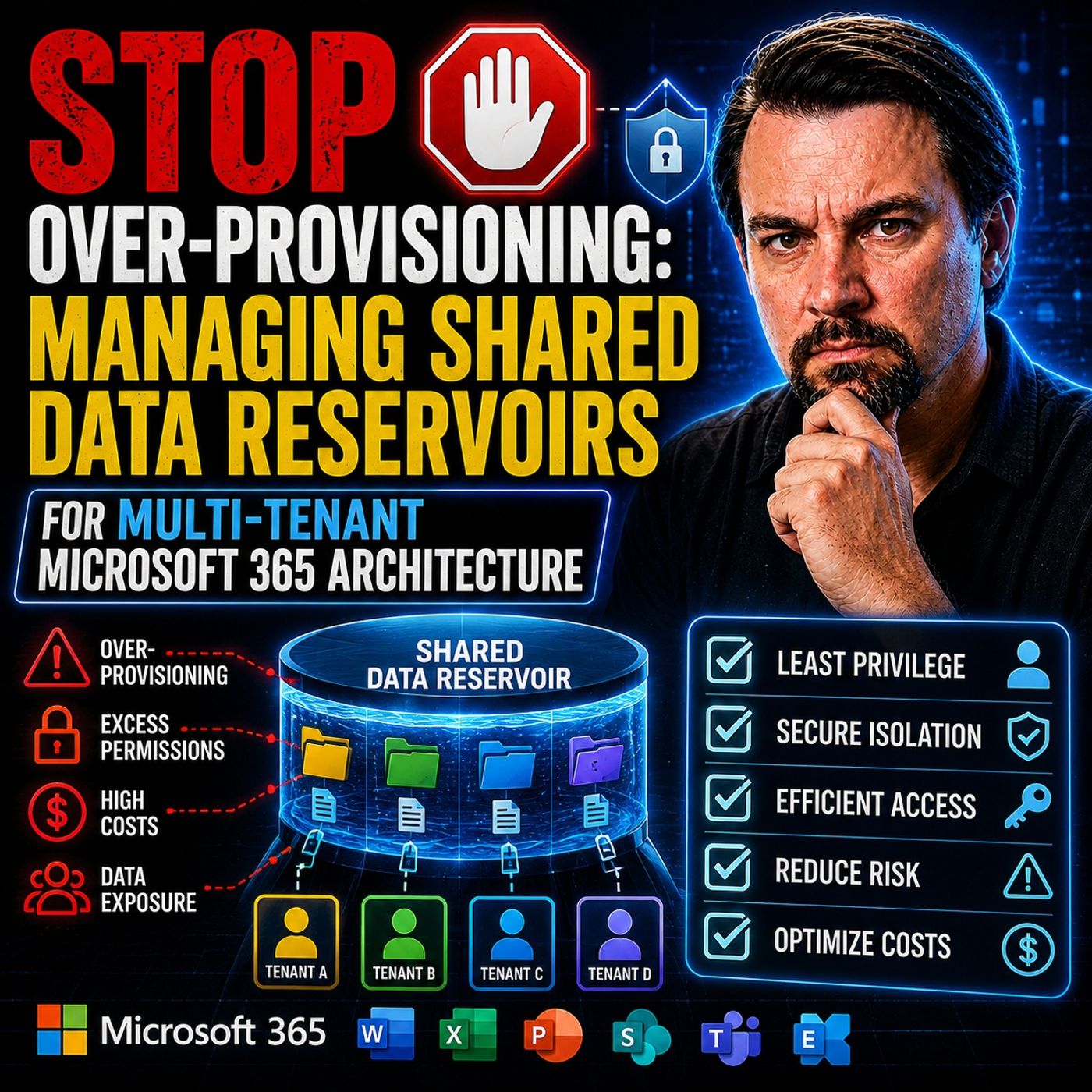
Shared Data Reservoirs for Multi-Tenant Microsoft 365
In this episode of the M365.fm podcast, Mirko Peters explores why many Microsoft 365 environments are wasting enormous amounts of money through over-provisioned storage, oversized safety buffers, and rigid quota management strategies. Traditional “just in case” capacity planning often leaves organizations paying for storage, performance, and licensing resources that remain unused while operational complexity continues to grow. The episode explains how static quota models across SharePoint Online, OneDrive, Teams, Power Platform, Azure storage, and multi-tenant workloads create fragmented infrastructure, dark data silos, and long-term cost inefficiencies. Mirko challenges the outdated “buffer mentality,” where organizations continuously add extra capacity to avoid outages, resulting in idle resources and inflated cloud spending. A major focus of the discussion is the shift toward elastic shared data reservoirs. Instead of isolated storage silos and fixed allocations, organization…
Guest: Mirko Peters
May 4, 2026
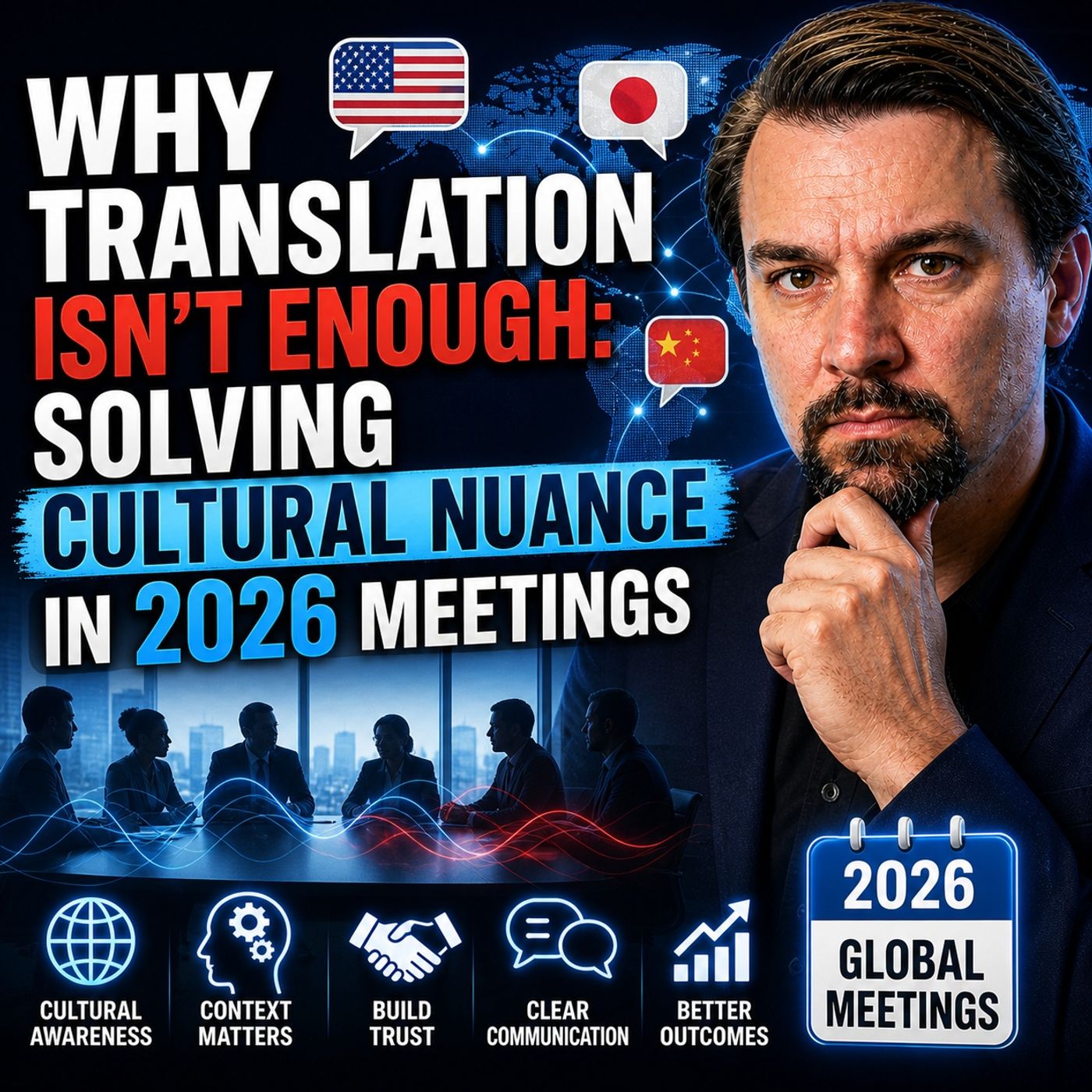
Cultural Nuance in Global Meetings Beyond Translation
This episode argues that the biggest challenge in global meetings is not language translation, but interpreting meaning, intent, and cultural nuance. While modern tools can accurately translate words, they often fail to capture what those words actually represent in context—such as hesitation, politeness, indirect disagreement, or power dynamics. A core idea is the distinction between “word accuracy” and “meaning accuracy.” Teams often assume that if transcripts and captions look correct, the meeting was successful. In reality, misunderstandings still occur because meaning is frequently conveyed indirectly. For example, a statement like “that may be difficult” might signal a soft rejection rather than a scheduling issue. The episode highlights how this gap leads to false alignment. Teams move forward believing decisions were made, only to encounter resistance later from participants who never explicitly disagreed. This isn’t a failure of honesty—it’s a failure to interpret cult…
Guest: Mirko Peters
May 3, 2026
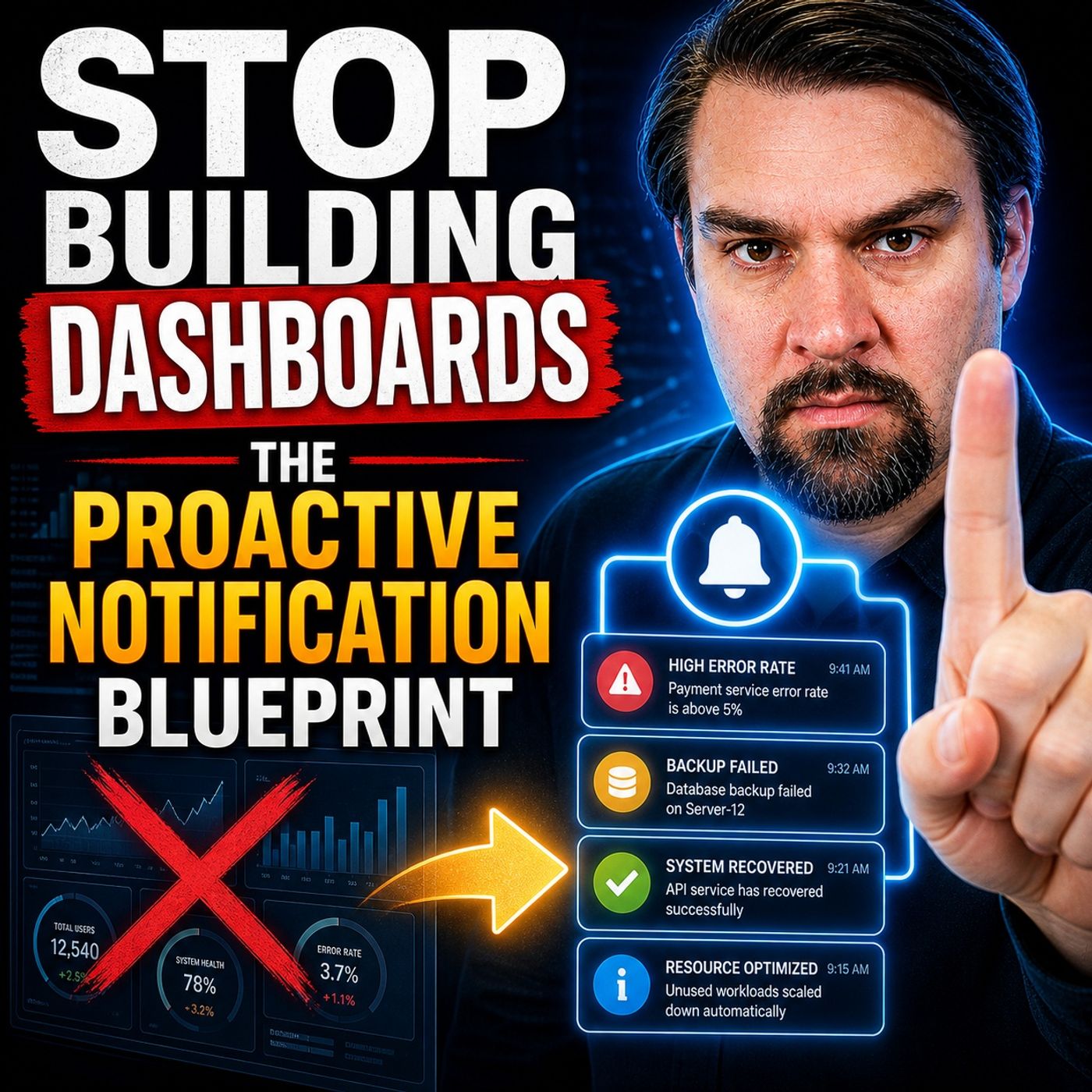
Replace Reactive Dashboards with Proactive Notifications
Most dashboards look great at first, but they quickly fail in practice. The issue isn’t the data, it’s the behavior they depend on. Dashboards require people to actively check them, and in reality, that rarely happens consistently. This episode explains why dashboards are inherently reactive. They show what has already happened, but they don’t prompt action when it actually matters. Important signals get missed, decisions are delayed, and problems continue unnoticed because no one is looking at the right time. The better approach is a proactive notification model. Instead of expecting users to pull insights from dashboards, systems should push the right information to the right people exactly when it’s needed. That means designing alerts around meaningful events, clear ownership, and specific actions, rather than just sending more data. Many organizations struggle with this because they either send too many notifications or provide alerts without context or accountability. Wh…
Guest: Mirko Peters
April 23, 2026
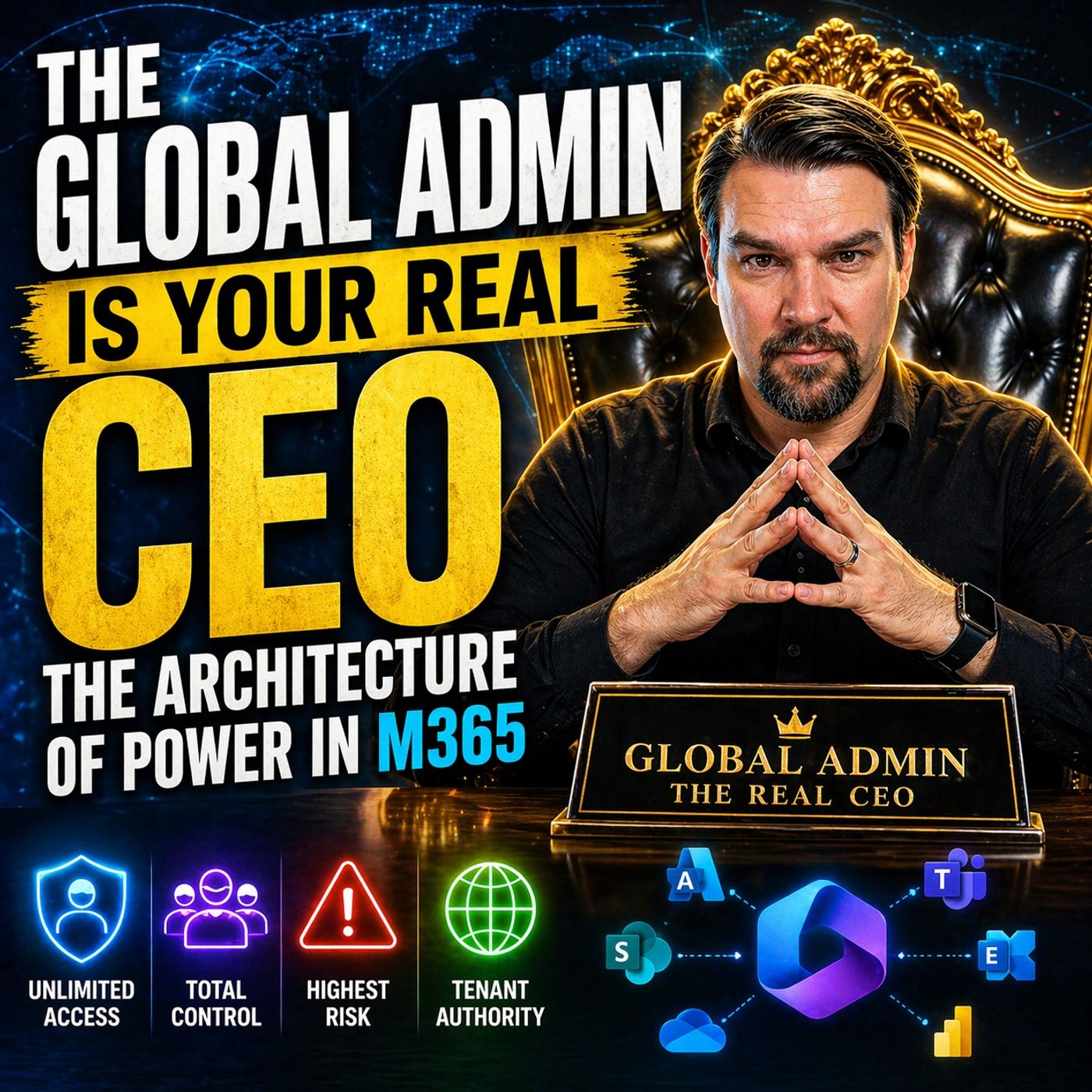
Microsoft 365 Global Admin Power, Identity, and Governance
This episode explains that real power in an organization is no longer defined by job titles or hierarchy, but by who controls the Microsoft 365 environment. In practice, the Global Admin role becomes the “real CEO” because it determines access, permissions, and how information flows across the business. It highlights that authority in modern companies is embedded in system architecture, not org charts. If the platform configuration allows or blocks actions, that decision outweighs any leadership mandate. As a result, governance, identity, and access design are what truly shape how work happens and who has influence. The episode also shows that poor structure—like unmanaged permissions, workspace sprawl, and lack of lifecycle control—creates hidden risks that scale quickly, especially with AI like Copilot exposing them. The key takeaway is that organizations must rethink power as something built into systems, and design their Microsoft 365 architecture intentionally to align cont…
Guest: Mirko Peters

April 19, 2026
Reduce Microsoft 365 Notification Overload and Protect Focus
This episode explains that most Microsoft 365 setups unintentionally destroy focus because they are designed to maximize activity and responsiveness rather than deep work. The real issue isn’t users mismanaging notifications, but a system that constantly pushes interruptions from tools like Teams and Outlook without clear governance. As a result, people are stuck in reactive mode, switching context instead of doing meaningful work. The fix isn’t simply turning off notifications—it requires rethinking how communication, alerts, and collaboration are structured across the entire environment.
Guest: Mirko Peters

April 15, 2026
Fix Excel Shadow Systems and Broken Business Processes
This episode explores why so many organizations still depend on hidden “Excel shadow systems,” where critical processes are managed outside official Microsoft 365 tools. Rather than treating this as a user problem, the discussion frames it as a structural issue: people turn to Excel because the systems provided don’t fully support how work actually gets done. It highlights a common gap between designed processes and real-world workflows. Many Microsoft 365 implementations focus too heavily on tools and standardization, while overlooking exceptions, edge cases, and the day-to-day realities employees face. As a result, users create their own solutions to stay productive, even if those solutions fall outside governance. The key takeaway is that these shadow systems are signals, not failures in themselves. They reveal weaknesses in process architecture and governance. Fixing the issue isn’t about banning Excel or enforcing stricter controls, but about redesigning processes and syste…
Guest: Mirko Peters

April 13, 2026
Microsoft 365 Maturity Model Based on 500 Tenant Audits
This episode explores the Microsoft 365 maturity model through real-world insights gathered from auditing over 500 tenants. Instead of relying on theoretical frameworks, it uncovers how most organizations struggle with Microsoft 365 governance maturity, hidden misconfigurations, and the growing gap between perceived and actual security. You’ll learn why traditional approaches to M365 tenant audits often fail, and what patterns consistently separate mature environments from those at risk. By breaking down a practical, experience-driven maturity formula, this episode shows how to improve Microsoft 365 governance, strengthen compliance, and scale operations effectively. It highlights the role of automation, operational discipline, and continuous assessment in achieving true Microsoft 365 maturity, making it essential listening for IT leaders, administrators, and consultants aiming to elevate their tenant security and governance strategy.
Guest: Mirko Peters
April 9, 2026
Microsoft 365 Structural Debt from Default Governance
This episode explores “structural debt” in Microsoft 365, showing how default governance settings—like open sharing and easy workspace creation—lead to long-term issues such as oversharing, content sprawl, and fragmented knowledge. It argues these problems are not accidental but built into how the platform is configured and used. The discussion frames Microsoft 365 as an interconnected system that shapes organizational behavior, where poor governance results in unclear ownership, duplicated information, and increasing complexity. Copilot is highlighted as a tool that exposes these weaknesses rather than fixing them. The key takeaway is that governance must be continuous and intentional, with clear ownership and a more flexible, risk-based approach, to avoid accumulating hidden costs over time.
Guest: Mirko Peters
April 7, 2026
Microsoft 365 Data Sovereignty Beyond Technical Custody
Most organizations think they’ve solved Microsoft 365 data sovereignty — until they realize they don’t actually control anything. In this episode of M365.FM, we dismantle one of the biggest misconceptions in modern cloud strategy: technical custody is NOT business sovereignty. Just because your data sits in a European datacenter doesn’t mean your organization is in control. Real sovereignty isn’t about location — it’s about who holds the power over identity, encryption keys, access, and decision-making. 👉 And that’s where most Microsoft 365 environments quietly fail.
Guest: Mirko Peters
March 27, 2026
Solve the Microsoft 365 Permission and Access Problem
this episode explains that real power in organizations doesn’t come from job titles or hierarchy, but from who actually has access, controls information flow, and can move work forward. it shows that most microsoft 365 governance problems aren’t caused by technology, but by misalignment between authority, access, and execution, unclear ownership, and siloed thinking. the podcast argues that organizations treat m365 like separate tools instead of a connected system, which leads to hidden risks, slow decision-making, and “governance debt.” it introduces the idea of intent-based governance, where the focus shifts from configuring settings to defining outcomes that hold over time, and emphasizes continuous governance, clear accountability, and better identity and access control as the key to making systems resilient—especially with ai like copilot exposing weak structures.
Guest: Mirko Peters

March 26, 2026
How Microsoft 365 Reveals Your Real Organization
This episode challenges a fundamental assumption: your organization is not a fixed structure—it’s the result of how your systems actually make decisions. The core idea is that most leaders think of an organization as people, hierarchy, or departments. In reality, especially in Microsoft 365, it behaves like a distributed decision system driven by permissions, policies, and data flows. What you believe your organization looks like (org charts, roles, policies) is often completely different from what the system is actually doing underneath. The real organization is defined by who has access to what, how information moves, and which actions are allowed or blocked. The episode argues that this gap creates hidden risk: decisions are being made automatically by the system—often without visibility or control. Over time, this leads to chaos, security exposure, and misalignment between intent and reality. The key takeaway is that if you don’t intentionally design how decisions happ…
Guest: Mirko Peters

March 25, 2026
Why High Performers Burn Out from Workplace Isolation
High performers aren’t breaking because of workload alone—they’re breaking because of a system that isolates them. The episode explains that as people become more successful, they also become more alone: they’re expected to have answers, stay strong, and not show uncertainty. That removes real, honest conversations and replaces them with performance. Over time, they stop being seen as people and start being treated as roles. It highlights that modern work systems (especially in tech and leadership) reward output, control, and constant availability—but ignore emotional support and human connection. This creates a hidden feedback loop: the better you perform, the less safe it feels to admit struggle. The core idea is that loneliness at the top isn’t accidental—it’s designed into how organizations operate. And unless systems change to allow vulnerability, shared responsibility, and real connection, high performers will continue to burn out quietly while still appearing successfu…
Guest: Mirko Peters

March 19, 2026
Lessons from Publishing 500 Microsoft 365 Podcast Episodes
After 500 episodes, Mirko Peters shares an uncomfortable truth: consistency alone does not create results. What started as a daily podcast to get hired failed in its original goal—but revealed something far more valuable. This episode breaks down the difference between output and leverage, why visibility doesn’t convert, and what actually drives business outcomes: distribution, positioning, execution, and relationships. 🚀 Key Topics Covered 1. The Original Plan (That Failed) Podcast started ...
Guest: Mirko Peters

March 7, 2026
Automate Compliance Workflows with Microsoft Power Automate
Compliance processes are often treated as manual administrative work—slow, repetitive, and prone to human error. But modern organizations can transform compliance into an automated, traceable workflow system using Microsoft’s automation platform. In this episode, we explore how Power Automate can be used to engineer smarter compliance processes by turning manual approvals, documentation checks, and policy enforcement into automated workflows. Instead of relying on spreadsheets, emails, and ticket queues, organizations can design systems that automatically enforce governance rules and capture compliance evidence in real time. The result is faster operations, stronger audit trails, and reduced administrative overhead.
Guest: Mirko Peters

March 6, 2026
Unlock Microsoft 365 ROI Through Better Tenant Architecture
Omission Most organizations believe they have a Microsoft 365 cost problem. In reality, they have an architecture problem. Companies often overpay for their Microsoft 365 environments—not because the licenses are expensive, but because the platform is architected like a simple productivity tool instead of enterprise infrastructure. In this episode of the M365 FM Podcast, we explore a hidden economic truth inside the Microsoft cloud: most organizations already own powerful governance, security, and automation capabilities within their tenant—but fail to design systems that use them effectively. The result? Organizations pay twice: Once for the capabilities included in Microsoft 365 And again for third-party tools that replicate the same functionality This is what we call the SaaS Paradox.
Guest: Mirko Peters

March 5, 2026
How to Become a High-Value Microsoft 365 Consultant
Most Microsoft consultants never break out of commodity consulting. They compete on hourly rates, implementation speed, and certifications—yet struggle to position themselves as strategic advisors. In this episode of the M365 FM Podcast, we explore the blueprint for becoming a high-value Microsoft consultant by focusing on architecture, strategic impact, and business transformation rather than basic implementation work. Instead of selling hours, elite consultants engineer architectural necessity—solutions that organizations depend on to operate securely, efficiently, and at scale.
Guest: Mirko Peters
March 4, 2026
Microsoft 365 Copilot Enterprise Transformation Strategy
Artificial intelligence is no longer a productivity experiment. With Microsoft Copilot embedded across Microsoft 365, organizations are entering a new operational reality where AI participates directly in daily work—summarizing meetings, generating documents, analyzing data, and automating workflows. But adopting Copilot isn’t just about enabling a feature in Word, Excel, or Teams. It’s an enterprise transformation mandate. In this episode of the M365 FM Podcast, we explore why Copilot adoption forces organizations to rethink architecture, governance, and operating models. When AI systems gain access to enterprise data, identity systems, and collaboration platforms, they effectively become participants in decision-making and knowledge workflows. That shift changes everything.
Guest: Mirko Peters

Feb. 28, 2026
5 Microsoft Certifications That Boost Salary—and 3 to Skip
This episode explains that most industry certifications validate task execution but not architectural authority, meaning many certified professionals never see the salary growth or career opportunities they expect. It argues that credential inflation has made certification a treadmill — professionals stack associate badges without gaining strategic value. Instead, the high-value credentials in 2026 are those that demonstrate architectural decision-making, governance authority, and cross-domain reasoning. The episode breaks down five certifications that actually pay by signaling higher-order skills that align with enterprise needs in security, cloud architecture, solution design, and governance.
Guest: Mirko Peters

Feb. 17, 2026
Scale HR Operations with Copilot Studio AI Agents
The episode challenges the common misconception that “HR automation” is just a chatbot connected to a PDF repository. Instead, it presents a production-grade architectural approach for scaling HR operations using Microsoft Copilot Studio, Logic Apps, and structured evidence capture to create governed, deterministic HR agents — not just conversational bots.
Guest: Mirko Peters
Feb. 16, 2026
Architect Scalable SharePoint Automation for Enterprise Workflows
This episode of the M365.FM Podcast — “Architecting Scalable SharePoint Automation” — explains why automation in SharePoint often fails to scale from initial wins to widespread enterprise value. The core insight is that many organizations build SharePoint workflows and automations with a tactical mindset—focusing on isolated tasks—rather than a scalable architecture that governs how automation operates, persists, and interacts with people, data, and other systems over time. Without clearly defined identity boundaries, execution contracts, lifecycle governance, and persistent context, automation programs devolve into unmanaged sprawl, permission creep, and fragile outcomes that break easily and are difficult to support. The episode outlines architectural principles that make automation sustainable at scale, including treating automation as products with owners, enforcing execution constraints, grounding actions in authoritative data, and measuring outcomes instead of activity. The resu…
Guest: Mirko Peters
Feb. 6, 2026
Microsoft 365 Governance Is a People and Ownership Problem
This episode of the M365.FM Podcast explores why Microsoft 365 governance failures are rarely caused by missing features or technical limitations. Instead, the root issue is structural and human: fragmented ownership, unclear accountability, and a misunderstanding of what governance actually means. The host argues that most organizations mistake configuration for governance. They deploy policies, labels, and controls, but fail to design an operating model that sustains intent over time. Microsoft 365 behaves as a highly interconnected system where identity, permissions, data movement, and automation continuously intersect. When teams govern in silos — optimizing SharePoint, Teams, Purview, or Power Platform independently — the aggregate result is drift, sprawl, and unmanaged risk. Effective governance requires clarity of intent, enforceable constraints, feedback loops, and named accountability across services. Without those elements, dashboards may look healthy while exposure quietly …
Guest: Mirko Peters
Feb. 1, 2026
Why Microsoft 365 Native Controls Are Not Real Governance
In this episode, the hosts dismantle a common misconception in Microsoft 365 governance: that deploying the platform automatically delivers governance. Many organizations treat Microsoft 365 governance as a checklist—policies here, controls there, reports somewhere else—only to discover that compliance gaps persist, teams circumvent guardrails, and risk quietly accumulates. The key insight is that governance isn’t a set of configurations or settings; it is an operating discipline rooted in deterministic systems, clear accountability, and enforced boundaries. The episode explains why Microsoft 365’s native controls (e.g., conditional access, DLP, retention, and eDiscovery) are necessary but not sufficient. These controls provide capabilities, but not governance on their own. True governance happens where people, processes, and technology intersect, and it requires common language around outcomes, shared definitions of risk, durable ownership models, and evidence trails that survive …
Guest: Mirko Peters

Jan. 30, 2026
Microsoft Carbon Control Plane for Enterprise Sustainability
This episode explains why enterprise sustainability fails when it is treated as a reporting problem instead of a control problem. Most organizations already collect large amounts of emissions, consumption, and activity data, but that data is scattered across systems, calculated differently by different teams, and rarely tied back to the operational decisions that created it. As a result, carbon reporting becomes fragile, hard to defend, and disconnected from how the business actually runs. The discussion introduces the Microsoft Carbon Control Plane as an architectural shift rather than a new reporting tool. The core idea is that emissions are not abstract metrics; they are outcomes of business processes such as procurement, production, logistics, IT consumption, and finance. To manage carbon at scale, enterprises need a control plane that connects emissions data to systems of record, applies consistent logic, and produces auditable, repeatable results. A key theme is the separa…
Guest: Mirko Peters

Jan. 29, 2026
Design an End-to-End Auditable ESG Compliance Stack
This episode explains why the EU’s VAT in the Digital Age (ViDA) initiative is not a compliance upgrade, but a fundamental shift in how VAT operates—from delayed, periodic reporting to continuous, transaction-level control. Traditional VAT models relied on time gaps between transactions and reporting to absorb errors, corrections, and ambiguity. ViDA removes that buffer by requiring structured e-invoices and near real-time digital reporting, forcing VAT correctness at the moment each transaction occurs. The discussion reframes ViDA as a control plane imposed on enterprise systems. Instead of inspecting paperwork after the fact, tax authorities now evaluate the behavior of the systems that generate invoices, including tax determination logic, master data quality, integration reliability, and exception handling. Organizations that attempt to treat ViDA as a bolt-on e-invoicing project or a middleware connector risk building brittle solutions that fail under validation, rejection hand…
Guest: Mirko Peters