 EN
EN Deutsch
 Español
 Français
 Italiano
 Português
 Nederlands
 Polski
 Bahasa Indonesia
 Русский
 Українська
 العربية
 עברית
עברית 日本語
日本語 한국어
한국어Per-Tenant Extensions vs ISV Apps in Business Central: Which to Choose?
By Mirko Peters ·
Compare Business Central Per-Tenant Extensions (PTEs) and ISV apps. Learn how to choose the right customization strategy for your ERP environment.
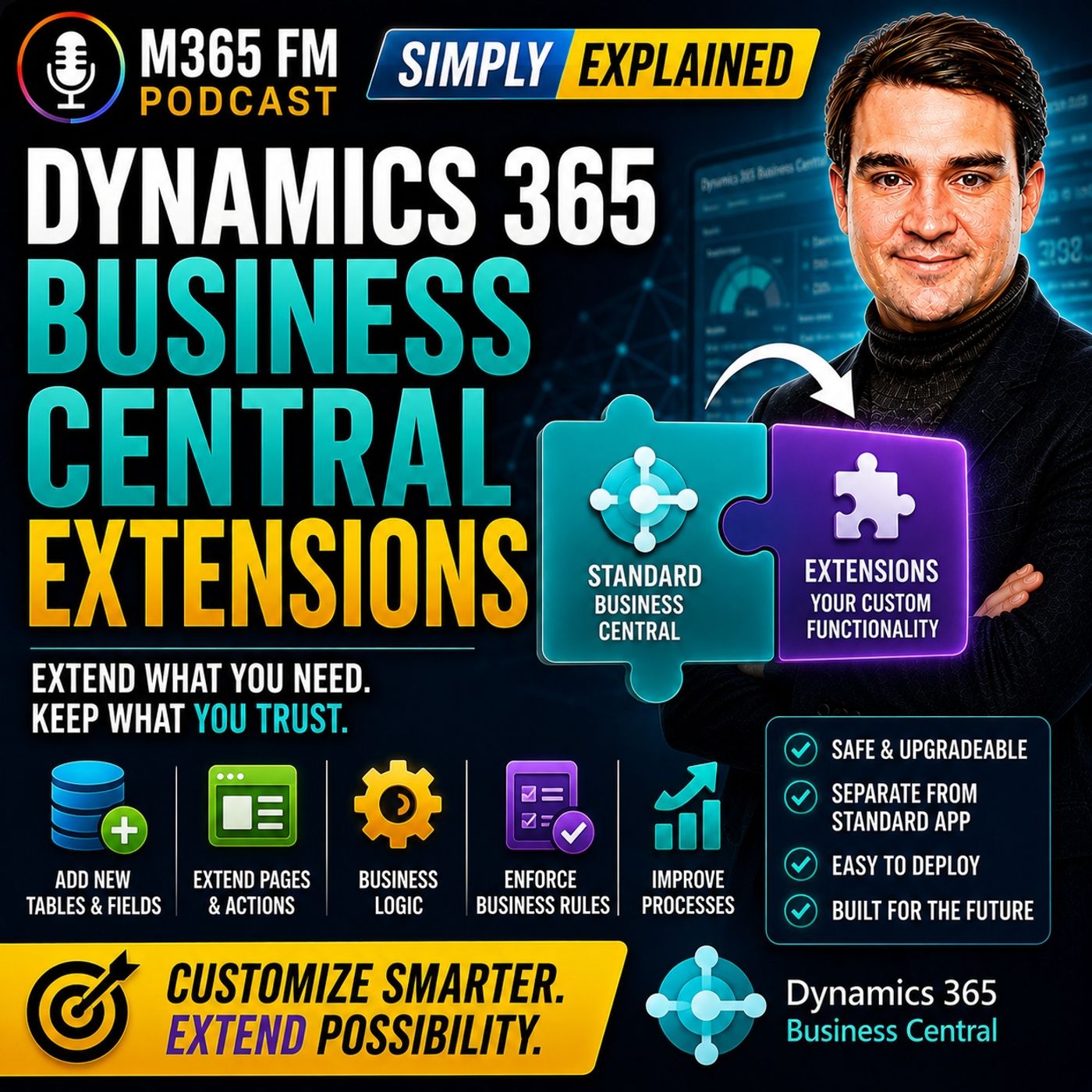
When customizing Dynamics 365 Business Central, organizations must decide whether to build a custom Per-Tenant Extension (PTE) or purchase a ready-made ISV app from AppSource. This guide breaks down the cost, maintenance, scalability, and technical implications of both choices to help IT leaders and decision-makers select the right integration strategy for their unique workflows.
Key Takeaways
- ISV apps offer pre-built, scalable solutions for common business processes like shipping, banking, and tax localization.
- Per-Tenant Extensions (PTEs) are custom-coded add-ons designed exclusively for a single organization's unique workflows.
- Choosing a custom PTE means your organization assumes total long-term ownership for testing, documentation, and update compatibility.
- AppSource marketplace apps save upfront development time and often include ongoing updates and support from independent software vendors.
- Decision-makers should always evaluate the core business requirement first before committing internal resources to custom development.
Understanding the Business Central Customization Dilemma
Dynamics 365 Business Central serves as a robust ERP foundation for finance, sales, inventory, and supply chain management. However, out-of-the-box functionality rarely aligns one hundred percent with every company's operational reality. Organizations inevitably hit scenarios where standard pages, fields, or reports fall short of capturing a specialized workflow.
Historically, modifying ERP software meant rewriting core application code—a practice that created massive headaches when software vendors pushed out automated updates. Modern Business Central architecture solves this through extensions, keeping custom code cleanly separated from the standard application foundation. Yet, once you decide to use extensions, a major strategic fork in the road appears: Do you buy a packaged app from an Independent Software Vendor (ISV), or do you commission a custom Per-Tenant Extension (PTE)?
ISV Apps: The Power of Packaged Reusability
An ISV app is a commercial software package built by an independent vendor to solve a specific, widespread business problem for multiple Business Central customers. These solutions are frequently discovered and deployed directly through Microsoft AppSource.
If your organization needs to connect Business Central to a major global shipping carrier, integrate a standardized payment gateway, or comply with complex international electronic invoicing mandates, an ISV app is usually the most efficient path forward. Because hundreds of other companies utilize the same application, the vendor continuously maintains, updates, and supports the codebase.
Pros of ISV Apps:
- Lower initial deployment costs compared to building custom software from scratch.
- Built-in documentation, setup wizards, and active vendor support channels.
- Regular compatibility updates released alongside Microsoft's wave releases for Business Central.
Cons of ISV Apps:
- May require your team to adjust internal workflows slightly to fit the app's predefined parameters.
- Ongoing subscription fees or transactional costs that scale with usage.
- Less flexibility if your business process deviates significantly from standard industry norms.
Per-Tenant Extensions: Tailored for the Unique
A Per-Tenant Extension (PTE) is an exclusive add-on developed specifically for a single organization's Business Central environment. It is never published to AppSource for public consumption. PTEs are designed for workflows that are genuinely distinct and proprietary to your business model.
Imagine a specialized regional food distributor with complex pricing algorithms driven by temperature-controlled transportation, returnable container tracking, and dynamic delivery zones negotiated across decades of client agreements. If no off-the-shelf shipping app matches these precise business rules, a certified Microsoft partner can build a dedicated PTE.
Pros of Per-Tenant Extensions:
- Provides an exact, hand-crafted match for proprietary or highly competitive business workflows.
- Eliminates compromise, allowing your team to work without altering established internal procedures.
- Gives you complete control over field placement, business logic, and automated validation rules.
Cons of Per-Tenant Extensions:
- Your organization assumes full ownership and long-term liability for maintenance.
- Updates to Business Central require your developer or partner to thoroughly test and potentially patch the PTE code.
- Higher upfront financial investment in custom development, documentation, and ongoing support agreements.
How to Choose the Right Path for Your Organization
Navigating the choice between an ISV app and a custom Per-Tenant Extension requires a disciplined approach to requirements gathering. Avoid the common trap of assuming that custom development is inherently superior simply because it is tailored exclusively to your company.
Begin by evaluating the nature of the business gap. If the capability involves connecting to a universal service provider—such as a bank, credit card processor, or parcel carrier—search AppSource first. Purchasing a mature, supported marketplace application will save countless hours of development and maintenance overhead.
Conversely, if the requirement centers on a core competitive advantage or a completely unorthodox operational model that defines your brand in the marketplace, a Per-Tenant Extension becomes the logical choice. Always remember that every extension, whether purchased or custom-built, must be rigorously tested in a Business Central sandbox environment before deployment to production.
Conclusion
Selecting between an ISV app and a custom Per-Tenant Extension ultimately dictates how your IT team manages ongoing maintenance and future platform upgrades. By understanding the distinct advantages and ownership responsibilities of each approach, you can protect your Business Central foundation while empowering your workforce with the exact tools they need. To dive deeper into how extensions work behind the scenes and what to check before installation, Listen to the full episode and subscribe to the podcast for daily expert insights on the Microsoft cloud ecosystem.
Frequently Asked Questions
What is the main difference between an ISV app and a Per-Tenant Extension in Business Central?
An ISV app is a packaged, reusable solution built by an independent software vendor for multiple customers and hosted on AppSource, whereas a Per-Tenant Extension (PTE) is custom-coded specifically for a single organization's unique tenant environment.
Can I modify a purchased ISV app if it doesn't quite fit our workflow?
Generally, you cannot directly modify the source code of a packaged ISV app. However, you can use page extensions or event publishers to supplement functionality or build complementary rules around the ISV app's output.
Who is responsible for updating Per-Tenant Extensions when Microsoft updates Business Central?
Your organization is ultimately responsible for maintaining PTEs. When Microsoft releases major platform updates, your internal IT team or external Business Central partner must test, and potentially update, the PTE code to ensure continued compatibility.
Are Per-Tenant Extensions always more expensive than ISV apps?
Upfront development costs for a custom PTE are typically higher than licensing an existing ISV app. However, over the long term, recurring subscription fees for multiple user licenses on an ISV app can sometimes exceed the maintenance costs of a focused, stable PTE.
How do I test a new extension before pushing it to my live Business Central environment?
You should always deploy and test new extensions inside a dedicated Business Central sandbox environment, running real-life operational test cases with your end users before allowing the code to touch live company data.