 EN
 Deutsch
 Español
 Français
 Italiano
 Português
 Nederlands
 Polski
 Bahasa Indonesia
 Русский
 Українська
 العربية
 עברית
 日本語
 한국어
Permission drift: how access grows over time
By Mirko Peters ·
Permission drift is how access slowly diverges from business reality through role changes, leftover groups and forgotten exceptions. Learn why it happens, how to spot it and how least privilege helps.
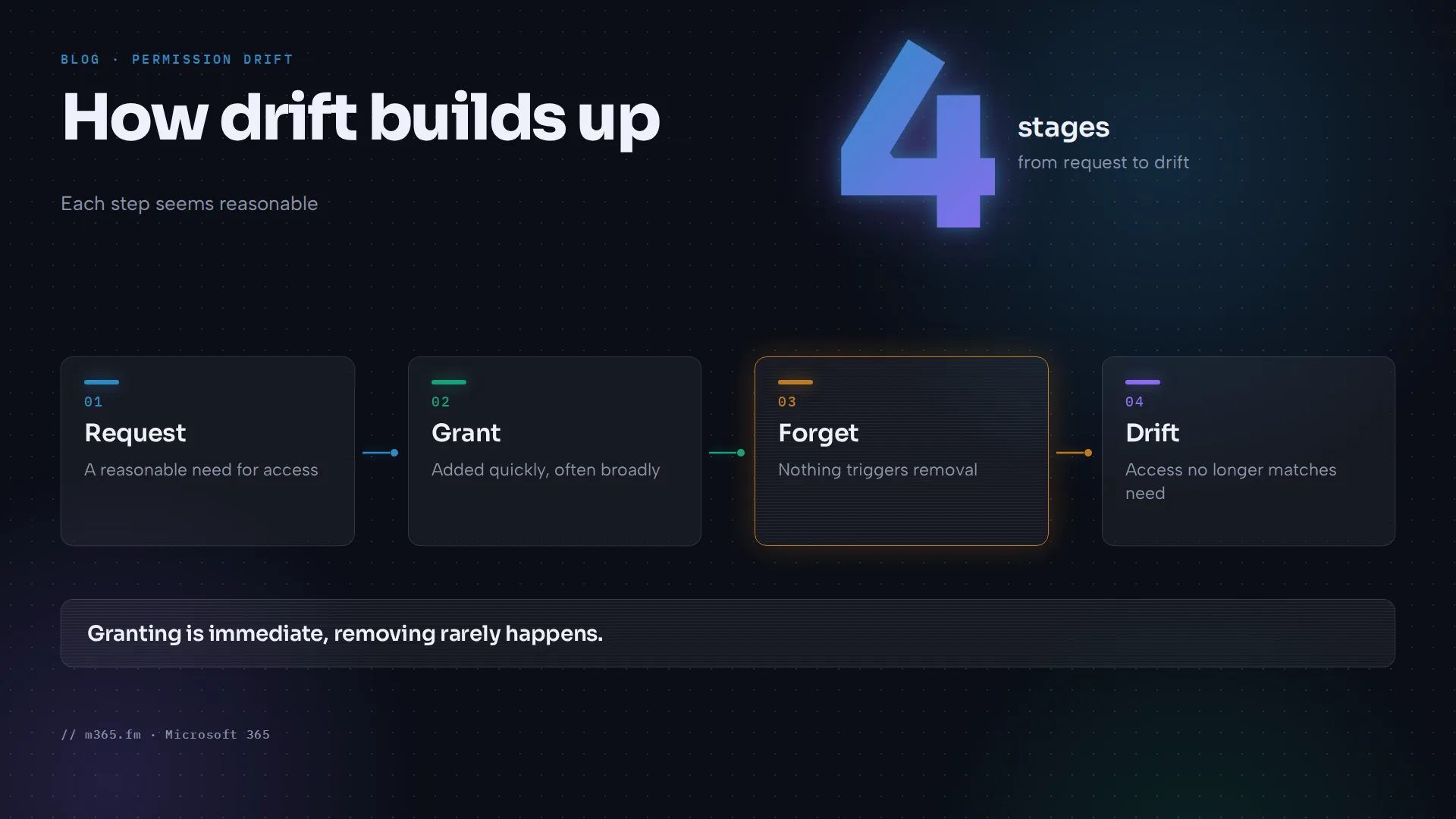
Most access problems do not start with a dramatic mistake. They start with a reasonable request: someone needs to see a document library for a project, a colleague changes teams, a vendor needs temporary access. Each decision makes sense when it is made.
Over months and years these decisions add up. This article explains how permission drift can happen in Microsoft 365, how to recognise it and which practices are designed to help keep access close to what people actually need.
What permission drift is
Permission drift is the gradual divergence of an access model from current business reality. Access keeps evolving through local decisions, role changes, leftover groups and exceptions that are never removed.
The key word is gradual. A misconfiguration is usually one wrong setting you can trace to one change. Drift has no single cause. The access model you designed on day one is still there, but it has been layered over with adjustments until it no longer describes who should have access today.
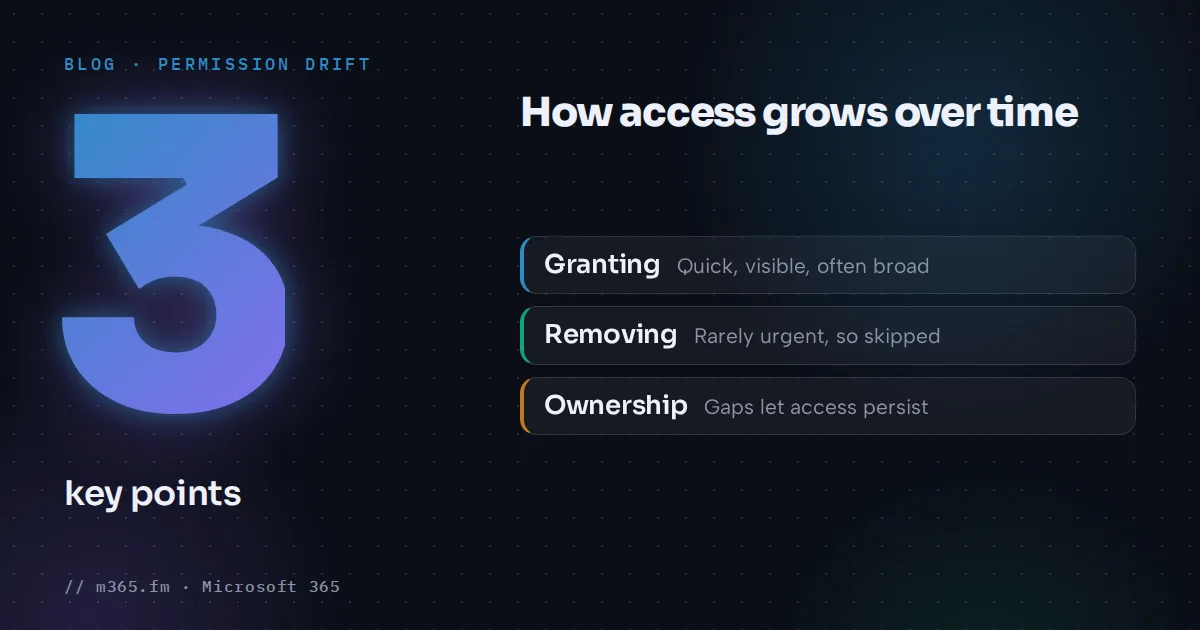
Drift is not a Microsoft 365 bug. It tends to occur in any system where people can grant access and few people are responsible for taking it away. Granting is often immediate and visible, because someone is waiting for it. Removing is rarely urgent, because nobody usually complains about access they still have.
How access grows over time
Several patterns can appear in many environments. The following examples are hypothetical illustrations of how the mechanisms work.
Role changes. Imagine an employee who moves from finance to marketing. Marketing access is added. Finance access stays, because nobody told the finance site owner and no process triggers removal.
Leftover groups. Imagine a project group created for a product launch. The project ends, the team moves on, but the group remains in the permissions of several sites and libraries. Months later it is unclear who is in it or why it exists.
Local exceptions. Imagine a site owner who shares a single folder with one person because it is quicker than adjusting the group structure. The exception works, so it stays. A year later nobody remembers it.
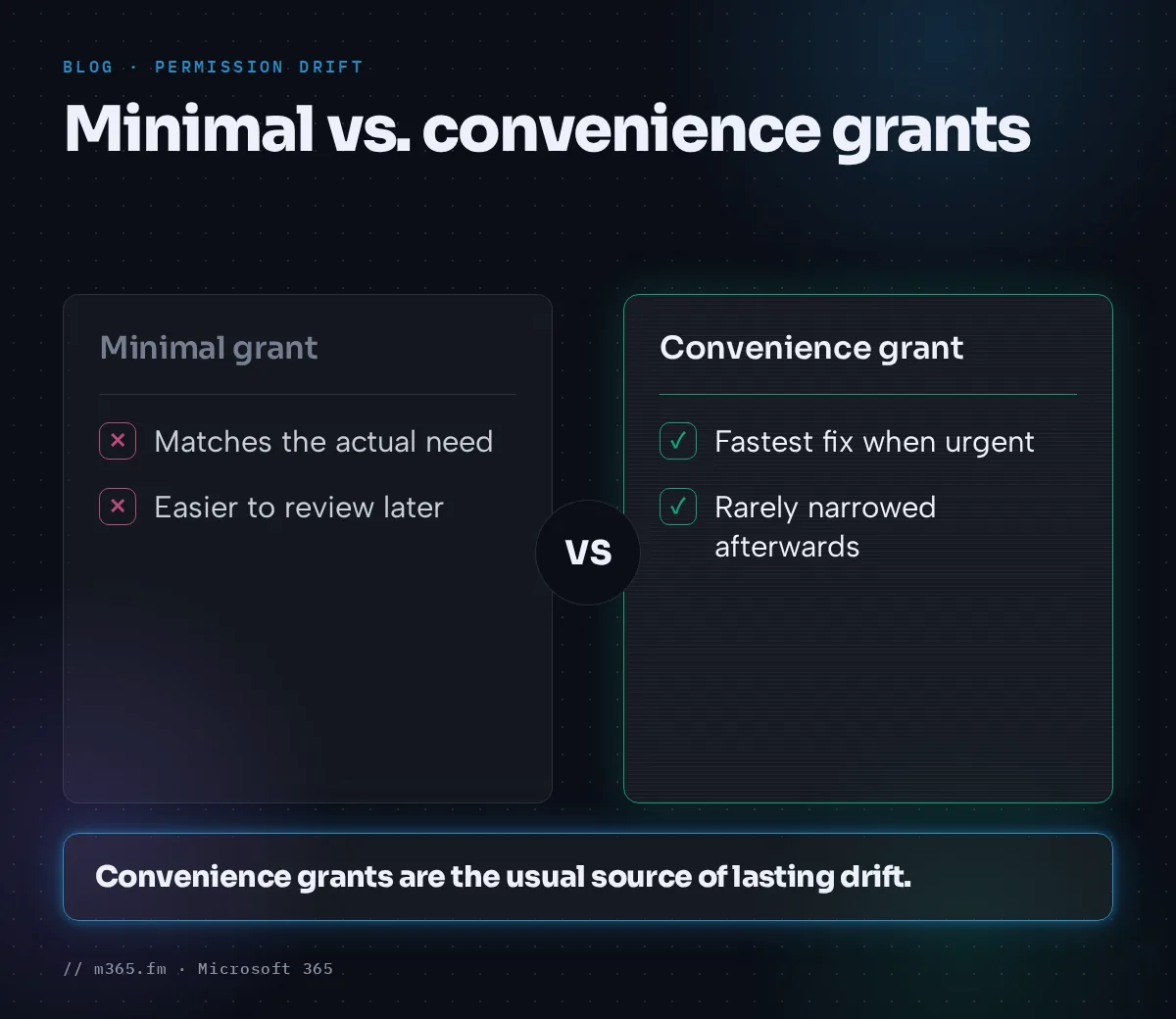
Convenience grants. When access is requested urgently, the fastest fix is often the broadest one: add the person as a member or owner instead of working out the minimal permission. The broader permission is rarely narrowed afterwards.
Ownership gaps. Sites and teams outlive their owners. When the person who understood the access model leaves, the remaining owners may hesitate to remove anything they do not understand, so everything stays.
None of these is careless on its own. The problem is that each one only adds, and nothing in the normal course of work subtracts.
Why it matters
The more access exists beyond what people need, the more an attacker can reach if an account is compromised. A compromised account with broad, outdated access exposes more content than one limited to current work.
Drift also makes access harder to reason about. When reviewing a site, you may find permissions you cannot explain. You then face an uncomfortable choice: remove something that might be needed, or leave something that might be a risk. Uncertainty tends to favour leaving things as they are, which feeds the drift.
There is also a practical cost to audits and reviews. If the current state cannot be explained by current business reality, every review starts with archaeology: working out why each permission exists before deciding whether it should.
Granted versus used: the Permission Creep Index
One useful way to look at drift is to compare what an identity has been granted with what it actually uses. Permissions that are granted but never used are candidates for removal.
The Permission Creep Index (PCI) applied this idea. Microsoft's glossary for Microsoft Entra Permissions Management defines it as a number from 0 to 100 that represents the risk from users who have access to high-risk privileges but are not actively using them. It belonged to a product for cloud infrastructure entitlements on AWS, Azure and GCP, not to SharePoint sites.
Two cautions are worth stating. First, that product has been retired. Microsoft's archived documentation says it was no longer available for purchase from April 1, 2025 and was retired in 2025, so do not build a process around the metric. Second, "unused" does not always mean "unnecessary". Some access is needed rarely, for example for year-end processes or incident response. A score is a prompt to investigate, not an instruction to delete.
Even without that metric, the principle transfers. Whenever you review access, ask two questions: what is granted, and what is actually needed or used?
Least privilege as the counterweight
Least privilege is the security principle of giving an identity the smallest role at the smallest scope for the shortest time that still lets it do its work. It limits what an attacker can reach if the account is compromised.
It maps directly onto the three drivers of drift:
- Smallest role: avoid defaulting to owner or full control when read or contribute is enough.
- Smallest scope: prefer access to a specific site or library over broad access, and be cautious with access that sits high in a hierarchy.
- Shortest time: where access is meant to be temporary, give it an end date or a review date, so removal is part of the plan from the start.
The third point matters most for drift. Drift grows because removal depends on someone remembering. Building the expiry into the grant, through reviews or time-bound access, turns removal from a memory task into a process. Microsoft Entra documents features in this area, such as access reviews, but availability and licensing can vary, so check Microsoft Learn for what applies to your tenant.
Least privilege is a direction, not a state you reach once. Drift pulls access away from it, and regular review is one way to move back toward it.
Practical takeaways
Drift is usually easier to manage through habits that make removal as normal as granting than through one big clean-up.
- Name an owner for every site, team and group. Someone must be accountable for deciding whether access is still justified.
- Prefer groups with clear purpose over individual grants. Direct permissions and one-off folder shares are the hardest to see and the easiest to forget.
- Give temporary access an end date. Decide at the time of granting when it should be reviewed or removed.
- Review on a schedule and on events. Reviews tied to role changes, project closures and owner departures catch drift where it starts.
- Compare granted with used. Where you have usage data for an identity or a site, use it to prioritise what to look at first, and treat "unused" as a question, not a verdict.
- Document exceptions. If a one-off share is necessary, record why and when it should be revisited.
A final and important note: removing permissions, breaking inheritance, deleting groups or running bulk changes with PowerShell can lock people out or cut off business processes, and some changes are hard to undo. Always test cleanup on a pilot site or in a test tenant first, and make sure you have a backup or a documented way back, such as an export of the current permissions, before changing production access.
For current details on the features mentioned, start at Microsoft Learn and verify what applies to your licensing and tenant.
Sources
- Microsoft Entra Permissions Management glossary (archived) (Microsoft Learn)
- Microsoft Entra Permissions Management offboarding guidance (archived) (Microsoft Learn)
- What are access reviews? (Microsoft Learn)
FAQ
What is permission drift in Microsoft 365?
Permission drift is the gradual divergence of an access model from current business reality. Access keeps evolving through local decisions, role changes, leftover groups and exceptions that are never removed, so people and groups end up with more access than their current work requires.
How is permission drift different from a one-time misconfiguration?
A misconfiguration is a single wrong setting that can often be traced to one change. Drift builds up from many small, individually reasonable decisions over time. No single change looks wrong, but together they move access away from what the business actually needs.
Does the Permission Creep Index apply to SharePoint site permissions?
No. The Permission Creep Index was a metric in Microsoft Entra Permissions Management, a product for cloud infrastructure entitlements on AWS, Azure and GCP. Microsoft's archived documentation says the product was no longer available for purchase from April 1, 2025 and was retired in 2025, so do not plan around it. The underlying idea of granted versus used access is still useful for SharePoint reviews.