 EN
 Deutsch
 Español
 Français
 Italiano
 Português
 Nederlands
 Polski
 Bahasa Indonesia
 Русский
 Українська
 العربية
 עברית
 日本語
 한국어
Drain mode in Azure Virtual Desktop explained
Partner · Neutral partner: Nerdio
By Mirko Peters ·
Drain mode stops a session host from accepting new sessions from new users, while existing sessions continue until they end. This article explains what it changes and what it does not, how the load balancer and autoscale treat it, and how to set it in the portal and set and read it with PowerShell.
Drain mode is a per-host setting that stops a session host from accepting new user sessions. Sessions that already exist are not touched. This article explains what the setting changes, what it does not change, how the load balancer and autoscale treat it, and how to set it in the portal and set and read it in PowerShell. The step-by-step maintenance runbook is a separate article, "How to use drain mode for patching and maintenance of session hosts", and planning waves across a pool is covered in "Patching AVD without downtime: rolling updates with drain mode".
Key points
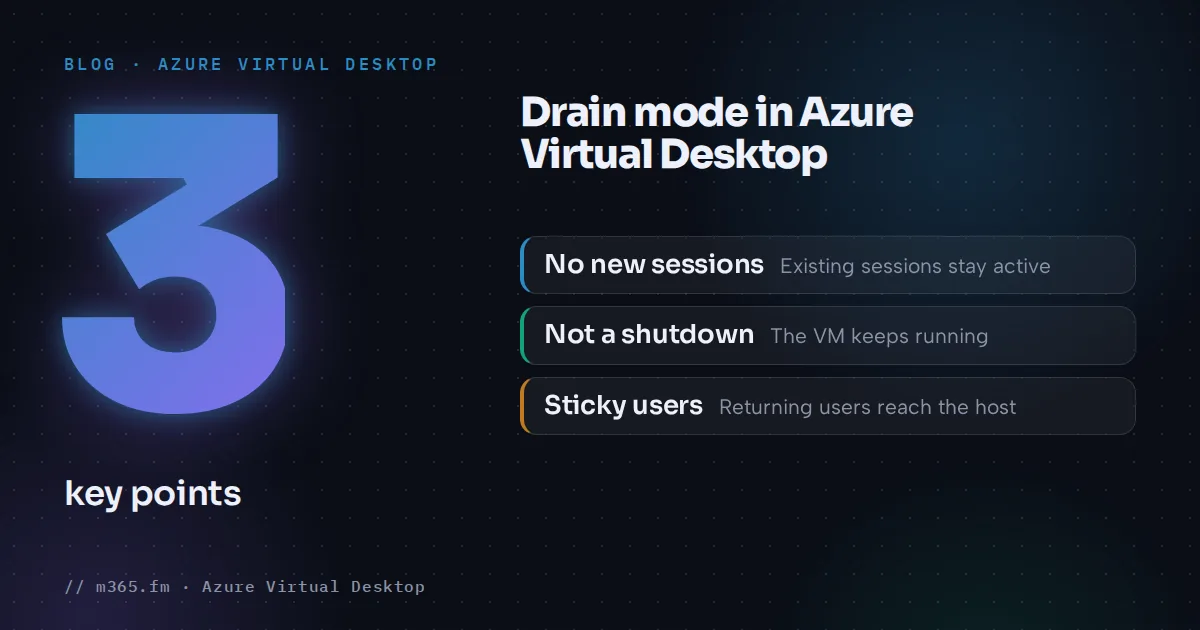
- A drained session host accepts no new sessions. Existing sessions stay connected until the user signs out or an administrator ends them, and administrators can still connect to the server directly.
- Drain mode is not a sign-out, a shutdown or a health status. It changes only whether the host can be chosen for new connections.
- A user who already has an active or disconnected session on a drained host is still redirected to that host when signing in again. New users are not placed there.
- On pooled host pools autoscale turns drain mode on and off no matter who set it. Use the exclusion tag to protect a host. On personal pools autoscale does not use drain mode.
- In PowerShell, Update-AzWvdSessionHost with AllowNewSession $False turns drain on and $True off. Learn lists the Desktop Virtualization Session Host Operator role as prerequisite.
What drain mode does
Microsoft Learn describes drain mode as a way to isolate a session host so you can perform maintenance without disrupting the service. The documented effects are:
- New sessions. A drained host does not accept new sessions. New connections are redirected to the next available session host.
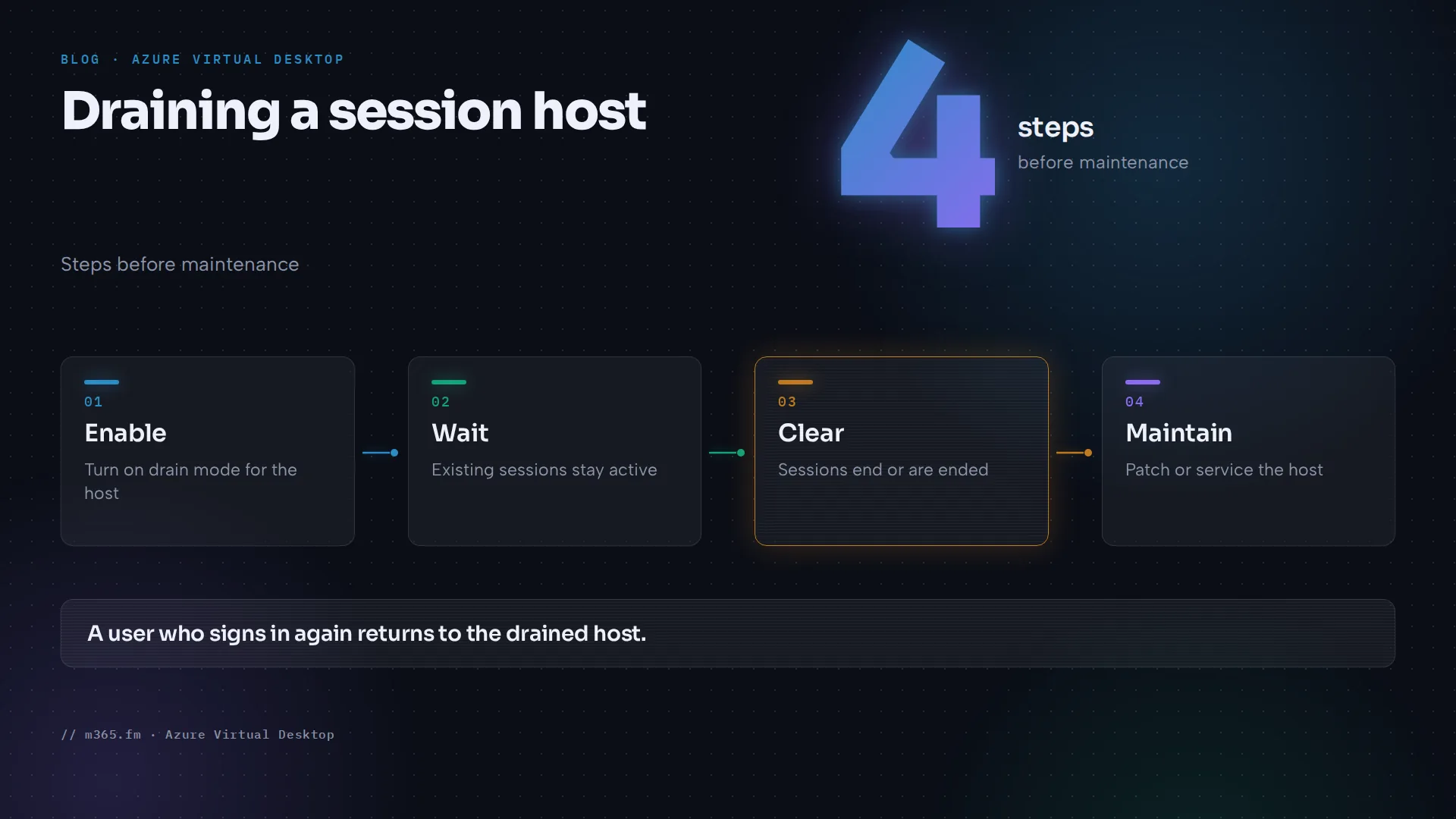
- Existing sessions. They remain active until the user signs out or an administrator ends the session.
- Maintenance. Once no sessions remain on the host, you can do the maintenance.
- Administrator access. Administrators can still connect to the server directly, without going through the Azure Virtual Desktop service.
In the Azure PowerShell reference the same state is the -AllowNewSession parameter of Update-AzWvdSessionHost, and the output object of Get-AzWvdSessionHost carries an AllowNewSession property described as "Allow a new session." Learn's text uses the plural AllowNewSessions in places, and its autoscale FAQ says that when autoscale turns drain mode off after deallocating a VM, it sets AllowNewSessions to true. So drain mode on means new sessions are not allowed, and drain mode off means they are.
What drain mode is not
- It is not a sign-out. Nothing ends because you turned it on.
- It is not a shutdown. Learn describes no shutdown, so the VM keeps running and its cost continues. That is a conclusion from the description rather than a Learn statement.
- It is not a health state. Learn lists the new-session setting and the status as separate properties. Health checks and statuses are a separate topic; see "Azure Virtual Desktop Session Host Shows Unavailable: A Step-by-Step Checklist".
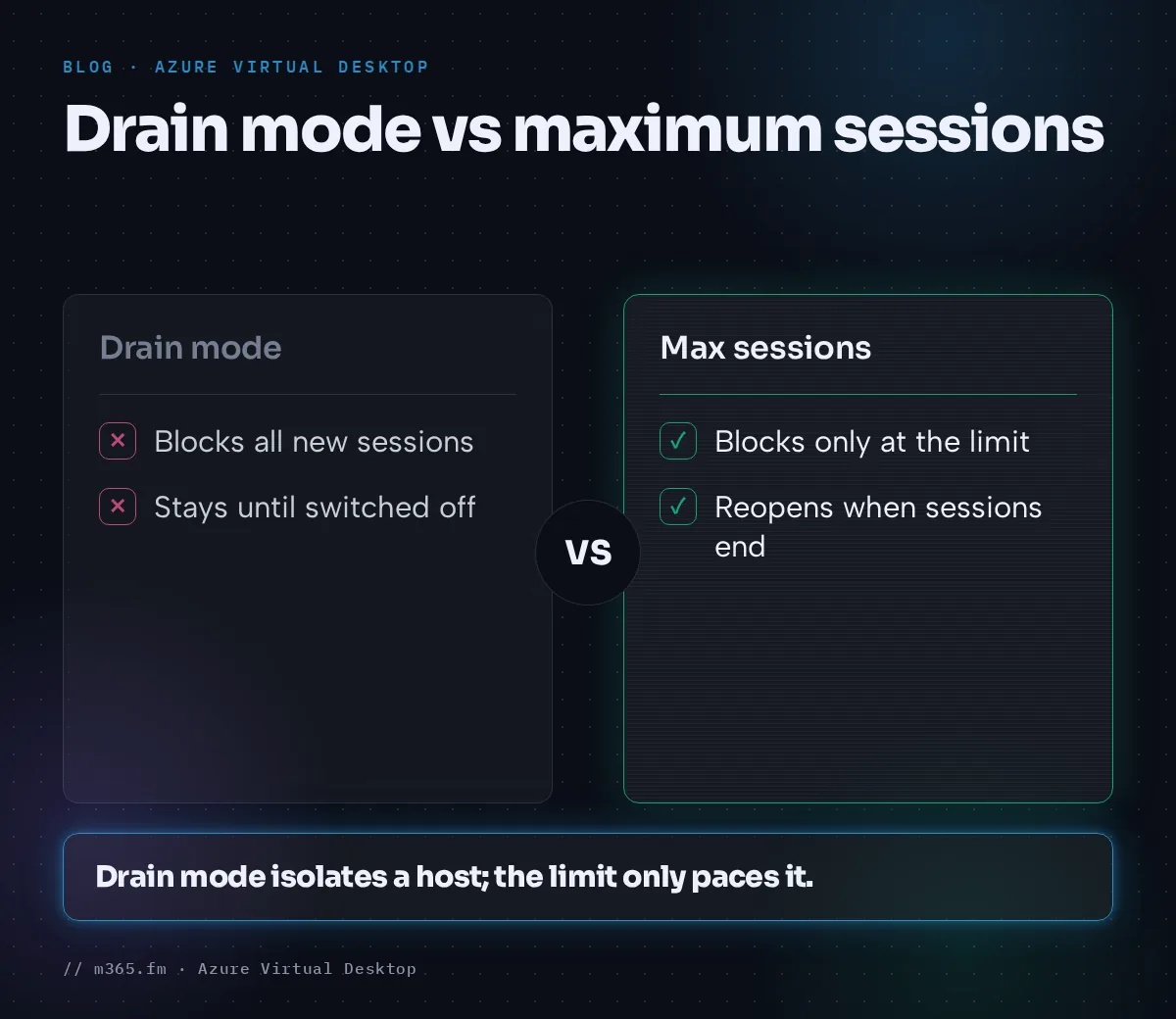
- It is not the same as the maximum session limit. Under depth-first load balancing a host at its maximum session limit is left out of the query for new sessions, but only until sessions end and there is room again. A drained host stays excluded until drain mode is switched off, by you or, on pooled host pools with a scaling plan, by autoscale unless the host carries the exclusion tag (see below).
How the load balancer treats a drained host
Learn's load-balancing page states two rules that explain what users experience:
- For new users, the load balancer does not consider session hosts in drain mode.
- A user who has an active or disconnected session and signs in again is redirected to that session host, even if drain mode is enabled.
The second rule matters for planning. A user with a disconnected session on a drained host returns to that host, so the host does not empty by itself while such sessions exist. The host is empty only when its users have signed out or you have ended their sessions. Learn lists both rules as behaviors shared by breadth-first and depth-first load balancing. It adds that load balancing does not apply to personal host pools.
Who can set it, and how
Learn's drain page lists the prerequisites for the whole procedure, portal and PowerShell alike: a host pool with at least one session host and the Desktop Virtualization Session Host Operator role. For local Azure PowerShell you also need the Az.DesktopVirtualization module, or you can use Azure Cloud Shell.
In the Azure portal, open the host pool, select Session hosts, check the host and choose Turn drain mode on. Choose Turn drain mode off to allow connections again.
In Azure PowerShell, Learn's drain page gives one command for each direction. It runs against one session host at a time, so repeat it for every host you want to change:
# Drain mode on: block new sessions
$params = @{
    ResourceGroupName = '<ResourceGroupName>'
    HostPoolName = '<HostPoolName>'
    Name = '<SessionHostName>'
    AllowNewSession = $False
}
Update-AzWvdSessionHost @params

# Drain mode off: allow new sessions
$params.AllowNewSession = $True
Update-AzWvdSessionHost @params
The page shows the two blocks separately; the single hash table above is this article's shortening.
To read the state, Get-AzWvdSessionHost returns an ISessionHost object. Its AllowNewSession property holds the setting, and the REST reference lists the same value as properties.allowNewSession. A line such as Get-AzWvdSessionHost -ResourceGroupName <ResourceGroupName> -HostPoolName <HostPoolName> | Select-Object Name, AllowNewSession, Session, Status lists every host in a pool with its setting and session count. The Select-Object filter is this article's suggestion, not a Learn example. After a change in the portal, wait at least 60 seconds before you refresh, because Learn warns that an immediate refresh can show an out-of-sync status.
How autoscale uses and overrides drain mode
Autoscale uses drain mode itself, which is easy to overlook. On pooled host pools it puts a host in drain mode before it deallocates it, sets AllowNewSessions back to true afterwards, and turns drain mode on or off on any VM in scope, no matter who put it there. Only a host that carries the exclusion tag is left alone. On personal host pools autoscale does not use drain mode, and a user who connects during deallocation receives "No resources available". The runbook article shows how to tag a host before you drain it, and the force sign-out article describes the ramp-down sequence.
A short example
Take a pooled host with three sessions: user A is active, user B is disconnected and user C is active. You turn drain mode on. User D signs in for the first time and is sent to another host, because the load balancer does not consider drained hosts for new users. User A signs out. User B reconnects, and because B has a disconnected session on this host, B returns to it even though it is drained. User C stays connected. The host is free for maintenance only after B and C have signed out or an administrator has ended their sessions. If you do nothing, it stays in that state, unless autoscale changes drain mode on a pooled host that is not tagged. This walk-through applies the documented rules and is not a Learn scenario.
Drain mode compared with related controls
| Control | What it changes | Existing sessions |
|---|---|---|
| Drain mode | The host receives no new sessions from new users | Stay connected |
| Lower maximum session limit | How many sessions the host accepts | Learn says lowering it on a host with active sessions does not affect them |
| Exclusion tag | Autoscale does not start, stop or change drain mode on the host | Unaffected |
| Force sign-out in ramp-down | Autoscale ends remaining sessions after the wait time | Ended |
Only the last row ends sessions. Drain mode therefore needs a second step, either waiting or ending sessions, before a host is free for work. The table is a summary of the Learn statements above.
Reading the result
- Sessions. Check the session count on the host before you start work. Existing sessions are not ended by drain mode. The Insights glossary says its Sessions item shows connected and disconnected sessions, while Idle sessions shows only disconnected ones.
- Direct access. This is a conclusion from the documented administrator access, not a Learn statement: because administrators can reach the VM without the service, your own testing on a drained host does not prove what users will see.
Common misunderstandings
- "I turned drain mode on and users were disconnected." The drain mode page does not describe that. Check for autoscale, a policy or a patch process that ends sessions.
- "The host is drained but still has users." Expected: sessions persist, and returning users go back to their host.
- "Drain mode is off again." On pooled pools, check the scaling plan and the exclusion tag first.
- "New users cannot connect at all." If every host in a pool is in drain mode, no host can take a new user. The drain mode page documents no error message for this case.
Sources
Accessed 17 November 2026.
- Microsoft Learn: Drain session hosts for maintenance in Azure Virtual Desktop
- Microsoft Learn: Configure host pool load balancing in Azure Virtual Desktop
- Microsoft Learn: Autoscale FAQ
- Microsoft Learn: Autoscale scenarios for Azure Virtual Desktop
- Microsoft Learn: Update-AzWvdSessionHost
- Microsoft Learn: Get-AzWvdSessionHost
- Microsoft Learn: ISessionHost model
- Microsoft Learn: Session Hosts - Get (REST API)
- Microsoft Learn: Azure Virtual Desktop Insights glossary
FAQ
Does drain mode sign users out?
No. Microsoft Learn says existing connections remain active until the user signs out or an administrator ends the session. Drain mode only affects where new sessions are placed.
Why did my host leave drain mode by itself?
If the host is in a pooled host pool with an autoscale scaling plan, autoscale overrides drain mode on VMs included in scaling, whoever set it. The FAQ says to use exclusion tags to keep a VM out of scaling actions.
How long does the portal take to show the change?
Learn says that if you refresh the portal immediately after changing drain mode, the status might appear out of sync, and it advises waiting at least 60 seconds before refreshing.