 EN
 Deutsch
 Español
 Français
 Italiano
 Português
 Nederlands
 Polski
 Bahasa Indonesia
 Русский
 Українська
 العربية
 עברית
 日本語
 한국어
Teams Phone Certified Devices: What Certification Means and What to Check Before Buying
By Mirko Peters ·
Teams Phone certified devices explained from Microsoft Learn: what Certified for Microsoft Teams means, where the lists are, certification end dates, licensing and Intune notes.
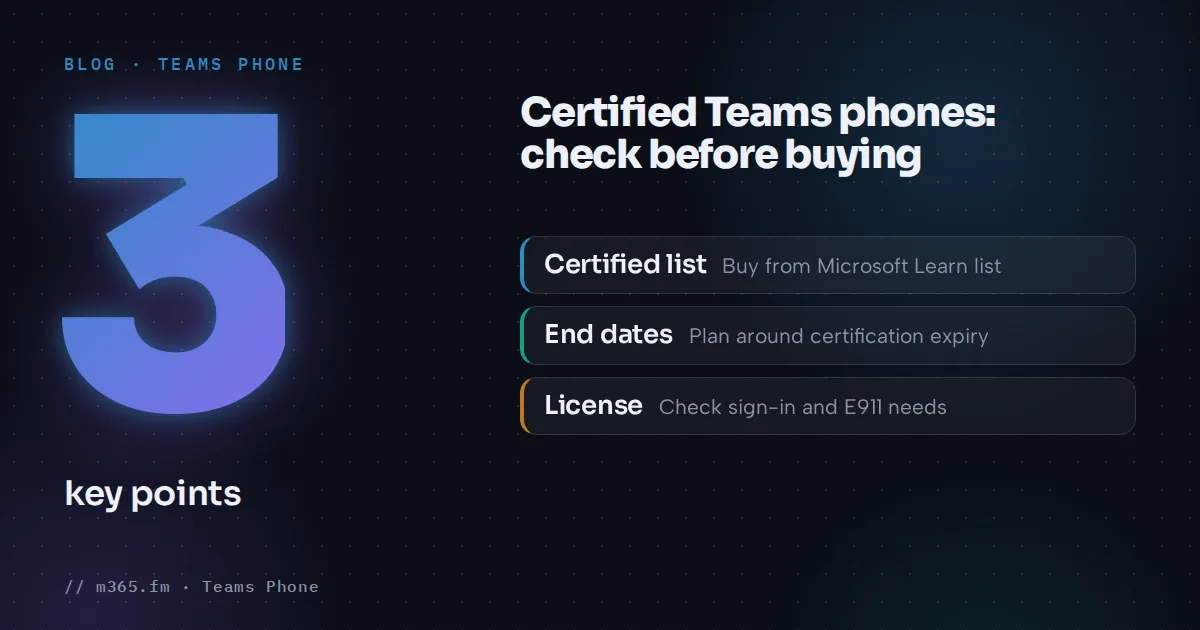
Buy Teams phones from the Certified Teams phones list on Microsoft Learn. That list is where Microsoft documents which phones are certified, and certification is how Microsoft confirms that a device meets its requirements for Teams. This article explains what the certification covers, how to read the list, what to check for license and management, and where the Microsoft pages stop. They don't recommend models or give prices.
Key points
- Certified for Microsoft Teams is awarded only to devices that pass all requirements of the Teams Device Certification Program.
- The Certified Teams phones list shows model, firmware version, certification end date and Android version. The pages read name AudioCodes, Poly and Yealink.
- After certification expires, Microsoft commits to supporting the latest Teams apps on that device for two years, at its discretion.
- Teams Rooms Basic licenses aren't supported on Teams phones, and the account is blocked from sign in.
- Managing Teams phones requires the Global admin, Teams Service admin or Teams Device admin role. Intune enrollment uses Android Device Administrator, per the page read.
What certification means
The Microsoft Teams Device Certification Program tests personal and shared devices against specifications that cover audio and video quality, user interface, device management and security. Only devices that pass all requirements and associated testing receive the designation Certified for Microsoft Teams. Microsoft states that the program involves third-party testing and three levels of internal testing, and that only carefully selected devices are accepted in each category.
Microsoft's end-user page lists some practical properties of certified devices:
- Audio devices have basic call control, such as answer and hang up, mute and unmute, and volume.
- All devices support firmware updates.
- Devices register automatically with the Teams desktop client.
The certified device categories are Teams Rooms on Windows, Teams Rooms on Android, panels, phones, displays and personal devices. Teams phones are one of those categories.
How to read the Certified Teams phones list
The list is one table with four columns: device model, firmware version, current certification end date and Android OS version. Expansion modules appear in the same table with Android version "N/A", for example the Yealink EXP50 on certain MP-series models. The models on the page come from AudioCodes, Poly and Yealink. At the time the page was read, most main devices carried an end date of August 15, 2028, and the latest dates reached October 15, 2029.
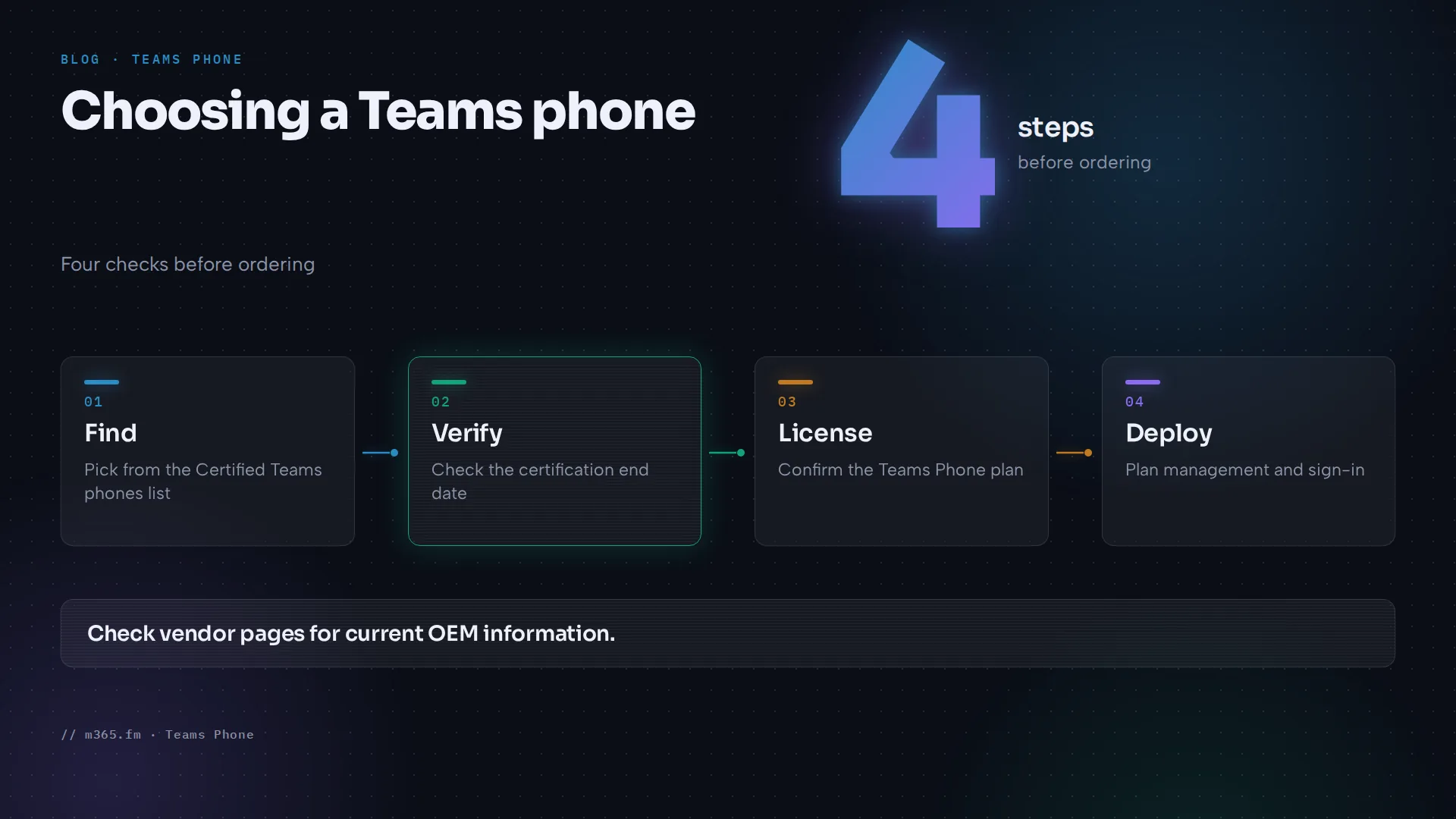
Treat the end date as a planning input:
- Certification end dates are based on the Android version the device ran when it entered certification.
- OEM partners can extend certification by upgrading Android and recertifying, or release new models.
- After expiry, Microsoft commits to supporting the latest Teams devices application on the device for two years. Microsoft keeps the right to change that policy.
- The page points to OEM websites and to the Android version support page for current information, so check the vendor too.
The list has no features column and doesn't label devices as desk or conference phones. For features, Microsoft points to the vendor and to the per-device pages.
License and sign-in checks
The Phones for Microsoft Teams page covers the following:
- Phones use Modern Authentication. Users can sign in on the phone with username and password, or from another device such as a PC or smartphone.
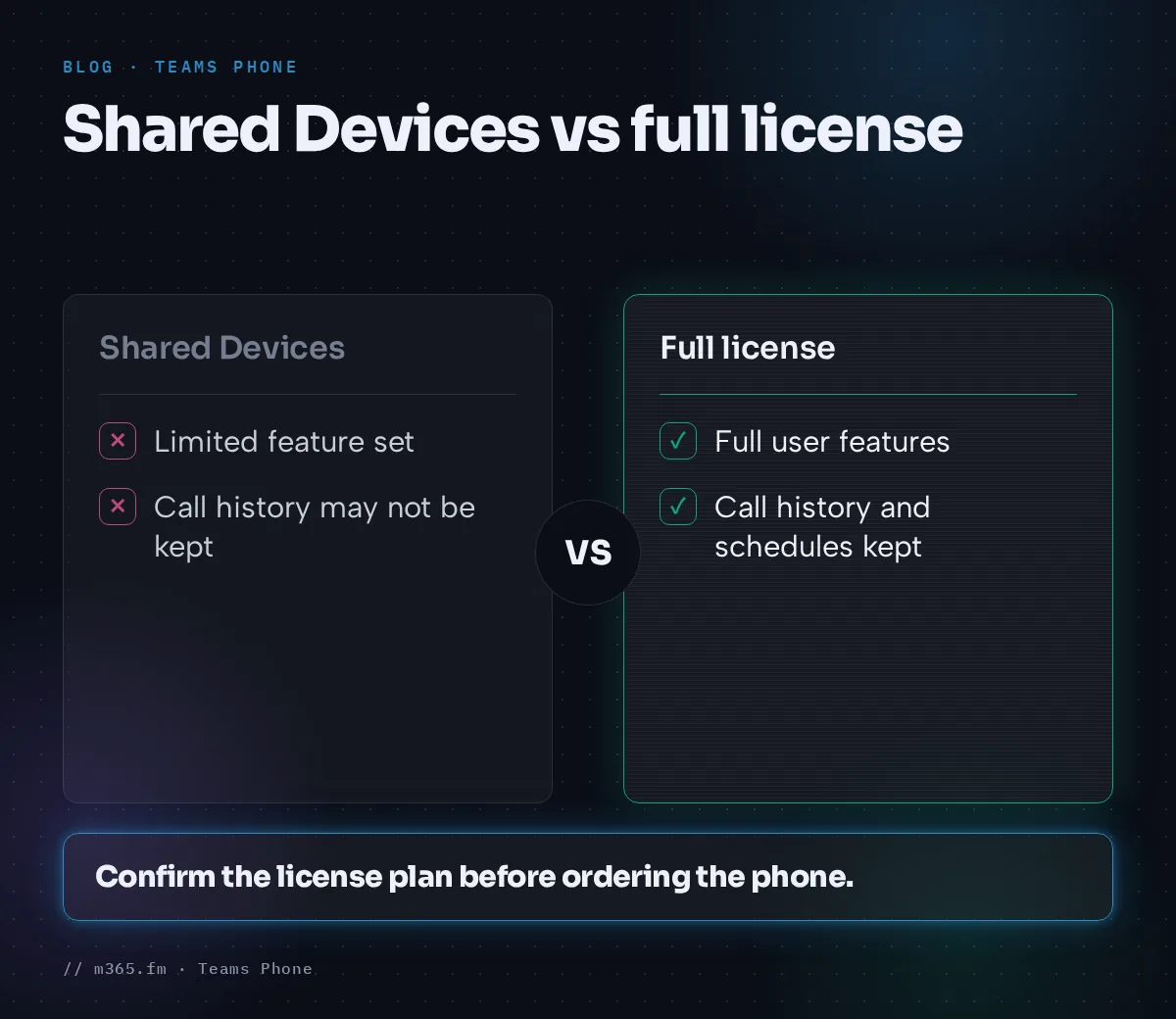
- An account with a Microsoft Teams Shared Devices license gets a limited feature set. Call history and meeting schedules may not be retained.
- Microsoft Teams Rooms Basic licenses aren't supported on Teams phones.
- Dynamic and enhanced E911 shows the signed-in user's location. If a phone isn't signed in or has no internet connection, 911 calls can't be placed.
The page doesn't name a specific Teams Phone license SKU for the phone itself. It refers to Microsoft's voice calling licensing page. Confirm the plan with the Teams Phone licensing documentation before ordering.
Management and deployment
To manage Teams phones, the Phones for Microsoft Teams page names the Global admin, Teams Service admin and Teams Device admin roles. The pages read don't say where in the admin tools each task is done. Microsoft recommends the role with the fewest permissions.
For Intune, the deployment page read for this article says:
- Intune must be the MDM authority.
- Android device administrator enrollment must be enabled, because it is off by default for new tenants.
- An Android Device Administrator compliance policy must be assigned to the Teams phone resource accounts.
It says Teams phones are managed in Intune with Android Device Administrator (ADA). The page also says enrollment would switch to Android Open Source Project (AOSP) device management in 2025. That page was last updated in October 2024, so check the current Intune guidance before planning enrollment.
Two more points from the same page:
- If the signing-in account has an Intune license, the device enrolls automatically. If not, Intune compliance policies and enrollment restrictions must be disabled for the account.
- Resource accounts don't support interactive MFA. Microsoft recommends Conditional Access for them, and a policy requiring compliance blocks sign-in of phones not enrolled in Intune.
For rollouts, remote provisioning lets an admin upload the device's Ethernet MAC address or hardware ID in the Pro Management Portal and generate a verification code. The code is valid for 24 hours. A technician enters it on the device, and sign-in can be completed remotely later. Microsoft states that Teams Rooms on Android, panels, Teams phones and SIP gateway devices can be provisioned this way.
A short buying checklist
- Pick the model from the Certified Teams phones page, not from a vendor catalog alone.
- Note the certification end date and the Android version.
- Check the OEM website for current information.
- Confirm the sign-in account type and licenses. Avoid Teams Rooms Basic for phones.
- Plan Intune and Conditional Access for the resource accounts.
- Plan provisioning, either local sign-in or remote provisioning.
Where the sources are thin
The Microsoft pages read here don't describe feature differences between models, don't rank vendors and don't give prices. They also don't explain what happens with devices that aren't certified. The end-user page makes no statement about non-certified devices. Treat any claim about those as unsupported by these sources.
Related
Sources
- Overview of Teams certified devices, Microsoft Learn
- Certified Teams phones, Microsoft Learn
- Why choose certified devices, Microsoft Learn
- Phones for Microsoft Teams, Microsoft Learn
- Deploy Teams phones with Intune, Microsoft Learn
- Remote provisioning and sign in for Teams Android devices, Microsoft Learn
FAQ
What does Certified for Microsoft Teams mean?
According to Microsoft Learn, the Teams Device Certification Program tests devices on audio and video quality, user interface, device management and security. Only devices that pass all certification requirements and associated testing receive the designation Certified for Microsoft Teams.
Where is the list of certified Teams phones?
Microsoft Learn publishes a Certified Teams phones page with device model, firmware version, certification end date and Android OS version. Microsoft also points to the Teams devices store at microsoft.com for shopping.
What happens when a phone's certification ends?
Microsoft Learn says that after a certification expires, Microsoft is committed to supporting the latest version of the Teams devices applications on certified devices for two years. Microsoft retains the discretion to change that policy. The page points to OEM websites and the Android version support page for current information.
Can a Teams Rooms Basic license be used on a Teams phone?
No. The Phones for Microsoft Teams page says Microsoft Teams Rooms Basic licenses aren't supported on Teams phone devices and that an account with a Basic license assigned is blocked from sign in.