

Work smarter, not harder, with practical tips for Microsoft 365.
From Teams and Outlook to OneDrive and Office apps, we explore new features, time-saving shortcuts, collaboration tools, and productivity workflows that help you get more done every day.
Perfect for anyone who loves efficiency and wants to make M365 work for them.
From Teams and Outlook to OneDrive and Office apps, we explore new features, time-saving shortcuts, collaboration tools, and productivity workflows that help you get more done every day.
Perfect for anyone who loves efficiency and wants to make M365 work for them.
April 4, 2026
Microsoft Teams Guest Access and Guest User Management
Quick Answer: To manage Microsoft Teams guest access, enable the right external collaboration settings, invite a guest through the team, assign only the necessary access, and review guest membership regularly. Test the complete journey—from invitati…

April 2, 2026
How To Set Up SharePoint For Collaboration
Setting up SharePoint for collaboration is all about creating a workspace where your team can work smarter, not harder. When SharePoint is set up the right way, it becomes a hub for sharing files, managing tasks, and communicating—all within the Mic…

March 27, 2026
The Unseen Burden of High Performance and Loneliness
High achievement often comes with an unexpected companion: loneliness. You might excel in your career or hobbies, yet feel isolated in your journey. The emotional toll of striving for excellence can weigh heavily on you. Consider these questions: …

March 27, 2026
How Your Organization Fails to Meet Its Own Expectations
Many organizations perceive themselves as high-performing entities, yet their actual outcomes often tell a different story. This disconnect can lead to inefficiencies and hindered goal achievement. Have you considered how well your organization alig…

March 25, 2026
Designing Effective SharePoint Automation for Large Organizations
Most SharePoint automation works until it suddenly doesn’t. You might face security risks from improper permission management or experience performance degradation due to complex item-level permissions. Challenges such as data integrity issues and s…

March 25, 2026
How to Design Your Microsoft 365 Tenant for Real ROI (Not Just Deployment)
Many organizations set up their Microsoft 365 tenant but overlook a crucial aspect: user behavior. If you don’t properly design your Microsoft 365 tenant to align with how people actually work, it becomes an "Invisible Tenant." This situation leads …

March 25, 2026
How to Transform Your Microsoft 365 Skills into a Profitable Business
The demand for Microsoft 365 skills is skyrocketing. Organizations are increasingly looking for professionals who can harness these tools effectively. In fact, a recent report indicates that 78% of leaders plan to hire for AI-specific roles, showcas…

March 25, 2026
Steps to Automate Admin Tasks in Microsoft 365 Without Losing Control
Automating admin tasks in Microsoft 365 is crucial for enhancing efficiency and security. Manual processes can introduce serious security threats. Human error often leads to missed security measures, which can jeopardize your organization. By choosi…

March 25, 2026
How to Map What Your People Actually Do in Microsoft 365 (Instead of What You Think They Do)
In a digital workspace, it’s crucial to map what your people do to truly understand their activities. Many organizations make assumptions about their teams' behaviors, but these often differ from reality. For instance, you might think that disabling…

March 25, 2026
How to Manage Multiple Accounts in OneDrive
To manage multiple accounts in OneDrive, add each approved work or school account in the OneDrive sync app, keep the account folders clearly named, and verify the cloud icon and sync status for each tenant. Do not move organisational files into a pe…

March 17, 2026
Microsoft 365 Copilot Extensibility Overview
Microsoft Copilot extensibility is all about customizing and expanding what Copilot can do inside your organization. In the Microsoft 365, Azure, and Power Platform universe, extensibility means you can connect Copilot to your unique business data, …

March 13, 2026
How to Configure Governance in Microsoft Teams Admin Center 2026
If you're tasked with making sense of Microsoft Teams for your business, governance is where the magic happens. This guide is your one-stop shop for turning wild, chaotic Teams environments into clean, compliant, and secure collaboration spaces. We’…
March 13, 2026
Building an Effective Microsoft Teams Compliance Framework
Building a robust compliance framework for Microsoft Teams is crucial if you want to keep sensitive business data safe, meet those always-shifting regulatory requirements, and still let your team collaborate efficiently—no matter where they're worki…

March 13, 2026
Mastering Microsoft Teams External Collaboration Controls
If your business depends on smooth teamwork with partners, clients, or vendors, then mastering Microsoft Teams’ external collaboration controls isn’t just nice to have—it’s a must. In today’s digital workplace, people work beyond their own four wall…

March 12, 2026
Teams Information Protection and Sensitivity Labels Explained
Keeping your organization’s information safe in Microsoft Teams is serious business. When files, chats, and meetings are flying back and forth all day, a single slip-up can expose sensitive data or break compliance rules. That’s where sensitivity la…

March 12, 2026
Microsoft Teams Lifecycle Management Strategy: A Complete Guide
If your organization uses Microsoft Teams, you know it can feel like things spin out of control fast—too many teams, confused access, and more looming compliance questions than you'd care to count. That’s exactly why a well-crafted Teams lifecycle m…

March 12, 2026
Teams Audit Log Governance: A Complete Guide for Microsoft 365
If your job is to keep Microsoft Teams running smoothly and out of trouble, you need to be all over audit log governance. Audit logs track just about everything happening in your Teams environment: who did what, when, and how. Whether you're worried…

March 12, 2026
Microsoft Teams Naming Convention Policies: Comprehensive Guide for Governance
Microsoft Teams naming convention policies are the rules that decide what you can and can’t call your teams and Microsoft 365 groups. These policies are more than a fancy way of keeping things neat—they’re a pillar of strong IT governance, especiall…

March 9, 2026
How to Manage User Accounts with the Microsoft Exchange Online Admin API
Managing user accounts is crucial for any organization. It ensures that employees have the right access to resources while keeping sensitive information secure. The Exchange Admin API makes this process easier and more efficient. With its powerful f…

March 6, 2026
How to streamline app deployment in Microsoft 365
Efficient app deployment in Microsoft 365 is crucial for modern organizations. Streamlining this process can lead to several advantages. For instance, you can achieve significant cost reduction by automating tasks that are usually manual and time-co…
March 6, 2026
Easy Priority Cleanup Tips for Microsoft SharePoint Online
For effective SharePoint Online cleanup, start with inactive sites, duplicate documents, unused permissions, and unclear ownership. Confirm business value before deleting anything, assign an owner to each active site, archive or retain content accor…
March 3, 2026
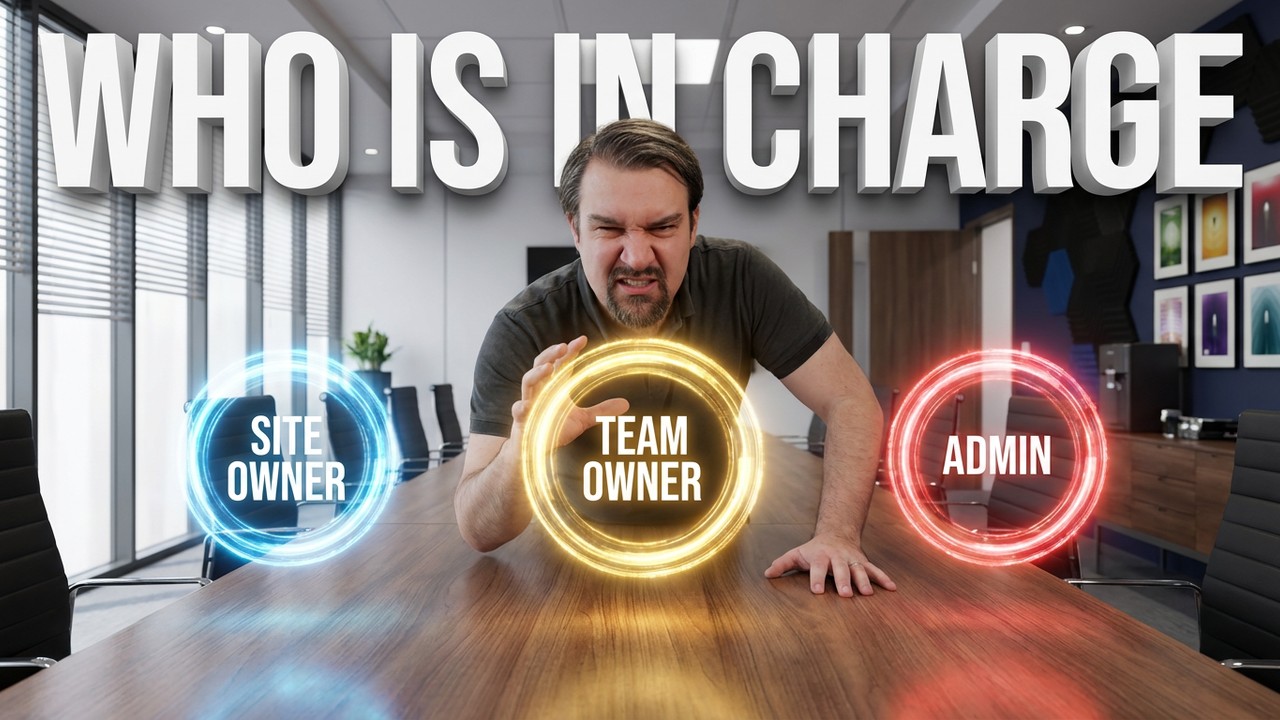
How to Define Clear Ownership Models
Quick Answer: Clear ownership models define who makes decisions, who operates a workspace, and who is accountable when access, lifecycle, or content issues arise. In Microsoft 365, distinguish business ownership from technical administration so coll…

Feb. 24, 2026
Guest Access Governance in Microsoft 365: The Complete Guide
Let’s be honest—balancing external collaboration with airtight security is one of the biggest headaches of using Microsoft 365 in any serious organization. Guest access lets you open up Teams, SharePoint, and the rest of the M365 arsenal to partners…

Feb. 22, 2026
Microsoft 365 Governance Checklist: A Practical IT Guide
Microsoft 365 governance checklist requires a clear view of the business scenario, supported Microsoft 365 capabilities, ownership, and security requirements. Start with the intended outcome, validate current Microsoft guidance, test the approach wi…