

Work smarter, not harder, with practical tips for Microsoft 365.
From Teams and Outlook to OneDrive and Office apps, we explore new features, time-saving shortcuts, collaboration tools, and productivity workflows that help you get more done every day.
Perfect for anyone who loves efficiency and wants to make M365 work for them.
From Teams and Outlook to OneDrive and Office apps, we explore new features, time-saving shortcuts, collaboration tools, and productivity workflows that help you get more done every day.
Perfect for anyone who loves efficiency and wants to make M365 work for them.
April 17, 2026
Understanding SharePoint Retention Policy Governance
SharePoint retention policy governance requires a clear business outcome, approved policy settings, and accountable ownership. Start with the relevant users and data, validate the current Microsoft 365 capabilities and requirements, test the approac…
April 17, 2026
SharePoint External Sharing Governance: Best Practices for Secure Collaboration
SharePoint external sharing opens a world of real-time collaboration with partners, clients, and vendors outside your organization. But let's be honest—every open door needs a sturdy lock. Balancing flexible teamwork with strict security and complia…
April 16, 2026
Best Practices SharePoint Permissions Governance for SharePoint Site Owner and Admins
SharePoint permissions governance requires a clear business scenario, accountable ownership, and practical controls. Start with the desired outcome, validate the current Microsoft capability, test with representative users, and document security, su…
April 16, 2026
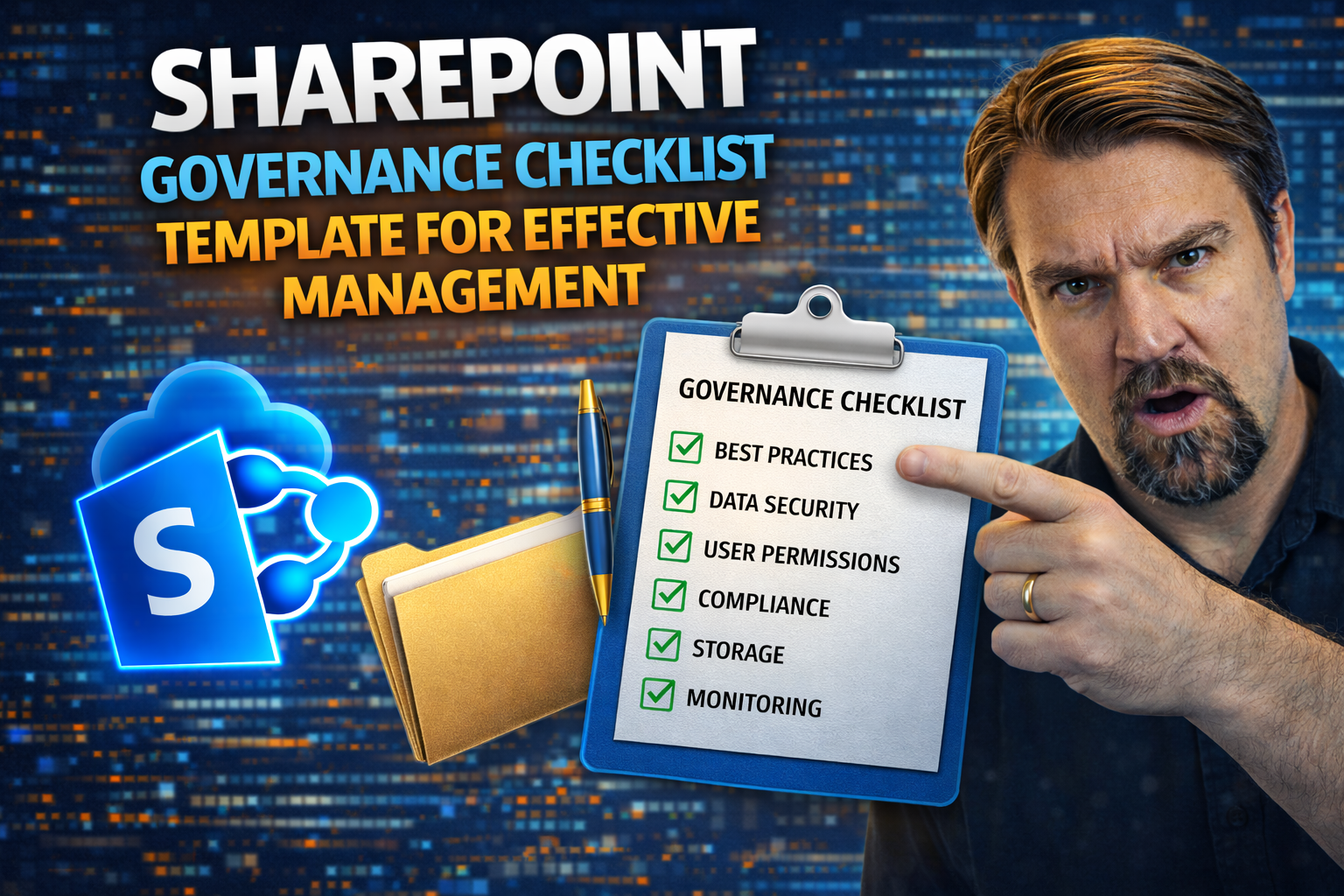
SharePoint Governance Checklist Template for Effective Management
SharePoint Governance Checklist Template for Effective Management If you're managing a SharePoint environment, you know keeping things organized isn’t something you can just wing. That’s where a SharePoint governance checklist template steps in. It…

April 16, 2026
SharePoint Governance Automation: The Complete Guide
SharePoint Governance Automation: The Complete Guide SharePoint governance automation is quickly becoming a must-have for organizations balancing agility and control in the digital workplace. This guide is here to help everyone from IT professional…

April 16, 2026
SharePoint Audit Log Governance: The Complete Guide
SharePoint audit log governance starts with a clear scope, the right account and permissions, and a repeatable verification process. Check current service health, licences, policies, and audit evidence before changing settings. Test the correction w…

April 16, 2026
SharePoint Storage Governance: Best Practices for Organizations
SharePoint Storage Governance: Best Practices for Organizations Effective storage governance in SharePoint isn’t just a nice-to-have—it’s what keeps your content safe, compliant, and organized as your digital workspace grows. With more teams workin…

April 16, 2026
Mastering SharePoint Guest Access Controls for Secure Collaboration
When it comes to working together across companies and borders, SharePoint guest access controls are front and center in Microsoft 365. The rise of remote work and global teamwork means sensitive docs and projects are frequently shared beyond the or…

April 16, 2026
SharePoint Permission Inheritance Explained
SharePoint permission inheritance controls how access rights flow from a parent site down to every subsite, library, folder, and file. When configured correctly, it eliminates repetitive permission assignments, enforces a consistent security model, …

April 16, 2026
Teams Provisioning Governance
You want Microsoft Teams working for you, not the other way around. That’s where an effective governance strategy comes in. Governance for Teams provisioning is all about setting the rules, boundaries, and structure that keep your organization secur…

April 16, 2026
Microsoft Teams Channel Governance
Let’s break down what Teams channel governance really means—no corporate buzzword salad here. In simple terms, it’s the set of rules, policies, and processes your organization puts in place to control how Microsoft Teams gets used. This isn’t just a…
April 16, 2026
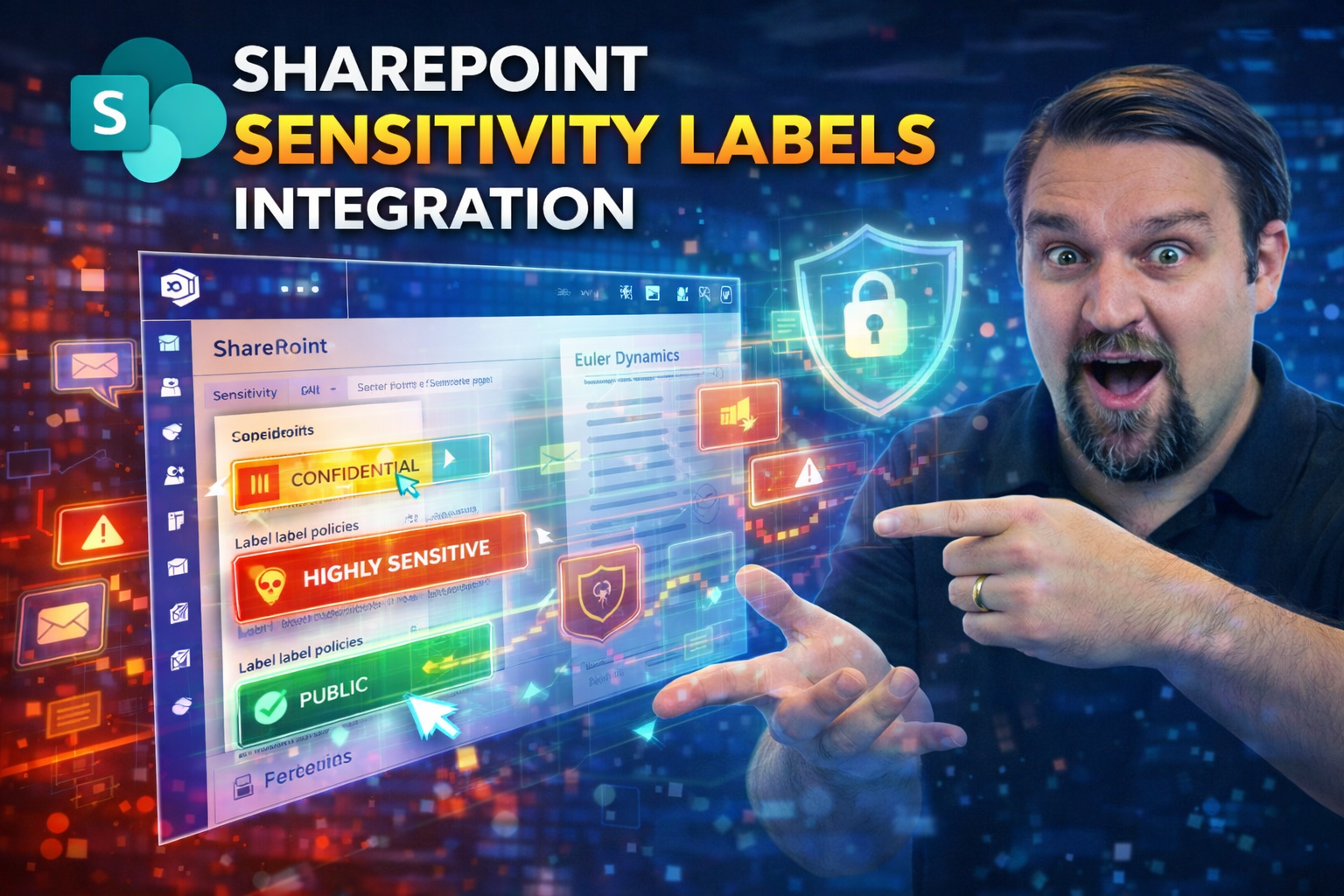
SharePoint Sensitivity Labels Integration
Data protection in the modern workplace means a lot more than just locking a filing cabinet. With SharePoint at the heart of so many organizations' Microsoft 365 setups, it's essential to keep sensitive information from wandering where it shouldn't.…
April 16, 2026
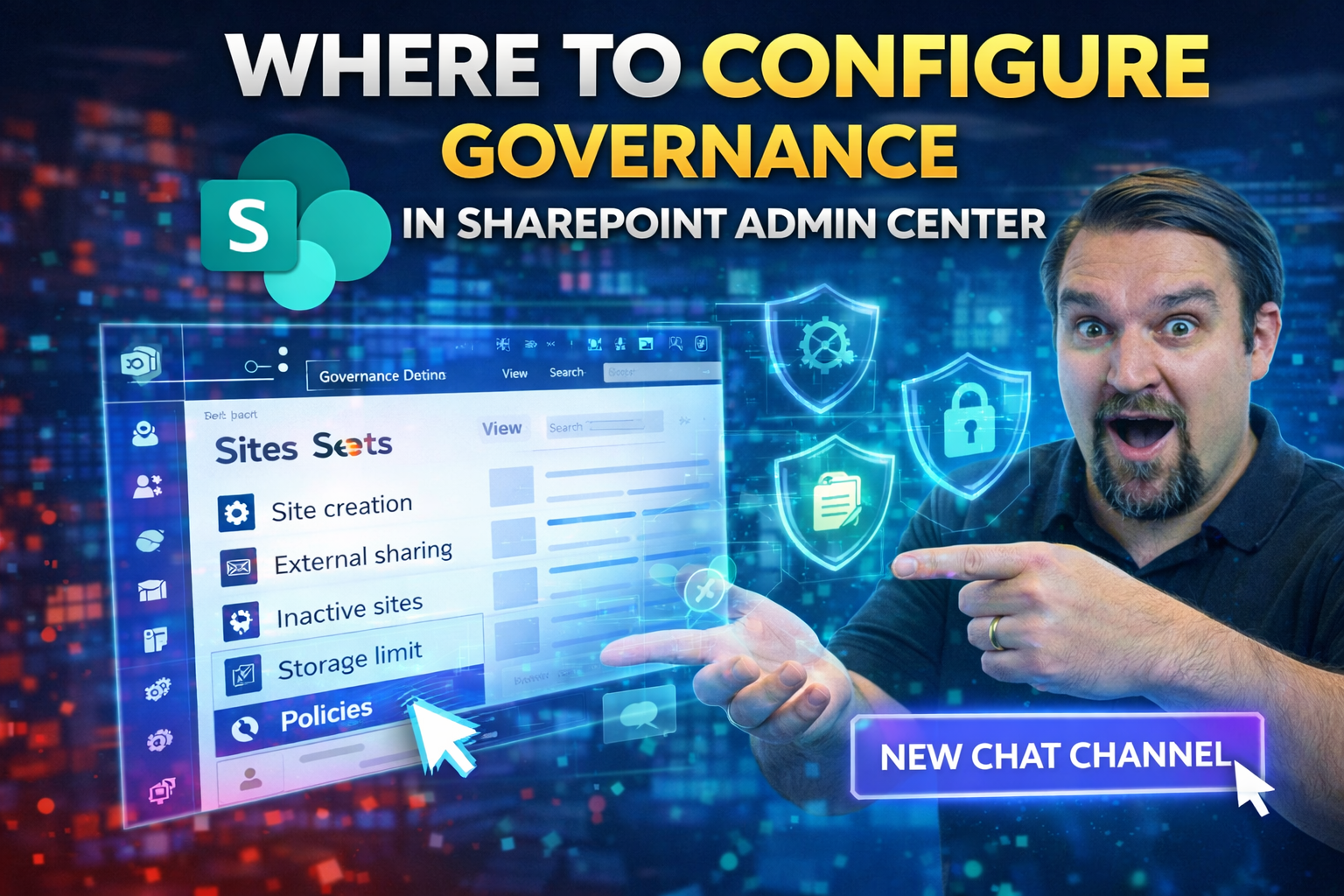
SharePoint Governance Configuration
If you’re looking to get your house in order with SharePoint, the admin center is the hub for all governance configuration. This is where you set policies, adjust controls, and keep your organization’s data secure and compliant. Whether you’re manag…

April 16, 2026
How to Create a Chat Channel in Microsoft Teams
Quick Answer: To create a chat channel in Microsoft Teams, open the right Team, choose to add a channel, give it a clear name and purpose, select the appropriate privacy option, and add the people who need access. Create a channel for a durable work…

April 16, 2026
Copilot Capabilities Across Microsoft 365 Apps: The Complete Guide
Copilot capabilities across Microsoft 365 works best when teams start with the intended outcome, choose the supported Microsoft 365 capability, and apply clear ownership and practical controls. Validate the approach with representative users, check …

April 15, 2026
Teams Shared Channels Limitations Explained
If you’re handling Microsoft Teams for your organization, understanding shared channels isn’t just a “nice to have”—it’s mission critical. Shared channels are powerful, but they come with hidden boundaries that catch even seasoned admins off guard. …

April 15, 2026
How to Set Up a Private Channel in Teams
How to Set Up a Private Channel in Teams This guide walks you through everything you need to know about setting up a private channel in Microsoft Teams for secure, focused collaboration. Private channels let you carve out spaces for sensitive conve…
April 15, 2026
Share Files and Folders in Microsoft SharePoint
SharePoint has become the go-to spot for safely sharing files and folders in organizations big and small. With everything from instant file uploads to robust permission settings, it makes collaboration not just possible, but simple and secure. If yo…
April 14, 2026
Copilot Prompts for Outlook Productivity & Inbox Efficiency
If you’re using Microsoft Outlook every day, Copilot can feel like putting your productivity on autopilot—but only if you know what to ask for. Copilot prompts are those little instructions or questions you give the AI, telling it exactly what you n…
April 14, 2026
Microsoft Teams Governance Best Practices: A Quick Guide
Teams Governance Policy Template for Microsoft Teams This page gives you a one-stop resource for putting Microsoft Teams governance into action with ready-to-use, best-practice policy templates. Whether you’re an IT leader, compliance manager, or d…

April 14, 2026
SharePoint Metadata Governance: How to Manage Metadata in SharePoint
Keeping your SharePoint environment organized and compliant isn’t something that just “happens” on its own; it takes a deliberate approach. That’s where a metadata governance strategy comes into play. By setting clear rules for how metadata is creat…
April 14, 2026
Teams vs SharePoint Governance in Microsoft 365
When you roll out Microsoft 365 in your organization, SharePoint and Teams step in as key players for collaboration and information management. But here's the kicker: without solid governance, these powerful platforms can turn into a bit of a mess—t…

April 14, 2026
Identity and Access Management with Microsoft Entra: Learn Basics
Access management and authorization are the backbone of security in Microsoft Teams and SharePoint. These processes make sure only the right folks get in and only have access to what they need—nothing more, nothing less. In today's collaborative, cl…
April 12, 2026
SharePoint Tips: Microsoft Productivity Best Practices
Tips for Advanced Collaboration in SharePoint If you want to make SharePoint work overtime for your team, you’ve landed at the right spot. This article dives deep into advanced tips for maximizing collaboration in SharePoint. We’ll talk about featu…