

Work smarter, not harder, with practical tips for Microsoft 365.
From Teams and Outlook to OneDrive and Office apps, we explore new features, time-saving shortcuts, collaboration tools, and productivity workflows that help you get more done every day.
Perfect for anyone who loves efficiency and wants to make M365 work for them.
From Teams and Outlook to OneDrive and Office apps, we explore new features, time-saving shortcuts, collaboration tools, and productivity workflows that help you get more done every day.
Perfect for anyone who loves efficiency and wants to make M365 work for them.

Oct. 1, 2026
14 Must-Have Speakerphones for Microsoft Teams This Fall
I put together these 14 speakerphones because clear audio still makes or breaks virtual meetings. Whether I’m running a huddle, joining a hybrid brainstorm, or traveling for work, the right speakerphone cuts background noise, improves participatio…
Oct. 1, 2026
Discover the 14 Best Microsoft Teams Headsets for Crystal Clear Calls in 2026
I know how frustrating fuzzy calls and background noise can be during back-to-back Teams meetings. In this guide I walk you through the best headsets Certified for Microsoft Teams so you can choose one that improves call clarity, comfort, and prod…
Sept. 15, 2026
Building Secure Email Solutions: Sending Mail via Microsoft Graph for Developers
Welcome back to the podcast, everyone! In today's episode, we dove deep into the architectural nuances of modern email delivery systems. When you are building enterprise-grade applications, the days of relying on legacy SMTP protocols—complete with …
Sept. 15, 2026
The Policy Puzzle: Why Enabling Microsoft Teams Features is Only the First Step
Welcome back to the podcast and the accompanying deep-dive blog. Today, we are tackling a truth that every Microsoft Teams administrator learns eventually, usually the hard way: turning a feature on is the easy part. The real challenge, the true puz…
Aug. 29, 2026
Microsoft 365 E3 vs E5 vs E7: Which Enterprise License Do You Actually Need?
Welcome back, listeners and readers! If you tuned into our latest podcast episode, you know we spent a good chunk of time tearing into the complex world of Microsoft enterprise licensing. There is nothing quite like looking at a Microsoft enterprise…
Aug. 27, 2026
Mastering Microsoft Intune: The Ultimate Guide to Modern Endpoint Management
Welcome back to the podcast companion blog! In our latest episode, we took a deep dive into the world of modern endpoint management, focusing heavily on Microsoft Intune. If you missed the episode, you can catch up on the audio feed, but for those o…
Aug. 27, 2026
Navigating the Microsoft 365 Admin Center: A Guide to Centralized Management and Specialist Portals
Welcome back, cloud administrators, IT managers, and digital workspace champions! I am your host and guide through the ever-expanding universe of enterprise technology. If you tuned in to our latest podcast episode, you know we took a deep dive into…
Aug. 27, 2026
Demystifying the Microsoft 365 Tenant: Architecture, Identity, and Boundaries Explained
Welcome back to the podcast! If you have ever listened to our episodes on cloud architecture, security, or enterprise administration, you know we love diving deep into the plumbing of the technology we use every day. Today, we are taking a closer lo…
Aug. 27, 2026
The Ultimate Microsoft 365 Architecture Blueprint: How the Ecosystem Fits Together
Welcome back to the podcast, everyone! Today, we are pulling back the curtain on one of the most powerful enterprise ecosystems on the planet: Microsoft 365. If you are an IT administrator, a solutions architect, or just someone trying to make sense…
Aug. 27, 2026
Microsoft 365 Explained: The Ultimate Guide to the Cloud Ecosystem
Welcome back to the podcast and our companion deep-dive blog! Today, we are tackling a massive topic that touches almost every modern professional, enterprise, small business owner, and IT administrator on the planet: Microsoft 365. Whether you are …
Aug. 19, 2026
Microsoft 365 F3 vs E3: Choosing the Right License for Your Workforce
If you’re evaluating Microsoft 365 licenses, you know the wrong fit costs real money and can frustrate users. The biggest mistake? Assigning every employee the same plan without thinking about what they truly need. That’s where this guide comes in. …

Aug. 12, 2026
Mastering the Three Pillars of SharePoint Premium: Brain, Muscle, and Bouncer
Welcome back to the podcast and our ongoing deep dive into the modern digital workplace! If you are tired of spending countless hours manually sorting files, hunting down misplaced contracts, or worrying about compliance risks, you are in the right …
Aug. 12, 2026
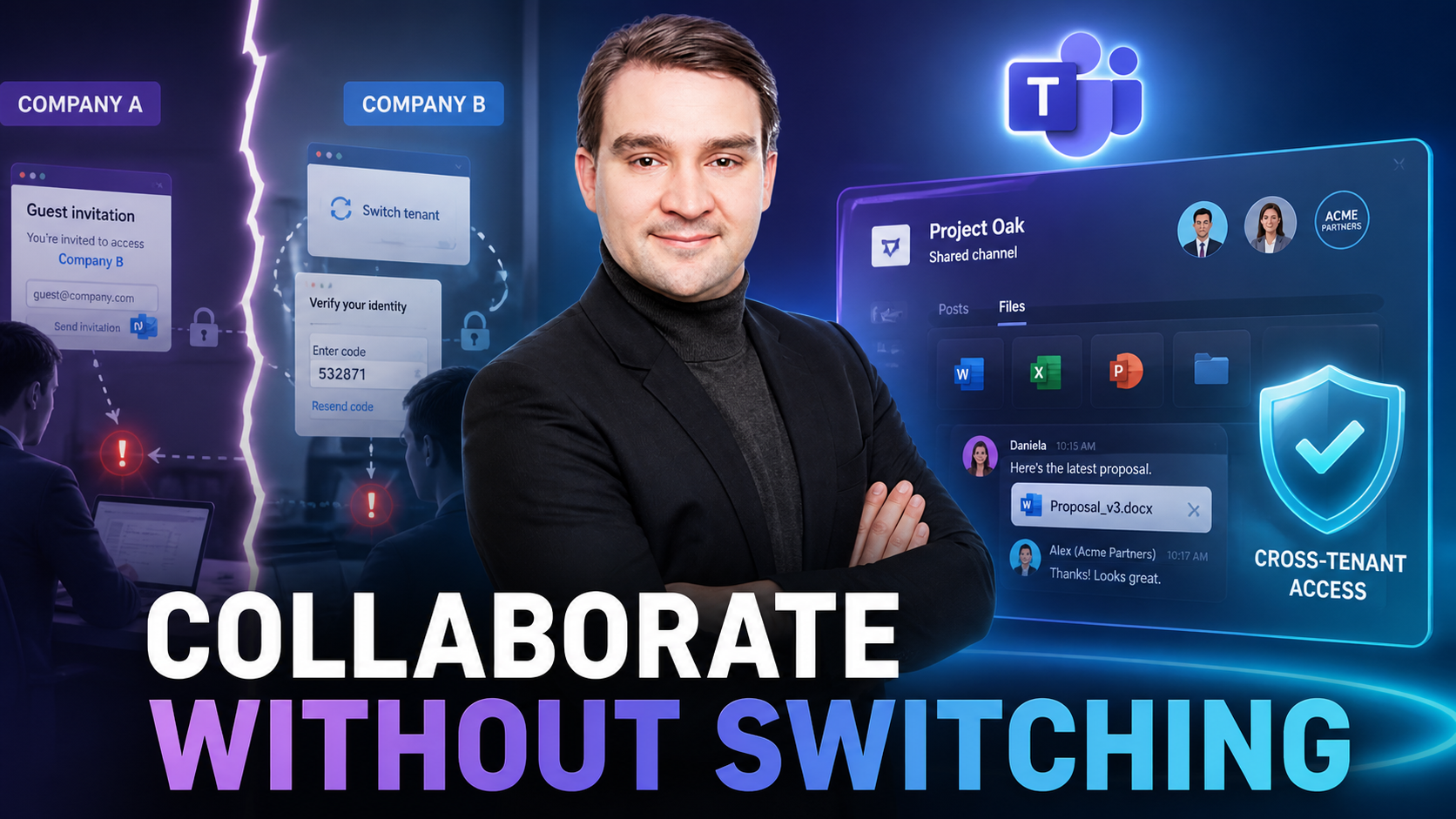
Break Down Barriers: Collaborating Externally with Microsoft Teams Shared Channels
For years, cross-organization collaboration in Microsoft Teams meant dealing with the friction of guest accounts, multi-factor authentication loops, and tedious tenant switching. If you wanted to work with an external partner, vendor, or client, the…
Aug. 12, 2026
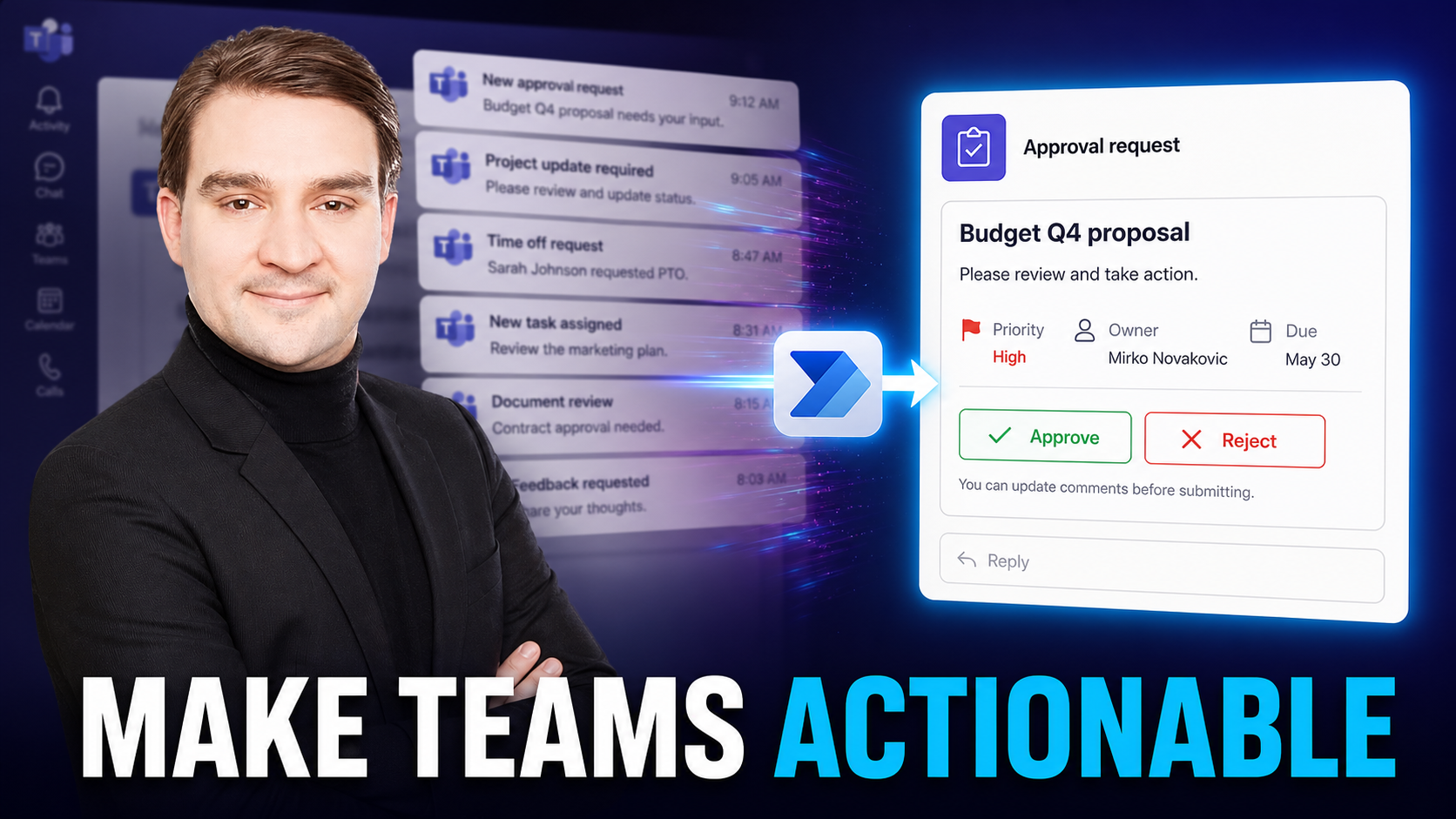
Step-by-Step Guide: Building Your First Adaptive Card in MS Teams
Welcome back to the blog! If you have ever felt completely overwhelmed by the constant ping of chat alerts, channel messages, and automated warnings, you are certainly not alone. Digital workers today deal with an astonishing volume of information, …

Aug. 12, 2026
Mapping Your Success: Flat Architecture vs. Hierarchical Sites in SharePoint
Welcome back to the podcast! If you have ever stared at a messy corporate intranet wondering why finding a single document feels like an archaeological dig, you are definitely not alone. Today, we are expanding on our recent podcast discussions to t…
Aug. 11, 2026
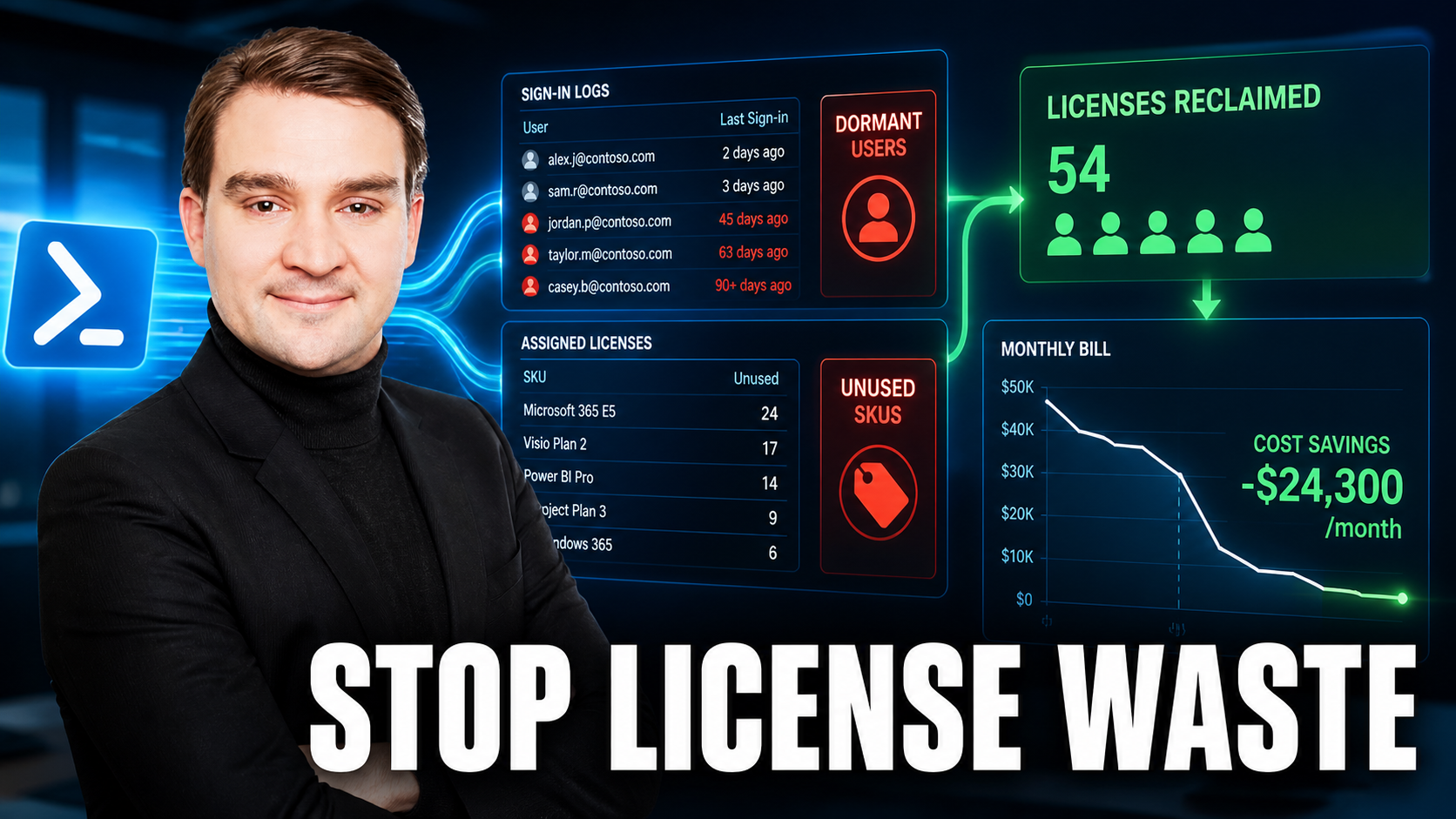
Stop Wasting Money: How to Automate Microsoft 365 License Optimization with PowerShell
Welcome back to the blog! If you manage a Microsoft 365 tenant, you probably know the sinking feeling of opening the billing invoice at the end of the month. You see dozens—maybe hundreds—of active licenses assigned to users who haven't logged in si…

Aug. 11, 2026
Why 'Deploy to All' is Destroying Your Intune Zero-Touch Rollouts
Welcome back to the podcast and our companion deep-dive blog. If you have ever watched a vendor demo of Microsoft Intune, you know the magic: a pristine device is unpacked, connected to the internet, and moments later, it is fully configured, secure…
Aug. 11, 2026
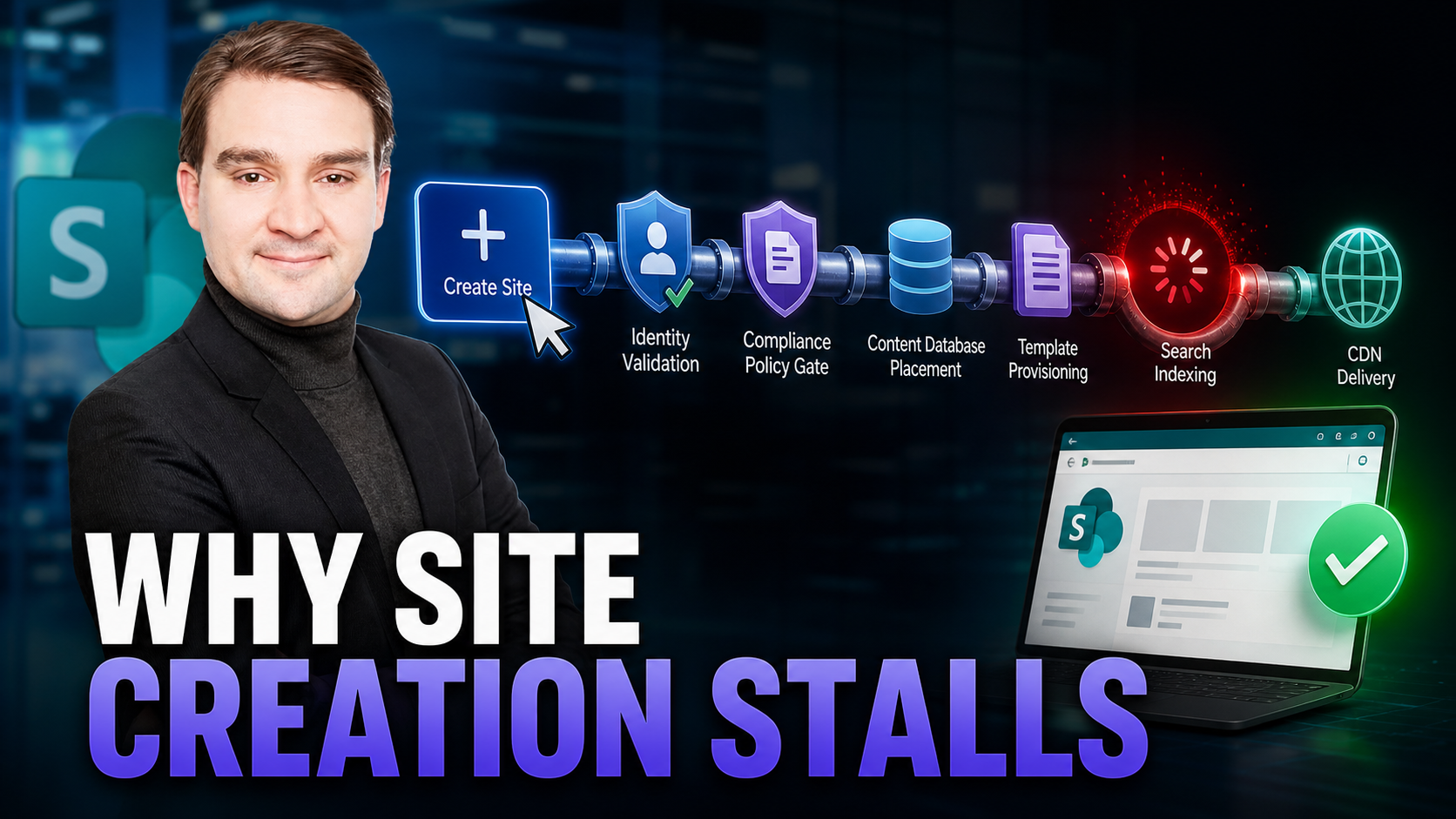
Decoding the SharePoint Online Site Creation Gauntlet
Welcome to the ultimate backstage pass for Microsoft 365 administrators, architects, and platform owners. If you have ever stared at your screen wondering why clicking a simple "Create Site" button in SharePoint Online sometimes results in an infini…
Aug. 11, 2026
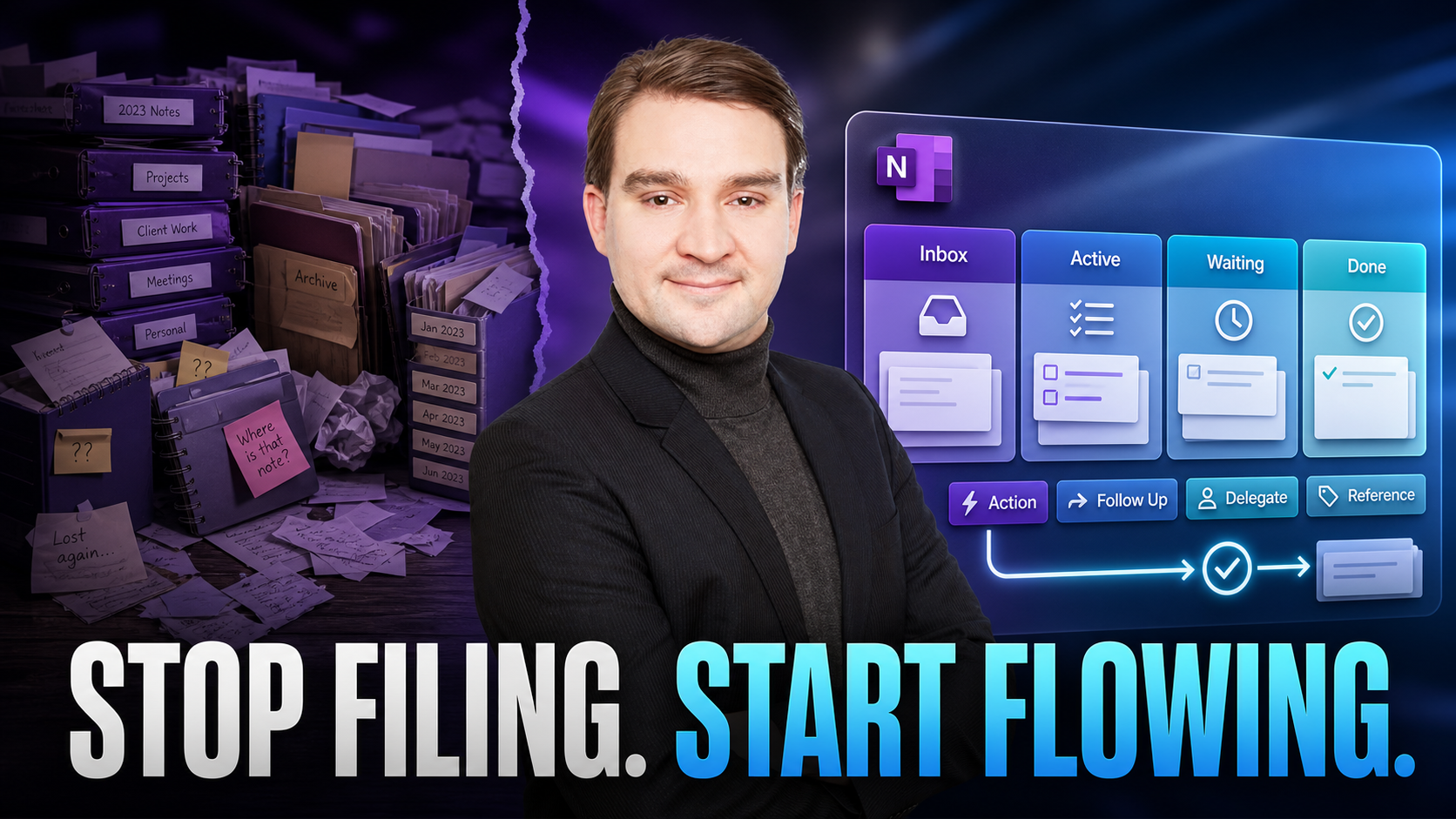
Stop Filing, Start Flowing: Why Subject and Date Notebooks Fail
Welcome back to the blog! If you have ever stared at a chaotic digital notebook trying to find a critical project decision you wrote down three weeks ago, you know the sinking feeling of digital overload. Most of us default to organizing our digital…

Aug. 11, 2026
Avoiding Chaos: The Hidden Risks of Neglecting Microsoft Teams Governance
Welcome back to the podcast companion blog! In today's digital workplace, platforms like Microsoft Teams have become the heartbeat of daily operations. However, without a structured approach to managing these environments, organizations quickly find…
Aug. 11, 2026
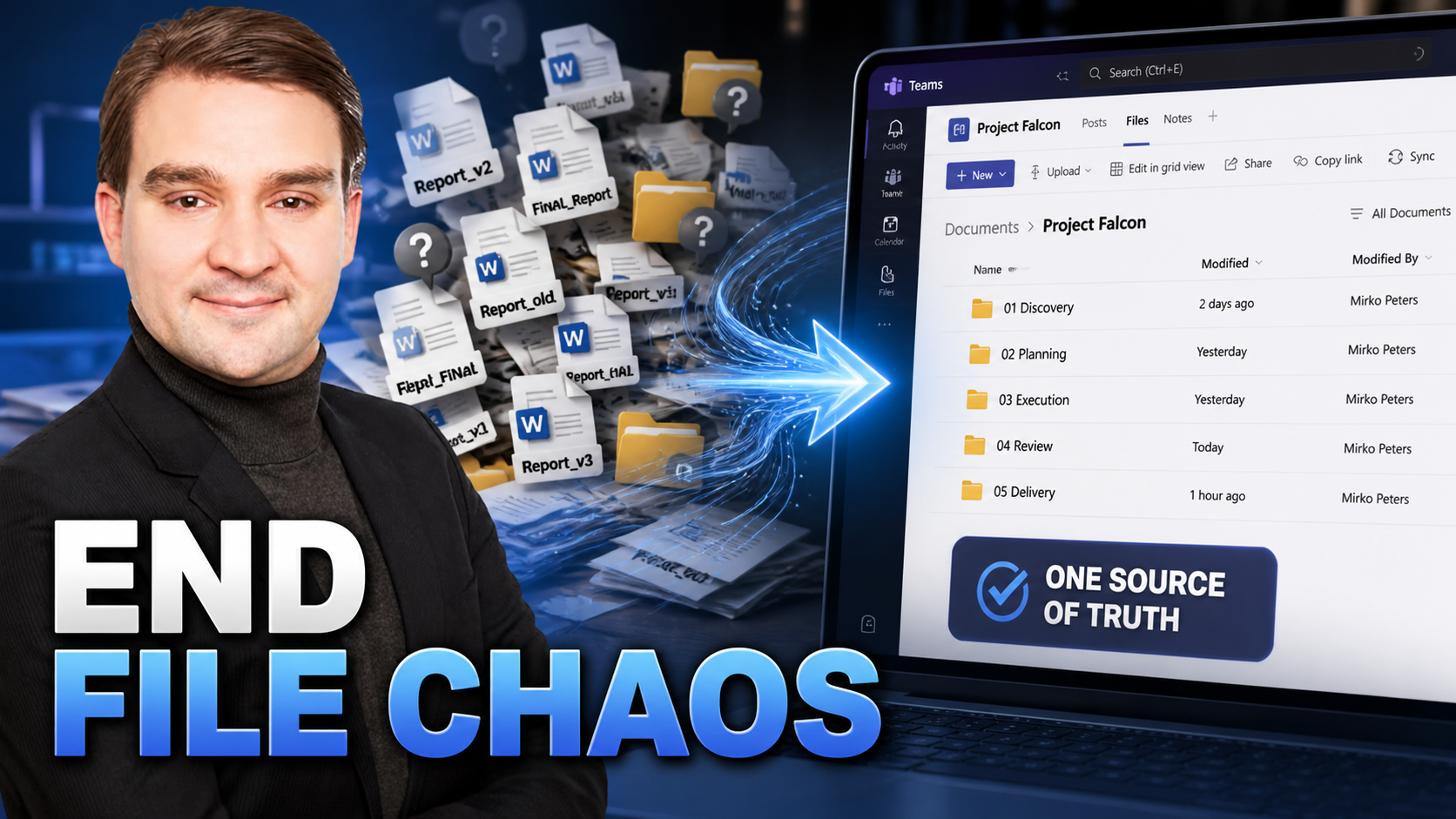
The End of File Chaos: Best Practices for Document Management in Teams
Welcome back to the podcast blog! If you have ever spent twenty precious minutes hunting for the latest version of a budget spreadsheet or wondered why a crucial client presentation is buried somewhere inside an old chat thread, you are definitely n…

Aug. 11, 2026
Why Your M365 Framework Is a Map, Not the Destination
When organizations embark on a digital transformation journey with Microsoft 365, they often treat the process like following a meticulously mapped-out road trip. They pull up the industry-standard guidance—most notably the Microsoft Cloud Adoption …
May 29, 2026
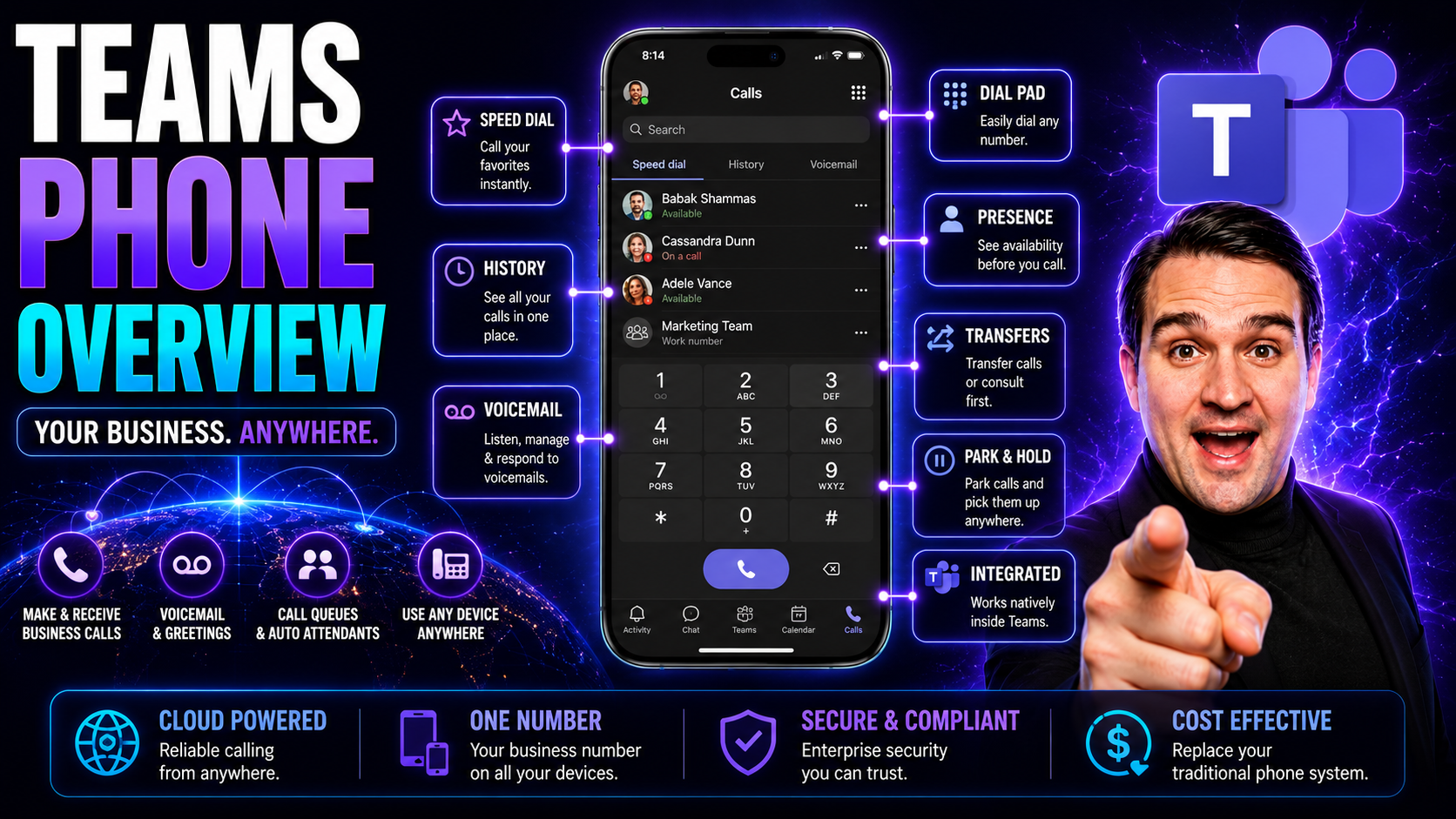
Microsoft Teams Phone Overview: Transforming Communication for Modern Businesses
If you’re tired of tangled landline cords and juggling different apps for every call, Microsoft Teams Phone is about to make your workday a whole lot smoother. This cloud-based phone system puts enterprise-grade calling—right where you’re already co…
May 29, 2026
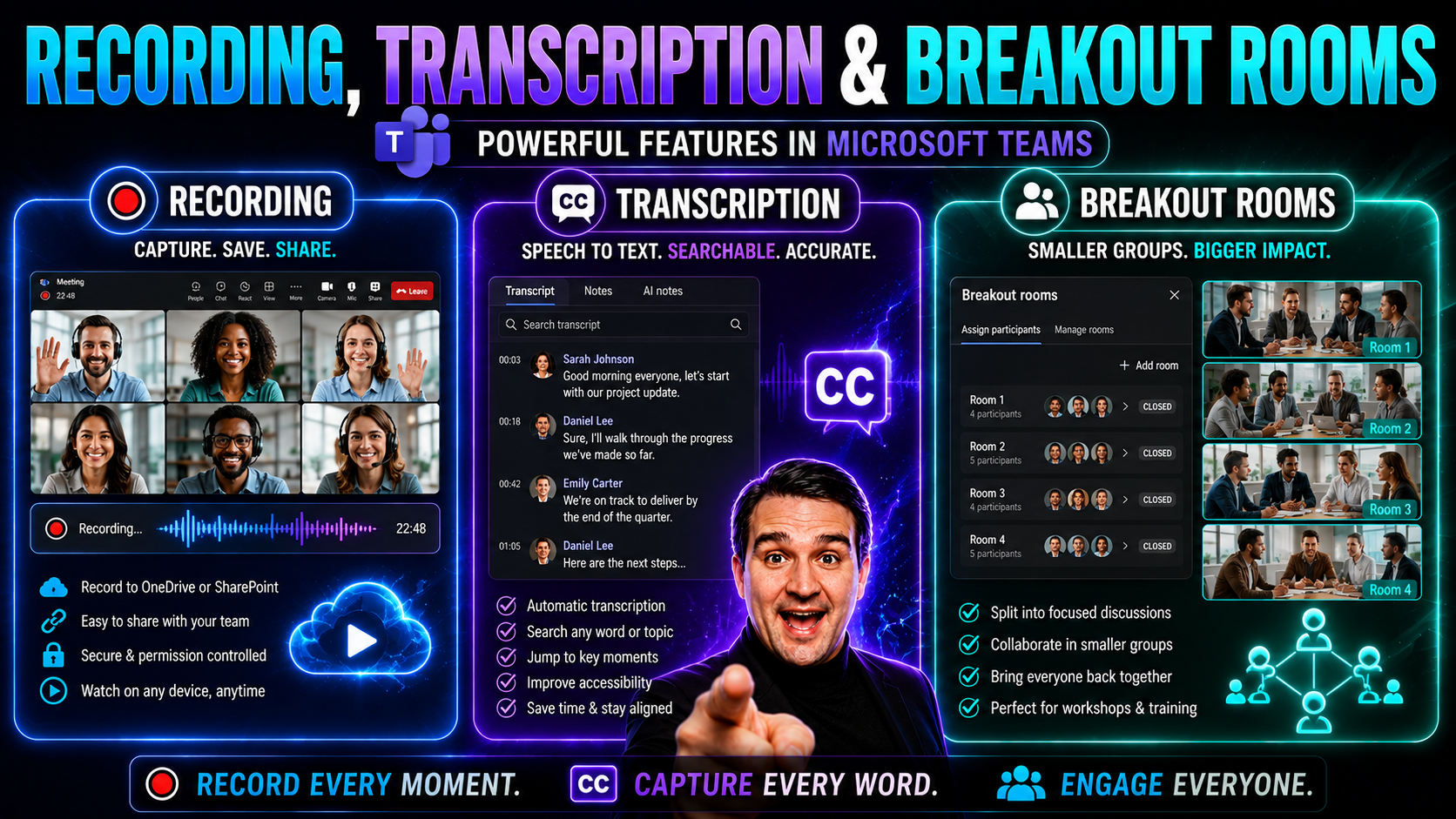
Recording, Transcription, and Breakout Rooms: The Modern Meeting Guide
Making meetings count in today’s world means more than just popping up on a screen and talking. Recording, live transcription, and breakout rooms have become go-to tools for organizations using platforms like Microsoft Teams and SharePoint. These fe…