

Explore the intersection of analytics, data management, and governance in the Microsoft ecosystem. Gain insights into data platforms like Microsoft Fabric and best practices for security and compliance.
March 31, 2026
Why Enterprise AI and Copilot Pilots Fail to Scale
A solution works perfectly in a pilot. It saves time. Improves visibility. Reduces friction. Then it scales… and starts breaking. In this episode, Mirko Peters explains why success in one team often turns into fragmentation at enterprise level—and why...
Guest: Mirko Peters

March 30, 2026
The Power Architect Role in Microsoft 365 Transformation
Discover why digital transformation efforts fail—even with the right technology—and who actually fixes them. In this episode of the M365 FM podcast, we break down the hidden gap between how organizations are designed on paper and how they truly operate in reality. You’ll learn why tools like Microsoft 365 and AI don’t solve broken operating models, how behavioral patterns and decision flows shape real outcomes, and why the role of the “Power Architect” is critical to turning chaos into scalable, resilient systems. If you’re an IT leader, architect, or transformation driver, this episode gives you a practical lens to rethink structure, governance, and execution in the modern workplace.
Guest: Mirko Peters
March 29, 2026
Design an Organization for Performance, Not Just Optimization
In this episode, we challenge one of the most common management instincts: optimization. Because what if the constant drive to make everything more efficient is actually the thing slowing your organization down? Drawing on real patterns from Microsoft 365 environments, we explore why performance doesn’t come from perfectly tuned processes, but from how work actually flows through your system—where access, context, and structure matter more than control. If you’ve ever wondered why your organization feels busy but not effective, this episode will change how you see performance entirely.
Guest: Mirko Peters
March 27, 2026
Solve the Microsoft 365 Permission and Access Problem
this episode explains that real power in organizations doesn’t come from job titles or hierarchy, but from who actually has access, controls information flow, and can move work forward. it shows that most microsoft 365 governance problems aren’t caused by technology, but by misalignment between authority, access, and execution, unclear ownership, and siloed thinking. the podcast argues that organizations treat m365 like separate tools instead of a connected system, which leads to hidden risks, slow decision-making, and “governance debt.” it introduces the idea of intent-based governance, where the focus shifts from configuring settings to defining outcomes that hold over time, and emphasizes continuous governance, clear accountability, and better identity and access control as the key to making systems resilient—especially with ai like copilot exposing weak structures.
Guest: Mirko Peters
March 26, 2026
How Microsoft 365 Reveals Your Real Organization
This episode challenges a fundamental assumption: your organization is not a fixed structure—it’s the result of how your systems actually make decisions. The core idea is that most leaders think of an organization as people, hierarchy, or departments. In reality, especially in Microsoft 365, it behaves like a distributed decision system driven by permissions, policies, and data flows. What you believe your organization looks like (org charts, roles, policies) is often completely different from what the system is actually doing underneath. The real organization is defined by who has access to what, how information moves, and which actions are allowed or blocked. The episode argues that this gap creates hidden risk: decisions are being made automatically by the system—often without visibility or control. Over time, this leads to chaos, security exposure, and misalignment between intent and reality. The key takeaway is that if you don’t intentionally design how decisions happ…
Guest: Mirko Peters

March 23, 2026
Microsoft Purview as a Business Intelligence Layer
Most organizations believe they understand how their business operates. They point to org charts, policies, and compliance frameworks as proof. They are wrong. In this episode, Mirko Peters reframes Microsoft Purview from a compliance tool into...
Guest: Mirko Peters
March 22, 2026
The Microsoft 365 Governance Mistake 73% of Deployments Make
This episode argues that the biggest governance mistake in Microsoft 365 isn’t misconfiguration—it’s timing. Most organizations treat governance as something to “add later,” but by doing that, they unintentionally design failure into the system from day one. The core idea is that governance isn’t a layer you apply after deployment. It’s the underlying decision system that determines how identities, permissions, and data behave. When it’s missing at the start, the environment defaults to maximum permissiveness, and that becomes very hard to reverse later. The episode explains that many organizations optimize for fast adoption—rolling out Teams, SharePoint, and Copilot quickly—while postponing structure. The result is predictable: after months, tenants are full of orphaned teams, unclear ownership, overshared files, and uncontrolled external access. This isn’t seen as a failure, but as the natural outcome of the initial design choices. A key point is that tools like Copilot don…
Guest: Mirko Peters
March 21, 2026
Automate Microsoft 365 Administration and Governance
You didn’t fail as an admin. The system failed because it needed you. After years of manual governance—access reviews, approvals, lifecycle policies—this episode exposes the uncomfortable truth: human-driven administration was never scalable in a...
Guest: Mirko Peters

March 20, 2026
Fix Poor Microsoft 365 Tenant Design with Practical Governance
This episode argues that most Microsoft 365 problems are not technical, but organizational. Technical experts often design tenants that are logically perfect but fail in real-world use. They focus too much on configuration and not enough on how people actually work. As a result, systems become difficult to manage and quickly lose structure. The speaker highlights that Microsoft 365 should be treated as an operating system for the business, not just a collection of tools. Many issues like oversharing and sprawl come from missing governance, not bad technology. Technical teams often fall into the trap of building complex, elegant solutions without clear ownership. Over time, these systems break down because no one is responsible for maintaining them. Governance is often treated as a one-time project instead of an ongoing process. This leads to long-term risks, especially around security and scalability. The episode emphasizes the importance of intent-based governance rather than just te…
Guest: Mirko Peters
March 13, 2026
Microsoft 365 Security Through Clear Accountability
This episode breaks down why Microsoft 365 governance and security are not just technical concerns but organizational responsibilities. It explains how a structured governance framework—built on security, compliance, data protection, and clear ownership—prevents chaos like permission sprawl, data leaks, and shadow IT. The key message: Microsoft 365 doesn’t fail because of missing features, but because of missing accountability. By combining policies, roles, automation, and continuous monitoring, organizations can create a secure, scalable, and adaptable environment that supports both productivity and compliance.
Guest: Mirko Peters

March 8, 2026
Architect $1M in Efficiency with Power Platform Governance
Most organizations believe efficiency improvements come from better tools or faster processes. But the biggest gains rarely come from new software. They come from architectural decisions. In this episode of the M365 FM Podcast, we explore how organizations can architect efficiency at scale using Microsoft’s automation ecosystem. The conversation reframes platforms like Power Platform not as simple app-building tools, but as distributed decision engines that execute governance and workflow decisions across the enterprise every day. When designed properly, these systems can generate enormous operational efficiency—sometimes saving hundreds of thousands or even millions of dollars annually.
Guest: Mirko Peters

March 5, 2026
How to Become a High-Value Microsoft 365 Consultant
Most Microsoft consultants never break out of commodity consulting. They compete on hourly rates, implementation speed, and certifications—yet struggle to position themselves as strategic advisors. In this episode of the M365 FM Podcast, we explore the blueprint for becoming a high-value Microsoft consultant by focusing on architecture, strategic impact, and business transformation rather than basic implementation work. Instead of selling hours, elite consultants engineer architectural necessity—solutions that organizations depend on to operate securely, efficiently, and at scale.
Guest: Mirko Peters
March 3, 2026
Build an Autonomous Microsoft 365 Tenant with Zero-Touch Workflows
Modern digital transformation isn’t about adding more SaaS tools. It’s about designing systems that operate autonomously. In this episode of the M365 FM Podcast, we explore what happens when your Microsoft 365 tenant becomes a self-operating enterprise control plane—where workflows execute automatically, identities are provisioned without human intervention, and governance is enforced by architecture instead of manual processes. This is the concept of the Autonomous Tenant. Imagine a new employee joining your company. The moment HR approves the hire, the entire environment configures itself automatically: Identity created in Microsoft Entra ID Access policies applied Devices configured Teams and SharePoint resources provisioned Security baselines enforced Compliance logging enabled No IT tickets. No manual provisioning. No human middleware. Everything runs deterministically from a single source of truth. This episode breaks down how organizations can architec…
Guest: Mirko Peters

Feb. 24, 2026
KPI Decision Architecture That Turns Metrics into Action
This episode argues that traditional KPI dashboards fail to drive real organizational action because they focus on visibility instead of decision architecture. Instead of putting all KPIs on one page, leaders need deterministic systems where KPIs encode obligations — clear triggers, ownership, actions, deadlines, and measurable outcomes. Metrics that don’t trigger enforced decisions are not true KPIs. The conversation introduces a decision stack (Data → Logic → State → Action → Interface) and explains how to move from dashboards that show “what happened” to engineered systems that show “what’s already in motion” and enforce execution.
Guest: Mirko Peters
Feb. 7, 2026
Microsoft Fabric Governance to Prevent Cost and Metric Chaos
This episode of the M365.FM Podcast explains why Microsoft Fabric governance often fails in real life — even when organizations believe they’ve “solved” governance simply by adopting the platform. The host argues that treating Fabric as a single unified platform with one governance story is a dangerous illusion. Instead, Fabric operates as a composed decision engine with multiple execution paths, shared capacities, and many runtime behaviors that don’t align to org charts or PowerPoint strategies. Common governance efforts — such as naming conventions, Centers of Excellence, and approval workflows — focus on visibility and documentation rather than enforcing actual system constraints. As a result, cost, trust, and meaning quietly decay: costs drift due to shared compute and invisible coupling, workspaces generate entropy when mistaken for control boundaries, and uncontrolled artifacts like semantic models erode metrics and executive confidence. Effective governance in Microsoft Fabric…
Guest: Mirko Peters
Feb. 6, 2026
Microsoft 365 Governance Is a People and Ownership Problem
This episode of the M365.FM Podcast explores why Microsoft 365 governance failures are rarely caused by missing features or technical limitations. Instead, the root issue is structural and human: fragmented ownership, unclear accountability, and a misunderstanding of what governance actually means. The host argues that most organizations mistake configuration for governance. They deploy policies, labels, and controls, but fail to design an operating model that sustains intent over time. Microsoft 365 behaves as a highly interconnected system where identity, permissions, data movement, and automation continuously intersect. When teams govern in silos — optimizing SharePoint, Teams, Purview, or Power Platform independently — the aggregate result is drift, sprawl, and unmanaged risk. Effective governance requires clarity of intent, enforceable constraints, feedback loops, and named accountability across services. Without those elements, dashboards may look healthy while exposure quietly …
Guest: Mirko Peters
Feb. 2, 2026
Showback vs Chargeback for Cloud and Microsoft 365 Costs
This episode challenges the common belief that showback and chargeback alone create accountability in enterprise IT cost management. Many organizations implement showback dashboards or reports expecting they will change behavior, only to find that business units ignore, dispute, or game the numbers. The core message is that transparency without consequence is not accountability. Showback must be paired with governed cost allocation, service ownership, meaningful incentives, and integrated enterprise processes in order to influence decisions and deliver sustainable cost optimization. The discussion starts by defining showback — reporting costs back to consumers — and contrasts it with chargeback — billing cost centers for usage. While showback can increase awareness, it often fails because it decouples information from decision authority. Without mechanisms that tie cost visibility to real organizational levers — budgeting, approvals, quotas, enforcement — users treat showback as a …
Guest: Mirko Peters
Feb. 1, 2026
Why Microsoft 365 Native Controls Are Not Real Governance
In this episode, the hosts dismantle a common misconception in Microsoft 365 governance: that deploying the platform automatically delivers governance. Many organizations treat Microsoft 365 governance as a checklist—policies here, controls there, reports somewhere else—only to discover that compliance gaps persist, teams circumvent guardrails, and risk quietly accumulates. The key insight is that governance isn’t a set of configurations or settings; it is an operating discipline rooted in deterministic systems, clear accountability, and enforced boundaries. The episode explains why Microsoft 365’s native controls (e.g., conditional access, DLP, retention, and eDiscovery) are necessary but not sufficient. These controls provide capabilities, but not governance on their own. True governance happens where people, processes, and technology intersect, and it requires common language around outcomes, shared definitions of risk, durable ownership models, and evidence trails that survive …
Guest: Mirko Peters

Jan. 30, 2026
Microsoft Carbon Control Plane for Enterprise Sustainability
This episode explains why enterprise sustainability fails when it is treated as a reporting problem instead of a control problem. Most organizations already collect large amounts of emissions, consumption, and activity data, but that data is scattered across systems, calculated differently by different teams, and rarely tied back to the operational decisions that created it. As a result, carbon reporting becomes fragile, hard to defend, and disconnected from how the business actually runs. The discussion introduces the Microsoft Carbon Control Plane as an architectural shift rather than a new reporting tool. The core idea is that emissions are not abstract metrics; they are outcomes of business processes such as procurement, production, logistics, IT consumption, and finance. To manage carbon at scale, enterprises need a control plane that connects emissions data to systems of record, applies consistent logic, and produces auditable, repeatable results. A key theme is the separa…
Guest: Mirko Peters
Jan. 29, 2026
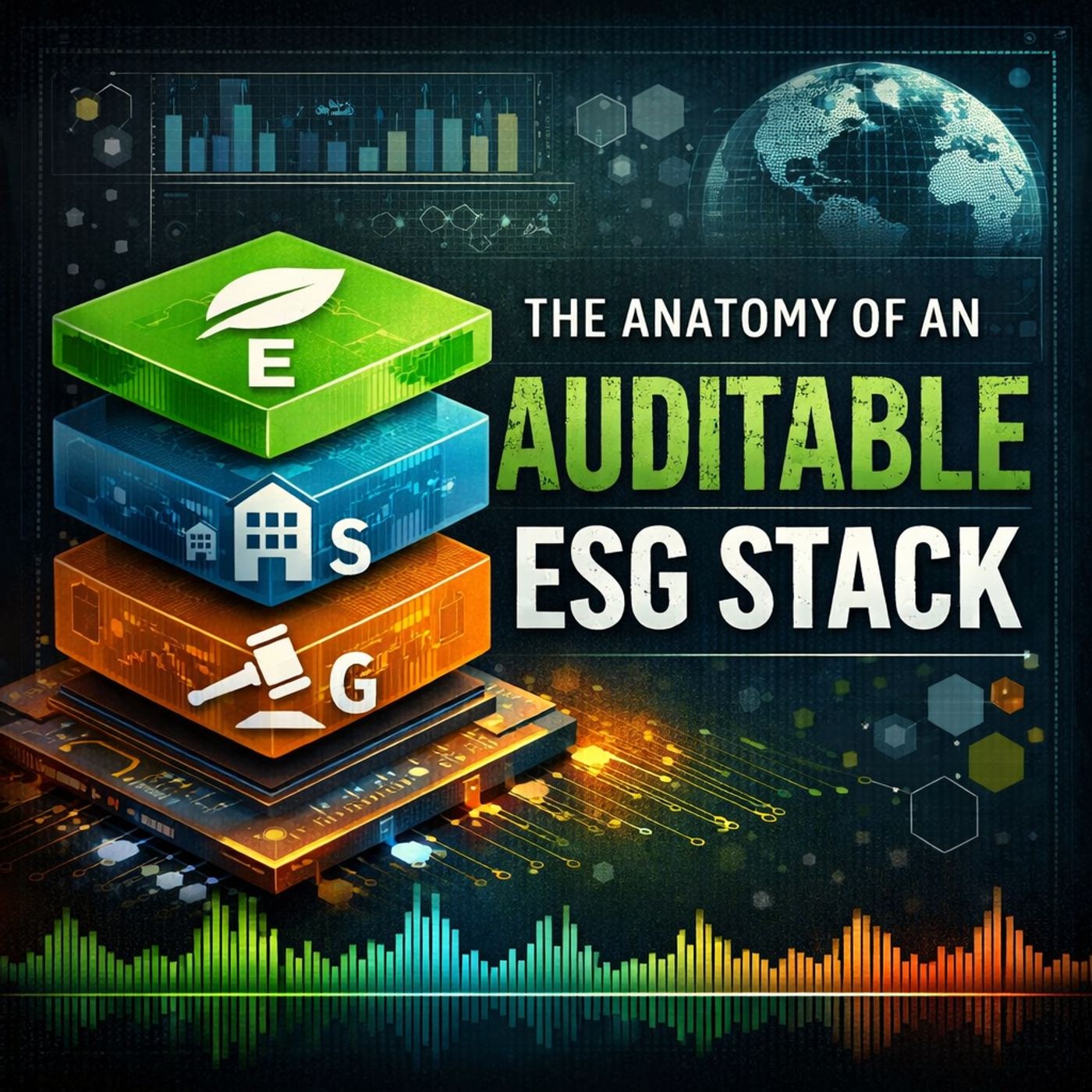
Design an End-to-End Auditable ESG Compliance Stack
This episode explains why the EU’s VAT in the Digital Age (ViDA) initiative is not a compliance upgrade, but a fundamental shift in how VAT operates—from delayed, periodic reporting to continuous, transaction-level control. Traditional VAT models relied on time gaps between transactions and reporting to absorb errors, corrections, and ambiguity. ViDA removes that buffer by requiring structured e-invoices and near real-time digital reporting, forcing VAT correctness at the moment each transaction occurs. The discussion reframes ViDA as a control plane imposed on enterprise systems. Instead of inspecting paperwork after the fact, tax authorities now evaluate the behavior of the systems that generate invoices, including tax determination logic, master data quality, integration reliability, and exception handling. Organizations that attempt to treat ViDA as a bolt-on e-invoicing project or a middleware connector risk building brittle solutions that fail under validation, rejection hand…
Guest: Mirko Peters
Jan. 24, 2026
Design Scalable Dataverse Data Models for Business Apps
In this in-depth episode, we reframe how you think about Microsoft Dataverse and the data models that underpin modern business applications. Rather than treating Dataverse as just a database, this conversation argues that your data model is your strategy — and that smart modeling is what separates business solutions that fail quietly from those that scale and adapt sustainably. Inspired by a four-hour deep-dive workshop from Microsoft MVP Bülent Altinsoy, we go beyond low-code app features and instead explore why the underlying model matters more than screens, forms, or workflows. If your team builds solutions with Microsoft Power Platform, Power Apps, Power Automate, or automation agents — this episode will change how you think about modeling data, semantics, relationships, and governance.
Guest: Mirko Peters
Jan. 22, 2026
Govern Semantic and AI Model Drift in Power BI and Fabric
In this episode, Architectural Drift: Governing Autonomous AI Models in Power BI Fabric, we explore why modern analytics platforms like Microsoft Fabric and Power BI are not simply reporting tools, but are now part of a broader architectural ecosystem that must be governed to prevent silent semantic drift. Rather than treating Power BI dashboards as the final destination for insights, the episode reframes them as evidence and validation layers within a data ecosystem whose primary interaction surface has shifted upstream. Fabric collapses traditional boundaries between storage, compute, semantic models, publishing, and analytics into a unified environment, which accelerates decision making but also amplifies drift in definitions, metrics, and authority boundaries. As analytic workloads become conversational and AI-enabled, legacy governance assumptions no longer hold. The issue isn’t technical failure but architectural drift—data semantics that once required explicit definition now…
Guest: Mirko Peters
Jan. 20, 2026
Microsoft Fabric Governance Beyond Data Lineage
Many organizations believe they have governance in Microsoft Fabric because they can see data lineage. In reality, lineage only shows what already happened — it does not prevent anything from happening. This episode explains why Fabric lineage is not governance and why visibility is often mistaken for control. True governance requires a real-time decision engine that can say no before data is accessed, copied, or transformed. Lineage, telemetry, and dashboards are retrospective tools. They describe events after execution, but they do not enforce policy. Microsoft Fabric operates as an execution platform, not as a control plane. It lacks a synchronous policy enforcement point that can block actions at runtime. As a result, many governance assumptions collapse the moment distributed teams, shared workspaces, or cross-domain data flows appear. This episode breaks down where the illusion of control comes from, why it is dangerous, and what real governance actually requires in mod…
Guest: Mirko Peters
Jan. 16, 2026
Fix Azure Governance Before Your Next Cloud Audit
Most organizations think governance is documentation. It isn’t. Documentation records decisions after the platform has already decided what it will allow. Governance is control — enforced intent at scale. In this episode, we break down why enterprise governance rarely fails because controls are missing, and almost always fails because they drift. Reasonable exceptions accumulate, baselines erode, and over time the platform learns how to route around the rules leadership thought were in place. The result isn’t freedom — it’s conditional chaos: audits become emergencies, costs leak without ownership, and security incidents exploit paths nobody realized still existed. We explore governance by design: deterministic guardrails instead of probabilistic security, where Azure Policy enforces what is allowed to exist, RBAC assigns intent through groups instead of people, Privileged Identity Management prevents standing privilege, and landing zones with management groups make inheritance …