

Explore the intersection of analytics, data management, and governance in the Microsoft ecosystem. Gain insights into data platforms like Microsoft Fabric and best practices for security and compliance.
May 12, 2026
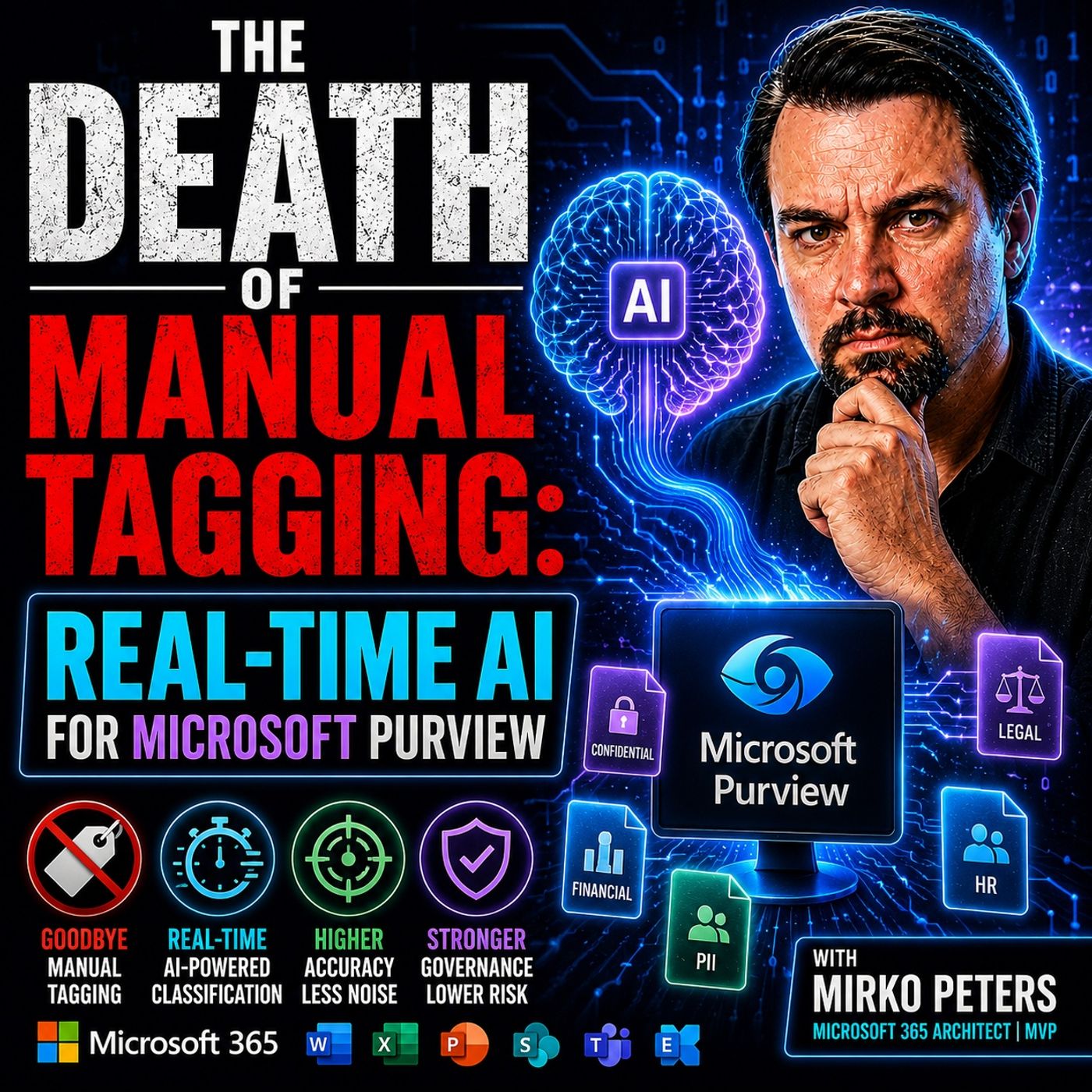
Real-Time AI Sensitivity Labeling in Microsoft Purview
In this episode of M365.fm , the discussion centers on why traditional manual sensitivity labeling in Microsoft Purview is rapidly becoming obsolete in modern enterprise environments. The core argument is that organizations now generate far too much data, too quickly, for employees to reliably classify information by hand. Manual tagging depends on users consistently stopping their work to apply the correct sensitivity label — something that rarely happens in practice. According to the episode, many organizations see labeling adoption rates around 30%, leaving large amounts of sensitive intellectual property effectively invisible to governance, compliance, and Data Loss Prevention systems. The episode explains that older governance models were designed for a slower workplace with fewer collaboration tools and lower data velocity. Today’s environments — driven by Microsoft 365, Teams, SharePoint, OneDrive, Slack, and Copilot — overwhelm users with constant communication and AI-g…
Guest: Mirko Peters
May 11, 2026
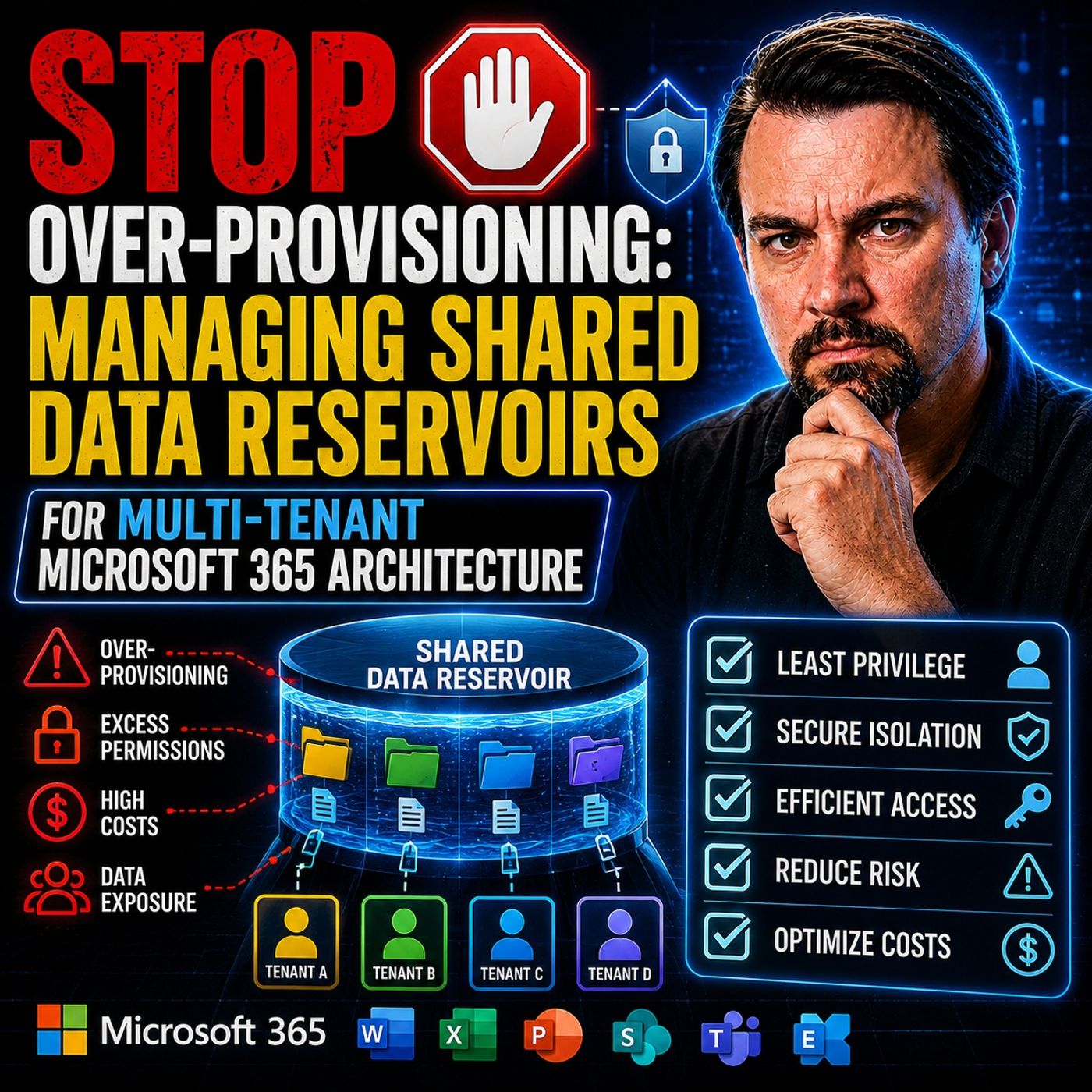
Shared Data Reservoirs for Multi-Tenant Microsoft 365
In this episode of the M365.fm podcast, Mirko Peters explores why many Microsoft 365 environments are wasting enormous amounts of money through over-provisioned storage, oversized safety buffers, and rigid quota management strategies. Traditional “just in case” capacity planning often leaves organizations paying for storage, performance, and licensing resources that remain unused while operational complexity continues to grow. The episode explains how static quota models across SharePoint Online, OneDrive, Teams, Power Platform, Azure storage, and multi-tenant workloads create fragmented infrastructure, dark data silos, and long-term cost inefficiencies. Mirko challenges the outdated “buffer mentality,” where organizations continuously add extra capacity to avoid outages, resulting in idle resources and inflated cloud spending. A major focus of the discussion is the shift toward elastic shared data reservoirs. Instead of isolated storage silos and fixed allocations, organization…
Guest: Mirko Peters
May 6, 2026
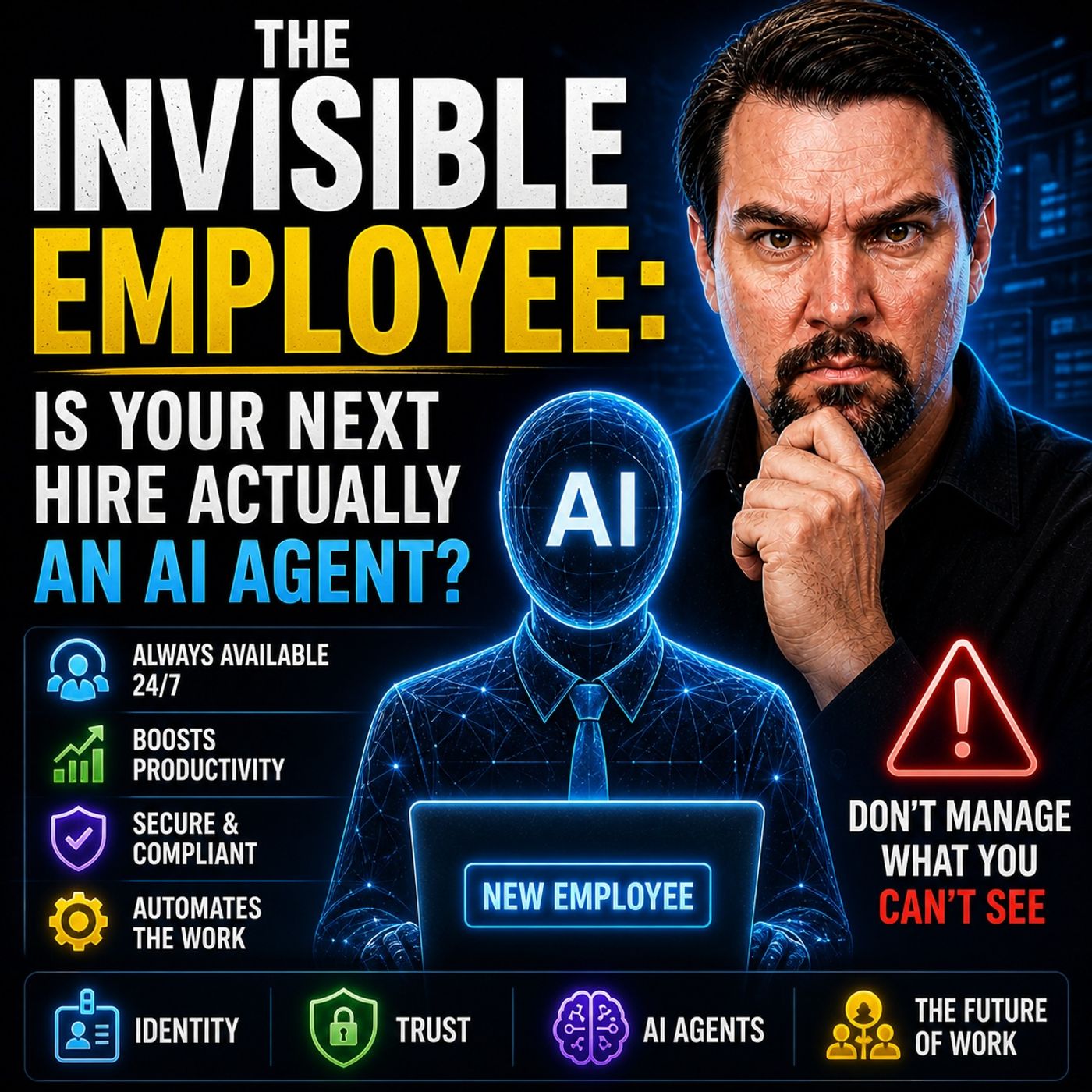
The Invisible Employee: AI Agents in Microsoft 365 Workflows
In this episode of the M365 FM Podcast, Mirko Peters explores the concept of “The Invisible Employee” and why most organizations misunderstand how work actually happens inside Microsoft 365. Companies often believe their processes, governance models, and infrastructure diagrams reflect reality, but the truth is very different. Real work happens through informal behaviors, workarounds, hidden collaboration patterns, and decisions employees make every day to bypass friction in systems that no longer match operational needs. The episode explains that Microsoft 365 is not just a collection of tools — it acts as a behavioral operating system that reveals how people truly collaborate, share information, and move data across the organization. Employees continuously create unofficial workflows, overshare files, duplicate information, and adapt processes in ways leadership rarely sees. These invisible behaviors become the real infrastructure of the business. A major focus of the discussi…
Guest: Mirko Peters
May 4, 2026
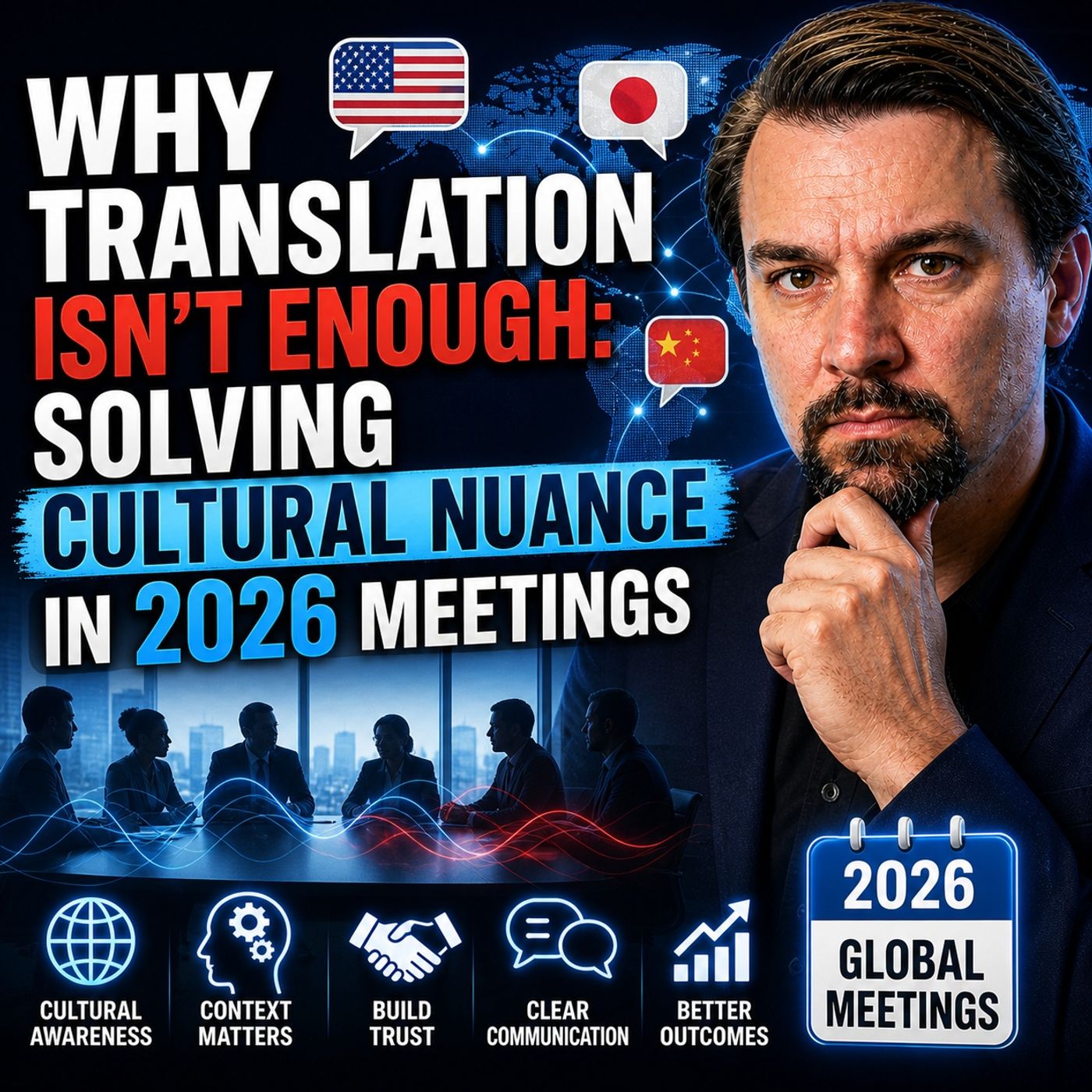
Cultural Nuance in Global Meetings Beyond Translation
This episode argues that the biggest challenge in global meetings is not language translation, but interpreting meaning, intent, and cultural nuance. While modern tools can accurately translate words, they often fail to capture what those words actually represent in context—such as hesitation, politeness, indirect disagreement, or power dynamics. A core idea is the distinction between “word accuracy” and “meaning accuracy.” Teams often assume that if transcripts and captions look correct, the meeting was successful. In reality, misunderstandings still occur because meaning is frequently conveyed indirectly. For example, a statement like “that may be difficult” might signal a soft rejection rather than a scheduling issue. The episode highlights how this gap leads to false alignment. Teams move forward believing decisions were made, only to encounter resistance later from participants who never explicitly disagreed. This isn’t a failure of honesty—it’s a failure to interpret cult…
Guest: Mirko Peters
![Secure External Data Sharing with Power Pages and Nicholas Hayduk [MVP]](https://d3wo5wojvuv7l.cloudfront.net/t_rss_itunes_square_1400/images.spreaker.com/original/5e67aa79d68f369230523e836f2b51d3.jpg "Secure External Data Sharing with Power Pages and Nicholas Hayduk [MVP]")
May 3, 2026
Secure External Data Sharing with Power Pages and Nicholas Hayduk [MVP]
This episode discusses how organizations can securely share business data with users outside their organization using Microsoft’s Power Platform. The main focus is on designing the right architecture rather than simply enabling access. Nicholas Hayduk (MVP) explains that external users should not be treated like internal employees. Instead of giving them direct access to systems like Dataverse, organizations should use solutions such as Power Pages to act as a secure front layer. This approach allows controlled access to data without exposing internal systems. A key point in the episode is the importance of identity and authentication. External users should authenticate through trusted identity providers, such as Azure Active Directory or social login providers, rather than being managed directly inside the system. This improves both security and scalability. The discussion also highlights that security must be implemented at multiple levels. It is not enough to hide data in …
Guests: Mirko Peters , Nicholas Hayduk

May 3, 2026
Build Self-Healing Automation with Telemetry and Observability
The episode talks about how automation is evolving from simple scripts into more advanced, intelligent systems that can monitor themselves and fix problems automatically. Instead of just executing predefined tasks, modern automation uses telemetry data (like logs, metrics, and traces) to understand what is happening inside systems in real time. A key idea is “self-healing automation.” This means systems can detect issues, figure out the root cause, and fix them without human intervention. Traditionally, engineers had to respond to alerts and manually troubleshoot problems, which is slow and doesn’t scale well. The new approach aims to reduce that by letting systems react instantly. The discussion highlights how observability is the foundation for this. By collecting detailed telemetry data, systems gain enough insight to move beyond simple monitoring and into automated decision-making. This enables faster detection of anomalies and more accurate fixes. Another important theme…
Guest: Mirko Peters
April 30, 2026
Fix Sensitivity Labels and Data Silos for Microsoft Copilot
This episode argues that sensitivity labels are widely misunderstood and often give organizations a false sense of security. While they appear to enforce governance, in reality they are static, incomplete, and poorly maintained—making them ineffective in dynamic, AI-driven environments. The core issue is not the labeling technology itself, but the way organizations structure and manage their data. Most environments suffer from fragmented information spread across Teams, SharePoint, and other systems, creating silos that block both collaboration and effective AI usage. As a result, AI tools like Copilot cannot access the right data and are forced to generate outputs based on incomplete or outdated information. This leads to what the episode describes as an “AI rework loop”: AI produces confident but incorrect results, and employees must spend significant time validating and fixing them. In many cases, a large portion of AI-generated work requires correction, eroding the expected …
Guest: Mirko Peters

April 28, 2026
Sentiment Analysis for Executive Leadership Reporting
The episode argues that traditional dashboards are no longer enough for executive reporting because they only show data, not meaning. Advanced sentiment analysis changes this by capturing how people feel, what’s driving behavior, and where risks or opportunities are emerging. Instead of static KPIs, leadership reporting shifts toward context: why something is happening, who is affected, and what action is required. This enables faster, more informed decisions and reduces the gap between data and real business outcomes. Ultimately, the focus moves from reporting numbers to interpreting signals—turning analytics into a decision system rather than a visibility tool.
Guest: Mirko Peters
April 24, 2026
How Microsoft Copilot Creates Digital Debt
This episode explains that treating AI like a simple add-on tool—especially Microsoft Copilot—can quietly create “digital debt” inside organizations. The problem isn’t the AI itself, but the messy, ungoverned Microsoft 365 environments it relies on. Copilot acts as a powerful coworker that instantly exposes all accessible data, meaning existing issues like oversharing, poor structure, and lack of governance become highly visible and amplified. The key message is that AI doesn’t fix broken systems—it scales them. If your environment is chaotic, AI will accelerate that chaos. Without proper data governance, security controls, and clear operating models, companies risk building long-term complexity and risk instead of value. To avoid this “digital debt,” organizations need to focus on fixing their foundations first—clean data, controlled access, and strong governance—before scaling AI adoption.
Guest: Mirko Peters

April 23, 2026
Build a Self-Healing Microsoft 365 Governance Architecture
This episode argues that traditional Microsoft 365 governance—based on policies, documentation, and manual processes—does not scale in modern cloud environments. Instead, organizations need to shift toward a self-healing architecture where governance is built into the system itself through automation, lifecycle management, and continuous monitoring. The key idea is that governance should not rely on people enforcing rules after the fact, but on programmable controls that automatically enforce intent, detect drift, and remediate issues in real time. This includes designing identity, access, and resource lifecycles so that everything has ownership, expiration, and accountability by default. The episode emphasizes that scalable governance comes from architecture (control planes, automation, telemetry), not from more processes or approvals. By embedding governance into the platform, organizations can reduce risk, eliminate manual bottlenecks, and create an environment that continuously …
Guest: Mirko Peters

April 22, 2026
Reduce Microsoft Fabric Costs by Optimizing Compute Workloads
This episode explains why Microsoft Fabric costs often rise even when data volume stays the same. The key issue isn’t storage—it’s compute behavior. Fabric runs on a shared capacity model where all workloads (reports, pipelines, refreshes, queries) compete for the same resources, so inefficient or poorly timed processes can drive up costs across the entire environment. It breaks down how background activities like scheduled refreshes and pipelines frequently consume capacity before users even start working, creating hidden pressure and performance issues. Because everything draws from one pool, a small number of inefficient workloads can disproportionately impact both cost and performance. The main takeaway: you’re not paying for how much data you store—you’re paying for how your workloads run. To control costs, teams need visibility at the workload level and must optimize how and when compute is used, rather than blaming growth or licensing.
Guest: Mirko Peters

April 20, 2026
Secure a Microsoft Copilot Rollout with Microsoft Purview
This episode explains that most Microsoft Copilot rollouts become a “security nightmare” not because of the AI itself, but because of poor Microsoft 365 governance. Copilot effectively acts like an automated auditor, exposing all the hidden issues already present in your environment—such as oversharing, weak permissions, and uncontrolled access. The core problem is that organizations treat governance and security as something to fix later, instead of designing them into the system from the start. As a result, when Copilot is introduced, it surfaces sensitive data, amplifies permission mistakes, and makes existing risks visible at scale. The episode argues that the solution is not to block Copilot, but to implement a strong Microsoft Purview strategy—focusing on data classification, access control, and continuous governance—so AI can operate safely within well-defined boundaries.
Guest: Mirko Peters
April 16, 2026
How to Choose the Right Microsoft Power Platform Tool
This episode explains that most Power Platform solutions fail not because of the technology, but because teams start with the wrong mindset—jumping straight to “let’s build an app” instead of first understanding the actual business problem and system behind it. It emphasizes that the Power Platform is not a single tool but a set of distinct layers—Power Apps for interaction, Power Automate for execution, Power BI for visibility, Power Pages for external access, and Copilot as an assistant—and that treating them as interchangeable leads to solutions that look good in demos but break in real operations. The core message is a shift from solution-first thinking to system thinking: real problems are usually rooted in disconnected processes, unclear ownership, and missing structure, and only by separating these layers and understanding their roles can organizations build scalable, effective solutions instead of fragile apps.
Guest: Mirko Peters

April 15, 2026
Fix Excel Shadow Systems and Broken Business Processes
This episode explores why so many organizations still depend on hidden “Excel shadow systems,” where critical processes are managed outside official Microsoft 365 tools. Rather than treating this as a user problem, the discussion frames it as a structural issue: people turn to Excel because the systems provided don’t fully support how work actually gets done. It highlights a common gap between designed processes and real-world workflows. Many Microsoft 365 implementations focus too heavily on tools and standardization, while overlooking exceptions, edge cases, and the day-to-day realities employees face. As a result, users create their own solutions to stay productive, even if those solutions fall outside governance. The key takeaway is that these shadow systems are signals, not failures in themselves. They reveal weaknesses in process architecture and governance. Fixing the issue isn’t about banning Excel or enforcing stricter controls, but about redesigning processes and syste…
Guest: Mirko Peters

April 14, 2026
Turn Microsoft 365 Compliance into Competitive Advantage
In this episode of m365.fm, we explore why a strong compliance strategy is no longer just a regulatory requirement—but a true competitive advantage. Learn how traditional governance approaches fail at scale and why embedding compliance directly into Microsoft 365 workflows is key to enabling productivity, reducing risk, and supporting AI-driven tools like Copilot. Discover how modern organizations turn governance from a blocker into a business enabler through automation and architecture.
Guest: Mirko Peters

April 13, 2026
Microsoft 365 Maturity Model Based on 500 Tenant Audits
This episode explores the Microsoft 365 maturity model through real-world insights gathered from auditing over 500 tenants. Instead of relying on theoretical frameworks, it uncovers how most organizations struggle with Microsoft 365 governance maturity, hidden misconfigurations, and the growing gap between perceived and actual security. You’ll learn why traditional approaches to M365 tenant audits often fail, and what patterns consistently separate mature environments from those at risk. By breaking down a practical, experience-driven maturity formula, this episode shows how to improve Microsoft 365 governance, strengthen compliance, and scale operations effectively. It highlights the role of automation, operational discipline, and continuous assessment in achieving true Microsoft 365 maturity, making it essential listening for IT leaders, administrators, and consultants aiming to elevate their tenant security and governance strategy.
Guest: Mirko Peters

April 12, 2026
Microsoft 365 Governance as Code Beyond Written Policies
In this episode, we challenge a common misconception in Microsoft 365 governance: having policies in place does not mean your environment is truly governed. Many organizations rely on documented rules, guidelines, and compliance frameworks, assuming they will control user behavior and protect data. In reality, these policies often exist only on paper and fail to enforce consistent actions across dynamic, fast-changing environments. We explore the gap between intention and enforcement, highlighting why governance becomes fragile when it depends on manual processes, user compliance, or periodic reviews. As organizations scale, this approach leads to policy drift, inconsistent configurations, and increased risk exposure—especially in areas like data protection, identity management, and collaboration tools. The episode introduces a more resilient approach: treating governance as a system, not a document. By combining automated enforcement, identity-driven access controls, monitoring…
Guest: Mirko Peters
April 11, 2026
Automate Microsoft 365 Governance Beyond Static Checklists
This episode explains that most Microsoft 365 governance approaches fail because they rely on static checklists, manual processes, and reporting instead of real enforcement. It argues that governance is not something you “set up” once, but an ongoing operating model that must be built into how the platform actually works. The key message is that if governance is not automated and embedded into identity, provisioning, and lifecycle processes, it will eventually be ignored by users and drift out of control. The episode emphasizes shifting from reactive governance (fixing issues after they happen) to engineered, automated governance that prevents problems by design, with clear ownership, accountability, and continuous enforcement.
Guest: Mirko Peters
April 10, 2026
Microsoft 365 Audit Readiness and Governance Debt
Most Microsoft 365 environments don’t fail audits because of missing controls—they fail because of governance debt. Over time, quick fixes, unclear ownership, and poorly aligned operating models create hidden structural issues. These problems stay invisible until an audit exposes them, triggering last-minute panic. This episode explains why governance is not the same as configuration, how compliance gaps emerge despite having policies in place, and why many organizations rely on a false sense of control. It highlights the difference between being technically configured and truly audit-ready, and shows how governance debt builds up silently. The key takeaway: audit readiness isn’t achieved through more tools or controls, but through a clear governance model, defined accountability, and sustainable operational practices.
Guest: Mirko Peters
April 9, 2026
Microsoft 365 Structural Debt from Default Governance
This episode explores “structural debt” in Microsoft 365, showing how default governance settings—like open sharing and easy workspace creation—lead to long-term issues such as oversharing, content sprawl, and fragmented knowledge. It argues these problems are not accidental but built into how the platform is configured and used. The discussion frames Microsoft 365 as an interconnected system that shapes organizational behavior, where poor governance results in unclear ownership, duplicated information, and increasing complexity. Copilot is highlighted as a tool that exposes these weaknesses rather than fixing them. The key takeaway is that governance must be continuous and intentional, with clear ownership and a more flexible, risk-based approach, to avoid accumulating hidden costs over time.
Guest: Mirko Peters
April 8, 2026
Why Microsoft 365 Governance Strategies Fail
Most organizations believe Microsoft 365 governance is achieved by configuring tools and policies, but this episode explains that this is an illusion—controls alone don’t create real governance. Governance fails because companies rely on checklists, dashboards, and native features instead of enforcing behavior, accountability, and clear ownership. The key point is that governance is not a one-time setup or configuration—it’s an ongoing operating model that requires enforced policies, identity control, and systems that actually prevent unwanted actions, not just report them. Without this, organizations fall into “governance theater,” where everything looks controlled but risks, shadow IT, and compliance gaps continue to grow underneath.
Guest: Mirko Peters
April 5, 2026
Cloud Governance as Architecture, Not Feature Management
This episode of the M365.fm podcast challenges a common misconception in cloud strategy: that managing features, tools, and configurations leads to control. Instead, it reveals that true cloud governance is an architectural discipline, not an operational afterthought. The discussion explains how cloud environments promise efficiency and scalability, but without engineered governance they quickly turn into uncontrolled cost drivers filled with idle resources, unused licenses, and permission sprawl. The episode highlights that leading organizations shift their mindset from reactive optimization to proactive governance design. Rather than fixing costs later, they build governance into the foundation through enforced policies, structured environments, and continuous oversight. This includes practices like mandatory tagging, automated policy enforcement, FinOps routines, and platform consolidation to eliminate waste before it occurs. A practical governance roadmap is outlined, showin…
Guest: Mirko Peters

April 4, 2026
Hidden Microsoft 365 Tenant Security Risks
In this episode, we explore why Microsoft 365 environments are often less secure than they appear. While most organizations focus on security tools and settings, the real risk lies in what we call the “invisible tenant” — a hidden layer of misconfigurations, excessive permissions, and missing governance. We break down how collaboration tools like Teams and SharePoint create uncontrolled sprawl, why ownership is often unclear, and how external sharing and access accumulate unnoticed over time. The result is a structure that looks secure on the surface but contains significant hidden risks. The key takeaway: most Microsoft 365 security issues are not caused by attackers or platform weaknesses, but by a lack of visibility, governance, and control within the tenant itself.
Guest: Mirko Peters
April 3, 2026
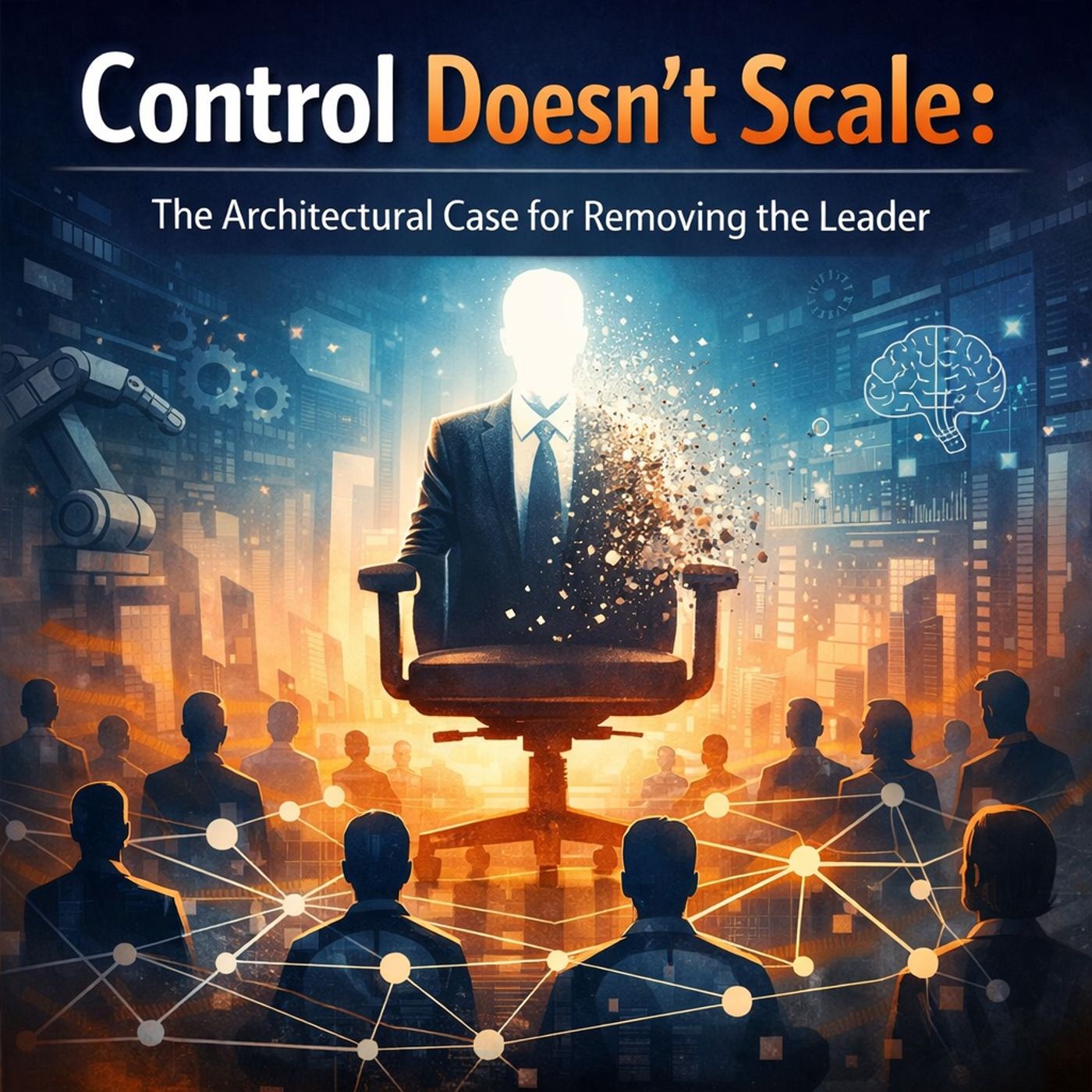
Leadership and Microsoft 365 Governance Beyond Central Control
Control doesn’t scale. And the more your organization relies on leadership for decisions, the slower and more fragile it becomes. In this episode, Mirko Peters explains why real scalability starts when leaders stop being the control layer. SHORT...
Guest: Mirko Peters