

Explore the intersection of analytics, data management, and governance in the Microsoft ecosystem. Gain insights into data platforms like Microsoft Fabric and best practices for security and compliance.
July 3, 2026
How Microsoft Graph Connects Microsoft 365 Data and Context
Microsoft Graph is much more than a REST API—it is the hidden logic that connects Microsoft 365. Instead of treating Outlook, Teams, SharePoint, OneDrive, Entra ID, and other services as isolated products, Microsoft Graph exposes the relationships between people, files, meetings, messages, devices, and permissions through a single, unified platform. This episode explains that the real value of Microsoft Graph lies in its ability to understand context. A user is connected to colleagues, documents, calendars, chats, and business processes, allowing applications and AI to retrieve meaningful information instead of disconnected data. This relationship model powers experiences such as Microsoft Copilot, intelligent search, automation, and personalized insights. The discussion also explores how developers and IT professionals can use Microsoft Graph to simplify integrations, automate administrative tasks, and build applications that work consistently across the Microsoft ecosystem. To…
Guest: Mirko Peters
July 2, 2026
Microsoft Graph and PowerShell for Enterprise Automation
Microsoft Graph is far more than just another API—it is the operational backbone of Microsoft 365. This episode explains why relying solely on admin portals limits scalability, visibility, and automation, while Microsoft Graph provides a unified interface for managing identities, users, groups, Teams, SharePoint, security, compliance, and business data across the entire Microsoft ecosystem. The discussion explores how Microsoft Graph PowerShell enables administrators to automate repetitive tasks, manage large environments consistently, and build governance processes that simply cannot be achieved through manual portal administration. Understanding authentication, OAuth, delegated and application permissions, service principals, and least-privilege access is presented as essential for building secure enterprise automation. The episode also highlights Microsoft's AI strategy, explaining that services such as Microsoft Copilot, Copilot Studio, AI agents, and future intelligent work…
Guest: Mirko Peters
June 28, 2026
AI Governance from Microsoft Copilot to Quantum Computing
As AI evolves from Microsoft Copilot to autonomous agents and, eventually, quantum computing, traditional governance models are no longer enough. This episode explores why organizations must move beyond simple allow-or-block security policies and adopt dynamic, context-aware governance that can adapt to increasingly intelligent systems. The discussion explains how Copilot, AI agents, and future quantum technologies introduce new challenges around identity, trust, data access, compliance, and decision-making. Rather than governing individual tools, organizations need governance frameworks that span the entire AI lifecycle—from user interactions with Copilot to autonomous agent orchestration and future quantum-powered workloads. A key theme is that governance should become an architectural capability rather than a collection of isolated policies. Identity, observability, continuous risk assessment, and automated policy enforcement must work together to provide secure, scalable AI …
Guest: Mirko Peters
June 27, 2026
AI Agents and the End of Manual Data Entry
In this episode of M365.FM, we explore why traditional data entry is rapidly disappearing and how AI agents are transforming business applications. Instead of asking employees to manually enter information into forms and systems, organizations are moving toward conversational interfaces where users simply describe what they want to achieve while AI agents translate intent into business actions. The discussion explains that the real shift is not replacing forms with chat, but relocating business logic from user interfaces into intelligent, governed agent workflows. Rather than embedding complex validation rules, approvals, and automation inside individual applications, these capabilities become reusable services that agents can orchestrate across multiple systems. A major theme is the importance of separating reasoning from execution. AI agents interpret user intent, while trusted business workflows execute actions in a secure, auditable, and deterministic way. This architecture …
Guest: Mirko Peters

June 26, 2026
AI Agent Identity Security: Beyond Service Accounts
AI agents are often managed like traditional service accounts—but that mindset creates serious security and governance risks. This episode explains why AI agents should be treated as autonomous digital identities with their own lifecycle, permissions, and accountability instead of static technical accounts. The discussion highlights that agents don't just authenticate to services—they make decisions, access business data, trigger workflows, and interact with multiple systems. Because of this, identity becomes the primary security boundary. Organizations should assign every agent its own identity, apply least-privilege access, enforce Zero Trust principles, and continuously monitor behavior rather than relying on broad, long-lived permissions. The episode also covers the importance of lifecycle management for non-human identities. Just like employees, AI agents require onboarding, role assignments, permission reviews, auditing, and secure decommissioning. Without proper governanc…
Guest: Mirko Peters
![Dataverse MCP Integration with Nathan Rose [MVP]](https://d3wo5wojvuv7l.cloudfront.net/t_rss_itunes_square_1400/images.spreaker.com/original/86ec769c00d5ee947b3b44833e6ed7da.jpg "Dataverse MCP Integration with Nathan Rose [MVP]")
June 24, 2026
Dataverse MCP Integration with Nathan Rose [MVP]
Custom integrations have long been one of the biggest bottlenecks in enterprise applications, but Dataverse MCP is changing that. In this episode of the M365.fm podcast, Mirko Peters is joined by Microsoft MVP Nathan Rose to explore how the Model Context Protocol (MCP) and Dataverse are transforming the way AI agents connect with business data. The discussion explains why traditional APIs, custom connectors, and one-off integrations struggle to scale in an AI-first world. Instead, Dataverse MCP introduces a standardized, secure, and context-aware approach that allows Microsoft Copilot Studio and AI agents to access enterprise data with far less custom development. Nathan shares practical insights into MCP architecture, governance, security, and how organizations can build reusable integrations instead of maintaining complex point-to-point connections. The conversation also covers the future of agentic AI, Microsoft's vision for interoperable AI systems, and what developers, arch…
Guest: Mirko Peters

June 23, 2026
Security Agent Fabric: Autonomous AI for Cyber Defense
In this episode of M365.fm, we explore why the future of cybersecurity is no longer centered around dashboards, alerts, and manual investigations—but around autonomous security agents working together as a coordinated Security Agent Fabric. As modern enterprises generate billions of security signals across cloud platforms, identities, endpoints, and applications, traditional Security Operations Centers (SOCs) are reaching their limits. Human analysts simply cannot keep pace with the volume, speed, and complexity of today's threat landscape. The episode introduces the concept of Agentic Defense: a new security architecture where specialized AI agents continuously monitor, validate, investigate, and respond to threats while remaining governed by human oversight. Instead of relying on a single security copilot, organizations will deploy networks of collaborating agents that handle identity protection, threat hunting, incident triage, compliance validation, vulnerability management,…
Guest: Mirko Peters
June 20, 2026
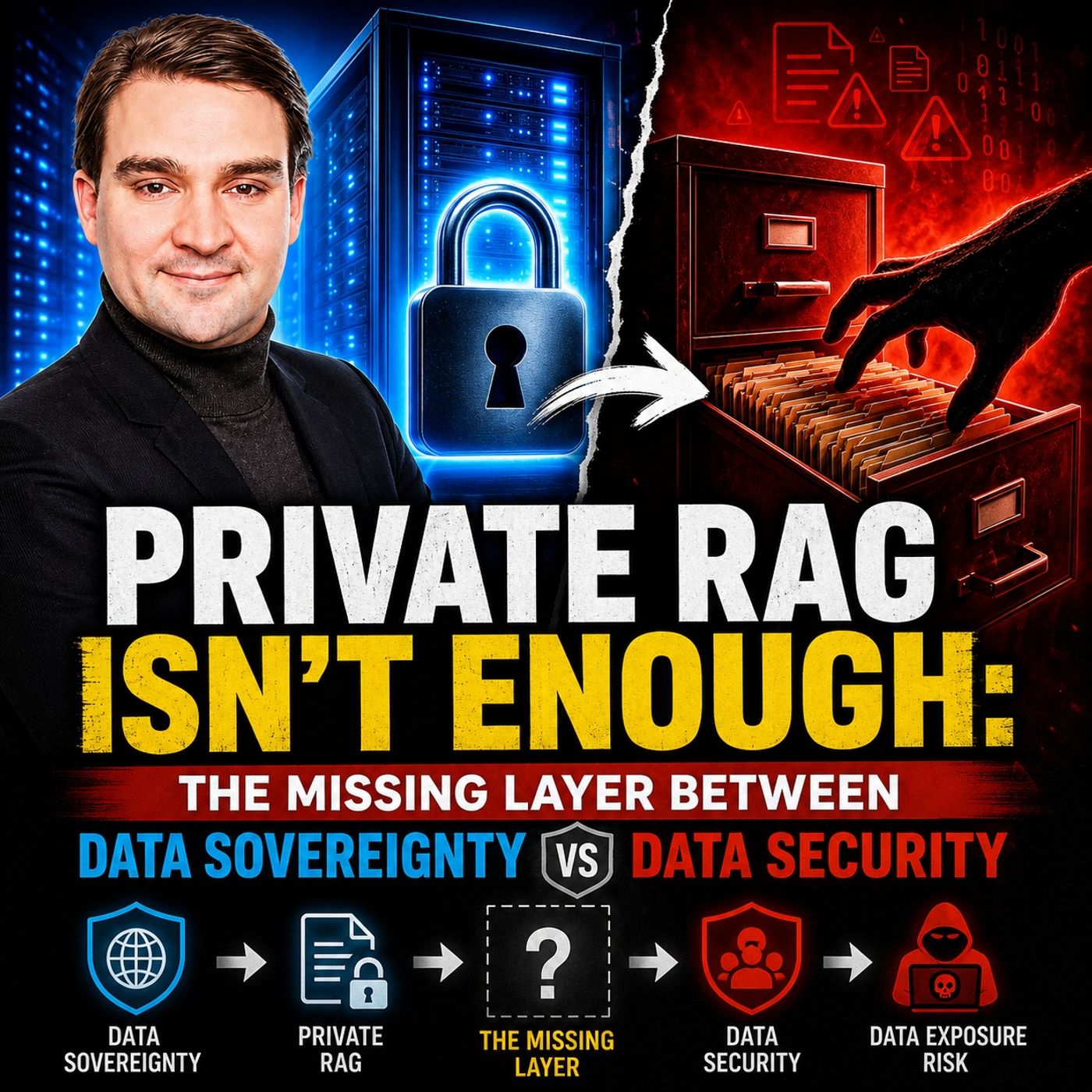
Private RAG Security: Authorization-Aware Data Retrieval
veryone is talking about Private RAG, sovereign AI, regional hosting, and keeping enterprise data inside controlled environments. But in this episode of M365 FM, Mirko Peters explores a critical security gap that many organizations overlook: data sovereignty is not the same as data security. The episode examines what happens when documents leave systems like SharePoint and Microsoft 365 and are ingested into vector databases for Retrieval-Augmented Generation (RAG) solutions. While organizations often focus on where data is stored, they frequently ignore what happens to permissions, access controls, and authorization models during the indexing process. The result can be a highly capable AI system that unintentionally exposes sensitive information to users who should never have access to it. A major focus is the concept of authorization-aware retrieval. Listeners learn why self-hosting, VPN access, or private infrastructure alone do not guarantee security. The episode breaks down…
Guest: Mirko Peters
June 19, 2026
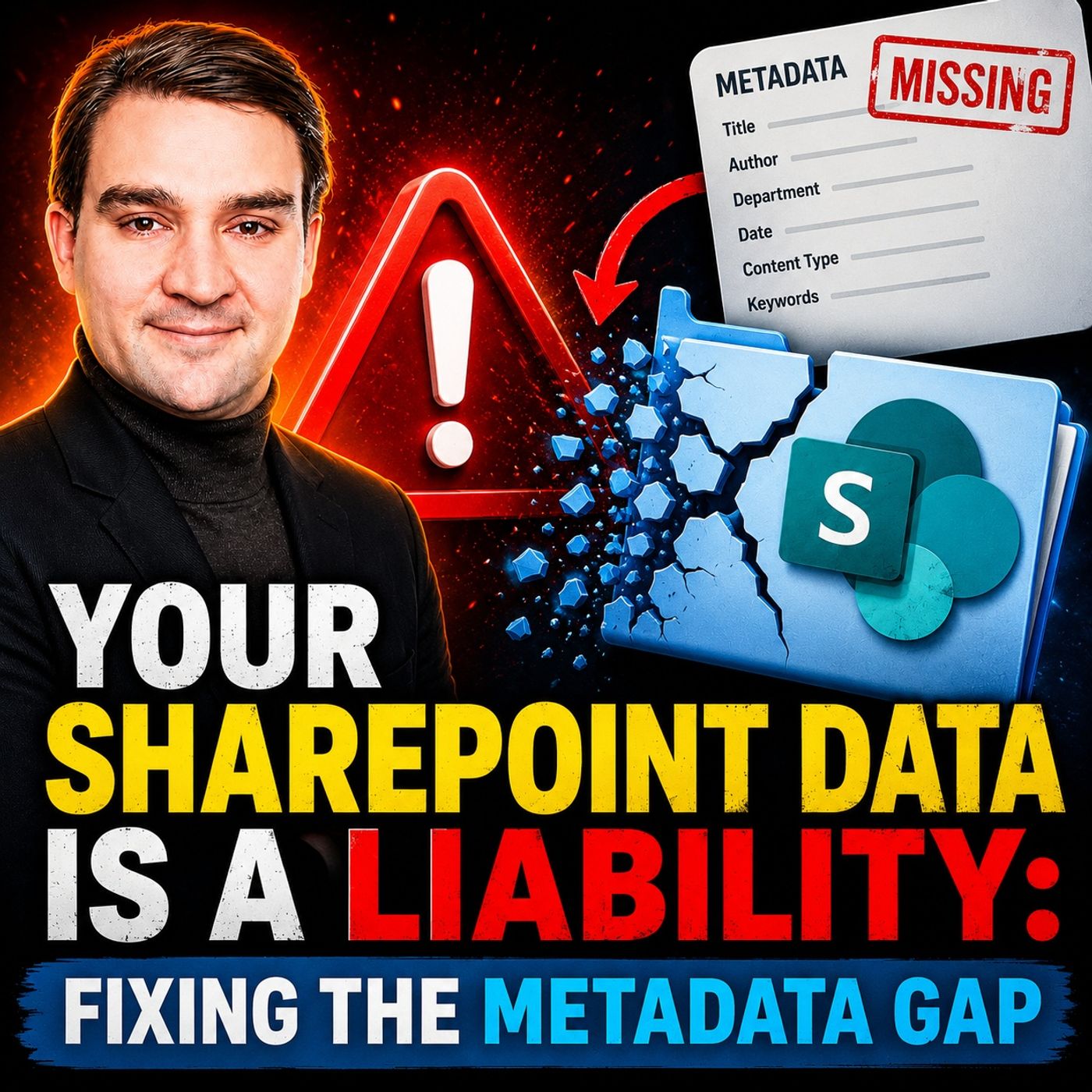
Fixing the SharePoint Metadata Gap for AI and Governance
SharePoint has become the central repository for business knowledge, documents, contracts, policies, and operational records. Yet many organizations are sitting on a hidden problem: their content lacks the metadata needed to make that information truly discoverable, governable, and AI-ready. In this episode of M365 FM, Mirko Peters explores the growing “metadata gap” and why it has become one of the biggest risks in modern Microsoft 365 environments. While organizations invest heavily in SharePoint, Copilot, search, and automation, many still rely on inconsistent folder structures, poor document classification, and manual filing processes that create data chaos over time. The discussion explains how missing or inconsistent metadata impacts far more than search. It affects compliance, records management, retention policies, security controls, business process automation, and the quality of AI-generated results. As Microsoft Copilot and other AI services depend on context to under…
Guest: Mirko Peters
June 13, 2026
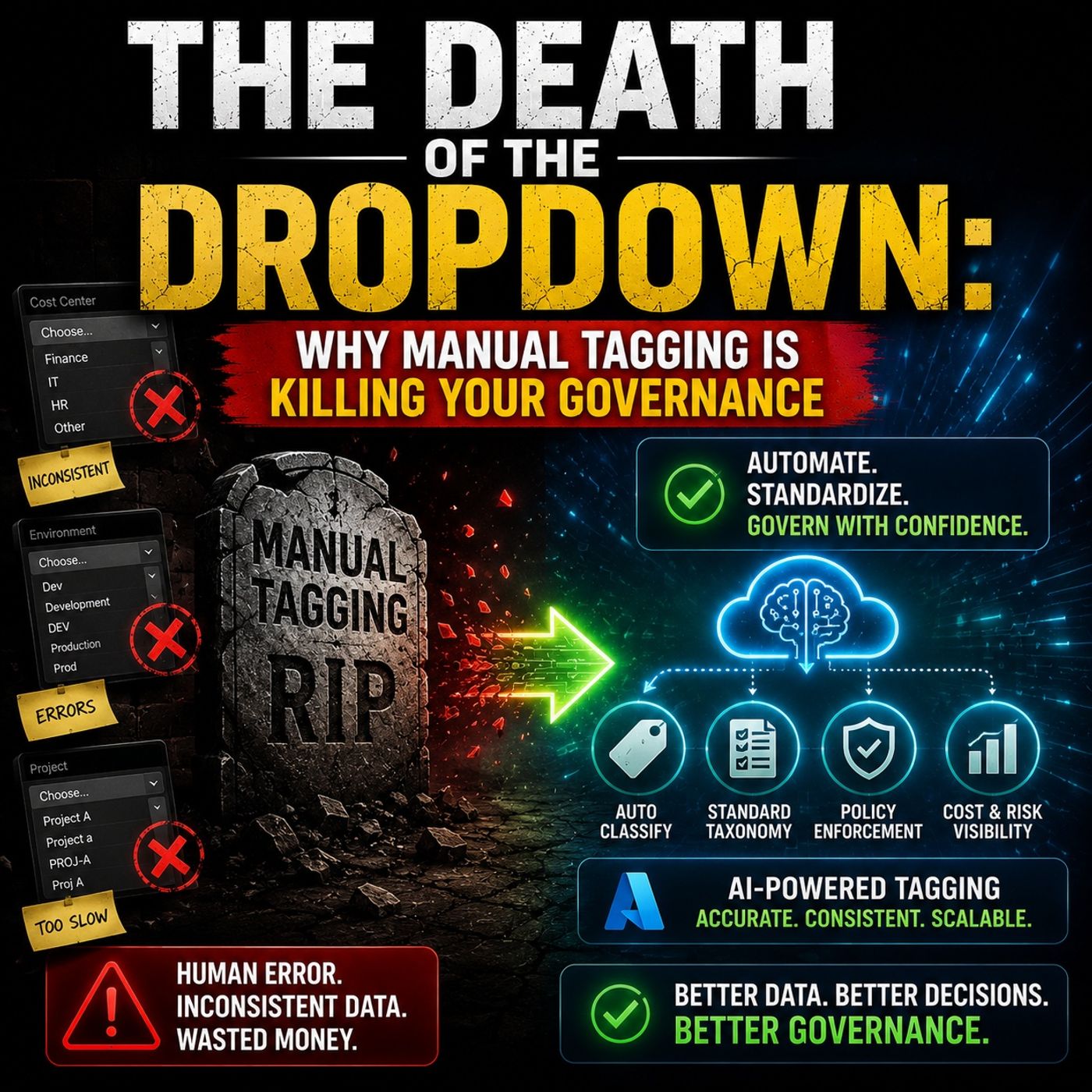
AI-Powered Metadata Classification for Microsoft 365 Governance
Manual tagging is dead—and it’s quietly undermining your Microsoft 365 governance strategy. In this episode, we explore why traditional metadata management based on dropdown menus, user-selected labels, and manual classification no longer works in modern organizations. The volume of content generated across SharePoint, Teams, OneDrive, Copilot, and Microsoft 365 has grown beyond what humans can reliably classify. The problem isn’t that users are unwilling to tag content—it’s that manual tagging is inconsistent, incomplete, and impossible to scale. When metadata quality declines, governance suffers. Search results become unreliable, retention policies lose effectiveness, compliance controls weaken, and AI tools like Microsoft Copilot struggle to understand and protect organizational data. The episode examines how Microsoft Purview and AI-powered classification are changing the game. Instead of relying on users to choose the correct label, modern governance systems can analyze …
Guest: Mirko Peters
![Microsoft Purview for Copilot Security with Peter Rising [Microsoft]](https://d3wo5wojvuv7l.cloudfront.net/t_rss_itunes_square_1400/images.spreaker.com/original/125ac4a325227c03593269b3640f4065.jpg "Microsoft Purview for Copilot Security with Peter Rising [Microsoft]")
June 12, 2026
Microsoft Purview for Copilot Security with Peter Rising [Microsoft]
As organizations rapidly adopt Microsoft 365 Copilot, AI agents, and generative AI technologies, one challenge stands above all others: ensuring data is secure, governed, and compliant. In this episode of M365 FM, Mirko Peters speaks with Peter Rising, Senior Partner Solution Architect at Microsoft, about how Microsoft Purview helps organizations prepare for AI at scale. The discussion explores why AI readiness is not just about deploying Copilot licenses but understanding and controlling the data that powers AI experiences. Peter explains how Microsoft Purview provides visibility into sensitive information, helps classify and protect business-critical data, and enables organizations to apply Zero Trust principles across their Microsoft 365 environment. The conversation covers key capabilities including Data Loss Prevention (DLP), sensitivity labels, information protection, insider risk management, auditing, compliance monitoring, and data governance. These tools help ensure tha…
Guests: Mirko Peters , Peter Rising
June 11, 2026
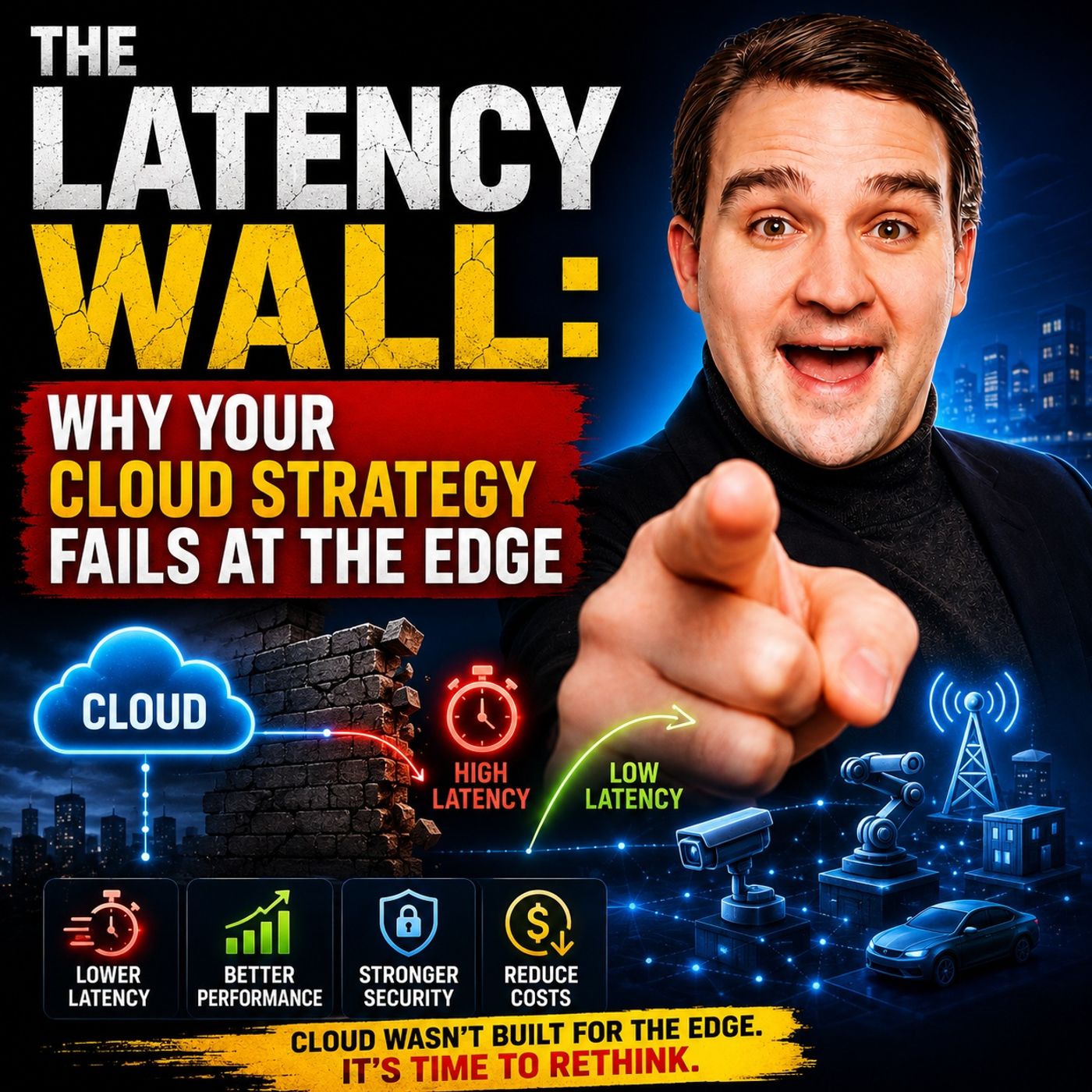
Cloud Latency and Edge Computing Strategy
Cloud strategies often focus on scalability, cost optimization, and centralized services, but many organizations overlook one critical factor: latency. In this episode of M365 FM, Mirko Peters explores why network latency can become a major barrier to application performance and user experience, especially as businesses increasingly rely on cloud-based services. The discussion examines the concept of the “latency wall” and explains why simply moving workloads to the cloud does not automatically guarantee better performance. For applications that require real-time processing, industrial automation, IoT, AI inference, or low-latency user interactions, the physical distance between users, devices, and cloud datacenters can create significant challenges. The episode highlights how edge computing is emerging as a solution by bringing compute and data processing closer to where data is generated. Rather than sending every request to a centralized cloud region, organizations can levera…
Guest: Mirko Peters

June 7, 2026
Shadow Data Discovery and Governance with Microsoft Purview
In this episode of the M365 FM Podcast, we explore one of the biggest hidden risks in modern data governance: shadow data. While Microsoft Purview provides powerful visibility into governed data sources, many organizations assume that what Purview cannot see does not exist. That assumption creates a dangerous blind spot. The discussion explains how shadow data emerges across disconnected systems, unmanaged repositories, legacy platforms, third-party applications, personal storage locations, and forgotten workloads that sit outside normal governance processes. These hidden data stores often contain sensitive business information, intellectual property, customer records, and compliance-relevant content that never appears in standard Purview reporting. The episode breaks down why organizations frequently mistake data discovery for complete data visibility. Even with strong classification, labeling, and compliance controls in Microsoft 365, governance can only protect what it can ac…
Guest: Mirko Peters
June 6, 2026
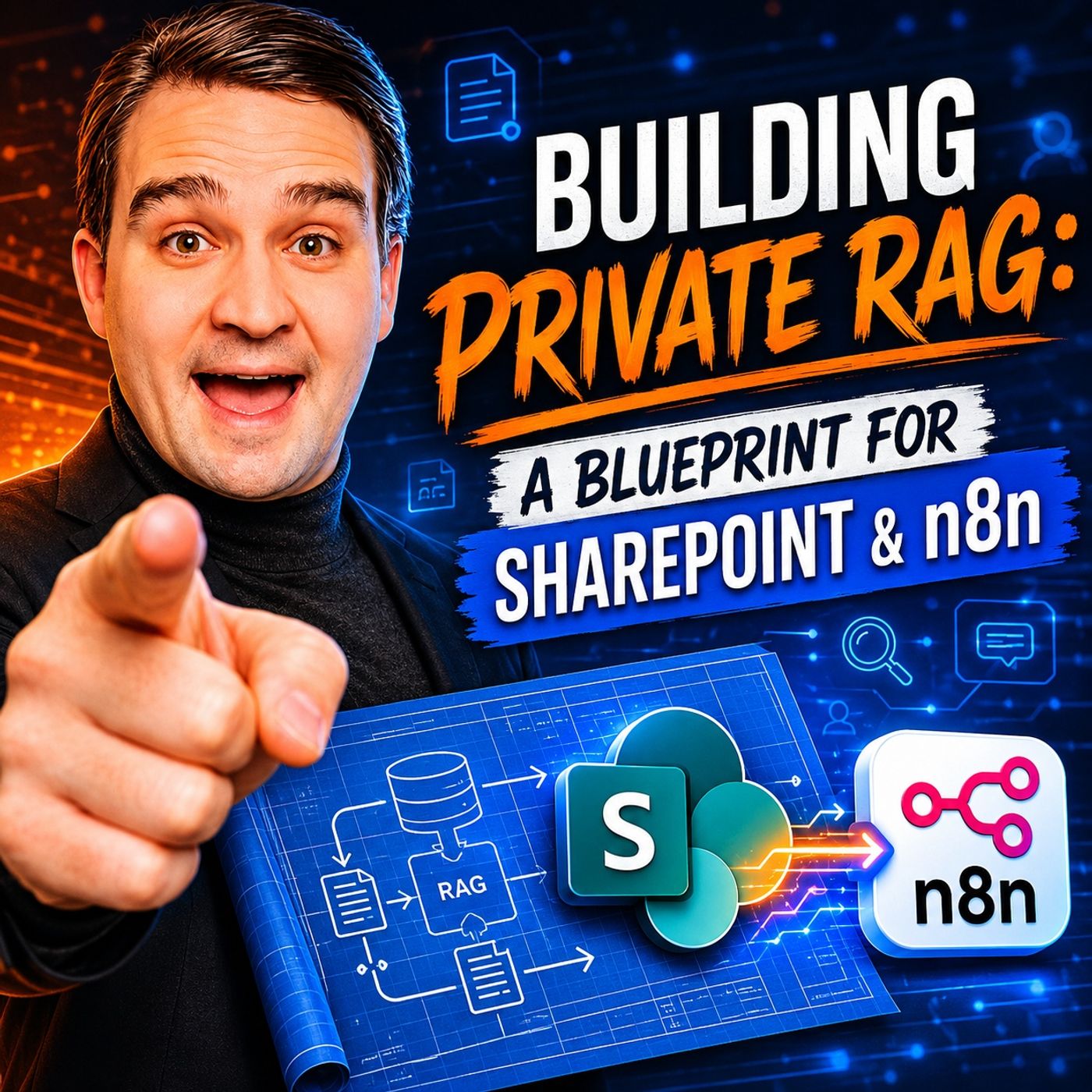
How to Build Private RAG with SharePoint and n8n
In this episode of M365.fm, Mirko Peters explores how organizations can build a secure and private Retrieval-Augmented Generation (RAG) platform using SharePoint as the knowledge source and n8n as the orchestration layer. The discussion focuses on moving beyond generic AI chatbots and creating enterprise-grade AI systems that can access, retrieve, and reason over internal business knowledge while maintaining governance and security. The episode explains the core architecture of a private RAG solution, including document ingestion, chunking strategies, vector embeddings, semantic search, and AI response generation. Listeners learn why SharePoint is an ideal enterprise knowledge repository and how n8n can automate the entire pipeline without requiring complex custom development. Mirko breaks down the challenges many organizations face when deploying AI, including data silos, permission management, outdated content, and the risk of exposing sensitive information to public AI servic…
Guest: Mirko Peters

June 5, 2026
Connect Microsoft Copilot to Predictive Power BI
This episode explores how organizations can connect Microsoft Copilot with the predictive capabilities of Power BI to move beyond simple reporting and toward proactive, data-driven decision-making. The discussion highlights that while Copilot excels at natural language interactions and summarizing information, its real business value increases when it can access trusted analytical models, forecasts, and governed business data from Power BI. The episode explains that many organizations still use Power BI primarily as a dashboard destination. However, the future lies in treating Power BI as a semantic and analytical layer that feeds AI-powered experiences. Instead of navigating reports manually, users can ask questions in natural language through Copilot and receive contextual answers backed by governed Power BI models. A key theme is predictive analytics. By combining Copilot with Power BI datasets, organizations can surface forecasts, trends, risk indicators, and business predic…
Guest: Mirko Peters
June 4, 2026
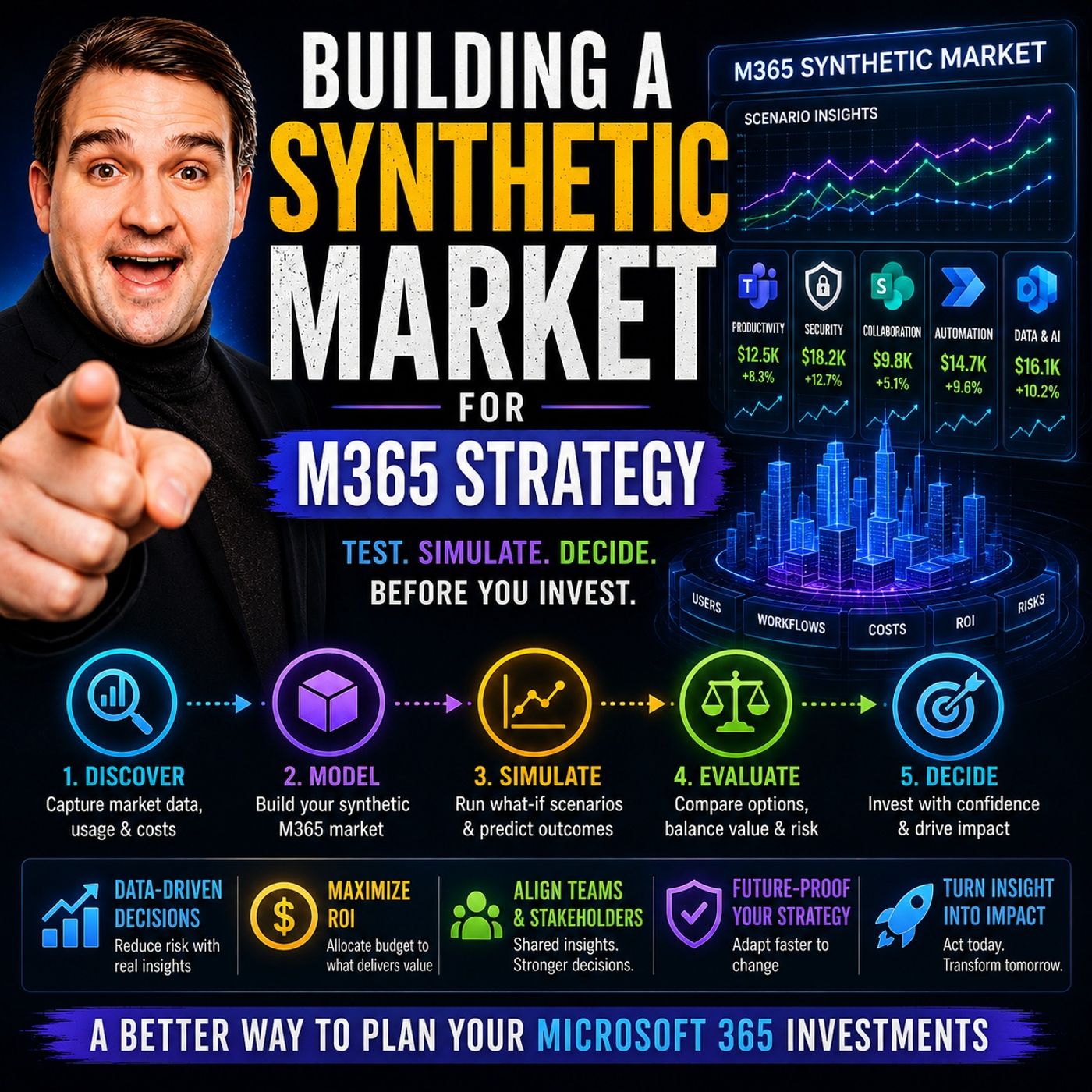
Building a Synthetic Market for Microsoft 365 Strategy
In this episode, Mirko Peters explores why successful Microsoft 365 strategy should be approached like building a synthetic market rather than deploying technology in isolation. The core idea is that Microsoft 365 creates an internal economy where information, collaboration, automation, governance, and AI capabilities continuously interact. Organizations that focus only on individual tools such as Teams, SharePoint, Power Platform, or Copilot often miss the larger system dynamics that drive long-term value. The discussion highlights that every platform decision creates incentives and behaviors. Poor governance can encourage content sprawl, uncontrolled workspace growth, and fragmented knowledge, while well-designed governance creates trust, discoverability, and sustainable adoption. The episode argues that strategy is not about maximizing feature usage but about shaping the conditions that allow productive behaviors to emerge naturally across the organization. A key theme is tha…
Guest: Mirko Peters

May 28, 2026
Microsoft Graph API Discovery for Enterprise Semantic Search
Enterprise search is no longer limited by storage capacity or indexing speed. The real challenge is the growing gap between when information is created and when it becomes discoverable. This article explores how Microsoft Graph API Discovery is changing enterprise search by shifting from traditional crawl-and-index models to a relationship-driven, real-time discovery architecture. Traditional enterprise search relies on scheduled indexing, which often creates delays, stale results, and fragmented knowledge across systems. As organizations generate data across Teams, SharePoint, Outlook, OneDrive, and other Microsoft 365 services, keeping search indexes current becomes increasingly difficult. Microsoft Graph approaches the problem differently. Instead of focusing solely on where information is stored, it understands how content, people, conversations, meetings, permissions, and business processes are connected. This graph-based model enables search experiences that are contextual…
Guest: Mirko Peters
May 26, 2026
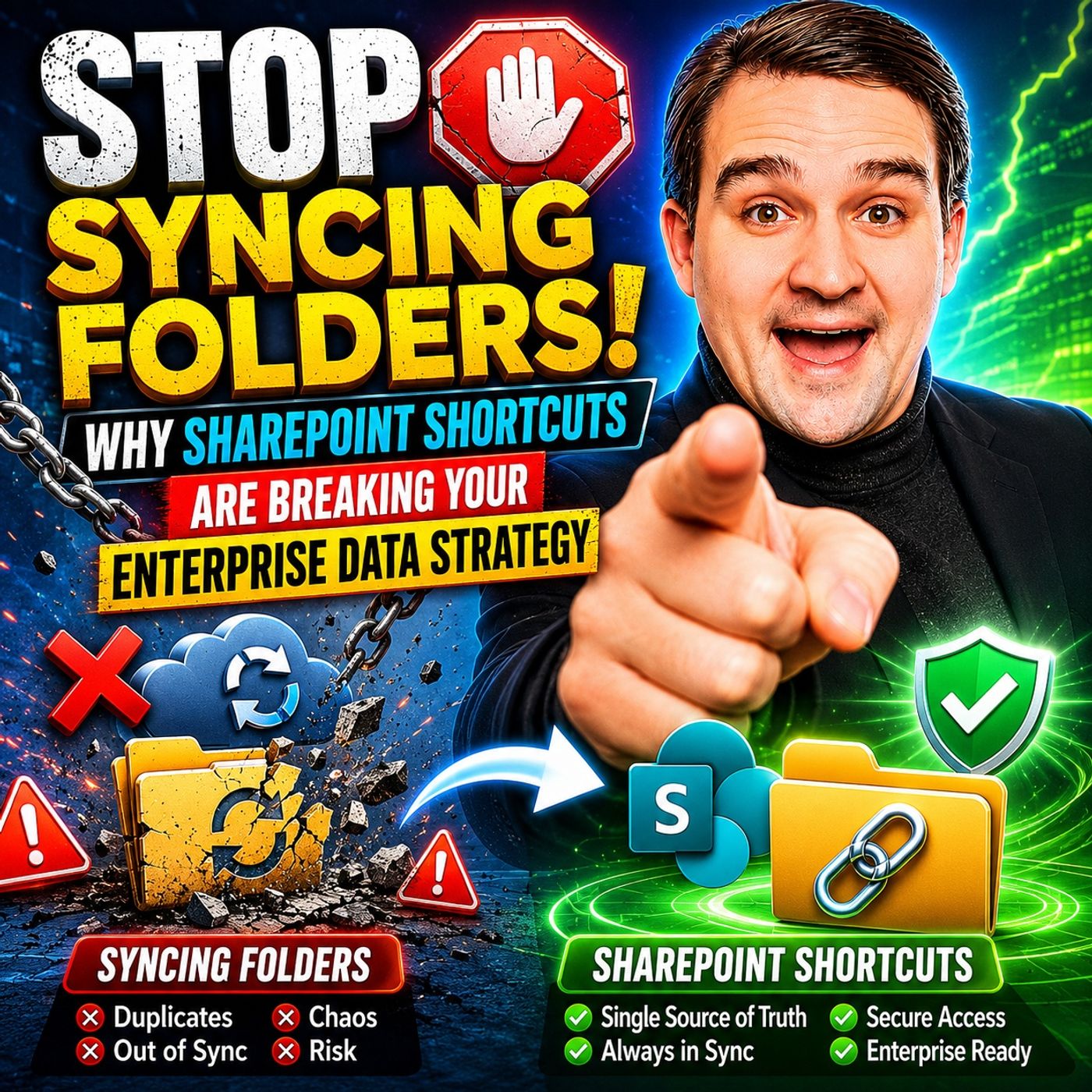
SharePoint Sync vs Add Shortcut to OneDrive
The article explains why traditional SharePoint and OneDrive folder syncing is becoming a major problem for modern enterprises. Syncing entire SharePoint libraries to local devices creates unnecessary storage usage, performance slowdowns, sync conflicts, and governance risks. Large synced libraries increase metadata overhead, network traffic, and the likelihood of duplicate or outdated files appearing across devices. It also weakens compliance because files copied locally can bypass SharePoint retention policies, version history, and sensitivity labels. Instead of full sync, the article recommends using “Add shortcut to OneDrive” as a more cloud-native approach. Shortcuts act as lightweight links to SharePoint folders without downloading the entire library. This improves device performance, reduces sync errors, lowers storage consumption, and keeps users working directly from the governed SharePoint source of truth. The article highlights several business benefits of shortcuts, …
Guest: Mirko Peters

May 25, 2026
Microsoft 365 Backup with Isolated Vault Architecture
Microsoft 365’s built-in redundancy keeps services running, but it does not guarantee business recovery after ransomware, insider threats, or accidental deletion. This article explains why many organizations wrongly assume synchronization equals protection, when in reality corrupted or deleted data can spread instantly across the environment. The core argument is that traditional backup strategies are no longer enough in modern cloud environments. Businesses need an isolated vault architecture — a logically separated and immutable recovery layer that cannot be compromised by the same identities, permissions, or attack paths affecting production systems. The article highlights how attackers increasingly target backup systems first, making “connected backups” a major weakness. A secure recovery strategy therefore requires isolation, immutability, strict access separation, and clean recovery points that survive tenant-wide compromise. It also emphasizes that resilience is not ju…
Guest: Mirko Peters
![Microsoft 365 Simplicity with Evi van der Velden [MVP]](https://d3wo5wojvuv7l.cloudfront.net/t_rss_itunes_square_1400/images.spreaker.com/original/c89430ac20f79a64ad137de54f18d317.jpg "Microsoft 365 Simplicity with Evi van der Velden [MVP]")
May 22, 2026
Microsoft 365 Simplicity with Evi van der Velden [MVP]
Microsoft MVP Evi van der Velden joins the M365.fm podcast to explain why simplicity is one of the most overlooked success factors in Microsoft 365. The conversation explores how many organizations create unnecessary complexity through excessive customization, unclear governance, and overengineered solutions that ultimately reduce productivity instead of improving it. Evi shares practical insights from real-world Microsoft 365 projects, highlighting how simpler architectures, cleaner collaboration environments, and focused governance strategies often deliver better long-term results. The discussion covers Microsoft Teams, SharePoint, governance, adoption, user experience, and the growing impact of AI tools like Microsoft Copilot inside modern workplaces. A key theme throughout the episode is that technology should support people rather than force users to adapt to complicated systems. Evi explains why organizations frequently underestimate the importance of user behavior, commun…
Guests: Mirko Peters , Evi van der Velden
![AI Governance for Microsoft 365 with Christian Buckley [MVP]](https://d3wo5wojvuv7l.cloudfront.net/t_rss_itunes_square_1400/images.spreaker.com/original/cfdce6ca5ff257bb37e690ea4bd225f8.jpg "AI Governance for Microsoft 365 with Christian Buckley [MVP]")
May 21, 2026
AI Governance for Microsoft 365 with Christian Buckley [MVP]
In this episode of the m365.fm podcast, Christian Buckley joins the conversation to unpack why traditional governance models are struggling to keep up with the pace of AI adoption inside Microsoft 365. The discussion explores how tools like Copilot and autonomous AI agents are reshaping collaboration, compliance, and content management — often faster than organizations can adapt their policies and processes. Christian explains that most governance frameworks were designed for static content and predictable user behavior, not AI systems capable of generating, accessing, and acting on information across the tenant. The episode dives into the growing risks of “agent sprawl,” shadow AI, uncontrolled permissions, and poor data quality, all of which can undermine security, compliance, and trust in AI-driven workplaces. A major theme throughout the episode is that governance is no longer just an IT responsibility. Successful AI governance requires a balance between innovation and contr…
Guests: Mirko Peters , Christian Buckley
![Migrate Exchange Web Services to Microsoft Graph with Glen Scales [MVP]](https://d3wo5wojvuv7l.cloudfront.net/t_rss_itunes_square_1400/images.spreaker.com/original/aa0c11947976681a8d18c70b629fa584.jpg "Migrate Exchange Web Services to Microsoft Graph with Glen Scales [MVP]")
May 20, 2026
Migrate Exchange Web Services to Microsoft Graph with Glen Scales [MVP]
Microsoft is ending support for Exchange Web Services (EWS) in Exchange Online, with full retirement starting October 2026. The article explains why this matters for Microsoft 365 administrators, developers, ISVs, backup vendors, and enterprises still relying on legacy integrations. EWS has been a core API for mailbox access, calendar synchronization, migrations, archiving, and third-party tools for years, but Microsoft is now pushing organizations toward Microsoft Graph as the modern replacement. The article highlights that this is not just a technical API change. Many existing applications, scripts, automation processes, monitoring tools, and enterprise workflows still depend heavily on EWS. Organizations that fail to identify these dependencies early may face outages, broken integrations, compliance risks, or unsupported applications once Microsoft disables the service. A major focus is the migration challenge. While Microsoft Graph offers a modern, secure, and unified API mo…
Guests: Mirko Peters , Glen Scales
![Power BI DAX and Semantic Models with Bernat Agulló Roselló [MVP]](https://d3wo5wojvuv7l.cloudfront.net/t_rss_itunes_square_1400/images.spreaker.com/original/2efb1e72ffe98f8a3cc8d3a507928870.jpg "Power BI DAX and Semantic Models with Bernat Agulló Roselló [MVP]")
May 19, 2026
Power BI DAX and Semantic Models with Bernat Agulló Roselló [MVP]
From DAX to Community: The Power BI Journey with Bernat Agulló Roselló explores the evolution of modern Business Intelligence through the personal and professional journey of Microsoft MVP Bernat Agulló Roselló. In this episode of the m365.fm podcast, Bernat shares how he moved from Excel macros and manufacturing reporting into advanced Power BI development, semantic modeling, DAX optimization, and community leadership. The conversation highlights how Business Intelligence is far more than dashboards and visuals. Bernat explains that successful Power BI solutions depend on data modeling, automation, architecture, optimization, and collaboration. A major focus is DAX (Data Analysis Expressions), where he discusses common misconceptions, especially the mistake of treating DAX like Excel formulas. He emphasizes the importance of semantic models, filter context, relationships, and understanding measures versus calculated columns. Another key topic is Tabular Editor and its role in e…
Guests: Mirko Peters , Bernat Agulló Roselló
![Azure Governance at Scale with Vladimir Stefanovic [MVP-MCT]](https://d3wo5wojvuv7l.cloudfront.net/t_rss_itunes_square_1400/images.spreaker.com/original/955d5d107052da8ae2967c37434d355d.jpg "Azure Governance at Scale with Vladimir Stefanovic [MVP-MCT]")
May 17, 2026
Azure Governance at Scale with Vladimir Stefanovic [MVP-MCT]
This episode of M365.fm explores why traditional Microsoft 365 governance approaches fail at enterprise scale and how organizations can move from manual oversight to automated, enforceable governance models. The discussion explains the difference between governance documentation and true operational governance, highlighting why policies alone are not enough in modern cloud environments. The episode introduces the concept of control planes versus data planes and explains how scalable governance depends on automation, identity management, lifecycle controls, telemetry, and policy enforcement rather than human-driven approval processes. It also covers common governance failures such as stale policies, overprivileged automation, unmanaged AI identities, and lack of monitoring. Additional topics include governance strategies for Copilot, AI agents, and Power Platform environments, along with practical ways organizations can reduce governance friction while maintaining security, compl…
Guests: Mirko Peters , Vladimir Stefanovic