 EN
 Deutsch
 Español
 Français
 Italiano
 Português
 Nederlands
 Polski
 Bahasa Indonesia
 Русский
 Українська
 العربية
 עברית
 日本語
 한국어
Maximum session limit in Azure Virtual Desktop: how it defines host pool capacity
Partner · Neutral partner: Nerdio
By Mirko Peters ·
The maximum session limit is the number of user sessions that load balancing aims to place on one session host of a pooled host pool. Multiplied by the number of available session hosts it gives the host pool capacity that autoscale compares with its capacity threshold.
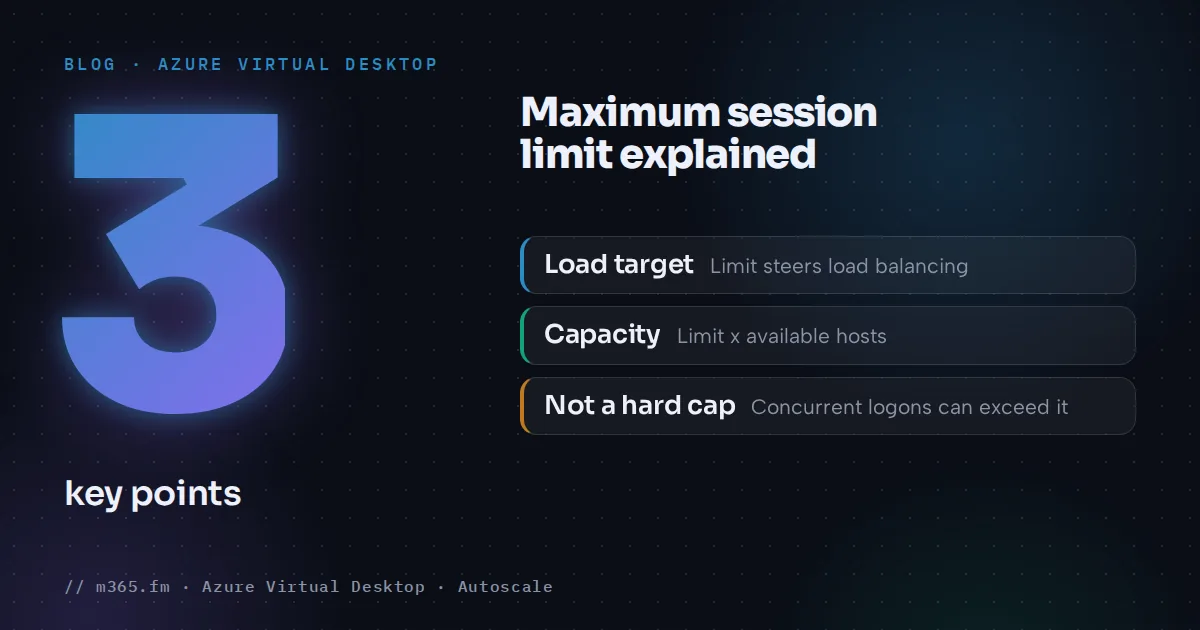
The maximum session limit is the number of user sessions that load balancing aims to place on one session host of a pooled host pool. Multiplied by the number of available session hosts, it gives the capacity of the pool, and that capacity is what autoscale compares with its capacity threshold. This article explains the definition, how load balancing and autoscale use the value, how to set it and what to watch for. How to choose a number for a given VM size is covered in the sibling article "How to size the maximum session limit per session host".
Key points
- Learn defines available capacity as the maximum session limit times the number of available hosts. Used capacity is active plus disconnected sessions divided by that capacity.
- Depth-first load balancing requires a limit. Breadth-first does not, and a new pool created with breadth-first gets the default of 999999, which is also the highest value.
- Autoscale on pooled host pools needs a custom limit, for power management and for dynamic autoscaling (GA announced July 2026). Learn says not to use the default.
- Lowering the limit on a host with active sessions does not affect those sessions. With depth-first, once every host has reached the limit, you must raise it or add hosts.
- The portal offers Max session limit for pooled host pools, and Learn says load balancing does not apply to personal ones. You set it under Properties or with Update-AzWvdHostPool -MaxSessionLimit.
Definition and where it applies
When you create a pooled host pool in the Azure portal, Max session limit is the maximum number of users you want load-balanced to a single session host (deployment article). When you select Pooled as the host pool type, the portal shows Load balancing algorithm and Max session limit. When you select Personal, it shows Assignment type and Assign multiple desktops to a single user instead. Learn's load-balancing article adds that load balancing does not apply to personal host pools, because users always have a 1:1 mapping to a session host, and Learn's terminology article lists the maximum session limit of a personal host pool as one, so the configurable limit is a pooled-pool setting. For pooled pools the same article adds a qualification: under high concurrent connection load, when several users connect at the same time, the number of sessions created on a session host can exceed the maximum session limit. Treat the limit as the target for load balancing and for the capacity formula, not as a hard cap. Load balancing, described in Learn's load-balancing article, is where the limit takes effect. The entity page on the maximum session limit has the short definition.
How the limit defines capacity
Learn's autoscale glossary defines three terms:
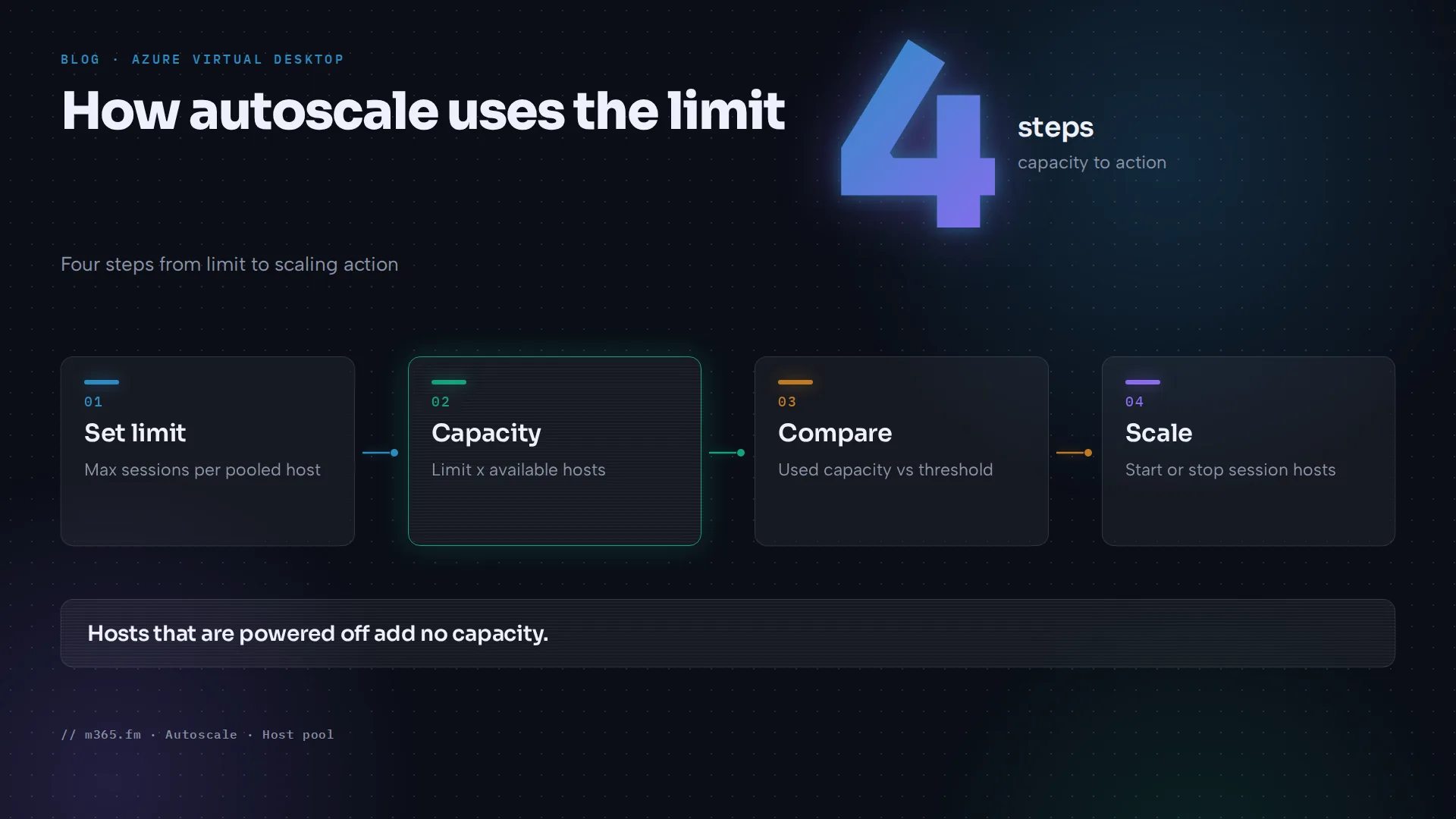
- Available host pool capacity is the host pool's maximum session limit multiplied by the number of available session hosts. An available session host passed all agent health checks and has a VM that is powered on.
- Used host pool capacity is the number of active and disconnected user sessions divided by the capacity.
- The capacity threshold is the percentage of capacity that triggers a scaling action. Autoscale turns on more hosts when used capacity is greater than the threshold, and it does nothing when it is equal (autoscale FAQ).
Two points follow. Hosts that are off do not add capacity, so capacity changes as autoscale starts and stops hosts. And one number, the limit, appears in both the capacity calculation and the ramp-down consolidation formula, Required Hosts = Total User Sessions / (Max Session Limit x Capacity Threshold), rounded up.
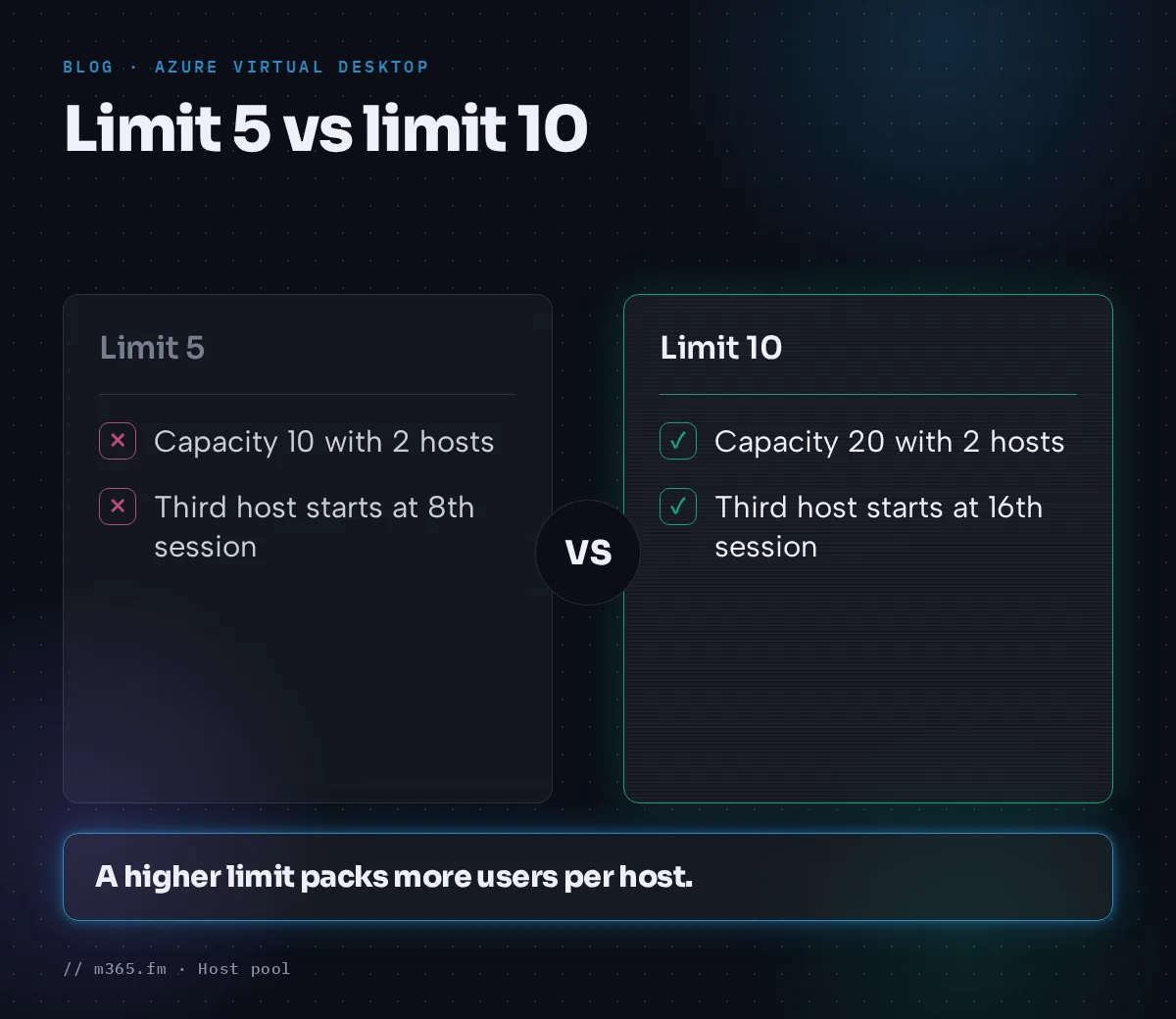
Learn's example from the scaling plan article: two hosts with a limit of 20 give a capacity of 40. With a threshold of 75 percent, a third host starts when the hosts hold more than 30 sessions, and the capacity becomes 60. Learn's scenario 1 uses a limit of 5: two hosts give a capacity of 10, three sessions are 30 percent and do not exceed a 30 percent threshold, and a fourth session (40 percent) makes autoscale turn on a third host.
What the limit changes in practice
The next table is arithmetic from the formulas above, with two running hosts and a 75 percent threshold. It is not a Learn table.
| Maximum session limit | Capacity with 2 hosts | Autoscale starts a third host when sessions exceed |
|---|---|---|
| 5 | 10 | 7.5, so with the 8th session |
| 10 | 20 | 15, so with the 16th session |
| 20 | 40 | 30, so with the 31st session |
The same pool and the same users trigger scaling at very different moments. From the formula it follows that a higher limit delays the start of extra hosts, and a lower limit starts them earlier and keeps more hosts running. The 75 percent used here is only an example: according to the scaling plan article, the capacity threshold is entered in the ramp-up and ramp-down phases of each schedule, and peak and off-peak hours take over those values. Which number is right depends on the workload and the VM size, which is the subject of the sizing article.
The limit in ramp-down
The same value drives consolidation. The calculation below uses the glossary formula with 20 sessions (active and disconnected) and a 75 percent threshold; the numbers are calculated here, not taken from Learn.
| Maximum session limit | Calculation | Hosts kept for 20 sessions |
|---|---|---|
| 5 | 20 / (5 x 0.75) = 5.33 | 6 |
| 10 | 20 / (10 x 0.75) = 2.67 | 3 |
| 20 | 20 / (20 x 0.75) = 1.33 | 2 |
Learn's own consolidation examples are in the autoscale FAQ and the scenarios article. If the minimum percentage of hosts gives a higher number than this formula, that higher number applies in ramp-down and off-peak, according to the troubleshooting article.
Load balancing and the limit
The load-balancing article describes two algorithms for pooled pools, and each treats the limit differently.
- Breadth-first does not require a limit. It queries hosts that allow new connections and picks one at random from the half with the fewest sessions. If you pick breadth-first when you first create the pool, the limit defaults to 999999, which is also the highest value you can set.
- Depth-first requires a limit. It selects, among hosts that allow new connections and have not reached the limit, the host with the most sessions, and on a tie the first host from the query. When a host reaches its limit, new connections go to the next host (subject to the concurrent-load caveat above).
In its depth-first section, Learn adds two statements. First, you can use Azure Virtual Desktop Insights to monitor the number of sessions on each session host and review session host performance to help determine the maximum session limit for your environment. Second, once all session hosts have reached the maximum session limit, you need to increase the limit or add more session hosts to the host pool. For breadth-first, the page does not say what happens when every host has reached the limit. Rules that apply to both algorithms:
- Lowering the limit on a host with active user sessions does not affect those sessions.
- A user who already has an active or disconnected session in the pool is sent back to that host, even if drain mode is on. A user without a session is never sent to a host in drain mode.
A scaling plan schedule can set a different algorithm for each phase, for example breadth-first in ramp-up and peak and depth-first in ramp-down and off-peak (autoscale FAQ). For pooled host pools, Learn's scenarios page adds that autoscale ignores the load-balancing algorithm in the host pool settings and applies the one from the schedule. The limit stays the same setting under both algorithms.
Why autoscale needs a custom value
The scaling plan article lists a prerequisite for pooled host pools that use power management autoscaling (generally available): you must configure the MaxSessionLimit parameter and not use the default value. For dynamic autoscaling, which Microsoft announced as generally available in July 2026 as part of enhanced host pool management (some Learn pages, for example the autoscale glossary and the scenarios page, still carry preview wording; check the current page before relying on a limit), it asks for a custom max session limit for load balancing, again not the default. Learn does not explain the reason, but the formulas show it. With the default of 999999 and two hosts, the capacity is 1,999,998 sessions. Ten users would be a used capacity of almost zero percent, so no realistic number of users could exceed the capacity threshold. This is an inference from the formula, not a Learn statement.
Setting the limit
Azure portal (from Learn's load-balancing article):
- Sign in to the Azure portal and search for Azure Virtual Desktop.
- Select Host pools and then the pooled host pool.
- Select Properties.
- Choose the Load balancing algorithm and enter a value for Max session limit.
- Select Save.
PowerShell. The Update-AzWvdHostPool cmdlet has a -MaxSessionLimit parameter of type integer, and the cmdlet reference of New-AzWvdHostPool lists the same optional -MaxSessionLimit parameter. The scaling plan article names both cmdlets as ways to configure the value. A minimal call with placeholder names:
Update-AzWvdHostPool -ResourceGroupName "rg-avd-prod" -Name "hp-pooled-01" -MaxSessionLimit 10The cmdlet reference's own example sets the value to 6 together with other parameters. The value 10 above is a placeholder, not a recommendation. The reference describes the parameter only as the maximum session limit of the host pool.
Common mistakes
- Leaving the default on a pool that uses autoscale. Learn's prerequisite is explicit.
- Using depth-first without a limit. Learn says you must set one. Depth-first selects hosts that have not reached the limit and fills the one with the most sessions first.
- Changing the limit and expecting users to move. Existing sessions stay where they are. The new value changes the capacity that autoscale calculates, and with depth-first it changes which hosts still qualify for new sessions.
- Counting hosts that are off. Capacity includes only available session hosts.
- Treating the limit as a guarantee or a hard cap. Learn notes that a host can exceed the limit when many users connect at once. In Learn's definitions the limit is a number of sessions, and neither CPU nor memory appears in the capacity formula. Learn's depth-first section points to Azure Virtual Desktop Insights for reviewing session host performance when choosing a limit, and the same check is useful under any algorithm.
A short checklist
- Confirm the host pool type is pooled.
- Set a custom limit before assigning a scaling plan.
- Compute capacity as limit times running hosts, and check where the capacity threshold would trigger.
- Review sessions per host and performance in Insights after a typical day, then adjust.
Sources
- Microsoft Tech Community: Enhanced host pool management for Azure Virtual Desktop is now generally available (9 July 2026)
- Microsoft Learn: Configure host pool load balancing in Azure Virtual Desktop
- Microsoft Learn: Autoscale glossary for Azure Virtual Desktop
- Microsoft Learn: Create and assign an autoscale scaling plan for Azure Virtual Desktop
- Microsoft Learn: Autoscale scaling plans and example scenarios in Azure Virtual Desktop
- Microsoft Learn: Azure Virtual Desktop autoscale FAQ
- Microsoft Learn: Troubleshoot autoscale in Azure Virtual Desktop
- Microsoft Learn: Azure Virtual Desktop terminology
- Microsoft Learn: Deploy Azure Virtual Desktop
- Microsoft Learn: Update-AzWvdHostPool
- Microsoft Learn: New-AzWvdHostPool
FAQ
What is the default maximum session limit?
Microsoft Learn says that if you use breadth-first when first creating a host pool, the default is 999999, which is also the highest value you can set. The default is not meant for autoscale, because Learn requires a custom value for pooled host pools that use it.
Does the maximum session limit apply to personal host pools?
No. Learn's terminology article lists the maximum session limit for personal host pools as one, and the load-balancing article says load balancing does not apply to personal host pools because users always have a 1:1 mapping to a session host. In the portal, the deployment article lists Max session limit among the options for pooled host pools and assignment type options for personal ones.
What happens to signed-in users if I lower the limit?
Nothing for existing sessions. Learn says that lowering the limit on a session host with active sessions does not affect them. With depth-first, which only considers hosts that have not reached the limit, a host above the new value stops receiving new sessions; that is a conclusion from Learn's description, not a Learn statement.