 EN
 Deutsch
 Español
 Français
 Italiano
 Português
 Nederlands
 Polski
 Bahasa Indonesia
 Русский
 Українська
 العربية
 עברית
 日本語
 한국어
SharePoint Site Collection vs Site vs Hub Site: What Is the Difference?
By Mirko Peters ·
A clear comparison of a SharePoint site collection, a site or subsite, and a hub site: how they are related, what modern SharePoint recommends, and the documented hub limits.
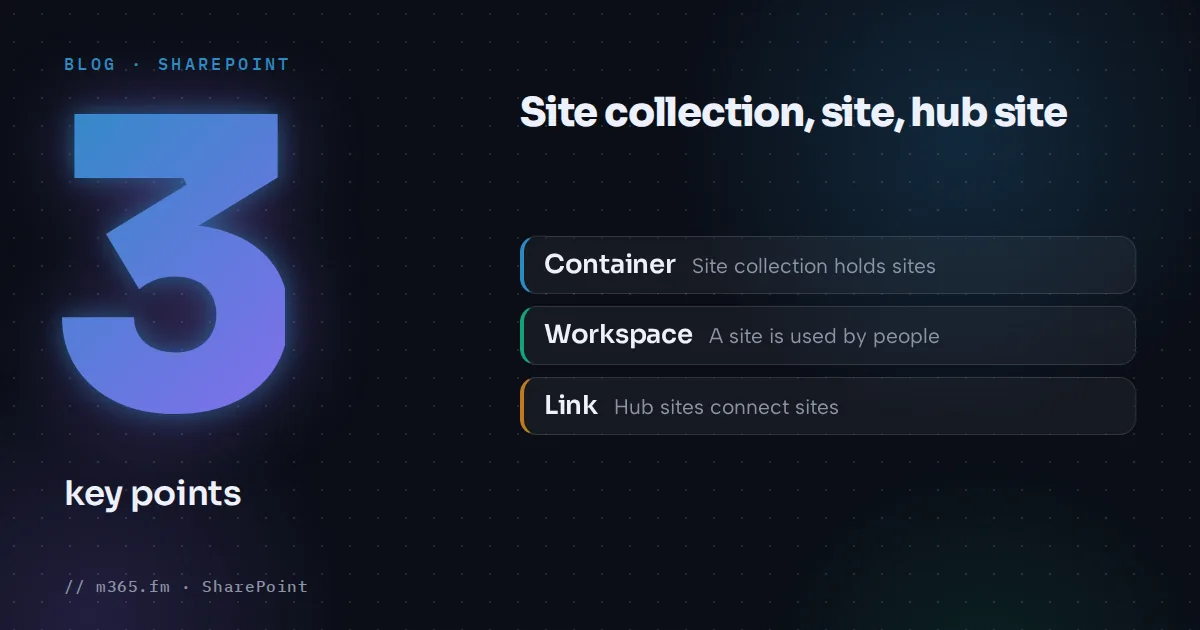
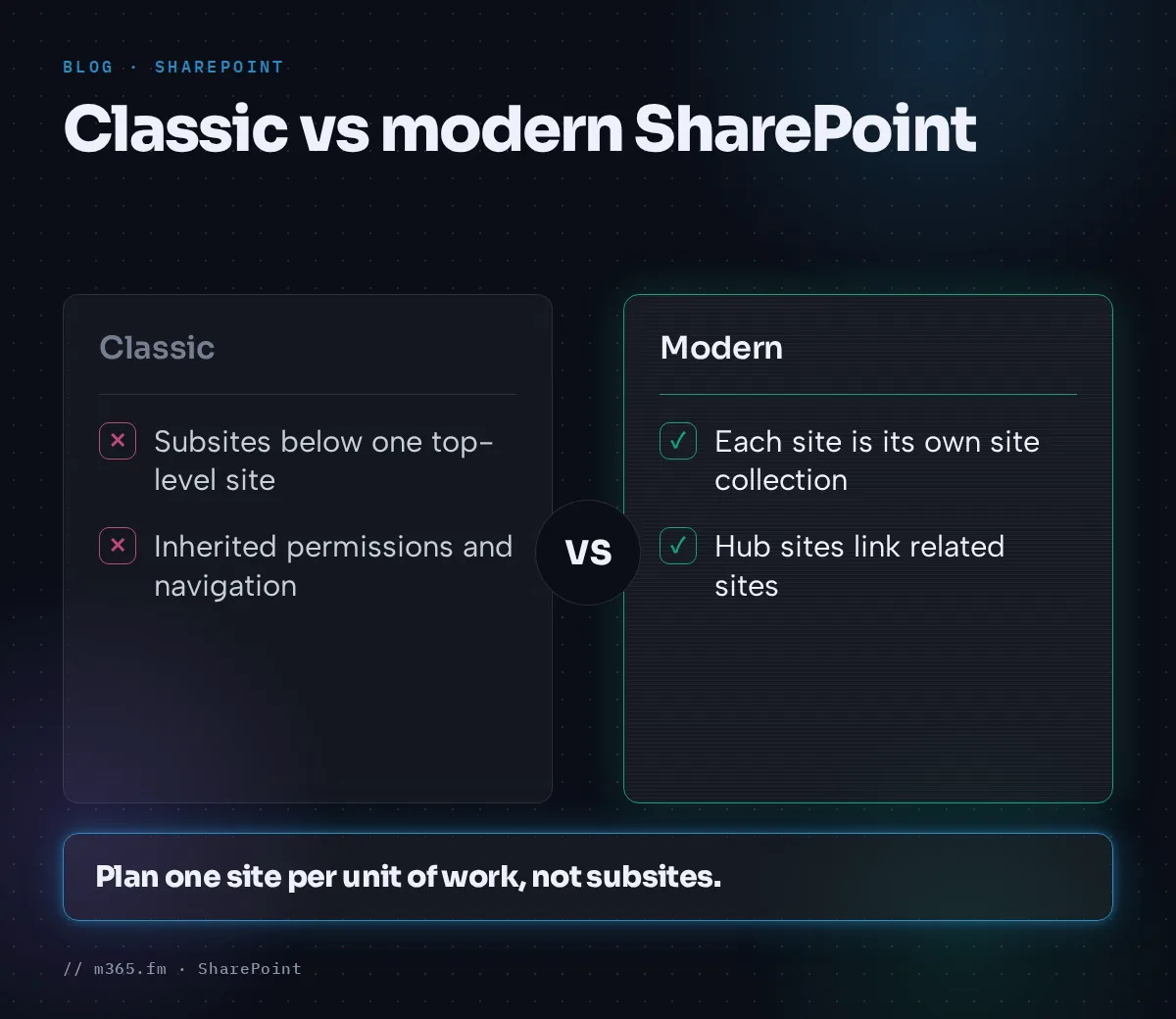
A site collection is a container, a site is the thing people use, and a hub site is a way to connect sites. In classic SharePoint a site collection held one top-level site and many subsites below it. In modern SharePoint each new site is its own site collection, and hub sites link related sites together instead of nesting them.
Key points
- A site collection is a top-level site plus all sites below it. In modern SharePoint, each new team or communication site is created as its own site collection.
- Subsites are not recommended in the modern experience. Microsoft says to plan one site for each discrete topic, task or unit of work.
- A hub site connects related sites with shared navigation, branding and search. It links sites instead of nesting them, and it does not change their permissions.
- An organization can have up to 2,000 hub sites, and a site can belong to only one hub at a time.
- Admins register a hub in the SharePoint admin center under Active sites > Hub > Register as hub site.
A note on sources: the Microsoft Learn page that defines the term site collection covers SharePoint Server, not SharePoint in Microsoft 365. The statement about modern sites comes from a PnP community article that is hosted next to Microsoft's documentation. Treat that part as community guidance and verify it in your tenant.
Site collection
The SharePoint Server documentation says a site collection is made up of one top-level site and all sites below it. It says site collections and sites exist in a parent-child relationship, and that a site can exist in only one site collection, while a site collection can host many sites. Settings such as galleries, security and features can be configured at the site collection level.
For Microsoft 365, the PnP article on site topology says every new site collection is created under the flat topology, and each site is created as a separate site collection, whether it is a team site or a communication site. Because each is a top-level site collection, owners can manage permissions without inheriting them from a parent site.
The planning page for hub sites adds a reason this matters: many features, including policy features such as retention and classification, apply to all sites within a site collection, whether you want that or not.
Site and subsite
A site is based on a site template. A subsite is a site below the top-level site of a site collection. The SharePoint Server page says a site collection starts as a single top-level site and recommends creating site collections for each unit of work instead of subsites.
Microsoft's information architecture guidance for Microsoft 365 is just as direct. Classic architecture used site collections and subsites with inherited navigation, permissions and site designs, which can be inflexible and hard to maintain. In the modern experience, subsites are not recommended, and the guidance is to plan one site for each discrete topic, task or unit of work. That makes it easier to distribute management and to archive or delete a site with little impact.
One practical detail from the PnP article: if a site has subsites, SharePoint prevents the site from being deleted until the subsites are moved.
Hub site
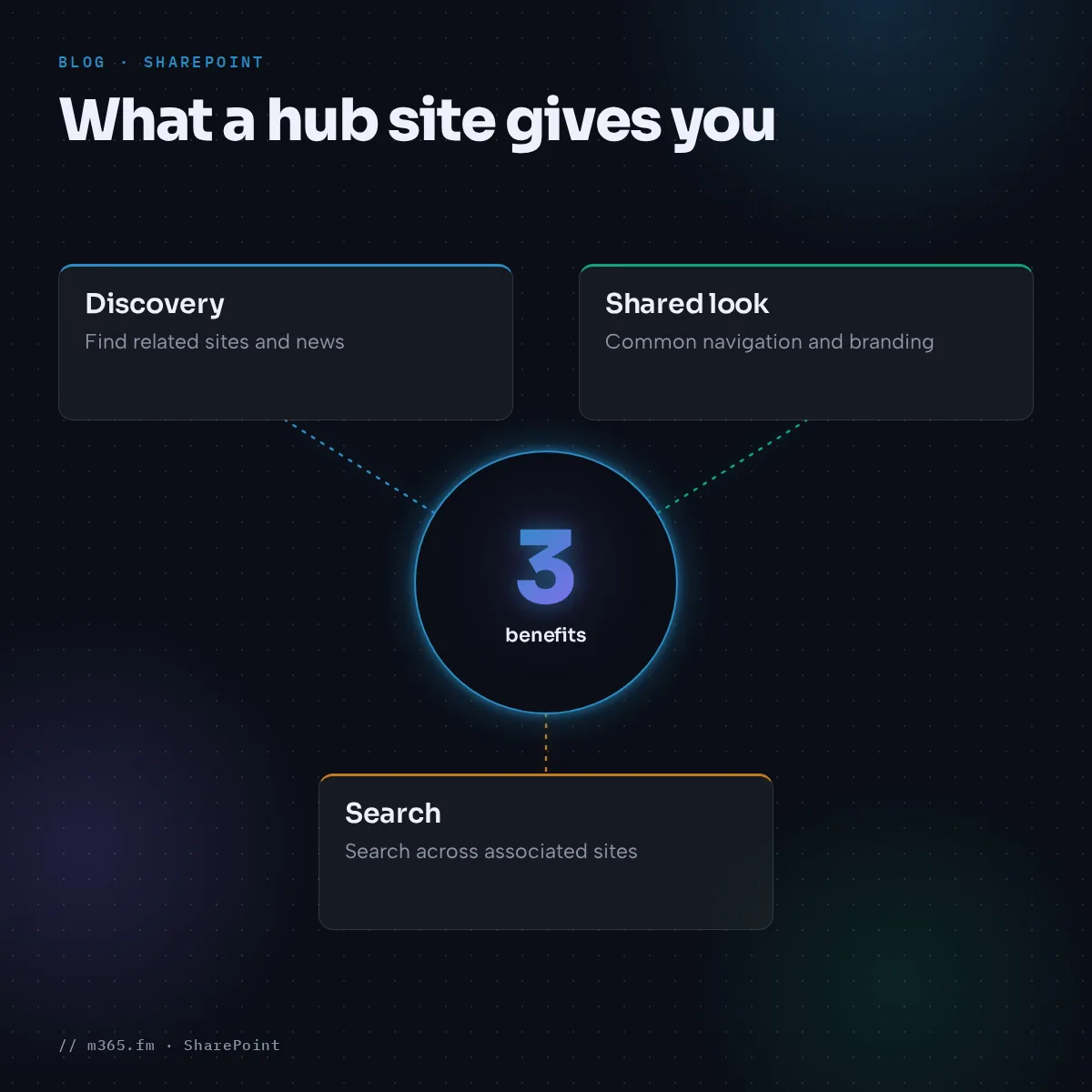
A hub site connects a family of related sites. The guidance on information architecture says hubs help organize related sites by project, department, division, region or concept. They make it easier to discover related content such as news, to apply common navigation, branding and site structure, and to search across all associated sites.
Key facts from Microsoft Learn:
- Each site can belong to only one hub at a time.
- Hub navigation is defined on the hub site by the hub owner and shared by all associated sites.
- Associating a site does not add it to the hub navigation. Hub owners choose what appears.
- News flows up from an associated site to the hub, not down.
- Association does not change permissions, and rolled-up content is security trimmed.
Learn describes the model this way: hubs model relationships as links rather than hierarchy or ownership, so you can adapt when the way you work changes. The PnP article puts it as sites that are physically at the same level but logically appear in a hierarchy.
Side-by-side
| | Site collection | Subsite | Hub site | |---|---|---|---| | What it is | Top-level container of a site and everything below it | A site below the top-level site | A site that groups other sites | | Relationship | Parent-child | Parent-child, inherited by default | Link, not hierarchy | | Permissions | Settings at collection level | Often inherited from parent | Not changed by association | | Modern guidance | Each new site is its own collection | Not recommended | Recommended for connecting sites |
Documented hub limits
| Item | Value in Microsoft Learn | |---|---| | Hub sites per organization | Up to 2,000 | | Hub navigation depth | Up to three levels | | Sites in hub navigation | Technically no more than 500, practically no more than 100 | | Hub-to-hub association | Up to three levels | | Sites associated with a hub | No hard limit (the creation page says no limit; the planning page says approximately 2,000 and warns performance may suffer with large numbers) | | Lists and libraries per site collection | 2,000 |
Learn also states that sites already associated with another hub cannot be converted to a hub site, and that Microsoft recommends a communication site, or a team site on the new template, as the hub.
Create a hub site
- Sign in to the SharePoint admin center with SharePoint Administrator permissions or higher.
- Go to Active sites and select the site.
- Select Hub on the command bar, then Register as hub site.
- Enter a display name and specify who may associate sites with the hub.
- Select Save.
Leaving the association box empty lets any user associate a site. To change the display name or the list later, use PowerShell or the hub site settings on the hub site.
Which one to use
For a new project, create a site and, if it belongs to a group of related sites, associate it with a hub. Use subsites only when you maintain an older structure. When you need to move away from subsites, Microsoft's planning page recommends hub sites for organizing intranet sites going forward.
Related
Sources
- Microsoft Learn: Overview of sites and site collections in SharePoint Server
- Microsoft Learn: Introduction to SharePoint information architecture
- Microsoft Learn: Planning your SharePoint hub sites
- Microsoft Learn: Create a SharePoint hub site
- PnP Community docs: Information architecture, site topology
FAQ
What is a SharePoint site collection?
The SharePoint Server documentation on Microsoft Learn defines a site collection as one top-level site and all sites below it. That page covers SharePoint Server, not Microsoft 365. For Microsoft 365, a community article from the PnP project says each site is created as a separate site collection, whether it is a team site or a communication site.
Are subsites still supported?
Yes, but Microsoft recommends hub sites instead. The planning page on Microsoft Learn recommends hub sites for organizing intranet sites going forward and says subsites continue to be supported as a classic feature.
Does joining a hub change who can see a site?
No. According to Microsoft Learn, association with a hub does not change the permissions on a site. Content rolled up on the hub is security trimmed, so people see only what they already have access to.
How many hub sites can I have?
Microsoft Learn states that an organization can have up to 2,000 hub sites. It also says a site can associate with only one hub family and that there is no limit on the number of sites associated with a hub.
Who can create a hub site?
Users with SharePoint Administrator permissions or higher in Microsoft 365 can register a hub site. The admin can limit who may associate sites with it. If the box for people who can associate sites is left empty, any user can associate their site.