 EN
 Deutsch
 Español
 Français
 Italiano
 Português
 Nederlands
 Polski
 Bahasa Indonesia
 Русский
 Українська
 العربية
 עברית
 日本語
 한국어
Sensitivity Labels in Microsoft 365: Create, Apply and Troubleshoot
By Mirko Peters ·
How sensitivity labels work in Microsoft 365, including the metadata they leave on files and emails, how to create and publish them in Purview, how users apply them, and what to check when they are missing.
A sensitivity label is a tag that classifies content and can protect it with encryption, markings and access controls. The label is written into the metadata of the file or email, so it travels with the content. You create labels in the Microsoft Purview portal, publish them in a label policy, and users then apply them in Office apps. This guide covers what is stored, how to set it up, and how to find out why a label does not appear.
Key points
- A sensitivity label is stored in clear text in the metadata of files and emails and stays with the content wherever it is saved. Each item can have one sensitivity label.
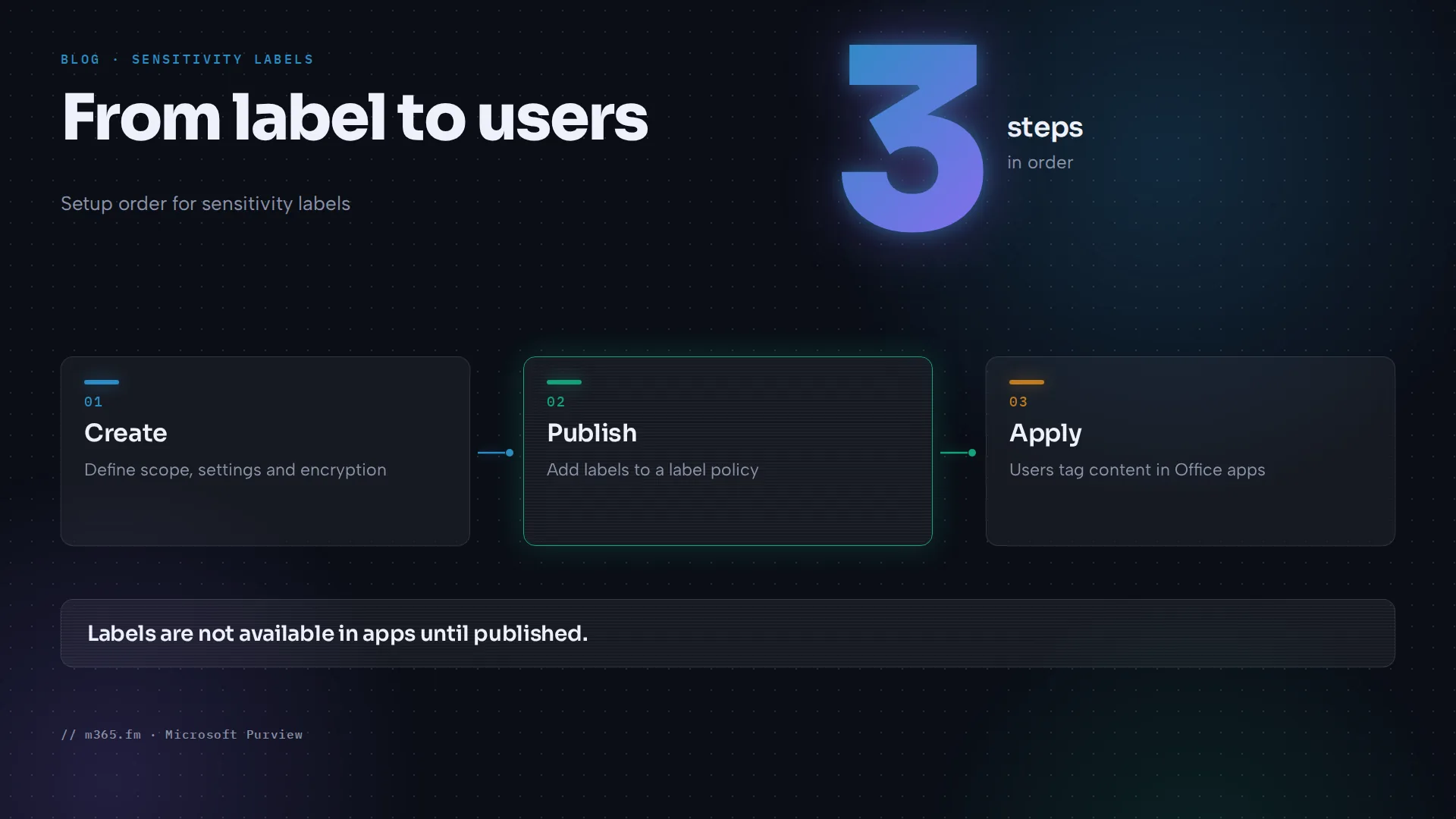
- Create labels in the Microsoft Purview portal under Solutions > Information Protection > Sensitivity labels. A label is not available in apps until it is published in a label policy.
- Allow up to 24 hours for label and policy changes to reach apps. Group-based settings can take 24 to 48 hours.
- Order sets priority: put the most restrictive label at the bottom of the list. Effectiveness drops with more than five main labels.
- If the Sensitivity button is missing, check the file type, the Office edition, the label scope, the AIP add-in setting and the Sensitivity feature setting.
What a label does and where the metadata is
Microsoft Learn describes a label as customizable, clear text and persistent. Clear text means it is stored in the metadata of files and emails, so third-party apps can read it. Persistent means it stays with the content wherever you save or store it. The Office apps page says the label metadata includes your tenant and a label GUID. The pages read here do not name the exact metadata property, so verify that detail separately if you need to read labels with scripts.
Each item can have one sensitivity label. Documents and emails can also carry a retention label.
Labels can:
- Encrypt content and restrict who can do what, and for how long.
- Add watermarks, headers or footers. Learn gives limits: watermarks up to 255 characters, headers and footers up to 1,024 characters, with Excel limited to 255 in total.
- Protect containers such as Teams, Microsoft 365 Groups, SharePoint sites, Viva Engage communities and Loop workspaces.
- Apply automatically or be recommended to users.
- Set a default sharing link type for SharePoint and OneDrive.
Microsoft 365 Copilot respects labels. For encrypted content, Learn says Copilot returns data only if the user has the EXTRACT usage right.
Plan the label set
Learn gives clear design rules:
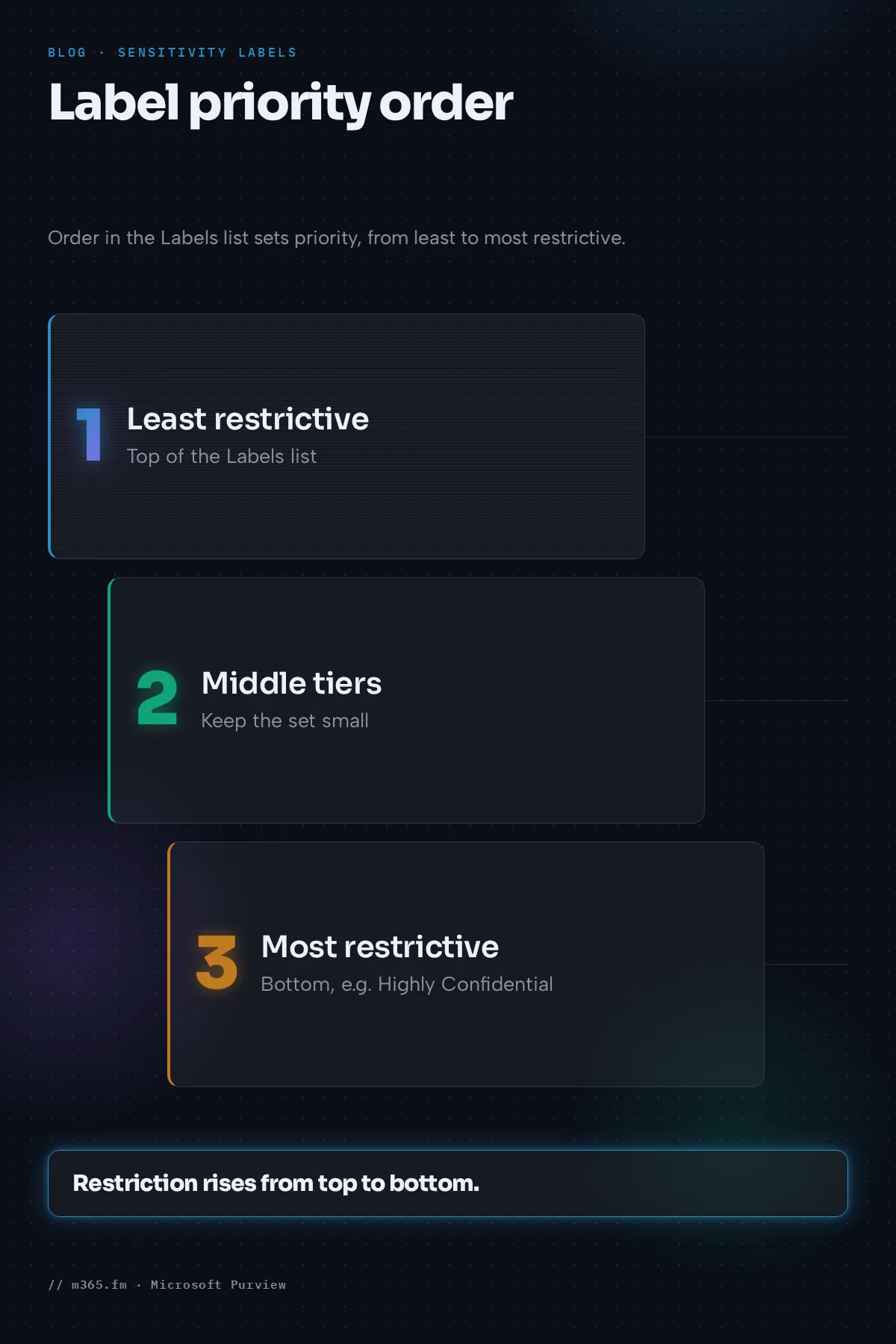
- Priority. The order in the Labels list sets priority. Put the most restrictive label, such as Highly Confidential, at the bottom and the least restrictive at the top.
- Keep it small. Effectiveness drops with more than five main labels or more than five sublabels per main label.
- Limit for encryption labels. A tenant can have 1,000 or more labels, but labels with encryption for users and permissions are limited to 500 per tenant.
- Sublabels. They create a two-tier hierarchy, but they do not inherit protection settings from the parent except color. Microsoft says parent labels are being replaced by label groups, which have only name, description, color and priority.
Create a label
- Sign in to the Microsoft Purview portal.
- Go to Solutions > Information Protection > Sensitivity labels.
- Select Create a label.
- Choose the scope on Define the scope for this label. Options include Files & other data assets, Emails and Meetings. Meetings cannot be selected unless files and emails are also selected. A label with no scope cannot be configured and is not available to users.
- Configure the settings you need, such as encryption and content markings.
To create a sublabel, select the parent, then ... > Create sublabel. To reorder, use Move up or Move down. Learn notes that the portal steps differ for the modern label scheme, which applies to tenants created on or after October 1, 2025 or migrated manually.
Publish the label
Labels are not available in apps until they are published.
- Go to Solutions > Information Protection > Publishing policies.
- Select Publish label on the Label policies page.
- Choose the labels, keep Full directory unless you use administrative units, and complete the policy settings.
Completing the wizard publishes the policy. To change it, select the policy and then Edit Policy. Learn says to keep the number of label policies low and to create more than one only when users need different labels or different policy settings. If several policies could conflict for a user, review their order and use Move up or Move down. The pages read here do not spell out the conflict rule.
Useful policy settings are a default label, mandatory labeling, and a justification prompt when users lower a label's sensitivity. Learn says the default label always takes priority over mandatory labeling, and that when mandatory labeling is on, users cannot remove labels from documents but can change them.
Timing
| Change | Expected delay | |---|---| | Label or policy change | Allow 24 hours | | New or deleted labels in Office on the web | May update within the hour | | Group-dependent settings and membership changes | 24 to 48 hours | | Deleted labels on SharePoint sites | 48 to 72 hours |
How users apply labels
After publishing, the Sensitivity button appears on the ribbon in supported Office apps. The applied label shows in a sensitivity bar next to the file name in Word, Excel and PowerPoint, and on the Subject line in Outlook. Labels require a subscription edition of Office, and at least one label policy must be published to the user.
Troubleshoot a missing label
Learn lists these causes on the Office apps page:
- Unsupported file type. Supported types include .docx, .xlsx and .pptx families. Older .doc and .xls files and ODF are not supported.
- Perpetual Office. Sensitivity labels are not supported for Office Perpetual editions.
- On-premises mailboxes. Most Outlook clients need an Exchange Online mailbox.
- The AIP add-in setting. If Use the Azure Information Protection add-in for sensitivity labeling is Enabled, labeling in Office apps does not work. It must be Not configured or Disabled.
- The Sensitivity feature setting. Check that Use the Sensitivity feature in Office to apply and view sensitivity labels is Enabled.
- Label scope. A label scoped only to files does not show in email, and the reverse.
- Other tenants. Guest users do not see your labels.
Before deleting a label to fix a problem, note that deletion does not remove it from content and its protection continues to be enforced.
Related
Sources
- Microsoft Learn: Learn about sensitivity labels
- Microsoft Learn: Create and publish sensitivity labels
- Microsoft Learn: Manage sensitivity labels in Office apps
FAQ
Where is the sensitivity label stored in a file?
Microsoft Learn says labels are stored in clear text in the metadata of files and emails, so that third-party apps and services can read them. The Office apps page says the metadata includes your tenant and a label GUID. The pages read for this article do not name the exact property, so check the Purview documentation before building anything that depends on it.
How long until a new label shows up in Office apps?
According to Microsoft Learn, allow 24 hours for label and policy changes to propagate. New and deleted labels in Word, Excel and PowerPoint on the web may update within the hour. Group-dependent settings and group membership changes can take 24 to 48 hours.
Why can I not see the Sensitivity button in Word?
Microsoft Learn lists several causes: the file type is not supported, such as .doc or .xls, the Office edition is a perpetual one, the label scope does not cover files, the Azure Information Protection add-in setting is Enabled, or the setting Use the Sensitivity feature in Office to apply and view sensitivity labels is turned off. Guest users also do not see your labels.
What is the difference between sensitivity labels and retention labels?
Sensitivity labels classify and protect content with options such as encryption and markings. Microsoft Learn notes that documents and emails can also have a retention label, so an item can carry one of each.
What does deleting a label do to files that already have it?
Microsoft Learn says deleting a label does not remove it from content, and its protection settings continue to be enforced. Editing a label does not change the version already applied to content. Removing a label from a policy is less risky than deleting it.