 EN
EN Deutsch
 Español
 Français
 Italiano
 Português
 Nederlands
 Polski
 Bahasa Indonesia
 Русский
 Українська
 العربية
 עברית
עברית हिन्दी
 日本語
日本語 한국어
한국어2026-07-15 · Season 3
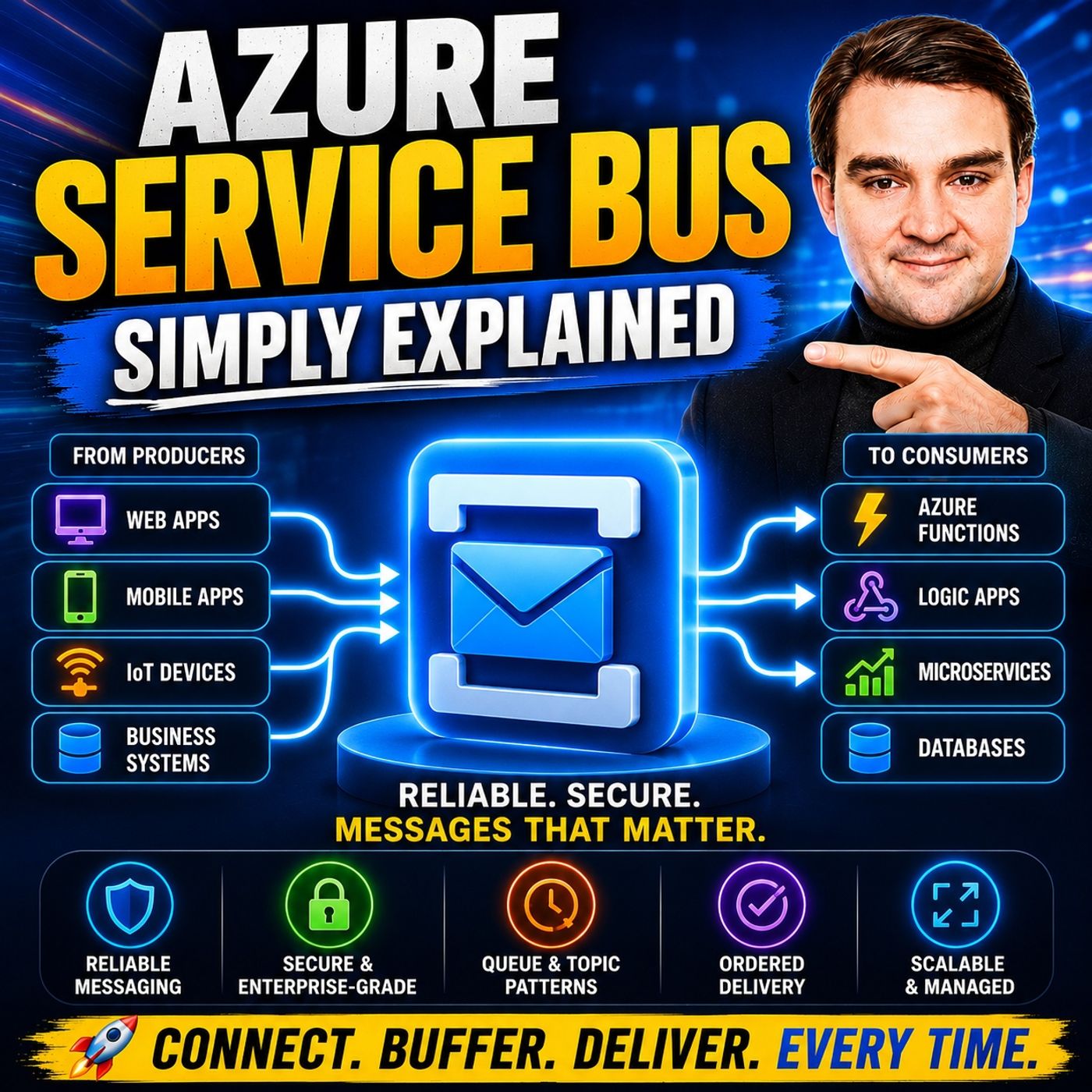
Azure Service Bus - Simply Explained
Show notes
Building modern cloud applications isn't just about writing great code—it's about ensuring your applications continue working even when other systems are slow, offline, or temporarily unavailable. In this episode of m365.fm, we explain Azure Service Bus in plain English and show why it's one of the most important messaging services in Microsoft Azure. You'll learn how Service Bus acts as a reliable message broker between applications, allowing services to communicate without depending directly on one another. Through practical examples and easy-to-understand analogies, you'll discover how Azure Service Bus improves reliability, scalability, and resilience across distributed cloud applications. WHY DIRECT APPLICATION COMMUNICATION FAILS When applications communicate directly, they become tightly coupled. If one service becomes unavailable, overloaded, or crashes, every dependent application is affected. We explore why this creates major reliability problems in modern cloud environments and explain how Azure Service Bus solves them by introducing a durable messaging layer between systems. Instead of waiting for immediate responses, applications simply send messages to Service Bus and continue their work while receivers process those messages whenever they're ready. This asynchronous architecture dramatically improves fault tolerance while allowing each service to scale independently. QUEUES, TOPICS, AND RELIABLE MESSAGING Azure Service Bus offers multiple messaging patterns designed for different business scenarios. This episode explains the differences between queues, topics, subscriptions, and publish-subscribe architectures while demonstrating when each should be used. You'll learn how point-to-point messaging distributes work efficiently, how topics broadcast messages to multiple independent subscribers, and how subscription filters deliver only the information each consumer actually needs. We also cover message anatomy, metadata, scheduling, custom properties, durable storage, and why Service Bus guarantees that important business messages aren't lost even during failures or maintenance windows. ADVANCED FEATURES FOR ENTERPRISE APPLICATIONS Service Bus includes powerful enterprise capabilities that go far beyond simple message delivery. We explore sessions for ordered message processing, duplicate detection, transactions, dead-letter queues, deferred messages, scheduled delivery, auto-forwarding, checkpointing, and guaranteed message durability. These features make Azure Service Bus ideal for business-critical workloads such as payment processing, financial transactions, order fulfillment, inventory management, and complex workflow automation where reliability and consistency are essential. You'll also discover how Service Bus helps organizations build highly available cloud architectures without managing messaging infrastructure themselves. SERVICE BUS VS. EVENT GRID VS. EVENT HUBS Choosing the right Azure messaging service can be confusing, so this episode provides a practical comparison between Azure Service Bus, Event Grid, Event Hubs, and Storage Queues. Learn why Service Bus is optimized for reliable enterprise messaging and workflow orchestration, Event Grid excels at lightweight event notifications, and Event Hubs is purpose-built for massive real-time data streaming. We also explore real-world architectures including e-commerce platforms, logistics systems, financial services, microservices communication, legacy application integration, and scheduled business processes. Whether you're preparing for Azure certifications or designing production cloud solutions, this episode gives you the practical knowledge needed to confidently use Azure Service Bus in modern cloud architectures. Become a supporter of this podcast: https://www.spreaker.com/podcast/m365-fm-microsoft-365-azure-cloud-power-platform-ai--6704921/support.
Apple Podcasts · Spotify · YouTube · YouTube Music · Deezer
Host: Mirko Peters
Related articles
Transcript
Read the full transcript
So imagine you need to send a message to a coworker. You walk over, hand them a note, and wait until they read it and respond. That works fine when you're both sitting there. But what if they're in a meeting or out for lunch or in vacation for a week, you're stuck. You can't move your work forward until they reply. That's exactly what happens when two apps talk directly. One app sends a request and waits. If the other app is slow, busy, or crashed, the first app is stuck. Developers call this tight coupling. The two apps are tied together. If one breaks, the other breaks too. In a system with dozens of services, that's a disaster. The fix put a middleman between them. A digital buffer that accepts messages when the sender is ready and holds them until the receiver can process them. That middleman is called a message broker. And as your service bus is Microsoft's version of that middleman, what actually is a message broker? So what is a message broker, really? It's a piece of software that sits between apps and handles passing messages. The sender sends a message to the broker and moves on. No waiting. The receiver picks up the message whenever it's ready. The two sides never talk directly. They only talk to the broker. Developers call this decoupling. And it's the whole point. When two apps are decoupled, they can fail independently. If the receiver crashes, the sender doesn't even notice. The message just sits in the broker waiting. When the receiver comes back online, it picks up where it left off. No data loss, no errors to handle. They can also scale independently. If the sender gets a flood of traffic, it can keep sending messages as fast as it wants. The broker absorbs the spike. The receiver processes at its own pace, 10 messages a minute or 10,000. And if you need to update one app, you can do it without taking down the whole system. The other side never knows the difference. Here's a simple way to think about it. You're in an office building and need to give a document to someone on the third floor. But they're in a meeting. You could stand outside the meeting room and wait. Or you could leave the document with the reception desk. The receptionist takes it. You go back to your desk and the document gets delivered when the person is free. The reception desk is your message broker. It accepts the message, holds it safely, and delivers it when the receiver is ready. Azure Service Bus is Microsoft's fully managed version of this reception desk. Fully managed means you don't worry about the infrastructure. No service to patch, no hard drives to replace, no backups to schedule. Microsoft handles all of that. You just create a namespace, set up your cues and topics and start sending messages. It's serverless messaging. You pay for what you use and never think about the hardware underneath. So how does this middleman organize the messages? It uses two main structures, cues and topics. Let's start with the simplest one, anatomy of a message. So we've covered the structures. Now let's talk about what actually travels through them, the message itself. Think of a message in Azure Service Bus as a container with two main parts, the body and the metadata. The body is your actual data, the thing you're trying to send. It's usually formatted as JSON or XML, plaintext works too. And binary data is supported, but in practice, JSON is the most common format. It's human readable, easy to work with, and every programming language can handle it. The metadata is where things get interesting. Every message comes with a set of system properties that service bus automatically assigns. Things like a unique message ID, a timestamp showing when the message was in queued, and a sequence number that tells you the message is positioned in the queue. These are managed by the system. You don't set them, they're just there. But you can also add your own custom properties. These are key value pairs you define, something like customer region with a value of Europe or order total with a value of 29999 or priority with a value of high. These custom properties are critical for filtering and topics. Remember those subscription filters we talked about? They work by matching against these custom properties. You set a filter that says, only receive messages where customer region equals Europe. And the subscription uses the custom property to decide whether to accept the message. There are limits on message size. In the standard tier, a message can be up to 256 kilobytes. That's enough for most business data and order record a customer profile, a payment confirmation, all well under that limit. If you need more, the premium tier supports messages up to one megabyte. But if you're regularly sending data larger than that, you probably shouldn't be putting it in a message. Store the large data somewhere else and put a reference in the message. That's the common pattern. Scheduled delivery is a useful feature. You send a message now, but tell service bus not to make it visible until a specific time in the future. Imagine you want to send a reminder email in 24 hours. You send the message now with a scheduled in queue time set to tomorrow. Service bus holds it, it stays invisible. Nobody can read it. Then at the exact scheduled time, it appears in the queue as if it was just sent. This is perfect for time-based workflows, reminders, time-outs, delayed processing. The lifecycle of a message goes like this. First, it's sent to the queue or topic. Service bus stores it durably, written to triple redundant storage. Then a receiver requests a message. Service bus locks it so no other receiver can grab it. The receiver processes the message. If everything goes well, the receiver calls complete. Service bus deletes the message. If something goes wrong, the receiver can call a bandon. The lock is released and the message goes back into the queue for another try. If the message keeps failing, it eventually gets moved to the dead letter queue. We'll talk about that next. The key thing, messages are durable. They don't disappear if a receiver crashes. They don't get lost if the network goes down. They sit in service bus, safely stored, until they are successfully processed or explicitly moved to the dead letter queue. That reliability is the whole point of using a message broker in the first place. Advanced features that make a difference. Now let's talk about the features that turn a simple message queue into a platform you can rely on. Starting with the dead letter queue, we mentioned earlier that messages that keep failing eventually get moved somewhere else. That somewhere else is the dead letter queue. Think of it as a holding cell. When a message exceeds its maximum delivery count or when it expires because it's time to live ran out, it doesn't just disappear. It gets moved to a separate sub queue inside the same queue or subscription. You can inspect those messages, figure out what went wrong and decide what to do. Maybe the data was malformed and you need to fix it. Maybe the processing logic has a bug. Maybe the downstream system was down and you want to retry later. The dead letter queue gives you a backup plan. Nothing gets silently lost. Now let's clear up a common misunderstanding about sessions. By default, as your service bus does not guarantee that messages are processed in order. I know we said queues are fee-fo, first in first out and that's true for how messages arrive. But processing order is a different story. If you have multiple consumers pulling from the same queue and one message takes longer to process than another, the second message might finish before the first one. The ordering is lost. Sessions fix this. A session groups related messages together. You assign a session ID to each message like a customer order number or a workflow instance ID. All messages with the same session ID are processed by the same consumer one at a time in order. No other consumer can touch them. This gives you strict, fife-fo processing within that session. Different sessions can still be processed in parallel by different consumers. So you keep your throughput while preserving order where it matters. Duplicate detection is another great feature. Sometimes the network hiccups, your application sends a message but the response gets lost. So your app sends it again thinking the first one never arrived. Without duplicate detection, that message gets processed twice. With it, ServiceBus remembers the message ID for a configurable window usually up to 30 days. If it sees the same message ID again, it silently discards the duplicate. The receiver never knows there was a retry. Transactions let you group multiple operations into one atomic unit. Maybe you need to receive a message from one queue, process it and send a result to another queue. If any step fails, you want everything to roll back. The message goes back to the first queue. The result never gets sent. Everything stays consistent. This is critical for financial systems where partial processing is worse than no processing at all. Auto-forwarding lets you chain queues together. Messages arrive at one queue and automatically get forwarded to another. This is useful for building processing pipelines. A raw message comes in, gets validated and then gets forwarded to a different queue for the actual work. The first queue stays clean. The second queue handles the heavy lifting. And deferral lets you skip a message temporarily. Maybe you receive a message, but the data references isn't ready yet. You can defer it. It stays in the queue, but it's invisible. Later, using the sequence number, you can retrieve it and process it when the time is right. These features are what separate a simple queue from a system you can build your business on. Service bus versus the alternatives. So when do you pick service bus over something else? Let me break it down. As your storage queues are the simplest option, cheap, fast and easy to set up. But they're limited. Messages max out at 64 kilobytes and you don't get topics, sessions, dead lettering or transactions. They're great for basic background job queues where you just need to offload work but if you need any of the advanced features we talked about, you'll outgrow them fast. Event hubs is built for something completely different. High throughput event streaming. Think millions of events per second from IoT devices or application logs. It's not a message broker. It's a data ingestion pipeline. So you wouldn't use it for transactional workflows. You use it when you need to capture and process massive streams of data. Event grid is the lightweight option, a pub subsystem for event-driven triggers. When a blob gets uploaded to storage, event grid can fire an azure function. When a resource gets created, it can notify other services. It's fast, cheap and perfect for reactive scenarios. But it's not a queue. It doesn't hold messages for later processing. So if the receiver is down, the event is lost. Now, service bus sits right in the middle. It has the rich features of an enterprise broker without the complexity of managing one. If you need dead letter queues, sessions, transactions, topics with filters or guaranteed delivery, service bus is the right choice. What about Kafka? That's a different conversation entirely. Service bus is for commands and business workflows, while Kafka is for events streaming and analytics. Many large systems use both. Service bus handles the operational messaging. Kafka handles the data pipeline. They're complementary, not competing. Here's a simple rule of thumb. If you're asking, did this message get processed correctly? Use service bus. If you're asking, can I replay this stream of events from last week? Use Kafka. Different tools for different jobs. Real-world use cases. Let's make this real with some examples. Here's how service bus works in production. Start with e-commerce. A customer places an order on a website. The web server takes that order and immediately post a single message to a service bus queue, then tells the customer, "Thanks, your order is confirmed." The customer gets a fast response without waiting. Behind the scenes, a pool of worker services pulls from that queue. One worker processes the payment. Another checks inventory. Another prepares the shipping label. Each worker grabs the next message, does its job, and moves on. The customer never sees any of that. They just see the confirmation. That's the classic asynchronous processing pattern. Instant feedback for the user. Heavy work in the background. Financial systems take this further. Payment processing requires guaranteed delivery. You can't lose a transaction or process it twice. You need ordering and transactions. Service bus gives you all of that. A payment message arrives, gets processed, and the result gets sent to another queue. If anything fails, the whole thing rolls back so the money never moves incorrectly. This is where service bus shines. Not just moving data, but moving it safely. Now think about multi-service fan-out. A new customer register is on your platform. You want the CRM system to know. The marketing system to send a welcome email and the support team to create a ticket. Instead of calling three different services, you post one message to a topic called customer registered. Each service has its own subscription. The CRM subscription takes every message. The marketing subscription filters for new customers only. The support subscription filters for premium customers only. One message, three reactions. And if you add a fourth service later, you just create a new subscription. The sender never changes. Logistics companies use this at massive scale. Imagine a package tracking system where hundreds of thousands of delivery trucks send location updates every few seconds. Each update is a message and each package's updates need to be processed in order. You can't process the delivered update before the out-for-delivery update. Sessions handle this. Each package gets its own session ID and all updates for that package go through the same session in order. Different packages can still be processed in parallel. Millions of packages, billions of updates, all handled reliably. Micro-Services architectures use service bus as their communication backbone. Services don't call each other directly. They exchange messages. Service A sends a command to a queue. Service B picks it up and does the work. Service C publishes an event to a topic and services D and E each react in their own way. No direct calls, no tight coupling. Every service can be updated, scaled, or replaced without touching the others. And here's a pattern you see in older companies. They have a legacy system running on premises that can't be replaced easily, but they want to use modern cloud services. So they bridge the gap with service bus The legacy system sends messages to a queue and cloud applications consume them. The old system never knows it's talking to the cloud and the cloud never knows it's talking to an old system. Service bus sits in the middle, translating and relaying. Scheduled delivery handles the time-based jobs. Send a reminder email in 24 hours. Expire this reservation in 30 minutes if not confirmed. Generate a weekly report every Monday at 8am. You send the message now with a future delivery time and service bus holds it and releases it at exactly the right moment. No cron jobs, no background timers, just a message with a timer. The common thread in all these examples is the same. The sender doesn't wait for the receiver and the receiver doesn't need to be online when the message is sent. They're decoupled, and that decoupling makes the whole system more resilient, more scalable and easier to change. The big picture, why it all fits together. So what exactly is service bus? It's the backbone that lets independent services communicate reliably without depending on each other. Three words sum it up, decouple, buffer and root. Decouple means services don't need to know about each other. They only know about the queue or topic. That means you can change one service without breaking the others, scale one without affecting the rest and deploy updates to one while the others keep running. Buffer means when traffic spikes, the queue absorbs the load. The sender keeps sending at full speed while the receiver processes at its own pace, so nobody crashes or gets overwhelmed and the buffer smooths out the peaks and fills in the valleys. Root means queues send messages to one consumer while topics broadcast to many and filters ensure each consumer gets only what it needs. So the message finds its way to the right place automatically. Queues handle point to point work distribution and topics handle broadcast to many consumers. Advanced features handle the edge cases. Failures go to the dead letter queue, ordering users sessions, duplicates get detected, transactions keep everything consistent and scheduling handles time-based work. And because it's fully managed by Microsoft, you focus on building your applications instead of patching servers, managing disk space or handling failovers. Microsoft takes care of the infrastructure and you take care of the business logic. The real power of service bus isn't any single feature but how all these pieces work together. The queues, topics, sessions, dead lettering, transactions and scheduling form one integrated platform that handles the hard parts of distributed communication. So you don't have to think of it as the nervous system for your applications. Messages flow between services like signals between parts of the body, fast when they need to be and reliable always. The brain never has to worry about how each signal gets delivered. It just sends the message and trusts the system to handle the rest. So that's Azure Service Bus and it exists to solve one problem. How do you let applications talk to each other without breaking when things go wrong? If you're building any system where multiple services need to exchange data reliably, service bus is the middleman you can trust to keep everything running smoothly. Subscribe on your favorite podcast platform for more knowledge nuggets and share this with someone starting their journey with Azure Messaging.