

Explore how AI innovations, including Microsoft Copilot, are reshaping productivity and collaboration across Microsoft 365. Discuss architectural concerns, security implications, and evolving automation strategies.
July 13, 2026
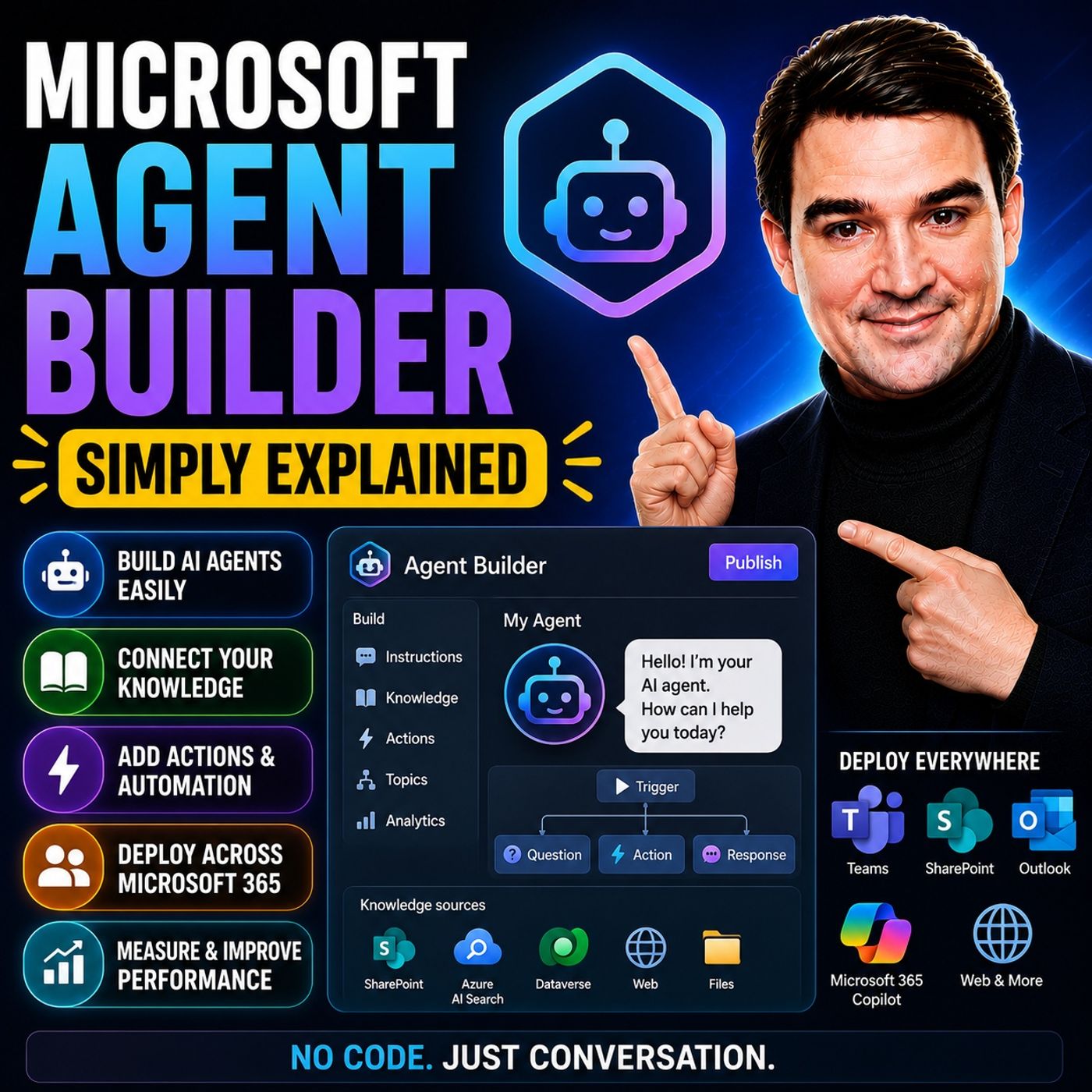
Microsoft Agent Builder — Simply Explained
Microsoft Agent Builder makes it possible to create custom AI agents without writing code, allowing business users to extend Microsoft 365 Copilot with organization-specific knowledge and instructions. In this episode of the M365 FM Podcast, Mirko Peters explains what Microsoft Agent Builder is, how it fits into the Microsoft AI ecosystem, and when it's the right choice compared to more advanced tools like Copilot Studio. The episode demonstrates that creating useful AI agents can be as simple as defining a purpose, connecting trusted knowledge sources, and describing how the agent should behave. You'll learn how Agent Builder enables employees to build assistants for tasks such as answering internal questions, summarizing documents, guiding business processes, and providing department-specific expertise. The episode explains how these agents use company knowledge from Microsoft 365 while respecting existing permissions, ensuring users only receive information they are already auth…
Guest: Mirko Peters
July 13, 2026
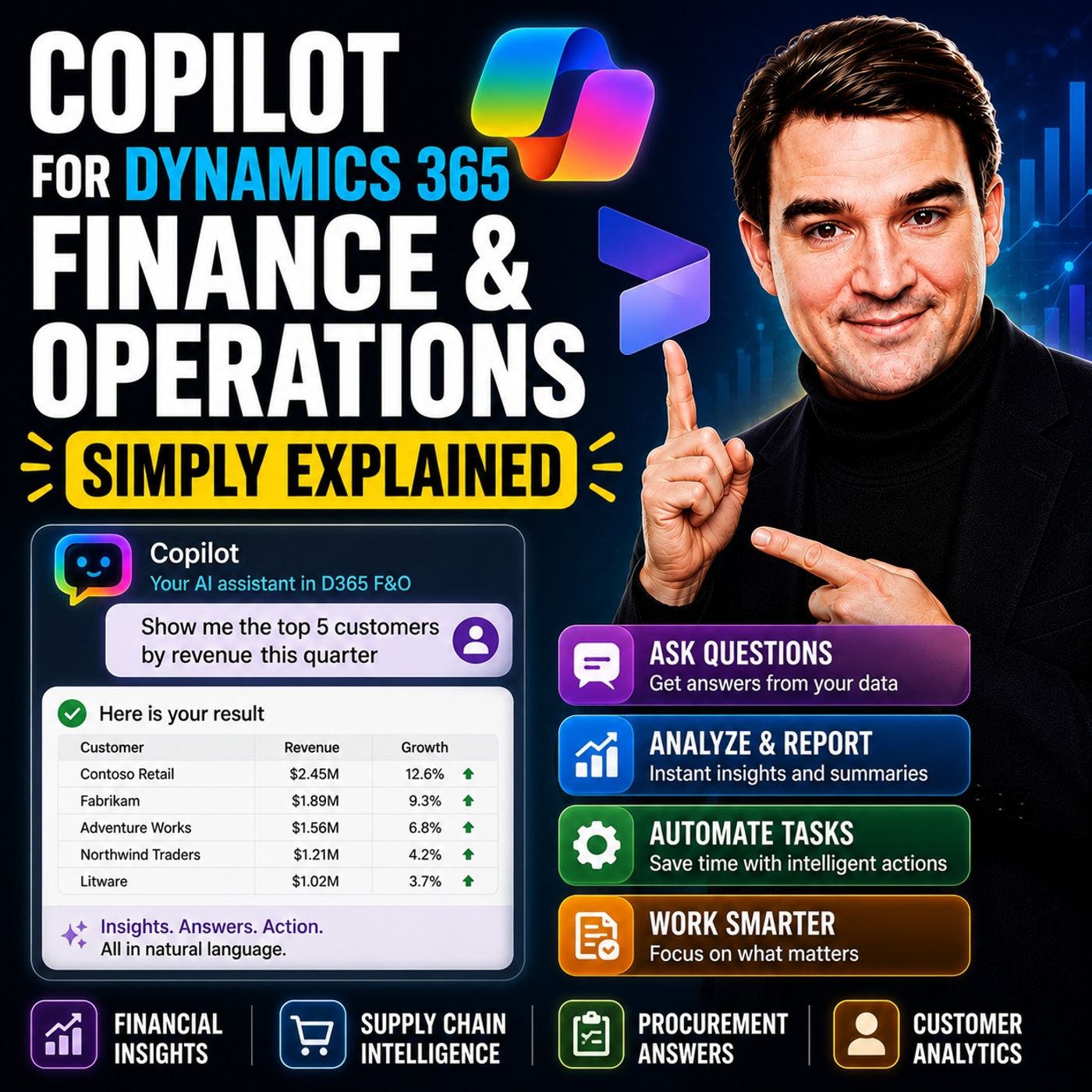
Copilot for Dynamics 365 Finance and Operations - Simply Explained
Microsoft Copilot is bringing AI directly into enterprise resource planning, making complex financial and operational processes easier to manage. In this episode of the M365 FM Podcast, Mirko Peters explains how Copilot enhances Microsoft Dynamics 365 Finance & Operations by helping finance, procurement, and operations teams work faster through natural language interactions, intelligent automation, and AI-powered insights. Instead of navigating complex ERP menus, users can simply ask questions, generate reports, and automate repetitive tasks using everyday language. The episode explores practical use cases including financial reporting, invoice processing, forecasting, procurement assistance, workflow guidance, and data analysis. You'll learn how Copilot reduces manual effort, surfaces relevant business information instantly, and helps employees make faster, better-informed decisions. The discussion also highlights how AI integrates with existing business processes rather than repl…
Guest: Mirko Peters
July 13, 2026
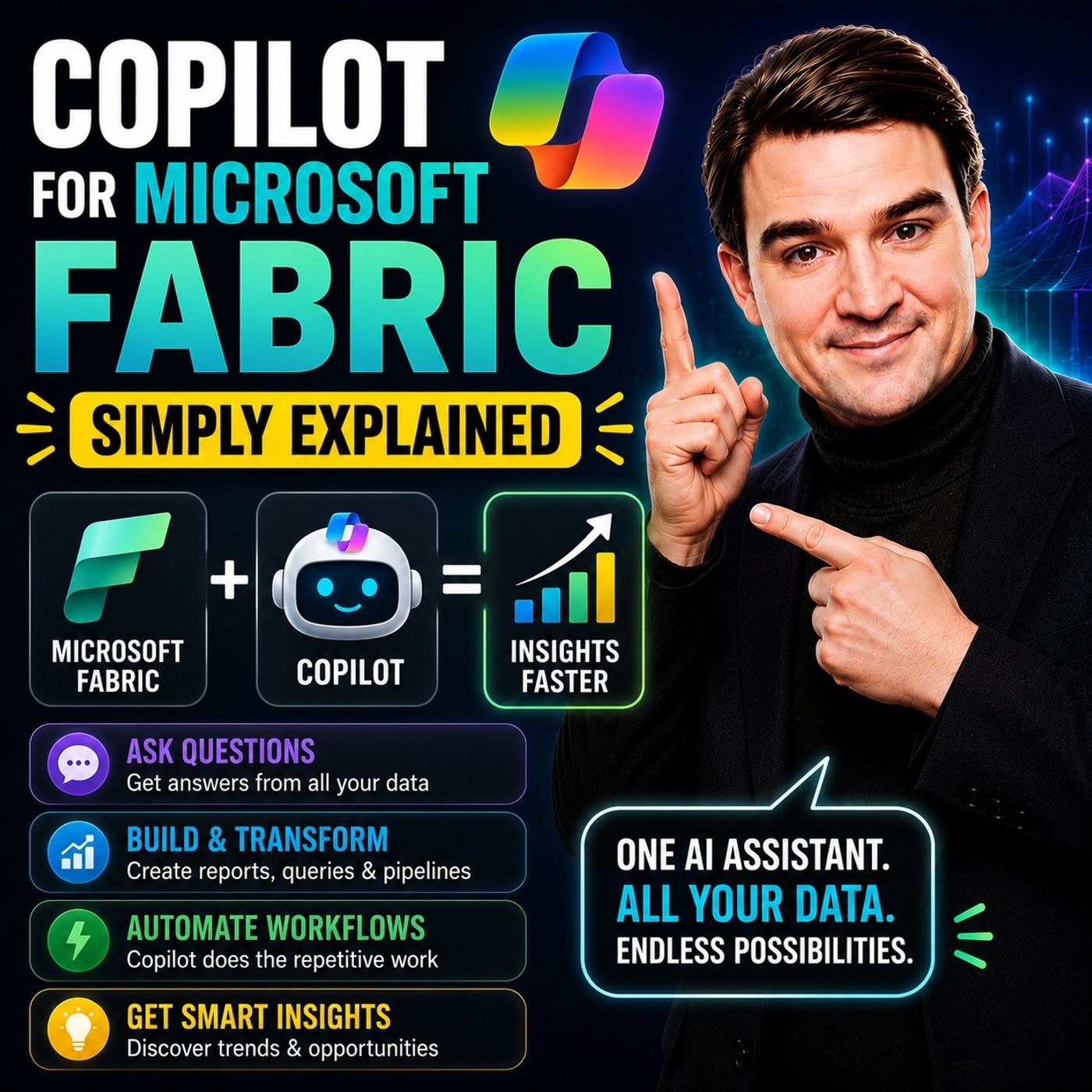
Copilot for Microsoft Fabric - Simply Explained
Microsoft Fabric is Microsoft’s unified analytics platform, bringing together data engineering, data integration, data science, data warehousing, and business intelligence into a single cloud service. But where does Copilot fit into the picture? In this episode of Microsoft Knowledge Nuggets, we break down Copilot for Microsoft Fabric in simple, practical terms. You’ll learn how AI helps data professionals and business users generate reports, build data pipelines, write SQL and DAX, create Power BI visuals, and uncover insights using natural language instead of complex code. We also explain how Copilot works across different Fabric workloads, making advanced analytics faster and more accessible for everyone. Using real-world examples, we show how organizations can reduce manual work, accelerate reporting, and empower teams to ask questions about their data without needing deep technical expertise. We also discuss the importance of clean data models, governance, and human validat…
Guest: Mirko Peters
July 12, 2026
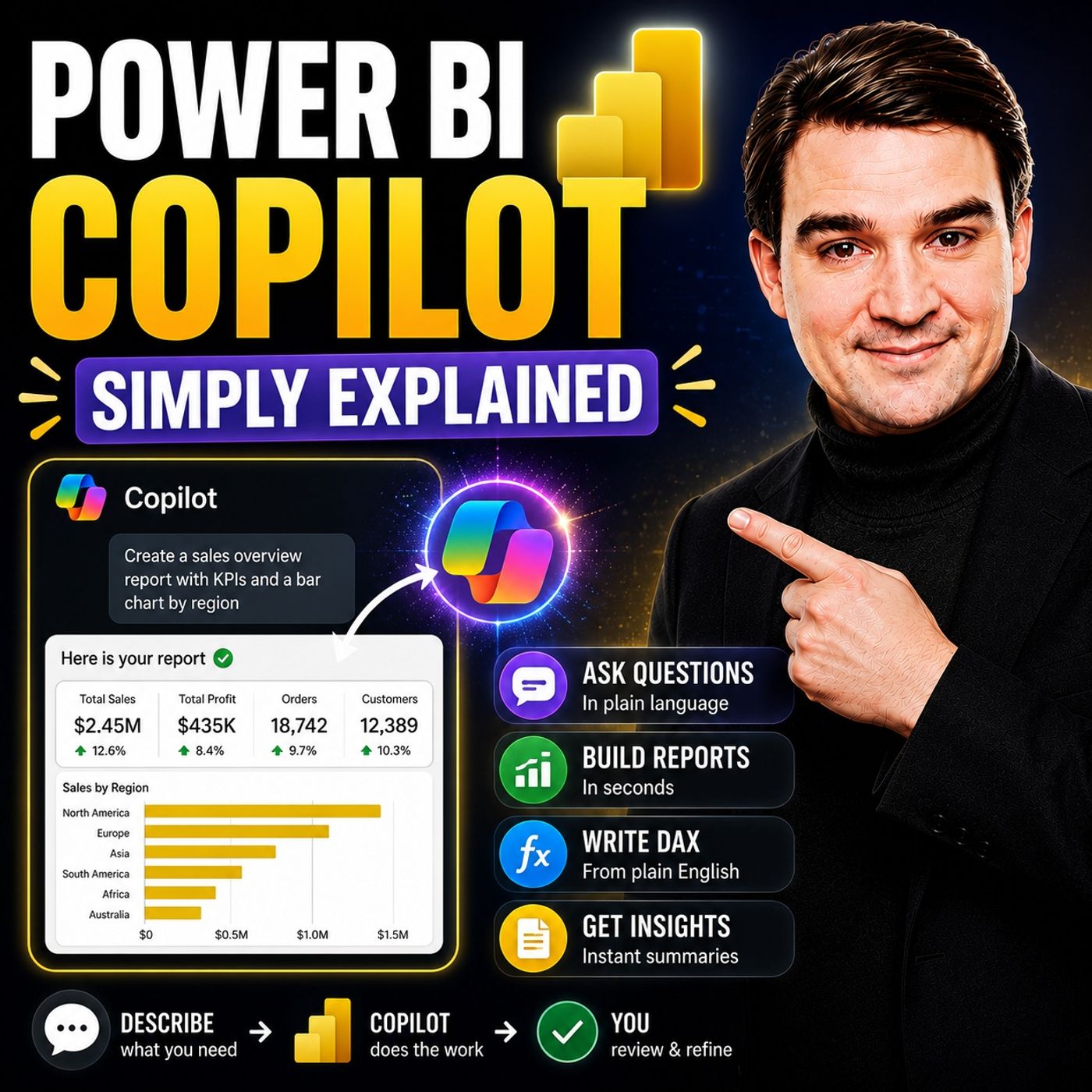
Power BI Copilot - Simply Explained
Power BI Copilot brings generative AI directly into Microsoft's business intelligence platform, making it easier for users to analyze data, build reports, and uncover insights using natural language. Instead of manually creating complex visualizations or writing DAX queries from scratch, users can ask questions in plain English and let Copilot generate charts, summaries, measures, and report suggestions. This episode explains how Power BI Copilot works, where it delivers the most value, and why successful AI-powered analytics depend on far more than simply enabling a feature. You'll learn how clean data, well-designed semantic models, governance, and Microsoft Fabric create the foundation that allows Copilot to deliver accurate and trustworthy business insights. The discussion also explores the current limitations of Power BI Copilot, including its reliance on high-quality data, the need for human validation, and scenarios where traditional BI expertise remains essential. Whethe…
Guest: Mirko Peters
July 12, 2026
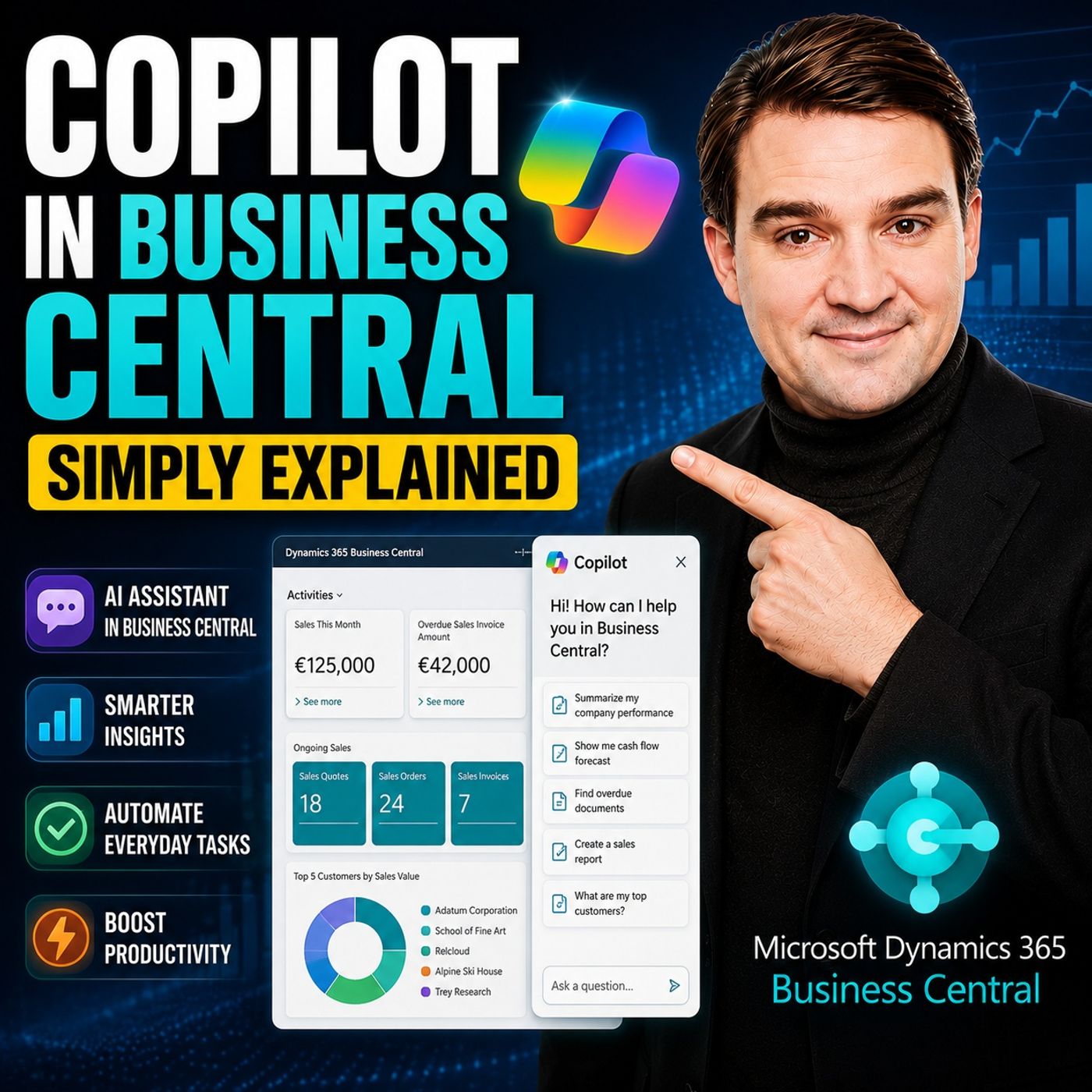
Copilot in Business Central - Simply Explained
Copilot in Dynamics 365 Business Central brings generative AI directly into the ERP system that many organizations use to manage finance, sales, purchasing, inventory, and operations. Instead of navigating complex menus or manually entering large amounts of information, users can ask Copilot for help using natural language and complete everyday business tasks more efficiently. In this episode, you'll learn what Copilot in Business Central is, who it's designed for, and how it improves daily work for finance teams, operations managers, sales staff, and business users. Rather than replacing the ERP system, Copilot acts as an intelligent assistant that helps users complete tasks faster while staying inside familiar Business Central workflows. Using practical, real-world examples, the episode explores how Copilot can generate product descriptions, summarize records, assist with data analysis, suggest information during data entry, answer questions about business data, and help users…
Guest: Mirko Peters
July 12, 2026
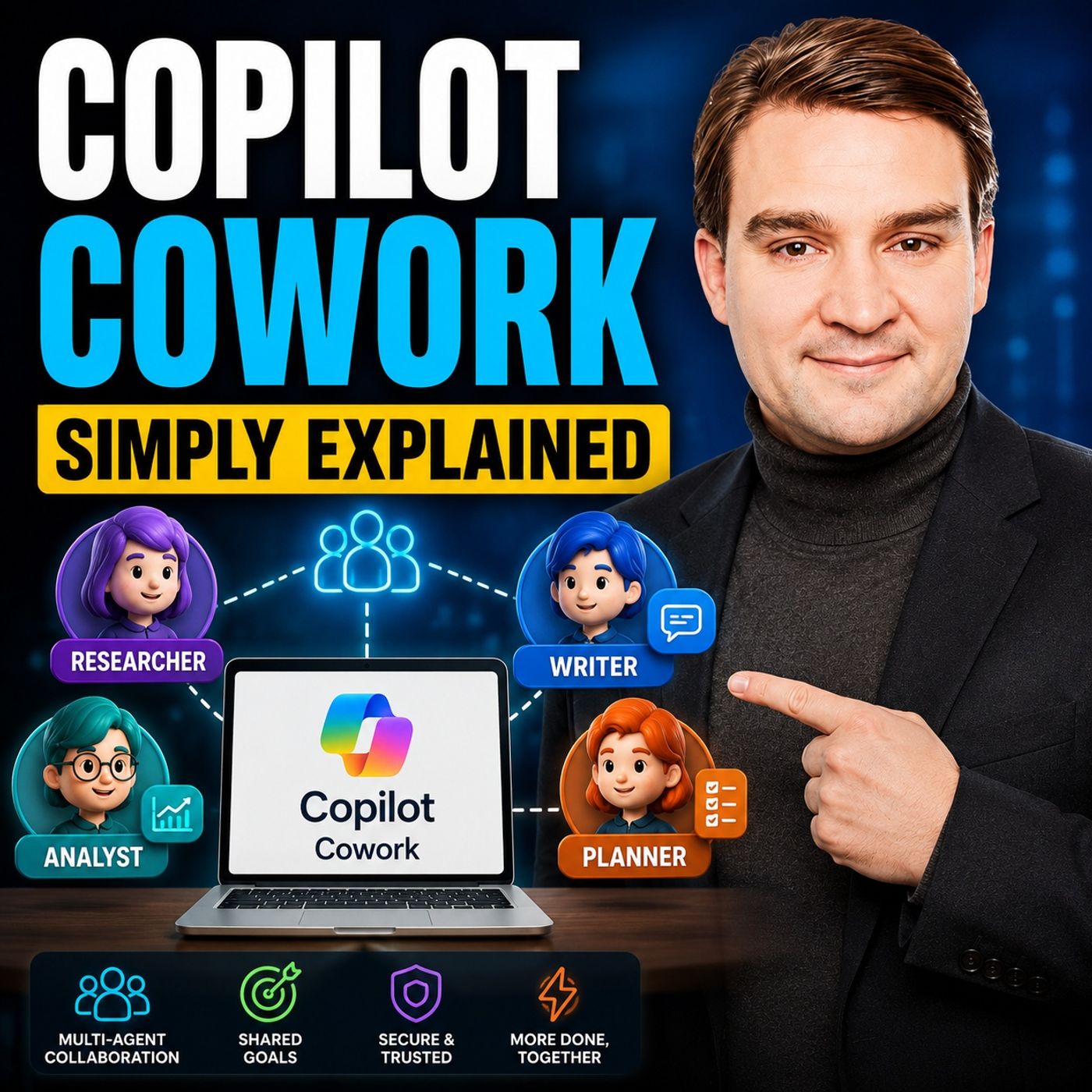
Copilot Cowork - Simply Explained
Copilot Cowork represents the next evolution of Microsoft 365 Copilot. Instead of simply answering questions or generating content, it can take ownership of multi-step tasks and carry them out on your behalf across your Microsoft 365 environment. You describe the outcome you want, and Cowork creates a plan, performs the work, and keeps you informed along the way. In this episode, you'll learn what Copilot Cowork is, how it differs from traditional Copilot chat, and why Microsoft describes it as an AI coworker rather than just another chatbot. While standard Copilot responds to prompts, Cowork is designed to execute longer-running tasks that may involve multiple applications, files, emails, meetings, and business processes. Using simple, real-world examples, the episode demonstrates how Cowork can prepare meeting briefings, research customers, draft presentations, organize project documentation, schedule meetings, summarize conversations, coordinate follow-up actions, and create …
Guest: Mirko Peters
July 12, 2026
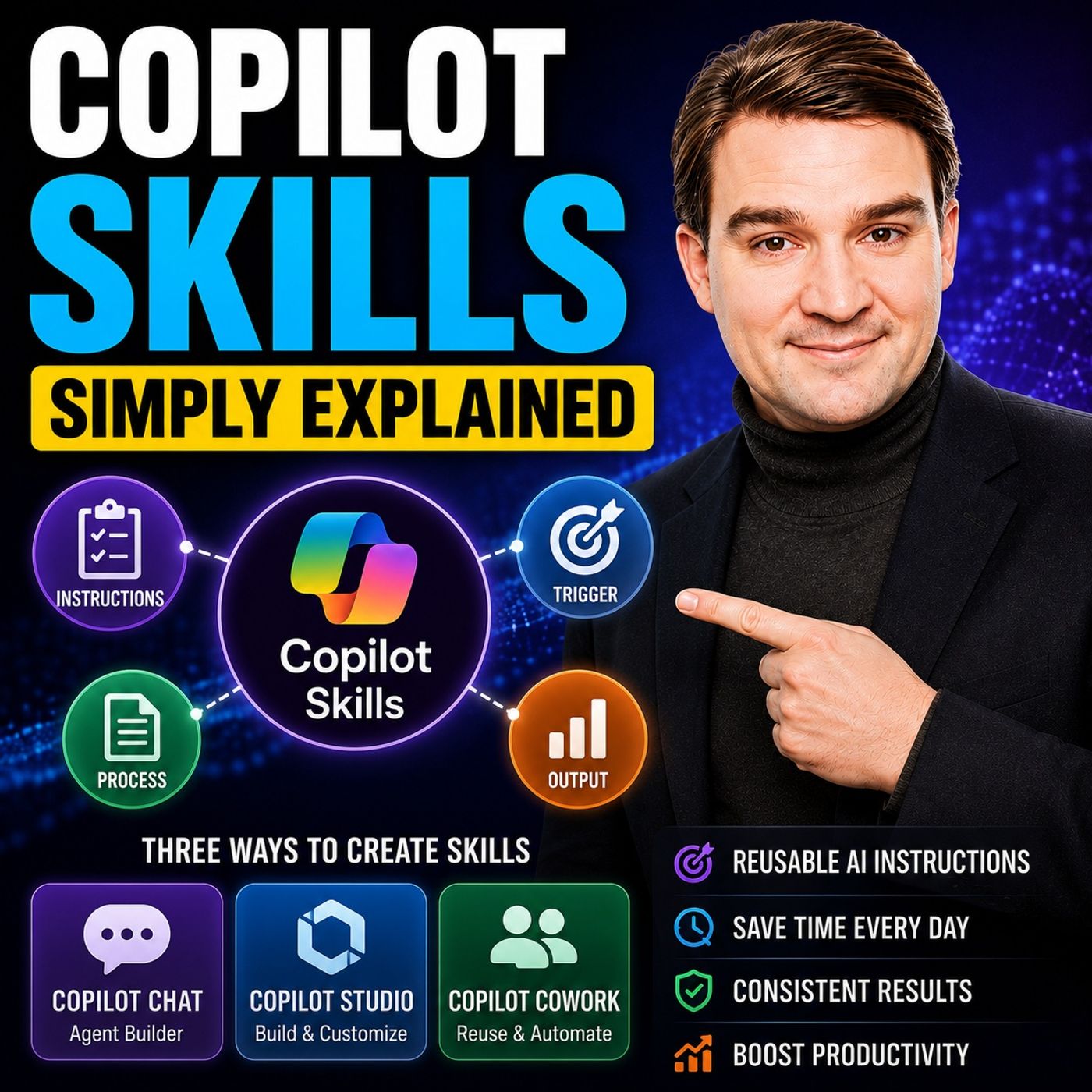
Copilot Skills - Simply Explained
Copilot Skills are one of the newest ways to make Microsoft Copilot more capable by giving it reusable expertise instead of relying on long, repetitive prompts. Rather than explaining the same instructions every time, a skill acts like a predefined capability that teaches Copilot how to perform a specific business task consistently. This episode explains Copilot Skills in simple terms, showing how they differ from prompts, plugins, and AI agents. While prompts solve one-off requests, skills package knowledge, instructions, and business logic into reusable building blocks that anyone in an organization can use. They help standardize tasks, reduce prompt engineering, and ensure more predictable results. Through practical examples, you'll learn how organizations can create skills for common scenarios such as writing project updates, generating executive summaries, preparing customer proposals, documenting meetings, answering HR questions, or following company-specific processes. In…
Guest: Mirko Peters
July 12, 2026
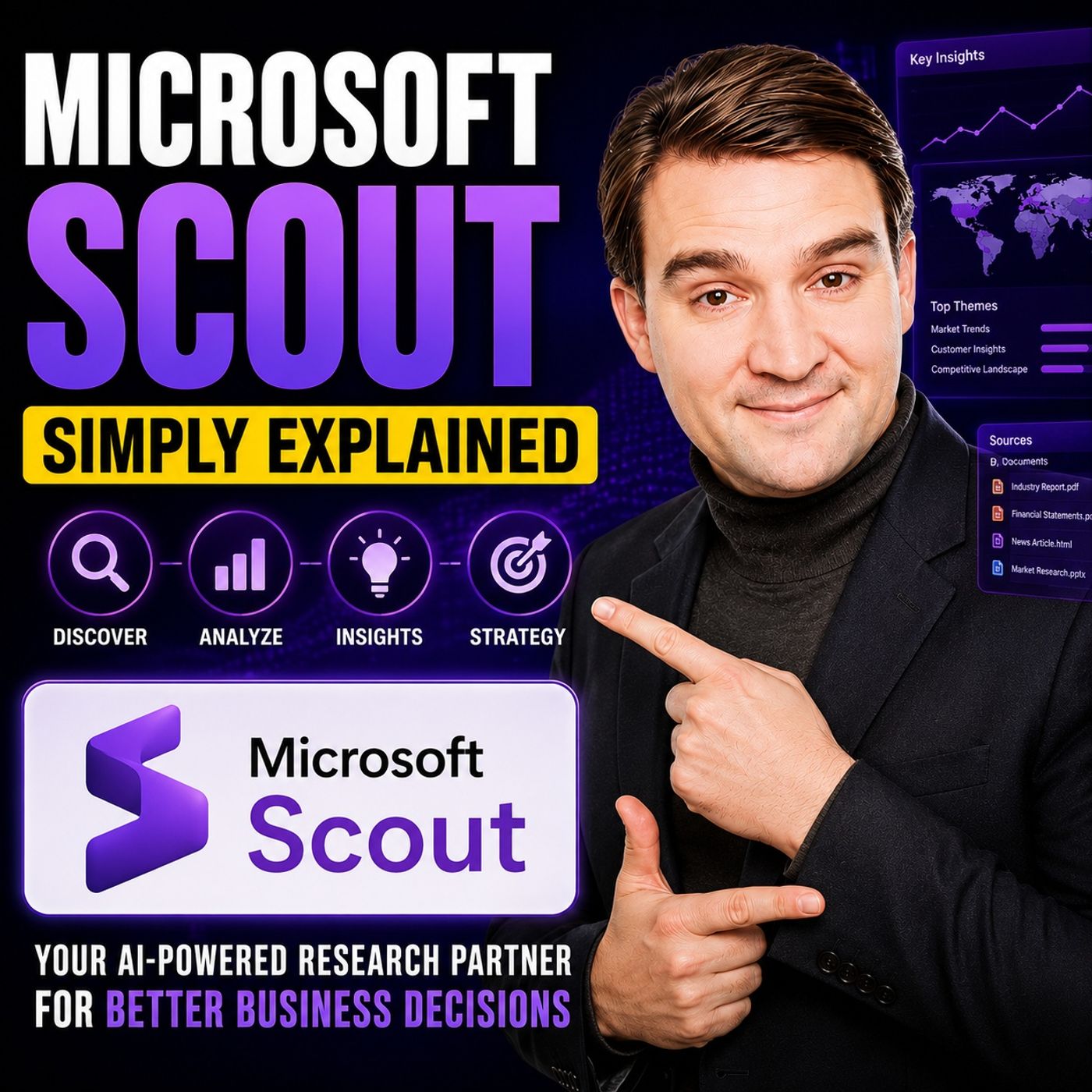
Microsoft Scout - Simply Explained
Microsoft Scout is Microsoft's vision for the next generation of AI assistants—moving beyond chatbots to autonomous agents that can actively complete work on your behalf. In this episode, we explain what Microsoft Scout is, why it represents a major shift in Microsoft's AI strategy, and how it differs from Microsoft 365 Copilot. Rather than simply answering prompts, Microsoft Scout can work across your files, Microsoft 365 data, browser, and even your local computer to execute multi-step tasks. From organizing documents and managing emails to running workflows and interacting with business applications, Scout is designed to become an intelligent digital teammate that understands context, remembers preferences, and safely performs actions with your approval. We explore the concept of Microsoft's new "Autopilot" agents, how Scout combines cloud intelligence with desktop capabilities, and why security, permissions, and governance are central to its design. The discussion also cover…
Guest: Mirko Peters
July 11, 2026
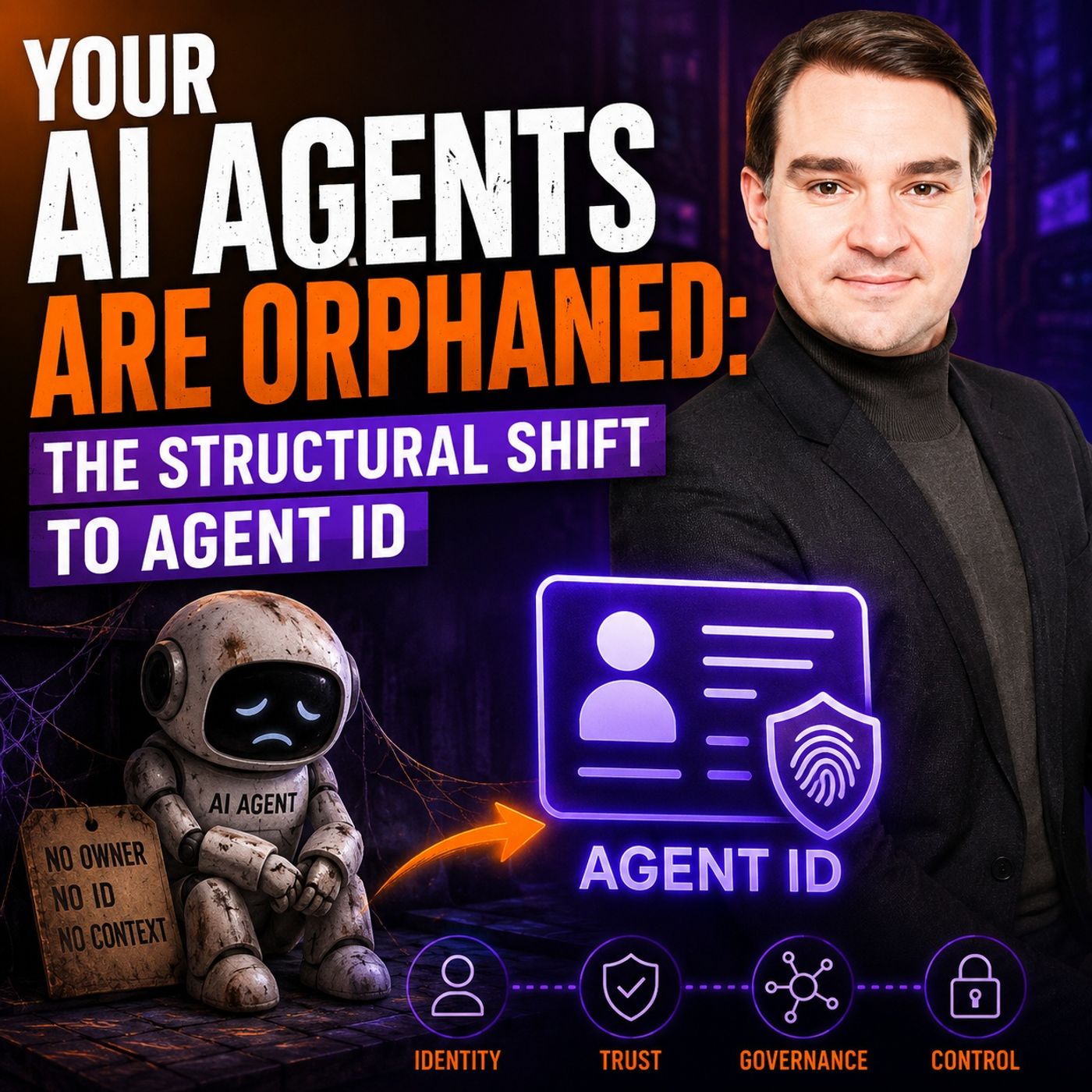
Microsoft Entra Agent ID: Secure Identity for AI Agents
AI agents are rapidly becoming autonomous digital workers, but most organizations still manage them like traditional applications or shared service accounts. In this episode, we explore why that approach no longer works and why the future of enterprise AI depends on giving every agent its own governed identity through Microsoft Entra Agent ID. You'll learn why AI agents require far more than authentication. They need ownership, lifecycle management, least-privilege access, auditability, and clear governance boundaries. The discussion explains how Agent IDs fundamentally change enterprise architecture by allowing organizations to assign permissions, monitor activity, enforce security policies, and retire agents just like human employees—without relying on insecure shared credentials. The episode also examines the structural shift from chat-based AI to autonomous execution systems. As agents begin interacting with Microsoft Graph, SharePoint, Power Platform, and business applicati…
Guest: Mirko Peters
![AI-First UX for Microsoft Power Platform with Tchesco Ayih [MVP-MCT]](https://d3wo5wojvuv7l.cloudfront.net/t_rss_itunes_square_1400/images.spreaker.com/original/bae88fe05af15364372951064cc86916.jpg "AI-First UX for Microsoft Power Platform with Tchesco Ayih [MVP-MCT]")
July 10, 2026
AI-First UX for Microsoft Power Platform with Tchesco Ayih [MVP-MCT]
Artificial intelligence is fundamentally changing how organizations design applications with Microsoft Power Platform. In this episode, Tchesco Ayih explores why traditional user interfaces built around forms, menus, and manual workflows are giving way to AI-first experiences where users simply describe what they want to accomplish. Instead of navigating software, people increasingly interact with intelligent agents that understand context, intent, and business processes. The discussion explains how Power Apps, Power Automate, Copilot Studio, AI Builder, and Microsoft Dataverse are evolving into a unified platform for creating intelligent business applications. AI is no longer just an assistant layered on top of existing software—it becomes an active participant capable of generating interfaces, orchestrating workflows, reasoning over enterprise data, and supporting better decision-making. A major focus is the changing role of UX design. Designers must move beyond creating stati…
Guests: Mirko Peters , Tchesco Ayih
![Enterprise AI Experiences in Power Apps with Sara Lagerquist [MVP]](https://d3wo5wojvuv7l.cloudfront.net/t_rss_itunes_square_1400/images.spreaker.com/original/3cde5342540ec3acc065a6a38d08613c.jpg "Enterprise AI Experiences in Power Apps with Sara Lagerquist [MVP]")
July 9, 2026
Enterprise AI Experiences in Power Apps with Sara Lagerquist [MVP]
In this episode of M365.FM, Mirko Peters talks with Microsoft MVP Sara Lagerquist about how Power Apps is evolving beyond traditional forms and screens into AI-powered, enterprise-ready business experiences. Instead of treating AI as a feature that is simply added to an app, Sara explains how organizations should design applications where AI becomes a natural part of the user experience, helping employees make better decisions, automate repetitive work, and interact with business data more intelligently. The conversation explores Microsoft's latest innovations, including Generative Pages, Copilot capabilities, Dataverse integration, and modern Power Apps architecture. Sara shares practical guidance on balancing low-code productivity with enterprise requirements such as governance, security, scalability, and maintainability. Rather than focusing on building visually impressive demos, she emphasizes creating business applications that deliver measurable value and remain manageable as…
Guests: Mirko Peters , Sara Lagerquist
![Multi-Agent AI with Microsoft Copilot and SharePoint – Reshmee Auckloo [MVP]](https://d3wo5wojvuv7l.cloudfront.net/t_rss_itunes_square_1400/images.spreaker.com/original/ff9325c9ae42ca4505614bcd2af5cedc.jpg "Multi-Agent AI with Microsoft Copilot and SharePoint – Reshmee Auckloo [MVP]")
July 6, 2026
Multi-Agent AI with Microsoft Copilot and SharePoint – Reshmee Auckloo [MVP]
Artificial Intelligence is evolving far beyond single prompts and chatbots. In this episode of the M365 FM Podcast, Mirko Peters speaks with Microsoft MVP Reshmee Auckloo about how organizations can design enterprise-grade multi-agent AI solutions using Microsoft Copilot, Copilot Studio, SharePoint, Microsoft Graph, and Azure AI Foundry. Rather than focusing on prompt engineering, the conversation explores the architecture required to build AI systems that are scalable, secure, and trustworthy. Reshmee explains why successful AI initiatives begin with well-governed data, structured knowledge, and clear information architecture. SharePoint plays a central role as the enterprise knowledge foundation, while Microsoft Graph provides the contextual intelligence that enables AI agents to understand relationships across people, documents, and business processes. The discussion also covers how multiple AI agents can collaborate to solve complex tasks, when orchestration is preferable to a …
Guests: Mirko Peters , Reshmee Auckloo
July 4, 2026
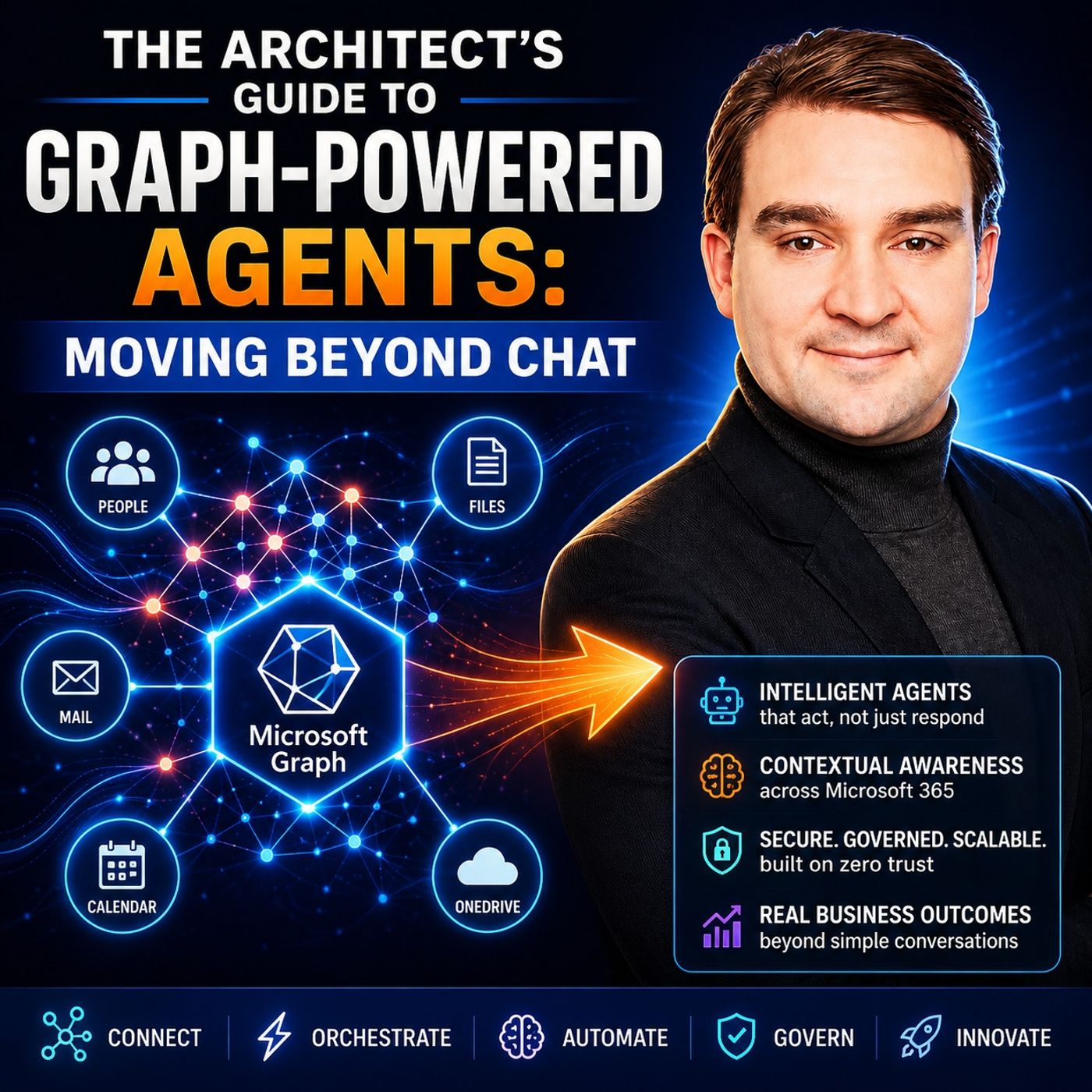
Graph-Powered AI Agents: An Enterprise Architecture Guide
Most organizations think they're building AI agents, but in reality they're still creating advanced chatbots. This episode explains why the future of Microsoft AI lies beyond conversational interfaces and focuses on Graph-powered, enterprise-grade agents that can understand business context, execute actions, and collaborate across multiple systems. The discussion explores how Microsoft Graph serves as the operational backbone for intelligent agents by providing secure access to Microsoft 365 data, identities, files, Teams, Outlook, SharePoint, and business applications. Rather than relying on prompts alone, successful agents combine Graph, semantic context, orchestration, memory, and governance to deliver reliable business outcomes. Listeners learn why enterprise AI requires architectural thinking instead of chatbot design. Topics include agent orchestration, delegated versus application permissions, event-driven workflows, Microsoft Graph APIs, knowledge retrieval, security bou…
Guest: Mirko Peters
![Microsoft Security Exposure Management with Uros Babic [MVP-MCT]](https://d3wo5wojvuv7l.cloudfront.net/t_rss_itunes_square_1400/images.spreaker.com/original/e55768a2e44243cba00f171bcb153353.jpg "Microsoft Security Exposure Management with Uros Babic [MVP-MCT]")
July 2, 2026
Microsoft Security Exposure Management with Uros Babic [MVP-MCT]
Traditional cybersecurity often focuses on vulnerability counts, alerts, and compliance dashboards. Attackers don’t. They look for weak identities, excessive permissions, exposed cloud resources, forgotten devices, and misconfigurations they can combine into a successful attack. In this episode, Mirko Peters is joined by Microsoft Security MVP and MCT Uros Babic to explore cybersecurity from an attacker’s perspective and explain how Microsoft Security Exposure Management helps organizations stay ahead of modern threats. Rather than discussing security in theory, the conversation walks through a realistic attack chain—from reconnaissance and phishing to credential theft, privilege escalation, lateral movement, ransomware, and data exfiltration. Uros demonstrates how Microsoft Defender XDR, Microsoft Sentinel, Security Copilot, Microsoft Entra ID, and Zero Trust principles work together to detect, prevent, and disrupt attacks before they reach critical assets. A major focus is Mic…
Guests: Mirko Peters , Uros Babic
July 1, 2026
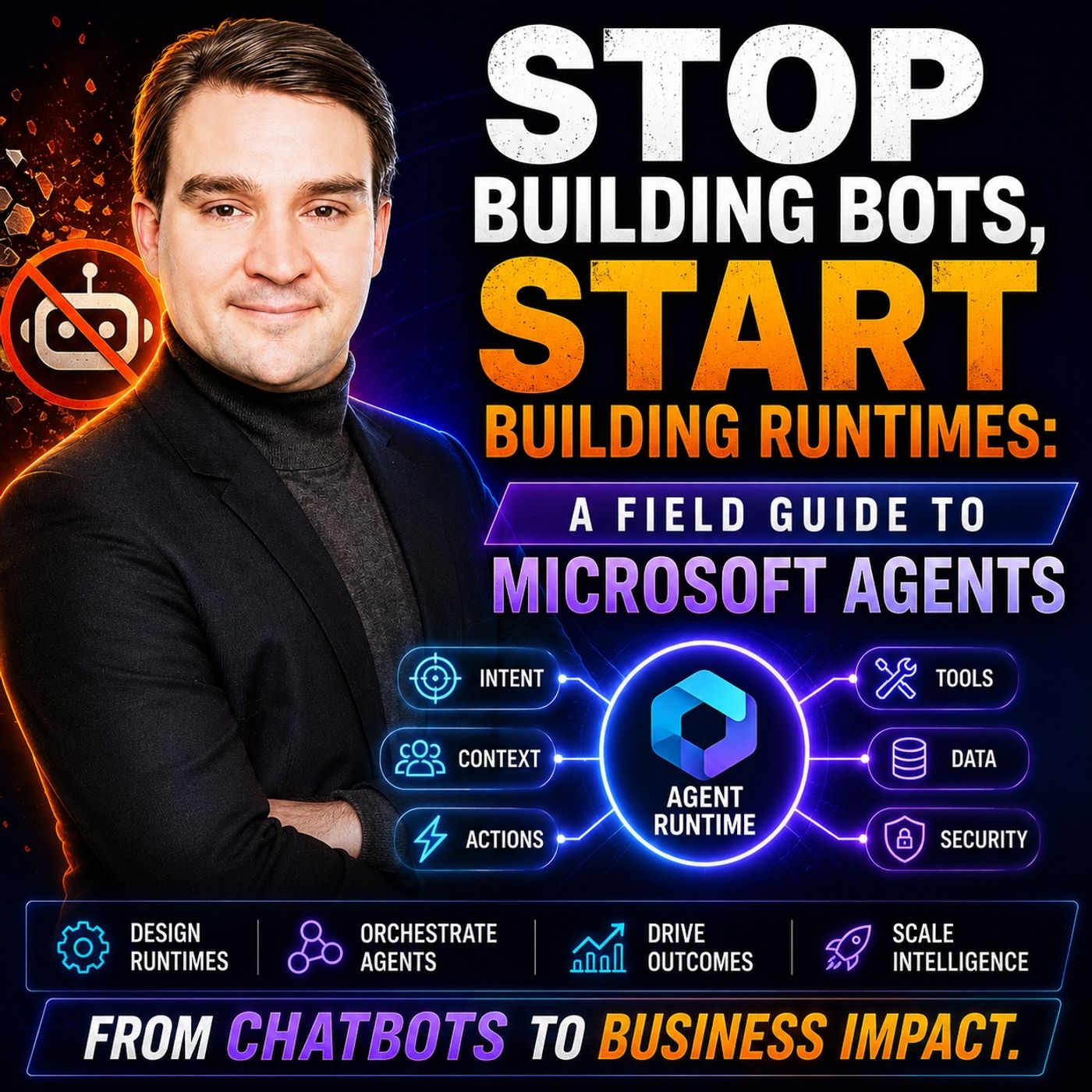
Microsoft AI Agent Runtimes: Beyond Enterprise Chatbots
Most organizations believe they are building AI agents, but in reality they are still creating advanced chatbots. In this episode, we explore why the next generation of Microsoft AI is no longer about individual bots, but about intelligent runtimes that coordinate specialized agents across business processes. You'll learn why a single chatbot cannot effectively manage complex enterprise workflows and how agent runtimes provide the orchestration, memory, governance, and lifecycle management needed for production-ready AI systems. Instead of simply responding to prompts, agents can collaborate, maintain context, trigger actions, and work together to complete end-to-end business tasks. The episode also explains the architectural shift from isolated conversational interfaces to connected agent ecosystems powered by Microsoft technologies such as Copilot Studio, Azure AI Foundry, Microsoft Graph, and Dataverse. Topics include agent communication, orchestration, long-term memory, secu…
June 30, 2026
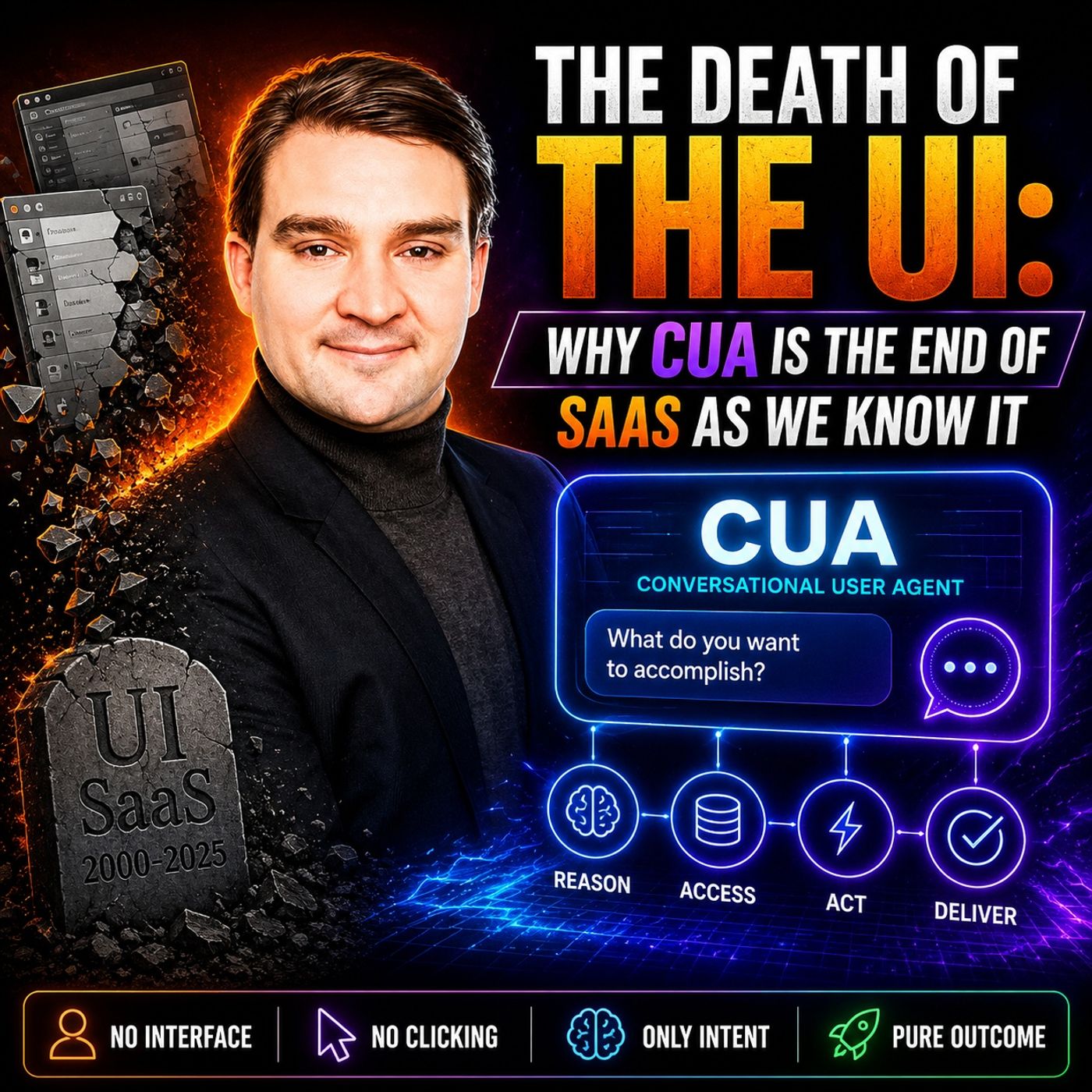
Computer-Using Agents: How CUA Could Transform SaaS
This episode explores why Computer-Using Agents (CUA) could fundamentally change the future of enterprise software. Instead of humans navigating dashboards, menus, and forms, AI agents will increasingly interact with applications on our behalf. The user interface becomes optional, while AI focuses on achieving business outcomes rather than simply responding to clicks. The discussion explains how traditional SaaS applications were designed around human interaction, but agentic AI shifts the focus toward APIs, automation, and orchestration. Rather than opening multiple business applications, users will simply describe what they want, and AI agents will coordinate the required systems, execute workflows, and return the final result. The episode also examines why this transformation challenges existing SaaS vendors. Products will compete less on beautiful interfaces and more on the quality of their data, business logic, integrations, governance, and security. Companies that expose t…
Guest: Mirko Peters
![Microsoft 365 Copilot Adoption with Chris Hinch [Microsoft]](https://d3wo5wojvuv7l.cloudfront.net/t_rss_itunes_square_1400/images.spreaker.com/original/914780fa7b3bc99df95a0551a3994e82.jpg "Microsoft 365 Copilot Adoption with Chris Hinch [Microsoft]")
June 30, 2026
Microsoft 365 Copilot Adoption with Chris Hinch [Microsoft]
Microsoft 365 Copilot has generated enormous excitement, but successful adoption requires much more than assigning licenses. In this episode, Microsoft’s Chris Hinch shares practical lessons from real-world Copilot deployments, explaining why organizations that focus on people, processes, and change management consistently achieve better results than those chasing quick wins. Chris explains that effective adoption starts by identifying business challenges rather than asking where AI can be used. Employees need to understand how Copilot fits naturally into their daily workflows, whether that's drafting emails, summarizing meetings, creating presentations, analyzing documents, or accelerating repetitive administrative tasks. Building confidence through small, measurable successes encourages long-term usage and helps users develop better prompting skills over time. The discussion also highlights the importance of executive sponsorship, internal champions, governance, and continuous…
Guests: Mirko Peters , Chris Hinch
June 29, 2026
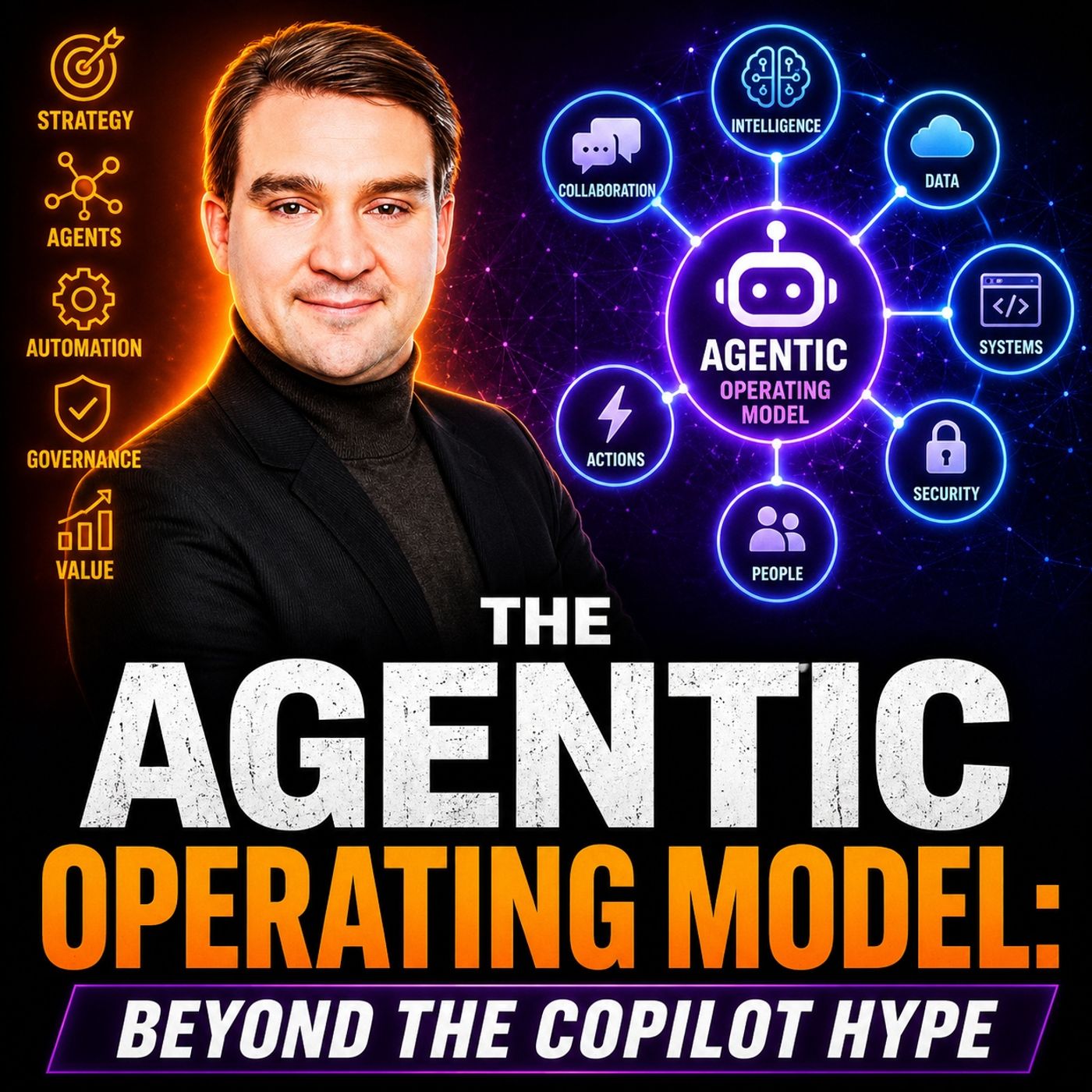
Agentic Operating Model for Enterprise AI and Copilot
Artificial Intelligence is entering a new phase. The real opportunity is no longer deploying a single Copilot—it is transforming how organizations operate through an Agentic Operating Model. In this episode of the M365.fm Podcast, we explore why the future of enterprise AI extends far beyond chat interfaces and isolated AI assistants. Instead, organizations must build an operating model where multiple specialized AI agents collaborate across departments, automate business processes, and continuously support decision-making while remaining secure, governed, and aligned with business objectives. We discuss why simply adding more Copilots does not automatically create more productivity, and how architecture, governance, identity, observability, and lifecycle management become essential as AI adoption scales. The episode introduces the shift from human-centric workflows to AI-assisted and AI-orchestrated business operations, where agents act as intelligent digital coworkers rather t…
Guest: Mirko Peters
June 28, 2026
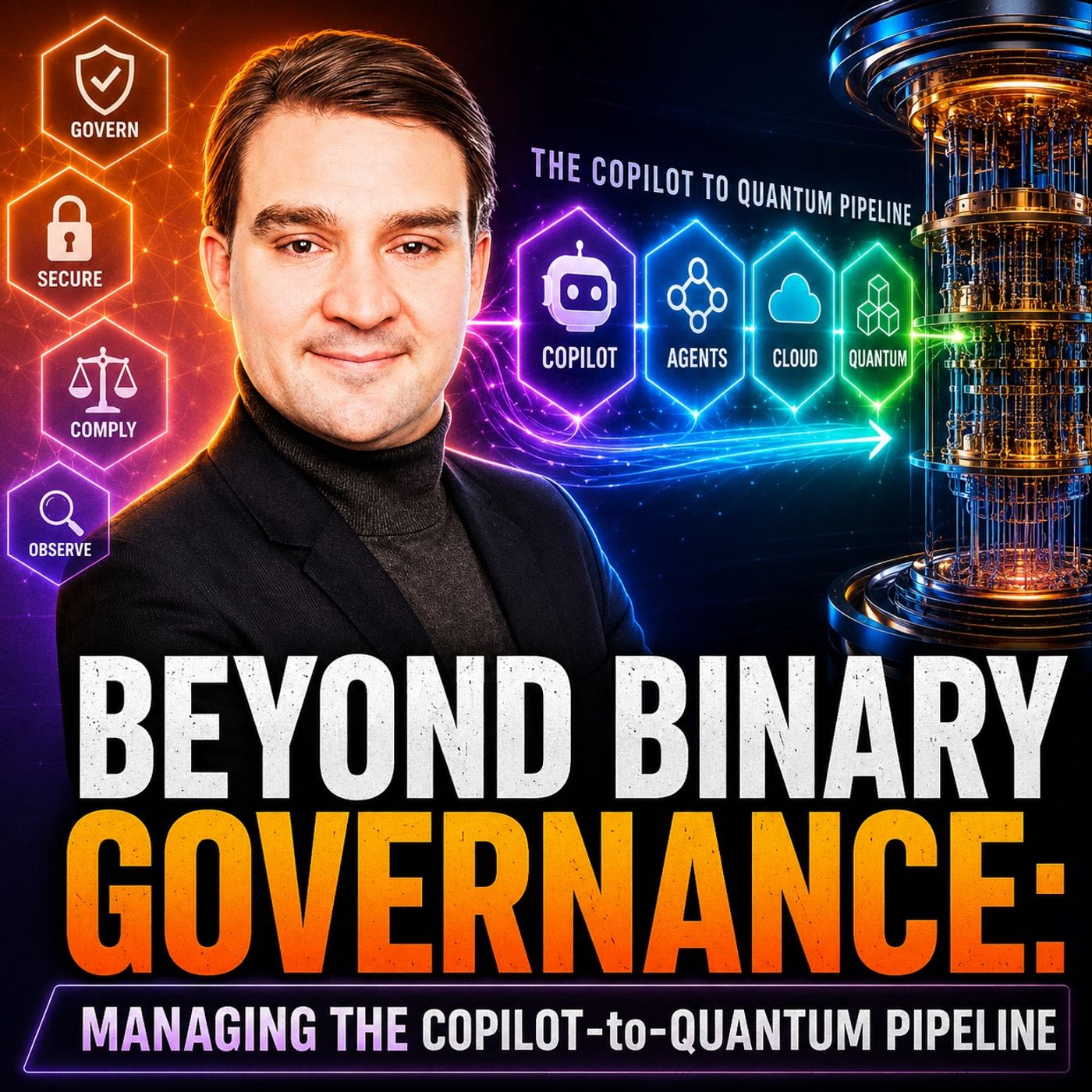
AI Governance from Microsoft Copilot to Quantum Computing
As AI evolves from Microsoft Copilot to autonomous agents and, eventually, quantum computing, traditional governance models are no longer enough. This episode explores why organizations must move beyond simple allow-or-block security policies and adopt dynamic, context-aware governance that can adapt to increasingly intelligent systems. The discussion explains how Copilot, AI agents, and future quantum technologies introduce new challenges around identity, trust, data access, compliance, and decision-making. Rather than governing individual tools, organizations need governance frameworks that span the entire AI lifecycle—from user interactions with Copilot to autonomous agent orchestration and future quantum-powered workloads. A key theme is that governance should become an architectural capability rather than a collection of isolated policies. Identity, observability, continuous risk assessment, and automated policy enforcement must work together to provide secure, scalable AI …
Guest: Mirko Peters

June 27, 2026
Enterprise AI Agent Fabric: Architecture Beyond Chatbots
In this episode of M365.fm, we explore why the future of enterprise AI is moving beyond chatbots toward a coordinated network of intelligent agents known as the Agent Fabric. Instead of relying on a single Copilot to answer questions, organizations can build specialized AI agents that own specific business capabilities and collaborate to complete end-to-end workflows. The discussion explains why prompt engineering alone is no longer enough. Real business value comes from designing architectures where events trigger autonomous workflows, specialized agents perform domain-specific reasoning, and orchestration agents coordinate tasks while involving humans only when necessary. This approach improves consistency, scalability, governance, and measurable business outcomes. A major focus is the importance of data architecture. AI can only deliver reliable results when information is well-structured, semantically organized, and governed. The episode highlights metadata, knowledge modeli…
Guest: Mirko Peters
June 27, 2026
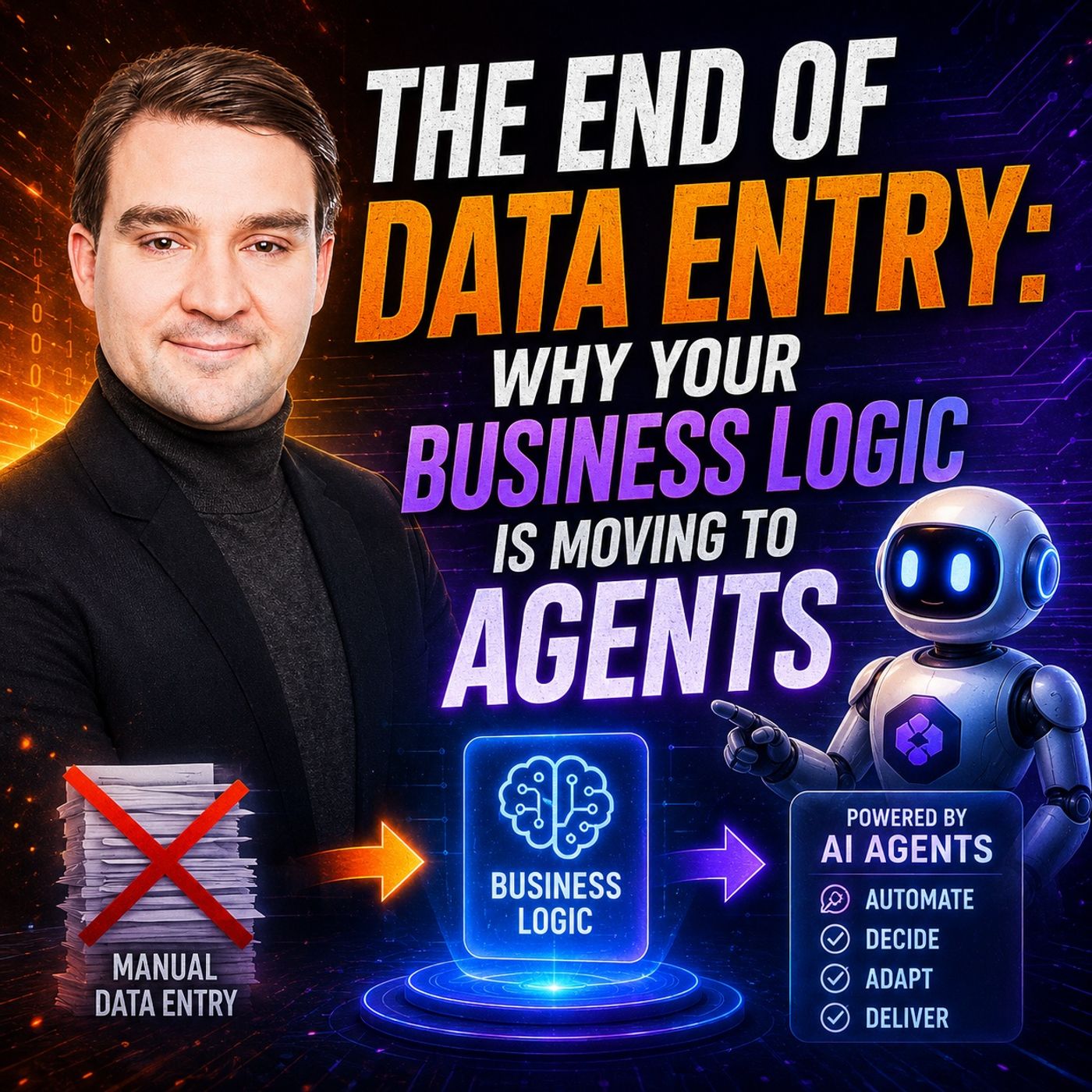
AI Agents and the End of Manual Data Entry
In this episode of M365.FM, we explore why traditional data entry is rapidly disappearing and how AI agents are transforming business applications. Instead of asking employees to manually enter information into forms and systems, organizations are moving toward conversational interfaces where users simply describe what they want to achieve while AI agents translate intent into business actions. The discussion explains that the real shift is not replacing forms with chat, but relocating business logic from user interfaces into intelligent, governed agent workflows. Rather than embedding complex validation rules, approvals, and automation inside individual applications, these capabilities become reusable services that agents can orchestrate across multiple systems. A major theme is the importance of separating reasoning from execution. AI agents interpret user intent, while trusted business workflows execute actions in a secure, auditable, and deterministic way. This architecture …
Guest: Mirko Peters
![Copilot Studio AI Agents and RAG with Nilüfer Doğan [MVP]](https://d3wo5wojvuv7l.cloudfront.net/t_rss_itunes_square_1400/images.spreaker.com/original/dcd2a8cc504197846a71af23bbeb0707.jpg "Copilot Studio AI Agents and RAG with Nilüfer Doğan [MVP]")
June 27, 2026
Copilot Studio AI Agents and RAG with Nilüfer Doğan [MVP]
In this episode, Mirko Peters is joined by Microsoft MVP Nilüfer Doğan to explore how Microsoft Copilot Studio is transforming enterprise automation through AI agents, Retrieval-Augmented Generation (RAG), and low-code development. Rather than building simple chatbots, organizations can now create intelligent agents capable of understanding business context, accessing enterprise knowledge, and automating complex workflows. The conversation explains how Copilot Studio enables businesses to combine Microsoft 365, Power Platform, Dataverse, and external data sources into powerful AI-driven solutions. Nilüfer shares practical insights into designing agents that go beyond answering questions by taking actions, integrating with business systems, and supporting employees in their daily work. A major focus is on Retrieval-Augmented Generation (RAG), showing how AI agents can securely retrieve relevant company information instead of relying solely on the underlying language model. The ep…
Guests: Mirko Peters , Nilüfer Doğan
June 25, 2026
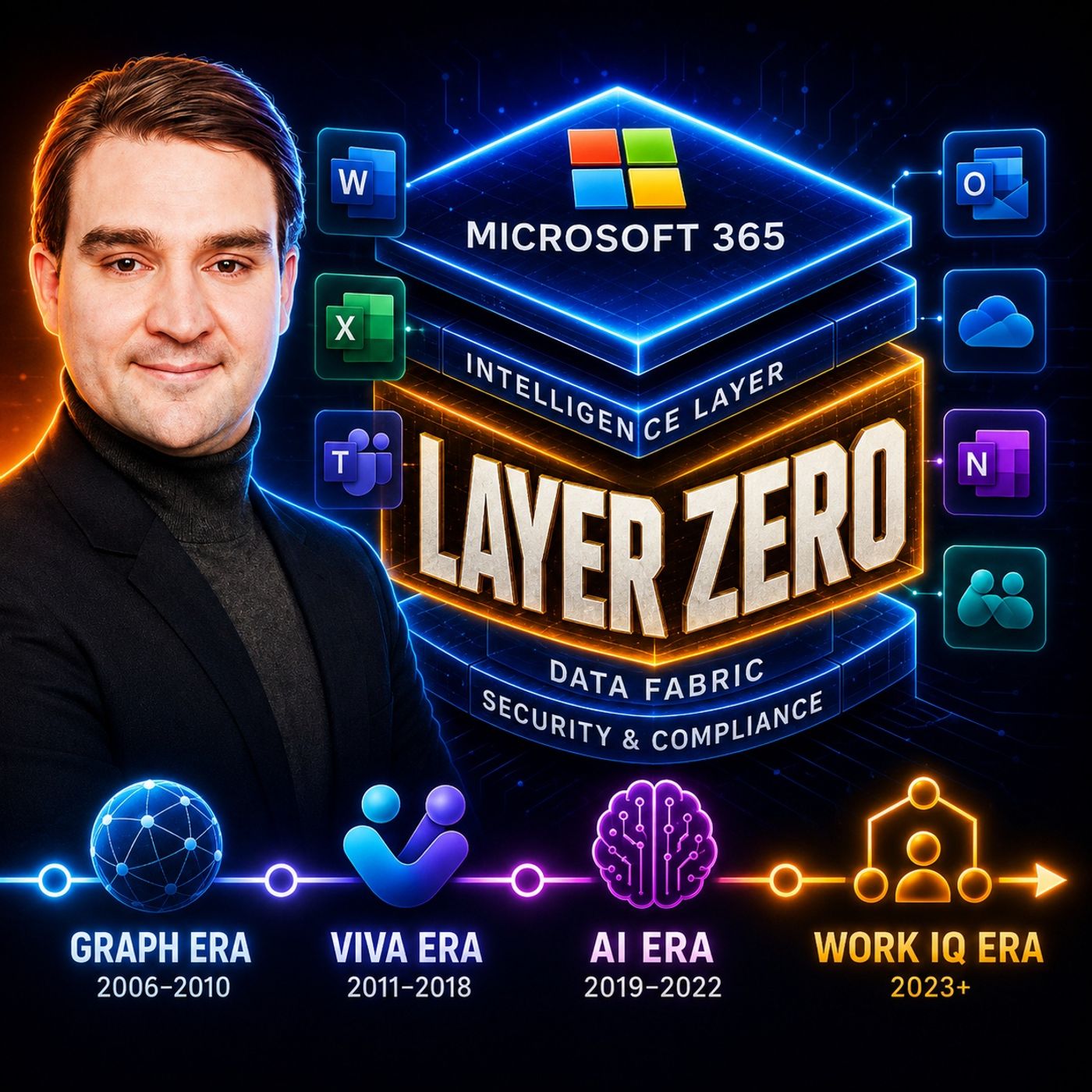
Microsoft Work IQ: The Intelligence Layer for Microsoft 365
Work IQ represents Microsoft’s next major evolution for Microsoft 365 Copilot, transforming it from a simple AI assistant into an intelligence layer that understands people, teams, projects, and organizational knowledge. Instead of relying only on documents, Work IQ builds a contextual understanding of how work happens across Microsoft 365, enabling more accurate answers, better recommendations, and smarter AI agents. In this episode, we explore how Work IQ combines signals from emails, meetings, chats, documents, calendars, organizational structures, and business processes to create a rich knowledge graph that powers Microsoft 365 Copilot. The discussion explains why context has become the most valuable asset in enterprise AI and how organizations can improve productivity without constantly training custom AI models. The episode also covers the architectural foundations behind Work IQ, its role in multi-agent collaboration, security boundaries, governance, and how it helps redu…
Guest: Mirko Peters
June 25, 2026
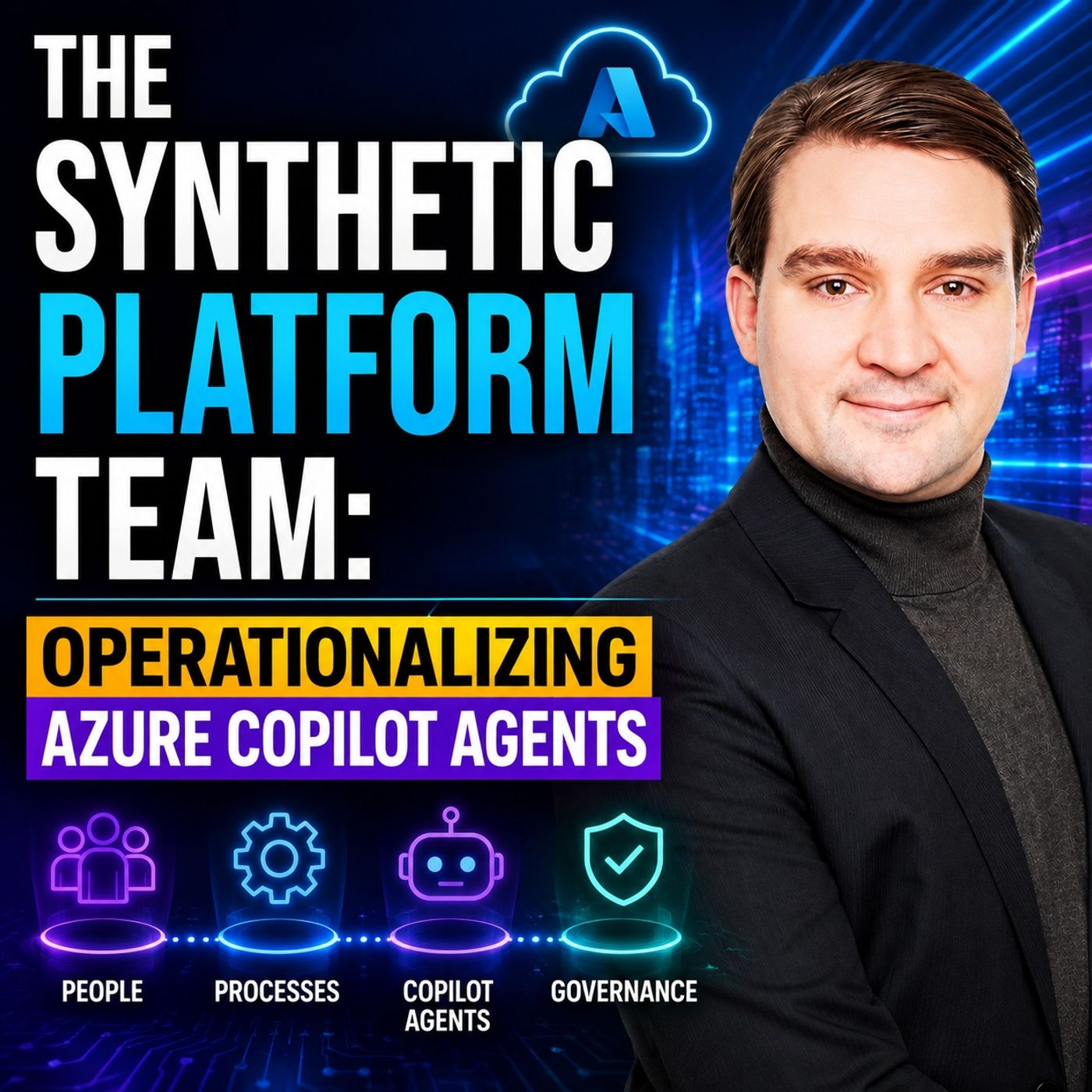
Azure Copilot Agents: Building a Synthetic Platform Team
Building AI agents is no longer just a development challenge—it’s an operational one. In this episode of the M365 FM Podcast, we explore the concept of the Synthetic Platform Team and how organizations can successfully operationalize Azure Copilot Agents at enterprise scale. Rather than treating AI agents as isolated applications, the discussion introduces a platform engineering approach where reusable infrastructure, governance, observability, and automation become the foundation for every agent. The episode explains how platform teams can standardize identity, security, model access, prompt management, deployment pipelines, monitoring, and cost optimization while giving development teams the freedom to build innovative AI solutions. Topics include Azure AI Foundry, Azure OpenAI, Copilot technologies, Infrastructure as Code, CI/CD, telemetry, policy enforcement, and lifecycle management for AI agents. Listeners will learn why successful enterprise AI depends less on individual …
Guest: Mirko Peters