 EN
EN Deutsch
 Español
 Français
 Italiano
 Português
 Nederlands
 Polski
 Bahasa Indonesia
 Русский
 Українська
 العربية
 עברית
עברית हिन्दी
 日本語
日本語 한국어
한국어2026-07-17 · Season 3
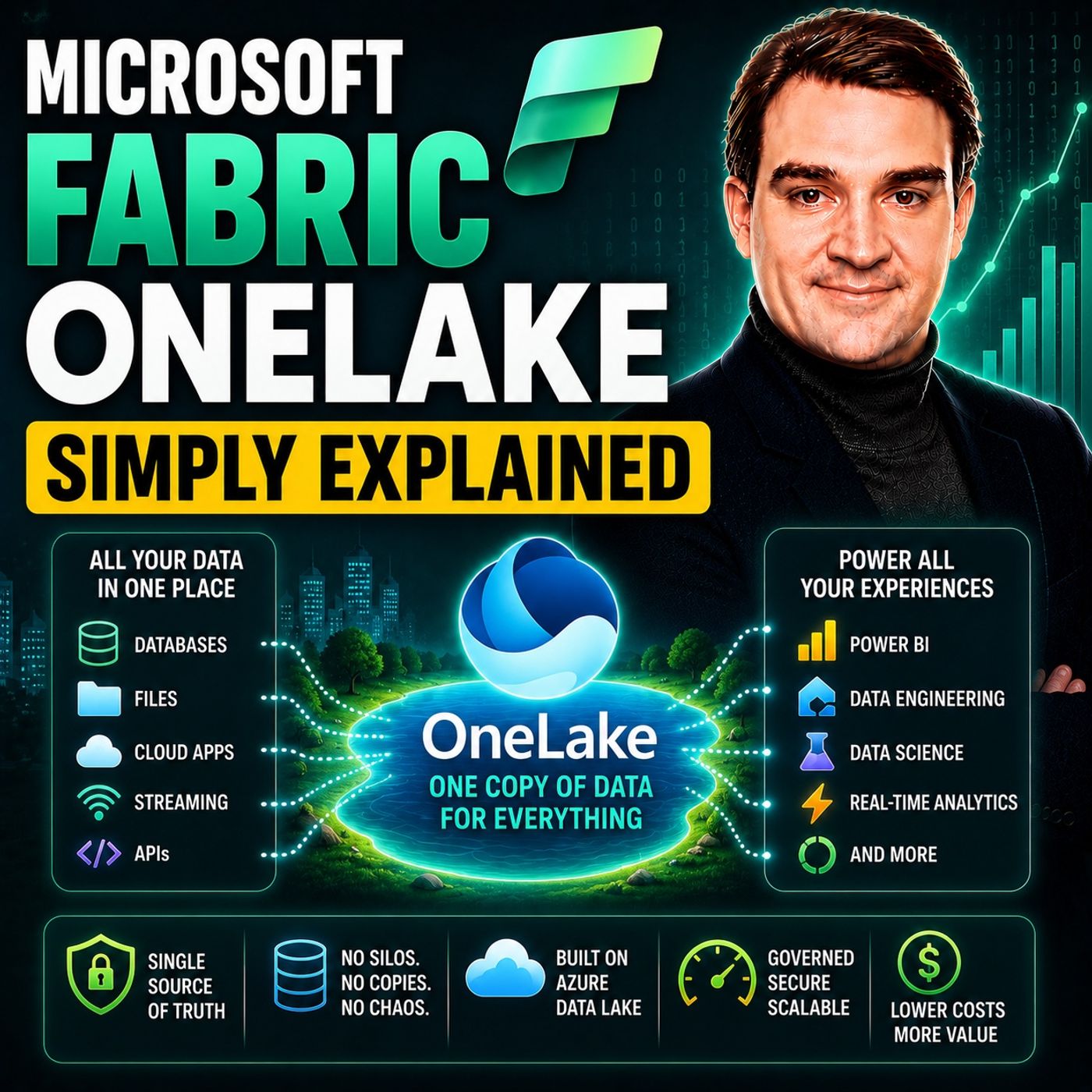
Microsoft Fabric OneLake - Simply Explained
Show notes
Microsoft Fabric OneLake is the unified storage layer at the heart of Microsoft Fabric, designed to eliminate one of the biggest challenges in modern analytics: data duplication. Instead of every department maintaining its own data warehouse, data lake, or storage account, OneLake provides a single logical data lake for the entire organization. Every Microsoft Fabric workload—including Lakehouse, Warehouse, Eventhouse, Power BI, Data Engineering, Data Science, and Real-Time Intelligence—stores and accesses data from the same location. Built on Azure Data Lake Storage Gen2, OneLake gives organizations one secure, governed source of truth while hiding all the underlying infrastructure complexity. THE PROBLEM ONELAKE SOLVES Most organizations store the same data multiple times across different platforms. Customer information may exist in a CRM, ERP system, data warehouse, Power BI semantic model, spreadsheets, and analytics databases—all containing slightly different versions of the same information. Every copy consumes additional storage, requires maintenance, and introduces inconsistencies that reduce trust in reporting. OneLake solves this problem through the OneCopy principle: data is stored once and accessed by multiple engines without creating unnecessary duplicates. Data engineers, analysts, SQL developers, and Power BI users all work with the same underlying data, dramatically reducing storage costs, simplifying architecture, and ensuring everyone works from the same trusted dataset. HOW ONELAKE WORKS Unlike traditional Azure Data Lake Storage, OneLake is delivered as a fully managed Software-as-a-Service platform. Organizations don't create storage accounts, manage containers, configure access keys, or maintain infrastructure. Every Fabric workspace automatically receives storage within OneLake, where all data is stored using the open Delta-Parquet format. Because Delta-Parquet is an industry standard supported by Apache Spark, Databricks, Pandas, and many other analytics tools, data remains portable instead of being locked into proprietary Microsoft formats. This open architecture allows multiple engines—including Spark, SQL, Power BI DirectLake, and Eventhouse—to query the exact same files simultaneously without copying data between systems. SHORTCUTS, MIRRORING, AND THE POWER OF ONECOPY OneLake becomes even more powerful through features such as Shortcuts and Mirroring. Shortcuts allow organizations to reference data stored in Azure Data Lake Storage, Amazon S3, Google Cloud Storage, or another Fabric workspace without physically moving the data. Mirroring automatically replicates operational databases such as Azure SQL Database or SQL Server into OneLake in near real time, eliminating the need to build complex ETL pipelines. Together with the OneCopy principle, these capabilities allow organizations to combine data from multiple platforms while minimizing duplication, reducing maintenance, and making data immediately available for analytics, reporting, AI, and machine learning workloads. ONELAKE CONNECTS EVERY FABRIC EXPERIENCE OneLake serves as the shared foundation for every Microsoft Fabric workload. Lakehouse provides flexible storage for data engineering and machine learning, Warehouse delivers enterprise SQL analytics for business intelligence, and Eventhouse powers real-time analytics using streaming data and telemetry. Because all three use the same underlying OneLake storage, data moves seamlessly between experiences without requiring exports or transformations. Power BI can access this shared data directly through DirectLake mode, enabling faster reporting with fewer refreshes and significantly reducing data movement across the platform. This unified architecture dramatically simplifies analytics while improving collaboration across engineering, analytics, and business teams. WHY ONELAKE IS THE FOUNDATION OF MICROSOFT FABRIC OneLake represents a fundamental shift in enterprise data architecture. Rather than building isolated storage environments for every department or project, organizations create one governed data foundation that supports every analytics workload. Centralized security, Microsoft Purview integration, workspace governance, row-level security, and unified data discovery help organizations manage growing data estates while maintaining compliance and reducing operational complexity. Whether you're building Power BI dashboards, training AI models, processing streaming IoT data, or running enterprise-scale analytics, OneLake provides a single, scalable, cloud-native storage platform that makes Microsoft Fabric's unified vision possible. Become a supporter of this podcast: https://www.spreaker.com/podcast/m365-fm-microsoft-365-azure-cloud-power-platform-ai--6704921/support.
Apple Podcasts · Spotify · YouTube · YouTube Music · Deezer
Host: Mirko Peters
Related articles
Transcript
Read the full transcript
Today's topic is one that almost everyone working with data has heard of, but few people actually understand Microsoft fabric, one lake. You've probably seen it in Microsoft's marketing or heard someone call it the unified data lake for your entire organization. But what does that actually mean? Is it just another storage bucket or is it something fundamentally different? Here's the simplest definition. One lake is a single logical data lake that sits at the center of Microsoft fabric. Every fabric service, lake house warehouse, even house, power BI stores its data here. And the key rule is simple, one physical copy of data accessible by many different engines, no more copying data from one tool to another, no more wondering which version of a report is correct. By the end of this episode, you'll understand what one lake actually is, how it eliminates data duplication and why it changes the game for power BI data engineering and AI. So let's start with the problem. One lake was built to solve the problem. Every department has its own lake. Imagine you work at a mid-sized company. Your sales team uses a CRM system to track deals. Your finance team runs the ERP for billing and invoices, your marketing team pulls data from their campaign tools and your data engineering team manages a data warehouse for reporting. So here's what I want you to think about. How many copies of the same customer data exist across these systems? In most companies, the answer is four or five. The CRM stores it, the ERP stores it, marketing exports it into their analytics tool. Someone in finance builds a spreadsheet from the ERP and the data engineering team copies it into the warehouse. So power BI can read it. That's the same customer ID, the same sales amount, the same invoice date stored in five different places. This isn't because people are careless. It's because the old tools didn't talk to each other. If you wanted to run a report that combines sales data from the CRM with financial data from the ERP, you had to copy both into something that could read them together. That meant building pipelines, scheduling jobs and hoping nothing broke overnight. The hidden costs add up fast storage bills grow because you're paying for the same data five times. Reports go stale because one copy gets updated while another doesn't. And then someone asks the question, nobody wants to answer which version is the right one? That confusion erodes trust in data. And once trust is gone, people stop using the analytics platform altogether. So Microsoft looked at this mess and asked a simple question, what if you could have one copy of your data that every tool could read? No duplication, no confusion, one source of truth. What exactly is one lake? One lake is Microsoft's answer to that question. It's a single logical data lake for your entire organization. The key phrase to remember is this. One lake per tenant, not one lake per team under the hood. One lake is built on Azure data lake storage, Gen 2, same technology, same APIs. But Microsoft has repackaged it as a fully managed SaaS service. You don't create storage accounts. You don't manage containers. You don't set up access keys. You just use it. Think of it like one drive for your company's data. One drive gives you one place for your personal files, documents, photos, spreadsheets. You don't think about where they're physically stored. You just open them and work. One lake does the same thing, but for your organization's data. It gives every team every project, every workload, one shared pool of storage. Now, here's an important distinction. One lake is logical, not physical under the hood. It can span multiple storage accounts across different regions. But to you, it looks like one giant pool. You don't care which server holds the files. You just see your data. Every fabric service stores its data here. When you create a lake house, the data lives in one lake. When you build a warehouse, the tables live in one lake. When you run a power BI report, if it uses direct lake mode, it reads directly from one lake. Even event house, the real time analytics store can expose its data into one lake. Everything points to the same place. And the default data format is Delta Parkage. That's an open format, not a Microsoft lock-in. Databricks uses it, Spark engines read it. Tools like pandas and Polars can work with it. So your data isn't trapped inside Microsoft's world. It's open and portable, but the real magic isn't storage. It's how one lake eliminates the need to copy data in the first place. The one copy principle. Now, here's the core idea that makes one lake different from anything that came before. It's called the one copy principle. And it's simple. One physical copy of data accessible by many different engines. Let me show you what that means in practice. Say you have a table of sales data sitting in one lake, a data engineer runs a spark notebook to clean it. A business analyst writes a t-school query to aggregate it. And a power BI report reads it for a dashboard. All three happen at the same time. All three read the same file. Nobody copied anything in the old world that never happened. You'd copy data from the data lake into a warehouse. Then you'd copy it from the warehouse into a semantic model. Then you'd refresh the report. That's three copies of the same data, each one taking time and storage space. And if any step failed, your numbers were wrong. One copy eliminates all of that. The data sits in one lake once the engines, spark, SQL, power BI, all read it directly. No movement, no duplication, no synchronization issues. The cost savings are real less storage because you're not paying for the same data five times less ETL because you're not building pipelines just to move data between tools. Fewer things to maintain because there's nothing to break between copies. And the freshness benefit is huge. One copy means one source of truth when the data updates every report sees the update immediately. No more asking, is this report using last week's data or this week's? It's always the same data everywhere. Now you might be thinking, well, isn't this just a Zua data lake storage? Not exactly. Adolesce is a past service. You create storage accounts. You manage containers. You set up access keys. You decide which region holds what. It's flexible, but it's also work. One lake is a SaaS service. You don't create storage accounts. You don't manage containers. You just use it. The underlying infrastructure is handled for you. One copy is great for data that lives inside fabric. But what about data that lives somewhere else? Shortcuts. Leave the data where it lives. So this is where shortcuts come in. A shortcut is a virtual pointer. Think of it like a symbolic link for your data lake. And it lets you access data that physically lives outside one lake without moving or copying it. Here's how it works. You create a shortcut inside a lake house or a warehouse. And that shortcut points to a file or folder somewhere else. Could be in an Azure Data Lake storage account. An Amazon S3 bucket, Google Cloud storage, or even another fabric workspace. The data stays where it is, but from inside fabric, it looks like it's right there in one lake. Let me give you a real scenario. Your sales team has been running their analytics on AWS for years. So all their data sits in S3 buckets. Your finance team uses fabric and power BI and they need to combine sales data with financial data. In the old world, you'd export everything from S3, upload it to Azure, build a pipeline to keep it in sync and hope nothing broke. With shortcuts, you create a shortcut from your lake house to the S3 bucket. The data stays in AWS, but finance can query it in power BI like it's sitting in one lake. No export, no upload, no pipeline to worry about. Shortcuts work internally too. If one team has a curated data set in their workspace, another team can create a shortcut to it. No copying, no duplication. The data stays in the original workspace and everyone else just references it. There's one limitation you need to understand. Shortcuts don't copy data, so query performance depends on the source systems speed. If you're shortcutting to an S3 bucket on the other side of the world, your queries will be slower than if the data was local for frequently accessed data, consider mirroring it instead. And that brings us to our next topic, mirroring automatically bring in database data. Shortcuts cover external file storage really well, but what about your existing databases? The ones running your ERP, your CRM, your operational applications. That's where mirroring comes in. Mirroring is a way to get data from databases into one lake in near real time without building a single pipeline. You point fabric at your database and it handles the rest by creating an automatic incremental copy of the data into Delta Parquet format inside one lake, keeping that copy up to date as changes happen in the source. The supported sources include Azure SQL Database, SQL Server running on premises, Cosmos DB and others, and Microsoft is adding more over time, but the most common scenario is your business critical database. The one your ERP runs on or your line of business application. Here's how it works. You enable mirroring on a database and fabric reads the change feed inserts updates, deletes and replicates those changes into one lake. The first sync copies the full data set after that it's incremental only moving the changed rows. The data lands in Delta Parquet format ready to be queried by any fabric engine. Now, here's the key difference from shortcuts shortcuts don't copy data. They point to it mirroring actually copies the data. So the data lives in one lake physically and query performance is fast, regardless of how fast or slow the source databases. The tradeoff is your storing a copy, but the benefit is near real time access with no pipeline to build, no scheduling to manage and no maintenance to worry about. Let me give you a concrete use case your company runs an ERP on SQL Server and it holds all your financial data. In voices, payments, general ledger in the old world you'd build an ETL job that runs every night, extracts the data, transforms it and loads it into a warehouse that job breaks, someone has to fix it and the data is always at least a day old with mirroring you enable it once and fabric replicates the data into one lake continuously. Your power be I reports read directly from one lake and see data that's minutes old, not hours or days. And you never touch the pipeline. Now you have data in one lake from shortcuts, from mirroring and from direct uploads. How do you actually use it? One lake and the three data stores. So one lake is the storage layer, the place where all your files live. But here's the thing you don't actually work with one lake directly. Instead you interact with it through what we call data stores, which are interfaces that give you different ways to work with the same underlying data. There are three main data stores in fabric, lake house, warehouse and event house. They all store their data in the same one lake, but each one serves a different purpose. Let's start with lake house, the flexible data store that accepts files like CSV, JSON and images along with delta tables. You use it when you're doing data engineering, machine learning or landing raw data from source systems. It's a workbench where you clean, transform and prepare data. If you're building a medallion architecture with bronze, silver and gold layers, the lake house is where that happens. You can access it through Spark notebooks or through the SQL analytics endpoint for read only queries. Next is warehouse, the structured data store. It gives you full t-sucle read and write support. So you can create tables, views, stored procedures and functions and run insert, update, delete statements. It feels like a traditional SQL server database because it's designed for people who think in SQL. You use warehouse when you're building BI reports, running complex aggregations or migrating from an existing data warehouse. Think of it as the gold layer for enterprise reporting. Then there's event house, the real time data store built on the Kusto engine, the same technology behind Azure Data Explorer. It handles streaming data, logs, IoT telemetry and click streams, anything that arrives fast and needs to be queried immediately. You query it with KQL, the Kusto query language. And when you enable one lake availability, that event data becomes accessible to lake house and warehouse as delta tables. So here's what you need to understand, all three store their data in the same one lake. A table created in a lake house can be read by a warehouse query. A table in a warehouse can be accessed from a Spark notebook. Data ingested into event house can be exposed as delta tables for power BI. They're not separate databases. They're different views into the same data lake. A lot of people get this wrong. They think lake house warehouse and event house are competing products, but they're not. You actually use all three because each one solves a different problem. Lake house for data engineering, warehouse for BI event house for real time. And they all share the same storage one lake handles the storage and the data stores handle the access. But who gets to see what security and governance in one lake because all your data lives in one place security become simpler. You manage access in one spot instead of across 10 different systems. No more setting permissions in the CRM then again in the warehouse then again in power BI one lake gives you a single security model for everything. At the top level you have workspace roles admin member contributor viewer. These control who can work in a given workspace if someone is a viewer they can see items but not modify them. If they're an admin they control everything simple enough, but you can take it further one like security roles let you control access at the folder level, the table level, the column level and even the row level. For example column level security means you can hide salary information from everyone except HR. Row level security means a sales manager only sees their own region's data and it works the same way across all the data stores because they all sit on the same one lake. There's also the one lake catalog a central view where you can see all data across all workspaces you can find certified data sets check who owns what and manage governance from one place. It integrates with Microsoft purview for classification sensitivity labels and data loss prevention. So if you need to mark certain data as confidential or highly restricted you can do that at the lake level and it applies everywhere and there's one lake diagnostics which captures who accessed what and when. It's useful for all its compliance checks and answering the question who touched this data last week it logs every read and write operation and stores those logs as Jason files inside a lake house. You can analyze them with spark SQL or power BI the big picture is this one security model for all your data instead of managing separate rules for every tool that's a massive simplification for any organization. Practical takeaways what this means for you. So what does all this actually mean if you're starting your fabric journey today let's break it down. If you're building a new data platform one leg removes the need to architect complex data movement you don't have to plan how data flows from a lake into a warehouse into a semantic model just put it in one lake and every tool reads from there one lake one copy that's the whole architecture if you're migrating from an older system short cuts and mirroring let you leave data where it is while gradually shifting workloads. No big bang migration needed point a shortcut at your existing data lake mirror your SQL server database start using fabric while your old systems keep ticking along. You move at your own pace here's the mindset shift stop thinking about storage per project stop creating a new data lake for every new initiative start thinking about one shared lake that every project accesses your sales teams data your finance teams data your engineering teams data it all lives in the same place they just see different parts of it for power BI uses reports read directly from one lake. No separate import no duplicated semantic models the data is fresh because it's the same data the data engineers work with for data engineers that means fewer pipelines to build maintain and debug. You land the data once everyone else just references it the bottom line is this one lake isn't just another data lake it's the foundation that makes fabric different from anything before it it's the reason you can stop copying data and start trusting it. So there you have it one lake is your organization's single data lake built on the one copy principle one physical copy of data accessible by any tool any team any workload no more duplication no more confusion about which version is correct your homework is simple start with a shortcut from an external source or mirror a database see how simple it becomes when you don't have to build pipelines just to move data around most organizations won't make this shift quickly be the one that does if this episode helped you understand one lake subscribe to Microsoft knowledge nuggets for more fabric content in plain English and share this with someone who's still managing five separate data lakes they'll thank you later.