 EN
 Deutsch
 Español
 Français
 Italiano
 Português
 Nederlands
 Polski
 Bahasa Indonesia
 Русский
 Українська
 العربية
 עברית
 日本語
 한국어
Capacity threshold in AVD autoscale: how the percentage decides when another host starts
Partner · Neutral partner: Nerdio
By Mirko Peters ·
In Azure Virtual Desktop autoscale, the capacity threshold is the share of host pool capacity, counted in sessions, that triggers a scaling action. Another host starts when used capacity goes above it, and a host is removed only if usage stays at or below it afterwards.
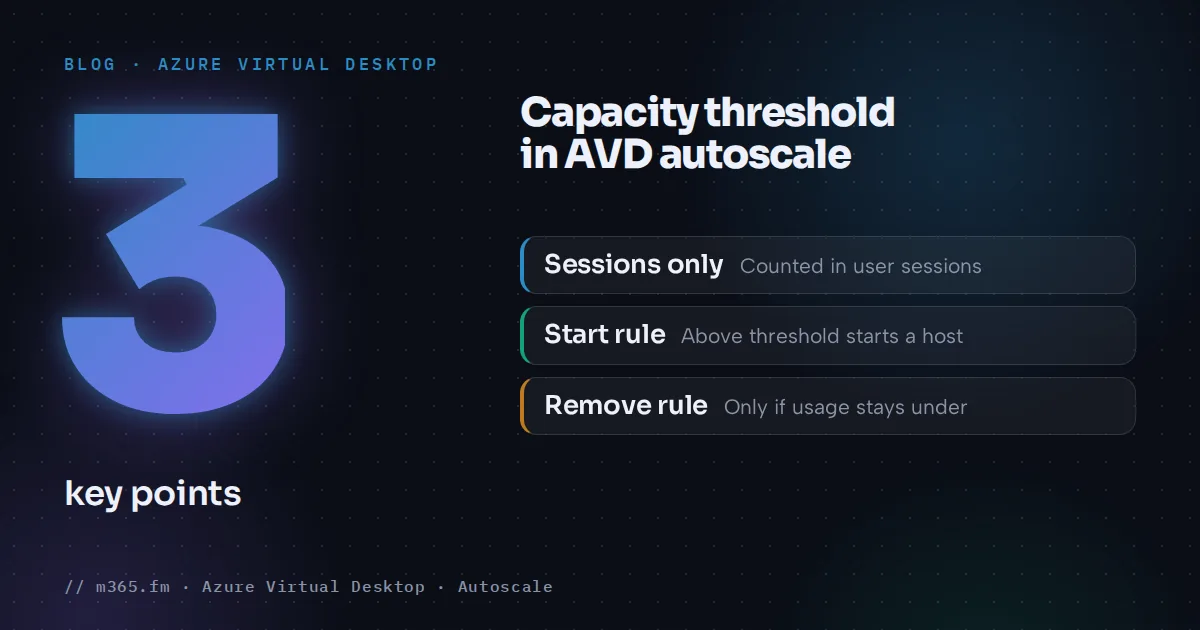
The capacity threshold is the percentage of a host pool's session capacity that triggers a scaling action. Autoscale starts another session host when used capacity goes above the threshold, and it removes a host only if usage would stay at or below the threshold afterwards. Everything is counted in user sessions, not in CPU or memory. This article explains the arithmetic, the phase differences and the limits, based on Microsoft Learn. Picking a value for your pool is a separate decision, covered in "Choosing the right capacity threshold for pooled host pools".
Key points
- Available capacity is the maximum session limit times the number of available session hosts. Used capacity is active plus disconnected sessions divided by that figure.
- Autoscale acts only when usage is above or below the threshold. If used capacity equals the threshold, nothing happens.
- In ramp-down and off-peak, required hosts = total sessions / (maximum session limit x threshold), rounded up. Disconnected sessions count. The minimum percentage can keep more hosts running.
- The threshold is entered in ramp-up and ramp-down. Peak takes the ramp-up value and off-peak takes the ramp-down value.
- The threshold counts sessions, not CPU or memory, and Learn requires a custom maximum session limit for pooled autoscale and says not to keep the default.
The two quantities behind the percentage
Learn's glossary defines both:
- Available host pool capacity = the host pool's maximum session limit multiplied by the number of available session hosts.
- Used host pool capacity = the number of active and disconnected user sessions divided by the available capacity.
The capacity threshold is then the used-capacity percentage at which autoscale acts. Learn's create-and-assign page gives an example: two running hosts with a limit of 20 sessions give a capacity of 40. With a threshold of 75 percent and more than 30 sessions, autoscale turns on a third host, which raises capacity from 40 to 60.
Two details matter in practice. Disconnected sessions count as used capacity, because users may reconnect at any moment. And a host that is turned off adds no capacity until autoscale starts it. Drain mode is the state autoscale uses before it removes a host.
The rule in three sentences
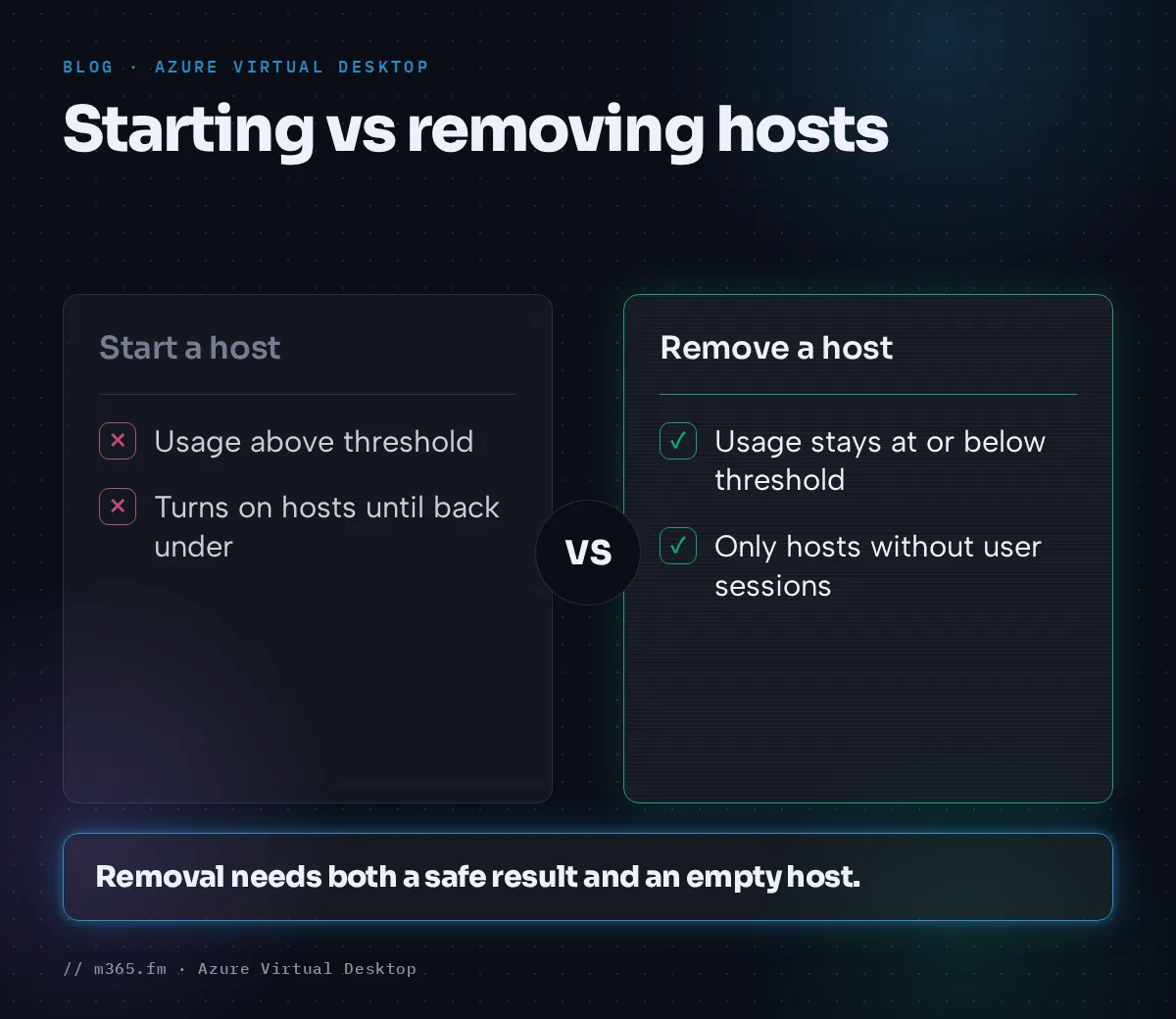
- If used capacity goes above the threshold, autoscale turns on hosts until usage is back at or below the threshold. Learn's wording differs slightly: the glossary example says "below", the scenarios say "less than or equal to", and the scenario tables treat equal as no action.
- If used capacity is below the threshold and a host can go without pushing usage over the threshold, autoscale can turn it off, with phase-specific conditions.
- If used capacity equals the threshold, nothing happens. The autoscale FAQ states this directly.
Worked examples with your own numbers
These examples use invented values and Learn's formulas. Take a pooled pool with a limit of 10 sessions per host and a 70 percent threshold.
Starting a host. With 4 hosts, capacity is 40 and the trigger point is 28 sessions. At 28 sessions usage is exactly 70 percent, so nothing happens. At 29 sessions usage is 72.5 percent, so autoscale starts a fifth host. Capacity becomes 50 and usage falls to 58 percent.
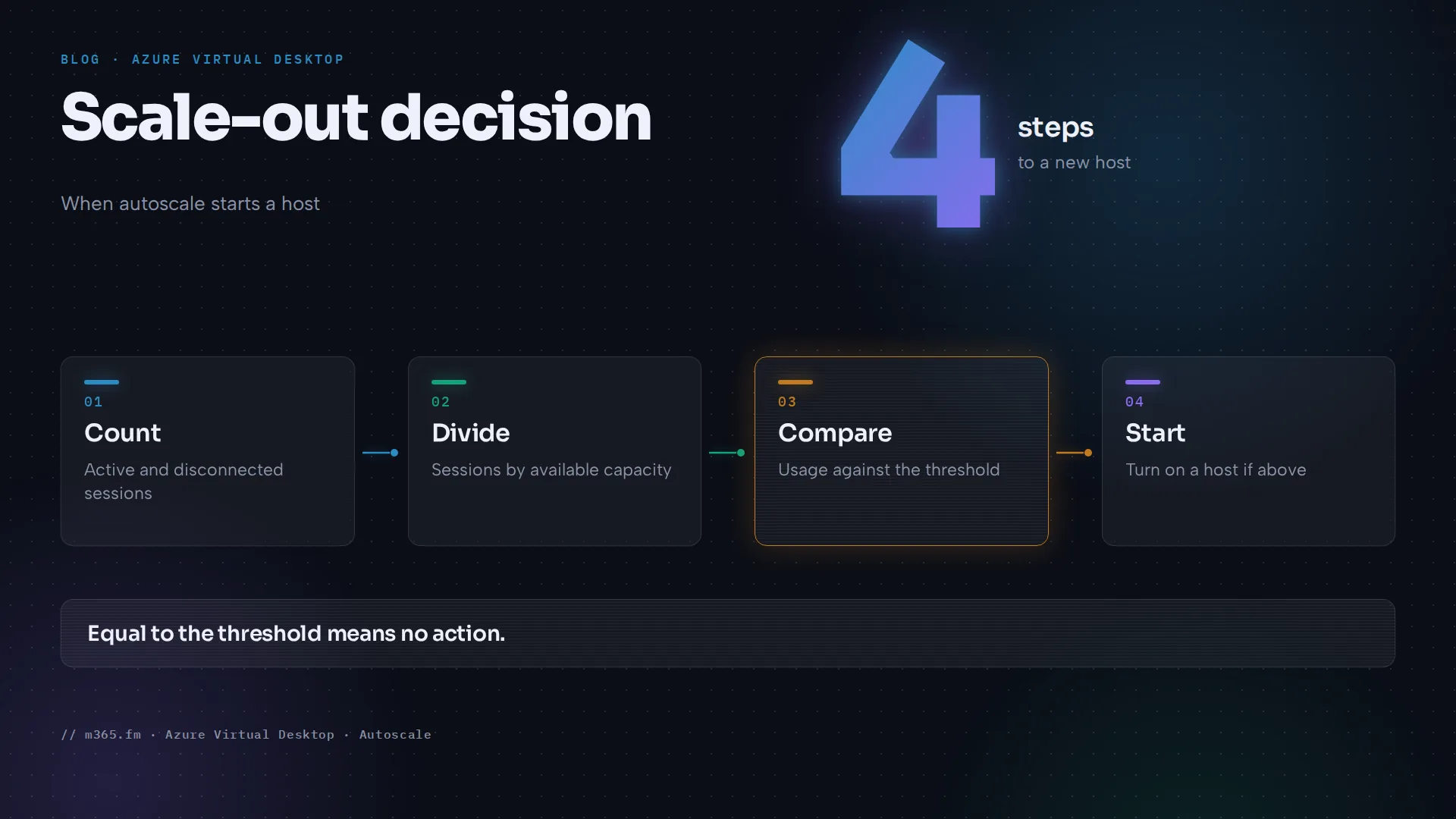
Removing a host in peak. With 5 hosts, capacity is 50, and 27 sessions are 54 percent. Removing one host gives capacity 40 and 67.5 percent, which is at or below 70, so removal is allowed, but only for a host without user sessions. Learn's peak scenario shows the other side: when every host still has at least one session, no host is turned off, even though a removal would stay under the threshold.
Consolidating in ramp-down. Learn gives the formula for hosts needed: total sessions divided by (maximum session limit times threshold), rounded up. With 36 sessions, 36 / 7 = 5.14, so 6 hosts. At a threshold of 80 percent, 36 / 8 = 4.5, so 5 hosts. One extra host is the cost of 10 extra points of headroom.
Disconnected sessions. Learn's FAQ counts disconnected sessions toward required hosts: 6 disconnected users, a limit of 5 and a threshold of 90 percent need 6 / 4.5 = 1.33, so 2 hosts. The same formula on our pool (limit 10, threshold 70 percent) gives 12 disconnected sessions / 7 = 1.71, so 2 hosts.
The minimum percentage as a floor. The threshold is not the only input. Learn's troubleshooting page says that in ramp-down and off-peak autoscale uses the higher of two values: the formula result for the current sessions and the Minimum percentage of active hosts setting of the scaling plan phase. If the minimum percentage gives a higher number, it takes precedence. Learn's ramp-down and off-peak scenarios show the same effect: the minimum percentage keeps at least one host available even when the formula would allow fewer.
What the threshold does in each phase
The same value works differently depending on the phase of the schedule, according to Learn's scenarios page. See also autoscale schedule phases.
| Phase | Role of the threshold |
|---|---|
| Ramp-up | Autoscale turns hosts on when usage is above it. It does not turn hosts off in this phase, to avoid a poor user experience. |
| Peak | Hosts are turned on above the threshold. A host is turned off only if usage stays at or below the threshold and the host has no user sessions. |
| Ramp-down | Autoscale consolidates sessions onto fewer hosts, only if all active and disconnected sessions fit within the threshold. |
| Off-peak | Autoscale keeps the minimum percentage of hosts on and applies the same consolidation logic. How that minimum is set for each plan type is covered in the phase article "Ramp-up, peak, ramp-down and off-peak: the four AVD autoscale phases explained". |
Where you enter the value: Learn says the ramp-up and ramp-down tabs have a capacity threshold field. On the peak and off-peak tabs you cannot change it. The ramp-up value carries over to peak, and the ramp-down value carries over to off-peak. In Learn's ramp-down scenario, a high threshold and a low minimum percentage of hosts decrease the need to turn on new hosts at the end of the workday; its example values are 75 percent and 10 percent. Learn says the default values you see when you create a schedule are suggested values for weekdays that you can change. See also minimum percentage of hosts, which sets a floor independent of the threshold.
How and when autoscale evaluates
The FAQ says autoscale monitors sign-ins and sign-outs, which it records as session change events, and that each event triggers a scaling evaluation. When many events arrive in a short time it batches the evaluations. If there are no events, or the event service has an outage, autoscale checks whether it missed any. The FAQ names session changes as the trigger and describes that check for missed events, but gives no polling interval. It also gives no figure for how long a deallocated host takes to start, so the time between the threshold being crossed and the capacity becoming available has to be measured in your environment.
Seeing the threshold at work
For pooled host pools, autoscale writes the results of each scaling plan evaluation to the table WVDAutoscaleEvaluationPooled, once you send the diagnostic category "Autoscale logs for pooled host pools" to a Log Analytics workspace. Learn describes SessionOccupancyPercent as the "Percent of session host capacity occupied by user sessions" and ConfigCapacityThresholdPercent as the "Capacity threshold percent". Reading the two side by side is a reasonable way to compare usage with the configured threshold; Learn does not say that this field is the exact number autoscale compares, and SessionCount includes only sessions on hosts that autoscale considers active. ScalingReasonMessage holds the actions autoscale decided to perform and why. Together they show whether the threshold or something else, such as an excluded host or a failed evaluation, explains a start or stop. The setup steps and a ready-made query are in "Choosing the right capacity threshold for pooled host pools". See Azure Virtual Desktop Insights.
What the threshold does not cover
- Load. It counts sessions. A pool of 10 heavy sessions can be busier than 30 light ones, and the threshold cannot tell the difference. Size the maximum session limit from your workload first; Learn's sizing table lists 6, 4, 2 and 1 maximum users per vCPU for light, medium, heavy and power workloads as generic starting points.
- The default session limit. Learn's autoscale prerequisites say that for pooled host pools you must set a custom maximum session limit and not use the default value; they give no reason. The load-balancing page states that the default for a breadth-first pool is 999999. Our own reading, not a Learn statement: capacity is the limit times the number of hosts, so a limit of 999999 would make the percentage meaningless.
- Excluded hosts. Hosts with the exclusion tag are not started or stopped. In Learn's off-peak scenario, usage reaches 80 percent against a 75 percent threshold, yet no host starts because every other host is tagged.
- Personal host pools. Learn describes personal schedules by session state (when disconnected, when logged off) and lists no capacity threshold field for them.
Dynamic autoscaling uses the same definition
The glossary describes the threshold for dynamic autoscaling in the same terms: when usage goes over, autoscale turns on or creates more hosts; when below, it turns off or deletes them. The threshold is not the only limit there: the FAQ says the total number of active session hosts will not exceed the maximum host pool size set in the scaling plan. Microsoft announced general availability of enhanced host pool management, including dynamic autoscaling, session host configuration and update, and ephemeral OS disks, in July 2026 (Tech Community). Some Learn pages, for example the scenarios and glossary pages and the module version 5.4.2-preview, still carry preview wording; check the current page before relying on a limit. Power management autoscaling is generally available.
A comparison with Nerdio's triggers
Nerdio's help page for dynamic host pool auto-scaling in Nerdio Manager lists other triggers: average CPU or RAM use across running hosts, average active sessions per host, available sessions, and user-driven starts. Up to three triggers can be combined, and the page says this multiple-trigger feature is available only in the Nerdio Manager Premium edition. Capacity is added when any scale-out condition is met and removed only when all scale-in conditions are met. That is a different model from the single session-percentage threshold in native autoscale, and "dynamic host pool auto-scaling" is Nerdio's name for its feature, not Microsoft's dynamic autoscaling that creates and deletes hosts. The page makes no comparison with native autoscale, so choose based on whether session counts describe your load.
Sources
Accessed 17 November 2026.
- Microsoft Learn: Autoscale glossary for Azure Virtual Desktop
- Microsoft Learn: Autoscale scaling plans and example scenarios in Azure Virtual Desktop
- Microsoft Learn: Create and assign an autoscale scaling plan
- Microsoft Learn: Azure Virtual Desktop autoscale FAQ
- Microsoft Learn: Troubleshoot autoscale issues in Azure Virtual Desktop
- Microsoft Learn: Monitor autoscale operations with Insights
- Microsoft Learn: Configure host pool load balancing
- Microsoft Learn: Session host virtual machine sizing guidelines
- Microsoft Learn: What's new in Azure Virtual Desktop
- Tech Community: Enhanced host pool management for Azure Virtual Desktop is now generally available
- Nerdio: Enable dynamic host pool auto-scaling
FAQ
What happens when used capacity exactly equals the capacity threshold?
Nothing. The autoscale FAQ says autoscale only acts when capacity is above or below the threshold. As an example with invented values, with 4 hosts, a limit of 10 and a 70 percent threshold, 28 sessions leave the pool as it is and the 29th session starts another host.
Does the capacity threshold look at CPU or memory?
No. Microsoft Learn defines it through sessions: used capacity is the number of active and disconnected sessions divided by the host pool capacity, which is the maximum session limit times the available hosts. CPU and memory are not part of the definition.
Where do I set the threshold for each phase?
In the ramp-up and ramp-down phases of a pooled schedule. Learn says the peak tab carries over the ramp-up value and the off-peak tab carries over the ramp-down value, and neither tab lets you edit it.