 EN
EN Deutsch
 Español
 Français
 Italiano
 Português
 Nederlands
 Polski
 Bahasa Indonesia
 Русский
 Українська
 العربية
 עברית
עברית हिन्दी
 日本語
日本語 한국어
한국어2026-07-12 · Season 3
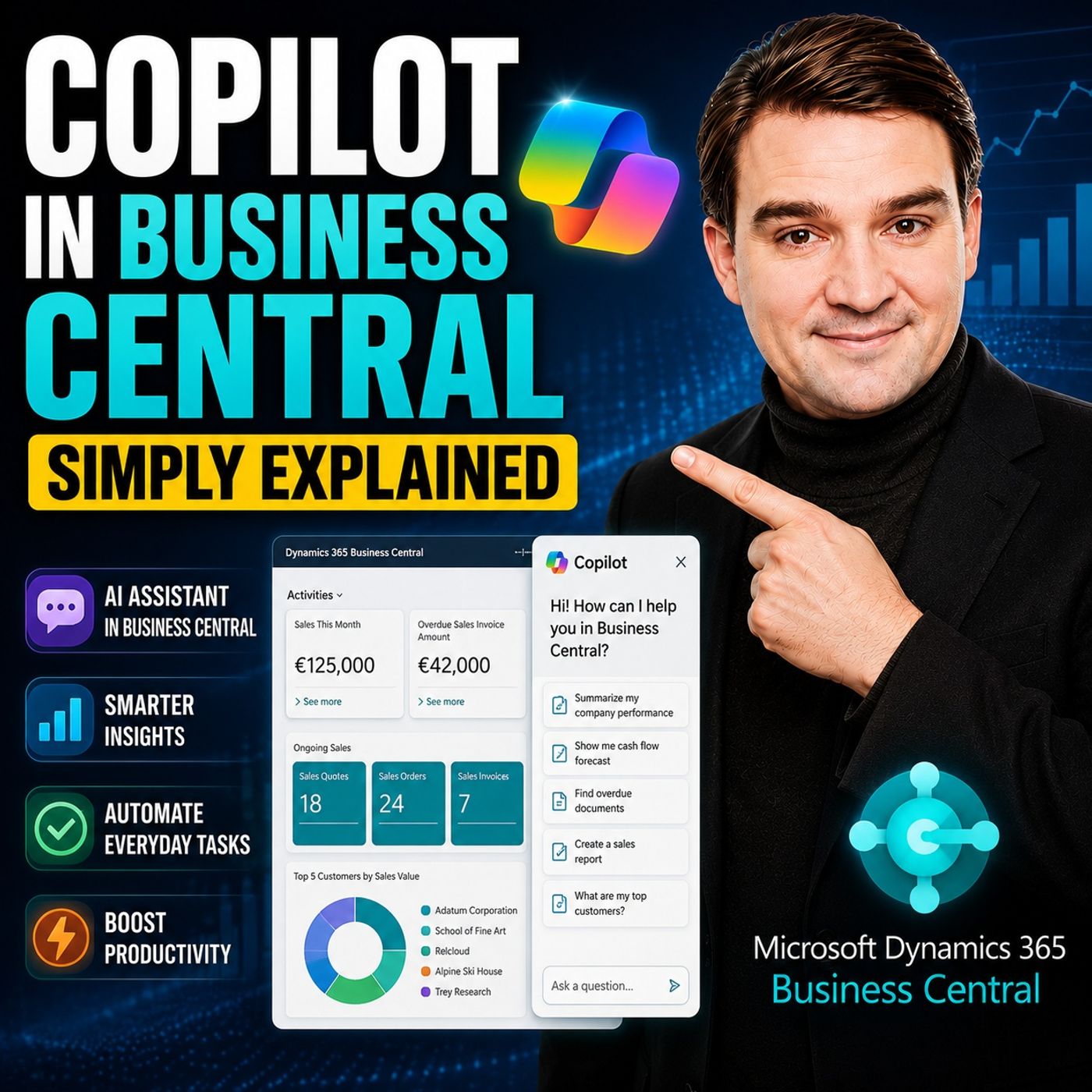
Copilot in Business Central - Simply Explained
Show notes
Microsoft Copilot is becoming a core part of Dynamics 365 Business Central, transforming it from a traditional ERP system into an AI-powered business assistant. Instead of switching between applications or manually searching through records, Copilot works directly inside your ERP environment, helping users retrieve information, generate content, automate data entry, and increasingly complete business processes on their behalf. THE THREE LAYERS OF COPILOT Copilot in Business Central consists of three distinct layers. The first layer includes the built-in AI features that come with your existing Business Central license. These tools help users work faster through intelligent suggestions and natural language interactions. The second layer introduces Microsoft's AI Agents. Unlike traditional Copilot features, these agents don't simply answer questions—they actively perform business tasks in the background while keeping users in control through approval workflows. The third layer allows organizations to build their own custom agents, enabling AI to automate unique business processes tailored to specific operational requirements. BUILT-IN COPILOT FEATURES Business Central already includes several AI capabilities at no additional licensing cost. Users can analyze data using natural language with Analysis Assist, receive intelligent Autofill suggestions during data entry, automatically generate marketing descriptions for products, simplify bank reconciliations, extract information from electronic documents, and ask questions directly through Chat with Copilot. These features accelerate everyday work while remaining fully integrated into Business Central's existing interface and security model. THE POWER OF AI AGENTS Microsoft's AI Agents represent the biggest evolution of Copilot inside Business Central. The Sales Order Agent can process incoming customer emails, extract order information, verify inventory, and prepare draft sales orders for approval. The Payables Agent reads supplier invoices, matches them against purchase orders, and prepares them for payment processing. Future agents will automate additional finance and operational workflows, including expense management. Unlike traditional AI assistants, these agents execute business processes rather than simply providing recommendations, while always requiring human approval before critical actions are finalized. COPILOT CREDITS AND LICENSING The built-in Copilot capabilities are included with every Business Central license. AI Agents, however, operate using Microsoft's Copilot Credit model. Every AI action consumes credits depending on the complexity of the task, from simple responses to fully automated business operations such as creating sales orders or processing invoices. Organizations can monitor credit consumption, purchase additional credit packs, or use pay-as-you-go billing while maintaining complete visibility into AI usage across the environment. BUILDING CUSTOM AGENTS Business Central's Agent Designer enables organizations to create their own AI agents without traditional software development. Administrators can describe tasks in plain English, assign permissions, define business rules, and deploy agents that monitor processes, validate transactions, review data, or automate repetitive activities unique to their organization. For developers requiring deeper customization, Microsoft also provides an AI Development Toolkit with APIs and lifecycle management capabilities for enterprise-grade agent development. A PRACTICAL BUSINESS EXAMPLE Imagine a customer sends an email requesting fifty laptops and twenty monitors. Instead of manually reading the email, checking inventory, creating a sales order, and preparing a quotation, the Sales Order Agent performs each step automatically. It extracts the requested products, verifies stock availability, applies customer-specific pricing, creates a draft order, and presents everything for approval. Within minutes, what previously required significant manual effort becomes a simple review and approval process, allowing employees to focus on customer relationships instead of repetitive administration. SECURITY AND GOVERNANCE Every Copilot Agent operates within Business Central's existing security framework. Agents inherit permission boundaries, maintain their own identities, log every action they perform, and require approvals for sensitive business operations. Organizations can monitor AI activity, assign dedicated administration roles, and govern AI usage just as they would any other business process. This combination of automation, transparency, and governance makes Business Central's AI agents suitable for enterprise environments where compliance and accountability remain essential. Become a supporter of this podcast: https://www.spreaker.com/podcast/m365-fm-microsoft-365-azure-cloud-power-platform-ai--6704921/support.
Apple Podcasts · Spotify · YouTube · YouTube Music · Deezer
Host: Mirko Peters
Related articles
Transcript
Read the full transcript
What exactly is Copilot in Business Central? Is it just a smarter search box or can it actually do your work for you? That's what we're clearing up today. By the end of this episode, you'll understand the three layers, the free-built-in stuff, the paid agents from Microsoft, and the custom ones you can build yourself. Grab your coffee and let's dive in. The big picture, what Copilot actually is. Here's the simplest definition. Copilot is Microsoft's AI assistant built right into Business Central. It's not a separate website you log into and it's not an add-on you install. It lives inside your ERP data, which means it can read your customers, your sales orders, your inventory, without you connecting anything or setting up extra integrations. The data is already there and Copilot can work with it. Now there are three layers to know about. First, you've got the built-in Copilot features that come with your Business Central license at no extra cost. Things like asking questions in plain English, getting suggestions for data entry or generating product descriptions. Second, Microsoft built agents. These are newer and more powerful because they actually do tasks for you in the background, like processing a sales order from an email. And third, custom agents that you design yourself for your own specific workflows. Here's the key difference between these layers. The built-in Copilot features help you move through tasks faster. They give you information, they fill in fields, they suggest text, but you're still the one doing the work. Agents are different because they can act on your behalf. They read an email, check inventory, create a draft order and send it back without you touching a keyboard. That's the shift from tool to employee and it's the biggest change coming to Business Central in 2026. The free stuff built in Copilot features. Let's start with what you get for free because this is where most people should begin. Six main features are included with your Business Central license and they're all ready to use right now. Analysis assist. You type a question in plain English right inside a list page. Instead of building filters or writing formulas, you just say something like, "Show me my top 10 customers by sales this year." Copilot builds the view for you. It groups the data, applies the filters and shows the result, no training required. Motorfill, this one is subtle, but saves a ton of time. Copilot learns patterns from your data entry and starts suggesting values for fields as you type. If you always use the same payment terms for a certain customer group, Copilot figures that out and fills it in for you but it's like having a really fast assistant who knows your habits, marketing text. If you sell products online, you know how painful it is to write descriptions for every item. Copilot can generate product descriptions automatically from your item attributes. You tell it the tone you want and it writes a paragraph ready to publish. For e-commerce catalogs, this is a huge time saver. Bank reconciliation, this is one of the most practical features for finance teams. When you run a bank reconciliation, Copilot automatically matches bank transactions to your ledger entries. It looks at amounts, dates and descriptions and suggests matches. Microsoft claims this can reduce manual matching by up to 80%. You still review and approve, but the heavy lifting is done for you. Map e-document. When you receive a vendor invoice as a PDF, Copilot reads it, extracts the key details and suggests which purchase order it matches. You confirm and the data flows in. No manual data entry needed, chat with Copilot. This is the one most people think of first. You ask questions like, what's the status of order 1023? Or show me all over you invoices for customer aid, datum corporation. Copilot gives you an answer with a link to the actual record so you can take action. It works in over 20 languages, which is great for global teams. All of these features are included. No extra license, no per use fee. They're just there, waiting for you to use them. But the real power comes next. The agents. The new AI agents, what they do and how they work. Agents are a step beyond what we just covered. The built-in features answer questions, suggest values and generate text. But they don't act. Agents do. They can actually perform tasks on your behalf in the background without you sitting there guiding every step. Microsoft has built three of these so far. Let's look at each one. The sales order agent is probably the most exciting for anyone who processes customer orders. Here's how it works. A customer sends an email saying, "I need 50 laptops and 20 monitors delivered to our warehouse." The agent reads that email, including any PDF attachments with purchase order numbers and shipping addresses. It extracts the products, checks stock availability and business central creates a draft sales order and sends you a summary for approval. You review it, click approve, and it's done. The agent handles multiple line items, different shipping addresses, even partial quantities. What used to take 10 minutes of back and forth emailing now takes one click. The payables agent works the same way, but for invoices. When a vendor emails you an invoice PDF, the agent reads it, extracts the invoice number, the amount, the due date and the line items, then it matches that invoice against your existing purchase orders in business central. If everything matches, it flags it for payment. If something doesn't match, say the amount is different from the purchase order, it flags the exception for you to review. The agent does the hard part of reading, matching, and organizing, but it never posts anything automatically. The expense agent is coming soon, probably in the next update. It categorizes expenses from receipts, reconciles them against transactions and routes approvals to the right person. Same pattern, the agent does the sorting, you make the decisions. Now, an important point about how these agents work, they run inside business central's existing security model. They can only see data that you've authorized them to see. If a user doesn't have permission to view a certain customer record, the agent can't access it either. Every action an agent takes is logged and attributable to that agent's identity. And for critical actions like posting a document, the agent requires human approval. It creates a draft, sends it to you, and waits. You're always in control. What's free versus what costs? Co-pilot credits explained. So how much does all this actually cost? Let's be clear about the split. The built-in co-pilot features from section two, analysis assist, autofill, marketing text, bank reconciliation, map e-document, and chat with co-pilot are all included with your business central license. No extra charge. You're already paying for them. Here's the thing about agents. They work differently. They use something called co-pilot credits, which is basically a usage-based currency for AI actions. Every time an agent does something like reading an email, generating a response, or creating a draft, it consumes a small number of credits. Microsoft gives you a tenant a small pool of free credits each month so you can try things out. When you need more, you have two options. You can pre-purchase credit packs like 25,000 credits for about $200, or use payers you go where you're billed monthly based on what you consumed. There's no functional difference between the two, only how you pay. Now let's talk actual costs per action. A simple answer costs about one credit. A generative answer where the agent writes something new costs two credits. An agent action, like creating a sales order or matching an invoice, costs about five credits. So processing a single invoice through the payables agent might cost you around five cents. That adds up, but it's not expensive per transaction. You can monitor all this inside business central with the right permissions, specifically the agent diagnostics permission set. You'll see exactly how many credits each agent consumed per task, per day, per month. No surprises on the bill. Custom agents building your own in 2026. But what if Microsoft's built-in agents don't fit your business? Maybe you have a specific workflow unique to your company, like a customer approval process, a special validation rule, or a particular way you handle returns. The good news is that the 2026 release wave introduces a way to design your own AI agents directly inside business central, and you don't need to be a developer to do it. Microsoft calls this the agent designer. And you access it from inside business central in a sandbox environment. The idea is simple. You give your agent instructions in plain English, assign it a profile so it knows which data it can see, and set its permissions so it knows what it's allowed to do. That's it. The agent then uses those instructions to figure out how to handle the tasks you give it. Let's make this concrete. Say you want an agent that reviews all open sales orders every morning and checks for pricing errors. You'd go into the agent designer, create a new agent, and write something like this. Review all open sales orders. Check if any line item has a unit price below the minimum price in the item card. If you find one, flag it and suggest a correction. You design it a profile that can read sales orders and item cards, but not post anything, then activate it. Every morning that agent runs through your open orders finds the exceptions and presents them for review. You don't need any coding, power automate flows, or custom development. For developers who need more control, there's the AI development toolkit. This gives you AL APIs to build production grade agents with full lifecycle management, including versioning, deployment, and feature flags. You can define custom agent types, wire them into existing business central processes, and manage them like any other extension. It's the same underlying agent runtime, but with pro code control. Custom agents use the same billing model as Microsoft build agents. They run on co-pilot credits, and every task they perform consumes credits at the same rates we covered earlier. So whether you use Microsoft's sales order agent or build your own validation agent, the cost structure is identical. No surprise charges. A real world scenario from email to order. So let's make this real. Imagine you run a small distribution company, a customer sends an email. We need 50 laptops and 20 monitors for our new office. Can you send a quote? Here's what happens once business central's sales order agent kicks in. The agent picks up that email, reads the natural language request, spots the 50 laptops and 20 monitors, and checks your item catalog. It finds the matching products and verifies stock. Or are those 50 laptops in the warehouse? What about the 20 monitors? If stock is low, it makes a note right in the draft. Then it pulls up the customer's record, shipping address, payment terms, pricing agreement, all of that gets attached automatically. It creates a draft sales order with everything filled in, calculates the totals, applies any eligible discounts, and generates a summary. Now here's the interesting part. The agent sends you a notification inside business central. I've created a draft sales order for customer X, 50 laptops at Y, each, 20 monitors at Z, each. Total, W stock is available. Please review and approve. You open that notification, scan the summary, and click approve. That's it. The order is created, and the customer gets an automated email with the quote, "No manual data entry, no copying and pasting from an email, no checking stock across multiple screens, the agent handled all that in the background." Now let's talk about cost. The agent used a generative answer to interpret the email. That's two copilot credits. Then it performed an action to create the draft order. That's five credits. So the whole transaction cost about $0.7. For $0.7 you saved maybe 10 or 15 minutes of manual work and removed any risk of typos or missed details. This is the shift I mentioned at the start. The agent does the grant work. You make the decisions. It's not about replacing people. It's about removing the repetitive error-prone parts so you can focus on what actually needs human judgment, negotiating pricing, handling exceptions, or building relationships with customers. Security and governance, keeping agents in mind. Now you're probably wondering about security. That's a fair question. Agents inherit the exact same permission model as human users. They can only see data you've authorized. If a user can't access a certain customer record, the agent can't either. Each agent has its own distinct identity, so every action gets logged and tracked. You can trace exactly what an agent did, when, and under whose authority. There are specific permission sets for this. Agent admin lets you configure and enable agents. Agent diagnostics lets you view consumption data and troubleshoot. Those roles are separate for good reason. You might want someone managing agents without seeing sensitive consumption details. The rule here is simple. Grant the minimum permissions just like you would for a new hire. Governance also means keeping an eye on usage. Watch for unexpected credit spikes or agents accessing data they shouldn't. Microsoft recommends setting up a centralized AI council to oversee agent deployment and policies. It doesn't have to be formal. Just a small group that regularly reviews what agents are doing and whether they're behaving as expected. So there you have it. Copilot in business central isn't one single thing. It's a whole range from free smart helpers all the way to full autonomous agents. The real trick is knowing what's out there and picking what actually fits your business. If this cleared things up, hit subscribe for more plain English guides. got a question about copilot or agents, drop it in the comments. We might cover it in a future episode.