 EN
EN Deutsch
 Español
 Français
 Italiano
 Português
 Nederlands
 Polski
 Bahasa Indonesia
 Русский
 Українська
 العربية
 עברית
עברית हिन्दी
 日本語
日本語 한국어
한국어2026-06-04 · Season 2
Building a Synthetic Market for Microsoft 365 Strategy
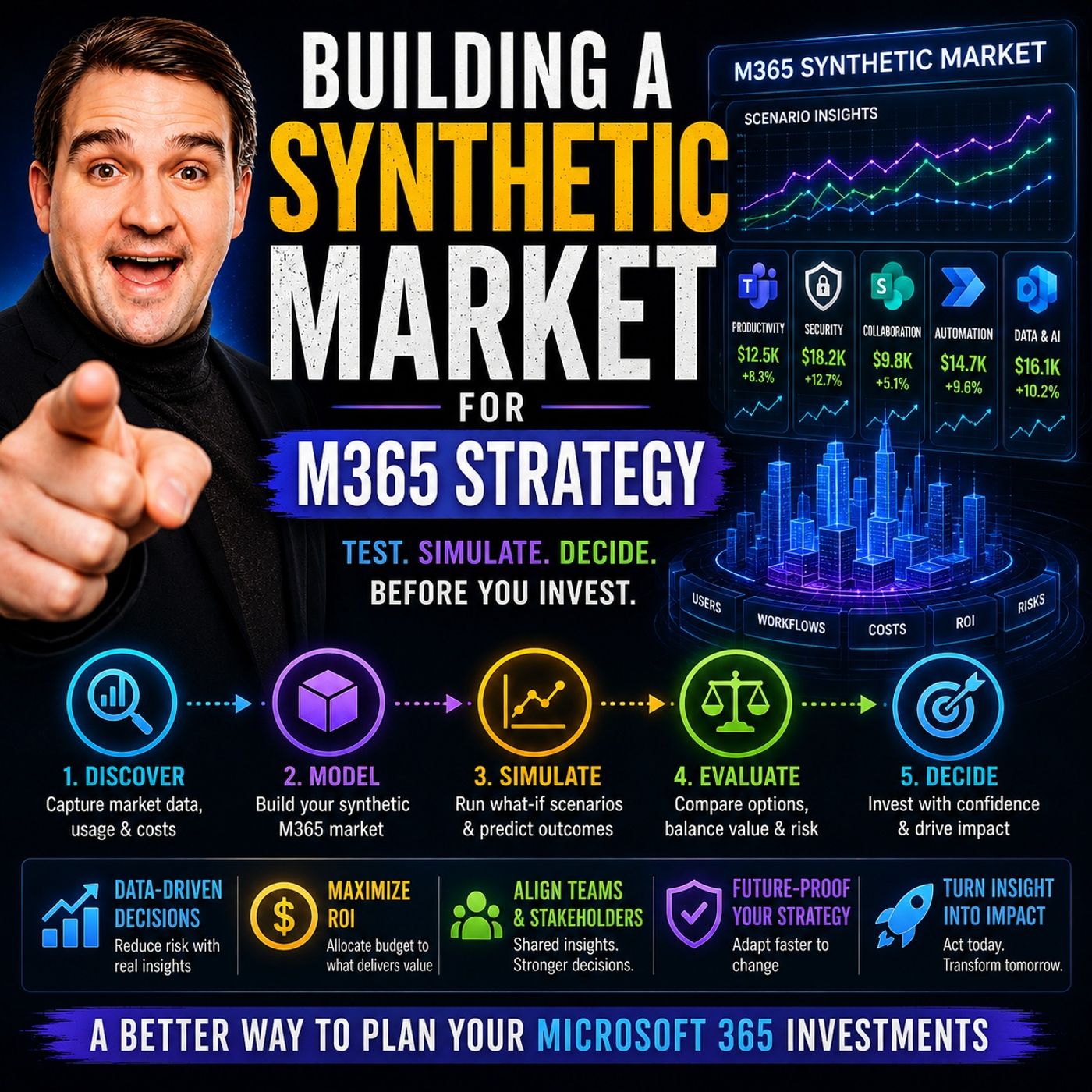
Quick answer: synthetic market strategy for Microsoft 365 is covered in this M365 FM episode with a practical focus on how it works, where it fits, and the architecture, security, governance, or operational choices that matter in real Microsoft environments.
Are you struggling to predict how your Microsoft 365 decisions will impact ai adoption? You can use a synthetic market to simulate every major strategy before implementation. M365 FM’s synthetic market lets you test assumptions and optimize governance in a risk-free environment. You gain insights into ai adoption patterns by analyzing 100 synthetic organizations. Strong governance in the synthetic market prevents bias amplification and ai autophagy. You build trust and transparency with context-aware standards for synthetic data. The synthetic market helps you manage ai risks and maximize Office 365 success.
Key Takeaways
- Use synthetic markets to test Microsoft 365 strategies safely.
- Simulate real-world decisions to predict outcomes and avoid risks.
- Optimize governance to improve AI adoption and reduce bias.
- Segment users with AI to tailor Office 365 strategies effectively.
- Leverage AI for better governance and policy enforcement.
- Simulate Office 365 use cases to measure impact and user satisfaction.
- Monitor key metrics to track success and drive improvements.
Synthetic Market in M365 Strategy

What Is a Synthetic Market?
You can use a synthetic market to create a virtual environment that simulates real-world business decisions. A synthetic market lets you test strategies, predict outcomes, and understand how changes affect your organization. You build a synthetic market by using synthetic data, which means you do not rely on actual company information. This approach helps you avoid risks and privacy concerns. You can model different scenarios and see how synthetic organizations respond to new policies or technologies. Synthetic markets give you a safe space to experiment and learn before making real changes.
A synthetic market acts like a laboratory for your business. You can try new ideas, measure results, and adjust your plans without any real-world consequences.
Why Synthetic Markets Matter for M365
You gain many benefits when you use a synthetic market for your Microsoft 365 strategy. Synthetic markets help you optimize your approach and make better decisions. Here are some reasons why synthetic markets matter:
- Synthetic markets let you test bundling strategies. You can see how combining products like Teams, SharePoint, and Exchange Online affects adoption and revenue.
- Synthetic markets show that bundled products provide greater value together. You can achieve high attach rates for premium add-ons among E3 customers.
- Synthetic markets reveal that enterprise bundling lowers total cost of ownership. You reduce the number of vendors and simplify administration. You also increase Microsoft’s revenue share.
- Synthetic markets help you understand how governance choices impact AI adoption. You can identify patterns that lead to success or failure.
You use synthetic markets to simulate demand, adoption, and governance. You can see how synthetic organizations react to new features or policies. This helps you plan your Microsoft 365 strategy with confidence.
Key Features of M365 FM’s Synthetic Market
M365 FM’s synthetic market offers unique features that set it apart. You can simulate 100 synthetic organizations, each with different governance models and collaboration patterns. You use advanced tools like Azure AI Foundry and GraphRAG to create synthetic scenarios. These tools help you generate synthetic data and analyze synthetic outcomes.
You can explore synthetic governance structures and see how they affect synthetic AI adoption. You can test synthetic assumptions and evaluate synthetic risks. You can identify synthetic pitfalls and make synthetic improvements before you invest real resources.
| Feature | Benefit |
|---|---|
| 100 synthetic orgs | Test many synthetic strategies |
| Synthetic governance | Optimize synthetic AI adoption |
| Synthetic scenario tools | Analyze synthetic outcomes |
| Synthetic risk-free lab | Make synthetic decisions safely |
You use M365 FM’s synthetic market to build a synthetic pathway to Microsoft 365 success. You gain synthetic insights, minimize synthetic mistakes, and maximize synthetic business value.
Synthetic Market Research Insights
You can gain powerful insights by studying the results from M365 FM’s Synthetic Market for M365 Strategy. This research uses 100 synthetic organizations to reveal what works and what fails in Microsoft 365 and AI adoption. You do not have to guess about best practices. You can see the patterns that lead to success or failure.
Note: The biggest lesson from the synthetic market is that governance shapes AI outcomes more than technology or budget.
You can learn from five common governance failure patterns. These patterns appear again and again in organizations that struggle with AI adoption. When you know these patterns, you can avoid them in your own strategy.
The Five Governance Failure Patterns
| Failure Pattern | What Happens in Simulation |
|---|---|
| Identity Blind Spots | Users gain access they should not have. |
| Collaboration Sprawl | Teams and sites multiply without control. |
| Automation Without Governance | Bots and flows run without oversight. |
| Ownership Gaps | No one takes responsibility for key resources. |
| Compliance Theater | Policies exist but do not work in practice. |
You can see how each pattern leads to lower AI adoption rates, more security incidents, and wasted investments. For example, when you ignore identity management, you open the door to data leaks. When you let collaboration tools grow without rules, you create confusion and risk.
You also see what works. The synthetic market shows that organizations with strong governance models achieve higher AI adoption. They have fewer incidents and better business outcomes. You can use these findings to build your own roadmap.
Key Insights You Can Apply
- You should align governance with business goals. This helps you focus on outcomes, not just rules.
- You need to test your assumptions before you roll out new features. Simulation lets you see the impact first.
- You can use synthetic data to measure the effect of policy changes. This gives you real evidence, not just opinions.
- You should review your governance model often. The market changes, and your strategy must adapt.
Tip: Use the synthetic market as your testing ground. You can try new ideas, measure results, and improve your approach before you invest real resources.
You do not have to repeat the mistakes of others. You can use research insights from the synthetic market to guide your Microsoft 365 and AI strategy. This approach helps you avoid costly errors and reach your goals faster.
Core Strategies for Success
User Segmentation in Synthetic Markets
You can unlock the full potential of office 365 by segmenting your users in the synthetic market. Segmentation helps you understand how different groups interact with office 365 tools. AI-driven segmentation goes beyond basic demographics. You can analyze purchasing behavior, online activity, and even sentiment. This approach reveals patterns that traditional methods often miss.
When you use AI to segment users, you create more personalized strategies. You can tailor office 365 training, support, and communication for each group. This leads to a better user experience and higher adoption rates. For example, you might find that one segment prefers self-service learning, while another needs hands-on support.
Tip: Use AI algorithms to identify hidden segments in your synthetic market. This helps you design office 365 strategies that resonate with every user group.
You should always align your segments with business goals. This ensures that your office 365 strategy drives productivity and security. Consultants who focus on outcomes help you grow revenue and reduce costs. Small businesses benefit from flexible services without hiring a full-time IT team. By integrating governance, training, and system integrations, you maximize the value of office 365. Ongoing support builds recurring revenue streams and keeps your strategy up to date.
Simulating Demand and Adoption
You can use the synthetic market to simulate demand and adoption for office 365. This lets you test how different user groups respond to new features or policies. You see which strategies drive the most engagement and which ones need improvement.
In simulations, users often prefer experiential learning. They like to experiment and learn by doing. Formal training resources help, but they may not solve every challenge. Social learning stands out as a key factor. Users learn best when they share knowledge and collaborate. Even when users see the benefits of office 365, they may feel unsure about their skills. You can address this by creating communities of practice. These groups encourage collaborative learning and boost confidence.
- Users prefer self-led experimentation with office 365.
- Formal training is helpful but not always enough.
- Social learning and peer support improve mastery.
- Many users feel low confidence in their office 365 skills.
- Communities of practice help users learn together.
You can use these insights to design better adoption programs. Focus on real-world use cases that matter to each segment. Encourage users to share tips and success stories. This approach improves the user experience and drives sustained adoption of office 365.
Leveraging AI for Governance
You can strengthen your office 365 governance by leveraging AI in the synthetic market. AI helps you spot risks, automate controls, and enforce policies. You can test different governance models and see how they affect adoption and security.
Common governance failure patterns often appear in simulations. Centralizing control may seem safe, but it can slow decision-making. When leaders require daily approvals, governance turns into a bottleneck. This creates executive dependency and leadership latency. Workflow designs that never change prevent users from taking full advantage of office 365 tools. Lack of trust in AI-generated results also holds back adoption.
Governance worries are real, with security and compliance teams rightly concerned about permissions sprawl and retention gaps. The problem arises when caution becomes a daily approval mechanism, turning governance into traffic rather than architecture. Workflow design often remains unchanged, preventing acceleration of decision flow despite AI's ability to generate output quickly.
You can avoid these pitfalls by using AI to automate routine approvals and monitor compliance. AI can flag unusual activity and suggest policy updates. You should review workflows regularly and adapt them to new office 365 capabilities. Trust in AI grows when you show clear, consistent results.
A strong governance model improves the user experience and supports innovation. You can use the synthetic market to test governance changes before rolling them out. This reduces risk and ensures your office 365 environment stays secure and productive.
| Governance Strategy | Benefit for Office 365 |
|---|---|
| AI-driven policy enforcement | Reduces manual errors |
| Automated compliance checks | Flags risks early |
| Adaptive workflows | Speeds up decision-making |
| Transparent reporting | Builds trust with users |
You can use these strategies to create a resilient office 365 environment. Focus on real-world use cases and measure the impact of every change. This approach helps you achieve your business goals and maximize the value of office 365.
Office 365 Use Cases in Simulation
You can use simulation to explore practical office 365 scenarios before making real changes. This approach helps you understand how different strategies affect your organization. You gain valuable insights by testing office 365 features in a synthetic market. You see how users respond to new tools and workflows. You also identify which use cases deliver the most value.
Simulating office 365 use cases allows you to measure the impact of AI-powered features. You can test document summarization, email refinement, and meeting recap generation. These tasks often take up much of your team's time. When you simulate these activities, you discover how AI can transform routine work into strategic outcomes.
| Use Case | Strategic Outcome |
|---|---|
| Summarizing documents | Saves time and improves information accessibility |
| Refining emails | Enhances communication clarity and effectiveness |
| Generating meeting recaps | Ensures key points are captured and shared efficiently |
| Supporting data analysis | Informs decision-making with accurate insights |
| Building presentations | Streamlines the creation process for impactful visuals |
You can use office 365 simulations to test how AI improves communication and collaboration. For example, you might simulate refining emails to see if clarity increases across departments. You can also simulate generating meeting recaps to ensure important information gets shared quickly. These simulations help you decide which office 365 features to prioritize.
Simulated office 365 scenarios reveal how AI reduces time spent on everyday tasks. You see improvements in accuracy and efficiency. You also notice that users become more creative and strategic when routine work is automated. This shift allows your team to focus on higher-value activities.
- AI transforms routine office 365 tasks into strategic outcomes.
- You spend less time on repetitive work.
- Communication and analysis become more accurate.
- You gain more time for creative thinking and planning.
You can simulate office 365 use cases to test adoption rates and user satisfaction. For instance, you might simulate building presentations with AI tools. You measure how quickly users create impactful visuals. You also track how these changes affect productivity and morale.
Simulations help you identify potential challenges before they become real problems. You can test office 365 workflows for different user segments. You see which groups adapt quickly and which need extra support. This information guides your training and communication strategies.
You can use office 365 simulations to optimize governance. You test how policy changes affect collaboration and security. You also measure the impact of automation on compliance. By simulating these scenarios, you make informed decisions that support your business goals.
Tip: Use office 365 simulations to experiment with new features and workflows. You can measure results and adjust your strategy before rolling out changes to your entire organization.
You build a stronger office 365 environment by learning from simulated use cases. You reduce risks, improve adoption, and maximize business value. Simulation gives you the confidence to innovate and grow.
Implementation Roadmap
Launching a Synthetic Market
You can launch a synthetic market for your M365 strategy by following a clear step-by-step process. Start by defining your business goals. Decide what you want to learn about availability, service health, and sla validation. Next, gather your team and set up the environment. Use M365 FM’s Synthetic Market for M365 Strategy to create 100 synthetic organizations. Each organization will have unique governance models and collaboration patterns. This setup lets you test availability and sla validation across different scenarios.
After setup, run simulations to see how changes affect availability, service health, and sla. Track how each synthetic organization responds to new policies. Measure the impact on availability and sla validation. Use the results to adjust your strategy. Repeat the process to improve availability and service health over time. This approach helps you build confidence before making real changes.
Tip: Always document your findings. This record helps you track improvements in availability, service health, and sla validation.
Tools and Resources
You need the right tools to ensure success in your synthetic market. Azure AI Foundry and GraphRAG play a key role. These tools help you manage availability, service health, and sla validation with advanced technology.
- Azure AI Foundry powers retrieval-augmented generation (RAG) for enterprise search and sla validation.
- It delivers end-to-end RAG systems that support availability, service health, and sla validation.
- RAG combines retrieval with generative models to give you accurate, context-aware answers about availability and sla.
- Foundry IQ knowledge bases help you steer queries, plan, rerank, and synthesize answers for better sla validation.
- GraphRAG supports iterative improvement in availability and service health.
You also need dashboards for saas monitoring. These dashboards track availability, service health, and sla validation in real time. Use them to spot issues early and keep your synthetic market running smoothly. Always check your sla and availability metrics to ensure your environment meets business needs.
Avoiding Governance Pitfalls
You must avoid common governance failure patterns to protect availability, service health, and sla validation. The synthetic market reveals five patterns that can harm your results. Use this table to understand and avoid them:
| Governance Failure Pattern | Description |
|---|---|
| Illusion of Structure | Creates a false sense of order, leading leadership to believe issues are managed. |
| Ineffective Approval Workflows | Approval processes that do not effectively constrain execution, resulting in costly inefficiencies. |
| Lack of Enforcement of Best Practices | Best practices are published without necessary guardrails, leading to non-compliance. |
| Documentation of Intent without Execution Coupling | Request forms for new workspaces are mistaken for governance, lacking real impact on execution. |
| Policies that do not Change System Behavior | Policies that do not enforce actual constraints are merely suggestions, failing to guide behavior. |
Identity Blind Spots
You must monitor availability and service health to avoid identity blind spots. Regular sla validation checks help you spot unauthorized access. Use saas monitoring tools to track user activity and maintain high availability.
Collaboration Sprawl
Collaboration sprawl can lower availability and service health. Set clear rules for workspace creation. Use dashboards to monitor availability and sla. Remove unused sites to keep your environment efficient.
Automation Without Governance
Automation without governance can harm availability and sla validation. Always review automated workflows. Make sure each automation supports service health and meets your sla.
Ownership Gaps
Ownership gaps reduce availability and service health. Assign clear roles for every resource. Use sla validation to check that each owner maintains their area. This step keeps your environment secure and available.
Compliance Theater
Compliance theater means policies exist but do not improve availability or service health. Test your policies with real sla validation. Make sure every rule changes system behavior and supports availability.
Note: Regularly review your governance model. Use synthetic market simulations to test changes before you apply them. This practice keeps your availability, service health, and sla validation strong.
Synthetic Monitoring and Optimization
Key Metrics for Success
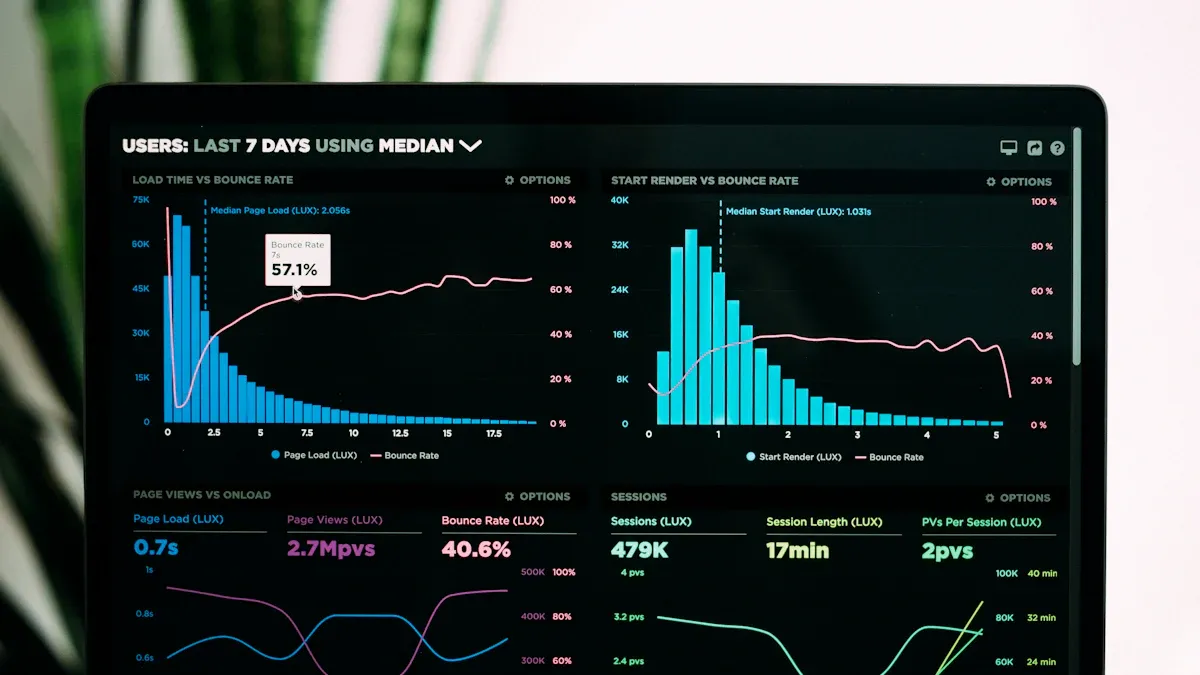
You need to measure the outcomes of your synthetic market to optimize your M365 strategy. Synthetic monitoring helps you track how employees use Copilot and other Office 365 tools. You can focus on several key metrics that show the effectiveness of your approach. Monthly Active Usage tells you how many employees engage with Copilot. Net Satisfaction measures the overall experience with the tool. Favorability shows if Copilot improves productivity. AI-assisted Hours quantify the time saved. Adoption Surveys collect feedback from employees. In-app Sentiment Checks give ongoing insights into user experience. App Telemetry tracks which features employees use most. Regular Usage shows strong adoption rates.
| Metric | Description |
|---|---|
| Monthly Active Usage (MAU) | Initial focus on ensuring high employee engagement with Copilot. |
| Net Satisfaction | Measures the overall positive or negative experience with Copilot. |
| Favorability | Assesses whether Copilot enhances employee productivity or speed in their work. |
| AI-assisted Hours | Quantifies the time saved through the use of Copilot. |
| Adoption Surveys | Collects qualitative data on employee experiences and feedback regarding Copilot. |
| In-app Sentiment Checks | Provides ongoing qualitative insights into user satisfaction and engagement with the tool. |
| App Telemetry | Tracks specific feature usage, indicating which functionalities are most utilized by employees. |
| Regular Usage | 85% of employees report using Copilot regularly, indicating strong adoption. |
Synthetic monitoring lets you monitor these metrics in real time. You can use dashboards to monitor performance and experience. This helps you identify trends and areas for improvement.
Iterative Improvement with AI
You can use synthetic monitoring to drive continuous improvement. AI tools help you monitor user behavior and performance. You can analyze price and demand forecasting to simulate economic changes. Predictive analytics let you monitor healthcare outcomes and treatment efficacy. Risk modeling helps you monitor financial scenarios. Customer behavior analysis lets you monitor how users interact with Office 365. Market segmentation enables you to monitor targeted strategies. Customer experience analysis helps you monitor service delivery. Market analysis lets you monitor trends and preferences.
Synthetic monitoring gives you the ability to monitor every aspect of your synthetic market. You can monitor adoption rates, monitor satisfaction, and monitor feature usage. AI helps you monitor patterns and monitor anomalies. You can monitor feedback and monitor sentiment. This approach lets you monitor the impact of changes and monitor the effectiveness of your strategy.
Tip: Use synthetic monitoring to monitor user experience and monitor performance. You can monitor results and monitor progress over time.
Scaling Across Office 365 Environments
You can scale synthetic monitoring across large Office 365 deployments. A structured four-phase approach helps you monitor use cases and monitor governance. You need strong data foundations to monitor adoption and monitor consistency. You must monitor preparations before deployment to monitor scaling issues. Synthetic monitoring lets you monitor multiple environments and monitor performance at scale.
You can monitor Office 365 environments with synthetic monitoring tools. Dashboards help you monitor metrics and monitor service health. You can monitor compliance and monitor security. Synthetic monitoring lets you monitor automation and monitor ownership. You can monitor policies and monitor system behavior. This approach helps you monitor risks and monitor business value.
Note: Synthetic monitoring gives you the power to monitor every detail of your Office 365 strategy. You can monitor outcomes, monitor improvements, and monitor growth as you scale.
You can transform your Microsoft 365 strategy with a synthetic market. This approach lets you test ideas, strengthen governance, and boost AI adoption. M365 FM’s Synthetic Market for M365 Strategy helps you reduce risk and increase business value.
Tip: Start by defining your goals, set up your synthetic market, and review your governance model often. You will see better results and more confident decisions.
- Test strategies before real-world rollout
- Use AI insights to guide governance
- Review and adapt your approach regularly
FAQ
What is a synthetic market in M365 strategy?
You use a synthetic market to simulate real-world decisions for Microsoft 365. This helps you test strategies, measure outcomes, and improve your stack before making changes in your actual environment.
How does internal monitoring improve Office 365 success?
You gain better visibility with internal monitoring. It helps you track application availability, spot issues early, and maintain performance thresholds. This ensures your cloud applications run smoothly for all users.
Why should you focus on monitoring best practices?
You follow monitoring best practices to ensure complete monitoring coverage. This approach helps you detect problems, optimize authentication workflows, and keep your stack secure and reliable.
How do you measure the effectiveness of your comprehensive ai stack?
You measure effectiveness by tracking current ai use cases, monitoring workflows, and reviewing internal monitoring data. This gives you clear insights into how your ai business performs.
What role does monitoring coverage play in cloud applications?
You use monitoring coverage to track every part of your stack. This helps you maintain high service levels, meet performance thresholds, and support all cloud applications.
How can you start monetizing your ai business with M365 FM?
You start monetizing by using the synthetic market to test strategies, validate current ai use cases, and optimize your comprehensive ai stack. This prepares your ai business for growth and success.
Why are monitoring workflows important for Office 365 environments?
You rely on monitoring workflows to automate checks, maintain internal monitoring, and ensure your stack meets all performance thresholds. This keeps your Office 365 environment efficient and secure.
🎧 Listen to this episode
Want a practical explanation of Building a Synthetic Market for Microsoft 365 Strategy? This episode breaks down the topic in clear language and shows why it matters for Microsoft 365, Azure, Power Platform, security, AI, and modern work.
Listen to this episode if you want to:
- Understand the key concepts behind Building a Synthetic Market for Microsoft 365 Strategy
- See how it fits into the wider Microsoft technology ecosystem
- Learn where it can create practical value for your organization
You may also enjoy these related M365 FM episodes:
- How to Build a Winning Microsoft Partner Strategy
- Azure Copilot Agents: Building a Synthetic Platform Team
- Cloud Latency and Edge Computing Strategy
- The Copilot Tax: Hidden Costs of Enterprise AI Strategy
- AI Upskilling Strategy for Measurable Business ROI
Discover more practical Microsoft conversations on M365 FM.
Last reviewed: July 2026.
Who Should Listen
This episode is for Microsoft administrators, architects, developers, security professionals, and business leaders who need a practical foundation before making implementation, operations, or governance decisions.
🎧 You Should Also Listen To
- AI Agents — A strongly related next step for extending this topic.
- Power Platform — A strongly related next step for extending this topic.
- Microsoft Teams — A strongly related next step for extending this topic.
Apple Podcasts · Spotify · YouTube · YouTube Music
Host: Mirko Peters