Work smarter, not harder, with practical tips for Microsoft 365. From Teams and Outlook to OneDrive and Office apps, we explore new features, time-saving shortcuts, collaboration tools, and productivity workflows that help you get more done every day. Perfect for anyone who loves efficiency and wants to make M365 work for them.
Teams Guest Access Governance: Complete Guide for Secure CollaborationIf you’re trying to get Microsoft Teams guest access right, you’ve got to juggle productivity, security, and compliance without dropping any of those balls. This gui…
Setting up SharePoint for collaboration is all about creating a workspace where your team can work smarter, not harder. When SharePoint is set up the right way, it becomes a hub for sharing files, managing tasks, and communicating—all within t…
High achievement often comes with an unexpected companion: loneliness. You might excel in your career or hobbies, yet feel isolated in your journey. The emotional toll of striving for excellence can weigh heavily on you.Consider these questions:…
Many organizations perceive themselves as high-performing entities, yet their actual outcomes often tell a different story. This disconnect can lead to inefficiencies and hindered goal achievement. Have you considered how well your organization alig…
Most SharePoint automation works until it suddenly doesn’t. You might face security risks from improper permission management or experience performance degradation due to complex item-level permissions. Challenges such as data integr…
Many organizations set up their Microsoft 365 tenant but overlook a crucial aspect: user behavior. If you don’t properly design your Microsoft 365 tenant to align with how people actually work, it becomes an "Invisible Tenant." This …
The demand for Microsoft 365 skills is skyrocketing. Organizations are increasingly looking for professionals who can harness these tools effectively. In fact, a recent report indicates that 78% of leaders plan to hire for AI-spe…
Automating admin tasks in Microsoft 365 is crucial for enhancing efficiency and security. Manual processes can introduce serious security threats. Human error often leads to missed security measures, which can jeopardize your organiza…
In a digital workspace, it’s crucial to map what your people do to truly understand their activities. Many organizations make assumptions about their teams' behaviors, but these often differ from reality. For instance, you might think that dis…
Juggling more than one OneDrive account is more common than you’d think—whether you’re switching between work, school, or your personal life. The trick is, Microsoft doesn’t make it crystal clear how to keep everything separa…
Microsoft Copilot extensibility is all about customizing and expanding what Copilot can do inside your organization. In the Microsoft 365, Azure, and Power Platform universe, extensibility means you can connect Copilot to your unique business data, …
If you're tasked with making sense of Microsoft Teams for your business, governance is where the magic happens. This guide is your one-stop shop for turning wild, chaotic Teams environments into clean, compliant, and secure collaboration spaces. We&…
Building a robust compliance framework for Microsoft Teams is crucial if you want to keep sensitive business data safe, meet those always-shifting regulatory requirements, and still let your team collaborate efficiently—no matter where they're…
If your business depends on smooth teamwork with partners, clients, or vendors, then mastering Microsoft Teams’ external collaboration controls isn’t just nice to have—it’s a must. In today’s digital workplace, people w…
Keeping your organization’s information safe in Microsoft Teams is serious business. When files, chats, and meetings are flying back and forth all day, a single slip-up can expose sensitive data or break compliance rules. That’s where se…
If your organization uses Microsoft Teams, you know it can feel like things spin out of control fast—too many teams, confused access, and more looming compliance questions than you'd care to count. That’s exactly why a well-crafted Teams…
If your job is to keep Microsoft Teams running smoothly and out of trouble, you need to be all over audit log governance. Audit logs track just about everything happening in your Teams environment: who did what, when, and how. Whether you're worried…
Microsoft Teams naming convention policies are the rules that decide what you can and can’t call your teams and Microsoft 365 groups. These policies are more than a fancy way of keeping things neat—they’re a pillar of strong IT gov…
Managing user accounts is crucial for any organization. It ensures that employees have the right access to resources while keeping sensitive information secure. The Exchange Admin API makes this process easier and more efficient. With its powerful f…
Efficient app deployment in Microsoft 365 is crucial for modern organizations. Streamlining this process can lead to several advantages. For instance, you can achieve significant cost reduction by automating tasks that are usuall…
Cleaning up your SharePoint Online and OneDrive for Business accounts is essential. Regular cleanup helps you maintain organization and enhances collaboration among team members. When you prioritize cleanup efforts, you reduce clutter and improve ef…
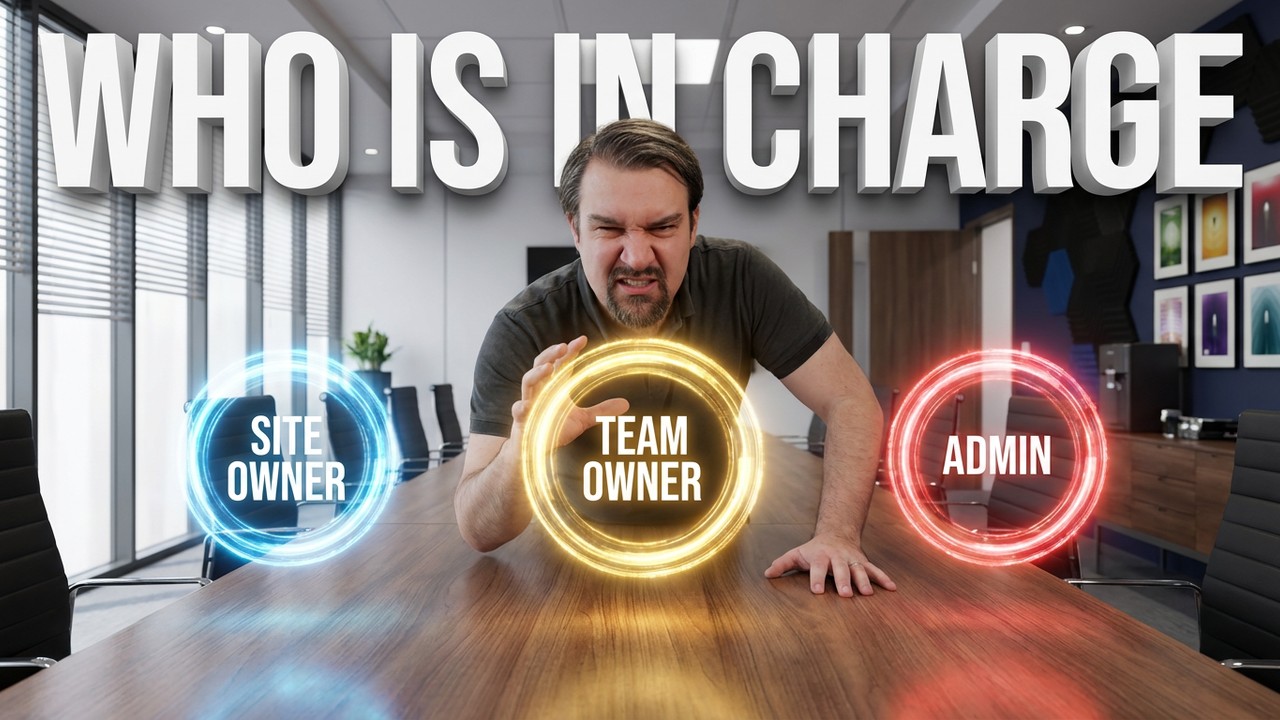
In SharePoint, clear ownership models are essential for effective site management and security. They define who is responsible for various aspects of the SharePoint intranet. You will find three primary roles: Team Owners, Site Owners, and Admins.…
Let’s be honest—balancing external collaboration with airtight security is one of the biggest headaches of using Microsoft 365 in any serious organization. Guest access lets you open up Teams, SharePoint, and the rest of the M365 arsenal…
If you’re running Microsoft 365 for your organization, you already know that strong governance isn’t just nice to have—it’s a must. The right governance keeps your data safe, meets compliance requirements, and prevents those …