

Work smarter, not harder, with practical tips for Microsoft 365.
From Teams and Outlook to OneDrive and Office apps, we explore new features, time-saving shortcuts, collaboration tools, and productivity workflows that help you get more done every day.
Perfect for anyone who loves efficiency and wants to make M365 work for them.
From Teams and Outlook to OneDrive and Office apps, we explore new features, time-saving shortcuts, collaboration tools, and productivity workflows that help you get more done every day.
Perfect for anyone who loves efficiency and wants to make M365 work for them.
May 29, 2026
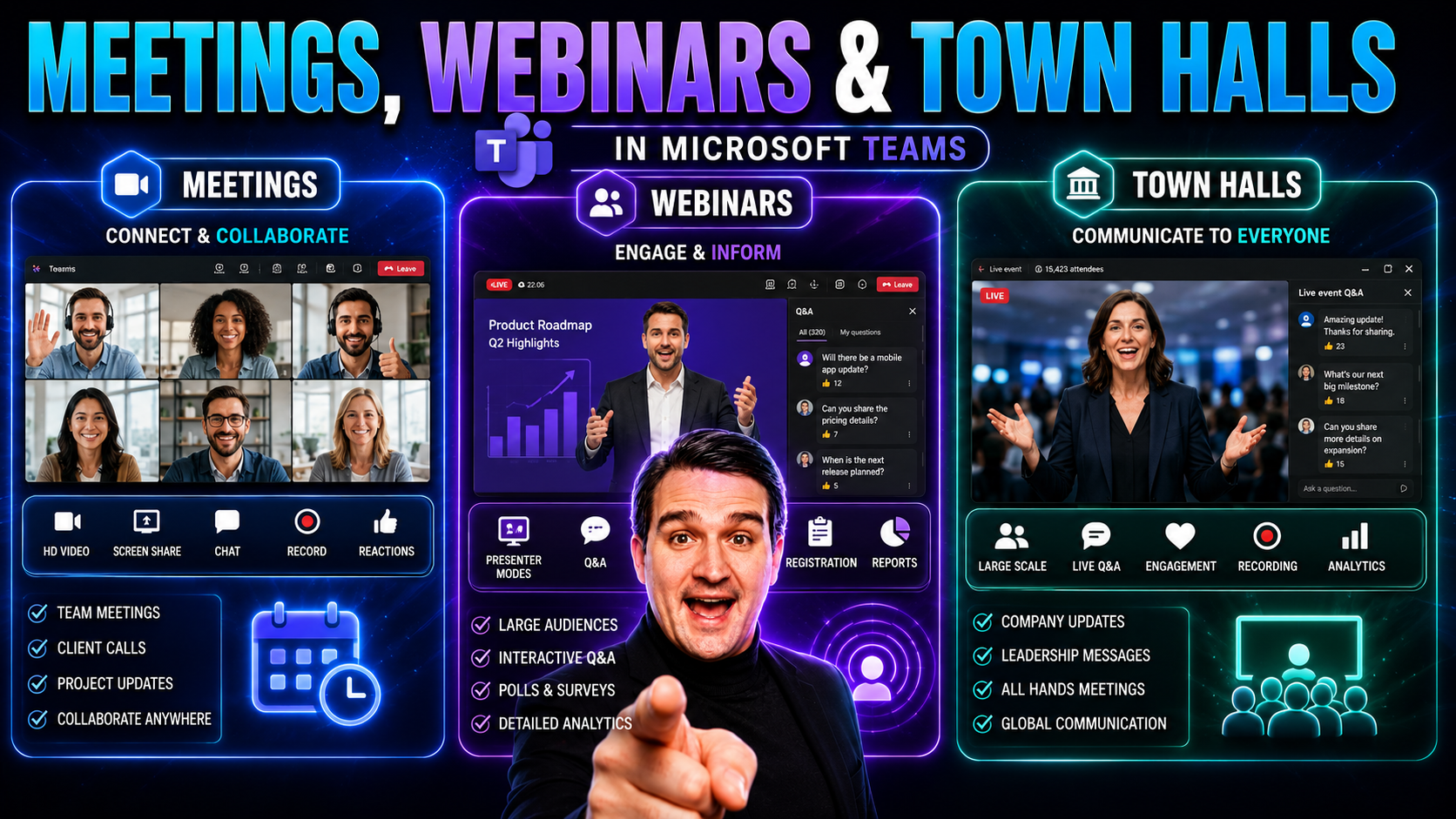
Meetings, Webinars, and Town Halls in Microsoft Teams: An Overview
Microsoft Teams gives you three main ways to bring people together: meetings, webinars, and town halls. Each event type is different, and picking the right one can mean the difference between clear communication and a lot of confusion. Meetings are …
May 29, 2026
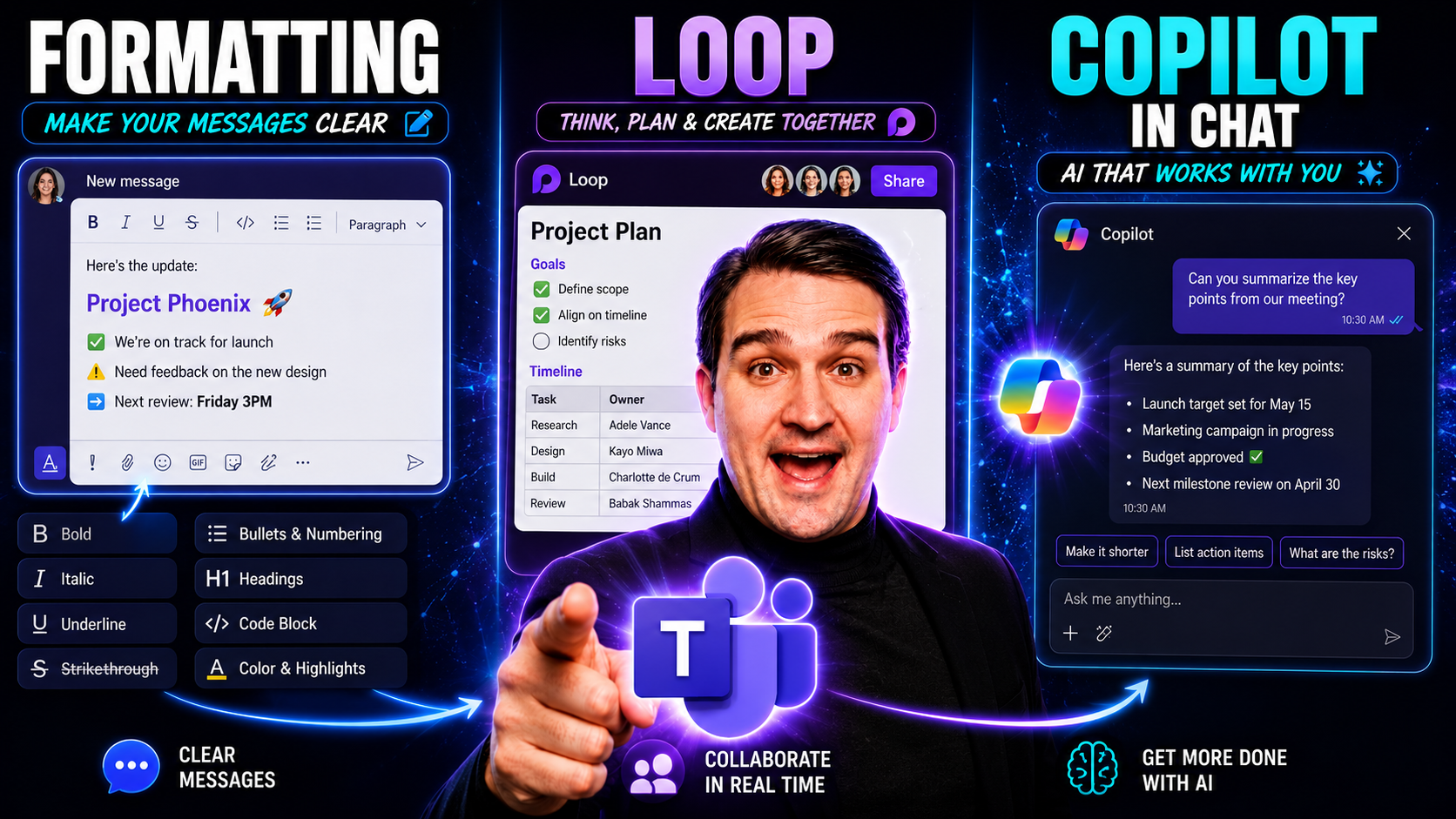
Formatting, Loop, and Copilot in Chat: A Comprehensive Guide for Microsoft Teams
Let’s be real—collaborating in Microsoft Teams can get messy, especially when you’ve got multiple people, endless threads, and a company style guide tougher than Grandma’s brisket. This guide is here to set you up for success, no matter how complica…
May 29, 2026
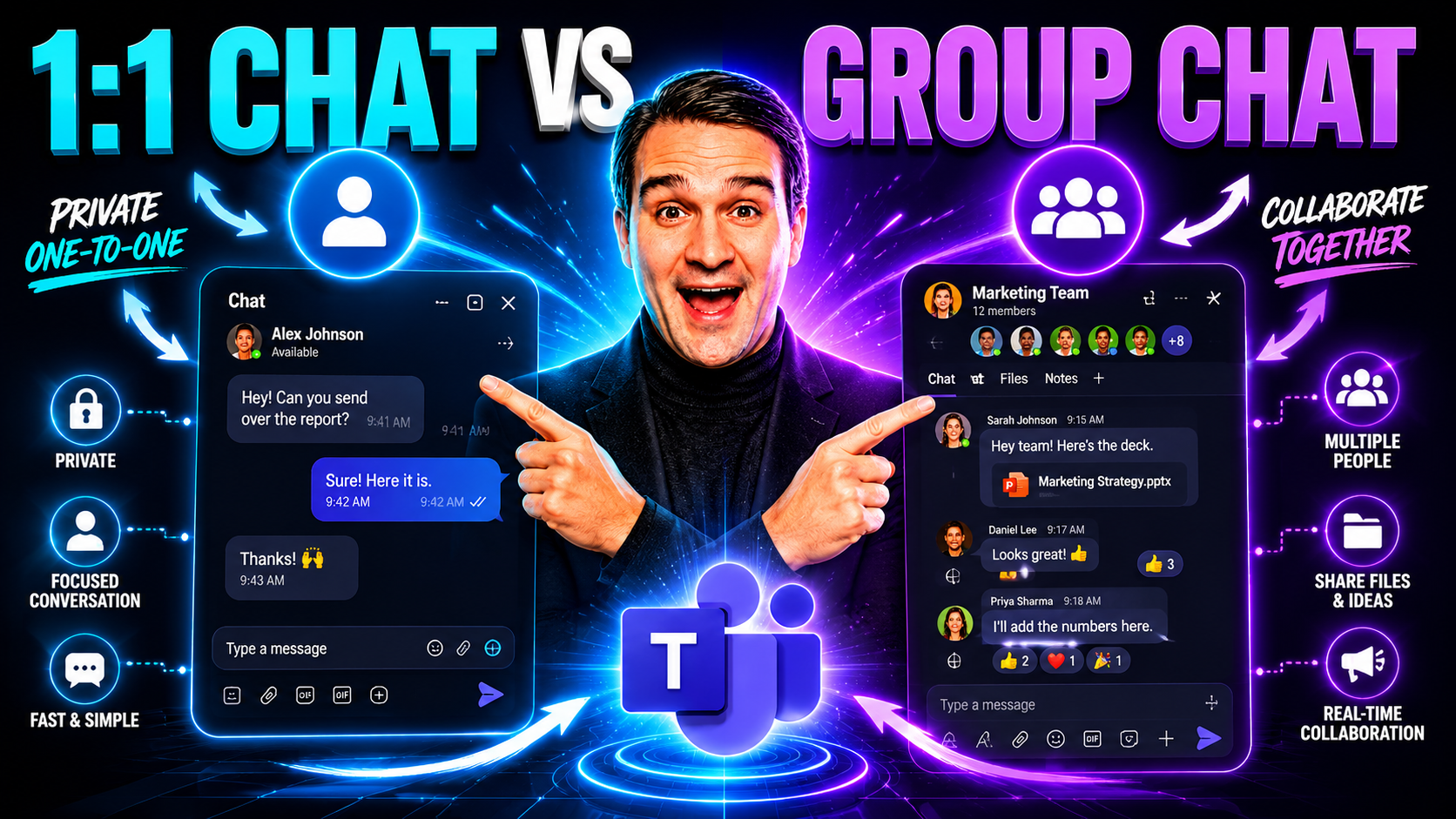
Complete Guide to 1:1 Chat and Group Chat in Microsoft Teams
Microsoft Teams is central to how organizations connect, share ideas, and get work done—whether you’re chatting one-on-one or running a big project group. This guide gives you a hands-on tour of everything you need to know about 1:1 chats and group …
May 29, 2026
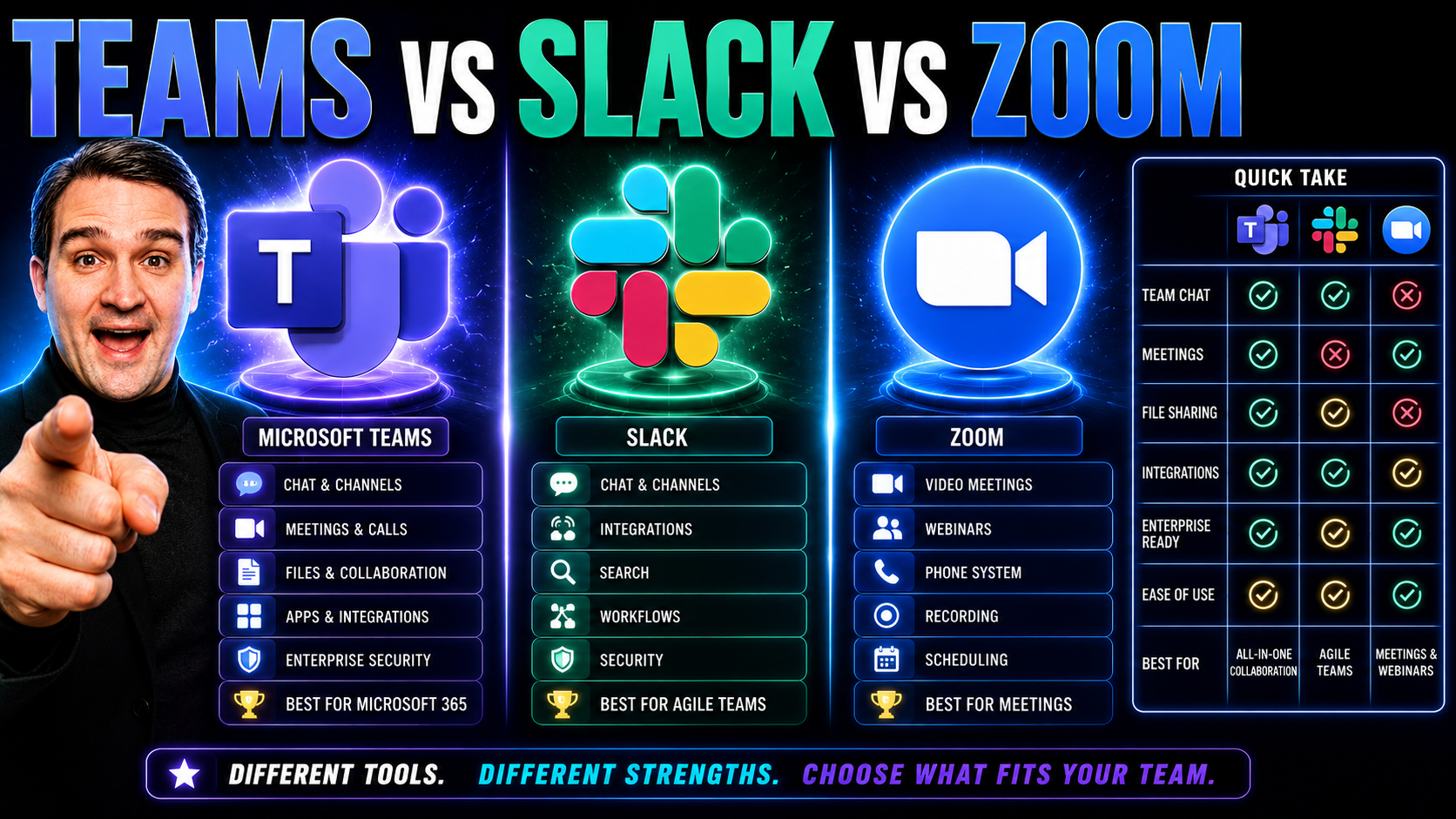
Teams vs Slack vs Zoom: Ultimate Comparison for Modern Collaboration
If you’re struggling to pick between Microsoft Teams, Slack, and Zoom for your business, you’re not alone. These three platforms now set the standard for digital teamwork, but the differences go deeper than just branding. Understanding what separat…
May 29, 2026
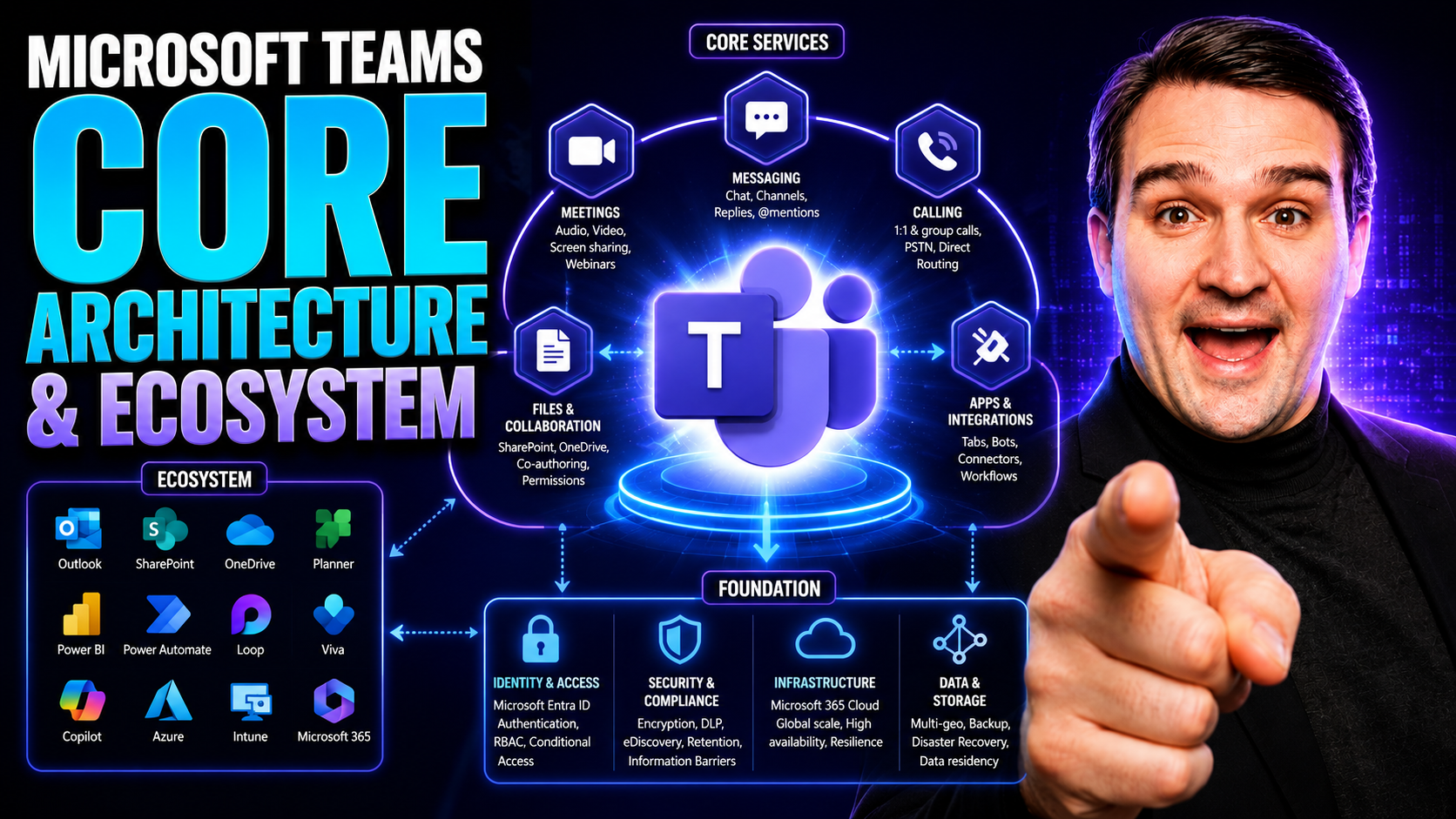
Core Architecture and Ecosystem: Enabling Business Value in the Digital Era
In today’s digital era, core architecture and business ecosystems are the bedrock for modernization and innovation. With platforms like Microsoft Teams and SharePoint becoming everyday essentials, having a resilient, unified architectural framework …
May 29, 2026
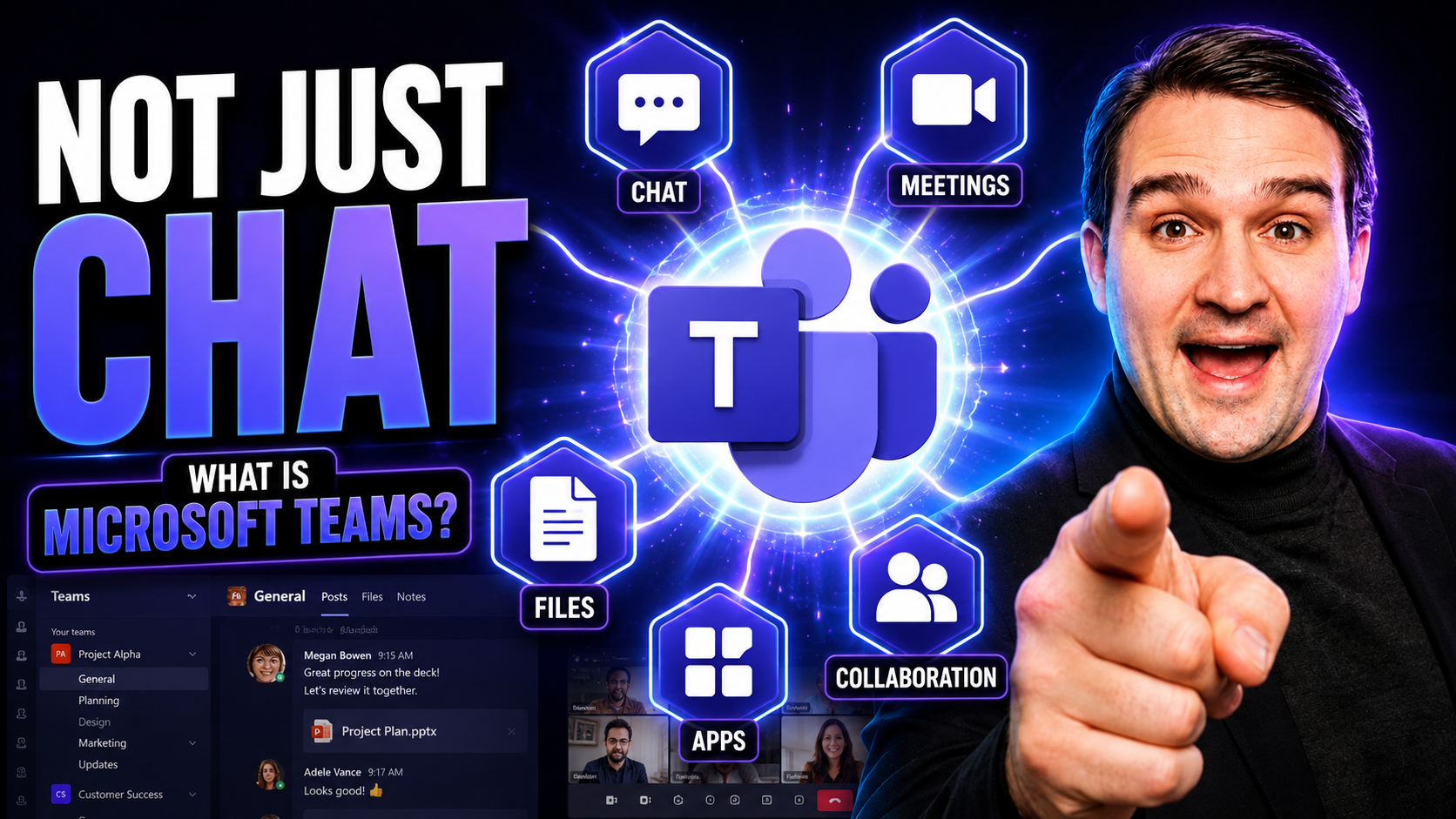
What Is Microsoft Teams? Uses, Features, and Complete Overview
Microsoft Teams is a digital collaboration platform designed to bring together chat, video conferencing, file sharing, and a whole host of productivity tools—all under one roof. It’s built for teamwork, whether your coworkers are across the office o…
May 27, 2026
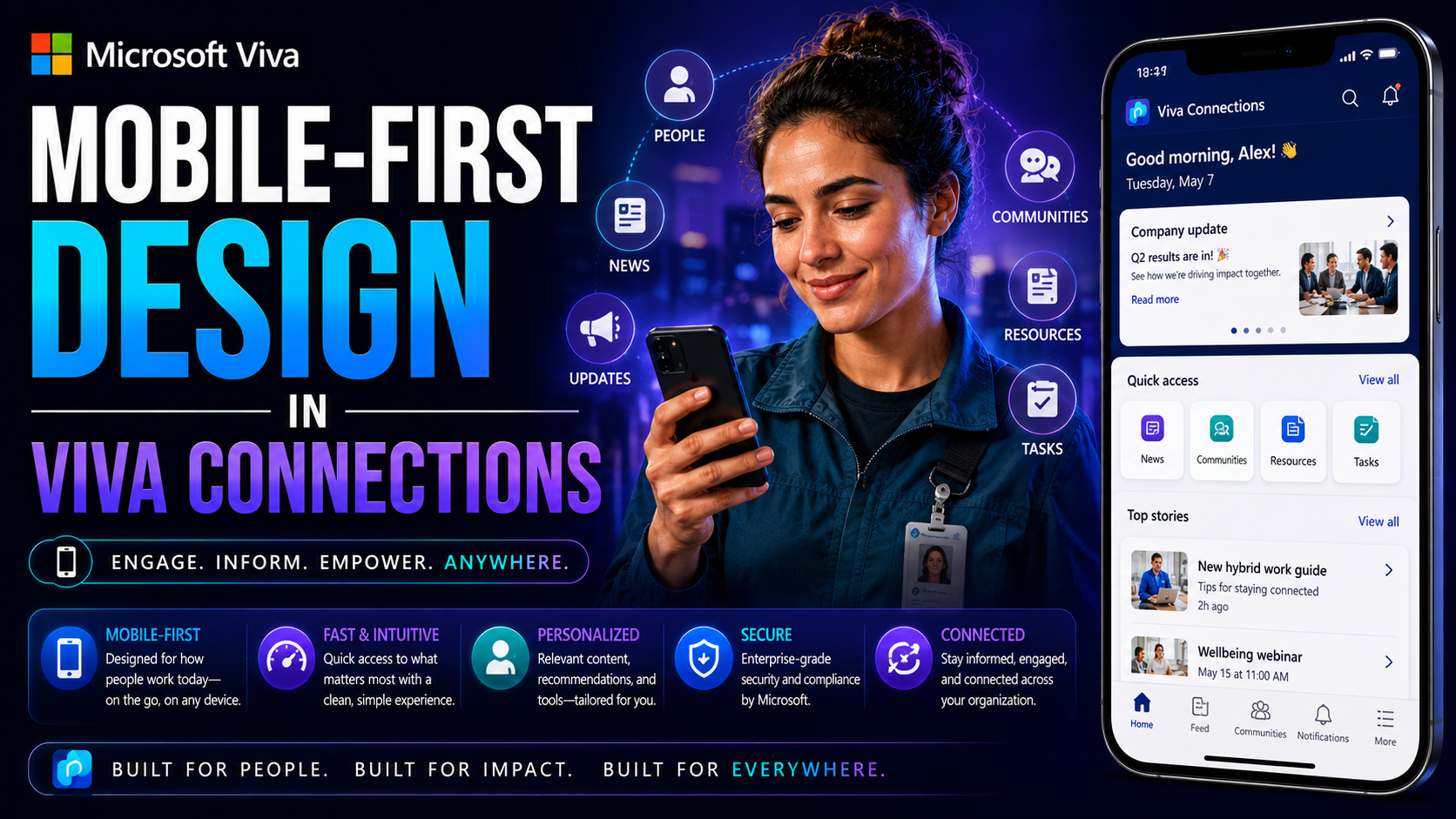
Mobile-First Design in Viva Connections: Keys to Employee Engagement and Adoption
Mobile-first design isn’t just some flashy buzzword in the Microsoft Viva Connections world—it’s the foundation for employee engagement in today’s hybrid workplaces. As folks depend more on their phones and tablets to connect, get updates, and handl…
May 27, 2026
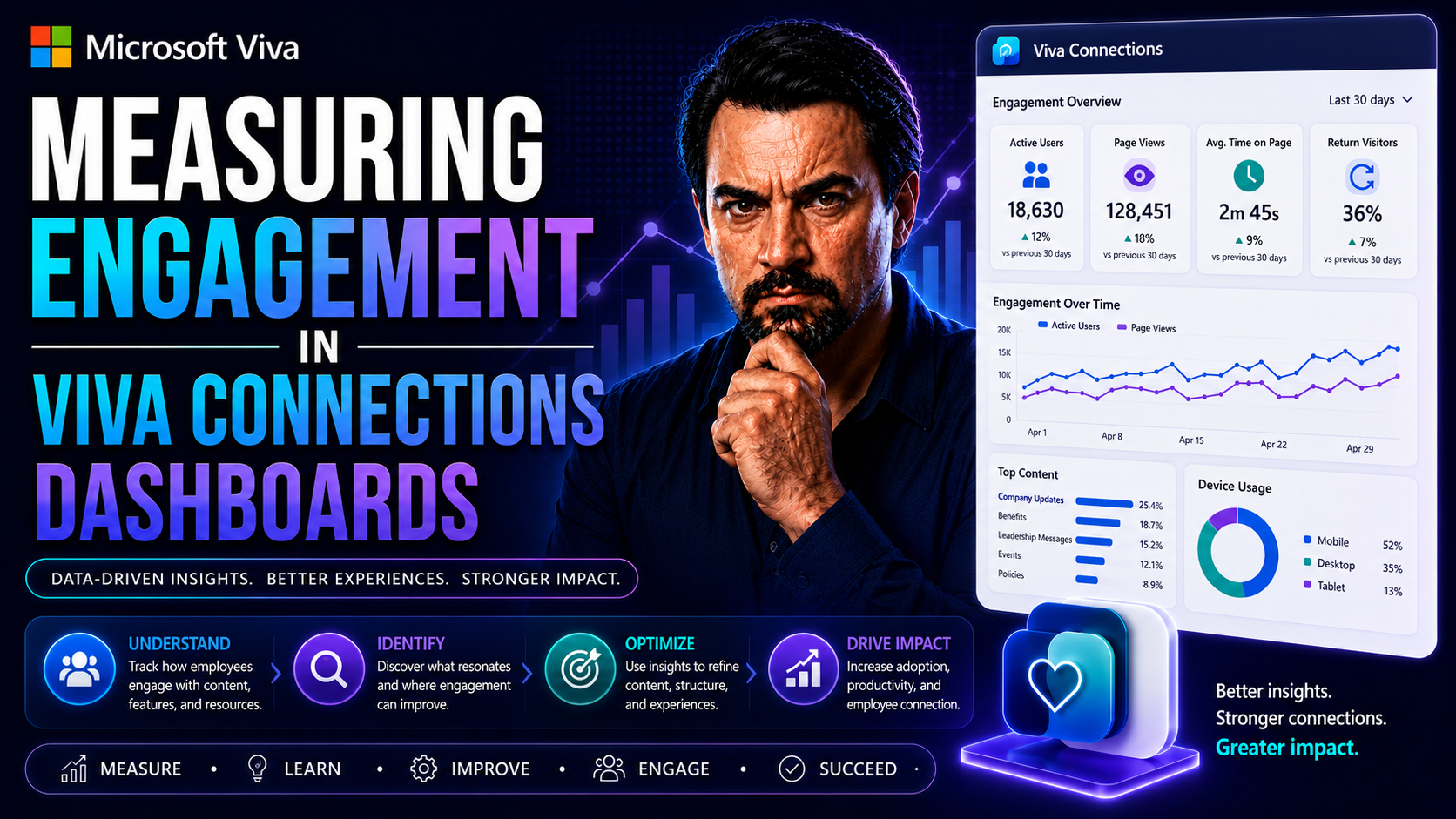
Measuring Engagement in Viva Connections Dashboards: The Complete Guide
This guide is your all-in-one resource for figuring out how to measure engagement using Viva Connections dashboards. We’ll walk you through each phase—from the first click of setup, right through to pulling out those advanced analytics you hear the …
May 27, 2026
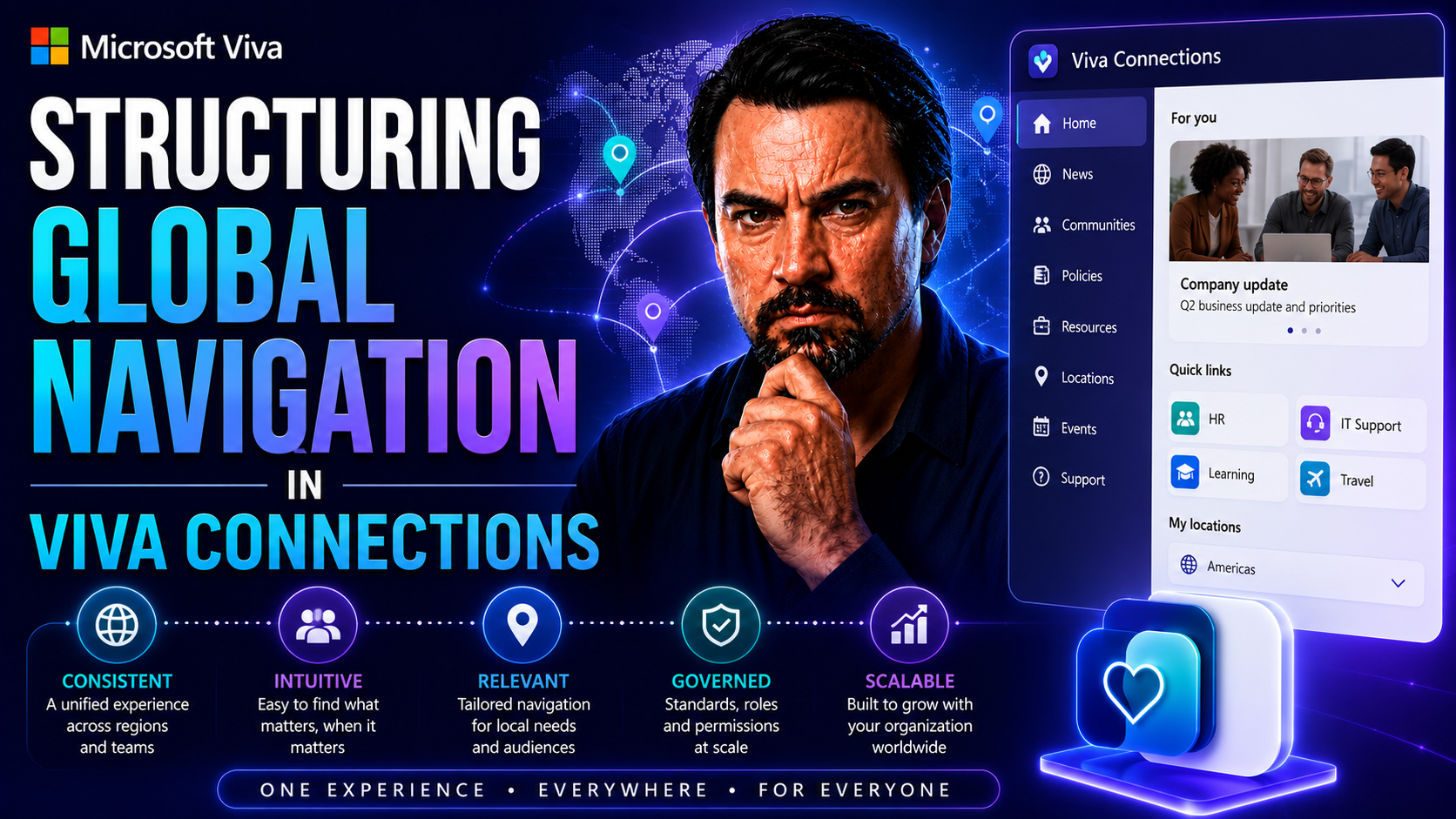
Structuring Global Navigation in Viva Connections
This guide is your hands-on playbook for setting up global navigation in Microsoft Viva Connections, straight out of Microsoft 365 and SharePoint. We’ll get into the nitty-gritty of planning, setup, customization, and governance while keeping one ey…
May 27, 2026
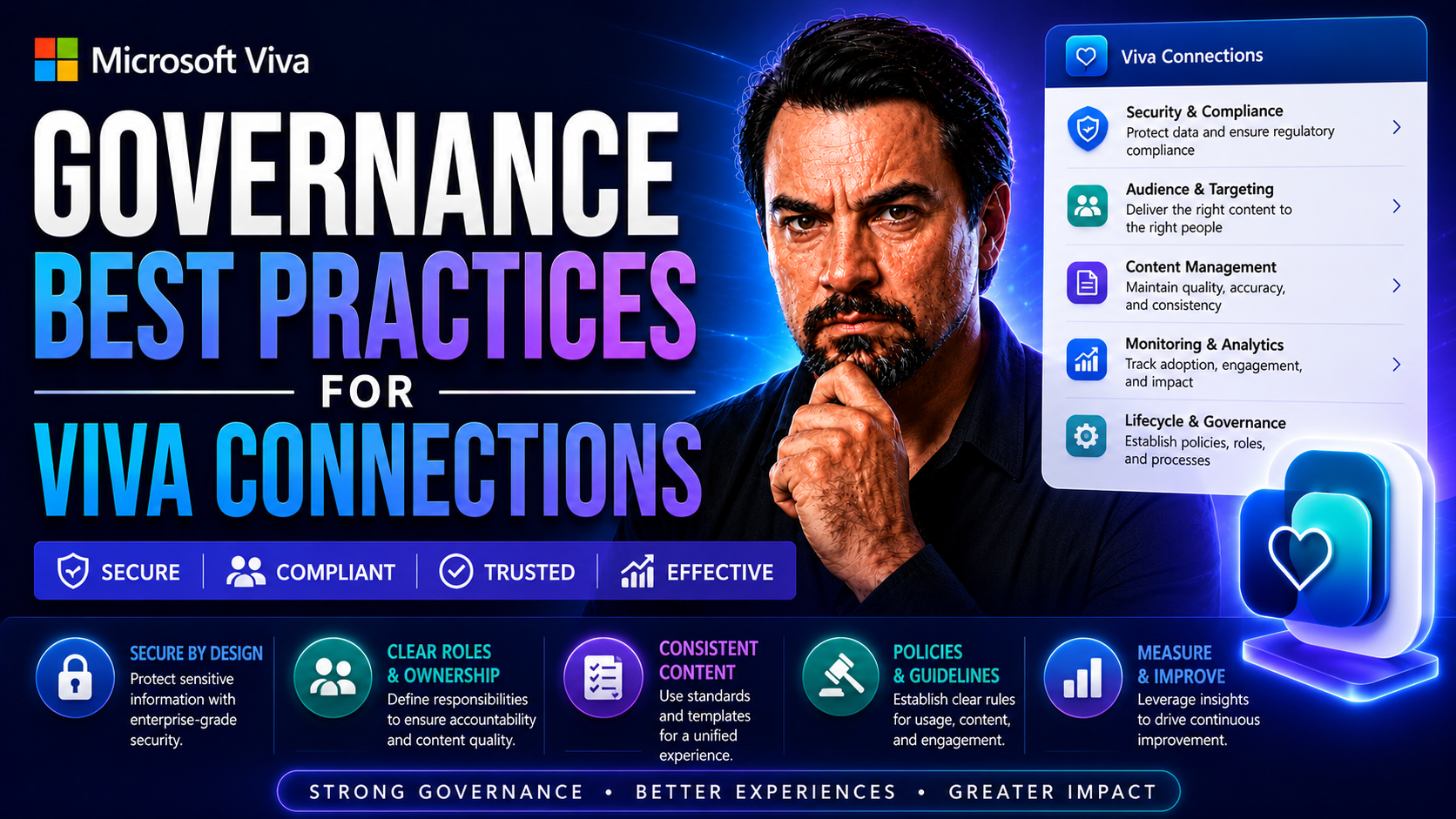
Governance Best Practices for Viva Connections
This article is your all-in-one guide for mastering governance in Microsoft Viva Connections. When you roll out Viva Connections, it isn’t just about flipping the switch and hoping everyone plays nice—real governance is what keeps you out of hot wat…
May 27, 2026
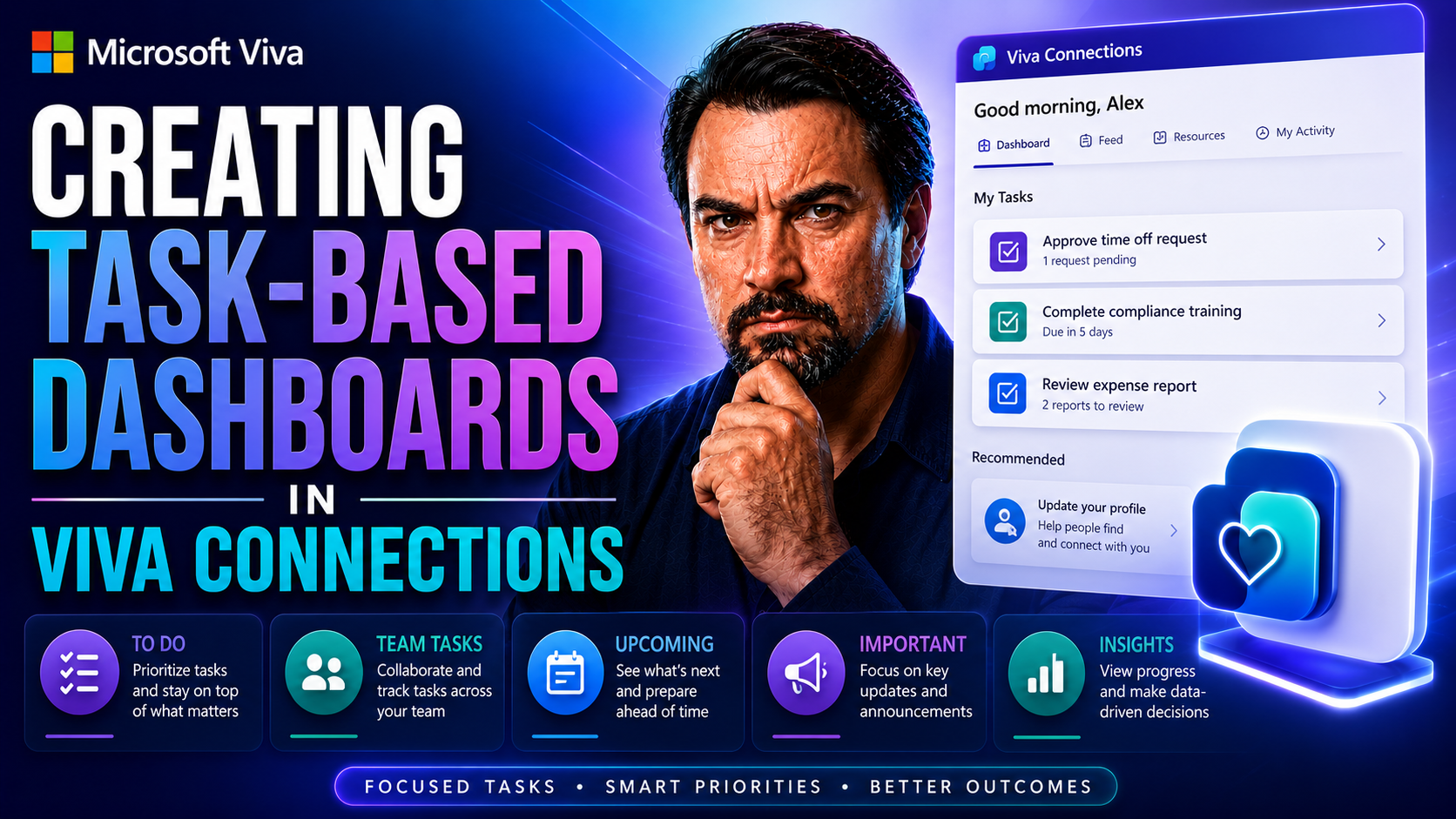
Creating Task-Based Dashboards in Viva Connections
This article is your one-stop guide for building, customizing, and optimizing task-driven dashboards using Microsoft Viva Connections. You’ll get step-by-step instructions on setup, how to personalize dashboard cards, apply design best practices, an…
May 27, 2026
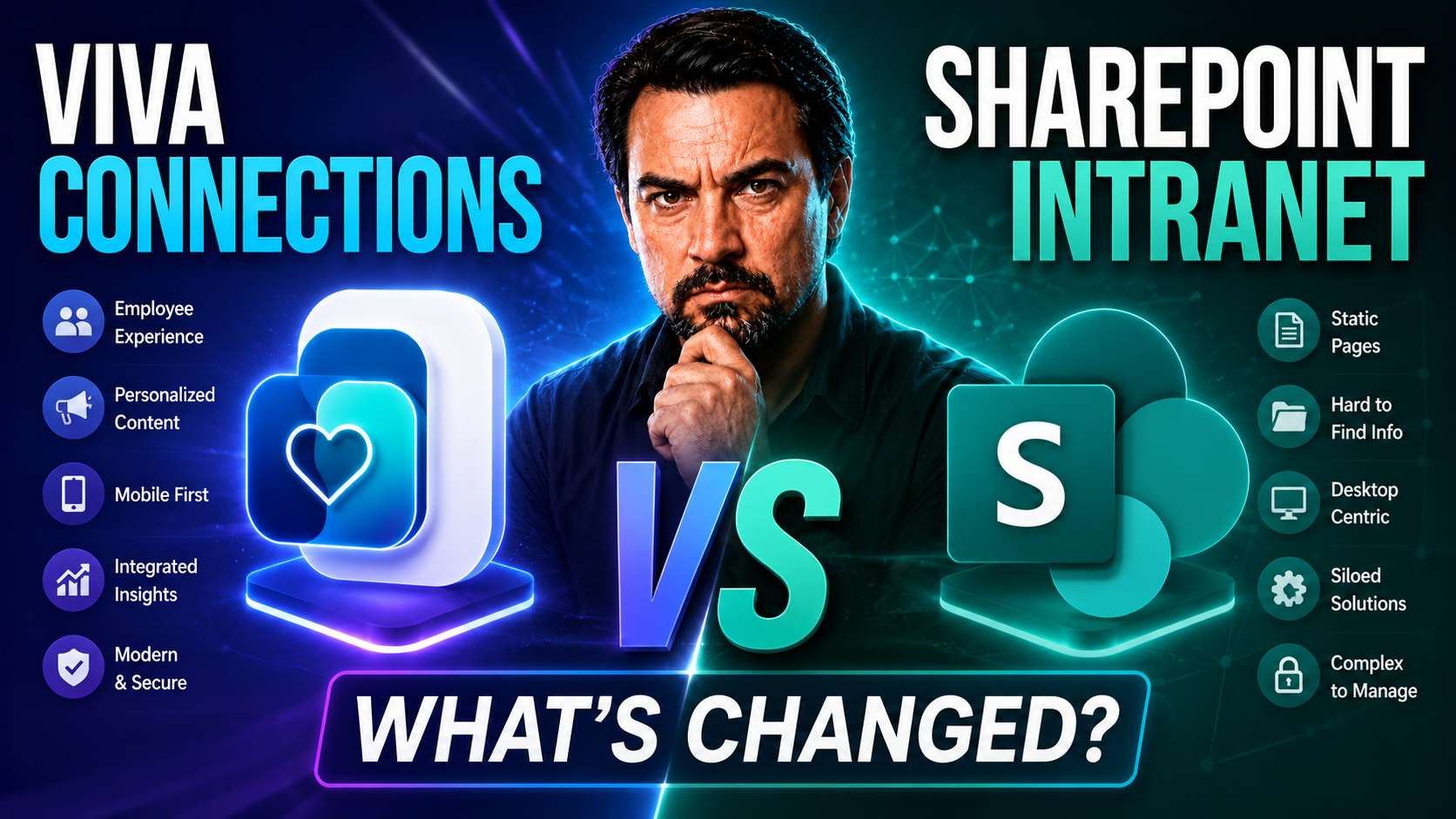
Viva Connections vs SharePoint Intranet: What’s Changed?
The transition from traditional SharePoint intranet portals to Microsoft Viva Connections has brought a fresh approach to the digital workplace in Microsoft 365. Viva Connections weaves the familiar strengths of SharePoint into a new, integrated pla…
May 27, 2026
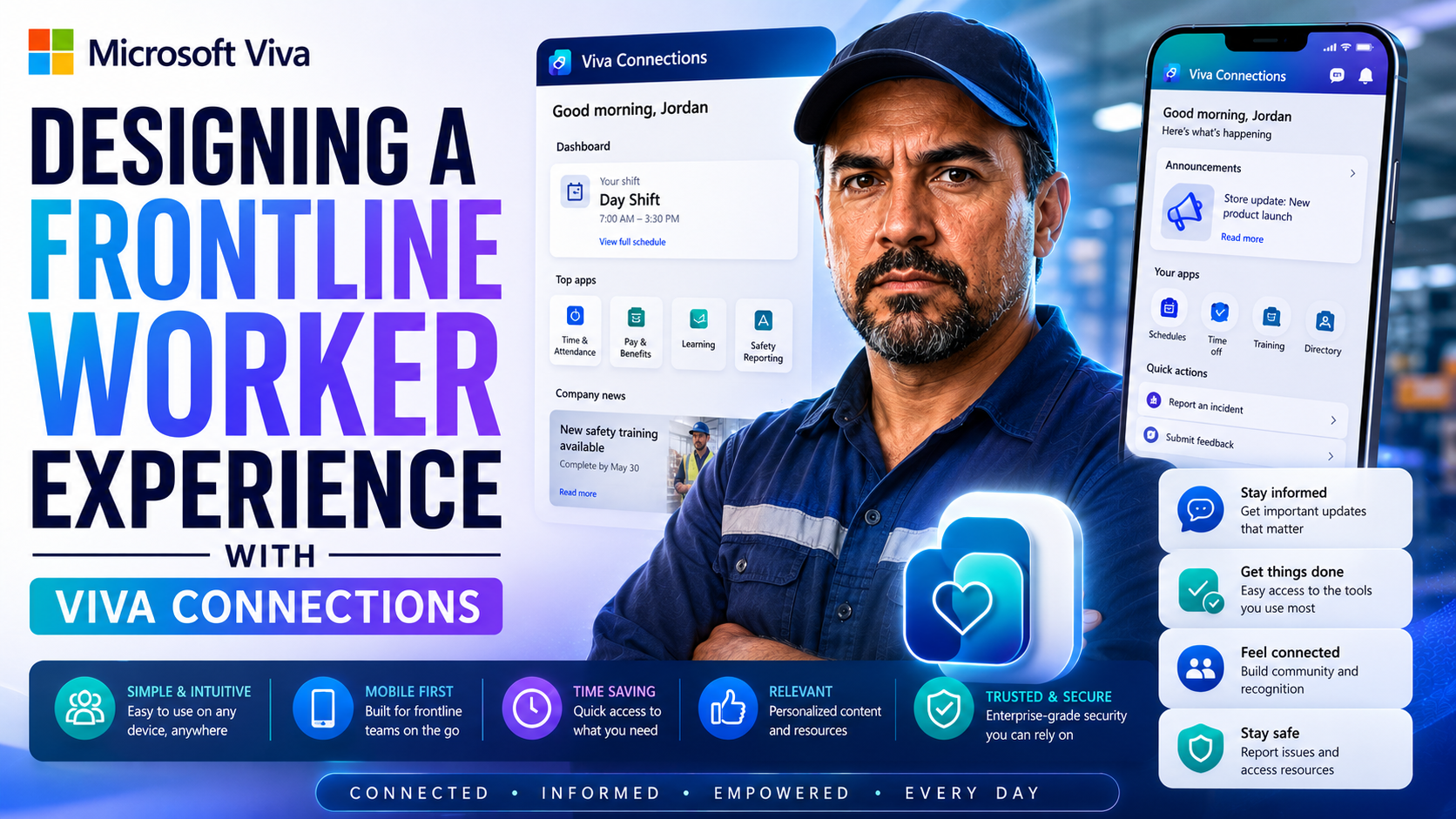
Designing a Frontline Worker Experience With Viva Connections
The digital workplace can feel like a far-off land to many frontline workers—think folks stocking store shelves, caring for patients, or fixing stuff out in the field. Microsoft Viva Connections flips that script, bringing company news, critical res…
May 27, 2026
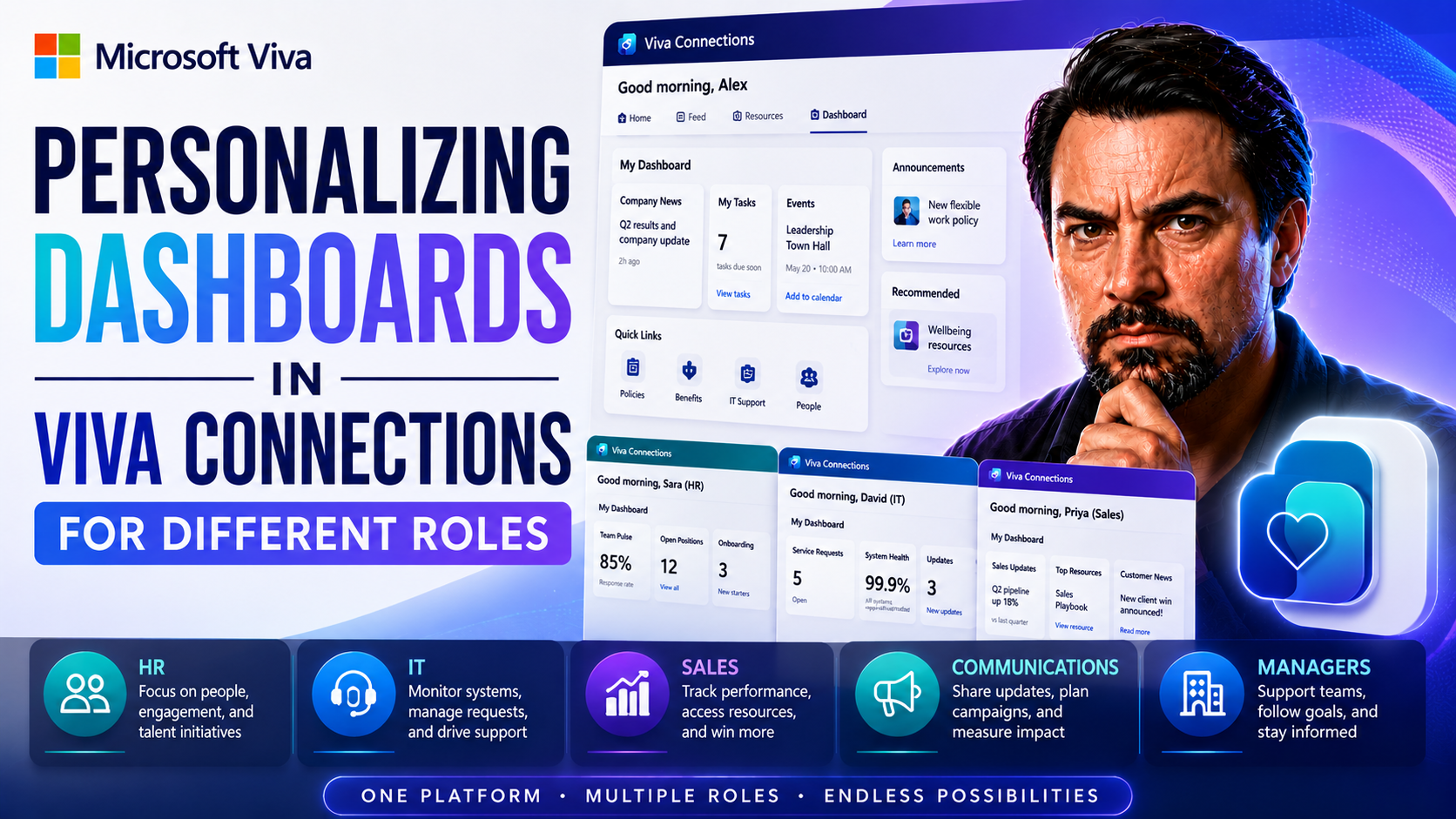
Personalizing Dashboards in Viva Connections for Different Roles
This article is your go-to guide for customizing Viva Connections dashboards within Microsoft 365—tailored for every role in your organization. You’ll learn how to use Viva’s features to deliver targeted updates and resources straight to the people …
May 27, 2026
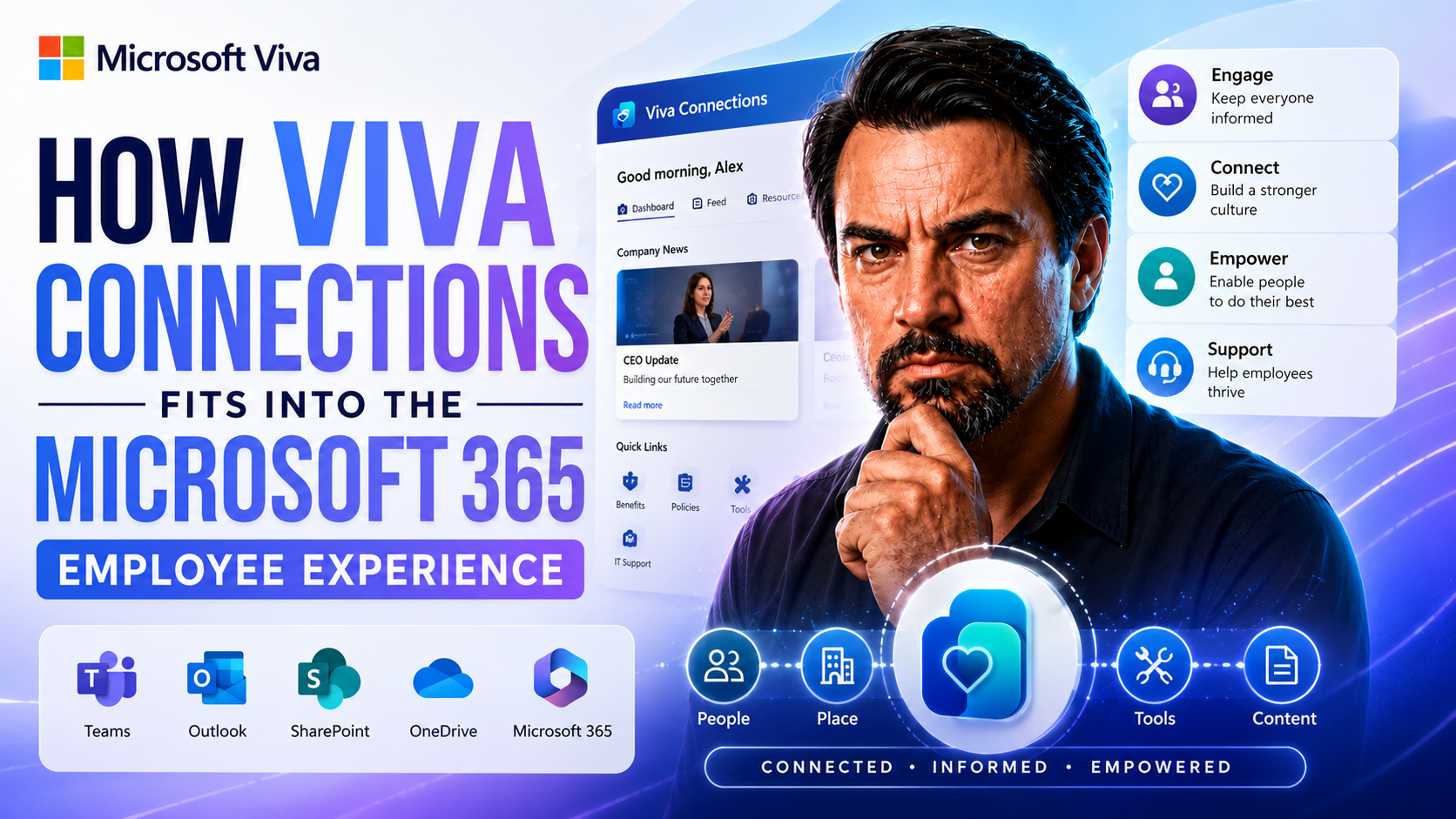
How Viva Connections Fits Into the Microsoft 365 Employee Experience
When you’re thinking about how to keep your people connected and give them easy access to what matters most at work, Microsoft Viva Connections is a name you’re going to run into. This isn’t just another app thrown into Microsoft 365—it’s all about …
May 27, 2026
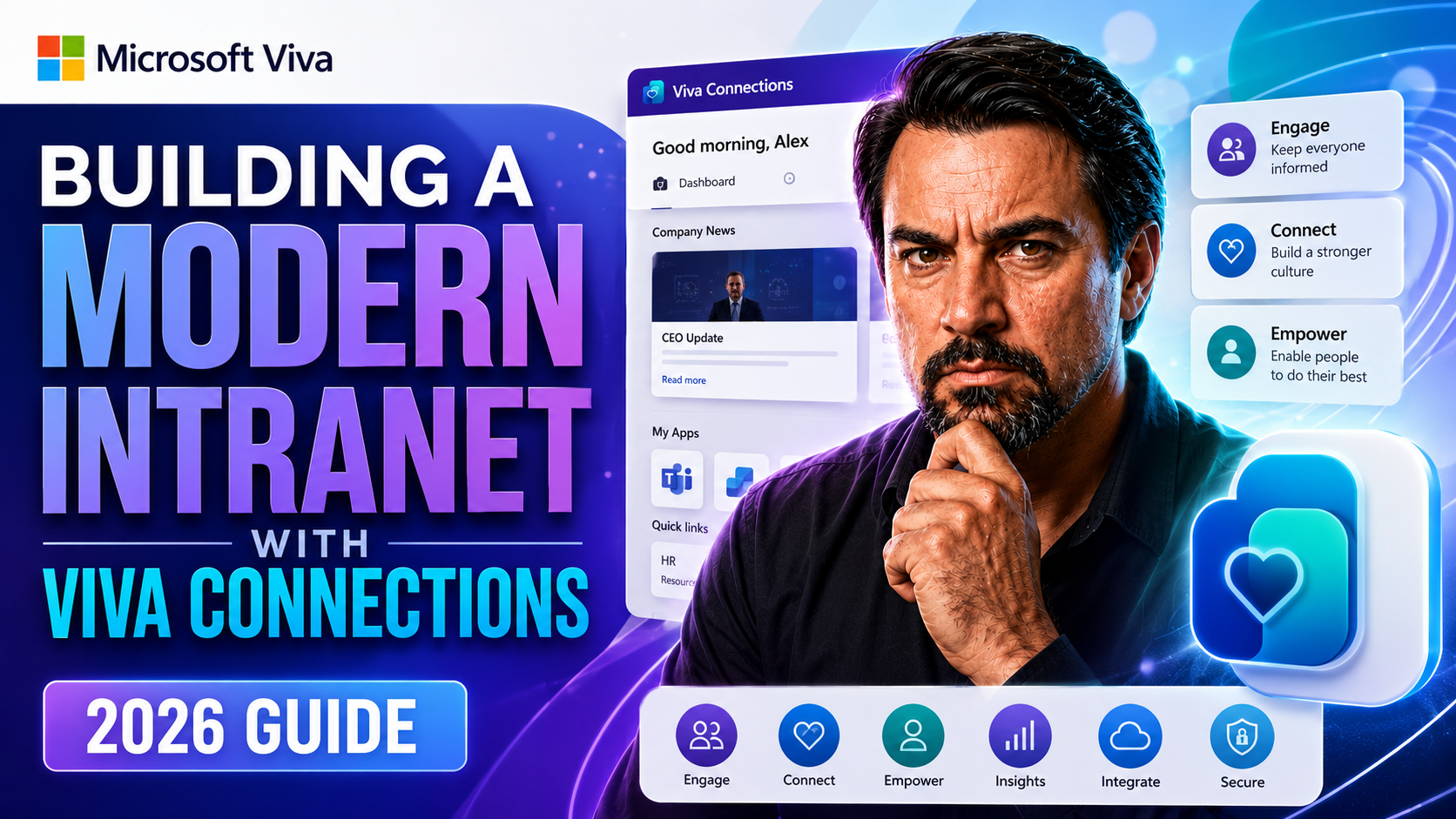
Building a Modern Intranet with Viva Connections (2026 Guide)
This comprehensive guide walks you through designing, implementing, and optimizing a future-proof intranet using Microsoft Viva Connections and SharePoint for 2026. Here, you’ll find practical advice, clear strategies, and the latest thinking on wha…
May 27, 2026
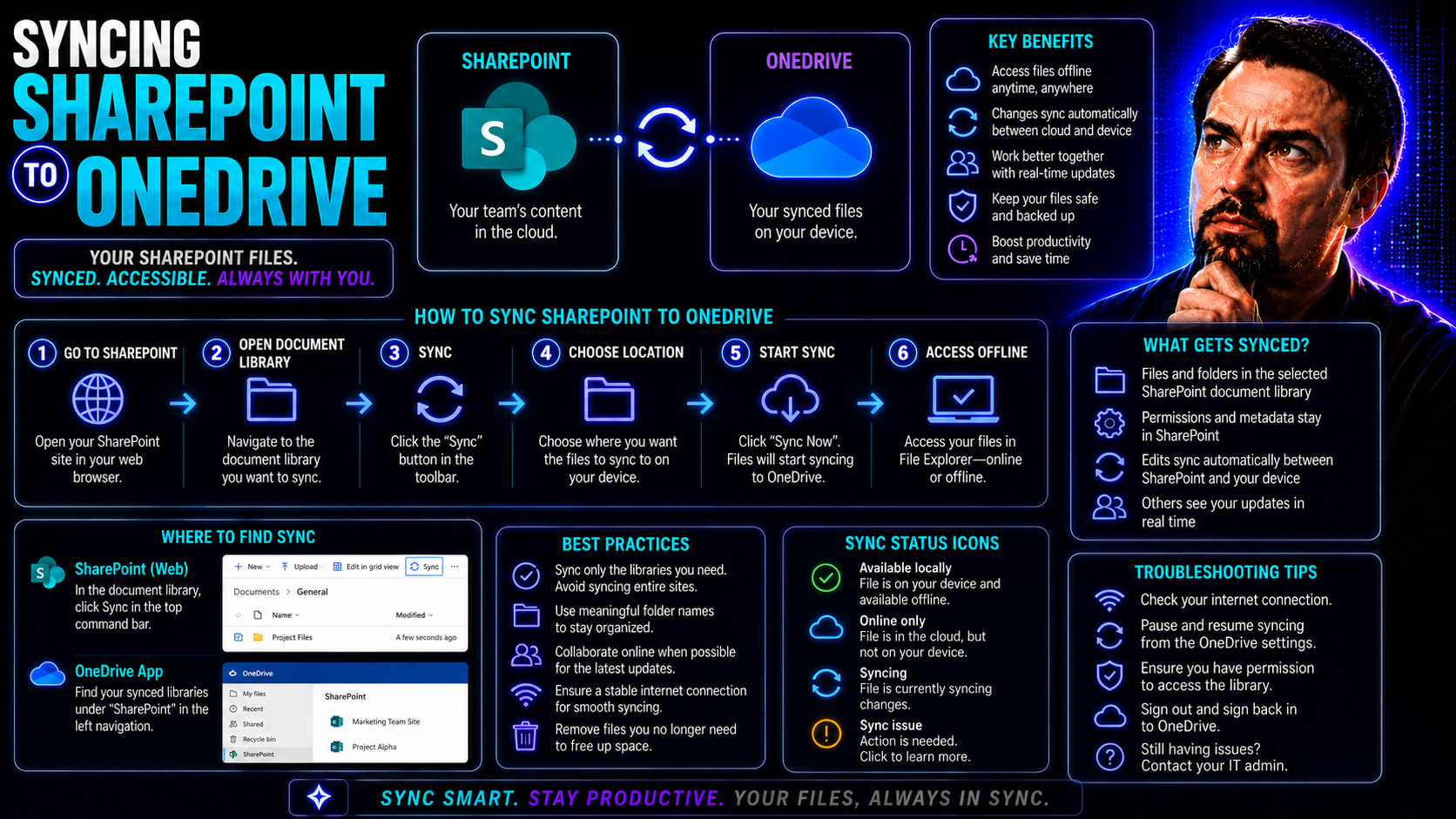
Syncing SharePoint to OneDrive: Complete Guide for IT Administrators
If you’re managing Microsoft 365 for your organization, syncing SharePoint to OneDrive is one of the simplest—and most powerful—ways to keep your team connected. This guide is here to show you exactly how the process works, why it matters, and what …
May 27, 2026
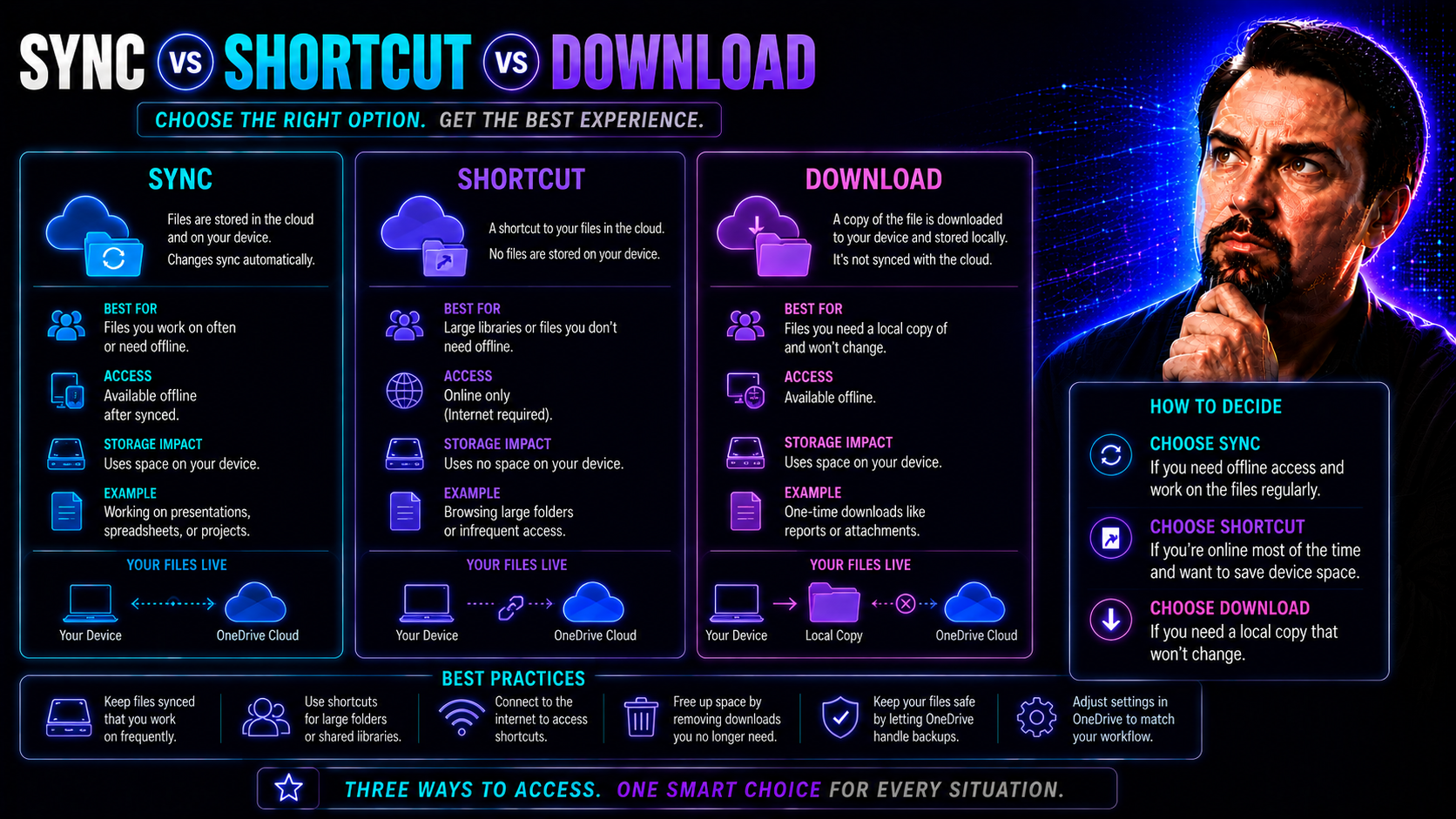
Sync vs Shortcut vs Download in OneDrive: Which Is Right for You?
When you work with Microsoft OneDrive, you’ve probably come across three simple-looking buttons—Sync, Add Shortcut, and Download. But those choices make a world of difference, especially if you’re managing files for an organization using Microsoft T…
May 27, 2026
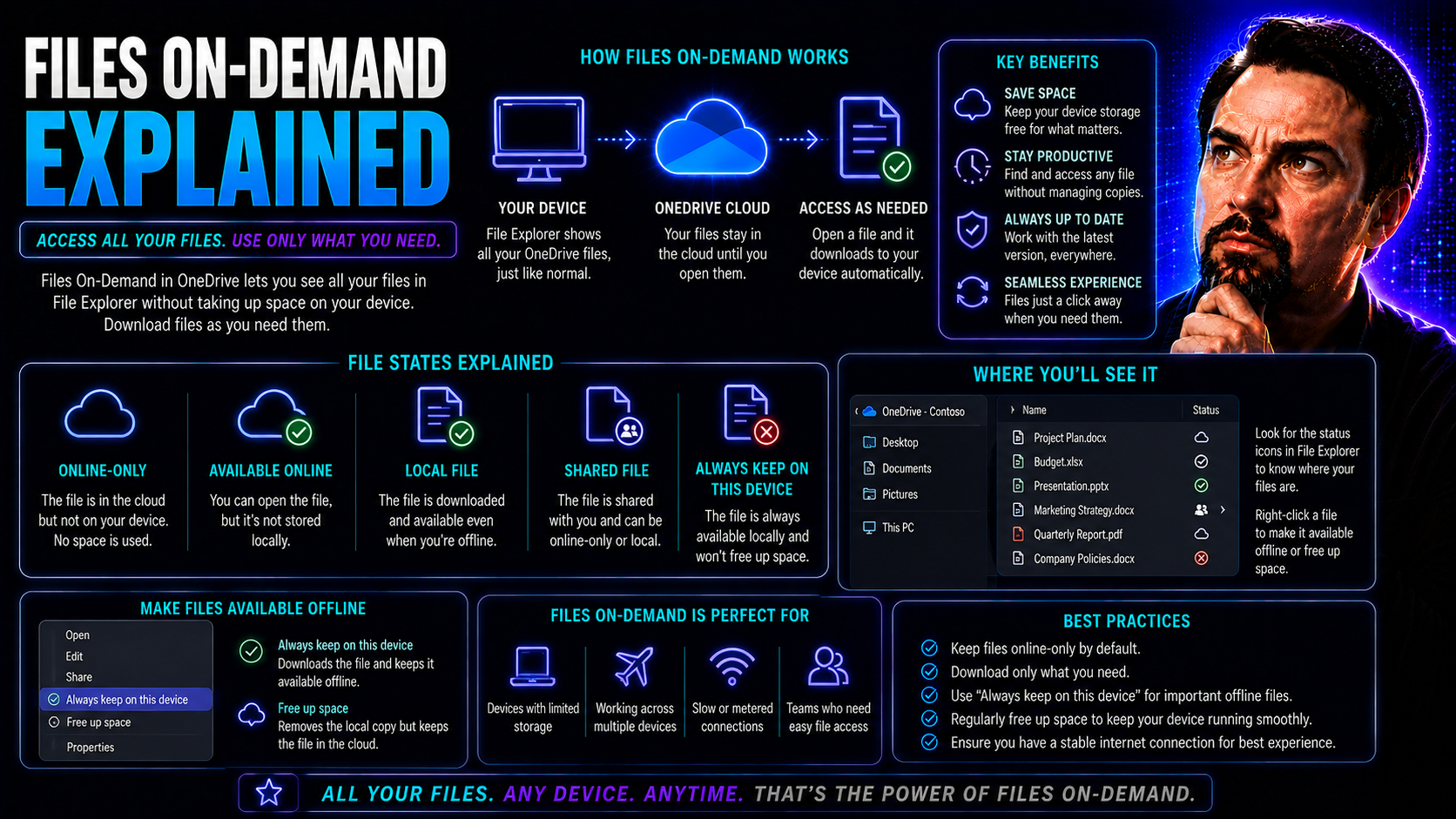
Files On-Demand Explained for OneDrive and Microsoft Teams
Files On-Demand is a smart feature built into OneDrive and deeply connected within Microsoft Teams. It lets you see and manage all your files stored in the Microsoft cloud right from your device, without forcing you to download everything and jam up…
May 27, 2026
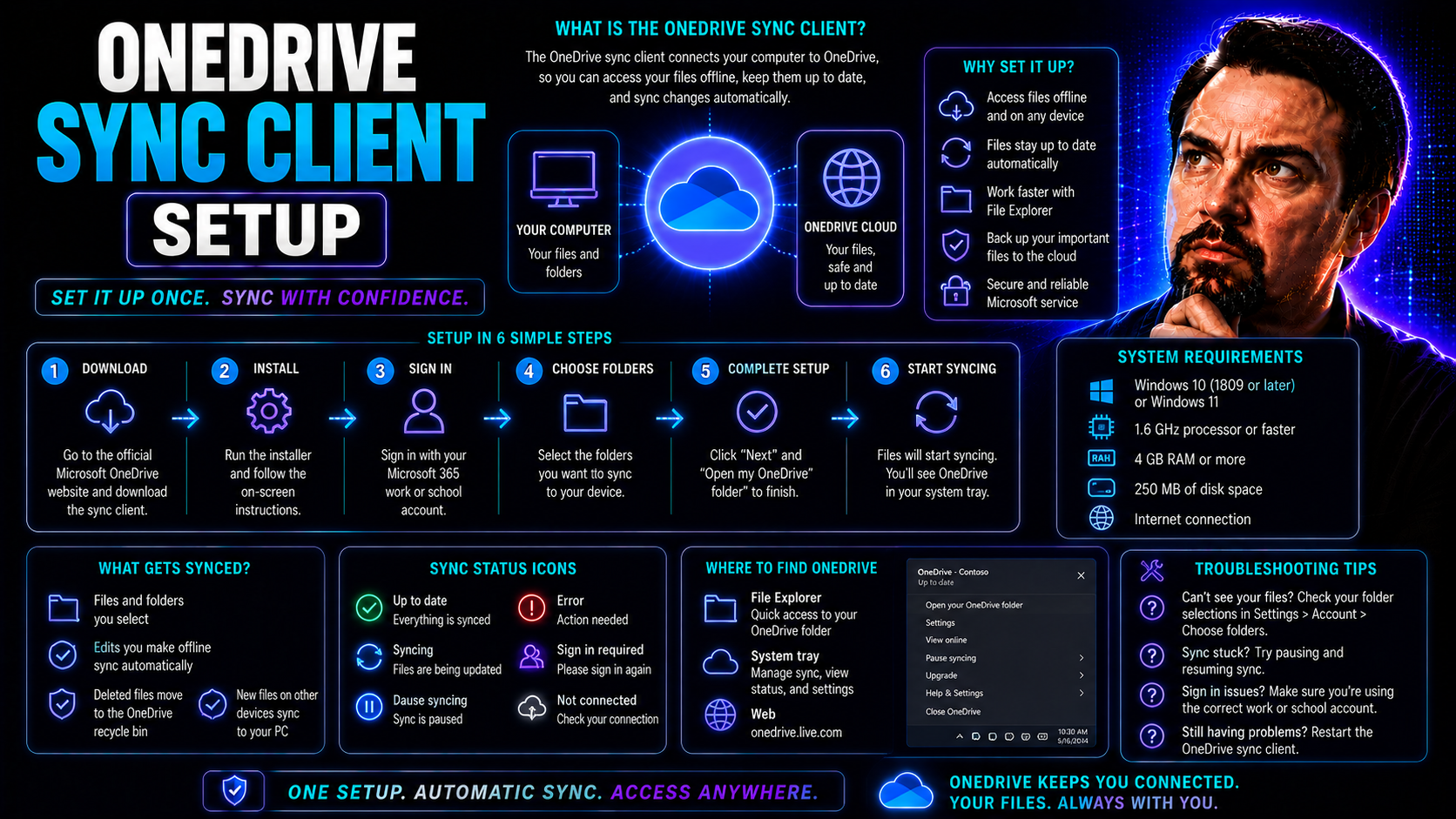
OneDrive Sync Client Setup: A Step-by-Step Guide
To set up the OneDrive sync client, sign in with your work or school account, choose the folders to sync, and confirm the local OneDrive folder location. Use Files On-Demand to keep cloud files accessible without downloading everything, then check t…
May 27, 2026
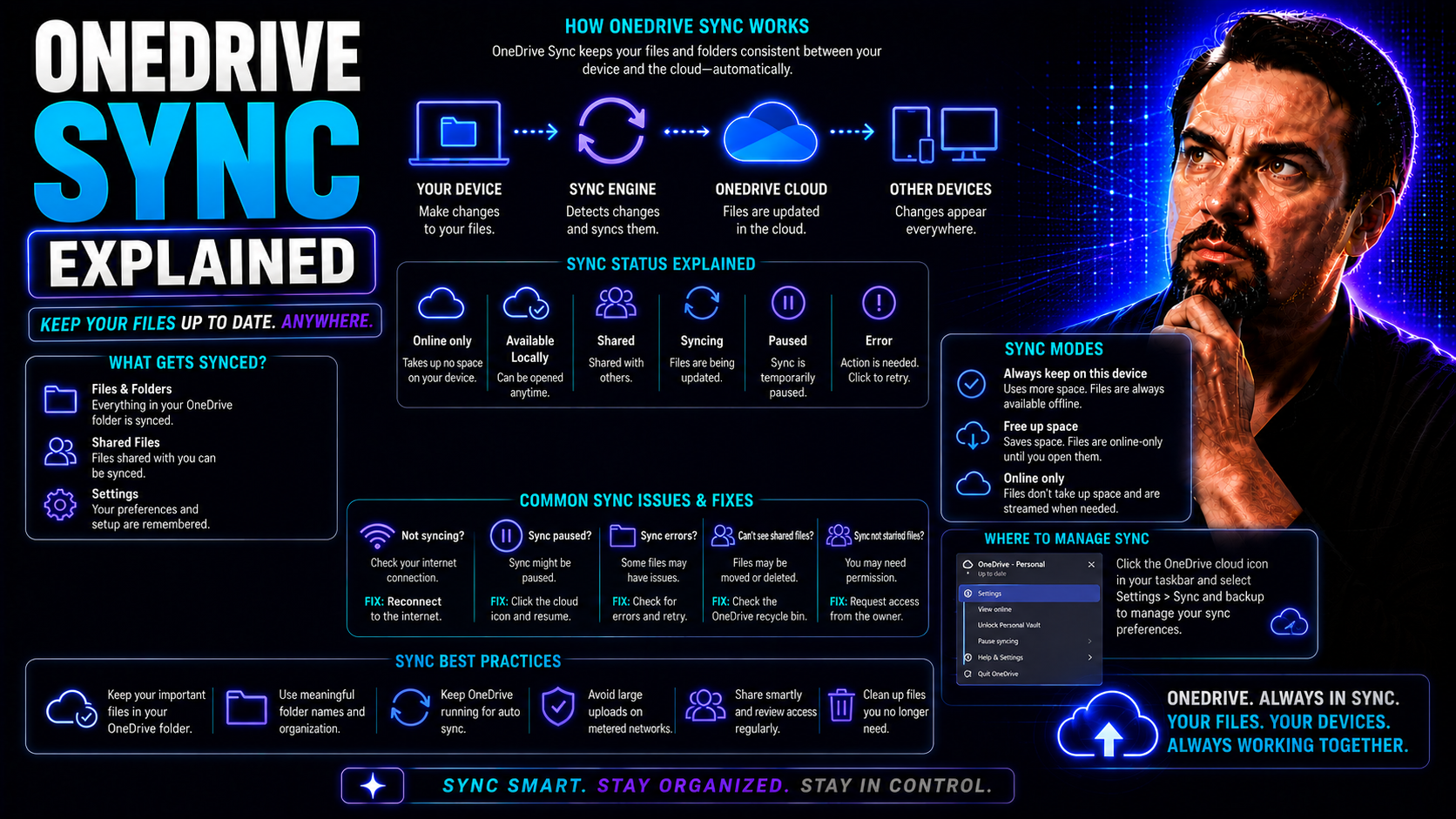
OneDrive Sync Explained: How It Works and Why It Matters
OneDrive sync keeps your files up to date across your devices and the cloud, making it easy to access important documents wherever you are. Whether you’re working from your laptop, desktop, or phone, OneDrive sync ensures you always have the latest …
May 27, 2026
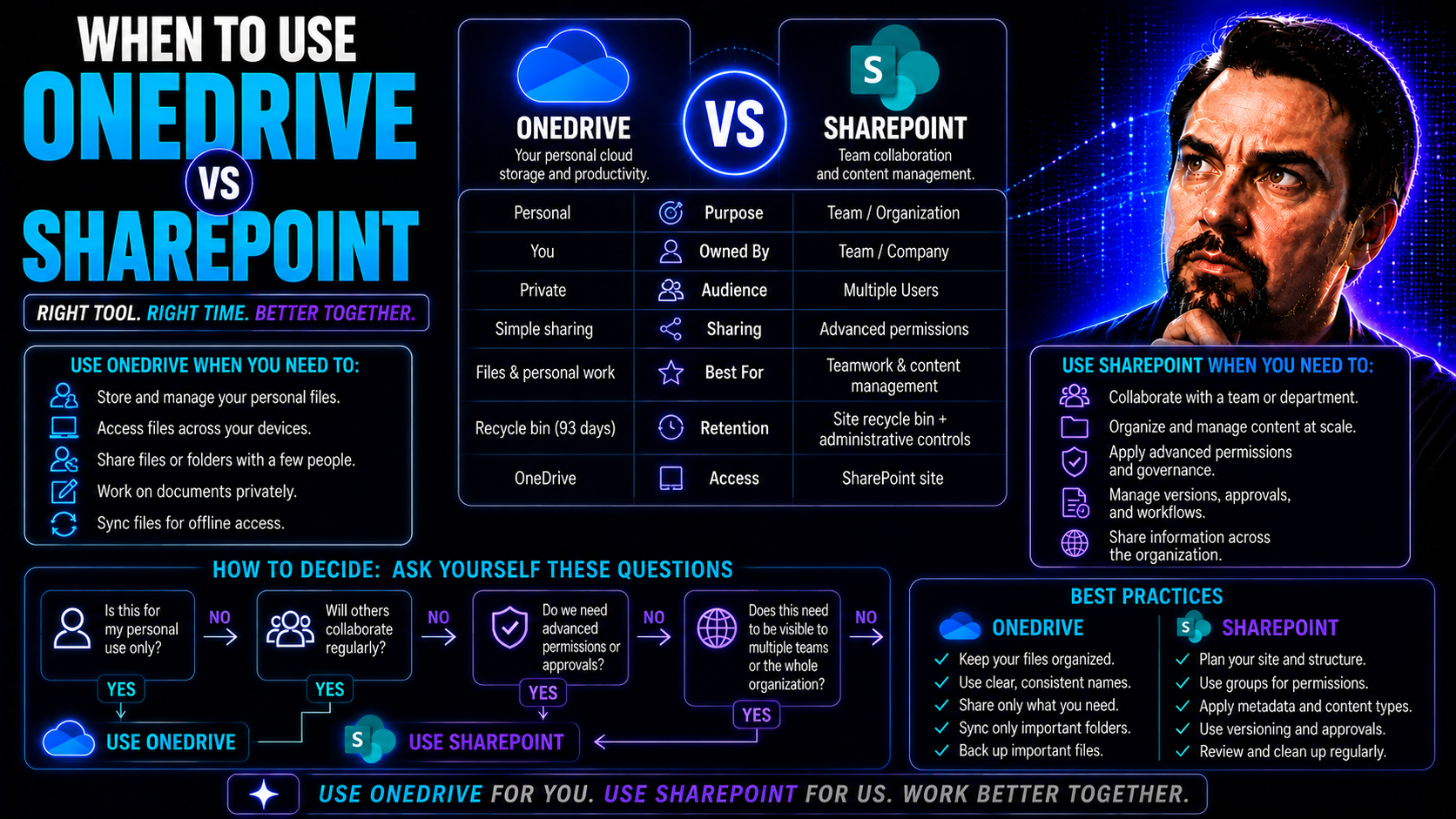
When to Use OneDrive vs SharePoint
If you’ve ever wondered whether you should stash your files in OneDrive or SharePoint, you’re definitely not alone. Picking the right tool isn’t just about what’s more popular at work—it’s about how you get things done and who you’re working with. O…
May 27, 2026
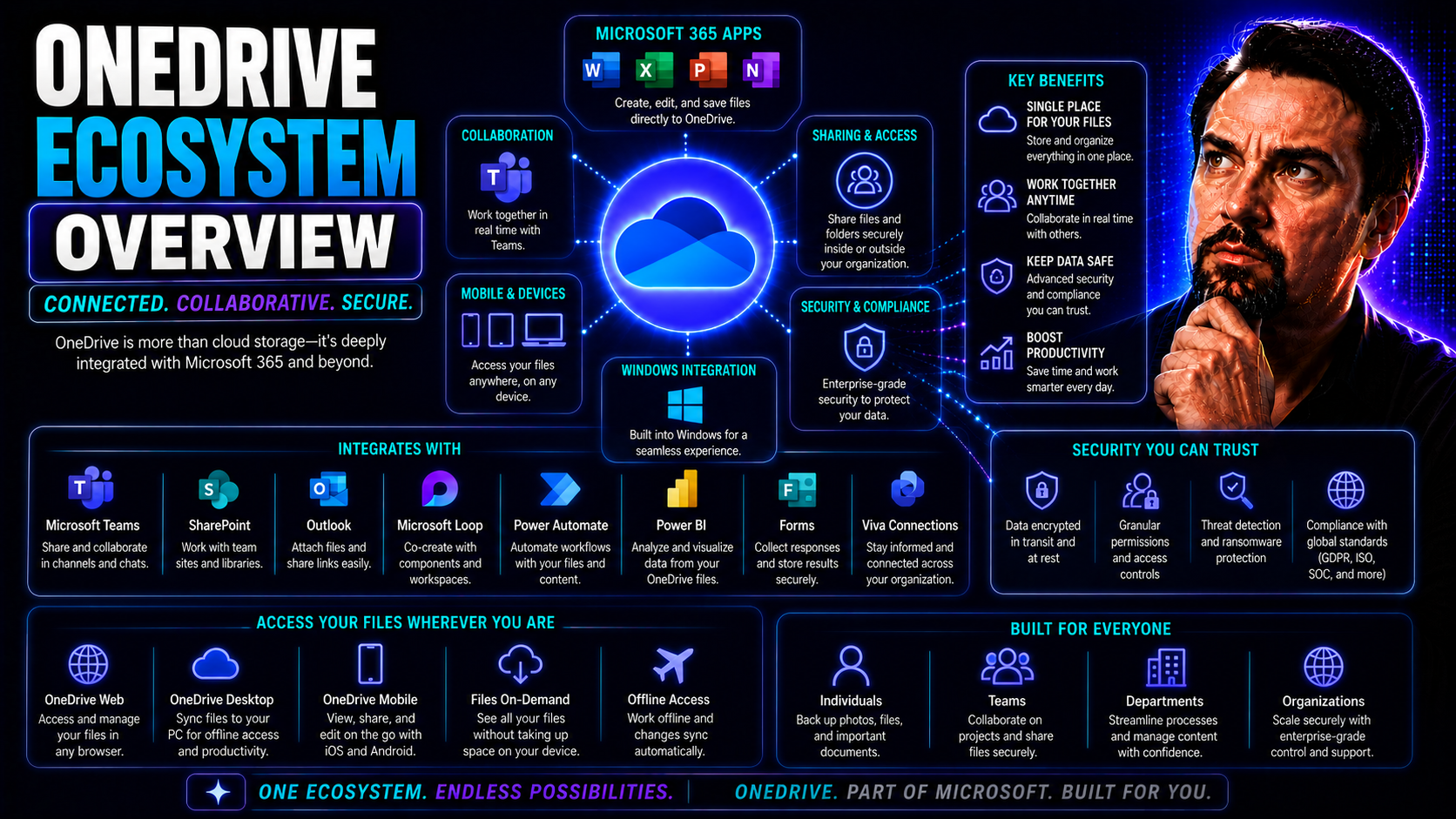
OneDrive Ecosystem Overview
OneDrive isn't just a place to park your files in the cloud. It's an interconnected web of services that sits at the very heart of the Microsoft modern workplace. Think of the OneDrive ecosystem as your organization's digital backbone for storing, s…
May 27, 2026
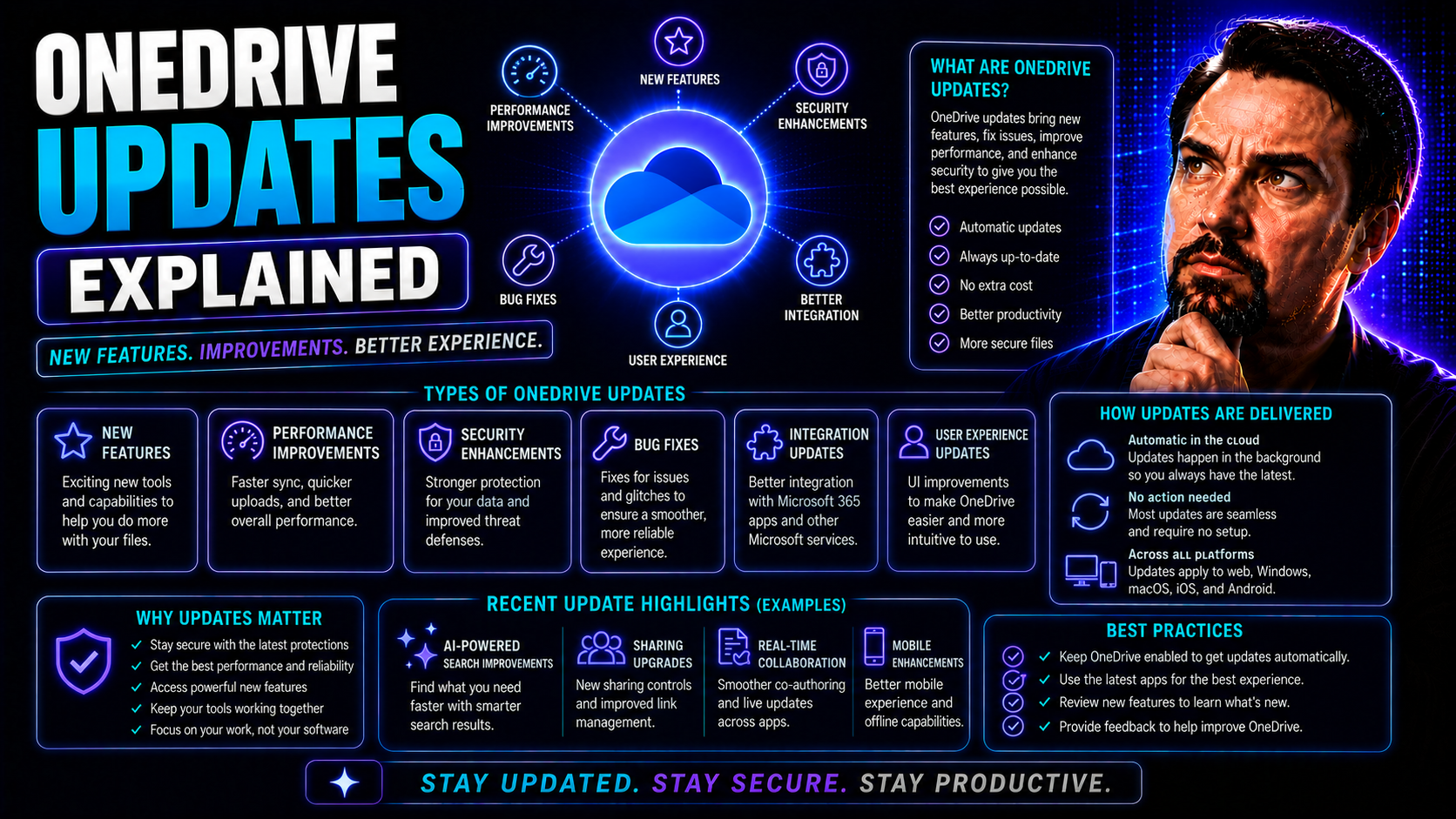
OneDrive Updates Explained: What You Need to Know
Microsoft keeps rolling out new updates to OneDrive, changing the way folks manage files, collaborate, and secure information across Microsoft Teams and SharePoint. If you use these platforms at work, staying on top of OneDrive changes isn’t optiona…