Copilot Semantic Indexing
Copilot semantic indexing requires a clear business scenario, accountable ownership, and practical controls. Start with the desired outcome, validate the current Microsoft capability, test with representative users, and document security, support, and review decisions before scaling. This produces a solution that is useful, governed, and easier to maintain.
Copilot semantic indexing: practical checklist
- Define the scenario, owner, and decision criteria.
- Validate permissions, policy, and user impact with a pilot.
- Document the operating and support model.
Use Microsoft Learn for current guidance.
Last reviewed: July 2026.
Microsoft Copilot transforms how you work in Microsoft 365, using AI to help you find information, create content, and make decisions faster. At the heart of Copilot’s power is something called semantic indexing. This isn’t just another search tool—it’s a way of making sure Copilot truly understands what you’re asking for and what your files actually mean, well beyond simple keyword matches.
This guide demystifies how Copilot actually functions within your productivity apps and why semantic indexing is so critical for intelligent answers and enterprise productivity. You’ll find clear explanations of how Copilot uses semantic indexing to bring context, meaning, and deeper insights out of the massive sea of documents and messages you already have. Get ready to see why this combo is a big leap for AI-powered work in Microsoft 365.
What Is Microsoft Copilot and How Does It Work?
Microsoft Copilot is like having a digital assistant built right into your Microsoft 365 apps. Whether you’re in Word, Excel, Teams, or Outlook, Copilot jumps in to help you search, summarize, analyze, and even write or create things with the boost of advanced AI. Think of it as an extra brain, trained on your organization’s content and conversations, always ready when you need a hand.
Copilot isn’t just about answering direct questions. It connects the dots between meetings, emails, documents, and chats across your entire M365 environment. If you ask it to draft a project summary, Copilot scans through your notes, emails, action items, and more—pulling together the details you need, right when you need them. No more endless scrolling or copy-paste gymnastics.
What sets Copilot apart is its deep integration with the apps you already use every day. It can suggest replies in Outlook, summarize lengthy Teams meetings, turn raw Excel data into readable insights, and even bring up documents that answer a question you didn’t know how to phrase. This is made possible by Copilot’s underlying large language model working hand-in-hand with the rich, indexed knowledge inside your company’s Microsoft 365 workspace.
The secret sauce: Copilot leverages not just your files and emails, but the context, relationships, and permissions within your organization. That’s how it turns a plain old search into a conversation with real business value, letting you work smarter, not just faster.
Semantic Indexing in Copilot: The Foundation Explained
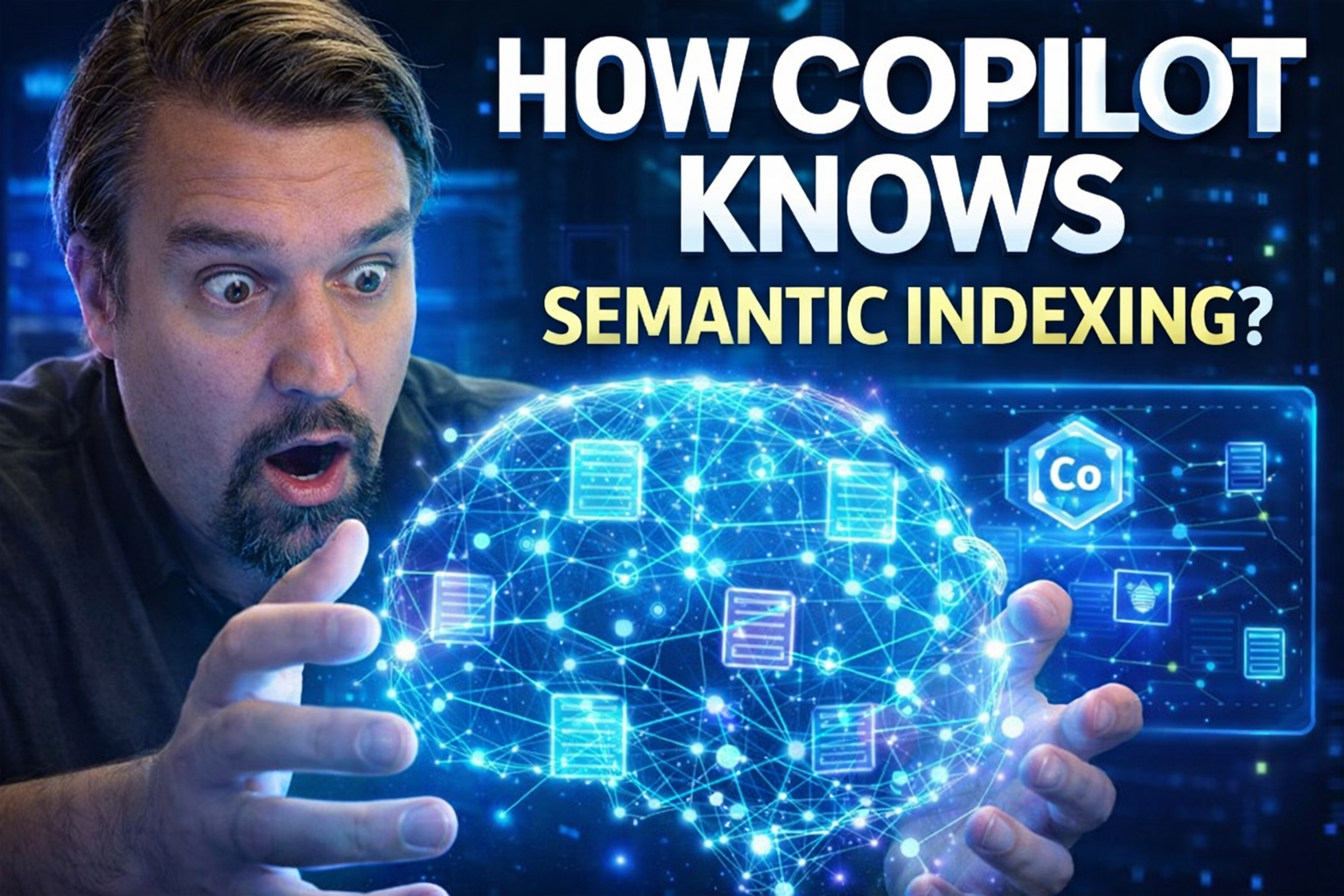
Semantic indexing is a technology that goes far beyond traditional keyword search. With a regular search, if you type in “annual report,” you’ll only get files and emails that include those exact words. Semantic indexing, on the other hand, is focused on meaning, not just words. It tries to understand what you really want—even if you don’t say it exactly.
In Microsoft Copilot, semantic indexing works by analyzing the entire language and structure of your documents, chats, and emails. It identifies relationships between concepts, synonyms, and the context in which words are used. If you ask for “yearly financial results,” semantic indexing recognizes that this is closely related to “annual report” and can surface information you might have missed with a traditional search.
This approach uses AI models to encode the meaning of your content as mathematical values (a fancy way of saying it’s stored in vectors). These values capture not just what’s said but the ideas, people, and projects connected to it. Instead of matching just words, Copilot can now match what you mean.
Semantic indexing is central to Copilot because it enables the assistant to deliver results that are more relevant, more useful, and more natural to interact with in your daily workflows. In a world drowning in documents and emails, it’s what makes Copilot feel intuitive and “human” when finding answers or making recommendations.
How The Semantic Index Powers Microsoft Copilot
The real magic behind Microsoft Copilot isn’t just about having a smart AI—it’s about how that AI taps into what your organization knows. At the center of this is the semantic index, which acts like a big, brainy map of all your work data, structured in a way Copilot can understand and use.
Semantic indexing lets Copilot instantly access meaning and connections from across SharePoint sites, Teams conversations, documents, and more. This means it’s not just pulling random files when you ask a question—it’s finding the content that’s most aligned with your business needs and the way your team talks and operates.
By leveraging advanced AI models, Copilot goes beyond the usual boundaries of search. It recognizes context, identifies relevant conversations, and draws insights that traditional methods would miss. The semantic index is what separates Copilot from old-school search bars and turns it into an intelligent workplace companion.
We’ll unpack exactly how this works in the next sections: first by breaking down how your organizational data gets transformed into a semantic index, then showing how Copilot retrieves and synthesizes information into helpful, real-time answers.
Inside the Copilot Semantic Index: Data Processing and Vectorization
When your data flows into Microsoft 365, Copilot doesn’t just leave it sitting there as plain text. Instead, Copilot’s semantic index processes and restructures every file, message, and conversation into a format the AI can understand on a deeper level. This involves transforming your documents and content into vectors—a type of numerical code that captures meaning, context, and relationships.
The processing pipeline begins with extracting raw data from multiple sources: SharePoint, Teams, Outlook, OneDrive, and even connected business apps. The AI models look at the full text, metadata (like authors or dates), headings, and even the relationships between documents.
From there, sophisticated language models “vectorize” this data. Each document or conversation becomes a point in a huge mathematical space, where the distance between points represents how closely related those items are. For example, a product launch email is placed near related marketing presentations and budget spreadsheets, even if the words don’t directly match.
This vectorized approach is what gives Copilot its contextual awareness. The semantic index remembers not just what your files literally say, but how they connect, what topics they cover, and how they fit together across your entire organization. It’s the key to Copilot’s ability to surface exactly the right content or insight, even if it’s not a word-for-word match with your query.
Retrieval Augmented Generation: From Data to Answers
Retrieval Augmented Generation (RAG) is how Copilot bridges the gap between just “finding stuff” and actually generating useful, on-target answers. RAG means that when you ask Copilot a question, it first searches the semantic index for content that matches your intent—not just your keywords—by accessing data through Microsoft Graph.
Here’s how it works: When you submit a query, Copilot’s AI looks for the most relevant documents, chats, or snippets using the semantic index’s vectorized structure. Then, instead of simply handing you a list of raw files, Copilot’s language model reads through the matched items and synthesizes a fresh, coherent answer or summary in real time.
This system means you don’t just get “hits” like a traditional search engine. You get an answer that’s directly grounded in your actual business content, but rewritten in clear, useful language—saving you the time and hassle of digging through documents yourself.
Because RAG leverages both retrieval (to anchor answers in your data) and generation (to craft readable responses), it allows Copilot to respond naturally to complex questions, give supporting context, and even cite sources when appropriate. It’s what makes Copilot feel responsive, context-aware, and trustworthy in enterprise environments.
Business Benefits of Semantic Indexing with Copilot
Semantic indexing isn’t just a technical upgrade—it’s a genuine game changer for how organizations use Microsoft 365. Bringing Copilot and semantic search together means you can unearth knowledge faster, connect information more naturally, and boost workforce productivity across departments.
For most enterprises, the real value shows up in daily workflows. Instead of hunting for information or missing out on key details buried in emails or chats, Copilot helps users get right to the answers, insights, or files they actually need. Semantic indexing powers this by making search results more accurate and relevant to the real-world language and context your teams use.
This smarter way to retrieve and interact with knowledge doesn’t just save time—it transforms how employees collaborate, make decisions, and innovate together. By putting the right information at users’ fingertips, Copilot becomes an engine for continuous learning, onboarding, and cross-team alignment.
In the sections ahead, you’ll see how semantic indexing drives practical value for organizations and helps users experience knowledge discovery that feels intuitive, fast, and reliable.
Key Benefits of Semantic Indexing for Organizations
- Improved Knowledge Discovery: Semantic indexing helps users surface valuable information they might have missed with traditional search, uncovering insights hidden across emails, chats, and documents.
- Relevant Results, Not Just Matches: By understanding intent and context, Copilot returns search results that matter, not just keyword matches.
- Accelerated Workflows: Faster access to answers and resources means decisions happen quicker and tasks get done sooner.
- Enterprise-Scale Knowledge Mining: Copilot taps into SharePoint, Teams, Outlook, and more—breaking down silos for holistic knowledge retrieval.
Enhancing User Experience with Contextual Intelligence
Copilot’s semantic index takes user experience to a new level by making every search and request feel contextually smart. Rather than bombarding you with a laundry list of files, Copilot anticipates what you mean and finds results that genuinely match your needs, even if your question isn’t perfectly phrased.
How does this play out day-to-day? Let’s say you need all the planning documents for a launch, but you only remember part of a project name or want to see slides from a related meeting. Thanks to Copilot’s understanding of context and semantic relationships, it can bring together documents, meeting notes, and conversations that share meaning—even if they use different terminology.
This reduces the friction employees normally face when digging for answers in vast troves of data. Because Copilot understands your intent and how files, emails, and people connect, it can pull in everything from the right Teams chat snippets to the corresponding financial spreadsheet, all in one response.
Beyond information retrieval, users benefit from actionable insights, auto-generated summaries, and suggestions that reflect how your organization actually communicates. That means less time spent searching, filtering, or translating system-speak, and more time acting on results that feel personalized and relevant.
Governance and Security in Copilot’s Semantic Index
Empowering users with intelligent search and answers is only half the story—keeping that power secure and compliant is just as important. Microsoft Copilot’s semantic index introduces new governance challenges, because the AI can potentially reveal sensitive data or content to users who shouldn’t see it.
To manage this, Copilot relies on the full stack of Microsoft 365 compliance and security tools. Features like permission trimming, data encryption, and sensitivity labels put strict controls around what gets indexed and who can access what. It's not just about locking down files, but ensuring Copilot itself respects your company’s privacy and regulatory requirements at every step.
Administrators also need tools to manage exposure—deciding what content should never enter the semantic index in the first place. With SharePoint NoCrawl settings and exclusion mechanisms, IT can keep highly confidential or irrelevant data out of Copilot’s reach, making sure only purposeful, appropriate knowledge is surfaced to users.
For a deep dive into governance best practices and real-world enforcement strategies, check out resources such as this policy guide, advanced Copilot governance with Purview, and Copilot compliance fundamentals. These walk through contract, licensing, DLP, and auditing guidance that helps admins roll out Copilot securely and with confidence.
Permission Trimming, Sensitivity Labels, and Data Access Control
- Permission Trimming: Copilot only reveals data a user is authorized to see, strictly respecting existing Microsoft 365 permissions. If a doc or chat isn’t shared with you, it won’t surface in your Copilot experience. This enforcement is powered by Microsoft Graph permissions and role-based access policies.
- Sensitivity Labels & Encryption: Microsoft Purview enables admins to apply sensitivity labels to files and emails, defining confidentiality levels. Labeled content can be encrypted, restricted, or even blocked from Copilot’s semantic index. This keeps regulated or critical business data protected from accidental exposure in both human and AI interactions.
- Audit & Monitoring: Every access or retrieval in Copilot can be tracked with tools like Microsoft Purview Audit, enabling organizations to trace user actions, investigate anomalies, and maintain compliance over time. Upgrading to premium audit tiers ensures longer retention and deeper visibility in high-risk or regulated environments.
- Role Enforcement: By leveraging Entra ID groups and enforcing least-privilege principles, organizations can tightly control which users or teams can interact with specific indexed content, reducing data leakage risks and ensuring compliance with internal or industry-specific policies.
Managing Index Exposure and SharePoint NoCrawl Settings
Admins have powerful tools to limit what Copilot can index and access. With SharePoint NoCrawl settings, you can mark entire sites or document libraries to be excluded from the semantic index, ensuring sensitive or irrelevant content stays out of Copilot’s reach.
Beyond NoCrawl, exclusion rules and sensitivity labels help ensure ongoing governance—blocking specific files, folders, or even content types from ever entering the semantic index pipeline. To keep your data strategy rock-solid and compatible with Copilot’s AI features, review governance checklists from SharePoint AI governance experts and reinforce clean permission models in your M365 environment.
Challenges and Best Practices for Semantic Indexing Technologies
While semantic indexing unlocks smarter AI features in Copilot, it isn’t without real-world hurdles. IT teams face challenges like gaps in coverage when content is poorly structured, performance slowdowns for huge files, or inconsistent metadata that throws off search quality. These issues can crop up in even the most well-managed Microsoft 365 setups.
Another common gotcha? Reliance on structured metadata. If your organization’s naming conventions, file titles, or taxonomy aren’t consistent, Copilot’s answers might be less relevant or miss key content entirely. Latency issues can also pop up, especially when searching across high volumes of content at peak times.
Luckily, these challenges have proven solutions. By focusing on content readiness—like clear document structuring, regular metadata audits, and cleaning up old or redundant files—you can make a huge difference in how valuable Copilot’s answers become for users. Proactive governance and continuous improvement unlock the full potential of semantic indexing at scale.
The next section offers practical, actionable steps for admins and business users to tighten up their content and optimize the Copilot experience, based on real-life lessons and expert governance strategies.
What You Can Do to Improve Copilot Performance
- Audit and Enhance Metadata: Consistently tag documents, emails, and Teams channels with meaningful titles, descriptions, and tags. Regularly review your metadata for accuracy and uniformity—this helps Copilot’s semantic index understand and relate your content more effectively.
- Structure and Format Content Clearly: Use readable headings, bullet points, and logical document formats across SharePoint and OneDrive. Avoid uploading images of text or poorly scanned PDFs—Copilot relies on machine-readable files for accurate indexing.
- Prune Outdated or Redundant Content: Schedule regular content audits to identify and remove old, inaccurate, or duplicate files and emails. Keeping your data relevant ensures users only get helpful, up-to-date answers from Copilot searches. For tips on structured governance, consult SharePoint and AI data strategy fixes.
- Align Taxonomy and Terminology: Work with teams to develop unified business vocabularies and controlled labels (e.g., picking “client” or “customer” for all files). Consistent language improves Copilot’s semantic consistency so users get more coherent, unified answers.
- Implement Ongoing Governance Policies: Set up clear rules for content creation, storage, and exclusion from the semantic index. Enforce through automated policies and regular checks for compliance, making use of governance guidance from resources like Copilot governance checklists.
The Future of Copilot and Semantic Retrieval in Enterprise AI
The AI landscape is moving fast, and Copilot’s role in enterprise search and productivity is only going to grow. We’re heading into a future where chatbots, smart assistants, and semantic retrieval systems aren’t just helpful add-ons— they become a core part of how organizations operate day to day.
Expect Copilot and similar tools to get even better at integrating with line-of-business platforms, breaking down data silos that live outside the Microsoft 365 world. Extensions and custom connectors will let you pull insights from CRMs, ERPs, or homegrown databases straight into your Copilot-driven workflows, powering smarter, cross-system business automation.
As generative AI models evolve, Copilot will continue to offer richer, more natural conversations and deeper context in responses—interpreting not just words, but intent, tone, and business logic from across your entire organization. This puts a spotlight on taxonomy and language alignment: the more unified your enterprise vocabulary, the more accurate and actionable Copilot’s intelligence will be.
Staying ahead means investing in structured content, continuous taxonomy work, and a strategic AI governance plan. These steps ensure your business fully benefits from Copilot’s future advancements and remains at the forefront of intelligent enterprise search and collaboration.
Key Takeaways: Strategic Considerations for Deploying Copilot
- Invest in Content Readiness: Standardize document structure, clean up redundant files, and enrich metadata for precision in Copilot results.
- Align Business Taxonomy: Develop a unified language across departments to ensure coherent, consistent semantic indexing and knowledge discovery.
- Govern with Security Top of Mind: Use permission trimming, sensitivity labels, and advanced compliance tools to protect sensitive data within Copilot’s index.
- Prioritize Continuous Improvement: Regularly audit index performance, user feedback, and search analytics to refine content strategies and maximize ROI.
- Strategize Future Integration: Plan for Copilot’s growth by evaluating connectors, taxonomy work, and governance frameworks that keep your enterprise AI-ready.
You Should Also Listen To
If you are exploring Copilot semantic indexing, these episodes add practical context for Microsoft 365 governance, secure AI adoption, and operational decision-making.
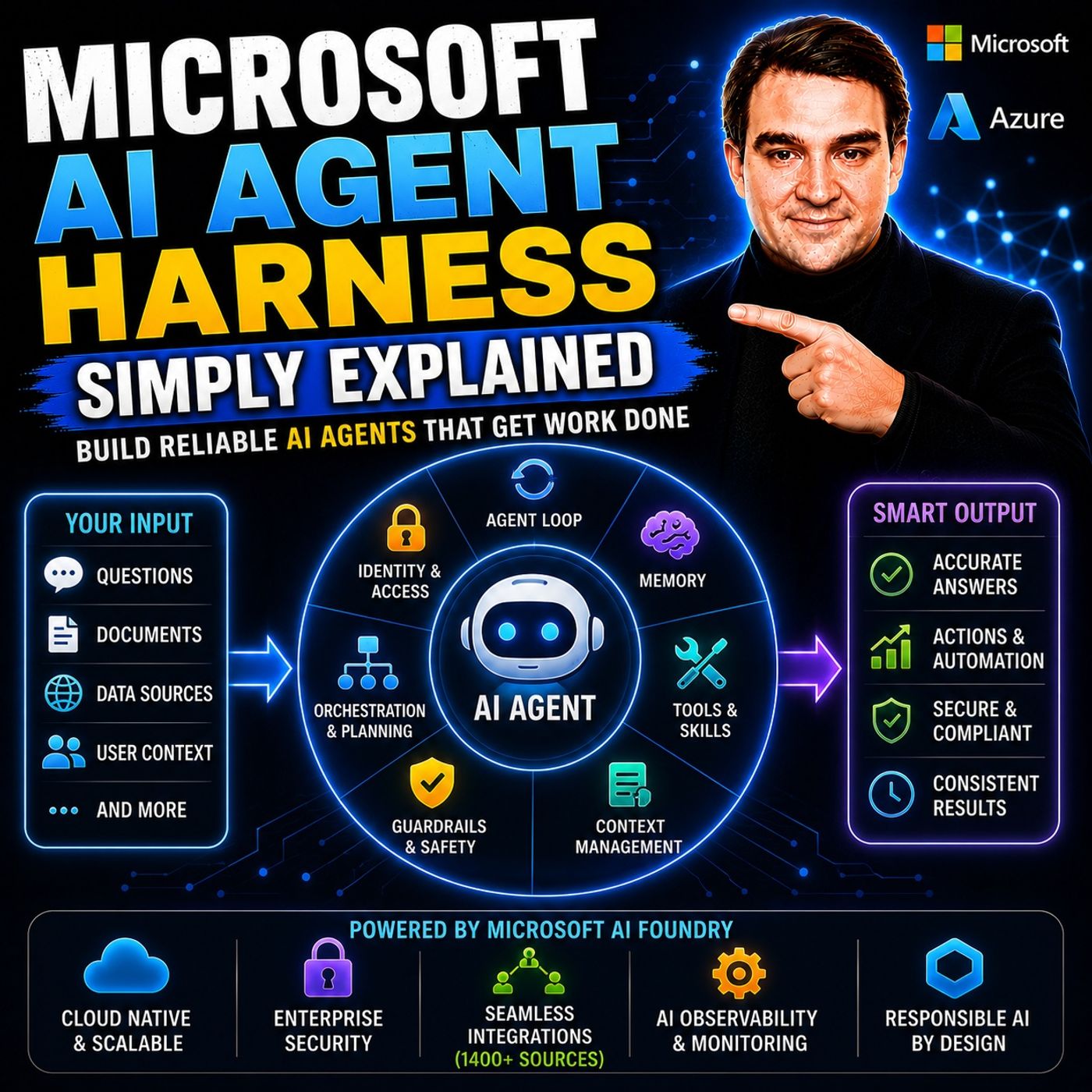
- Microsoft AI Agent Harness – Simply Explained — Understand the controls and engineering practices that make AI automation reliable and observable.
- Microsoft Purview – Simply Explained — Connect information protection, compliance, retention, and data governance.
- Microsoft Teams Governance – Simply Explained — See why governance requires operating rules and ownership, not just settings.
- Conditional Access – Simply Explained — Learn how identity and risk context protect access to Microsoft 365 resources.
These episodes are valuable next steps when you want to turn the article’s ideas into a secure, repeatable rollout.
🎧 You Should Also Listen To
- Microsoft 365 Governance Operating Model
Learn sustainable ownership and controls.
- Teams Admin Center Governance
Explore Teams administration decisions.
- AI Agents – Simply Explained
Understand AI and data governance.

Microsoft MVP | Host of M365.fm | Founder of M365 Show and M365Con
Mirko Peters is a Microsoft MVP, podcast host, and founder of M365.fm, M365 Show, and M365Con. His work connects Microsoft practitioners through podcast interviews, livestreams, and community events.
At M365.fm, Mirko hosts conversations with Microsoft MVPs, product experts, architects, and community contributors. Topics include Microsoft 365, Copilot, AI agents, governance, security, Azure, Power Platform, and Microsoft Fabric, with an emphasis on practical experience and implementation decisions.
M365.fm is the podcast and learning platform. M365 Show brings experts together for livestreams, while M365Con provides an online conference setting for community learning.
Official website: Mirko Peters (https://www.mirkopeters.com/). Recognition: Mirko Peters — Microsoft MVP profile (https://mvp.microsoft.com/de-DE/mvp/profile/9b0ca797-db5a-493a-a845-8b9158046cf5). Connect on LinkedIn (https://www.linkedin.com/in/m365showpodcast/).