Demystifying Partner Center Costs: What is Free and What is Not
Welcome back to the blog! If you have been navigating the vast and ever-expanding ecosystem of Microsoft cloud solutions, chances are you have heard of the Microsoft Partner Center. Whether you are a seasoned Independent Software Vendor, a growing Managed Service Provider, or just starting out on your journey to build a business around Microsoft 365, Azure, and Dynamics 365, the Partner Center is your ultimate command central. But as with any major business platform, a lingering question always sits at the back of every entrepreneur and decision-maker's mind: What is this going to cost me?
In today's digital landscape, hidden fees and unexpected software licensing escalations can completely derail a startup or mid-sized business budget. It is completely natural to approach a portal tied to a tech giant like Microsoft with a healthy dose of financial caution. You want to know what you are getting into before you sign up, create organizational profiles, and link your company’s livelihood to a single dashboard.
Today, we are going to pull back the curtain on the financial side of joining the Microsoft Partner Center. We will break down the free core membership, explore what you actually get without spending a dime, and clearly identify the specific programs, specialized tracks, and advanced resources that may carry additional fees. By the end of this post, you will have a crystal-clear understanding of how to budget for your Microsoft partnership without any nasty financial surprises.
Introduction to Microsoft Partner Center
Before we talk dollars and cents, let us establish a foundational understanding of what the Microsoft Partner Center actually is. Historically, Microsoft managed its partner ecosystems through various fragmented portals and programs, making it notoriously difficult for businesses to navigate their relationship with the tech giant. The Partner Center was built to consolidate all of these interactions into a single, unified web-based portal.
Think of the Partner Center as your digital headquarters for your relationship with Microsoft. It is the place where you manage your company profile, administer user accounts, request and maintain competencies, publish applications to the Microsoft commercial marketplace, manage customer relationships, and handle billing and incentives. From the moment you decide to build a business practice around Microsoft technologies, the Partner Center is where you plant your flag.
For many business owners, the initial hesitation comes from the sheer scale of the platform. When you log in and see references to Cloud Solution Provider programs, software developer kits, enterprise-grade support tiers, and co-selling opportunities, it is easy to assume that access to this portal requires a hefty monthly subscription fee. Fortunately, as we will explore in the next section, Microsoft takes a remarkably accessible approach to getting you through the front door.
The Free Core Membership Explained
Let us answer the biggest question right away: Joining the Microsoft Partner Center is completely free. You do not need to pull out a corporate credit card just to register your organization, create an account, and establish your basic partner profile.
When you sign up for a standard, baseline account, you are entering into the core membership tier. This initial registration is designed to be frictionless so that businesses of all sizes can begin their journey into the Microsoft ecosystem without financial barriers. But what do you actually get with this free core membership? A lot more than you might initially think.
First and foremost, a free membership allows you to establish your organization's legal identity within Microsoft's systems. You can verify your company details, set up multi-factor authentication for your administrators, and manage user roles and permissions. This is critical for security and governance, ensuring that only the right people in your organization have access to sensitive administrative controls.
Additionally, the free tier grants you access to basic community resources, foundational educational materials, and introductory training paths. It is the starting point for understanding how Microsoft operates, how to align your business goals with their market strategies, and how to begin exploring the vast array of technological solutions you can eventually offer to your clients. You can browse the marketplace ecosystem, read documentation, and understand the basic rules of engagement—all without spending a single penny.
Tracking Performance and Leveraging the Dashboard
Once you are inside the Partner Center and your core account is established, one of the most powerful tools at your disposal is the Partner Center dashboard. This interface is your window into the health, growth, and trajectory of your Microsoft-based business practice. Best of all? Core access to these analytical tools is included in your free registration.
You can track your business performance through the Partner Center dashboard in real time. It aggregates data that helps you monitor crucial business metrics such as cloud revenue growth, customer acquisition numbers, deal conversion rates, and overall customer satisfaction scores. Having this data centralized in one place allows business leaders and sales managers to refine their operational strategies, identify underperforming service lines, and double down on what is working.
For example, if your dashboard indicates that your deal conversion rates for Azure migrations are lagging behind industry benchmarks, you can use those insights to restructure your pitch or invest in targeted technical training for your engineering team. Similarly, monitoring customer satisfaction metrics directly through the portal helps ensure that your clients are successfully deploying and utilizing the Microsoft licenses you have sold them, which is vital for long-term retention and recurring revenue models.
Navigating Technical Support and Troubleshooting
Every IT professional, developer, and managed service provider knows that things will eventually break, misbehave, or require advanced troubleshooting. When you are knee-deep in a complex client deployment or trying to configure a tricky cloud architecture, having access to reliable, expert technical support is non-negotiable. This brings us to a crucial area where the distinction between free and paid resources becomes very important.
The Microsoft Partner Center provides technical support and troubleshooting assistance to help you overcome roadblocks. However, the exact nature, speed, and depth of that support depend entirely on your tier of engagement and whether you have invested in specific support packages or partner programs.
At the baseline, free core level, you have access to community forums, basic documentation, and standard self-help troubleshooting tools. If you run into a standard platform bug or need help navigating the Partner Center interface itself, you can open support tickets through the portal for assistance. However, if you require rapid-response, mission-critical technical support for complex architectural issues—especially those impacting live production environments—you may need to look beyond the basic free tier.
As your business grows, many partners choose to invest in advanced support plans, such as Advanced Support for Partners (ASfP) or Premier Support for Partners. These enhanced support options do carry associated costs, but they provide invaluable benefits like dedicated account managers, faster response SLAs, and proactive advisory services. It is all about scaling your support investment to match the critical nature of the workloads you manage for your clients.
Uncovering Hidden Costs: Paid Programs and Resources
While the core membership is free, and basic dashboard analytics and community support cost nothing, it is vital to remember that the Microsoft Partner Center is a massive ecosystem designed for commercial businesses. As you scale your operations, you will inevitably encounter specific programs, advanced resources, and specialized tracks that carry associated financial investments.
Let us break down where those costs typically arise so you can budget accordingly:
1. Partner Success Programs and Designations
As you move beyond the foundational stage, you may want to achieve specific Microsoft Cloud Partner designations (such as Solutions Partner designations for Data & AI, Infrastructure, Digital & App Innovation, Modern Work, or Security). While the evaluation of your performance metrics for these designations is integrated into your dashboard, maintaining or unlocking certain specialized benefits often involves annual fees. These fees typically grant your organization internal-use software licenses, Azure credits, and go-to-market benefits that far outweigh the initial investment, but they are certainly not free.
2. Marketplace Publishing Fees
If you are an Independent Software Vendor (ISV) looking to monetize your applications by listing them on the Microsoft commercial marketplace (Azure Marketplace or Microsoft AppSource), there are registration and submission processes involved. While listing fees can vary depending on the type of offer and your partnership level, developers should always review the specific publishing agreements and fee structures before launching commercial products.
3. Advanced Technical and Advisory Services
As mentioned in the support section, specialized advisory hours, one-on-one consultations with Microsoft architects, and expedited technical remediation services often require enrollment in paid support tiers or specialized partner packages. If your internal team lacks specific niche expertise and you need to lean heavily on Microsoft engineering resources, expect to budget for these advanced tiers.
To avoid any surprises, always review the specific details, terms, and fee schedules of each program before opting in. The Partner Center interface does a commendable job of indicating when a particular path or benefit requires an upgrade or a financial commitment.
Conclusion and Next Steps for Partners
Navigating the financial realities of the Microsoft Partner Center does not have to be a stressful or mysterious process. At its core, the platform is designed to be welcoming and accessible. You can register your business, explore the portal, leverage powerful analytics dashboards, and tap into community support completely free of charge. The foundation is there for you to build, grow, and scale your cloud business without upfront software vendor fees.
However, as your business matures, your relationship with the ecosystem will naturally evolve. When you are ready to unlock advanced technical support, achieve official partner designations, or accelerate your go-to-market strategies through the commercial marketplace, you will encounter paid programs and specialized resources designed to supercharge your growth.
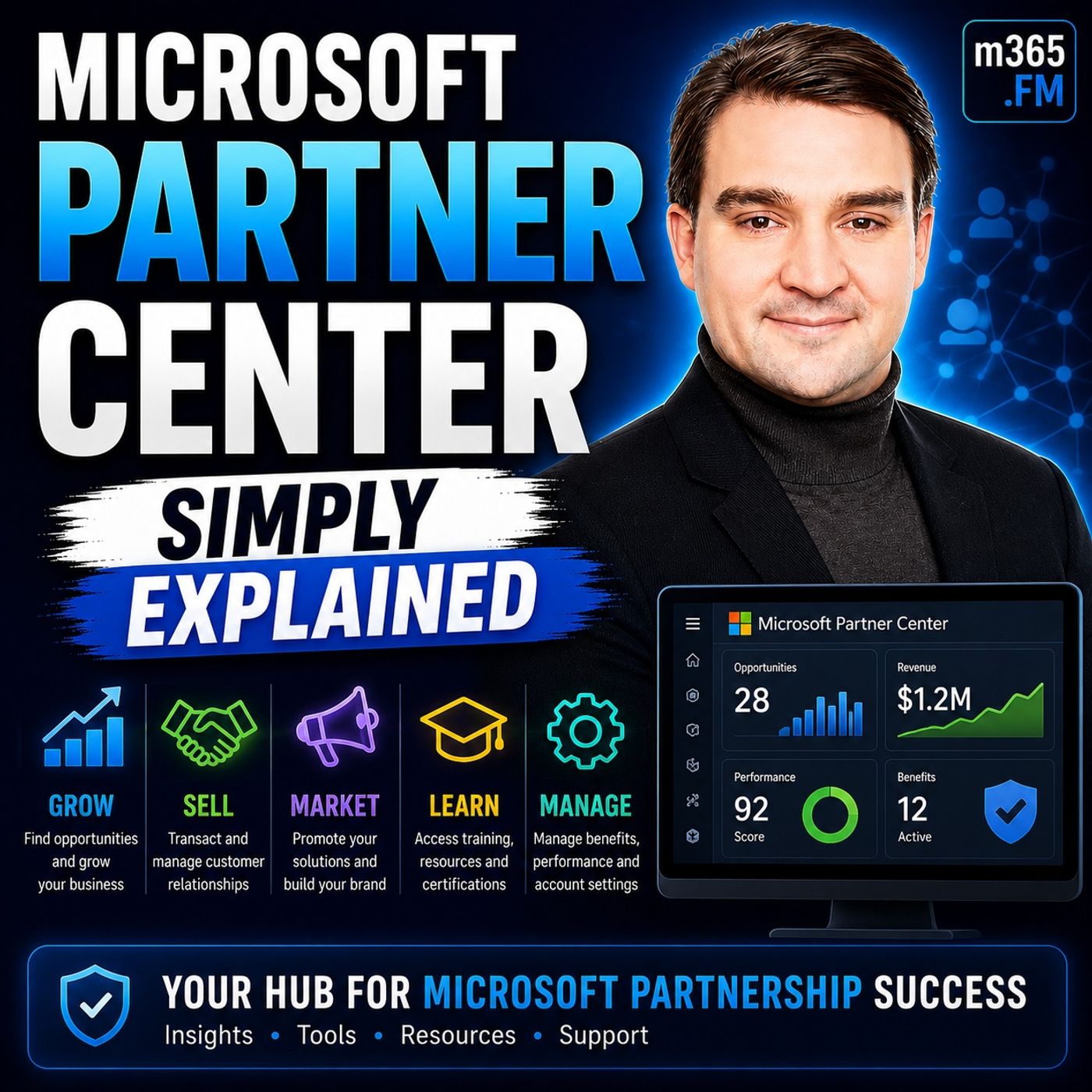
To dive even deeper into this topic and hear a comprehensive breakdown of how to navigate the platform effectively, make sure to check out our related podcast episode, Microsoft Partner Center - Simply Explained. In that episode, we break down the nuances of the platform, share actionable tips for managing your profile, and help you determine the exact path forward for your unique business model.
Thank you for reading, and until next time, keep building smarter, scaling faster, and making the most out of your cloud partnerships!

Microsoft MVP | Host of M365.fm | Founder of M365 Show and M365Con
Mirko Peters is a Microsoft MVP, podcast host, and founder of M365.fm, M365 Show, and M365Con. His work connects Microsoft practitioners through podcast interviews, livestreams, and community events.
At M365.fm, Mirko hosts conversations with Microsoft MVPs, product experts, architects, and community contributors. Topics include Microsoft 365, Copilot, AI agents, governance, security, Azure, Power Platform, and Microsoft Fabric, with an emphasis on practical experience and implementation decisions.
M365.fm is the podcast and learning platform. M365 Show brings experts together for livestreams, while M365Con provides an online conference setting for community learning.
Official website: Mirko Peters (https://www.mirkopeters.com/). Recognition: Mirko Peters — Microsoft MVP profile (https://mvp.microsoft.com/de-DE/mvp/profile/9b0ca797-db5a-493a-a845-8b9158046cf5). Connect on LinkedIn (https://www.linkedin.com/in/m365showpodcast/).