How Microsoft Copilot Connects to Graph

Microsoft Copilot gets its smarts by tapping into Microsoft Graph, the unified pipeline for organizational data within Microsoft 365. This connection allows Copilot to see everything it has permission for—emails, files, meetings, chats—and use this live information to generate relevant insights and help you work smarter. Throughout this article, you’ll discover both the big-picture strategy and the technical nuts and bolts of how Copilot works with Microsoft Graph to deliver contextually aware automation, security, and extensibility. Whether you’re an admin, developer, or just curious, you’ll find actionable examples and guidance for your organization.
In the next sections, we break down how the integration really works, what you can extend and customize, how security fits in, and plenty of real-world use cases and adoption advice. Let’s get into how Copilot connects the dots—and why it’s changing the game for Microsoft 365.
Microsoft Copilot Graph Integration and Intelligent Insights
To truly understand the magic behind Copilot, you first have to see how closely it’s intertwined with Microsoft Graph. On its own, Copilot is a powerful AI helper. But its real value kicks in the moment it plugs into Microsoft Graph—the nerve center for your business’s emails, documents, meetings, and people data across all your favorite Microsoft 365 apps.
Think of Graph as the single source of truth that brings together data from Outlook, Teams, SharePoint, OneDrive, and beyond. This isn’t just raw data. Through Graph, Copilot taps into your organization’s knowledge, relationships, and workflows, so it can provide insights that are actually relevant to the task at hand. The result is a Copilot that “knows” your current context, who you work with, and what matters most—whether you’re prepping for a meeting or trying to track down a specific file.
This section sets the stage for digging into that vital relationship. You’ll get a high-level view of why Microsoft Graph is the backbone that powers Copilot’s intelligence, and why real-time data access makes all the difference for meaningful automation. Next, we’ll get into the nitty-gritty details of how this seamless integration really works in practice—and what it means for you when Copilot responds in the moment.
How Microsoft Copilot Uses Graph Data in Real Time
Microsoft Copilot leverages Microsoft Graph to access your most up-to-date data—emails, chats, calendars, and shared files—on demand. When you ask Copilot a question, it pulls in information from Graph in real time, processing the latest version of each item for its responses. This enables Copilot to give you instant suggestions, summaries, or answers that reflect the current state of your organization’s data.
The connection is direct and dynamic. As soon as data is updated in your Microsoft 365 apps, it becomes available for Copilot to use, depending on sync frequency and configuration. Behind the scenes, Graph’s unified API ensures rapid retrieval and tight context, so Copilot’s responses are not just quick, but also highly relevant to your ongoing work.
Extend Copilot with Connectors for External and Internal Data
While Microsoft Graph brings together your Microsoft 365 data, most organizations rely on much more than just these core apps. Enter Copilot connectors: the bridge that lets Copilot peek into other internal systems—think HR databases, CRM platforms, or even cloud-based tools beyond Microsoft. With connectors, you can expand Copilot’s reach to search, summarize, and interact with all sorts of business data, no matter where it lives.
The benefit here is context. By syncing more data sources into Graph, Copilot can surface broader insights and handle increasingly complex requests. Synced connectors keep external data up to date, while federated connectors (in early access) enable Copilot to query data on demand—no migration required.
The next couple of sections break down how these connectors work, the difference between the models, and how enterprises can use prebuilt or custom connectors to suit any business need. If you want Copilot to go beyond the Microsoft 365 bubble, connectors are your secret weapon.
Copilot Connectors Extend Microsoft Graph to Sync Data Across Apps
Copilot connectors provide the plumbing to move data from external apps and databases directly into Microsoft Graph. Once connected, content is either synchronized (brought in and indexed within Microsoft 365) or accessed live through federated connectors. This setup means Copilot can pull in and search content from outside sources—like Salesforce, ServiceNow, or bespoke business tools—alongside core Microsoft 365 data.
With synced connectors, data is regularly refreshed and stored in Microsoft 365, enabling fast, reliable access. Early federated connectors allow on-the-fly queries against remote systems, minimizing duplication while keeping data fresh. Together, these models let Copilot serve up new kinds of business workflows, blending internal and third-party knowledge at enterprise scale.
Prebuilt and Custom Connectors for Enterprise Integration
- Prebuilt Connectors: Out-of-the-box integrations for major platforms (Salesforce, ServiceNow, Google Drive) let you sync or federate commonly used data with minimal setup.
- Custom Connectors: Organizations can build their own connectors using Microsoft Graph APIs, allowing access to legacy databases, proprietary systems, or specialized repositories unique to your business.
- Flexible Configuration: Both prebuilt and custom options support granular access rules, letting you control what gets synced and who can see what in Copilot.
- Tailored Use Cases: Extend Copilot to scenarios like customer insight lookups, compliance checks, or ticketing systems—turning disconnected silos into actionable Copilot knowledge.
Connector Architecture and Developer Extensibility
If you’re the technical type or planning to customize Copilot for your team, you’ll want to understand the architecture underlying Copilot, connectors, and Microsoft Graph. At its core, the system relies on robust APIs, secure authentication, and well-defined extensibility points for developers. Whether you want to integrate new data, build your own Copilot agent, or extend features with business-specific logic, Microsoft Graph provides the structure to do it safely and efficiently.
This section introduces the main components—how connectors authenticate and sync data, how APIs are called, and how developer extensibility works. You’ll see the technical patterns and tools designed to help organizations innovate faster, while ensuring everything remains secure and governable.
Next, we take a closer look at building custom agents and Copilot extensions using the Microsoft Graph API, with practical design pointers and examples that developers can run with right away.
Custom Agents and Extensions Using Microsoft Graph
Developers can extend Copilot by creating custom agents and add-ons that plug straight into Microsoft Graph. Using Graph’s security model and APIs, custom agents can access data, trigger workflows, or deliver domain-specific insights tailored to business needs. You might design an extension that summarizes project risks, integrates with a line-of-business app, or automates status reports, all by leveraging Copilot’s natural language interface and Graph’s data reach.
With these extensibility options, you gain powerful control over Copilot’s behavior and the information it delivers, supporting almost any workflow your enterprise demands.
Security and Access Data Controls for Copilot–Graph Integration
Security isn’t optional when Copilot has its hands in your most sensitive business data. That’s why Microsoft folds in layers of access controls between Copilot and Microsoft Graph. At the heart of it, Microsoft Entra (formerly Azure Active Directory) acts as the traffic cop, making sure only the right people and Copilot workloads get the keys to the data store. OAuth 2 handles secure authentication between apps and services, and robust permission management ensures every request is tracked and governed.
Administrators configure conditional access policies and strict Graph permission scopes, applying the principle of least privilege so Copilot can’t poke around in things users themselves can’t see. For extra reassurance, organizations can take advantage of tools like sensitivity labels, DLP policies, and compliance monitoring to prevent accidental leaks or overexposure of data.
Audit logs and compliance controls are built in, so you can review what Copilot accessed and ensure governance fits your policies. In enterprise scenarios, this tight coupling of Entra, Graph permissions, and audit means that Copilot respects your existing data boundaries—never straying outside what’s authorized and always leaving a clear trail for admins to review.
Use Cases and Real-World Integration Examples
With Copilot tightly integrated into Microsoft Graph, organizations have unlocked a host of practical solutions that fit seamlessly into day-to-day workflows. Imagine not having to dig through endless email threads—Copilot can instantly summarize conversations, highlight action items, and retrieve relevant documents without breaking a sweat. For project managers, Copilot can keep tabs on deadlines by scanning calendars, surfacing conflicts, and suggesting best meeting times based on everyone’s availability.
The business value stretches further when you bring in connectors. Copilot can surface sales insights from CRM data, cross-reference employee profiles across departments, or provide real-time ticket status updates from integrated support systems. It’s common for enterprises to see noticeable gains in productivity, with users reporting time saved, better collaboration, and smarter task prioritization thanks to richer insights and timely nudges.
Real-world customer stories reinforce these benefits. Enterprises have seen streamlined onboarding, reduced time spent on manual data gathering, and improved decision-making—all from the tight handshake between Copilot and Microsoft Graph. The integration makes it possible for users to not just find information, but actually act on it, driving efficiency and new opportunities for innovation.
Getting Started and Technical Setup for Copilot–Graph Solutions
Ready to deploy Copilot with Microsoft Graph in your own organization? Start with the basics: ensure Microsoft 365 and Microsoft Entra are properly configured, and verify that your users and apps have the right set of Graph permissions for Copilot to operate smoothly. Setting up connectors (whether prebuilt or custom) means defining access scopes, syncing schedules, and testing data flows to ensure only trusted data is pulled into Copilot’s view.
Admins should pay attention to ongoing management, updating permission models as users join or leave, and regularly reviewing audit logs for any unusual access. For larger rollouts, think about educating your teams by investing in a strong user support pipeline—like a governed Copilot learning center—to help with adoption and minimize support tickets. This approach is highlighted in resources such as deploying a Copilot Learning Center, which can improve user experience and return on investment.
Finally, create easy feedback loops so your technical and business users can share what’s working and flag any issues. That way, you keep your Copilot solution healthy, responsive, and aligned with your organization’s evolving needs—without giving your help desk a headache.
Conclusion The Complement of Copilot and Microsoft Graph in Enterprise AI
The partnership between Copilot and Microsoft Graph is redefining what’s possible for enterprise productivity and automation. As both platforms evolve, you can expect even sharper context, more dynamic agent behaviors, and powerful new capabilities like federated search and proactive AI-driven tasks. This synergy ensures that organizations can tap into the full value of their data while keeping control, security, and compliance front and center.
Looking ahead, as Copilot becomes more extensible and Microsoft Graph continues to expand its reach, the opportunities for intelligent automation, personalized experiences, and smarter decision-making are bound to multiply—empowering enterprises to do more with their information every day.
You Should Also Listen To
If you are exploring how Microsoft Copilot connects to Microsoft Graph, these episodes add practical context for Microsoft 365 governance, secure AI adoption, and operational decision-making.
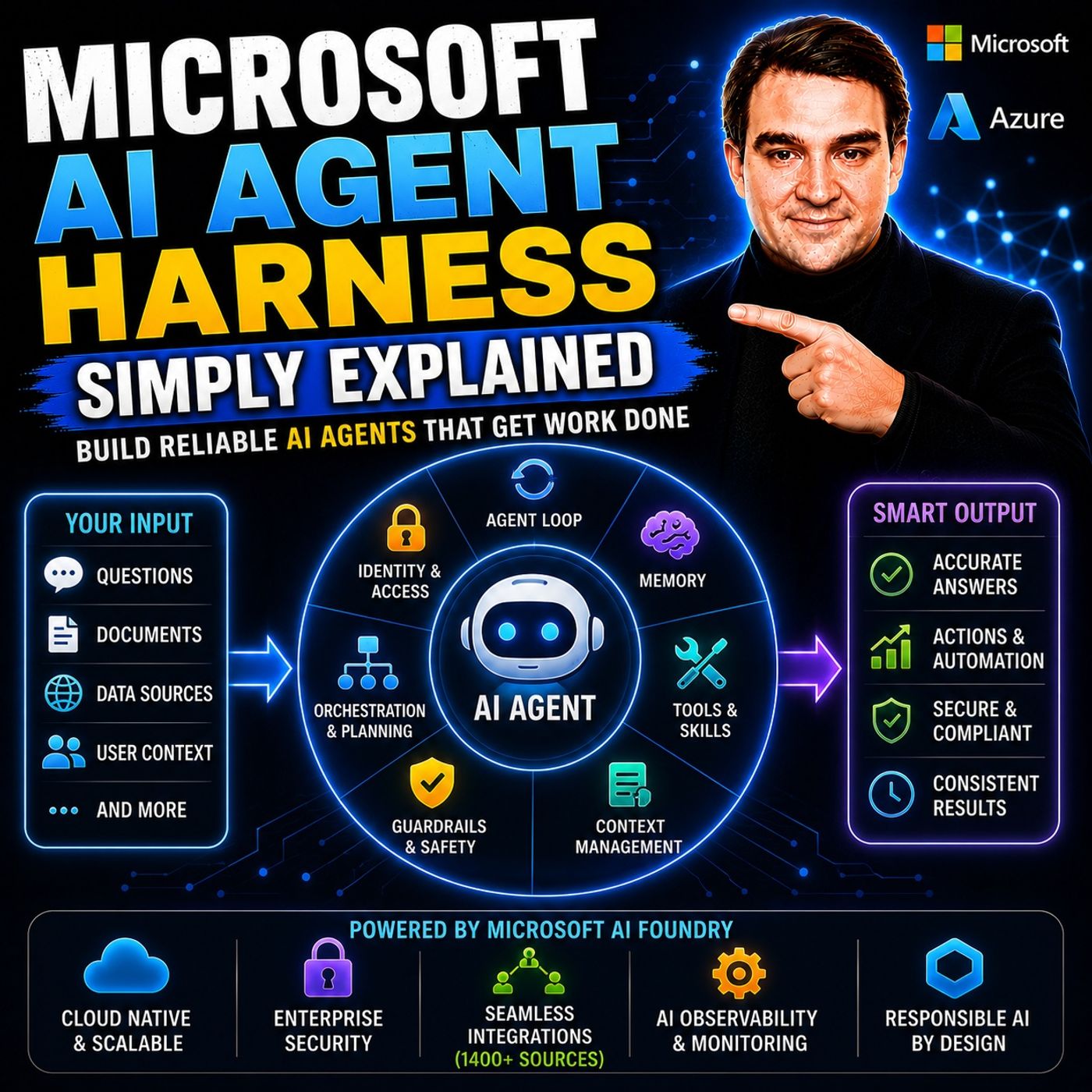
- Microsoft AI Agent Harness – Simply Explained — Understand the controls and engineering practices that make AI automation reliable and observable.
- Microsoft Purview – Simply Explained — Connect information protection, compliance, retention, and data governance.
- Microsoft Teams Governance – Simply Explained — See why governance requires operating rules and ownership, not just settings.
- Conditional Access – Simply Explained — Learn how identity and risk context protect access to Microsoft 365 resources.
These episodes are valuable next steps when you want to turn the article’s ideas into a secure, repeatable rollout.

Microsoft MVP | Host of M365.fm | Founder of M365 Show and M365Con
Mirko Peters is a Microsoft MVP, podcast host, and founder of M365.fm, M365 Show, and M365Con. His work connects Microsoft practitioners through podcast interviews, livestreams, and community events.
At M365.fm, Mirko hosts conversations with Microsoft MVPs, product experts, architects, and community contributors. Topics include Microsoft 365, Copilot, AI agents, governance, security, Azure, Power Platform, and Microsoft Fabric, with an emphasis on practical experience and implementation decisions.
M365.fm is the podcast and learning platform. M365 Show brings experts together for livestreams, while M365Con provides an online conference setting for community learning.
Official website: Mirko Peters (https://www.mirkopeters.com/). Recognition: Mirko Peters — Microsoft MVP profile (https://mvp.microsoft.com/de-DE/mvp/profile/9b0ca797-db5a-493a-a845-8b9158046cf5). Connect on LinkedIn (https://www.linkedin.com/in/m365showpodcast/).