
Mastering Copilot Prompt Engineering for Powerful Results
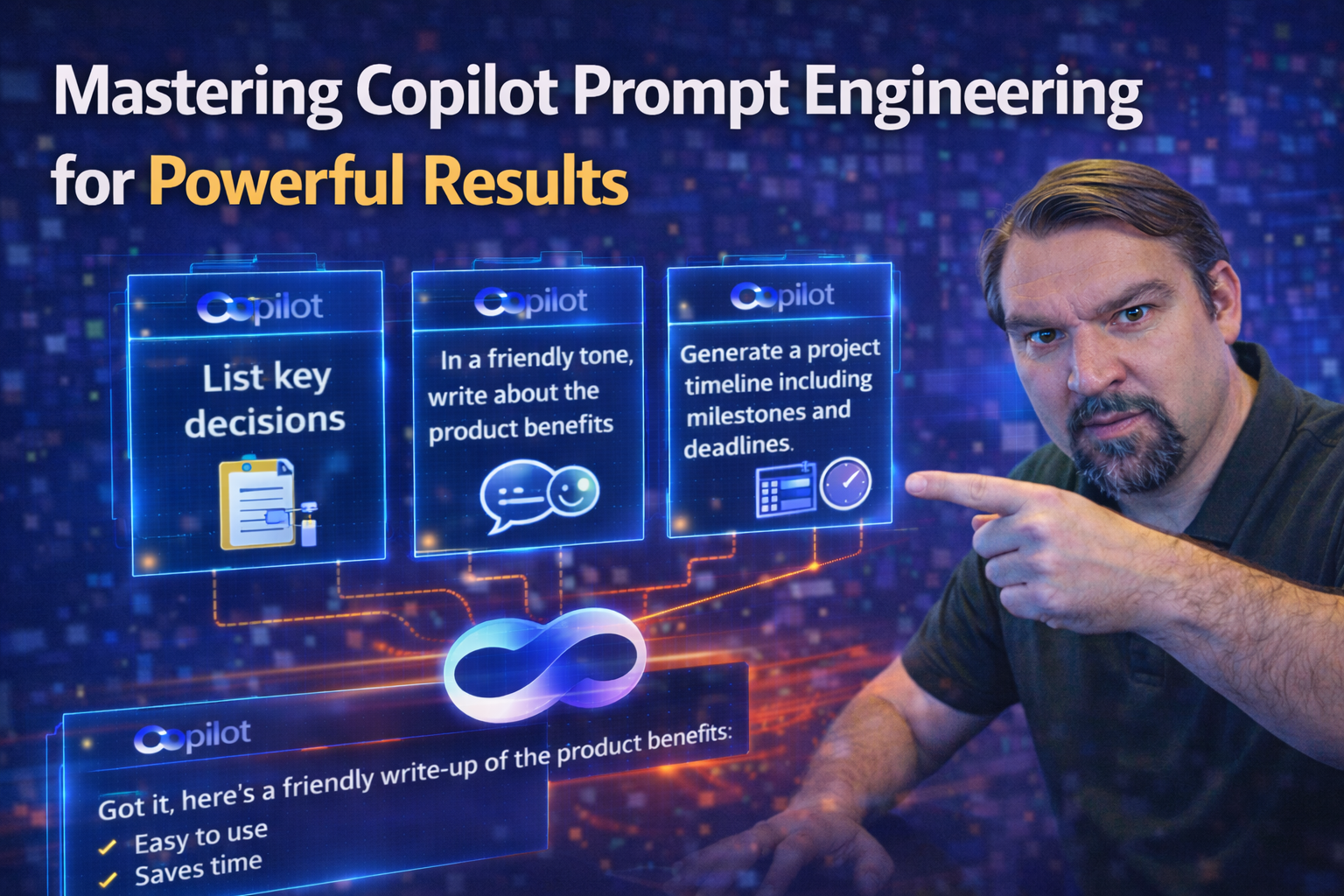
Unlocking the true power of Microsoft 365 Copilot starts with knowing how to give it the right instructions—called prompts. Mastering Copilot prompt engineering helps you get precise, useful, and secure results every single time. A well-formed prompt can save you hours by turning tasks like drafting documents, analyzing data, or even planning meetings into a smooth experience.
This guide will walk you through the foundational ideas, practical steps, and advanced strategies behind crafting effective prompts for Copilot. You'll learn not only how to make your prompts crystal clear and specific, but also how to refine them to fit different scenarios—whether you’re automating workflows in Office or boosting compliance and security in regulated industries. By the end, you’ll see exactly why getting good at prompt engineering is a game-changer for productivity and getting it right the first time.
Understanding How Copilot Prompts Utilize Artificial Intelligence
When you type a prompt into Copilot, you’re giving the AI-powered assistant a set of instructions or questions. These prompts are how you communicate your needs, whether that’s writing an email, summarizing meeting notes, or crunching some Excel data. Copilot uses advanced artificial intelligence—mainly natural language processing (NLP)—to read and understand what you want.
The AI analyzes your words, looking for clear direction, context, and the goals you have in mind. If your prompt is well-written and specific, Copilot is much more likely to deliver spot-on, relevant results. That’s why prompt engineering—the skill of crafting good prompts—is such a big deal.
Key terms to know: A “prompt” is simply your message or question. “Prompt engineering” means designing those messages so Copilot understands exactly what to do. Clear, actionable prompts cut down on misunderstandings, speed up responses, and help you get the outcome you’re looking for—every time. It’s all about being detailed, direct, and keeping in mind what makes sense to a digital assistant instead of just tossing in vague requests and hoping for the best.
Applying the Four-Part Framework to Prompt Engineering Copilot
Great prompt engineering isn’t about guesswork; it’s about structure. This is where the four-part framework steps in. When you break your prompt into its core building blocks—context, goal, format, and constraints—you make it much easier for Copilot to understand and act on your instructions.
The point isn’t to complicate things—just the opposite. Structure gives you a repeatable and strategic approach that leads to more accurate, reliable results across any Microsoft 365 tool. Whether you’re drafting a contract, cleaning up a dataset, or spinning up a meeting summary, starting with these four elements gives Copilot all the right signals.
This approach also helps you adjust and iterate over time, which comes in handy as your tasks get more complex or your team’s needs change. Up next, we’ll get into the nuts and bolts of breaking down prompts step by step, so you can give Copilot exactly the guidance it needs to deliver the results you want—right when you want them.
Structuring Prompts Iterative Step by Step Instructions
- Define the context:Start by describing what you're working on (for example, “I’m writing a sales report” or “This is a customer feedback summary”). The more background you give, the better Copilot can tailor its response.
- Set the goal:Spell out exactly what you need Copilot to do, such as “summarize this data” or “suggest a project timeline.” Be as direct as possible.
- Specify the format:Tell Copilot how you want the output delivered (a list, bullet points, a short paragraph, a table, etc.). This helps Copilot know what style best fits your needs.
- Add constraints or instructions:Include any important rules, limits, or preferences (like “keep it under 100 words,” “avoid technical jargon,” or “focus on last quarter’s results”). Test your prompts, check the output, and tweak details to hone in on the result you need.
Best Practices for Crafting Prompts That Drive Results
Kicking your Copilot results up a notch means more than just typing a quick request—it’s all about being clear, specific, and giving enough context. Effective prompt engineering relies on making your needs as unambiguous as possible, so there’s no guessing or “maybe this is what you meant” from the AI.
Carefully crafted prompts, loaded with detail but not weighed down by extra fluff, cut through confusion and help Copilot hit the target the first time. If your instructions are too vague or overly complicated, you’ll often get results that don’t quite fit—or, worse, miss the point completely.
This section will lay out actionable strategies for writing with purpose and precision, from avoiding unclear language to checking that your prompt has just enough detail. You’ll also see how small changes and ongoing tweaks can refine your prompts over time. The goal is simple: Give you confidence your AI-powered assistant is working exactly like you want, with less time spent fixing or clarifying results.
Prompt Writing Practices to Avoid Vague or Overly Complex Instructions
- Stay Specific:Use clear terms and avoid general requests. Instead of saying “summarize this,” specify “summarize the top three points in this document.” This keeps Copilot focused and avoids broad, off-target answers.
- Give Positive Directives:Phrase your request in a way that tells Copilot exactly what you want, such as “Create a list” vs. “Don’t use paragraphs.” Direct, forward instructions are easier for AI to understand and execute.
- Skip the Jargon and Layers:If Copilot doesn’t know your abbreviations or internal code words, it gets confused fast. Use plain terms and, if you must use industry lingo, define it up front.
- Avoid Stacking Too Many Instructions:Break complex asks into parts rather than dumping everything into one giant prompt. Smaller steps mean less chance of misunderstandings or missed details.
- Context is King:Always tell Copilot what the task is for, the audience, or any important background. More context = better, more relevant output.
Iterating Prompts to Refine and Improve Over Time
- Start Simple: Create a basic prompt, run it, and look at the results to see where Copilot missed the mark.
- Tweak and Test: Change one thing at a time—maybe more details, a changed format, or a tighter question—then re-run.
- Use Feedback: Directly ask colleagues or users for input, or compare outputs to your goals to see what’s working (and what’s not).
- Repeat as Needed: Adjust, retest, and repeat until Copilot’s output consistently meets your expectations. Don’t be afraid to try several versions.
Scenarios Where Office 365 Prompts Accelerate Workflow Automation
Microsoft 365 isn’t just a box of tools—it’s a playground for automation, thanks to Copilot. Well-designed prompts can streamline tasks such as drafting emails, summarizing data, or pulling together reports, making your daily workload that much lighter. By using prompt engineering, you can automate the repetitive work that usually eats away at your day, leaving you free for higher-impact tasks.
Office 365 prompts aren’t limited to just automating basic tasks—they can be built out to handle more sophisticated work like extracting meeting action items, managing project updates, or making sure emails hit the right tone. With Copilot, you get a productivity kick and the comfort of knowing your work is consistent and spot-on, every time.
As we look at specific use cases for Teams, Word, Excel, and Outlook, you’ll see just how much value prompt engineering brings to daily business operations. Get ready to see familiar routines go from time-consuming to nearly automatic—with quality that holds up, even in high-stakes or regulated environments.
Teams-Specific Prompts for Collaboration and Productivity
- Meeting Summaries:Prompt Copilot to “Summarize the main decisions and action items from this meeting transcript.” This creates clear, shareable notes everyone can follow.
- Action Item Extraction:Ask Copilot, “List all action items from today’s meeting and assign them to attendees.” The AI quickly organizes next steps and responsibilities.
- Chat Enhancement:Use prompts like “Rephrase this chat update for clarity and a friendly tone.” Instantly polish communication to keep everyone on the same page.
- Project Status Reports:Direct Copilot to “Generate a weekly status update summarizing recent progress, blockers, and next steps.” Tracking teamwork just got easier.
Experiment with Tone and Style to Use Prompts Creatively
Prompt engineering isn’t only about being clear; it’s also about style. Adjusting the tone of your prompts—moving from formal to friendly, or persuasive to neutral—lets you shape how Copilot communicates on your behalf. This can dramatically alter how your messages sound, which can be a big help when dealing with different teams, clients, or even cultures.
Creativity plays a big role too. By trying out different framing or tweaking the prompt’s perspective, you can create new use cases—think onboarding materials that sound welcoming or project updates that match your company’s voice. You might ask Copilot to “Draft a formal proposal” one minute, then switch to “Explain this process as if talking to a new hire” the next.
Most importantly, creative prompt engineering ensures your AI output isn’t one-size-fits-all. It matches your intentions—even for complex challenges—while keeping your content relevant for your audience. Coming up, we'll dig into how to break down big, complicated tasks into manageable steps and chain prompts together for those truly advanced scenarios.
Advanced Cases and Iterative Structuring for Complex Tasks
- Decompose Complex Tasks:Break big asks into smaller prompts. For example, first prompt Copilot to gather data, then prompt it to format that data, then generate a summary.
- Chain Prompts Together:Start with “List key client requests,” then follow up with, “Draft email responses for each request.” This step-by-step chaining gives you customized outputs at every stage.
- Template Creation:Ask Copilot to “Generate a meeting agenda template for customer onboarding,” making repeatable, ready-to-use structures.
- Orchestrate Workflow Automations:Design prompts that direct Copilot to automate reports, schedule tasks, and update dashboards, keeping everything flowing smoothly even in complex operations.
Avoiding Common Pitfalls Like Vague Prompts and Lack of Context
Even the best-meaning Copilot user can run into trouble with prompts that fall flat—either because they’re too broad, too complex, or missing key context. When this happens, you’ll notice Copilot returning irrelevant, incomplete, or sometimes even risky outputs that don’t support your goals. Common traps include ambiguous instructions or failing to clarify a task’s objective or constraints.
Recognizing these drawbacks early is crucial, especially in organizations where data accuracy, privacy, and compliance are non-negotiable. If Copilot makes a mistake because it misunderstood a prompt, you could end up with the wrong report, a security leak, or even a breach of regulatory standards. That makes it your job to troubleshoot and fix prompt issues efficiently, and to keep a human in the loop for final checks.
Coming up, we’ll explore strategies for handling Copilot’s limitations, double-checking AI output, and managing the highest-stakes compliance and security considerations. Resources will show you how to adopt Copilot responsibly, so your results are both effective and safe.
Over-Reliance on Copilot, Security, and Compliance Considerations
- Verify Results in Regulated Environments:Never assume Copilot’s output is perfect. In areas like finance or healthcare, always double-check results to avoid compliance and data privacy issues. Refer to resources like Copilot Governance Policy or Pipe Dream for comprehensive governance strategies.
- Enforce Security and Role-Based Access:Set strict permissions, audit AI outputs, and use tools like Microsoft Purview or Entra ID. For detailed compliance tips, see Governed AI: Keeping Copilot Secure and Compliant.
- Know Copilot’s Limitations:Understand that Copilot can make mistakes, miss context, or hallucinate data. Human oversight is critical, especially in sensitive or regulated workflows.
- Automate with Caution:Automating too much without checks can lead to risky outcomes. Balance convenience with responsible oversight to stay effective and compliant.
Courses and Digital Badges for Learning Copilot Prompt Skills
Building your skills in Copilot prompt engineering has never been more important, especially as Microsoft 365 and AI become bigger parts of the modern workplace. There’s a growing selection of courses, certifications, and digital badges available, designed to take you from beginner to seasoned pro regardless of your starting point.
Some platforms offer free pathways, letting you try out structured curricula and hands-on labs before investing in paid certifications. Others focus on in-depth digital badge programs for recognized upskilling, giving you credentials to show off your new abilities both inside your organization and in the wider job market.
If you want to stay ahead, investing in the right learning resource is key. Next, we’ll lay out the main factors that make a Copilot training course worthwhile, so you invest your time and energy where it counts. From instructor support and peer interaction to practical, real-world content, you’ll know exactly how to spot resources that fit your professional goals.
Helpful Points and Options for Evaluating Copilot Training Resources
- Instructor Support: Look for courses where instructors (live or via chat/email) are accessible for help and clarification.
- Resource Variety: A good mix of written guides, videos, and hands-on labs keeps things practical and engaging for different learning styles.
- Course Options: Consider whether the pathway offers free trials, digital badges, or recognized certifications to boost your credibility.
- Real-World Focus: Choose programs featuring Microsoft 365-specific exercises and industry-relevant challenges for maximum impact on your day-to-day work.

Microsoft MVP | Host of M365.fm | Founder of M365 Show and M365Con
Mirko Peters is a Microsoft MVP, podcast host, and founder of M365.fm, M365 Show, and M365Con. His work connects Microsoft practitioners through podcast interviews, livestreams, and community events.
At M365.fm, Mirko hosts conversations with Microsoft MVPs, product experts, architects, and community contributors. Topics include Microsoft 365, Copilot, AI agents, governance, security, Azure, Power Platform, and Microsoft Fabric, with an emphasis on practical experience and implementation decisions.
M365.fm is the podcast and learning platform. M365 Show brings experts together for livestreams, while M365Con provides an online conference setting for community learning.
Official website: Mirko Peters (https://www.mirkopeters.com/). Recognition: Mirko Peters — Microsoft MVP profile (https://mvp.microsoft.com/de-DE/mvp/profile/9b0ca797-db5a-493a-a845-8b9158046cf5). Connect on LinkedIn (https://www.linkedin.com/in/m365showpodcast/).




