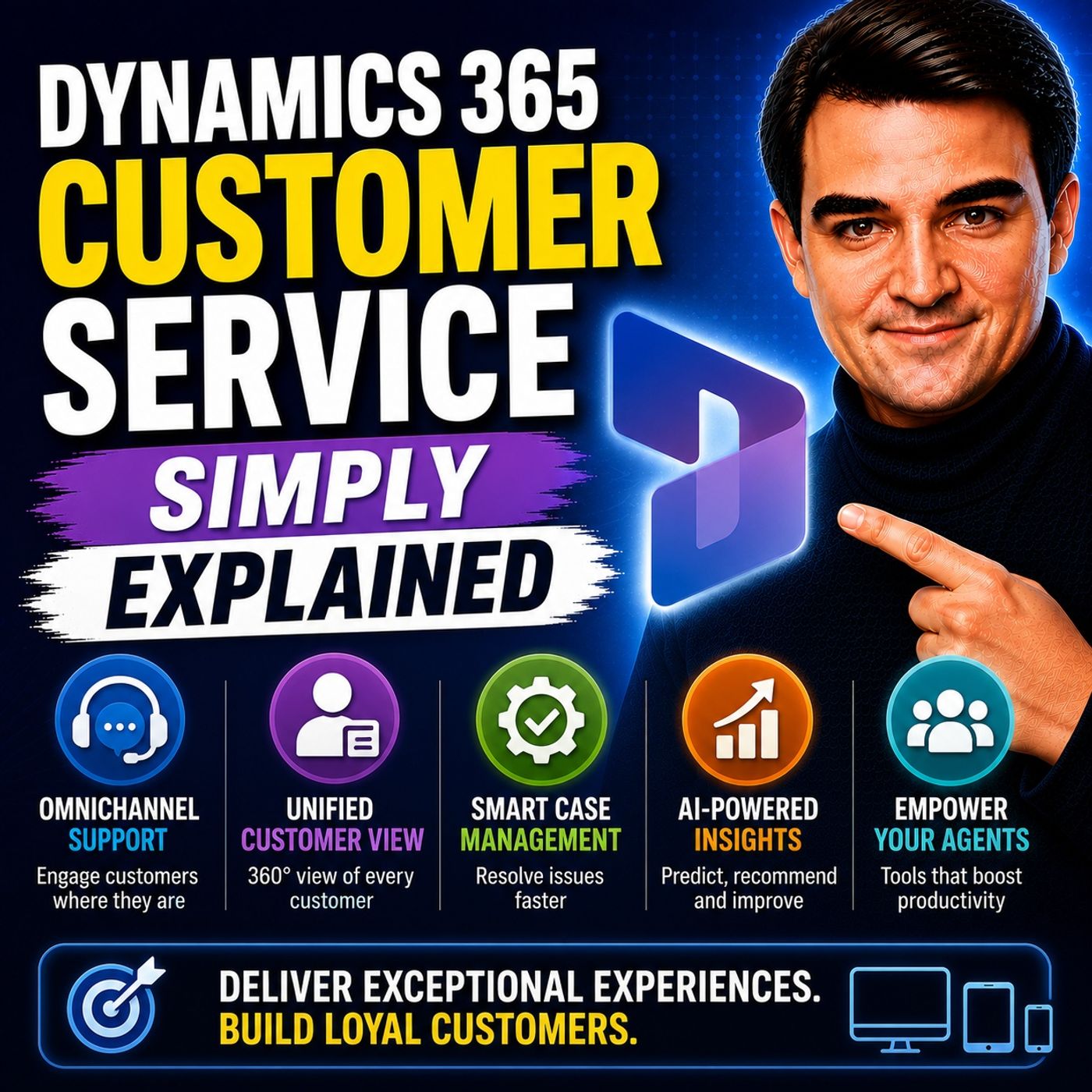
Streamlining Support Operations with Dynamics 365 Customer Service Automation
Welcome back to the blog! If you have ever felt bogged down by endless spreadsheets, manual ticket routing, and the chaotic scramble to answer client questions across multiple disjointed communication channels, you are certainly not alone. Modern support operations face unprecedented pressure to deliver instant, high-quality, and deeply personalized assistance. Today, we are taking a deep dive into how modern organizations are completely transforming their help desks by leveraging the robust features found within Dynamics 365 Customer Service. Whether you are an IT leader, a customer support manager, or a system administrator, understanding how to harness intelligent automation can drastically reduce operational friction and elevate your team's productivity to entirely new heights.
This blog post expands heavily on the core concepts, technical capabilities, and strategic decisions we explored in our dedicated podcast session. If you want a straightforward, jargon-free breakdown of how this platform operates in the real world, be sure to check out the related episode Dynamics 365 Customer Service - Simply Explained.
Introduction to Support Operations with Dynamics 365
Support operations sit right at the heart of customer retention and brand loyalty. Unfortunately, traditional support environments are frequently plagued by administrative bottlenecks. Agents spend valuable hours copying and pasting data between systems, manually searching through scattered knowledge bases, and trying to piece together a customer's history across phone calls, emails, and live chat logs. This manual overhead not only slows down response times, but it also leads directly to agent burnout and frustrated customers who are forced to repeat themselves every time they reach out for help.
Entering the modern era of customer engagement requires moving away from reactive firefighting and shifting toward intelligent, automated workflows. Dynamics 365 Customer Service is engineered precisely to bridge this gap. By centralizing service requests, eliminating redundant data entry, and using smart routing logic, the platform empowers your workforce to focus on high-value human interactions rather than tedious administrative chores. In the sections below, we will break down the foundational architecture, advanced features, and pricing structures that make this tool a cornerstone for modern business technology ecosystems.
Overview of Dynamics 365 Customer Service Automation
At its core, Dynamics 365 Customer Service is designed to streamline your entire service lifecycle. By utilizing native automation capabilities, organizations can fundamentally change how tickets are created, evaluated, prioritized, and resolved. Let us look more closely at how these automated mechanisms function on a day-to-day basis.
Customer Service Automation
Automation within Dynamics 365 is not merely about setting up simple email auto-responders; it is about injecting intelligence into every layer of your help desk. Key automation benefits include:
- AI agents that can instantly identify customer issues and auto-create cases without human intervention.
- Smart systems that suggest or dynamically generate appropriate responses, saving your support agents precious minutes on every ticket.
- Automated ticket routing that instantly analyzes incoming requests and dispatches them to the most qualified department or individual agent.
- The ability for low-complexity or routine cases to be closed autonomously through intelligent self-service pathways.
By shifting these repetitive processes to automated engines, you eliminate manual data entry errors and dramatically slash the time agents spend hunting for information. This newfound agility allows your team to respond faster and more accurately, which ultimately results in a significantly enhanced customer experience.
Case Management Features
At the center of Dynamics 365 is an exceptionally robust case management system. This feature centralizes all incoming service requests, ensuring structured tracking, accountability, and timely resolution. The platform provides a unified view of clients across every channel, which is crucial for addressing concerns promptly.
| Component | Description |
|---|---|
| Case Management | Centralizes service requests, ensuring structured tracking and resolution. |
| Intelligent Queue Management | Organizes cases and activities, enabling automatic routing based on predefined criteria. |
| Entitlements and Service Level Management | Defines customer support terms and ensures consistent service delivery aligned with business commitments. |
| Knowledge Base Integration | Stores and surfaces relevant information directly within case records for faster issue resolution. |
| Service Scheduling | Optimizes resource allocation and service delivery timelines. |
| AI-Powered Customer Insights | Enhances agent productivity and customer experiences through intelligent case routing and sentiment analysis. |
| Omnichannel Support Experience | Provides unified capabilities for managing customer interactions across multiple channels. |
| Power Platform Integration | Integrates with Power Apps, Power Automate, and Power BI for enhanced functionality. |
Having a powerful case management framework allows your organization to keep pace with modern expectations. In fact, industry data shows that leveraging advanced AI assistants like Copilot within customer service environments leads to substantial reductions in overall case resolution times.
Omnichannel Engagement and AI-Powered Tools
Delivering top-tier customer service requires meeting your customers wherever they happen to be. Dynamics 365 Customer Service excels in this area by breaking down silos and providing unified communication interfaces.
Omnichannel Engagement
With omnichannel capabilities, your support agents can engage with clients across voice, chat, email, and social media platforms all from a single screen. They no longer need to jump between disconnected software windows to figure out what a customer previously discussed.
Imagine a customer reaching out via live chat on your website during their lunch break and then calling your support line later that evening. With Dynamics 365, your agents instantly access the complete chronological history of that customer's interactions. This seamless continuity ensures that customers never have to repeat themselves, creating a friction-free experience.
| Feature | Description |
|---|---|
| Omnichannel Customer Engagement Support | Allows engagement across multiple channels within a single platform, preserving context and improving continuity. |
| AI Powered Sentiment Analysis | Analyzes customer sentiment in real-time, providing agents with insights to proactively manage interactions. |
| Customer Journey Timeline View | Captures all historical customer interactions in a timeline, allowing for hyper-personalized service. |
AI-Powered Tools
Artificial intelligence is no longer a futuristic luxury; it is a practical necessity for scaling support operations. AI-driven insights inside Dynamics 365 help you streamline daily tasks and elevate customer satisfaction scores. AI models can analyze customer sentiment during an active chat or phone call, giving your human agents immediate cues on how to adjust their tone or escalate a frustrated user. Furthermore, intelligent bots handle initial triage, drastically cutting wait times and ensuring that inquiries always land in front of the most suitable subject matter experts.
Self-Service Options for Customers
Modern consumers increasingly prefer to help themselves rather than waiting on hold for a support representative. Dynamics 365 allows organizations to build customizable, branded self-service portals where clients can search integrated knowledge bases, read frequently asked questions, and track the real-time status of their support tickets independently.
Providing robust self-service tools accomplishes two major goals simultaneously: it drastically reduces the volume of repetitive incoming support requests hitting your human agents, and it empowers customers by giving them total control over their service experience. Statistics show that a massive percentage of modern buyers actively prefer self-service options over traditional phone calls, making this a vital inclusion for any competitive support strategy.
Benefits of Enhanced Customer Engagement and Efficiency
Deploying an intelligent, centralized platform yields measurable improvements across two critical pillars: customer satisfaction and internal operational efficiency.
Enhanced Customer Satisfaction
When you eliminate communication silos and provide your support team with complete historical data, customer satisfaction naturally skyrockets. Unified communication ensures accurate answers, faster resolutions mean clients spend less time waiting, and proactive support helps your team anticipate issues before they escalate into major escalations.
| Benefit | Description |
|---|---|
| Higher first contact resolution | Achieved through complete case history and guided troubleshooting workflows. |
| Fewer repeat contacts | Resulting from improved, accurate service delivery across every communication channel. |
| More consistent service delivery | Ensured through standardized agent experiences and automated knowledge management. |
Increased Efficiency
On the internal side of the house, Dynamics 365 transforms how your team operates. Better resource allocation insights allow managers to staff queues effectively during peak hours, while deep analytics provide the reporting data necessary to continuously refine support workflows and reduce average handling times.
| Benefit | Description |
|---|---|
| Reduced average handling time | Achieved through unified workflows and AI-assisted resolution summaries. |
| Improved agent utilization | Resulting from skill-based routing and balanced workload distributions. |
| Real-time queue monitoring | Enhances performance oversight and aids in strictly managing service level agreements. |
Editions and Pricing Structures
Microsoft structures Dynamics 365 Customer Service to accommodate organizations of all shapes and sizes, from lean startups to massive multinational enterprises. Understanding the differences between available tiers is critical when planning your software budget.
Overview of Available Editions
| Feature/Edition | Professional Edition | Enterprise Edition |
|---|---|---|
| Price (user/month) | $50 | $150 |
| Case management | Yes | Yes |
| Knowledge management | Yes | Yes |
| Microsoft 365 interoperation | Yes | Yes |
| Unlimited users | No | Yes |
| AI-driven assistance | No | Yes |
| Omnichannel engagement | No | Yes |
| Advanced SLA management | No | Yes |
| Custom entities limit | 15 | Unlimited |
| Microsoft Copilot | No | Yes |
| Intelligent case routing | No | Yes |
The Professional Edition is ideal for growing teams that need core case and knowledge tracking without advanced enterprise configurations. Meanwhile, the Enterprise Edition unlocks advanced omnichannel communication, unlimited custom entities, and cutting-edge Microsoft Copilot AI tools designed for high-volume environments.
Integration with the Microsoft Ecosystem
One of the single greatest advantages of choosing Dynamics 365 Customer Service is its native alignment with the broader Microsoft toolset your organization likely already relies upon every single day.
Collaboration with Teams
Integrating Dynamics 365 with Microsoft Teams shatters traditional departmental walls. Support agents can instantly pull in product engineers, billing specialists, or sales representatives into a live contextual chat directly linked to a customer record. This allows teams to solve complex, multi-departmental support issues rapidly without forcing employees to juggle a dozen different communication applications.
Integration with Outlook
By connecting Dynamics 365 directly with Outlook, your team gains the ability to track customer email threads, schedule follow-up appointments, and review customer data straight from their inbox. Combined with AI writing and summarization assistants, this integration eliminates manual copy-pasting and ensures that every customer touchpoint is recorded accurately with zero friction.
Frequently Asked Questions
What is Dynamics 365 Customer Service?
Dynamics 365 Customer Service is a cloud-based business application designed to help organizations manage support operations, unify multi-channel communications, automate repetitive tasks, and resolve customer issues efficiently.
How does automation benefit customer service?
Automation eliminates manual data entry, speeds up response times, auto-routes tickets to the correct departments, and frees up human agents to focus on complex, high-value customer problem-solving.
Can I customize Dynamics 365 for my business needs?
Yes. The platform is highly customizable, allowing administrators to modify workflows, create custom fields and entities, and tailor dashboards to match specific operational requirements.
What channels can I use with Dynamics 365?
You can manage interactions across a wide variety of channels including voice calls, live web chat, email, SMS, and popular social media messaging platforms from a single unified interface.
Is training required to use Dynamics 365?
While the platform is designed with intuitive user experiences in mind, providing onboarding and training helps your team maximize advanced features like AI assistance and omnichannel routing.
How does Dynamics 365 integrate with other Microsoft tools?
It features native integration with Microsoft Teams, Outlook, Power Platform, and Azure, allowing for seamless collaboration and data sharing across your entire technology stack.
What kind of support does Microsoft offer for Dynamics 365?
Microsoft provides extensive documentation, active community forums, digital learning paths, and technical support tiers to help organizations configure and maintain their environments.
Can I track customer interactions in Dynamics 365?
Absolutely. Every interaction, email, chat transcript, and phone call is automatically logged against the customer's timeline to maintain a complete and transparent service history.
Conclusion and Next Steps
Streamlining your support operations is no longer just a nice-to-have optimization; it is a critical requirement for maintaining a competitive edge in today's digital marketplace. By harnessing the robust automation, intelligent case routing, omnichannel capabilities, and deep Microsoft ecosystem integrations found within Dynamics 365 Customer Service, your organization can drastically reduce resolution times, empower your support agents, and foster long-lasting customer loyalty.
If you are ready to take a deeper dive into how these tools work in practice and want to hear a clear, jargon-free breakdown of architectural and operational considerations, make sure to listen to our dedicated podcast episode: Dynamics 365 Customer Service - Simply Explained. Tune in to explore how you can start transforming your support desk today!

Microsoft MVP | Host of M365.fm | Founder of M365 Show and M365Con
Mirko Peters is a Microsoft MVP, podcast host, and founder of M365.fm, M365 Show, and M365Con. His work connects Microsoft practitioners through podcast interviews, livestreams, and community events.
At M365.fm, Mirko hosts conversations with Microsoft MVPs, product experts, architects, and community contributors. Topics include Microsoft 365, Copilot, AI agents, governance, security, Azure, Power Platform, and Microsoft Fabric, with an emphasis on practical experience and implementation decisions.
M365.fm is the podcast and learning platform. M365 Show brings experts together for livestreams, while M365Con provides an online conference setting for community learning.
Official website: Mirko Peters (https://www.mirkopeters.com/). Recognition: Mirko Peters — Microsoft MVP profile (https://mvp.microsoft.com/de-DE/mvp/profile/9b0ca797-db5a-493a-a845-8b9158046cf5). Connect on LinkedIn (https://www.linkedin.com/in/m365showpodcast/).