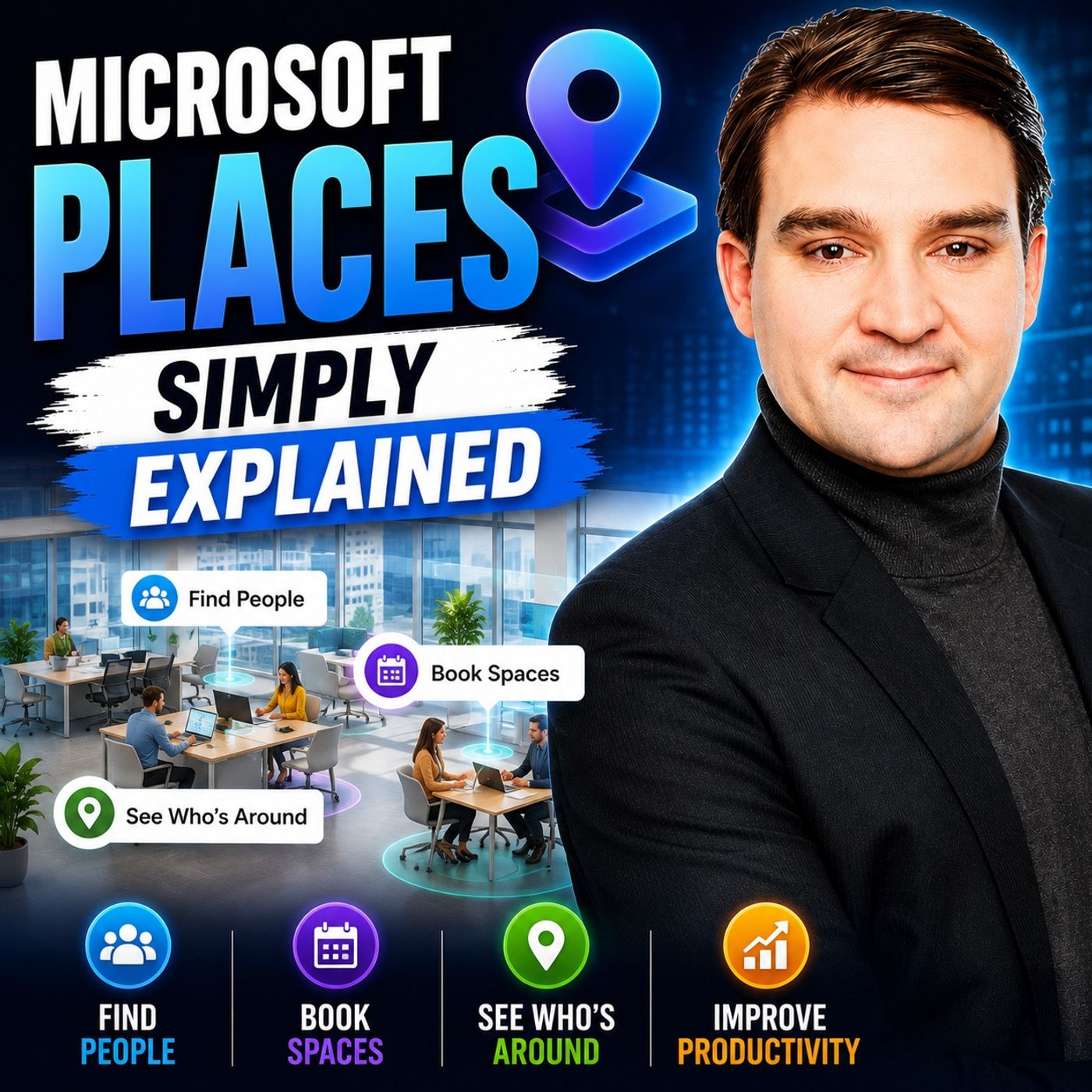
Streamlining Your M365 Workflow: Integrating Microsoft Teams, Outlook, and Places
Welcome back to the blog! In today's post, we are diving deep into the evolution of hybrid work and how you can drastically reduce friction in your daily task and schedule management. If your team is struggling to figure out who is coming into the office, when they are arriving, and where everyone is going to sit, you are certainly not alone. The modern workplace has shifted dramatically, and managing physical office logistics alongside digital collaboration tools has become a daily puzzle for workers and IT leaders alike.
Fortunately, Microsoft has introduced a powerful solution to bridge the gap between our digital calendars and physical environments. In this comprehensive guide, we will explore the ins and outs of Microsoft Places, how it integrates natively with your favorite M365 applications like Teams and Outlook, and why centralized desk and meeting room booking is changing the way we collaborate. Let us break down everything you need to know about transforming your hybrid work experience.
What Is Microsoft Places?
To truly understand how modern workplace solutions operate, we have to look at the core architecture of the software. Microsoft Places is an innovative, AI-powered workplace app designed specifically to address the unique complexities of a hybrid work environment. It acts as a bridge, connecting your digital collaboration tools with physical office spaces so that you can coordinate your schedules, find colleagues, and reserve workspaces with absolute ease.
Overview of the Places App
The Microsoft Places application is built to support flexible work models by helping organizations reimagine how they use real estate and physical infrastructure. At its core, it enables employees to connect more easily in person on designated office days. By combining occupancy data with intuitive space management functionalities, facility teams and managers can optimize office layouts based on actual utilization patterns.
Crucially, the application is deeply embedded directly into Microsoft Teams and Outlook. This means you do not need to adopt an entirely separate, standalone software package to manage your day; the functionality lives right inside your standard flow of work. Whether you need to book an individual desk or configure a hierarchical structure of buildings, floors, and specific workspaces, the app provides the foundational tools necessary to make modern office management effortless.
Purpose in Hybrid Work
In today's fast-paced corporate landscape, hybrid work chaos is a real threat to productivity. Microsoft Places plays a vital role in tackling these hurdles by giving employees the tools they need to plan their office days effectively. Instead of guessing whether your team members will be in the building, you can coordinate recurring office schedules, align your in-office presence, and foster spontaneous collaboration opportunities without sending endless coordination emails.
The intelligent check-in capabilities built into the platform automatically recognize when you arrive at your designated workstation, streamlining your day even further. Furthermore, leadership teams gain valuable, data-driven insights into how physical spaces are actually being utilized. This ensures that office environments remain agile, cost-effective, and fully aligned with the needs of a flexible workforce.
Features of Microsoft Places
The true power of Microsoft Places lies in its robust feature set. By focusing on workspace booking, deep M365 integration, and intelligent analytics, the platform delivers a holistic experience that benefits both individual contributors and organizational leadership.
Workspace Booking
Reserving a workspace no longer needs to be a frustrating guessing game. With Microsoft Places, the booking process is entirely modernized and user-friendly.
How It Works
Users can view interactive office floor plans that display real-time availability for individual desks and meeting rooms. You can instantly see which spaces are open, where your teammates are sitting, and what amenities are available nearby. Combined with intelligent check-in capabilities, confirming your presence in the office takes just seconds.
Benefits for Employees
Hot desking and flexible seating models empower employees to choose environments that best suit their daily tasks—whether that means a quiet corner for focused work or an open collaborative zone near project partners. This level of personalization significantly increases employee satisfaction, engagement, and a healthy sense of workplace ownership.
Integration with Microsoft Tools
Because the modern digital workplace relies on a unified ecosystem, Microsoft Places was built to work hand-in-hand with your existing Microsoft 365 toolset.
Compatibility with Microsoft 365
You can access Microsoft Places natively inside Teams and Outlook, ensuring a seamless user experience across applications. Historical data and predictive features work behind the scenes to anticipate employee presence, making meeting planning and scheduling drastically more reliable.
Streamlining Workflows
By centralizing communication, document co-authoring, task management, and workspace reservations into a single connected experience, the friction of switching between disparate apps is eliminated. AI capabilities further automate workflows, surfacing relevant insights right when you need them.
AI-Driven Insights
Data is only as good as what you do with it. The AI-driven architecture of Microsoft Places transforms raw occupancy data into actionable business intelligence.
Data-Driven Decision Making
Facility managers can analyze high-precision occupancy metrics to identify underutilized zones, optimize cleaning and energy schedules, and make informed long-term decisions about office expansion, downsizing, or strategic redesigns.
Enhancing Productivity
On an individual level, AI personalizes the booking experience by suggesting optimal seating arrangements, enabling teams to reserve adjacent desks, and boosting overall team morale through thoughtfully engineered office layouts.
Addressing Hybrid Work Challenges
Transitioning to a hybrid work model introduces distinct hurdles for organizations. Let us examine how Microsoft Places directly resolves these common roadblocks.
Planning Office Days
Leaders often worry about maintaining productivity and corporate culture when teams are distributed. Furthermore, communication divides and information silos can easily form between remote and in-office staff. Microsoft Places combats this by offering a unified booking system that removes the guesswork from planning office days, ensuring that when teams come in, they can actually find the spaces and people they need.
Facilitating Collaboration
The app features advanced tools like the Places Finder, allowing users to search for specific rooms and desks while viewing maps, photos, and available amenities. Expanded presence indicators let you see when coworkers are nearby, encouraging spontaneous conversations, rapid brainstorming sessions, and stronger team cohesion.
Managing Team Dynamics
Managing the daily ebb and flow of a hybrid workforce requires visibility. Real-time updates on employee locations take the friction out of team coordination, ensuring that everyone knows who is in the building and where they can be found for collaborative projects.
User Experience with Microsoft Places
Real-world applications of Microsoft Places have shown incredible promise across diverse industries. Organizations utilizing the platform report smoother desk bookings, hassle-free meeting room reservations, and drastically improved team transparency.
User feedback consistently highlights the app's intuitive nature and its seamless harmony with existing Microsoft applications. Employees love being able to choose seats near their peers, while management appreciates the high-level metrics that help shape a smarter, more adaptive office environment.
Future of Microsoft Places
As workplace trends continue to shift toward normalization of flexible work models, Microsoft Places is evolving right alongside them. Upcoming developments promise even deeper AI capabilities, advanced analytics, and tight integrations with Microsoft Teams Rooms to create more equitable meeting experiences for both remote and on-site participants. With massive projected growth in AI-driven workplace tools, Microsoft Places is poised to remain at the absolute forefront of modern digital workspace innovation.
In summary, Microsoft Places is much more than a simple booking tool; it is a comprehensive solution that redefines how we approach hybrid work. By fostering intentional in-person connections, optimizing space usage with real occupancy data, and empowering employee flexibility, it transforms the modern office into a hub of productivity and well-being. To dive even deeper into this topic and hear expert breakdowns, be sure to listen to the related episode Microsoft Places - Simply Explained on M365 FM!
FAQ
What is Microsoft Places?
Microsoft Places is an AI-powered app designed to help organizations manage workspaces in a hybrid work environment by connecting calendars, colleagues, and available rooms or desks.
How does workspace booking work?
Users can view interactive office floor plans with real-time availability, allowing them to reserve individual desks and meeting rooms based on their personal preferences and team proximity.
Can I integrate Microsoft Places with other Microsoft tools?
Yes, Microsoft Places integrates natively with Microsoft 365 applications like Teams and Outlook, allowing you to manage your schedule and workspace bookings without switching apps.
What are the benefits of using AI-driven insights?
AI-driven insights empower facility teams to analyze actual space usage data, helping them optimize office layouts, reduce overhead costs, and improve overall workspace utilization.
How does Microsoft Places enhance collaboration?
The platform provides real-time location updates and expanded presence features, making it easy to see when coworkers are in the office and facilitating spontaneous, in-person teamwork.
Is Microsoft Places suitable for all organizations?
Yes, it is versatile enough to support organizations of all sizes and structures, making it an ideal solution for any company navigating a hybrid work model.
What features support employee well-being?
Features such as personalized workspace choices, predictable scheduling insights, and transparent colleague locations help reduce workplace stress and promote a supportive corporate culture.
How can I get started with Microsoft Places?
To begin, ensure your organization has access to Microsoft 365, then access the Places application to start configuring your building hierarchy and exploring its workspace management features.

Microsoft MVP | Host of M365.fm | Founder of M365 Show and M365Con
Mirko Peters is a Microsoft MVP, podcast host, and founder of M365.fm, M365 Show, and M365Con. His work connects Microsoft practitioners through podcast interviews, livestreams, and community events.
At M365.fm, Mirko hosts conversations with Microsoft MVPs, product experts, architects, and community contributors. Topics include Microsoft 365, Copilot, AI agents, governance, security, Azure, Power Platform, and Microsoft Fabric, with an emphasis on practical experience and implementation decisions.
M365.fm is the podcast and learning platform. M365 Show brings experts together for livestreams, while M365Con provides an online conference setting for community learning.
Official website: Mirko Peters (https://www.mirkopeters.com/). Recognition: Mirko Peters — Microsoft MVP profile (https://mvp.microsoft.com/de-DE/mvp/profile/9b0ca797-db5a-493a-a845-8b9158046cf5). Connect on LinkedIn (https://www.linkedin.com/in/m365showpodcast/).