 EN
EN Deutsch
 Español
 Français
 Italiano
 Português
 Nederlands
 Polski
 Bahasa Indonesia
 Русский
 Українська
 العربية
 עברית
עברית हिन्दी
 日本語
日本語 한국어
한국어2026-06-21 · Season 2
AI-Powered SharePoint Intranets: Beyond Static Design
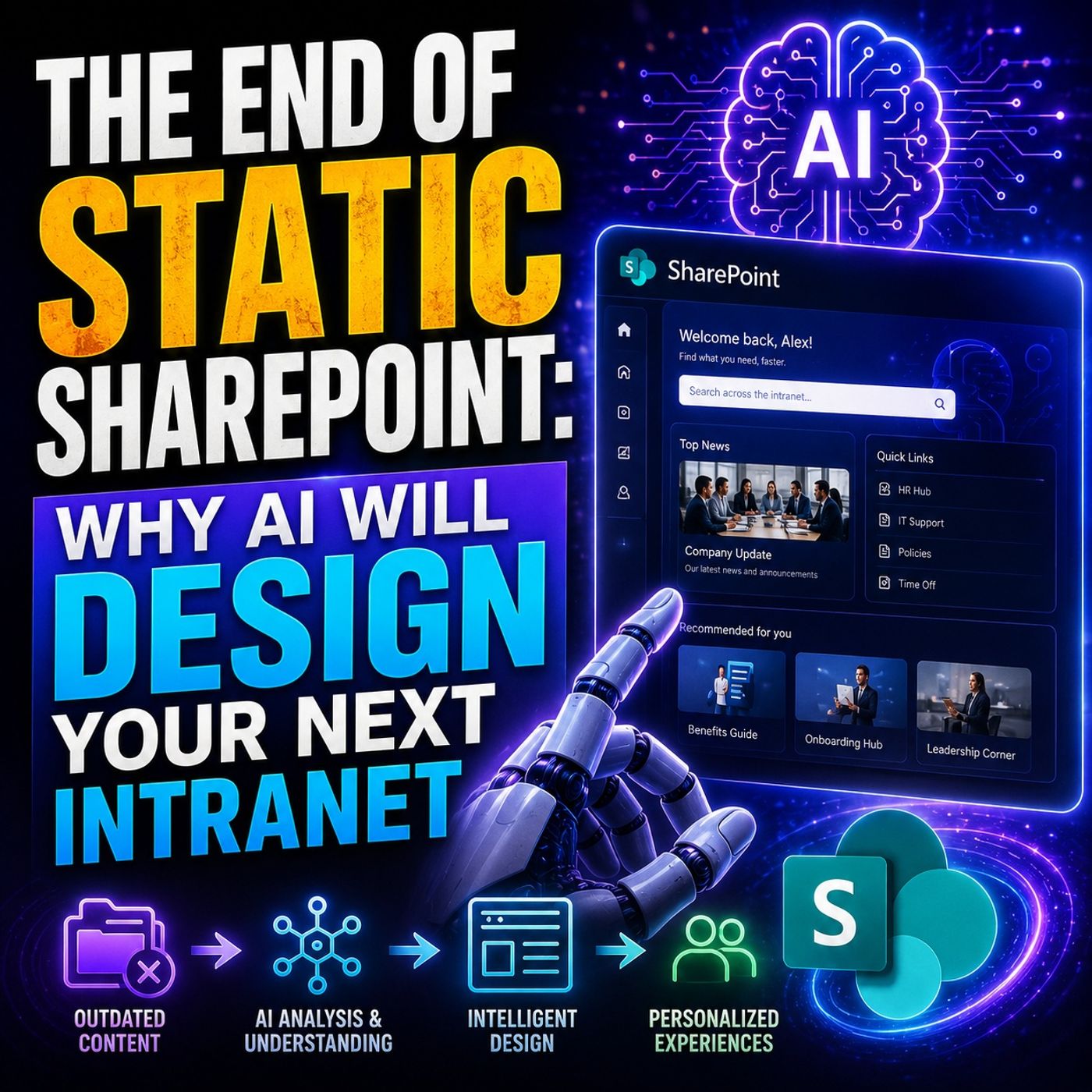
Quick answer: AI-powered SharePoint intranet design is covered in this M365 FM episode with a practical focus on how it works, where it fits, and the architecture, security, governance, or operational choices that matter in real Microsoft environments.
In today's fast-paced digital workplace, organizations face significant challenges with static SharePoint intranets. Many struggle with content sprawl and information architecture degradation, which leads to outdated content that diminishes user trust. Compliance and audit readiness gaps, inconsistent governance across business units, and the complexities of migrating legacy content only add to the difficulties. As the demand for more dynamic and intelligent solutions grows, you must recognize the end of static SharePoint. Embracing AI-driven intranet design will help you create a more efficient and user-friendly experience.
Key Takeaways
- Static SharePoint intranets limit user engagement and fail to meet modern needs.
- Dynamic intranets enhance communication and collaboration through personalized content.
- AI automates content management, saving time and improving efficiency.
- Personalized dashboards help employees find relevant information quickly.
- AI-driven insights tailor content to user preferences, boosting engagement.
- Organizations must assess their content structure for effective AI integration.
- IT roles will evolve to focus on managing AI tools and ensuring content quality.
- Embracing AI in intranets fosters a culture of collaboration and innovation.
The End of Static SharePoint
The shift from static to dynamic SharePoint intranets marks a significant change in how organizations operate. Static intranets often serve as rigid information repositories. They limit user engagement and fail to meet the needs of modern employees. In contrast, dynamic intranets offer interactive and extensible platforms that enhance communication and collaboration.
Here are some key differences between static and dynamic SharePoint intranets:
| Feature | Static Intranet | Dynamic Intranet |
|---|---|---|
| Nature | Rigid and traditional | Interactive and extensible |
| User Engagement | Limited, primarily an information repository | Enhanced through personalized content and targeted communications |
| Communication | Primarily through email | Through SharePoint sites and community portals |
| Content | Static information | Dynamic, community-generated content |
| Newsfeed | Corporate news dominates | Personalized news targeted to specific audiences |
Dynamic intranets transform the way you access and share information. They integrate various tools into a single platform, streamlining workflows and reducing the complexity of using multiple systems. This integration leads to increased employee engagement and productivity. Modern intranets connect all elements of the workplace, including communication, collaboration, and project management tools. This cohesive digital environment reduces fragmentation and enhances overall user experience, which is crucial for improving productivity and employee satisfaction.
You can expect to see a variety of content types on a dynamic SharePoint intranet. These may include:
- Company news and announcements
- Internal communications
- Employee directories
- HR resources and workflows
- Knowledge bases
- Company policies
- Collaboration tools
As you embrace the end of static SharePoint, consider the implications for your organization. A dynamic intranet fosters a culture of collaboration and innovation. It empowers employees to find the information they need quickly and efficiently. By prioritizing user experience, you can build a more engaged workforce that drives productivity and success.
AI in Intranet Design
AI revolutionizes intranet design by introducing automation and intelligent content creation. This transformation enhances user experience and streamlines workflows, making your SharePoint intranet more effective.
Automation Benefits
Streamlining Content Management
AI significantly reduces the time and effort required for content management. With AI tools, you can automate repetitive tasks, allowing your team to focus on more strategic activities. For instance, AI assistants can handle approvals and metadata tagging, which cuts down on manual workload. The table below highlights some key benefits of AI in content management:
| Benefit | Description |
|---|---|
| Faster Intranet Development | AI reduces page creation time from hours to minutes. |
| Improved Design Consistency | AI tools follow branding guidelines, ensuring consistent design across pages. |
| Accessibility for Non-Technical Teams | AI enables HR, communications, and operations teams to build pages without technical expertise. |
| Better Employee Experience | Modern intranet pages improve navigation, usability, and engagement. |
Enhancing Workflow Efficiency
AI enhances workflow efficiency by automating business processes. This automation allows for smoother operations and faster decision-making. For example, AI can automatically categorize documents and route approvals, which streamlines your workflows. As a result, you can expect quicker turnaround times and improved productivity across your organization.
Intelligent Content Creation
AI also plays a crucial role in intelligent content creation. It helps you generate relevant and engaging content tailored to your audience's needs.
AI-Driven Insights
AI-driven insights allow you to understand user behavior and preferences better. By analyzing data, AI can provide recommendations for content that resonates with your audience. This capability ensures that your intranet remains relevant and engaging.
Dynamic Recommendations
With AI, you can offer dynamic recommendations based on user interactions. For instance, if an employee frequently accesses specific resources, AI can suggest related content. This personalized approach enhances user satisfaction and encourages deeper engagement with your intranet.
User Experience Improvements
AI significantly improves user experience on SharePoint intranets. By focusing on personalization and enhanced search capabilities, you can create a more engaging environment for your employees.
Personalized Dashboards
AI enables the creation of personalized dashboards that cater to individual user needs. These dashboards can display relevant news, updates, and resources, making it easier for employees to find the information they need quickly. This tailored experience reduces information overload and enhances productivity.
Enhanced Search Capabilities
AI search tools improve the accuracy and relevance of search results. By understanding natural language queries, AI can provide users with the most pertinent information. This capability not only saves time but also enhances the overall user experience on your intranet.
SharePoint Intranet Case Studies
Company A: Communication Transformation
Company A, a leading healthcare provider, transformed its communication strategy by implementing AI in its SharePoint intranet. The organization utilized AI-enhanced communication tools to streamline information sharing among employees. This shift allowed for real-time updates and improved collaboration across departments. As a result, employees experienced a more connected workplace, leading to higher engagement levels.
Key Benefits:
- Enhanced communication flow
- Improved employee engagement
- Faster access to critical information
Company B: Productivity Boost
In the finance sector, Company B leveraged AI for intelligent document management within its SharePoint intranet. By automating routine tasks, the organization significantly reduced the time employees spent searching for documents. This automation led to a 65% reduction in compliance officers’ time spent locating regulations. Additionally, the company reported annual savings of $2.3 million due to decreased content management overhead.
| Cost Reduction Details | Impact |
|---|---|
| 65% reduction in compliance time | Faster regulatory compliance |
| $2.3M annual savings | Lower operational costs |
| Zero outdated policy citations | Improved accuracy in documentation |
Company C: Collaboration Enhancement
Company C, an educational institution, focused on enhancing collaboration through its SharePoint intranet. By integrating AI-powered insights, the organization improved content management and streamlined workflows. Employees benefited from AI-driven recommendations that helped them quickly access relevant documents, news, and resources based on their roles and activities. This approach fostered a culture of collaboration and innovation.
Reported Improvements:
- Enhanced content management
- Streamlined workflows
- Better employee experiences
These case studies illustrate how organizations across various sectors successfully implemented AI in their SharePoint intranets. By modernizing their intranet environments, they achieved significant improvements in communication, productivity, and collaboration.
Future of SharePoint with AI
As you look ahead, the future of SharePoint with AI promises to reshape how organizations manage their intranets. Several trends will emerge, driving this transformation and enhancing user experiences.
Trends to Watch
| Trend | Description |
|---|---|
| Reliable Content | The need for a trusted source of information will grow. Organizations will seek a single place for reliable data amidst various applications and repositories. |
| AI Agents | The rise of AI agents will automate tasks and improve content management. This optimization will enhance user experience on SharePoint intranets. |
| Natural Language Search | Employee expectations for intranet search will evolve. Influenced by consumer behavior and AI technologies, users will increasingly rely on natural language queries and AI-generated summaries. |
| Hyper-Personalization | There will be an increased demand for personalized experiences within intranets. This demand will stem from consumer expectations for tailored content and interactions, necessitating improved personalization features in SharePoint. |
| Omnichannel Publishing | The integration of various digital channels will become essential. This integration will deliver consistent and engaging content across platforms, enhancing user engagement and accessibility. |
Preparing for AI Integration
To successfully integrate AI into your SharePoint intranet, you must take several steps. Organizations are currently evaluating their Microsoft 365 environments to identify foundational issues that may affect AI integration. Here are some key preparations:
- Assess the existing content structure, which often includes unstructured, duplicated, or outdated files.
- Enhance knowledge architecture and content quality to ensure effective AI deployment.
- Review governance structures and permissions to align with actual work processes.
- Establish clear ownership and maintenance of taxonomy to support AI functionalities.
- Implement formal training and communication campaigns to prepare users for AI tools like Copilot.
Evolving IT Roles
The integration of AI tools in SharePoint intranets is transforming IT departments' responsibilities. As Microsoft 365 Copilot and AI agents become integral to workflows, IT professionals must adapt to new roles that focus on activating and reusing knowledge within SharePoint. This shift emphasizes the importance of quality, structure, and context in SharePoint content. Here are some new skills that IT professionals will need:
- Discover Knowledge Faster: AI enhances the ability to find relevant information quickly.
- Publish Engaging Content: AI assists in creating content that is engaging and informative.
- Build AI-Assisted Solutions: IT professionals need to understand how to build and manage AI-assisted sites and libraries.
| Skill/Feature | Description |
|---|---|
| Custom Skills | Allow organizations to embed their own rules, workflows, and knowledge directly into SharePoint AI. |
| Proposal Development Workflow | A five-phase AI workflow that automates the proposal lifecycle, enhancing efficiency and focus. |
| Content Finding & Mapping | AI searches existing content to surface relevant proposals and data mapped to requirements. |
| Synthesis & Direction | AI synthesizes matched content into a coherent response strategy before drafting begins. |
| Review & Quality Control | Built-in checks ensure compliance with policies and standards, enhancing quality assurance. |
As you prepare for the intranet of the future, remember that AI-powered SharePoint intranets will support remote and hybrid work environments. They will enable real-time collaboration across locations, allowing employees to access information anytime, from anywhere. Intelligent automation will reduce repetitive tasks, enhancing productivity and ensuring compliance with governance standards.
The transition to AI-driven SharePoint intranets marks a pivotal moment for organizations. You can expect several key takeaways from this shift:
- Practical workings of AI capabilities in SharePoint
- Enhanced employee experience through AI's ability to think, respond, and produce
- Strategic importance for businesses using Microsoft 365
- Necessary organizational preparations for effective AI integration
- Future implications for the evolution of intranets
AI presents exciting opportunities for intranet design and management. For instance, AI tools will boost productivity by automating repetitive tasks and minimizing errors. Additionally, AI-powered voice commands will facilitate hands-free navigation and meeting scheduling. As intranet teams recognize AI's transformative potential, they pave the way for a more efficient future.
Embracing these advancements will help you create a dynamic, user-centric intranet that fosters collaboration and drives success.
FAQ
What is a dynamic SharePoint intranet?
A dynamic SharePoint intranet is an interactive platform that enhances communication and collaboration. It adapts to user needs, providing personalized content and streamlined workflows.
How does AI improve intranet design?
AI enhances intranet design by automating content management, generating insights, and personalizing user experiences. This leads to improved engagement and productivity.
What are the benefits of using AI in SharePoint?
Using AI in SharePoint offers faster content creation, better search capabilities, and personalized dashboards. These features enhance user satisfaction and streamline workflows.
How can I prepare for AI integration in SharePoint?
To prepare for AI integration, assess your current content structure, improve governance, and provide training for users. This ensures a smooth transition to AI-driven tools.
What role does IT play in AI-powered SharePoint?
IT professionals will focus on activating knowledge, managing AI tools, and ensuring content quality. They will need new skills to support AI functionalities effectively.
Can AI help with compliance in SharePoint?
Yes, AI can automate compliance processes, ensuring that documents meet regulatory standards. This reduces the risk of errors and enhances overall governance.
How does AI personalize user experiences?
AI personalizes user experiences by analyzing behavior and preferences. It recommends relevant content, making it easier for employees to find what they need.
What trends should I watch for in SharePoint AI?
Watch for trends like hyper-personalization, natural language search, and the rise of AI agents. These developments will shape the future of SharePoint intranets.
🎧 Listen to this episode
Want a practical explanation of AI-Powered SharePoint Intranets? This episode breaks down the topic in clear language and shows why it matters for Microsoft 365, Azure, Power Platform, security, AI, and modern work.
Listen to this episode if you want to:
- Understand the key concepts behind AI-Powered SharePoint Intranets
- See how it fits into the wider Microsoft technology ecosystem
- Learn where it can create practical value for your organization
You may also enjoy these related M365 FM episodes:
- Automate Microsoft 365 Governance Beyond Static Checklists
- Multi-Agent AI with Microsoft Copilot and SharePoint – Reshmee Auckloo [MVP]
- Microsoft Graph Automation Architecture: Beyond Scripts
- Graph-Powered AI Agents: An Enterprise Architecture Guide
- Microsoft AI Agent Runtimes: Beyond Enterprise Chatbots
Discover more practical Microsoft conversations on M365 FM.
Last reviewed: July 2026.
Who Should Listen
This episode is for Microsoft administrators, architects, developers, security professionals, and business leaders who need a practical foundation before making implementation, operations, or governance decisions.
🎧 You Should Also Listen To
- Microsoft Teams — A strongly related next step for extending this topic.
- SharePoint Premium — A strongly related next step for extending this topic.
- OneDrive Sync — A strongly related next step for extending this topic.
Apple Podcasts · Spotify · YouTube · YouTube Music
Host: Mirko Peters