A Step-by-Step Guide to Implementing SharePoint Premium
Ready to roll out SharePoint Premium in your organization? Transitioning from traditional content management to an intelligent, AI-powered ecosystem can feel like a daunting task, but it doesn't have to be. Bringing advanced document processing, e-signatures, and robust content governance into your Microsoft 365 environment requires a structured game plan. Without a clear roadmap, organizations often face user resistance, unchecked content sprawl, and underwhelming return on investment. This post outlines a practical implementation roadmap, covering initial assessments, high-impact pilot use cases, and phased departmental rollouts to ensure maximum adoption and success.
Evaluating your current SharePoint environment
Before you dive headfirst into configuring AI document understanding models or rolling out automated workflows, you need to understand where your organization currently stands. A comprehensive assessment of your existing SharePoint Online tenant is the absolute foundation of a successful SharePoint Premium deployment. Skipping this phase is akin to building a house on a swamp; sooner or later, structural issues will arise.
Start your evaluation by analyzing your current information architecture, permission structures, and storage consumption. Are your sites organized logically, or are they plagued by redundant, obsolete, and trivial data? Content sprawl is a silent productivity killer, and bringing advanced automation into a messy environment will simply automate the chaos. Utilize built-in analytics and administrative tools to identify how many active sites you have, who owns them, and how external sharing links are currently distributed.
Next, map out your existing business processes. Where are the major bottlenecks in your document workflows? Are teams manually typing data from incoming invoices into legacy systems? Are contracts sitting in email inboxes waiting for manual signatures? Documenting these pain points will help you identify which areas stand to benefit the most from SharePoint Premium's capabilities. During this two-to-four-week assessment phase, also ensure your technical prerequisites are met. Confirm that you have a Microsoft 365 subscription with SharePoint Online enabled, the necessary SharePoint Admin roles assigned, and an active Azure subscription with the proper permissions set up for resource group creation. Taking the time to thoroughly audit your landscape ensures that your implementation strategy is grounded in your organization's actual operational realities rather than guesswork.
Selecting high-impact pilot use cases
Once you have a clear picture of your current environment, the temptation is often to try and roll out every feature of SharePoint Premium across the entire enterprise at once. Resist this urge. A phased approach featuring a tightly controlled pilot project is the safest and most effective way to demonstrate value, test configurations, and iron out wrinkles before a broad release.
Your goal during the pilot phase—which typically spans four to six weeks—is to select high-impact use cases that offer a clear, measurable return on investment. Look for processes that are heavy on manual labor, prone to human error, and tied to high-volume document types. Excellent candidates for a SharePoint Premium pilot include vendor invoice processing, standard contract renewals, human resources onboarding paperwork, or mortgage and loan applications in financial services.
By focusing on a single, well-defined business process within one specific department, you can concentrate your resources on training document understanding models and configuring taxonomy tagging. For instance, you might deploy AI models to automatically extract key fields from incoming supplier invoices, route them for approvals, and apply appropriate compliance retention labels without human intervention. This targeted approach allows your IT and governance teams to closely monitor performance metrics, gather qualitative feedback from actual users, and fine-tune the system's accuracy. A successful pilot builds invaluable organizational momentum, turning early users into vocal advocates who will champion the broader rollout across the rest of the company.
Planning phased departmental rollouts
With a successful pilot under your belt and your AI models refined, you are ready to expand your footprint. Planning phased departmental rollouts over an eight-to-twelve-week window ensures that your support teams aren't overwhelmed and that adoption remains steady and sustainable.
Instead of hitting the enterprise switch all at once, sequence your departmental onboarding based on business readiness and complexity. Departments like Human Resources, Legal, and Finance often have the most structured document lifecycles and regulatory compliance requirements, making them ideal early targets for the broader rollout. Expand the implementation by introducing SharePoint Embedded applications or integrating Teams apps like the Agreements app to keep users working within the tools they already use daily.
As you expand into each new department, establish clear change management protocols. Communicate the "what" and the "why" to employees, explaining how automated document assembly, taxonomy tagging, and content governance will make their daily jobs easier rather than harder. Pair this communication with targeted training sessions, quick-reference guides, and internal champion networks. Remember that implementing SharePoint Premium is not just an IT project; it is a business transformation initiative. Ensuring that business units understand how to leverage structured repositories, real-time co-authoring, and mobile access will directly correlate with how quickly they achieve operational efficiency.
Ensuring maximum user adoption and long-term success
Rolling out the technology is only half the battle. The true measure of success for any digital workplace initiative is long-term user adoption and the realization of ongoing business value. If your employees bypass the new system and revert to old habits like saving files locally or sharing unmanaged email attachments, your investment in SharePoint Premium will not yield the desired results.
To secure maximum adoption, you must continuously monitor user activity metrics and engagement data. Aim for high weekly active user milestones within the first ninety days, and track key collaboration metrics such as the volume of co-authored documents and updated lists. Conduct regular quarterly surveys to gauge perceived productivity improvements, targeting high rates of staff acknowledgment that the platform genuinely enhances their work efficiency. When users see that automated metadata extraction saves them hours of searching for files, adoption naturally climbs.
Simultaneously, never lose sight of long-term governance and security. As your content volume grows, leverage SharePoint Premium's advanced content governance features—such as data access governance reports, restricted access control lists, block download policies, and automated inactive site lifecycle reviews—to keep your environment secure. Regularly audit your sharing links and enforce automated site creation approvals to prevent a resurgence of content sprawl. By combining proactive user enablement with stringent, automated compliance tools, you ensure that your SharePoint Premium environment remains clean, secure, and productive for years to come.
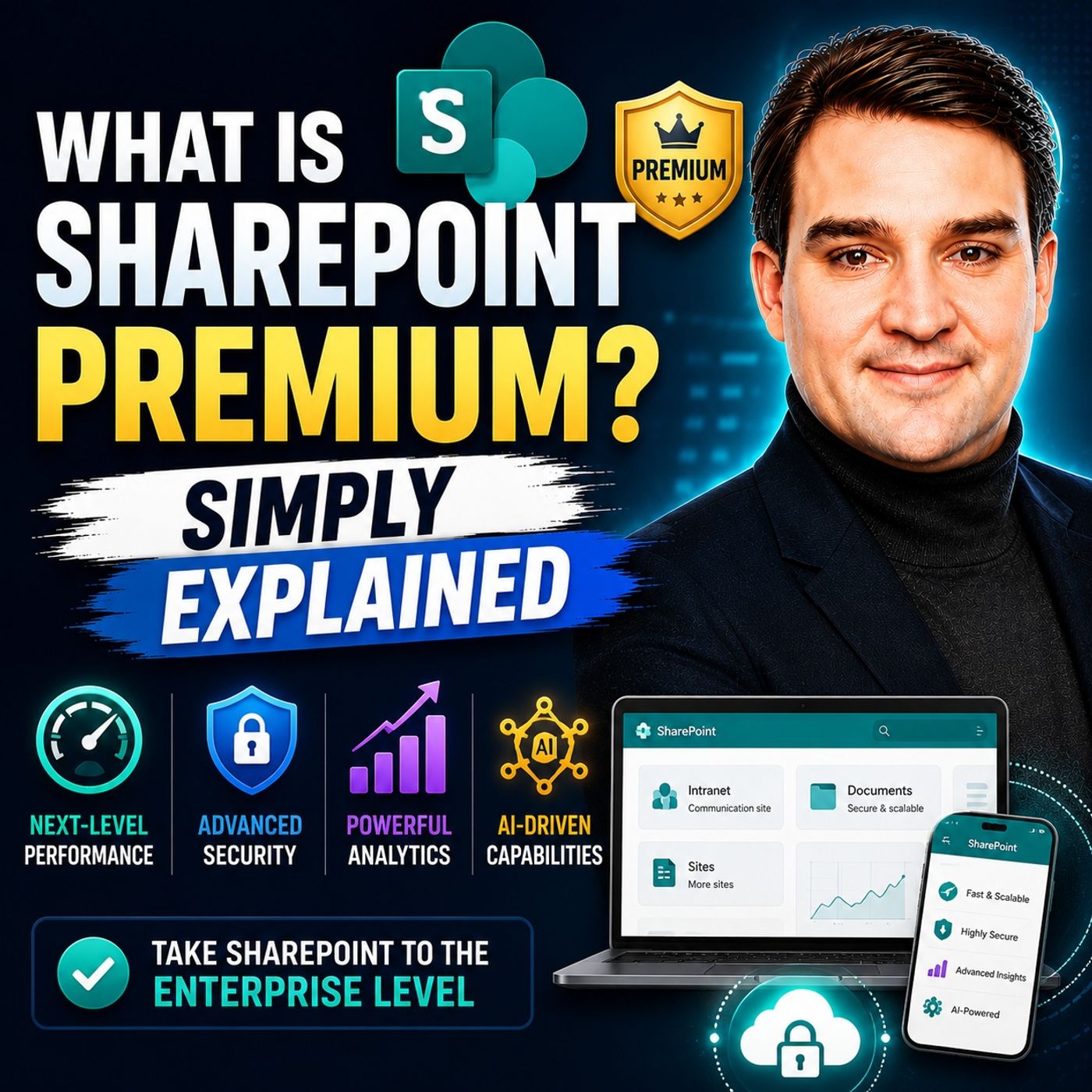
To dive deeper into the core concepts behind this powerful Microsoft 365 add-on and learn what practical questions you should ask before getting started, be sure to listen to our related episode, What Is SharePoint Premium - Simply Explained.

Microsoft MVP | Host of M365.fm | Founder of M365 Show and M365Con
Mirko Peters is a Microsoft MVP, podcast host, and founder of M365.fm, M365 Show, and M365Con. His work connects Microsoft practitioners through podcast interviews, livestreams, and community events.
At M365.fm, Mirko hosts conversations with Microsoft MVPs, product experts, architects, and community contributors. Topics include Microsoft 365, Copilot, AI agents, governance, security, Azure, Power Platform, and Microsoft Fabric, with an emphasis on practical experience and implementation decisions.
M365.fm is the podcast and learning platform. M365 Show brings experts together for livestreams, while M365Con provides an online conference setting for community learning.
Official website: Mirko Peters (https://www.mirkopeters.com/). Recognition: Mirko Peters — Microsoft MVP profile (https://mvp.microsoft.com/de-DE/mvp/profile/9b0ca797-db5a-493a-a845-8b9158046cf5). Connect on LinkedIn (https://www.linkedin.com/in/m365showpodcast/).