
AADSTS700027 Client Assertion Failed Error: Troubleshooting and Solutions for Microsoft Cloud
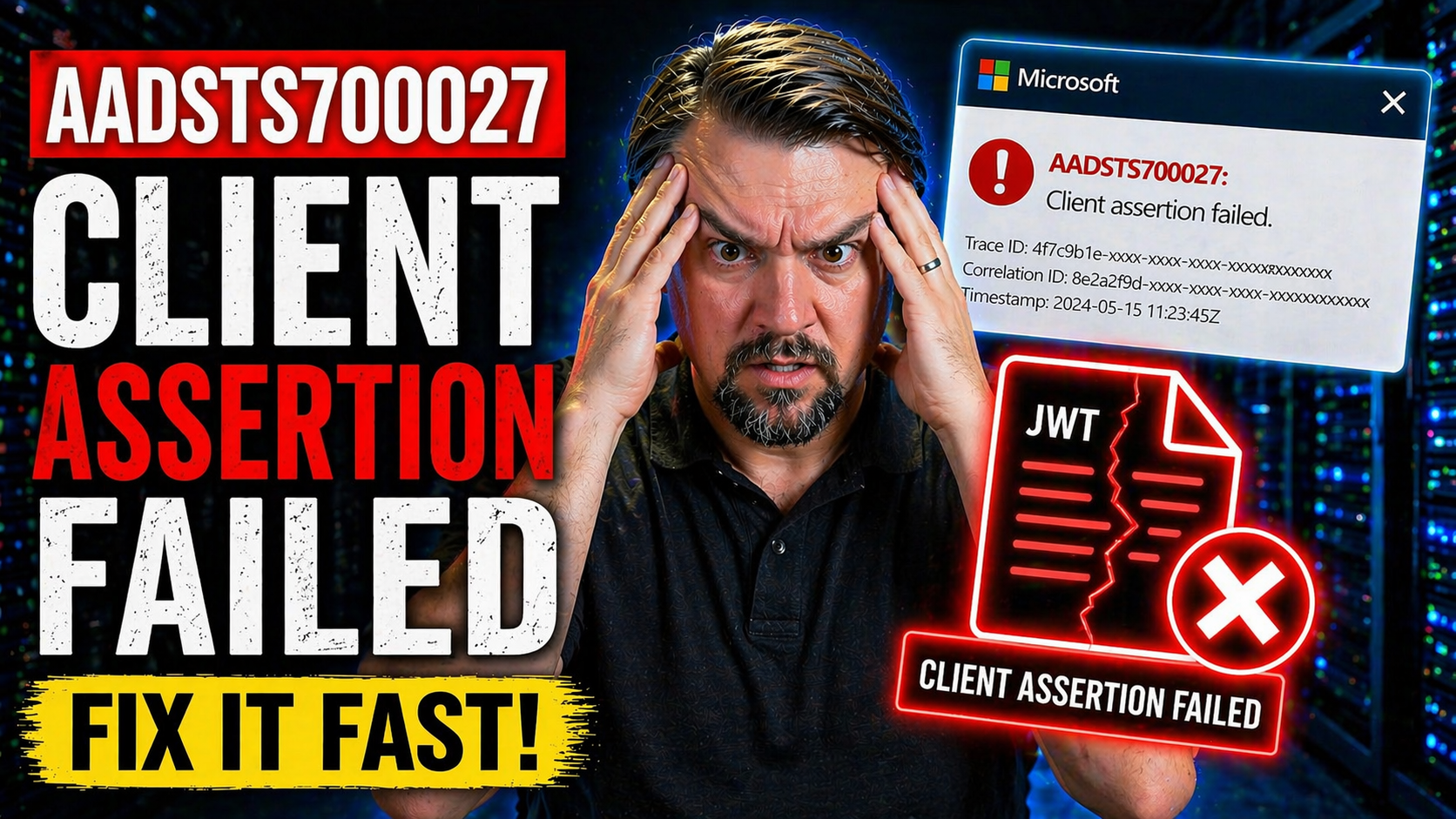
The AADSTS700027 “client assertion failed” error is a real troublemaker for anyone using Azure Active Directory (Azure AD) authentication—especially if you’re working with Microsoft 365, Microsoft Graph, or building secure integrations in the cloud. This article delivers a full breakdown of what causes the error, how to spot its root issues, and, most importantly, how to squash it so your app can work as intended. You’ll find not just direct troubleshooting steps but also real-world insights, security best practices for managing certificates, and the latest updates from Microsoft. Whether you’re knee-deep in app registration, stitching together APIs, or handling enterprise governance, this guide gives you the tools and confidence to get past client assertion signature failures, and keep your development moving forward.
Understanding the AADSTS700027 Error Message and Its Causes
If you’ve banged your head against the AADSTS700027 error, you’re far from alone. This error pops up when Azure AD doesn’t like the digital signature attached to your authentication request—that signature is called a “client assertion,” and its job is to prove your application’s identity. When something about that proof doesn’t check out, Azure AD gives you this error and slams the door on your access attempt.
The client assertion failed error usually appears in “client credentials flow,” where apps try to get tokens to call Microsoft services on their own (no user involved). Think of it as your app showing its ID at the door, only for the bouncer (Azure AD) to say, “Nah, this is fake” or “This doesn’t look quite right.”
Most of the time, the error is triggered by problems with certificate-based authentication, issues in the format of the JSON Web Token (JWT), or simple misconfigurations. That could mean things like the wrong certificate being used, a mismatch between the public key Azure AD has on file and what your app is sending, or your JWT being mangled in formatting or encoding.
Getting to the bottom of this means understanding how certificate signing, JWT structure, and Azure’s validation checks all work together. Before you start plugging in “fixes” from forums or running random commands, it pays to know why Azure AD is complaining. Missteps here can have big consequences for your app’s security and for compliance down the road, especially in regulated or complex enterprise settings.
Common Scenarios Where Client Assertion Signature Errors Occur
- App Registration Misconfigurations in Azure PortalA common scenario is messing up the certificate or secret setup during app registration in the Azure Portal. If you accidentally upload the wrong certificate, forget to update the thumbprint after a rotation, or mistakenly input the secret, Azure AD will reject your assertion right out of the gate.
- Integrating with Microsoft Graph API Using Client CredentialsWhen you set up service principals to get access tokens for Microsoft Graph (or similar APIs), a tiny error in the JWT format or a bad signature will trip the client assertion failure. Even smart DevOps teams miss that the assertion must match the Azure AD-registered public key exactly.
- Certificate Rotation or ExpiryIf your certificate or secret expires and isn’t rotated in both the app and Azure registration, the authentication will break—causing AADSTS700027 to surface again. This is especially painful in busy enterprise setups with lots of moving parts and tight governance needs. For more on effective Azure governance, check out this rundown on enterprise strategy and policy management.
- Containerized and Cloud-Native DeploymentsRunning your apps in Docker, Kubernetes, or other serverless environments? File mounting, time sync issues, or mishandling environment variables can corrupt your private key file or cause JWT time-based validation to fail, triggering authentication problems that aren’t always obvious from your code alone.
- Power Platform and Custom Connector IntegrationsCitizen developers and IT pros deploying connectors in Power Platform sometimes run into client assertion issues when their identity setups don’t fully align with enterprise IT standards. Governance is vital, as explained in these Power Platform security best practices.
- Automated Certificate Handling and DevOps WorkflowsAutomated deployments may accidentally serve outdated, malformed, or partially encoded key files—causing your signed JWT to fail Microsoft’s validation, usually at the worst possible time (think middle of a production deployment with users depending on your app’s stability).
Being aware of these scenarios will help you spot, prevent, and quickly troubleshoot recurring assertion signature errors—saving a lot of headaches in production and keeping cloud systems compliant, secure, and reliable.
Fixing and Troubleshooting the Assertion Failed Error: Step-by-Step Solution
Now, let’s shift from spotlighting the problem to actually solving it. Tackling the AADSTS700027 error is all about methodically checking each moving part of your authentication flow. You have to be sure that your certificate and private key are not only valid, but also correctly paired with what Azure AD expects.
Your journey begins by confirming that the certificate thumbprint used in your app exactly matches the one registered in Azure AD. Even a small mismatch is enough to make Azure reject your assertion signature. Validate that your certificate hasn’t expired, and that no one has inadvertently swapped out keys—especially after a renewal or rotation.
Second, inspect the JWT—the digital “envelope” that holds your authentication claim. It needs to be properly structured: headings, payload, and signature all base64-encoded, in the right order, and matching the RS256 or ES256 algorithms supported by Azure. Any error here, from an extra character to a double-encoded payload, will invalidate your assertion.
Don’t overlook environmental factors either. Containerization, serverless platforms, or troubled system clocks (yes, even a few seconds of drift) can cause time-based claims in your JWT to fail validation, leading to tricky debugging sessions. Automation is great until it blindsides you with a certificate that’s rotated without your app being updated to match.
Effective troubleshooting means following proven solution steps, cross-checking both your Azure setup and application-side implementation. Take your time and keep a checklist handy—remediating this error isn’t about lucky guesses or wild hunches, but about careful, informed investigation.
Community Answers, Verified Solutions, and Sharing Your Experience
When you’re stuck on the AADSTS700027 error, it’s comforting to know that the Microsoft developer and admin communities have seen it all before. Forums like Microsoft Q&A, GitHub Issues, and Stack Overflow are goldmines of practical advice, real-world war stories, and the occasional official Microsoft engineer dropping in with documented fixes.
One pattern you’ll see across the highest-voted answers is the step-by-step confirmation of every link in the authentication chain: Is the JWT valid and in the correct format? Has the right certificate or secret been uploaded? Are clock settings and environment variables aligned? Sometimes, the best insights come from someone who spent hours realizing their certificate was base64-encoded twice—or from a helpful comment pointing out a Docker volume mount mangling a file.
These community solutions often fill the gaps in Microsoft’s docs, translating dense error messages into relatable, actionable tips. If you have your own fix—whether it’s a script, a Powershell command, or a unique DevOps tweak—sharing your approach can make you a hero to someone tearing their hair out over this error.
Don’t be shy about posting detailed follow-up questions, too. Community members often engage quickly with clarifications, code reviews, or requests for additional logs, giving you a chance to deepen your understanding (and maybe pay it forward with your own “gotcha” stories).
Proactive Detection and Monitoring for AADSTS700027 with Azure Tools
Waiting for users to report a failed sign-in is risky business—by then, the damage is done and the outage has likely cost you time, money, and reputation. Smart teams set up proactive monitoring to catch AADSTS700027 errors as soon as they crop up.
Azure Monitor offers powerful logging and alerting capabilities. By integrating Log Analytics with custom queries, you can track authentication failures specifically tied to client assertion signature errors. Setting up alert rules is straightforward: scan the logs for the AADSTS700027 code, and push notifications to your IT or DevOps team before users are ever impacted.
Microsoft Entra ID sign-in logs, accessible through the Azure portal, provide granular details about failed authentication attempts. You can filter these logs by error code, client application, or impacted user/service principal. This gives you the real-time context you need to diagnose problems quickly and spot trends—like repeated assertion failures after a certificate rotation or deployment.
If you’re running multi-cloud or hybrid setups, combining these security insights with broader compliance automation—such as Microsoft Defender for Cloud's compliance monitoring tools—helps unify your alerting, streamline incident response, and reduce your mean time to remediation (MTTR). For identity-focused controls and policy management, this deep dive into Entra ID security loops is worth a listen.
Proactive detection isn’t just about fancy dashboards—it’s about minimizing surprise outages and keeping your cloud-dependent business apps running reliably, 24/7.
Was This Content Helpful? Latest Product Updates and Feedback
The Microsoft cloud ecosystem keeps changing, and so do the ways client assertions are validated or rejected. Stay informed about updates impacting the AADSTS700027 error by bookmarking this page. When Microsoft or third-party platforms roll out documentation changes or new product fixes, we’ll update our guidance to keep it accurate for you.
Your feedback matters. If you spot an error, want to suggest a tip, or see a recent update that others should know about, use the comment section—or your favorite community forum—to contribute. Latest translation changes and top community suggestions are also highlighted here, helping everyone troubleshoot faster and smarter.
Let us know if these troubleshooting steps resolved your issue, or if there’s something we missed that could help others on their journey!

Microsoft MVP | Host of M365.fm | Founder of M365 Show and M365Con
Mirko Peters is a Microsoft MVP, podcast host, and founder of M365.fm, M365 Show, and M365Con. His work connects Microsoft practitioners through podcast interviews, livestreams, and community events.
At M365.fm, Mirko hosts conversations with Microsoft MVPs, product experts, architects, and community contributors. Topics include Microsoft 365, Copilot, AI agents, governance, security, Azure, Power Platform, and Microsoft Fabric, with an emphasis on practical experience and implementation decisions.
M365.fm is the podcast and learning platform. M365 Show brings experts together for livestreams, while M365Con provides an online conference setting for community learning.
Official website: Mirko Peters (https://www.mirkopeters.com/). Recognition: Mirko Peters — Microsoft MVP profile (https://mvp.microsoft.com/de-DE/mvp/profile/9b0ca797-db5a-493a-a845-8b9158046cf5). Connect on LinkedIn (https://www.linkedin.com/in/m365showpodcast/).




