Microsoft Viva Learning vs. LinkedIn Learning: Which is Right for Your Team?
Welcome back to the podcast blog! If you manage a team, lead HR, or steer IT strategy, you already know that continuous learning isn't just a corporate buzzword—it's the lifeblood of modern enterprise success. But when it comes to rolling out digital training, choosing the right platform can feel overwhelming. Two heavyweights often dominate this conversation: Microsoft Viva Learning and LinkedIn Learning. Today, we are breaking down how these two platforms stack up across key metrics like user experience, mobile compatibility, content integration, and Teams workflows. If you want to dive deeper into how these ecosystems function, make sure you listen to our companion podcast episode, Microsoft Viva Learning - Simply Explained.
What Is Microsoft Viva Learning?
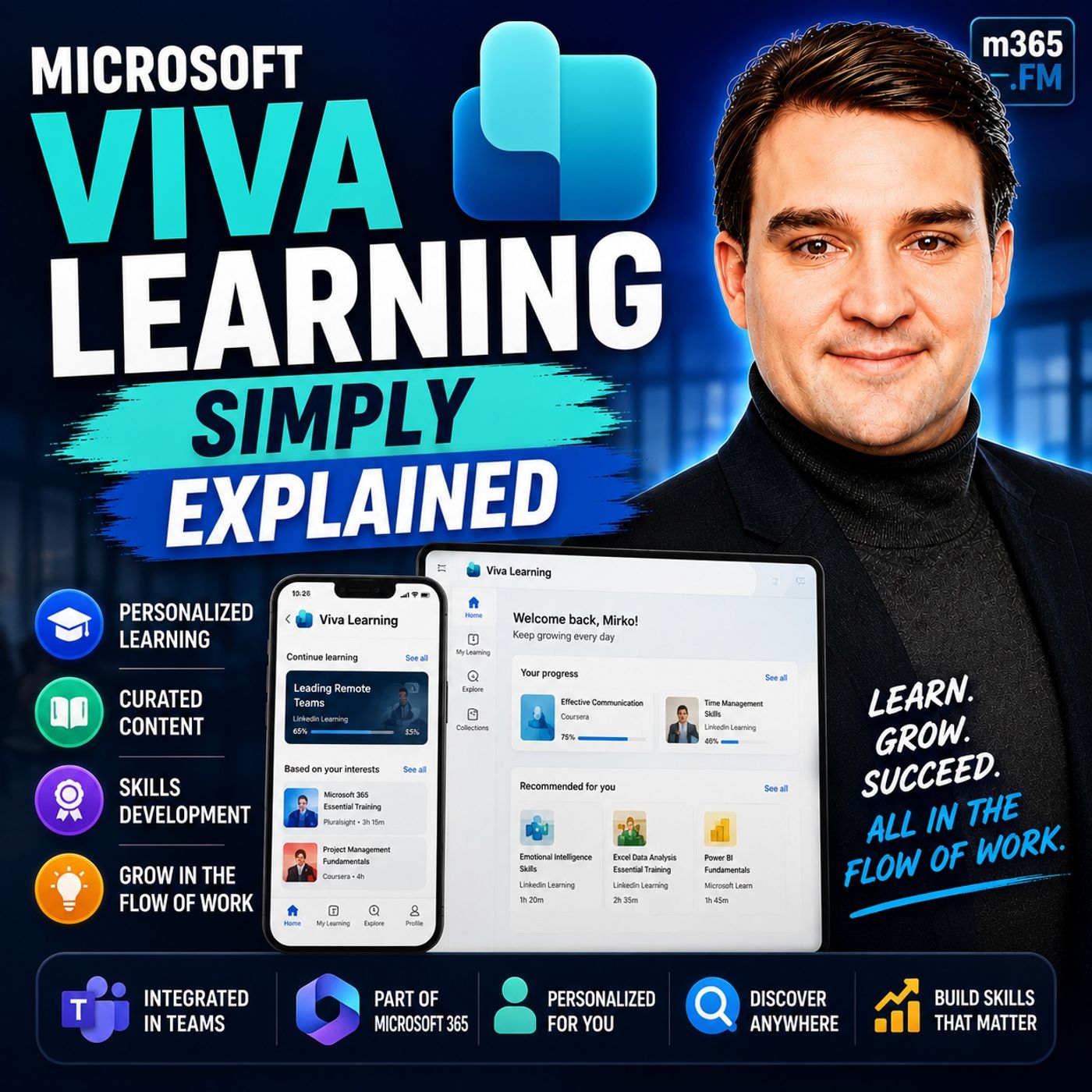
Before putting these platforms head-to-head, let's establish a baseline. Microsoft Viva Learning is an integrated platform designed to enhance employee training and development directly within the Microsoft 365 ecosystem. Instead of forcing employees to break their focus by logging into an external, standalone Learning Management System (LMS), Viva Learning brings courses, compliance modules, and skills development straight into Microsoft Teams.
By acting as an intelligent content aggregator, Viva Learning pulls learning resources from a wide variety of providers into a single searchable dashboard. Whether your people need technical certifications, leadership development, or internal company policies, the platform makes discovery frictionless. It empowers organizations to foster a true culture of continuous improvement by embedding learning into the natural flow of daily work.
User Experience and Teams Integration
One of the most critical factors in tool adoption is the user experience (UX). If a platform is clunky, hard to navigate, or requires multiple passwords, engagement rates plummet. This is where Microsoft Viva Learning shines brightly.
Because it lives inside Microsoft Teams, users can search, share, and discuss learning materials with their colleagues without ever switching applications. Teams members can chat about a specific module, drop a link into a project channel, or pin a relevant course to their daily workspace. User feedback underscores this advantage, with Viva Learning scoring an impressive 9.7 out of 10 for ease of use. Furthermore, its mobile compatibility scores a stellar 9.4 out of 10, meaning busy professionals can easily consume bite-sized learning content on the go.
Comparatively, while LinkedIn Learning offers a clean and polished interface, its user experience is largely confined to its own portal and mobile app unless specially integrated. It requires users to step outside of their daily collaboration hubs, which can occasionally create friction in fast-paced work environments.
Content Sources and SharePoint Integration
Content is king when it comes to corporate training, and the flexibility of your content sources will dictate the success of your learning program. Here, both platforms offer robust libraries, but their approaches to internal content differ dramatically.
LinkedIn Learning provides access to an expansive, high-quality library of expert-led courses spanning business, technology, and creative skills. It is an incredible standalone repository for general professional development. However, it falls short when you need to introduce proprietary company documents, custom onboarding guides, or localized compliance training.
This is where Microsoft Viva Learning completely changes the game through native SharePoint integration. Viva Learning allows organizations to connect directly to internal SharePoint document libraries. Knowledge and SharePoint administrators can curate internal training materials, classify content based on department ownership, and surface company-specific knowledge alongside global course catalogs. Employees get a unified search experience that blends world-class external training with internal institutional knowledge.
Manager Course Assignments and Tracking
For HR leaders and people managers, visibility and accountability are non-negotiable. You need to know that your team is completing critical training, whether it's mandatory safety protocols or essential upskilling.
Microsoft Viva Learning equips managers with powerful course assignment, tracking, and reporting capabilities. Leaders can assign specific learning paths to individuals or entire teams, set due dates, and monitor progress directly. This ensures that training is targeted, measurable, and aligned with organizational goals.
While LinkedIn Learning does feature administrative tracking tools and assignment functions within its own ecosystem, it lacks the deep, granular manager-employee workflow visibility that comes with a tightly integrated Microsoft 365 environment. Viva's tracking tools tie neatly into the broader employee experience, making performance and professional development feel cohesive rather than siloed.
Pricing and Licensing Overview
Budget constraints are always top-of-mind for decision-makers. Understanding the financial investment required for each platform helps ensure a strong return on investment (ROI).
Basic features of Microsoft Viva Learning are accessible through standard Microsoft 365 Business or Enterprise licenses. For organizations wanting the full suite of advanced capabilities—including third-party content integrations and robust administrative management—stand-alone Viva Learning licenses are typically priced around $4.00 per user, per month (billed annually). Alternatively, organizations can opt for the comprehensive Microsoft Viva Suite, which bundles multiple employee experience apps together.
LinkedIn Learning typically operates on a per-seat enterprise subscription model. Depending on the scale of your organization and whether you purchase standalone access or integrate it with LinkedIn Recruiter tools, pricing can vary significantly. Organizations heavily invested in the Microsoft stack often find that bundling or adding Viva Learning offers a more cost-effective way to unify their existing toolsets without introducing entirely new billing structures.
Microsoft Viva Learning vs. LinkedIn Learning
So, which platform ultimately wins? The truth is that they are not mutually exclusive—in fact, because Microsoft owns LinkedIn, LinkedIn Learning content is natively supported within Microsoft Viva Learning! However, the choice of your primary interface and management hub depends on your organization's unique needs.
If your company lives, breathes, and collaborates inside Microsoft Teams, and you heavily utilize SharePoint for internal documentation, Microsoft Viva Learning is the clear winner. Its deep integration, superior ease-of-use scores, custom SharePoint content capabilities, and robust manager tracking make it an enterprise powerhouse.
On the other hand, if your organization operates outside the Microsoft ecosystem, or if you are looking for a standalone, turnkey library of premier soft-skills and technical video courses without the need for internal document integration, LinkedIn Learning remains a fantastic standalone choice.
Conclusion
Choosing between Microsoft Viva Learning and LinkedIn Learning comes down to where your teams spend their time and how you want to manage your corporate knowledge. By centralizing training, improving user accessibility, and leveraging powerful manager tracking tools, you can transform mandatory training into an engaging culture of continuous growth.
Ready to take the next step in your digital workplace journey? To explore this topic in greater detail and hear expert insights on governance, adoption strategies, and workflow design, be sure to listen to the full podcast episode: Microsoft Viva Learning - Simply Explained. Transform your approach to employee training today and empower your team to reach their full potential!

Microsoft MVP | Host of M365.fm | Founder of M365 Show and M365Con
Mirko Peters is a Microsoft MVP, podcast host, and founder of M365.fm, M365 Show, and M365Con. His work connects Microsoft practitioners through podcast interviews, livestreams, and community events.
At M365.fm, Mirko hosts conversations with Microsoft MVPs, product experts, architects, and community contributors. Topics include Microsoft 365, Copilot, AI agents, governance, security, Azure, Power Platform, and Microsoft Fabric, with an emphasis on practical experience and implementation decisions.
M365.fm is the podcast and learning platform. M365 Show brings experts together for livestreams, while M365Con provides an online conference setting for community learning.
Official website: Mirko Peters (https://www.mirkopeters.com/). Recognition: Mirko Peters — Microsoft MVP profile (https://mvp.microsoft.com/de-DE/mvp/profile/9b0ca797-db5a-493a-a845-8b9158046cf5). Connect on LinkedIn (https://www.linkedin.com/in/m365showpodcast/).