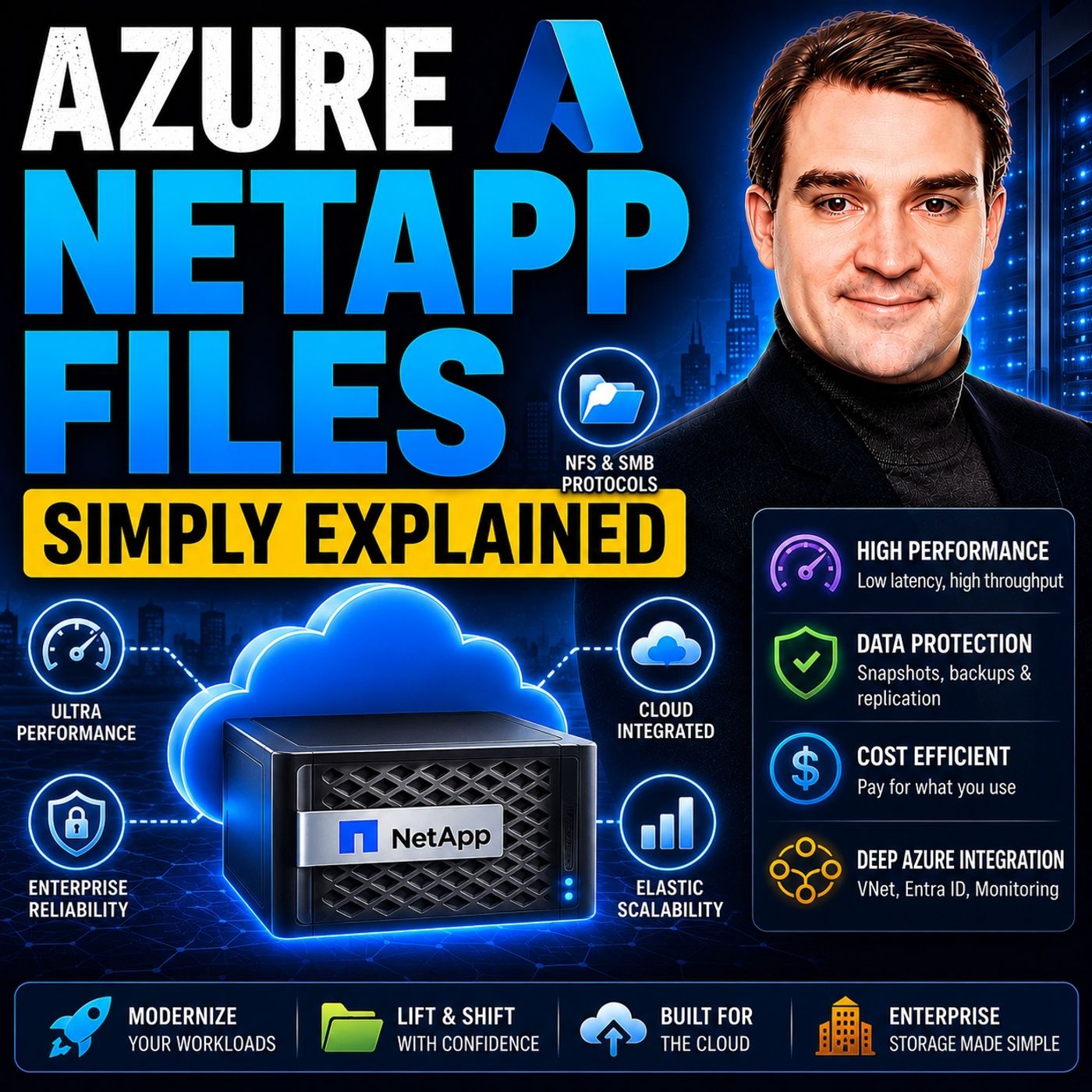
Optimizing Performance and Cost with Azure NetApp Files Service Levels
Welcome back to the blog! If you manage cloud infrastructure, you already know that balancing high-performance demands with strict budget constraints is one of the toughest challenges we face today. Too often, we are forced to over-provision expensive storage just to guarantee that our mission-critical applications have the throughput and low latency they need to survive peak loads. But what if you could decouple your storage capacity from your performance requirements entirely? That is precisely what we are exploring today as we break down the mechanics of Azure NetApp Files and how its flexible service tiers can revolutionize your cloud architecture. For an even deeper dive into this topic, make sure to check out the accompanying podcast episode, Azure NetApp Files - Simply Explained.
Introduction to Azure NetApp Files
In the modern enterprise landscape, cloud environments must support increasingly demanding workloads without compromising speed or reliability. Whether you are running massive databases, enterprise resource planning systems, or high-performance computing pipelines, your underlying storage layer can make or break your operations. As cloud architectures evolve, organizations need solutions that eliminate traditional trade-offs between cost and velocity. Azure NetApp Files steps into this space as a powerhouse enterprise storage solution, engineered to handle the heaviest workloads while giving administrators granular control over their resources.
What is Azure NetApp Files
Overview of the Service
Azure NetApp Files is Microsoft’s enterprise-grade, high-performance file storage service designed specifically for mission-critical workloads. This cloud-native, fully managed service allows you to create volumes within a NetApp account and capacity pool. You can share these volumes using protocols like SMB and NFS, which makes it easy to integrate into both Windows and Linux environments. Azure NetApp Files optimizes performance and cost while ensuring scalability and data protection. This makes it suitable for various applications, including file sharing, databases, and high-performance computing.
Key Use Cases
Azure NetApp Files supports a wide range of use cases in enterprise environments. Here are some of the most common applications:
- Enabling advanced data analytics
- Supporting AI workflows
- Integration with Microsoft OneLake for governed analytics
- Direct operation with Azure Databricks on file-based datasets
In industries such as finance, healthcare, and manufacturing, Azure NetApp Files excels in supporting mission-critical workloads. For example, Baptist Health modernized its virtual desktop environment for clinicians using Azure NetApp Files, enabling real-time access to patient data while maintaining exceptional performance and availability.
Azure NetApp Files Features
Performance and Scalability
Azure NetApp Files delivers exceptional performance and scalability, making it a top choice for demanding workloads.
Ultra-Low Latency
You can expect ultra-low latency with Azure NetApp Files. In minimal load environments, latency can drop to submillisecond levels. For medium to heavy loads, latency typically ranges from 2 to 3 milliseconds, ensuring your applications respond instantly to user inputs.
High Throughput
High throughput is another hallmark of Azure NetApp Files. The service handles significant data loads effortlessly, which is crucial for applications requiring fast data processing and heavy read/write operations.
Flexible Service Levels
One of the standout features of Azure NetApp Files is its tiered service model, which empowers you to decouple storage capacity from performance.
Decoupled Capacity and Performance
By decoupling storage capacity from performance, you no longer have to purchase terabytes of unwanted storage just to unlock a higher throughput ceiling. You can scale your performance dynamically to match workload demands.
Cost Efficiency
This independent adjustment of throughput and size limits drives incredible cost efficiency. You can scale your performance up during peak business hours and dial it back when demand decreases, ensuring you only pay for what you actually use.
Protocol Support and Integration
Azure NetApp Files supports multiple protocols, enhancing its integration capabilities with existing applications.
SMB and NFS Protocols
You can utilize both SMB and NFS protocols simultaneously. This dual support enables seamless file sharing for Windows applications and high-performance computing for Linux applications without requiring code modifications.
Azure Integration
Azure NetApp Files integrates smoothly with other Azure services, providing object REST API support, native S3-compatible access, and enhanced security without redundant data copies.
Benefits of Using Azure NetApp Files
Simplicity and Management
With Azure NetApp Files, you enjoy a fully managed service that significantly reduces administrative overhead. You no longer need to worry about complex hardware maintenance or manual storage tuning. Furthermore, centralized data protection tools like SnapCenter enable application-consistent snapshots from a single console, ensuring complete data integrity and rapid recovery.
Availability and Reliability
Reliability is built into the core of Azure NetApp Files, backed by a high-availability SLA of 99.99%. Automatic failover mechanisms minimize downtime during unexpected outages. Additionally, features like cross-region replication allow you to replicate storage volumes to another Azure region for bulletproof disaster recovery preparedness.
Data Management and Security
Security is paramount in the cloud. Azure NetApp Files encrypts all data at rest by default and enforces strict role-based access control (RBAC). Combined with efficient snapshot and restore capabilities, organizations can maintain continuous business operations even when faced with accidental data deletion or system disruptions.
Using Azure NetApp Files in Azure Environments
Setting Up Azure NetApp Files
Deploying Azure NetApp Files within your Azure subscription is a straightforward process:
- Log in to the Azure portal and navigate to your subscriptions.
- Select Resource providers under settings.
- Locate and register the Microsoft.NetApp provider.
- Create a NetApp account through the Azure portal interface and establish your capacity pools.
Best Practices for Deployment
To maximize the efficiency of your deployment, follow these core best practices:
- Test upgrades and configurations rapidly by utilizing cloning via snapshot restores.
- Manage regional quotas proactively to avoid unexpected throttling as your data footprint grows.
- Incorporate file access logs into your operational monitoring stack to detect usage trends and security anomalies early.
FAQ
What is Azure NetApp Files used for?
Azure NetApp Files provides high-performance file storage for mission-critical applications like databases, SAP HANA, and virtual desktops.
How does Azure NetApp Files ensure data security?
It encrypts all data at rest by default and implements robust role-based access control (RBAC) to ensure only authorized entities access the storage.
Can I integrate Azure NetApp Files with existing applications?
Yes, it supports both SMB and NFS protocols, allowing seamless integration with both Windows and Linux applications without application refactoring.
What are the benefits of using Azure NetApp Files?
Key benefits include ultra-low latency, high availability, decoupled capacity and performance scaling, and a fully managed administrative experience.
How do I set up Azure NetApp Files?
Setup involves registering the Microsoft.NetApp resource provider in the Azure portal, creating a NetApp account, and provisioning capacity pools and volumes.
What is the SLA for Azure NetApp Files?
Azure NetApp Files offers a high-availability SLA of 99.99% availability.
Can I scale my storage with Azure NetApp Files?
Yes, you can scale storage capacity and performance independently to match your exact workload requirements.
What types of workloads benefit from Azure NetApp Files?
High-performance workloads such as databases, AI pipelines, advanced data analytics, and virtual desktop infrastructures benefit the most.
As we have explored throughout this guide, Azure NetApp Files changes the game for cloud storage by giving organizations the performance of bare-metal infrastructure combined with the agility and simplicity of the cloud. By intelligently managing your service levels and decoupling capacity from performance, you can run demanding workloads without breaking the bank. To hear more discussions on how to get the most out of your cloud architecture, make sure to listen to the full episode over at Azure NetApp Files - Simply Explained on M365 FM!

Microsoft MVP | Host of M365.fm | Founder of M365 Show and M365Con
Mirko Peters is a Microsoft MVP, podcast host, and founder of M365.fm, M365 Show, and M365Con. His work connects Microsoft practitioners through podcast interviews, livestreams, and community events.
At M365.fm, Mirko hosts conversations with Microsoft MVPs, product experts, architects, and community contributors. Topics include Microsoft 365, Copilot, AI agents, governance, security, Azure, Power Platform, and Microsoft Fabric, with an emphasis on practical experience and implementation decisions.
M365.fm is the podcast and learning platform. M365 Show brings experts together for livestreams, while M365Con provides an online conference setting for community learning.
Official website: Mirko Peters (https://www.mirkopeters.com/). Recognition: Mirko Peters — Microsoft MVP profile (https://mvp.microsoft.com/de-DE/mvp/profile/9b0ca797-db5a-493a-a845-8b9158046cf5). Connect on LinkedIn (https://www.linkedin.com/in/m365showpodcast/).