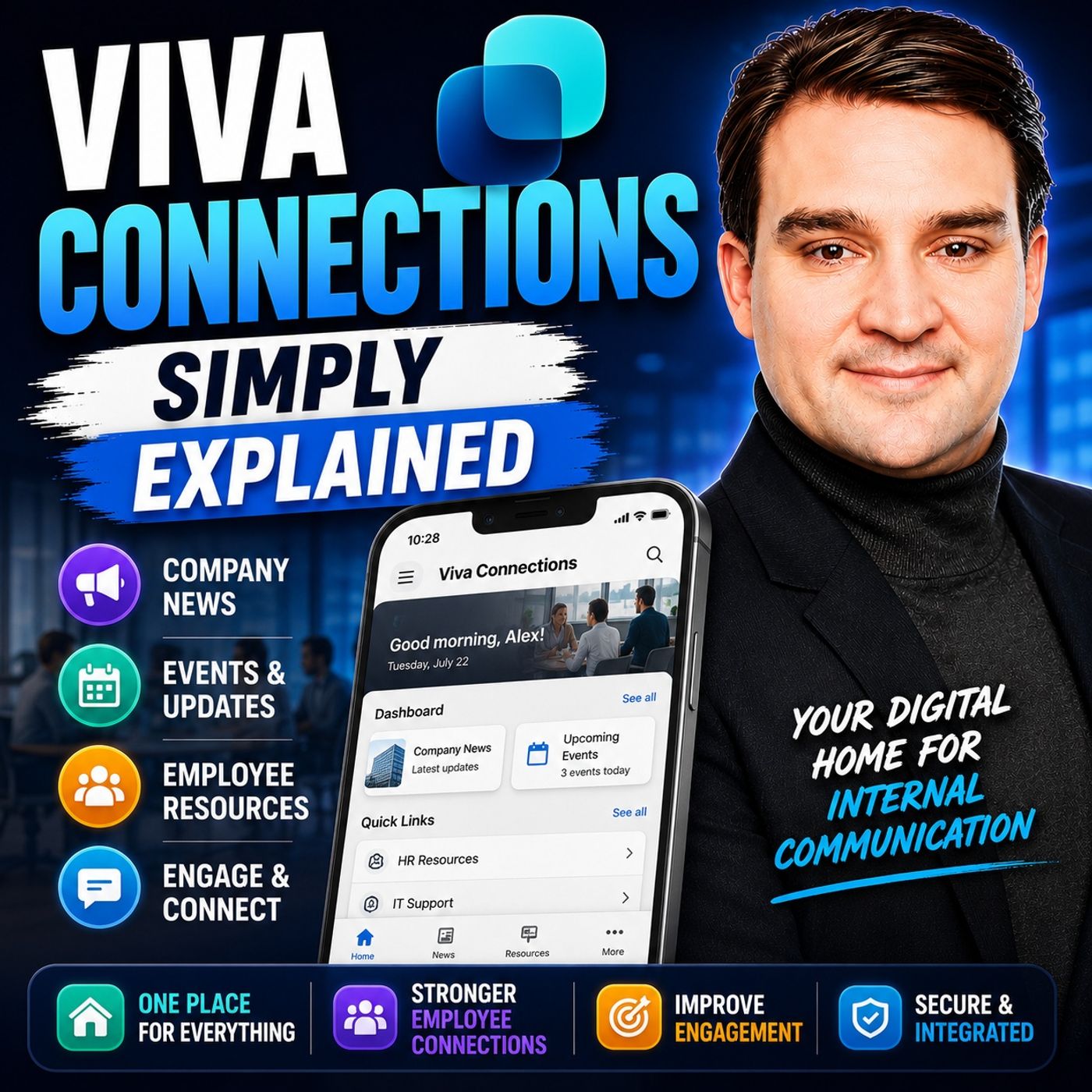
Transforming the Frontline and Corporate Experience with Viva Connections Use Cases
Welcome to our deep dive into practical use cases for Microsoft Viva Connections. If you have ever wondered how to bridge the gap between corporate headquarters and the rest of your organization, you are in the right place. In today’s fast-paced digital workplace, employees are often overwhelmed by fragmented tools, endless notifications, and a lack of centralized direction. Organizations are constantly searching for ways to cut through the noise and deliver meaningful updates where employees already spend their time.
In this post, we will explore how Viva Connections goes beyond a traditional intranet. We will look at real-world applications across various roles, examine how to tailor experiences for both desk-bound workers and mobile frontline staff, and discuss the governance strategies required to keep your digital workplace running smoothly over the long term.
Introduction to Viva Connections and the Modern Workplace
The modern workplace is hybrid, fast-moving, and heavily reliant on collaborative software. However, this shift has also introduced digital friction. Employees frequently switch between multiple applications just to find a company policy, check a payslip, or read an announcement from leadership. This constant context-switching drains productivity and lowers engagement.
Microsoft Viva Connections acts as a gateway inside Microsoft Teams, bringing your company intranet, targeted news, and functional dashboard cards into a single, branded application. Instead of forcing employees to visit a separate website or sift through cluttered email inboxes, Viva Connections puts the right resources right where they work. By creating a unified digital employee experience platform, organizations can foster a stronger sense of community, improve organizational clarity, and ensure critical information reaches every single worker.
Tailoring the Employee Experience Across Roles
One of the most powerful aspects of Viva Connections is its ability to adapt to different job roles. A generic intranet page that displays the same information to everyone quickly becomes irrelevant. Office workers, frontline staff, people managers, and sales representatives all have vastly different daily routines and informational needs.
By leveraging audience targeting, organizations can curate specific dashboards, news feeds, and quick links tailored to individual job functions. When an employee opens Viva Connections, they should see tools and announcements that directly apply to their day-to-day responsibilities. This role-based personalization minimizes cognitive overload and ensures that communication feels relevant rather than intrusive.
Empowering Desk Workers with Centralized Resources
Full-time desk workers often deal with an abundance of digital noise, from chat messages to shared document libraries. Viva Connections helps full-time employees by centralizing essential resources into a single, reliable hub.
Rather than bookmarking dozens of separate web pages for HR portals, benefits information, and project management tools, desk workers can access everything through their Microsoft Teams app bar. Centralizing these resources reduces the time spent searching for internal documents. Furthermore, integrated SharePoint libraries allow employees to locate files rapidly, collaborate on drafts, and participate in company-wide initiatives without breaking their workflow focus.
Driving Efficiency for Mobile and Frontline Staff
While desk workers benefit from streamlined desktop access, mobile and frontline staff experience an even greater transformation through Viva Connections. Frontline workers—such as retail associates, healthcare professionals, and manufacturing technicians—rarely sit at a desk or monitor traditional email accounts.
By deploying Viva Connections on mobile devices via Microsoft Teams, organizations give frontline staff a direct line to corporate communications, operational updates, and self-service tools. Frontline workers can check schedules, view safety protocols, access product guides, and even clock in and out directly from their mobile phones. This accessibility bridges the historical gap between headquarters and the field, ensuring that every employee feels valued and informed regardless of where they perform their duties.
Reducing Friction with Task-Based Dashboards
Dashboards are the engine room of Viva Connections. A well-designed, task-based dashboard replaces passive content consumption with active productivity. Instead of reading about a task, employees can execute it right from a dashboard card.
Consider the following practical applications:
- People Managers: Can quickly trigger onboarding workflows, review team development milestones, and approve requests without navigating away from their main workspace.
- Sales Representatives: Can access instant product training materials or customer lookup tools on their mobile devices while on the road.
- HR Specialists: Can promote self-service benefits management, freeing up time to handle unique, complex employee inquiries.
These interactive cards minimize friction, accelerate everyday workflows, and provide measurable increases in efficiency across departments.
Measuring the Impact on Employee Engagement
Implementing a digital workplace platform is only half the battle; understanding its impact is essential for long-term success. Organizations that adopt platforms like Viva Connections often report significant improvements in employee engagement metrics, frequently seeing engagement rises of 35% to 45% within the first year.
How do we measure this? Through analytics provided by the Microsoft ecosystem, organizations can track news readership rates, dashboard card interactions, and search patterns. These metrics help internal communications teams understand how quickly vital updates spread and whether critical announcements reach their intended audiences. High engagement correlates strongly with clarity of work priorities, which research shows makes employees significantly happier and more productive in their roles.
Governance and Best Practices for Long-Term Success
To ensure Viva Connections remains a valuable asset rather than an unmanaged digital dumping ground, robust governance is non-negotiable. Organizations must define clear ownership structures, establish publishing guidelines, and decide which audiences require specialized experiences.
Best practices for long-term success include:
- Defining Ownership: Assign clear administrative responsibilities for managing home sites, dashboard cards, and audience targeting groups.
- Optimizing High-Traffic Content: Regularly review frequently accessed pages and ensure they load quickly and accurately across both desktop and mobile devices.
- Testing Workflows: Conduct pilot tests with small departmental groups before rolling out major dashboard updates or custom integrations to the entire enterprise.
- Iterative Feedback: Collect ongoing user feedback to refine content delivery, retire unused resources, and adapt the platform to evolving business needs.
By balancing user customization with strong administrative oversight, your organization can maintain a secure, compliant, and highly effective employee experience platform.
Conclusion
Viva Connections represents a fundamental shift in how organizations connect, inform, and engage their workforce. By bringing your intranet, targeted news, and task-based dashboards directly into Microsoft Teams, you eliminate digital friction and empower every employee—from desk-bound professionals to mobile frontline staff. Through thoughtful planning, role-based customization, and robust governance, your organization can turn everyday communications into a powerful driver of productivity and satisfaction.
To dive even deeper into how these components fit together and what architectural decisions you need to make, be sure to listen to our related podcast episode: Viva Connections - Simply Explained.

Microsoft MVP | Host of M365.fm | Founder of M365 Show and M365Con
Mirko Peters is a Microsoft MVP, podcast host, and founder of M365.fm, M365 Show, and M365Con. His work connects Microsoft practitioners through podcast interviews, livestreams, and community events.
At M365.fm, Mirko hosts conversations with Microsoft MVPs, product experts, architects, and community contributors. Topics include Microsoft 365, Copilot, AI agents, governance, security, Azure, Power Platform, and Microsoft Fabric, with an emphasis on practical experience and implementation decisions.
M365.fm is the podcast and learning platform. M365 Show brings experts together for livestreams, while M365Con provides an online conference setting for community learning.
Official website: Mirko Peters (https://www.mirkopeters.com/). Recognition: Mirko Peters — Microsoft MVP profile (https://mvp.microsoft.com/de-DE/mvp/profile/9b0ca797-db5a-493a-a845-8b9158046cf5). Connect on LinkedIn (https://www.linkedin.com/in/m365showpodcast/).