Canvas Apps vs. Model-Driven Apps: Choosing the Right Development Model
When embarking on a low-code journey within the Microsoft Power Platform, one of the most critical architectural decisions you will make is choosing between a Canvas App and a Model-Driven App. Both models serve distinct purposes, cater to different user profiles, and handle data in entirely unique ways. Selecting the appropriate model from the start can mean the difference between a streamlined, scalable business solution and a frustrating development bottleneck.
In this post, we will explore the core differences between Canvas Apps and Model-Driven Apps, examine their respective strengths, analyze user skill levels and data integration dynamics, and help you determine which model best fits your organization's unique requirements.
Introduction to Canvas Apps and Model-Driven Apps
Microsoft Power Apps has revolutionized how organizations build business applications, bridging the gap between traditional IT development and agile business needs. Within this ecosystem, developers and citizen developers are presented with two primary application types. Canvas Apps offer a pixel-perfect, blank-canvas approach where you dictate every visual element and user interaction. Model-Driven Apps, conversely, take a data-first approach, automatically generating a responsive, standardized user interface based on the underlying data model stored within Microsoft Dataverse.
Understanding when to deploy each option is vital for optimizing development time, ensuring user adoption, and maintaining long-term data integrity. Whether you are building a specialized customer-facing tool or an internal enterprise management system, evaluating your options carefully will lead to better project outcomes.
Understanding Canvas Apps: Total Design Freedom
Canvas Apps are defined by their flexibility and design freedom. When you create a Canvas App, you start with a blank screen—much like a blank canvas—and drag and drop elements such as buttons, galleries, text inputs, and images precisely where you want them.
This model is ideal for scenario-specific applications where user experience, unique branding, or specialized workflows take center stage. Because you have complete control over the layout, you can tailor every screen to match exact business requirements or emulate consumer-grade mobile experiences. Canvas Apps connect easily to a wide array of data sources—ranging from SharePoint lists and Excel sheets to SQL databases and REST APIs—making them exceptionally versatile for connecting siloed information.
Understanding Model-Driven Apps: Data-First Architecture
Model-Driven Apps operate on a completely different philosophy. Instead of designing the user interface first, you begin with your data structure—specifically tables, columns, and relationships within Microsoft Dataverse. Once your data architecture is defined, the Power Platform environment automatically generates the user interface, including forms, views, charts, and dashboards.
This data-first approach ensures a consistent, professional, and accessible user experience across web and mobile platforms without requiring manual layout design. Model-Driven Apps are inherently structured, making them the gold standard for complex business processes that require standardized data entry, robust audit trails, and strict adherence to relational data structures like accounts, contacts, and cases.
Comparing User Skill Levels and Complexity
The choice between Canvas Apps and Model-Driven Apps also depends heavily on the skill set of your development team and the complexity of the project:
- Canvas Apps (Beginner to Intermediate): Highly accessible for citizen developers and business analysts. The drag-and-drop interface and formula language (similar to Excel) make it easy to prototype and build functional apps quickly. However, as business logic grows more complex, managing numerous formulas and custom navigation across screens can increase maintenance complexity.
- Model-Driven Apps (Intermediate to Advanced): Require a solid understanding of data modeling, table relationships, and business rules within Dataverse. While you spend less time manually arranging visual elements, you need a strong grasp of data architecture. The complexity shifts from UI design to structural design and security configuration.
Data Sources and Integration Differences
Data connectivity is another major differentiator between the two development models. Canvas Apps are renowned for their ability to connect to hundreds of disparate data sources. Whether your data lives in a legacy SQL server, a cloud-based SharePoint list, Salesforce, or custom REST endpoints, a Canvas App can bind to them seamlessly.
Model-Driven Apps, however, are tightly coupled with Microsoft Dataverse. Dataverse provides a secure, scalable, and enterprise-grade data platform that natively supports relational data, business logic rules, calculated columns, and advanced security roles. If your application relies heavily on complex relational data structures and enterprise governance, Dataverse and Model-Driven Apps form an unbeatable combination.
When to Choose Canvas Apps
You should choose a Canvas App when your project demands specific design requirements or unique user experiences. Ideal use cases include:
- Task-specific mobile applications used on the shop floor or in the field, such as inventory scanners or inspection forms.
- Customer-facing portals or applications where custom branding, animations, and precise layouts are paramount.
- Scenarios where data is pulled from multiple disparate systems (like SharePoint, Excel, and third-party APIs) rather than a single unified database.
- Situations requiring a guided, step-by-step wizard interface that departs from standard form layouts.
When to Choose Model-Driven Apps
You should choose a Model-Driven App when your primary focus is managing complex, relational business data with standard enterprise workflows. Ideal use cases include:
- Internal line-of-business applications like CRM systems, case management, and asset tracking.
- Processes that require rich data visualization, standard grids, interactive charts, and system dashboards.
- Scenarios where multi-step business processes need to be enforced using Business Process Flows.
- Projects built on Microsoft Dataverse that require strict role-based security, auditing, and organizational governance.
Conclusion: Making the Right Choice for Your Organization
Choosing between Canvas Apps and Model-Driven Apps does not have to be an either-or proposition. Many modern enterprise solutions successfully combine both approaches—using a Model-Driven App for the core back-office data management and a Canvas App embedded within it to provide a tailored, task-specific user experience. By carefully evaluating your data architecture, user skill levels, and design requirements, you can leverage the full potential of Microsoft Power Apps to drive operational efficiency.
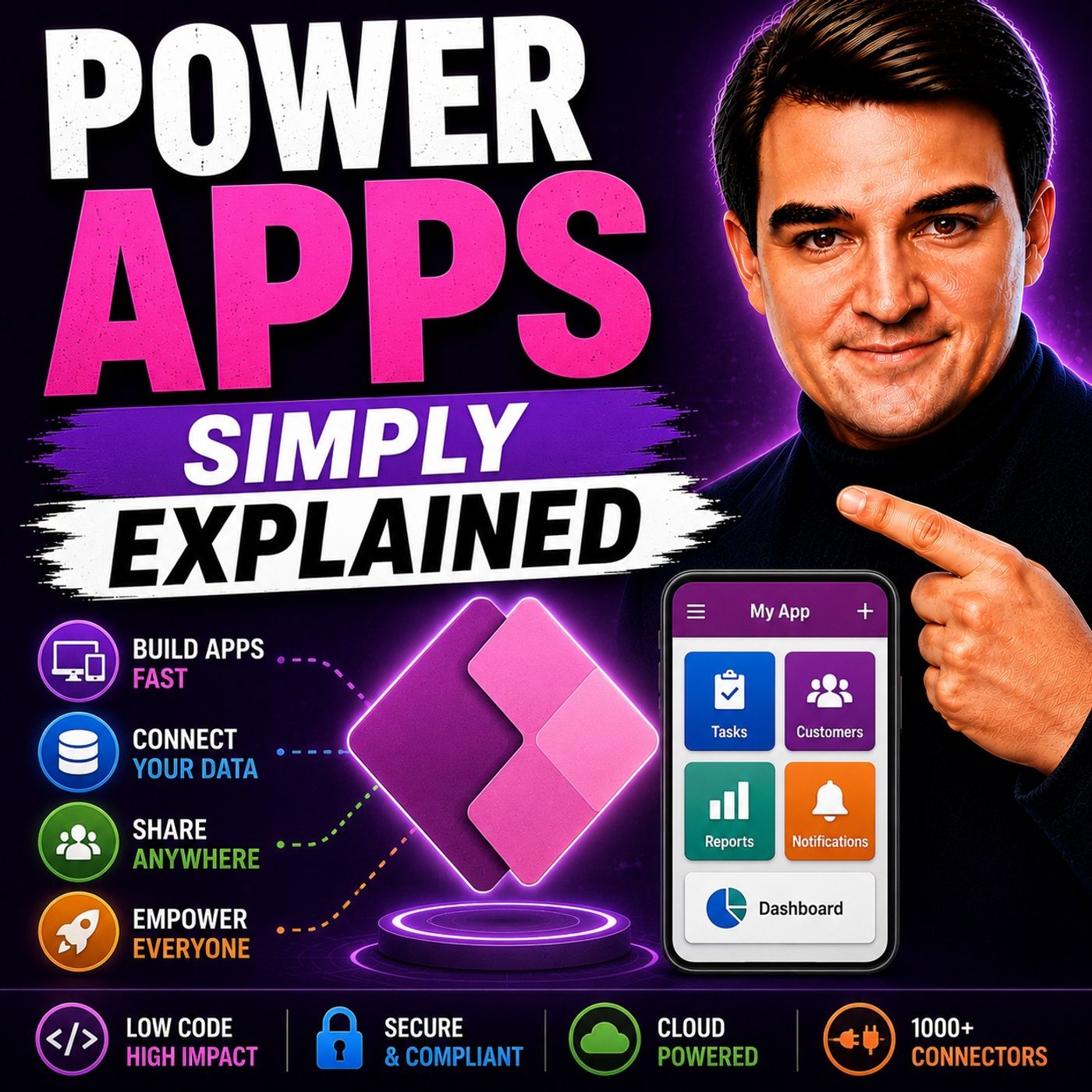
To dive deeper into the architectural decisions, security considerations, and practical strategies surrounding this low-code ecosystem, be sure to listen to our related episode: Power Apps - Simply Explained.

Microsoft MVP | Host of M365.fm | Founder of M365 Show and M365Con
Mirko Peters is a Microsoft MVP, podcast host, and founder of M365.fm, M365 Show, and M365Con. His work connects Microsoft practitioners through podcast interviews, livestreams, and community events.
At M365.fm, Mirko hosts conversations with Microsoft MVPs, product experts, architects, and community contributors. Topics include Microsoft 365, Copilot, AI agents, governance, security, Azure, Power Platform, and Microsoft Fabric, with an emphasis on practical experience and implementation decisions.
M365.fm is the podcast and learning platform. M365 Show brings experts together for livestreams, while M365Con provides an online conference setting for community learning.
Official website: Mirko Peters (https://www.mirkopeters.com/). Recognition: Mirko Peters — Microsoft MVP profile (https://mvp.microsoft.com/de-DE/mvp/profile/9b0ca797-db5a-493a-a845-8b9158046cf5). Connect on LinkedIn (https://www.linkedin.com/in/m365showpodcast/).