

AI is changing everything — let’s explore it together.
This category focuses on Microsoft Copilot, Azure OpenAI, prompt engineering, automation workflows, productivity improvements, and practical AI use cases.
You’ll get clear explanations, friendly guidance, and daily inspiration for bringing AI into your work and projects.
This category focuses on Microsoft Copilot, Azure OpenAI, prompt engineering, automation workflows, productivity improvements, and practical AI use cases.
You’ll get clear explanations, friendly guidance, and daily inspiration for bringing AI into your work and projects.
April 16, 2026
Copilot vs Teams AI for Collaboration Automation: Choosing the Right Solution
Let’s be honest: sorting out what’s what in Microsoft’s AI toolbox can make even a savvy IT leader scratch their head. Is Copilot just a smarter chatbot? Is Teams Premium a fancier version of regular Teams, or something more? These days, with deadl…
April 16, 2026
Copilot vs Gemini in Microsoft 365 Workflows: The Head-to-Head Comparison You Need
Copilot vs Gemini requires a clear business scenario, accountable ownership, and practical controls. Start with the desired outcome, validate the current Microsoft capability, test with representative users, and document security, support, and revie…

April 16, 2026
Copilot Data Flow Explained Step-by-Step
Curious about how your data actually moves through Microsoft Copilot? This article breaks it all down into clear, practical steps—from the moment you type a prompt to the second Copilot serves up that fresh, actionable response. You’ll see how Copil…

April 16, 2026
Monitoring Copilot Activity for Security Teams
Quick Answer: Monitoring Copilot activity means combining Microsoft 365 audit, identity, data-protection, and operational processes to understand how AI-assisted work is used. Start with clear governance questions, the right data owners, and a docum…

April 16, 2026
Copilot and Zero Trust Architecture: A Complete Guide for Secure Adoption
In this guide, you’ll get a deep dive into what it takes to securely roll out Microsoft Copilot using a Zero Trust Architecture. We’ll walk through the best practices, from core security principles to practical deployment steps, all tailored for tho…
April 16, 2026
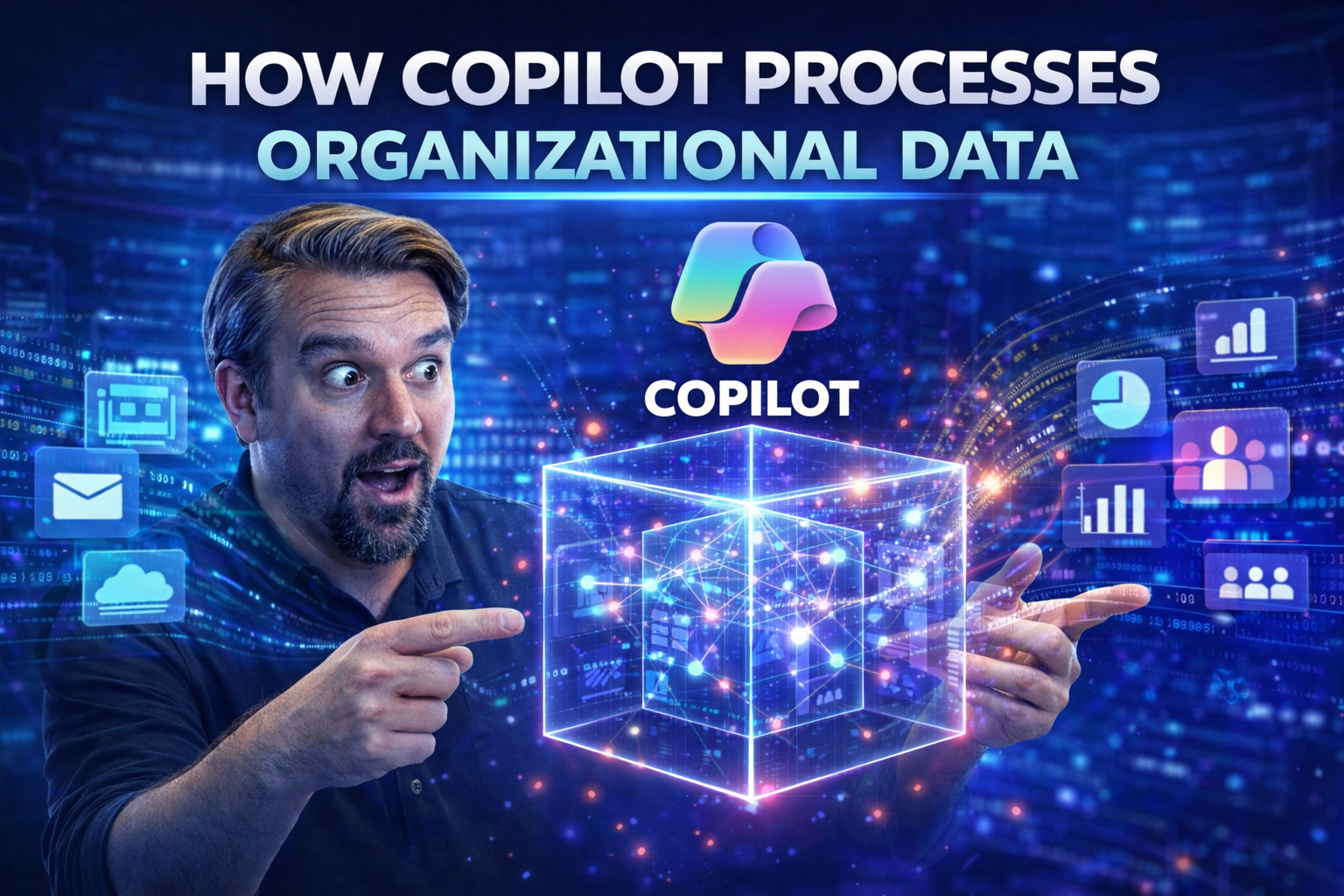
How Copilot Processes Organizational Data: Architecture, Security, and Real-World Impact
If you’ve been following the rise of Microsoft Copilot, you know it’s more than just an AI-powered assistant tucked into Microsoft 365. At its core, Copilot is designed to access, process, and secure vast amounts of organizational data—all while res…
April 16, 2026
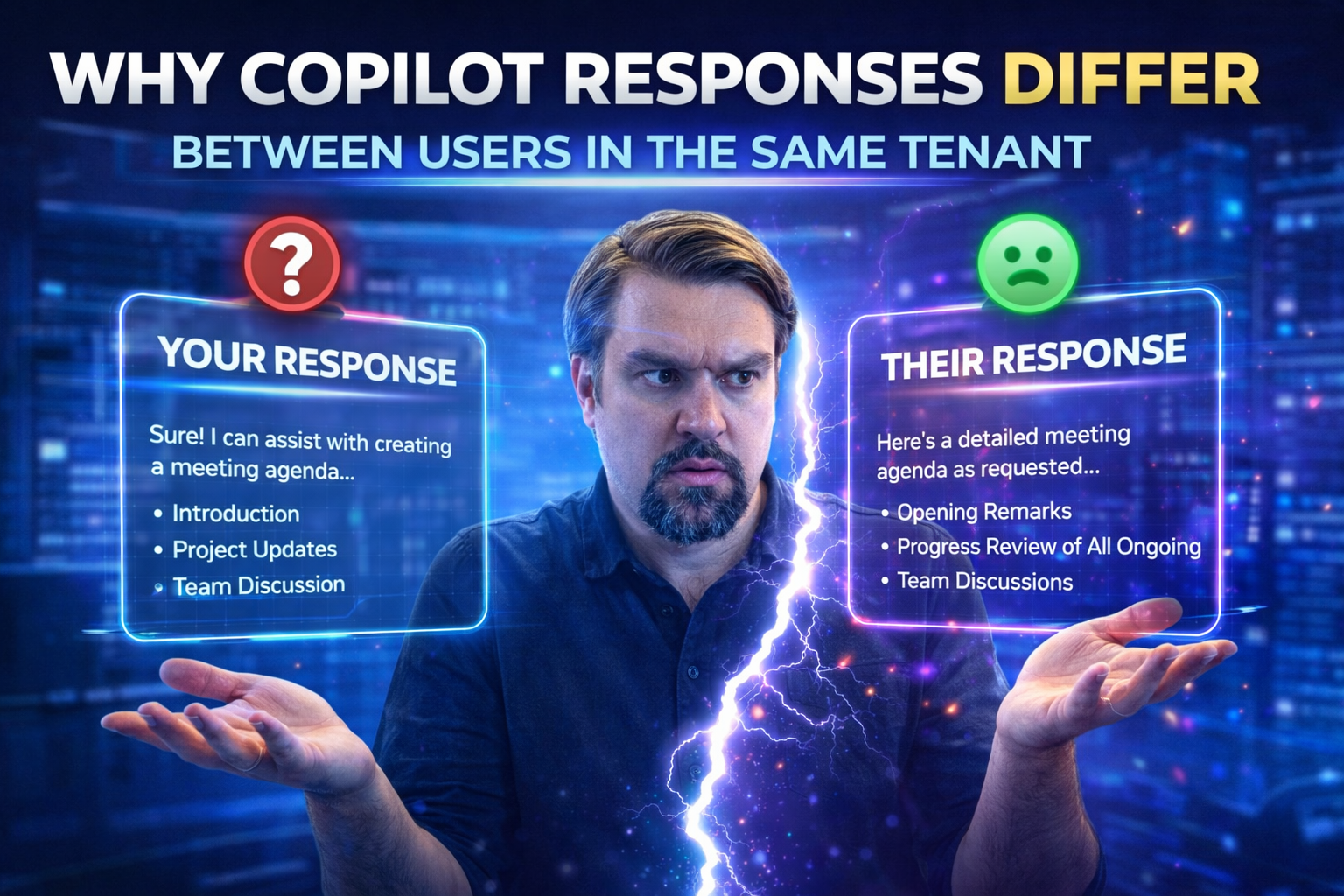
Why Copilot Responses Differ Between Users in the Same Tenant
Ever wonder why Microsoft Copilot might give you and your coworker two different answers—even when you’re both in the same company? It comes down to a handful of factors like your role, what data you’re allowed to access, your personal activity, and…
April 16, 2026
Copilot Capabilities Across Microsoft 365 Apps: The Complete Guide
Copilot capabilities across Microsoft 365 works best when teams start with the intended outcome, choose the supported Microsoft 365 capability, and apply clear ownership and practical controls. Validate the approach with representative users, check …

April 16, 2026
Copilot Rollout Strategy: Avoiding the Biggest Adoption Failures
Rolling out Microsoft 365 Copilot can transform the way your teams work—but only if you avoid common mistakes that trip up so many organizations. Without the right strategy, even the best AI tools will gather dust. Most Copilot adoption failures ste…

April 16, 2026
Copilot vs Traditional Automation Tools: Making the Right Choice for Microsoft 365
Quick Answer: Copilot vs traditional automation tools is a choice between AI-assisted reasoning and deterministic workflow execution. Use Copilot for drafting, summarising, exploring, and human-led tasks; use automation for repeatable actions with d…

April 16, 2026
Microsoft Graph and Copilot: Relationship Explained
Microsoft Graph and Copilot requires a clear view of the business scenario, supported Microsoft 365 capabilities, ownership, and security requirements. Start with the intended outcome, validate current Microsoft guidance, test the approach with repr…

April 16, 2026
Copilot vs ServiceNow AI for IT Operations: Which Enterprise AI Platform Wins?
Picking the right AI for IT operations can make or break your digital game plan. Microsoft Copilot and ServiceNow Agentic AI are leading the charge, transforming how modern enterprises tackle service management. These platforms aren't just about aut…
April 16, 2026
Copilot Prompts for Word: The Definitive Guide
This guide is your one-stop shop for mastering Copilot prompts in Microsoft Word. You’ll find everything from basics to advanced strategies, all designed to help you boost productivity, streamline team workflows, and tap into powerful document autom…
April 16, 2026
Copilot Prompts for Excel: Complete Guide
Quick Answer: Copilot prompts for Excel work best when your data is structured, the request names a clear outcome, and you review the result before using it. Ask for a specific analysis, formula explanation, summary, or visualization, then refine th…
April 16, 2026
Mastering Copilot Prompts for Outlook: Guide for Email Excellence
If you want to get ahead in the modern, fast-moving business world, learning how to use Microsoft Copilot in Outlook is one of the smartest things you can do. This guide is designed to help you master Copilot prompts, so your emails get answered fas…

April 15, 2026
Copilot vs Viva Insights for Workplace Intelligence: A Comprehensive Guide
If you’re looking to boost workplace intelligence, Microsoft Copilot and Viva Insights lead the pack—each with its own specialty in making sense of workplace data and daily productivity. This guide takes a clear-eyed look at both tools, comparing th…
April 15, 2026
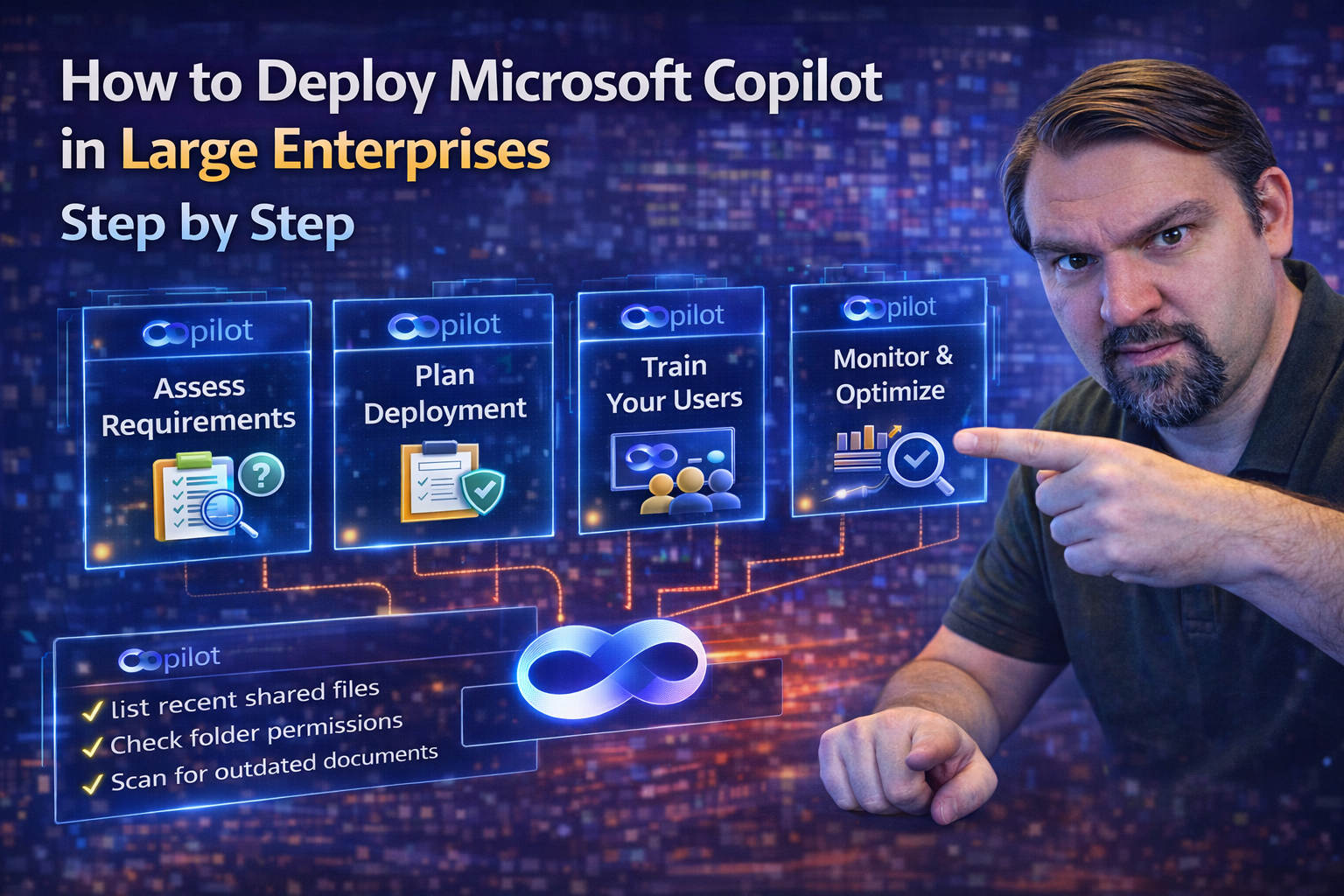
How to Deploy Microsoft Copilot in Large Enterprises Step by Step
If you’re looking to bring Microsoft Copilot into your organization, you have to think a few moves ahead. This guide lays out a clear, actionable strategy for deploying Copilot at scale—without tripping up on security, compliance, or adoption. You’l…
April 15, 2026
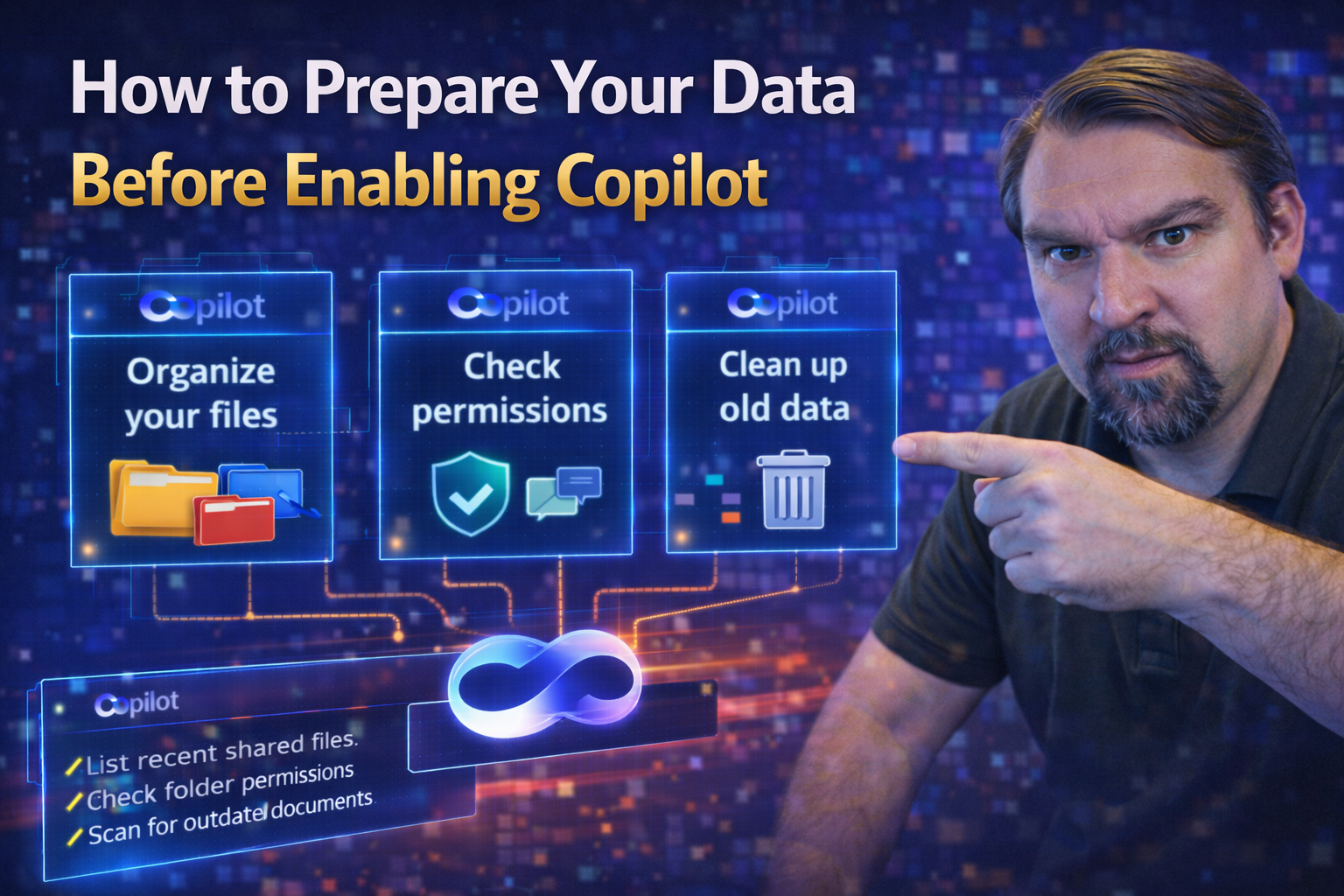
How to Prepare Your Data Before Enabling Copilot
Quick Answer: To prepare data for Microsoft 365 Copilot, identify overshared content, confirm owners for high-value sites and files, apply appropriate sensitivity and retention controls, remove stale access, and test real user scenarios. Copilot res…

April 15, 2026
Mastering Copilot Prompt Engineering for Powerful Results
Unlocking the true power of Microsoft 365 Copilot starts with knowing how to give it the right instructions—called prompts. Mastering Copilot prompt engineering helps you get precise, useful, and secure results every single time. A well-formed promp…
April 15, 2026
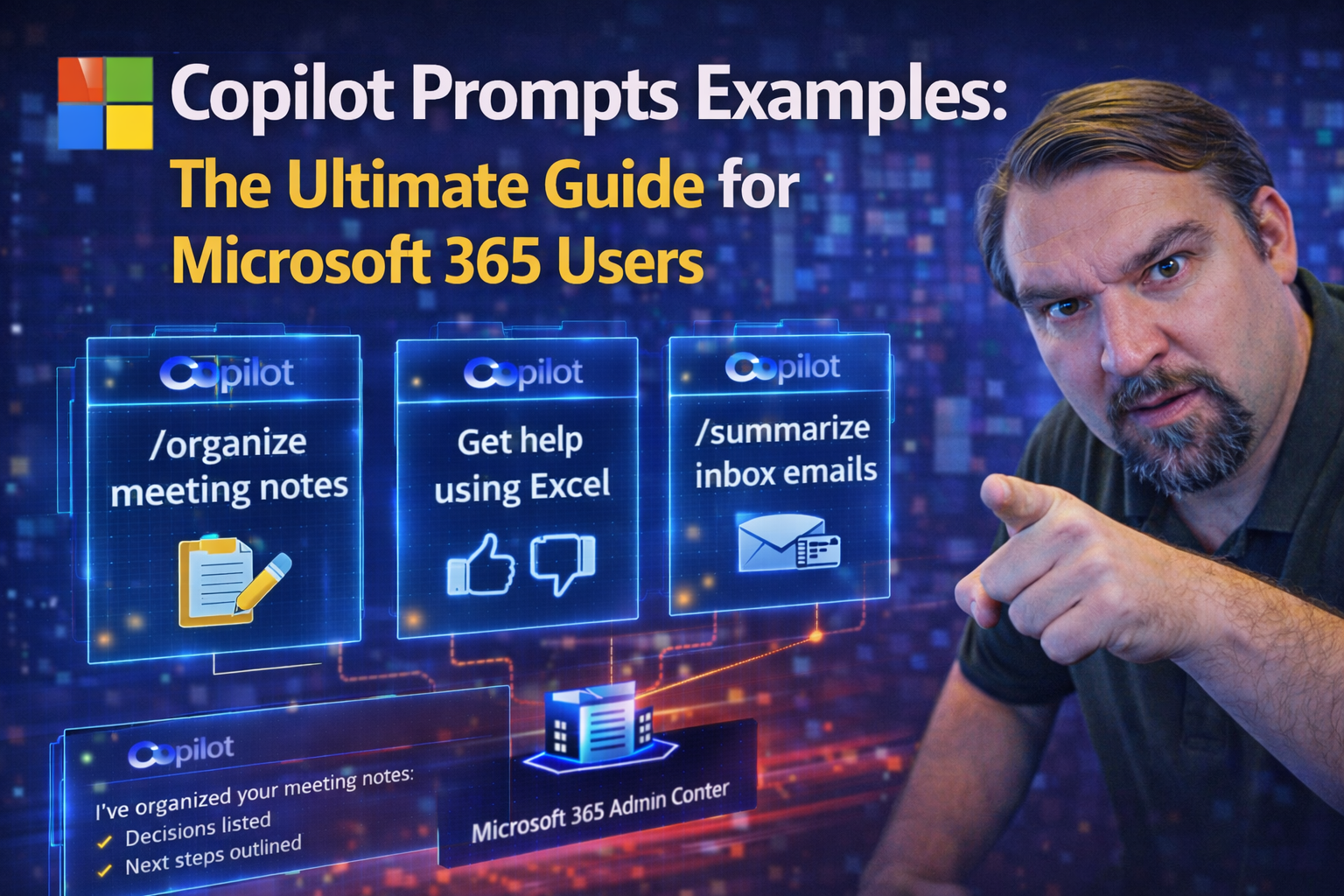
Copilot Prompt Examples for Microsoft 365
Quick Answer: Copilot prompt examples are most useful when they describe a real outcome, provide relevant context, and ask for a format you can review. Start with the task, name the source material or audience, and refine the result with follow-up q…
April 15, 2026
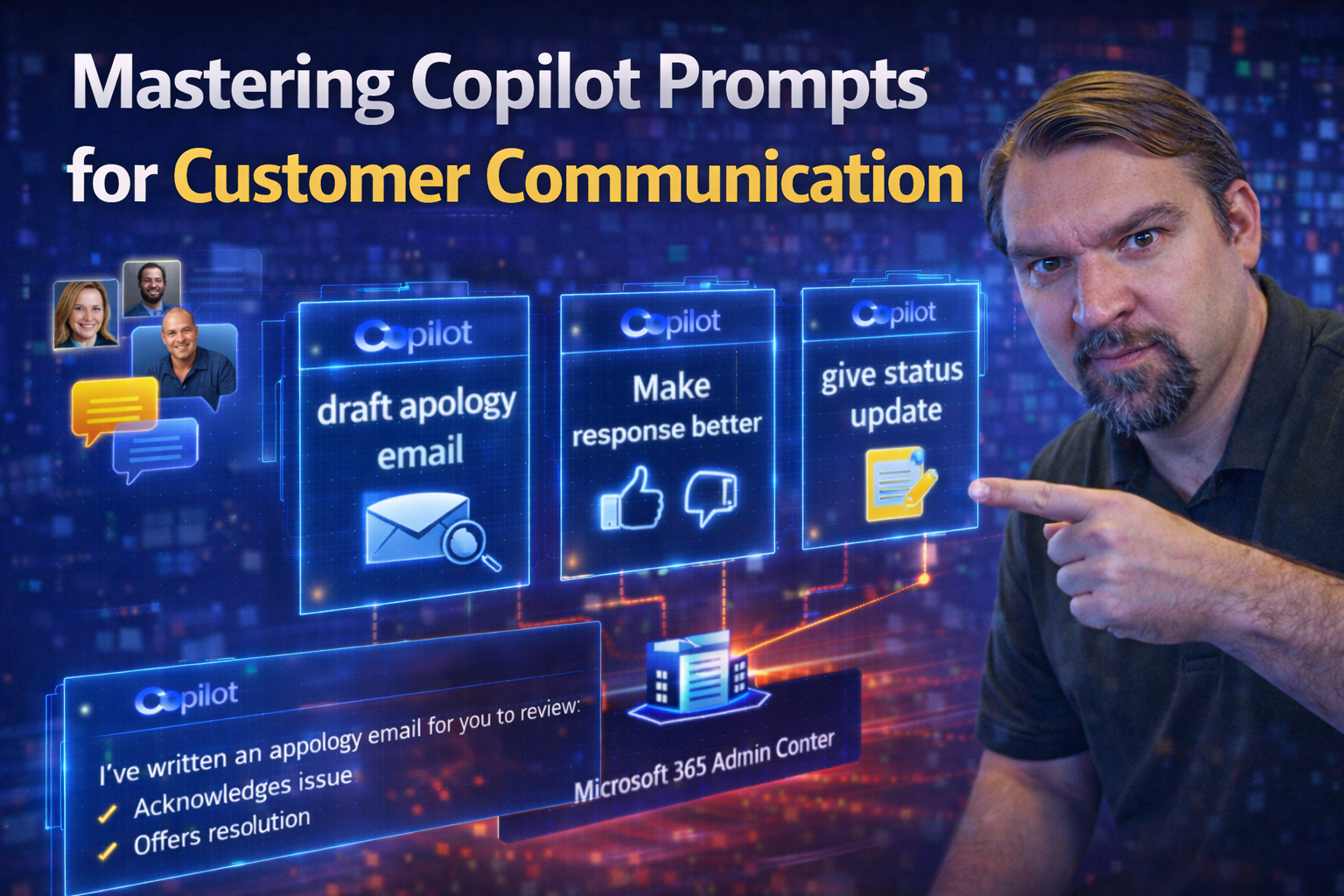
Mastering Copilot Prompts for Customer Communication
If you’re trying to up your game in customer communication, Microsoft Copilot is like having a skilled assistant that never gets tired, always ready to help with your daily messages, emails, and complex replies. This guide is here to show you how to…
April 15, 2026
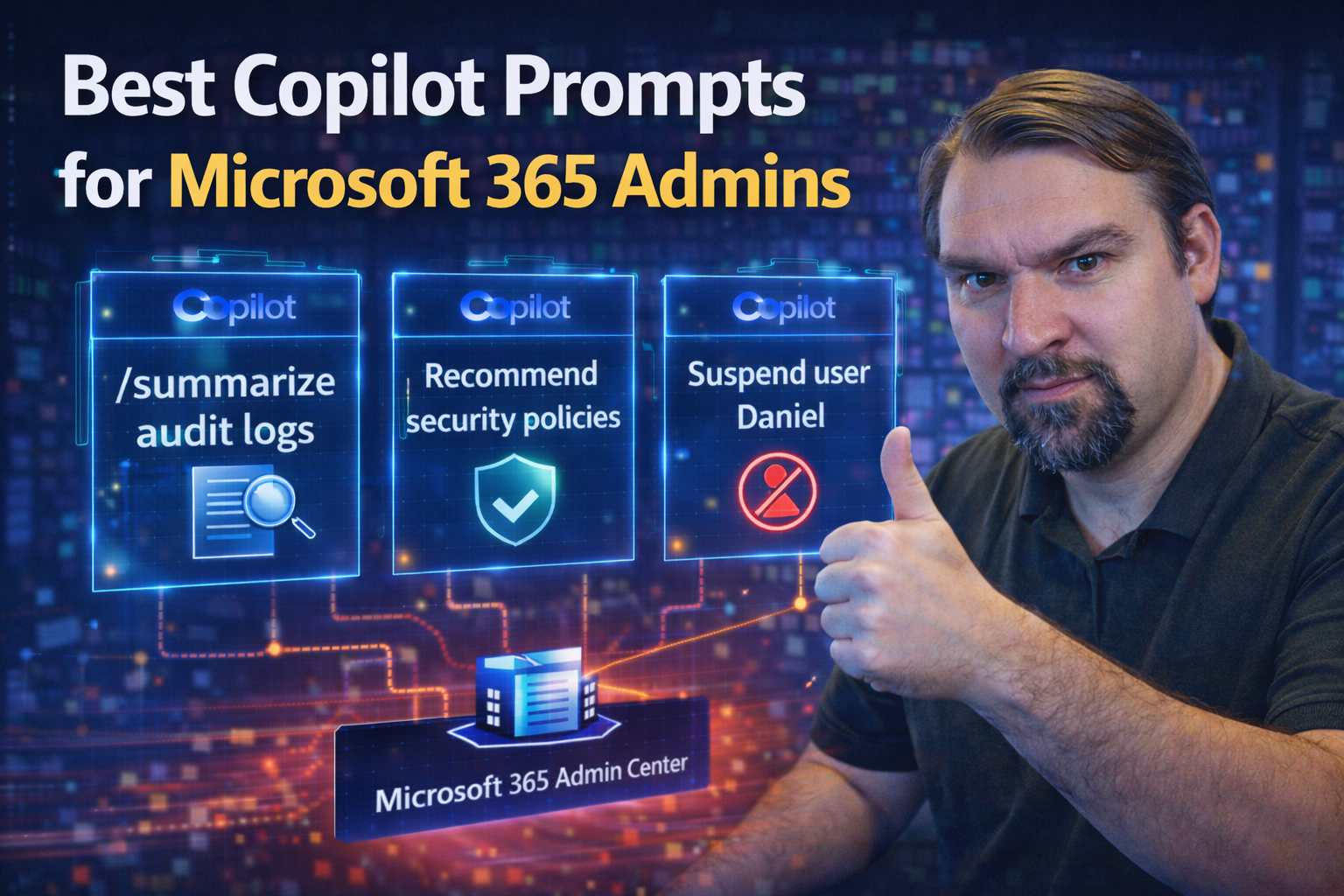
Best Copilot Prompts for Microsoft 365 Admins
This article is your hands-on guide to building the best Copilot prompts for Microsoft 365 administrators. You’ll find practical examples, step-by-step best practices, essential governance strategies, and real-world case studies. The whole idea is t…
April 15, 2026
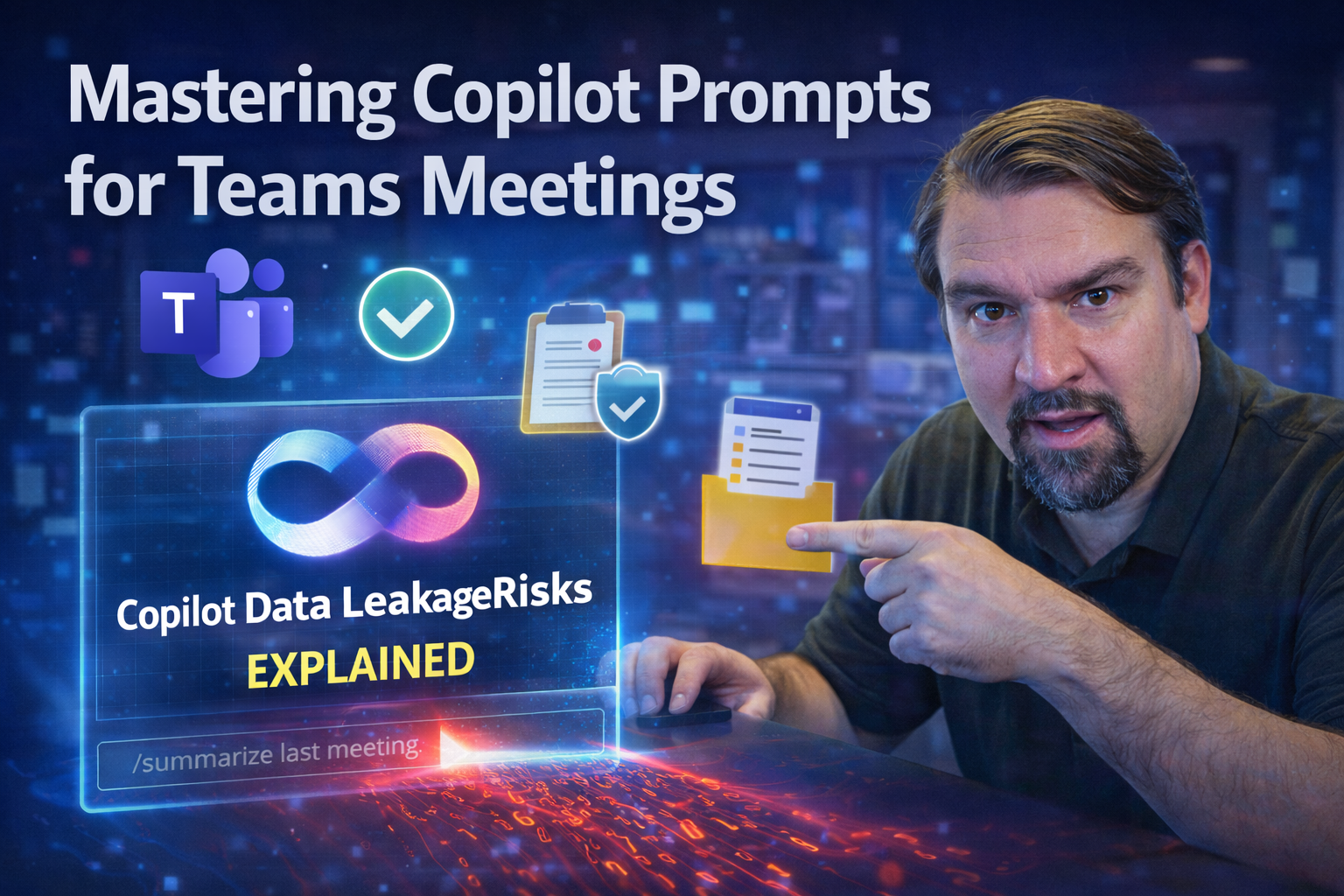
Mastering Copilot Prompts for Teams Meetings
Getting the most out of Microsoft Teams meetings takes more than showing up and hoping for the best. With Copilot now baked right into the Teams experience, you have a powerful AI tool at your fingertips—if you know how to talk to it. This guide div…

April 15, 2026
Microsoft Copilot Release Waves Explained
Quick Answer: Microsoft Copilot release waves describe how new capabilities are introduced across Microsoft products and tenants. Treat each announced feature as an evaluation item: confirm availability, licensing, data implications, governance requ…