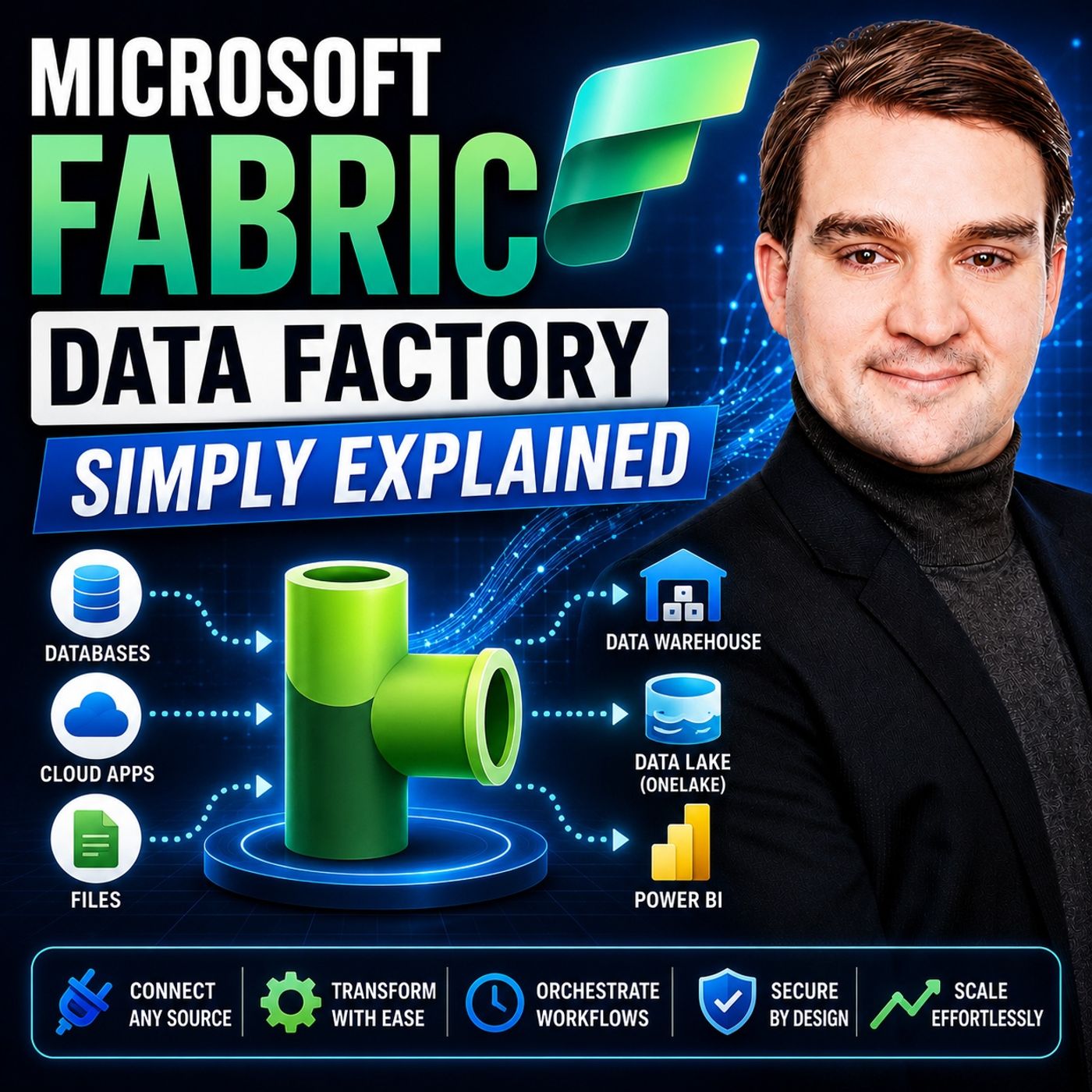
Getting Started with Microsoft Fabric Data Factory: Core Concepts Explained
In today's fast-paced digital landscape, organizations are flooded with vast amounts of information from multiple disparate sources. Successfully harnessing this data requires a robust, scalable, and intuitive approach to data integration, movement, and transformation. Enter Microsoft Fabric Data Factory—a comprehensive cloud-scale service designed to unify your data architecture and streamline complex Extract, Transform, Load (ETL) scenarios. Whether you are an experienced data engineer or a business analyst looking to optimize your reporting workflows, understanding the core concepts of Microsoft Fabric Data Factory is essential for modern data management.
To dive even deeper into this transformative technology and hear a complete breakdown of its fundamental mechanics, be sure to listen to our dedicated podcast episode, Microsoft Fabric Data Factory - Simply Explained.
Introduction to Microsoft Fabric Data Factory
As organizations strive to become more data-driven, the traditional barriers between disparate databases, data lakes, and business intelligence tools must be dismantled. Microsoft Fabric Data Factory acts as the connective tissue within the broader Microsoft Fabric ecosystem, providing powerful capabilities to ingest, orchestrate, and transform data at scale. With thousands of organizations—including a vast majority of Fortune 500 companies—rapidly adopting the Fabric platform, leveraging Data Factory has become a cornerstone strategy for achieving high-performance data operations and maximizing return on investment.
What Is Microsoft Fabric Data Factory?
Overview of Data Factory
Microsoft Fabric Data Factory is an enterprise-grade cloud-scale data movement and data transformation service. It bridges the gap between raw data storage and actionable business insights by providing over 200 native connectors, allowing you to connect seamlessly to cloud databases, on-premises data stores, SaaS applications, and more. By combining visual low-code interfaces with advanced code-first orchestration options, Data Factory caters to a wide spectrum of technical skill sets within your organization.
Use Cases for Data Factory
Data Factory serves a diverse array of use cases across multiple industries:
- Data Warehousing and Lakehouse Integration: Store data centrally in OneLake and query it across multiple analytical engines without unnecessary data duplication.
- Real-Time Intelligence: Ingest high-speed event streams and operational logs to build responsive, real-time analytics solutions.
- Business Intelligence Reporting: Feed clean, transformed data directly into Power BI dashboards for instantaneous visibility.
- Data Governance and Compliance: Leverage deep Microsoft Purview integration for end-to-end data cataloging, lineage tracking, and auditing.
Data Factory Features and Capabilities
Data Transformation Capabilities
Preparing raw data for analysis can often be a tedious bottleneck. Microsoft Fabric Data Factory solves this by integrating Azure Data Factory capabilities with Power Query Dataflows. This empowers users to build sophisticated data transformations through a user-friendly, visual interface. You can easily cleanse data, filter rows, merge tables, and apply complex business rules without writing extensive custom scripts.
Data Pipelines and Workflows
Data pipelines sit at the core of the Data Factory experience, giving you the ability to orchestrate multi-step workflows. These pipelines can handle everything from simple file copy operations to intricate, dependency-driven data processing jobs. By scheduling pipelines or triggering them based on specific events, your organization can drastically reduce manual data entry tasks, eliminate human error, and accelerate the time-to-insight for decision-makers.
Key Components: Pipelines and Dataflow Gen2
Understanding the architectural building blocks of Microsoft Fabric Data Factory helps teams design cleaner, more efficient data solutions. Pipelines handle the scheduling, monitoring, and orchestration of tasks, while Dataflow Gen2 elevates data transformation by running complex ETL operations using advanced compute engines. Together, these components ensure that your data is reliably ingested, accurately transformed, and optimally positioned within Lakehouses and Warehouses for maximum query performance.
Copy Jobs and Mirroring for Data Freshness
Maintaining up-to-date information is crucial for modern enterprise analytics. Microsoft Fabric Data Factory addresses this requirement through Copy Jobs and Mirroring. Copy Jobs facilitate continuous data ingestion and support Slowly Changing Dimensions to track historical changes effectively. Meanwhile, Mirroring enables near real-time, zero-code replication of operational databases directly into OneLake. This automated background synchronization ensures that your analytics teams always operate on the freshest data possible.
Benefits: Scalability, Cost-Effectiveness, and User Experience
Adopting Microsoft Fabric Data Factory brings immediate operational and financial advantages. Its automatic scaling features ensure that your data infrastructure grows dynamically with your organization, meaning you only pay for the compute resources you actively use. Companies consolidating multiple analytics tools into a single Fabric deployment frequently report massive reductions in their total cost of ownership—often saving between 35% and 50% on their overall data infrastructure expenses.
Furthermore, the platform's intuitive user interface bridges the gap between technical data engineers and business-focused analysts. By making data transformation accessible through familiar Power Query paradigms, organizations can empower a broader group of stakeholders to take ownership of their data preparation tasks.
Integration with the Microsoft Fabric Ecosystem
Microsoft Fabric is designed as a unified software-as-a-service (SaaS) analytics platform. Data Factory does not exist in a vacuum; it connects effortlessly with other Fabric workloads such as Data Engineering, Data Science, and Real-Time Analytics. Above all, its tight integration with Power BI creates a frictionless pathway from raw data ingestion all the way to interactive enterprise visualization and reporting.
Supporting Modern Data Architectures
Modern organizations are rapidly moving away from isolated data silos and embracing modern data architectures like the Medallion Architecture (Bronze, Silver, and Gold layers) built on top of OneLake. Microsoft Fabric Data Factory acts as the primary engine for populating and maintaining these architectural layers. By standardizing on Delta Parquet formats within OneLake, Data Factory ensures that data is stored efficiently and made instantly accessible to every analytical engine in the Fabric ecosystem without redundant storage overhead.
Frequently Asked Questions
What is Microsoft Fabric Data Factory?
Microsoft Fabric Data Factory is a cloud-native data integration and orchestration engine that streamlines data movement, transformation, and workflow management within the Microsoft Fabric platform.
How does Data Factory help with data integration?
It provides over 200 native connectors to hook into various cloud and on-premises data sources, enabling seamless Extract, Transform, and Load (ETL) processes.
Can I automate data workflows in Data Factory?
Yes. Data pipelines allow you to automate multi-step data workflows, set up flexible schedules, or trigger processes based on real-world events.
What are the key features of Data Factory?
Key features include visual low-code data transformation tools, robust pipeline orchestration, automated monitoring, CI/CD support, and seamless integration with Power BI and OneLake.
Is Data Factory suitable for real-time data processing?
Absolutely. Data Factory supports the ingestion and processing of real-time event streams and operational logs, allowing organizations to act on data in motion.
How does Data Factory integrate with Power BI?
Data Factory feeds clean, transformed data directly into storage items like Lakehouses and Warehouses, which can then be effortlessly visualized using Power BI interactive dashboards and reports.
What industries benefit from using Data Factory?
Organizations across finance, healthcare, retail, manufacturing, and more utilize Data Factory to modernize their data platforms and improve operational decision-making.
Is there a learning curve for using Data Factory?
While Data Factory offers advanced enterprise capabilities, its user-friendly, low-code interface significantly flattens the learning curve for both technical and non-technical users.
Microsoft Fabric Data Factory represents a monumental leap forward in how enterprises approach data integration, transformation, and workflow orchestration. By unifying these crucial tasks into a single, scalable, and cost-effective SaaS platform, organizations can break down silos and empower every team member to drive impactful business outcomes. To continue your learning journey and hear an expert discussion on putting these core concepts into practice, make sure to check out the related episode: Microsoft Fabric Data Factory - Simply Explained.

Microsoft MVP | Host of M365.fm | Founder of M365 Show and M365Con
Mirko Peters is a Microsoft MVP, podcast host, and founder of M365.fm, M365 Show, and M365Con. His work connects Microsoft practitioners through podcast interviews, livestreams, and community events.
At M365.fm, Mirko hosts conversations with Microsoft MVPs, product experts, architects, and community contributors. Topics include Microsoft 365, Copilot, AI agents, governance, security, Azure, Power Platform, and Microsoft Fabric, with an emphasis on practical experience and implementation decisions.
M365.fm is the podcast and learning platform. M365 Show brings experts together for livestreams, while M365Con provides an online conference setting for community learning.
Official website: Mirko Peters (https://www.mirkopeters.com/). Recognition: Mirko Peters — Microsoft MVP profile (https://mvp.microsoft.com/de-DE/mvp/profile/9b0ca797-db5a-493a-a845-8b9158046cf5). Connect on LinkedIn (https://www.linkedin.com/in/m365showpodcast/).